Generatore di Musica AI|
Scrivi un'idea e trasformala in una canzone completa in pochi minuti. Inizia in modo semplice o usa gli strumenti pro — il tuo prossimo brano è a un prompt di distanza.
Ascolta cosa crea la gente
Canzoni vere della community. Scegline una: il disco esce e parte.

Creane una ora
Descrivi la canzone. Scegli uno stile, se vuoi. Ascoltala in un paio di minuti.
Strumenti MusicWave per modellare il tuo suono
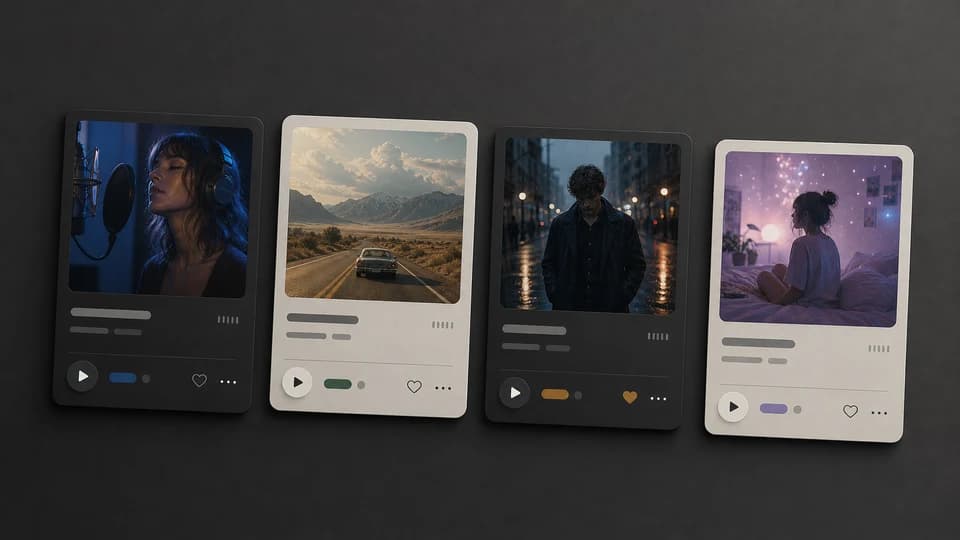
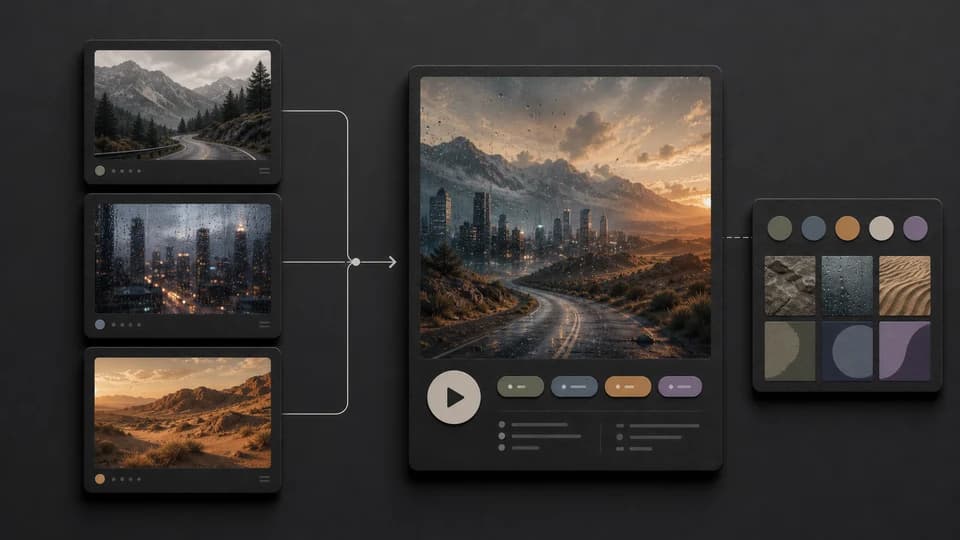
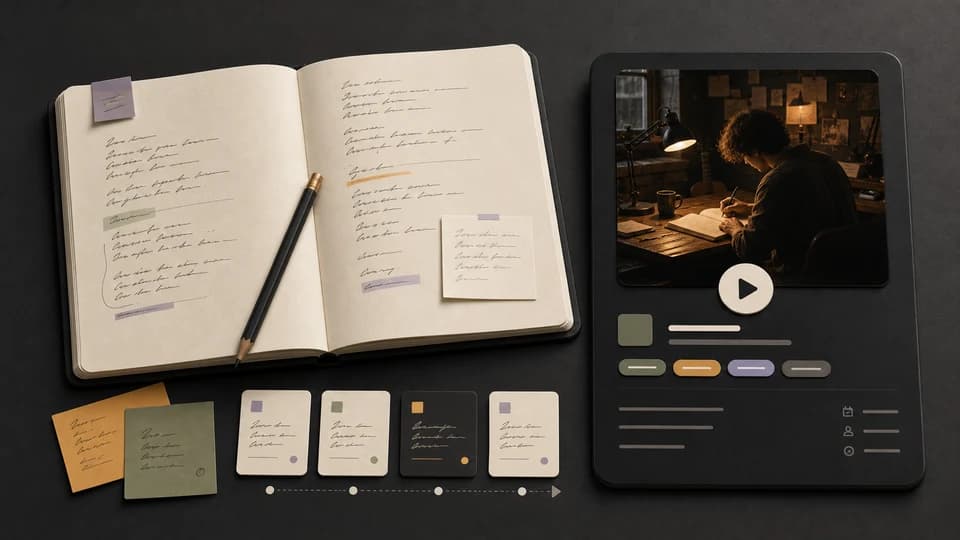
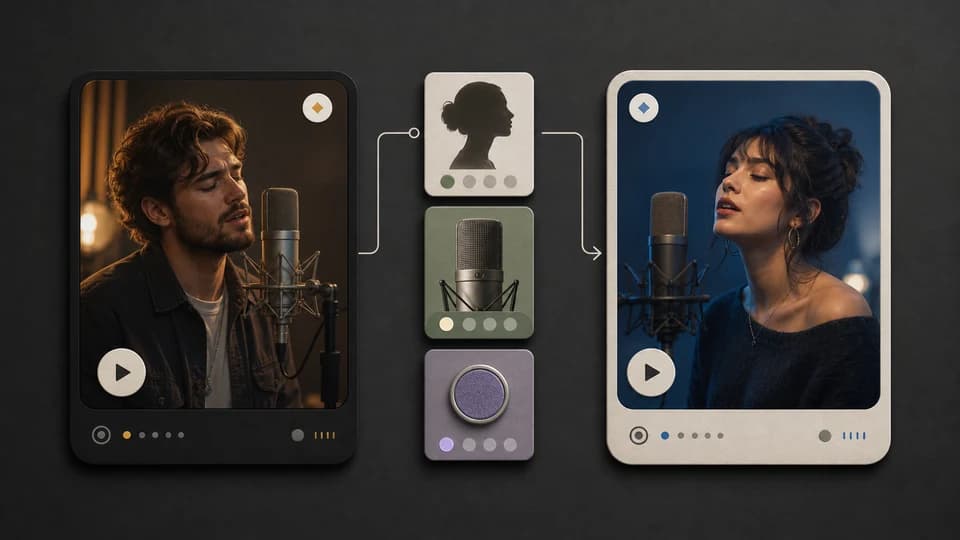
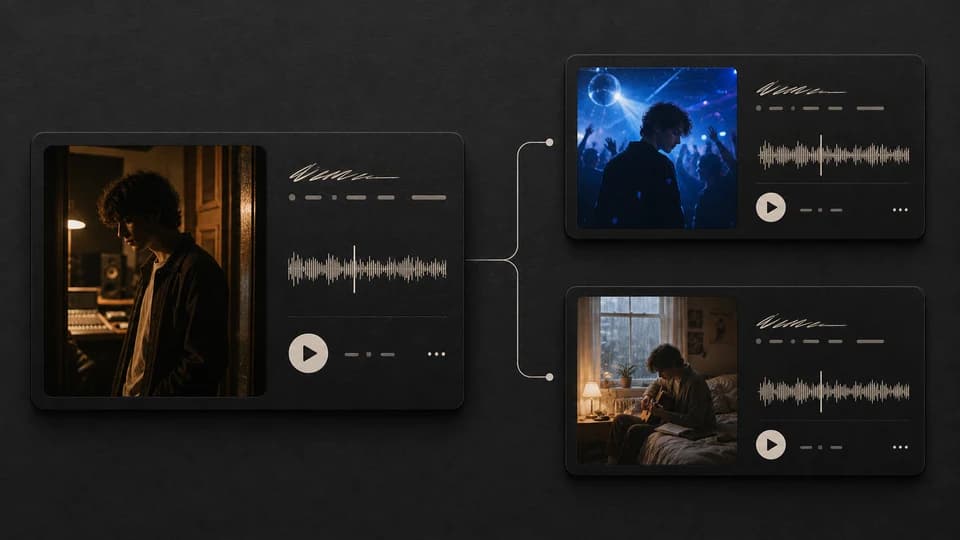
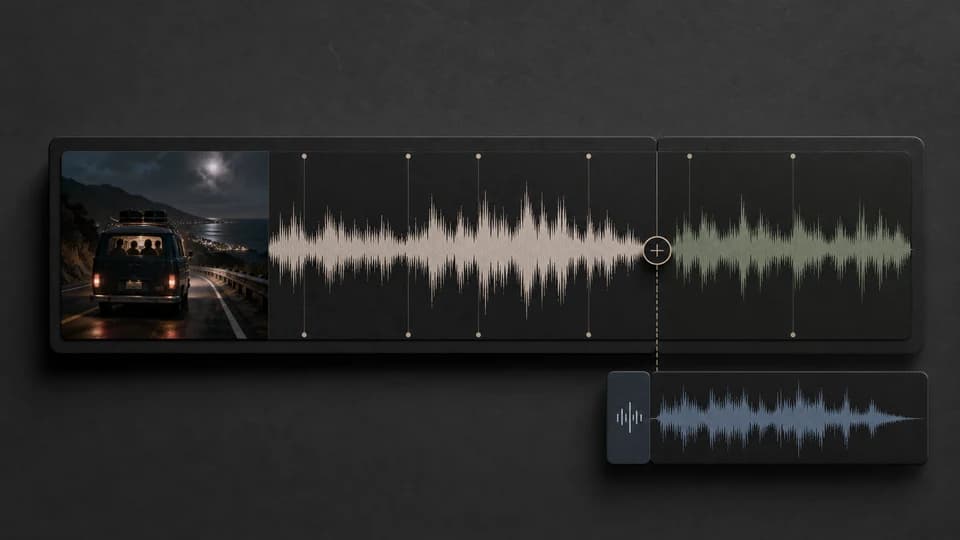
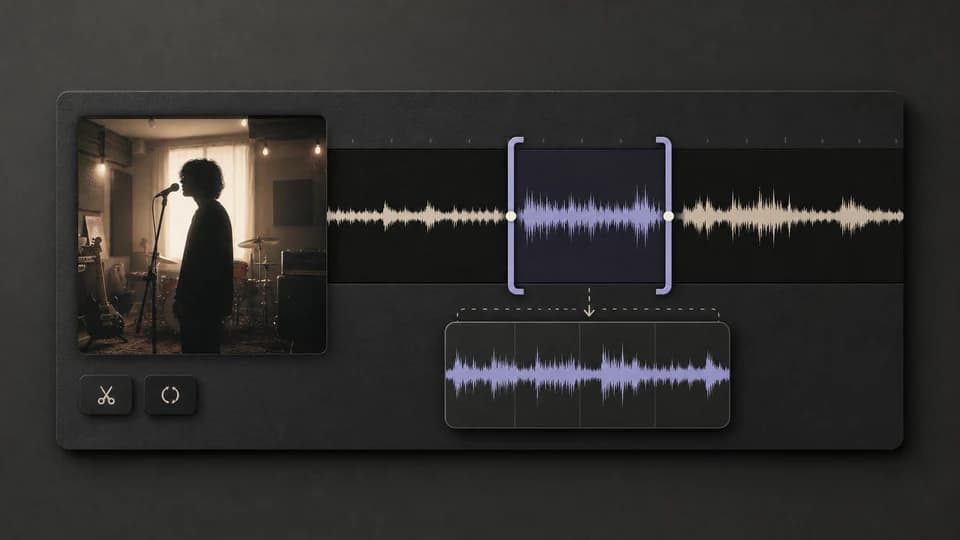
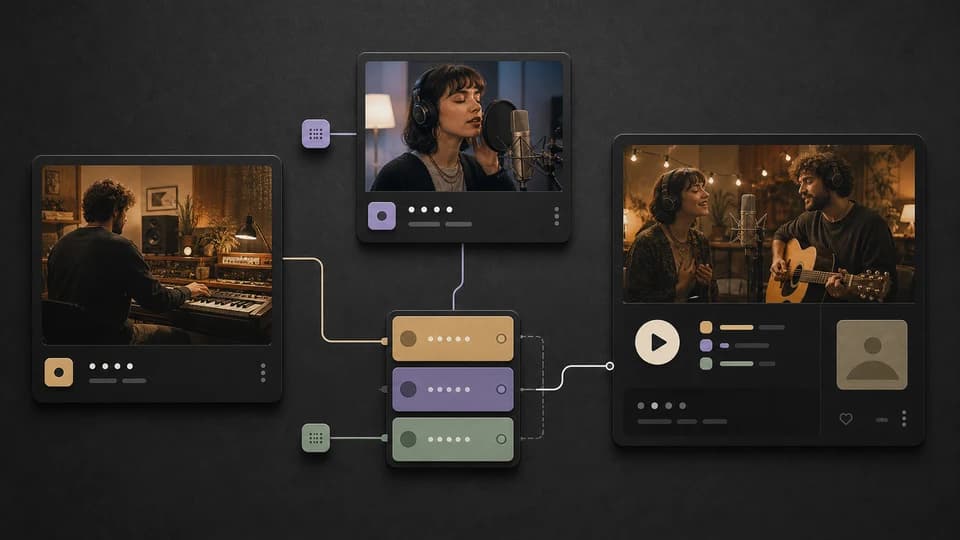
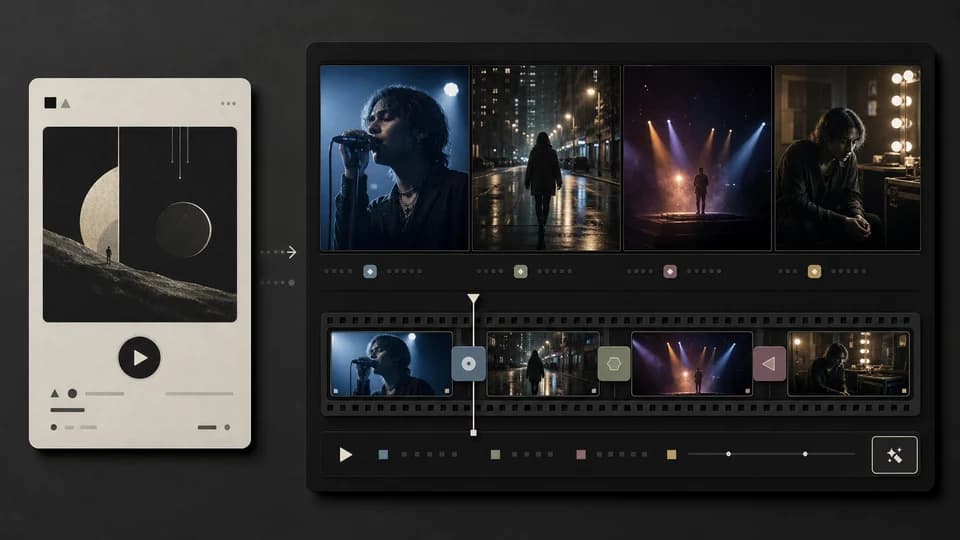
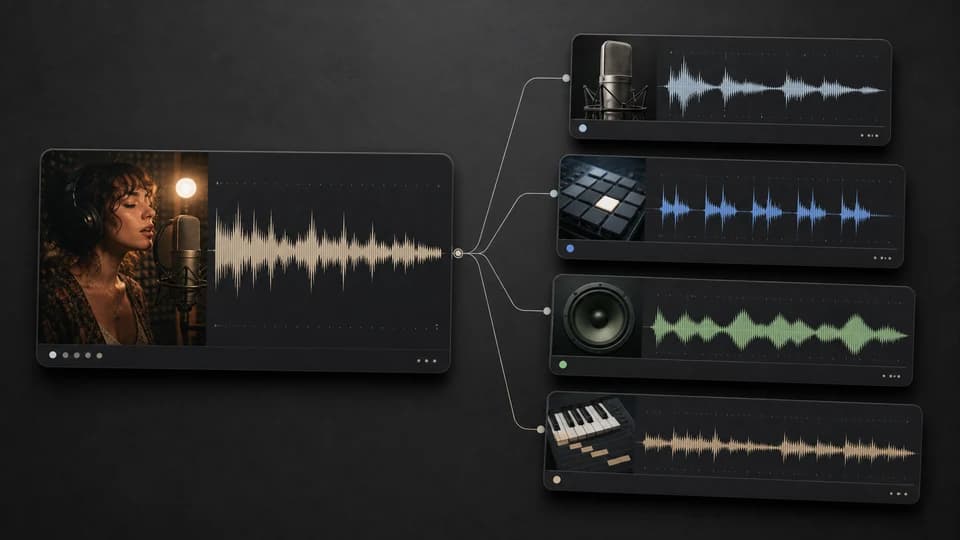
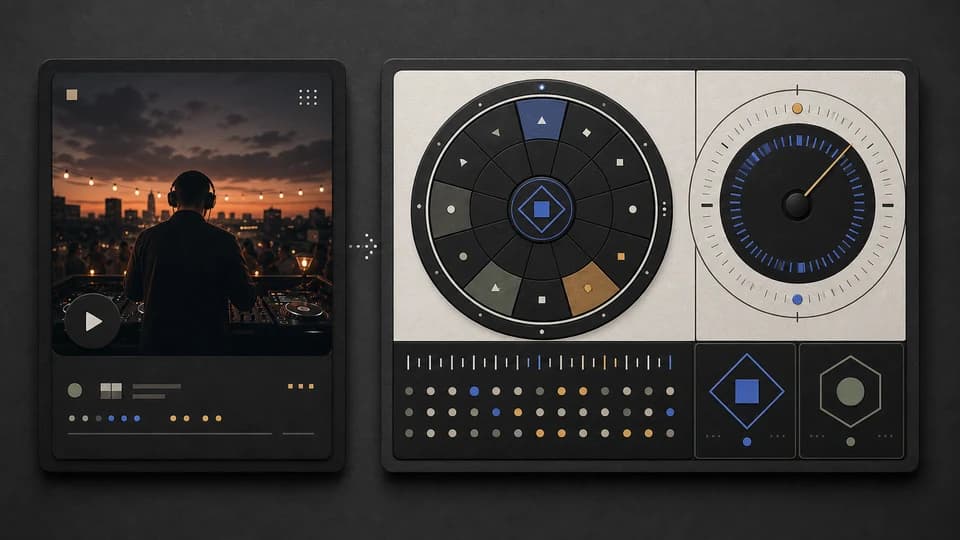
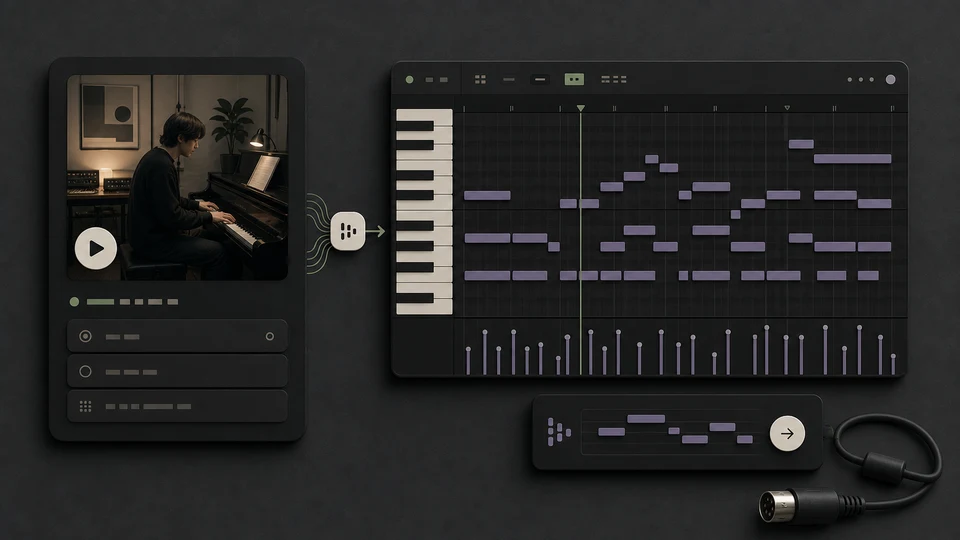
Dall'idea al master: genera canzoni, separa gli stem, cambia voci e affina gli arrangiamenti — tutto in un unico flusso creativo.
Per chi è
Crea, personalizza ed esporta tracce pronte per la produzione con diritti commerciali. Per team e maker che vogliono risultati affidabili — in fretta.
Professionisti
Abbozza hook, progressioni e bozze velocemente. Esporta stem puliti nella tua DAW per arrangiare, editare e mixare.
Creator
Musica per short, stream e giochi senza blocchi di licenza. Scegli stile, durata e voce — render quando sei pronto.
Team entertainment
Prototipa temi e canzoni per personaggi. Resta fedele al brand e rispetta le scadenze.
Brand
Crea audio logo, stinger e background coerenti con il tuo brand. Usali in modo consistente sui canali.
Ottimo anche per progetti personali — nessuna coda, nessuna attesa.
Musica per qualsiasi progetto
Prezzi semplici e trasparenti
Inizia gratis. Passa a un piano superiore quando ti serve di più.
Free
Provalo — nessuna carta richiesta.
- 20 crediti gratuiti all'iscrizione
- Fino a 2 generazioni di brani
- Modelli gratuiti: Wave 4.5-all, Minimax 2.0 e Mureka 8
- Generatore di testi IA illimitato
- Controlli BPM e tonalità illimitati
- Solo streaming — nessun download
- Solo uso personale
Nessuna carta di credito richiesta
Starter
Perfetto per creare, trasformare immagini in brani ed estendere i brani.
Risparmia il 40%
Tutte le 7 famiglie di modelli


Wave 5.5 · ElevenLabs Music · Lyria 3 Pro · MiniMax 2.6 · Mureka 9 · Stable Audio 2.5 · MusicGen
- 1.000 crediti al mese (~100 brani)
- Tutti i modelli: Wave 5.5, Minimax 2.6, Wave 5, Wave 4.5+, Wave 4, Wave 4.5-all, Minimax 2.0 e MusicGen
- Generatore di cover IA 🎤
- Da immagine a brano
- Estendi i brani
- Brani completi (fino a 8 minuti)
- Stem splitter
- Controlli BPM/tonalità illimitati
- Generatore di testi IA illimitato
- Limite orario di generazioni più alto
- Download di brani illimitati
- Supporto multilingue
- Archiviazione cloud
- Solo uso personale
Annulla in qualsiasi momento · Nessun vincoloI crediti dell’abbonamento non usati scadono al rinnovo o al cambio del periodo di fatturazione.
Pro
Ideale per pubblicazioni commerciali e modifica avanzata dei brani.
Risparmia il 40%
Tutte le 7 famiglie di modelli
Wave 5.5 · ElevenLabs Music · Lyria 3 Pro · MiniMax 2.6 · Mureka 9 · Stable Audio 2.5 · MusicGen
- 3.000 crediti al mese (~300 brani)
- Tutto quello che include Starter
- Download in MP3 e WAV (WAV per i modelli Wave)
- Remixa i brani
- Sostituisci sezioni dei brani
- Aggiungi voci alle basi strumentali
- Mastering audio
- Editor MIDI
- Limite orario di generazioni ancora più alto
- Coda di generazione prioritaria
- Licenza commerciale
- PDF della licenza scaricabile
Annulla in qualsiasi momento · Nessun vincoloI crediti dell’abbonamento non usati scadono al rinnovo o al cambio del periodo di fatturazione.
Creator
Per power user che lavorano con MIDI, video e grandi volumi.
Risparmia il 40%
Tutte le 7 famiglie di modelli
Wave 5.5 · ElevenLabs Music · Lyria 3 Pro · MiniMax 2.6 · Mureka 9 · Stable Audio 2.5 · MusicGen
- 7.500 crediti al mese (~750 brani)
- Tutto quello che include Pro
- Download in MP3 e WAV (WAV per i modelli Wave)
- Voice Persona
- Da audio a MIDI
- Video musicali IA
- Il nostro limite orario di generazioni più alto
- Accesso alle funzionalità beta
- Supporto email prioritario
Annulla in qualsiasi momento · Nessun vincoloI crediti dell’abbonamento non usati scadono al rinnovo o al cambio del periodo di fatturazione.

Scelto dai creator in tutto il mondo
Workflow reali, uscite reali. Ecco come artisti, producer e filmmaker usano MusicWave.

“Hummed a rough idea into my phone, ran it through, and had something I could actually send to my team. Way faster than I expected.”
- Alex Rivera, Indie label owner

“Typed in lyrics I'd been sitting on for weeks. The demo got me unstuck — rewrote half the verse after hearing it back.”
- Stephanie Morales, Singer-songwriter

“I generate a few mood sketches, pull the closest one into Logic, and rebuild from there. Beats staring at an empty session.”
- Daniel Ortiz, Film composer

“Replaced most of our stock music licensing. My editor generates something that fits the cut instead of scrolling Artlist for an hour.”
- Andre Lewis, Creative director

“I don't know music theory. I just type a feeling like 'rainy day, kind of nostalgic' and get something I can actually hum along to.”
- Pamela Irons, Hobbyist songwriter

“I describe the vibe for my travel reels and usually get something usable in a couple tries. Fits way better than stock music.”
- Fernando Silva, Travel content creator

“Started generating backing tracks in genres my students actually listen to. They complain less about practice now, so that's something.”
- Yuki Tanaka, Music teacher

“Made a jazzy podcast intro in about ten minutes. It's simple but it doesn't sound like every other tech podcast anymore.”
- Zoe King, Podcast host
Domande frequenti
Risposte comuni su MusicWave e la creazione con l'AI.
Che cos'è MusicWave?+
MusicWave è uno studio musicale AI — genera canzoni da prompt, separa stem, cambia voci e organizza idee.
Posso usare la musica commercialmente?+
Nei piani a pagamento mantieni i diritti commerciali sui brani creati. Dettagli nella pagina Prezzi.
Serve teoria musicale o esperienza con DAW?+
No. Puoi iniziare con prompt in linguaggio naturale. Se usi una DAW, esporta gli stem per mixare come sempre.
Quali formati sono supportati?+
Supportiamo i formati audio comuni (MP3, WAV, ecc.) e l'export di mix completi o stem separati.
Avete un'app mobile?+
Ora ci concentriamo sul web. Account e progetti si sincronizzano nel browser.
Cosa distingue MusicWave?+
MusicWave unisce generazione e strumenti pratici — prompta un brano e poi rifiniscilo con split stem, cambio voce e controlli di arrangiamento.
Limiti del piano Free?+
Free ti permette di provare la generazione base con qualità standard e creazioni mensili limitate. Fai upgrade per di più.
Come funzionano i crediti?+
Ogni generazione e strumento avanzato usa pochi crediti. I piani includono crediti mensili che si rinnovano; puoi ricaricare su Pro+.
Posso annullare quando voglio?+
Sì. Gestisci il piano da Impostazioni → Fatturazione. L'accesso resta attivo fino a fine periodo.
Chi possiede i dati che carico?+
Tu possiedi upload e output secondo la licenza del piano. Non vendiamo i tuoi dati. Vedi Privacy.
Offrite piani per team o classi?+
Sì — contattaci per piani multi‑utente, classi o studi con fatturazione centralizzata.
Cosa creerai oggi?
Inizia gratis, senza carta di credito.