Udio made waves with its impressive instrumental quality and production detail. For a while, it felt like the AI music generator to beat. But finding a solid Udio alternative has become a priority for thousands of creators — and for good reason. Downloads have been switched off since Udio's October 2025 settlement with UMG, no plan allows commercial use under the terms Udio adopted in November 2025, free-tier songs are public by default, and credit limits can feel painfully restrictive. If any of that sounds familiar, you're in the right place.
I tested every major AI music generator on the market to find the best Udio alternatives in 2026. Here's what actually delivers.
Quick Comparison Table
| Tool | Best For | Starting Price | Free Plan | Commercial Rights | Audio Quality | Key Strength |
|---|---|---|---|---|---|---|
| MusicWave.ai | All-in-one music creation | Free / Paid tiers | Yes (up to 2 songs) | Pro and Creator plans | High | Full toolkit: generation + covers + stems + mastering |
| Suno | Vocal quality | $10/mo (Pro) | Yes (10 songs/day) | On paid plans | Very High | Top-ranked AI vocals with v6 |
| Soundverse | Rights-compliant music | Free to start (token system) | Yes | Paid plans (Max to release tracks) | High | Consent-based Artist DNA models |
| AIVA | Cinematic & orchestral | Free / €15/mo + VAT | Yes | Limited on Standard, full on Pro (€49/mo) | High | MIDI export + note-level editing |
| Boomy | Quick, simple creation | Free / $9.99/mo | Yes (25 saves, no downloads) | Creator and Pro plans | Medium | One-click song creation |
| Loudly | Background music | $8/mo (annual) | Yes (30-sec previews) | On paid plans | High | Clean, professional production |
| Soundraw | Customizable loops | $5.99/mo (annual) | Yes (generation only) | On paid plans | High | Real-time arrangement control |
| Musicfy | Voice cloning & covers | Free / $8/mo | Yes | Professional and Studio plans | Medium-High | 100,000+ AI voice models |
Why People Switch from Udio
Udio's problems aren't about the music itself. The AI still produces impressive instrumentals. The issues are everything around it.
Downloads are still disabled. Udio switched off downloads of audio, video, and stems on 29 October 2025, the day it settled with UMG; the only exception was a 48-hour window for existing songs from 3 November 2025. You can generate and preview, but you can't use the tracks anywhere. Deals with Warner, Merlin, Kobalt, and Believe followed, and Sony filed a second lawsuit on 20 July 2026, but downloads aren't coming back: Udio's planned licensed app (reportedly called Starstruck) keeps songs inside the app, and it hadn't launched as of October 2026.
Free-tier songs are public by default. If you're experimenting on the free plan, every song you create is visible to anyone. Only the $30/month Pro plan lets you control who can access each song. For creators who want to test ideas before sharing, that's a dealbreaker.
No commercial use on any plan. Since 12 November 2025, Udio's terms limit songs on every plan, including the $30/month Pro plan, to personal, non-commercial use, and say Udio and its licensors own the output. Competitors offer commercial rights at $10/month or less.
Credit limits feel tight. Power users burn through credits fast, especially when iterating on a track. The free tier gives you barely enough to explore the tool, let alone produce anything usable.
No stem export, for good. Stem downloads went with every other download on 29 October 2025. You can still remix, extend, and edit inside Udio, but nothing you make can leave it.
If you're hitting any of these walls, it's time to look at what else is out there.
The Best Udio Alternatives in 2026
1. MusicWave.ai — Best All-in-One Alternative
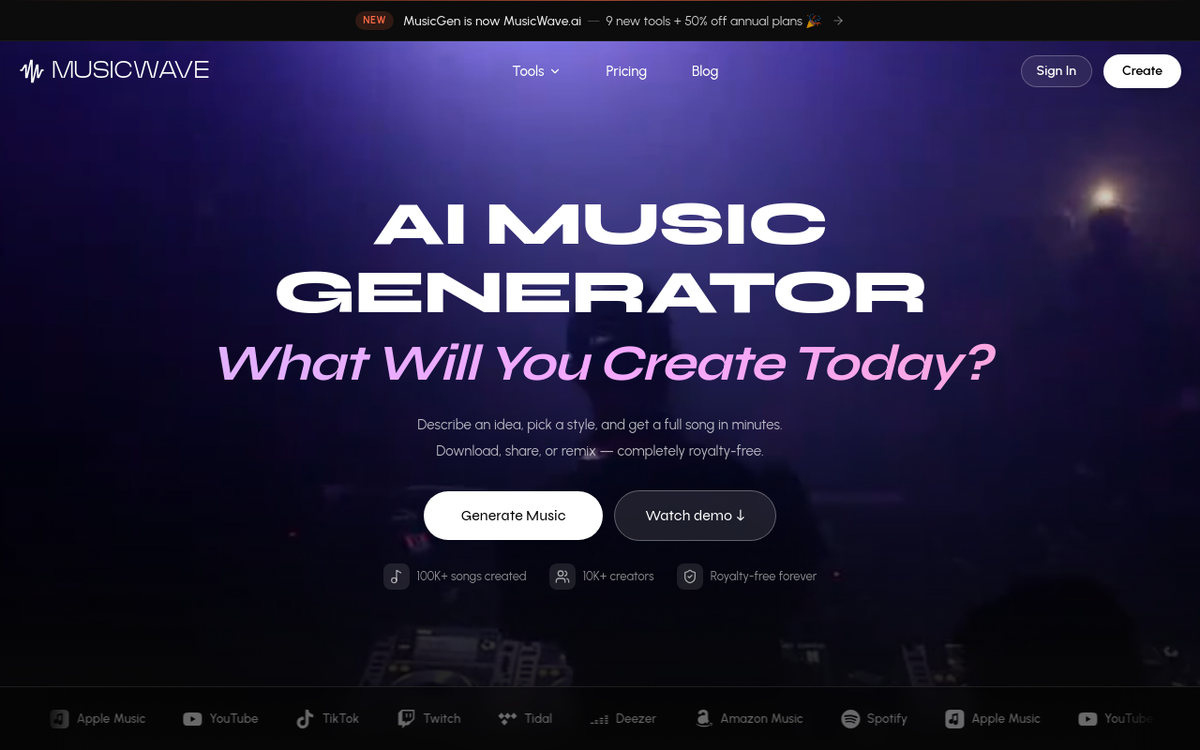
Verdict: The most complete Udio alternative on the market right now. It does everything Udio does — and a lot that Udio doesn't.
MusicWave.ai started as MusicGen before relaunching with a completely rebuilt platform and nine new tools. Where Udio focuses almost exclusively on generation, MusicWave gives you the full production toolkit: AI music generation, AI cover songs, stem splitting, BPM and key detection, lyrics generation, audio mastering, AI remixing, vocal removal, and even image-to-song creation.
Downloads work on every paid plan. That alone puts it ahead of Udio right now. But the feature depth is what makes it the top Udio competitor for most creators.
What stands out:
- Song extension lets you continue a track — add a verse, chorus, bridge, or outro in the same style. Udio still has Extend, but the result can't leave Udio.
- Music visualizer videos for the songs you generate, ready to post alongside each track.
- Audio-to-MIDI for songs you generate on MusicWave gives producers and composers a starting point they can actually work with in a DAW.
- Stem splitting works right now, unlike Udio's disabled stem downloads.
The free tier gives you free credits on signup with no credit card needed. Paid plans add downloads, more models, and more credits, starting at $9.99/month for Starter. Pro ($24.99/month) and Creator ($49.99/month) add commercial rights and a priority queue, meaning their songs generate first. Yearly billing takes 40% off the first year.
Who it's for: Creators who want one platform for generation, editing, covers, and production. If you're tired of juggling three different tools to get what Udio used to offer, MusicWave consolidates everything.
Where it falls short: It's newer than Suno or Udio, so the community and prompt library aren't as deep yet. Vocal quality is good but not quite at Suno v6 levels.
2. Suno — Best for Vocal Quality
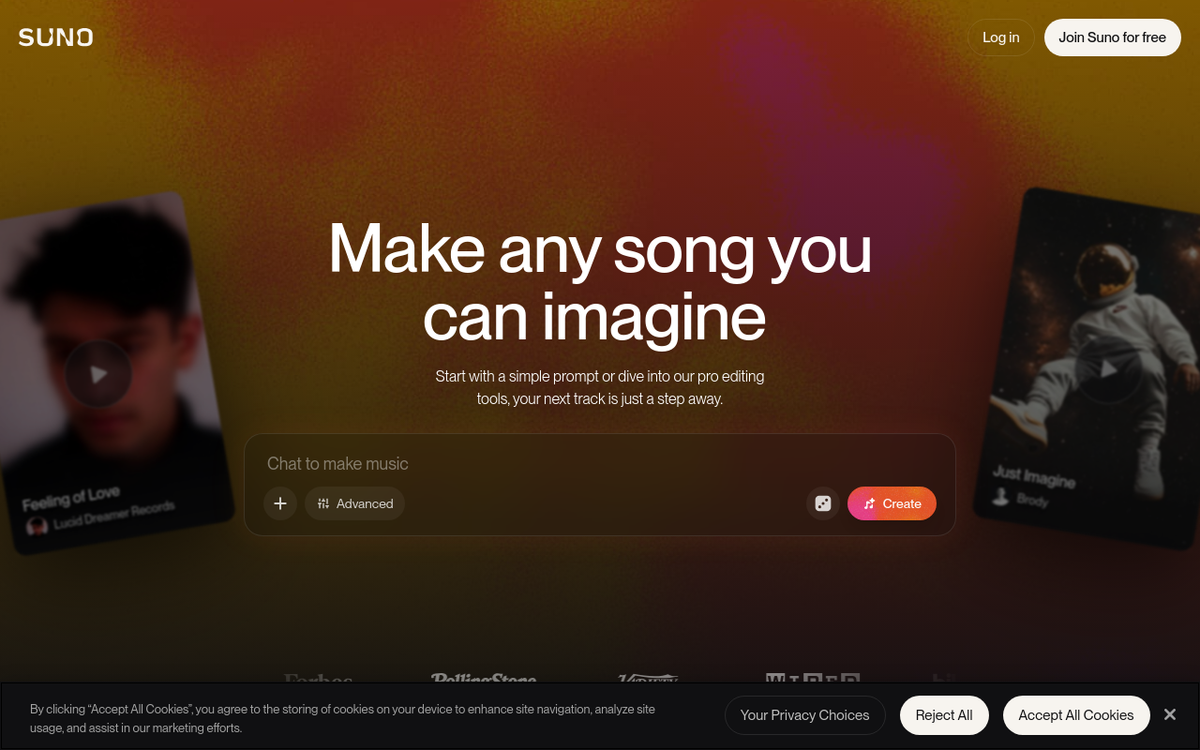
Verdict: If vocal realism is your top priority, Suno v6 is the best in the game right now. Period.
Suno has been the other major name in AI music alongside Udio, and it pulled further ahead on vocals when v6 launched on 9 September 2026 (v5.5 and older models were retired that day). It now ranks first for both vocals and instrumentals in Artificial Analysis's blind-vote rankings as of October 2026.
The tools changed the equation too. Suno Studio, a browser DAW for Premier subscribers (now on version 2.0), provides DAW-like functionality with stem separation, a multitrack editor for individual stems, and MIDI export, and Pro and Premier both get up to 12 stems per song. That's a massive upgrade from the prompt-and-pray approach of earlier versions.
Pricing is reasonable. The Pro plan costs $10/month ($8 billed yearly) for approximately 500 songs, but since 3 September 2026 you can download only 20 of them a month (60 on the $30 Premier plan). The free tier gives you about 10 songs per day on v6-mini, the lighter model, with at most 7 lifetime trial downloads — decent for testing, but you'll want Pro for the full v6 model and commercial rights.
The downsides are real, though. Credits expire monthly with no rollover, and the download caps also apply to songs you made before September. Customer support is consistently cited as poor across review sites and forums. And Suno owns free-plan songs (personal, non-commercial use only), while Pro and Premier subscribers own theirs and can use them commercially once downloaded.
Who it's for: Musicians and content creators who prioritize vocal quality and want DAW-style editing tools. Especially strong for singer-songwriter style tracks, pop, and hip-hop.
Where it falls short: Credit expiration is frustrating if you have inconsistent production schedules. Support is slow. The learning curve for Suno Studio is steeper than basic prompt generation.
3. Soundverse — Best for Rights-Compliant Music
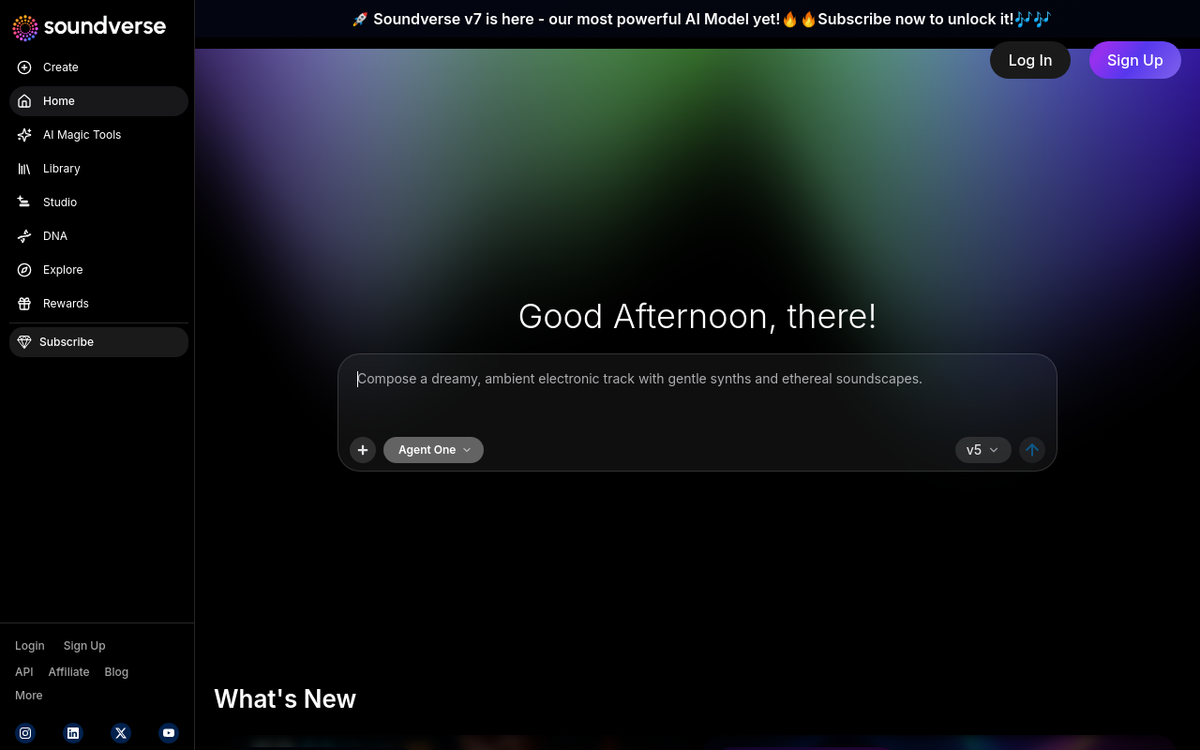
Verdict: An AI music generator built from the ground up around artist consent and attribution. If licensing keeps you up at night, start here.
Soundverse took a completely different approach to the copyright problem that tanked Udio's download feature. Their DNA system lets artists train custom AI models on their own catalogs and set their own licensing terms. Every generation is tracked through an attribution layer, and artists earn royalties when their DNA models are used.
It's also practical, because Soundverse spells out what each plan allows. Creator covers royalty-free use inside your content, such as videos, podcasts, and ads. Pro adds a sample license. Releasing standalone tracks to Spotify and other services needs Max, and its terms bar releasing purely AI-generated tracks.
Key features include:
- Artist DNA models: voice and style models that artists opt into and license
- Agent One, a conversational AI producer that plans and runs the tools for you
- AI Studio, a multitrack editor for music and video
- Trace, which tracks attribution so partner artists get paid
- Stem separation and voice cloning, with WAV and stem exports from the Creator plan up
The free plan gives you a one-time 1,000 tokens (about 3 full songs) for personal use. Paid plans start at $9.99/month billed yearly ($12.49 monthly) for 4,000 tokens a month.
Who it's for: Professional creators, brands, and agencies who want clearly documented licensing. Also great for artists who want to monetize their style through AI without giving up control.
Where it falls short: The platform is more complex than Udio or Suno. Casual users who just want to type a prompt and get a song might find it overwhelming. The catalog of available DNA models is still growing.
4. AIVA — Best for Cinematic & Orchestral
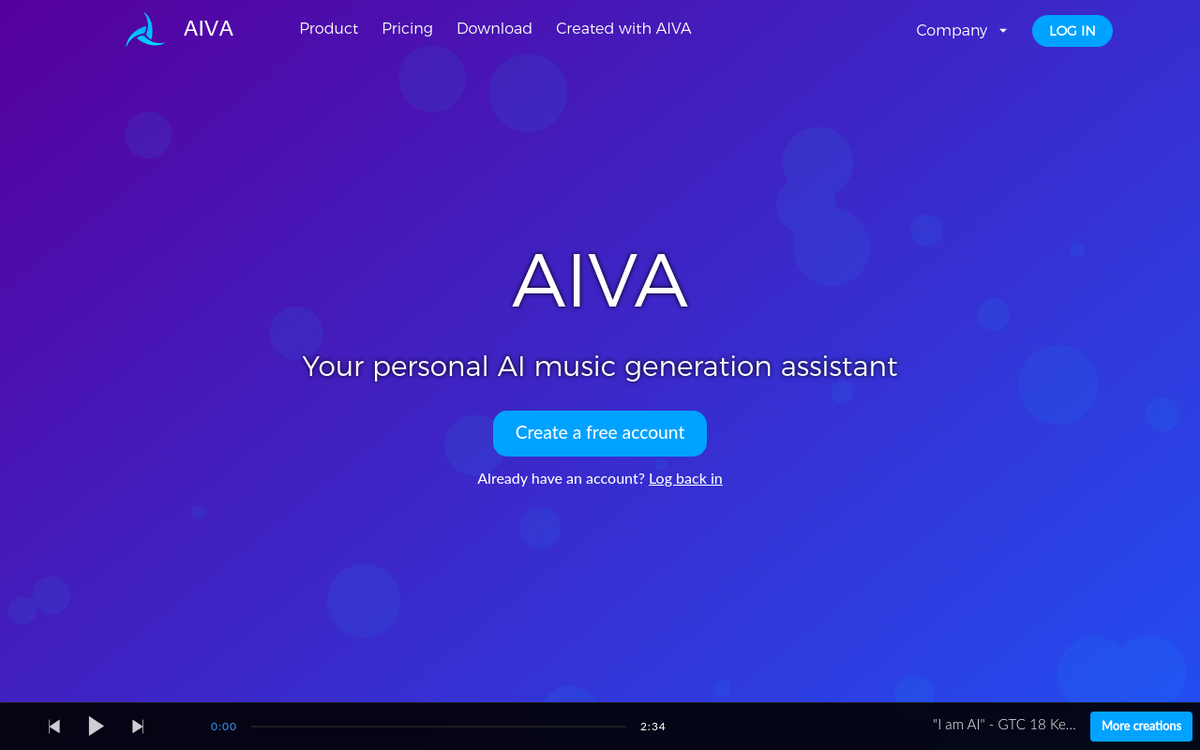
Verdict: Unmatched for classical, film scoring, and game soundtrack work. Not the right pick for pop or hip-hop.
AIVA has been around longer than most alternatives to Udio, and it shows in its depth for instrumental composition. Focused on classical and film music since 2016, AIVA produces orchestral and cinematic music that sounds remarkably composed rather than generated.
What sets AIVA apart is the level of control. You get note-level editing, MIDI export on every plan (even Free), more than 250 styles, and the ability to upload audio or MIDI files to influence compositions. This is a tool for people who actually read sheet music and work in DAWs, not just prompt-based generation.
Pricing breaks down into three tiers:
- Free: 3 downloads a month (MP3 and MIDI, up to 3 minutes). Credit to AIVA required, and no commercial use.
- Standard (€15/mo, or €11 billed yearly): 15 downloads a month in MP3 and MIDI. Monetize on YouTube, Twitch, TikTok, and Instagram only; AIVA keeps the copyright.
- Pro (€49/mo, or €33 billed yearly): Full copyright ownership and 300 downloads a month in all formats, including high-quality WAV.
Prices are plus VAT, and student and school discounts are available on request.
Who it's for: Film composers, game developers, classical music enthusiasts, and anyone working in cinematic audio. If you need MIDI files you can edit note by note, no other tool on this list comes close.
Where it falls short: AIVA doesn't do vocals. It's not suited for modern pop, hip-hop, or any genre that depends on singing. If you want a general-purpose AI music generator like Udio, look elsewhere on this list.
5. Boomy — Best for Quick & Simple Creation

Verdict: The fastest path from zero to a finished song. Perfect if you don't want to learn anything — just make music and go.
Boomy strips AI music creation down to its simplest form. Pick a style, click create, and you have a song. The entire process takes about 30 seconds. On a paid plan you can then download it and release it through any distributor; Boomy stopped distributing songs itself in April 2025.
The free tier lets you create and edit songs with 25 saves, but no downloads and no commercial use. Creator ($9.99/month, 25 WAV downloads) and Pro ($29.99/month, 250 WAV downloads) both include full commercial rights to the songs you download.
Who it's for: Complete beginners, hobbyists, and anyone who wants a finished song with zero technical knowledge. Also useful for rapid prototyping — sometimes you just need to hear an idea quickly.
Where it falls short: The tradeoff for simplicity is control. You can't fine-tune arrangements, edit stems, or do much beyond basic generation and minor tweaks. Audio quality is decent but noticeably below Suno or MusicWave. If you're coming from Udio and loved the remix and variation tools, Boomy will feel limited.
6. Loudly — Best Audio Quality for Background Music

Verdict: Surprisingly clean production quality at a budget price. The best pick for content creators who need royalty-free background tracks.
Loudly doesn't get as much attention as Suno or Udio, but it consistently surprised me with how professional its output sounds. You pick a genre, and it generates multiple tracks to choose from — each one polished enough to drop directly into a video or podcast.
Starting at $8/month on an annual plan ($10 billed monthly), it's one of the most affordable options on this list. The free plan lets you try every model with 30-second previews and 1 download a day, which is enough to judge the sound before you pay.
Who it's for: YouTubers, podcasters, and video editors who need reliable, licensed background music. The Personal plan covers your own channels, while ads and client work need Pro.
Where it falls short: Loudly isn't designed for the same kind of creative expression as Udio. It now has a vocal model (MANTA 1), but Loudly keeps the copyright and releases tracks to streaming services only through its own Loudly Distro. It's a background music machine — a very good one, but specialized.
7. Soundraw — Best for Customizable Loops

Verdict: The most hands-on control over AI-generated music structure. Great for video editors who need tracks that fit specific timing.
Soundraw takes a different approach from prompt-based generators like Udio. Instead of describing what you want in text, you build it. Choose instruments, set the mood, adjust tempo, and modify the arrangement in real time. You can drag sections around, change intensity at specific moments, and fine-tune the structure to match your video timeline.
The free plan lets you generate and preview, but not download. Creator costs $9.99/month ($5.99 billed yearly) for background music in your content, and Artist plans from $19.99/month ($10.49 billed yearly) let you release modified songs on streaming services. Soundraw keeps the recording rights and bans Content ID registration.
Who it's for: Video editors and content producers who need precise control over music timing and arrangement. If you frequently adjust tracks to fit scene changes or transitions, Soundraw's visual editor is built for exactly that workflow.
Where it falls short: It's not a full song creation tool. The output is loops and structured background music, not complete tracks with vocals and lyrics. Less creative freedom than Udio for full compositions.
8. Musicfy — Best for Voice Cloning & Covers
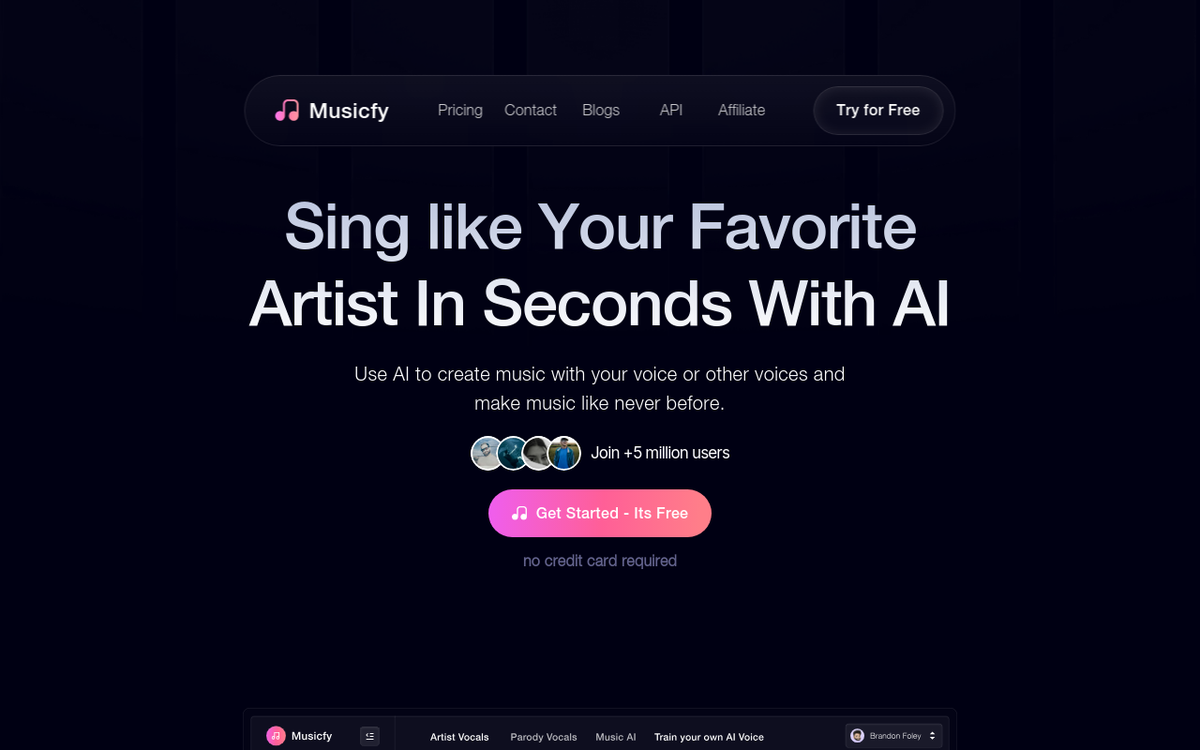
Verdict: A completely different angle from Udio. If you want AI covers and custom voice models, Musicfy is the specialist.
Musicfy offers over 100,000 AI voice models spanning every genre, character, and style imaginable. You can transform vocals into something completely different, create AI covers in any voice, or clone your own voice for consistent output.
This isn't really competing with Udio on music generation — it's complementing it. Many creators use a generator like MusicWave or Suno for the base track and Musicfy for vocal transformation and cover creation.
Pricing starts free with a basic tier. As of October 2026, with a sale running, Starter costs $8/month with 2 custom voices, and the commercial license comes with Professional ($20/month, 6 custom voices) or Studio ($56/month, 30 custom voices).
Who it's for: TikTok creators, cover artists, and anyone who wants to experiment with vocal styles. Great for viral content where a recognizable voice singing an unexpected song is the hook.
Where it falls short: Not a music composition tool. You need source audio to work with. If you're looking for a direct replacement for Udio's text-to-music generation, Musicfy isn't it — but it's a powerful addition to your workflow alongside another generator.
Udio vs Suno vs MusicWave: Head-to-Head
These three are the most direct competitors for full AI music generation. Here's how they stack up.
| Category | Udio | Suno | MusicWave.ai |
|---|---|---|---|
| Vocal Quality | Good (in-app only) | Best in class (v6) | Good |
| Instrumental Quality | Excellent | Very Good | Very Good |
| Downloads Working | No (off since Oct 2025) | Yes (20/mo Pro, 60/mo Premier) | Yes (paid plans) |
| Stem Export | No (disabled) | Yes (up to 12 stems) | Yes |
| AI Covers | No | Yes | Yes |
| Music Videos | No | Yes (song videos) | Yes (visualizer) |
| Audio Mastering | No | No | Yes |
| Free Tier | Limited, no downloads | 10 songs/day (v6-mini) | Up to 2 songs, streaming only |
| Commercial Rights | None on any plan | $10/mo Pro plan | Pro and Creator plans |
| MIDI Export | No | Yes (Premier, via Studio) | Yes |
| Ease of Use | Simple prompts | Simple prompts | Simple prompts + tools |
| Current Status | Listen-only, no downloads | Fully operational, downloads capped | Fully operational |
On vocals, Suno wins. The v6 model produces the most realistic AI singing available right now, and it tops Artificial Analysis's blind-vote vocal rankings as of October 2026.
On instrumentals, Udio historically had the edge — but you can't download anything, so the point is academic. Between the two working options, Suno and MusicWave are comparable, with MusicWave offering more post-production tools.
On features, MusicWave wins. Covers, stem splitting, mastering, visualizer videos, audio-to-MIDI — it's a full production suite. Suno has covers and stems too, and Suno Studio closes the gap with its DAW-like editor on Premier, but MusicWave still offers more out of the box.
On pricing, Suno's $10/month Pro plan is the most affordable path to commercial rights among the three, though you can download only 20 songs a month on it. MusicWave's free tier requires no credit card, which lowers the barrier to entry.
On reliability, both Suno and MusicWave work right now. Udio doesn't fully function. That's the simplest and most important distinction.
How to Pick the Right Udio Alternative
The best tool depends entirely on what you're making and why. Here's a quick decision framework.
You want a full Udio replacement with more features: Go with MusicWave.ai. It covers generation, covers, stems, mastering, and more — all in one place, all working right now.
You care most about vocal realism: Suno v6 is unmatched. If your tracks depend on convincing AI vocals, nothing else comes close.
You need clearly documented licensing: Soundverse's DNA system is purpose-built for this, with attribution tracking and license terms spelled out plan by plan.
You're scoring films, games, or classical projects: AIVA. Full stop. MIDI export and note-level editing make it the only serious option for cinematic work.
You just want to make something fast and put it on Spotify: Boomy. No learning curve, no complexity: make music, download it on a paid plan, and release it through any distributor.
You need clean background tracks for content: Loudly or Soundraw. Loudly for set-it-and-forget-it simplicity. Soundraw if you want granular control over structure and timing.
You want AI covers and voice experiments: Musicfy. Pair it with another generator for the base track and let Musicfy handle the vocal magic.
FAQ
What is the best free alternative to Udio?
MusicWave.ai offers a strong free experience — free credits on signup with no credit card, three models to try, and free lyrics and BPM tools — and downloads start with the $9.99/month Starter plan. Boomy's free plan saves up to 25 songs but can't download them. Suno gives you about 10 free songs per day on the lighter v6-mini model, with at most 7 lifetime trial downloads and no commercial rights.
Is Suno better than Udio in 2026?
In practical terms, yes. Suno is fully operational with working downloads (capped monthly since September 2026), a DAW-like editor (Suno Studio), and the best AI vocals available through v6. Udio has had downloads disabled since October 2025, allows no commercial use on any plan, and its planned licensed app will keep songs inside the app too. On pure instrumental quality, Udio was historically competitive, but that advantage doesn't matter when you can't use the output.
Can I download songs from Udio alternatives?
Yes. Every alternative on this list supports song downloads on at least their paid plans. MusicWave, Suno, Boomy, Loudly, Soundraw, AIVA, Musicfy, and Soundverse all allow you to download your generated tracks (within monthly caps on Suno) — unlike Udio, which has had downloads disabled since 29 October 2025.
What AI music generator has the best audio quality?
For vocals, Suno v6 leads the pack: it ranks first in Artificial Analysis's blind-vote vocal arena as of October 2026. For instrumentals and background music, Loudly produces surprisingly clean and professional tracks. For cinematic and orchestral music, AIVA delivers the highest fidelity. MusicWave.ai offers strong overall quality across multiple music types.
Is there an AI music tool with unlimited generation?
Boomy's free tier lets you create and edit songs with 25 saves (no downloads), and its $29.99 Pro plan has unlimited saves. Most other tools use credit or song-count systems. Soundraw's Creator and Artist Unlimited plans include unlimited downloads. No tool offers truly unlimited everything for free — server costs make that unsustainable — but Boomy's free tier is still a fine place for casual experimentation.
Which AI music generator is best for commercial use?
It depends on your risk tolerance. Soundverse spells out its licensing plan by plan, backed by its consent-based DNA system and attribution tracking, though releasing standalone tracks needs its Max plan. Suno's $10/month Pro plan is one of the most affordable paths to commercial rights, for up to 20 downloaded songs a month. MusicWave.ai provides commercial rights on its Pro and Creator plans with a broader feature set. AIVA's €49/month Pro plan includes full copyright ownership, which is the strongest legal position, though it's instrumental only. Our AI music copyright guide covers the legal background.