01
Name the kind of anger
Frustration, defiance, betrayal, pressure, and boundary-setting call for different pacing and vocal delivery.
Describe the pressure, boundary, or release behind the music. Choose hard drums, distorted guitars, bass weight, electronic texture, or direct original lyrics without targeting or threatening anyone.
Start with the pressure, weight, and release
First 2 songs freeEvery model on paid plans from $5.99/moSee plans ↓
Angry-music examples
These original examples use industrial rock, a direct alternative-rock vocal, and a trap-metal instrumental without violent effects or targeted threats.
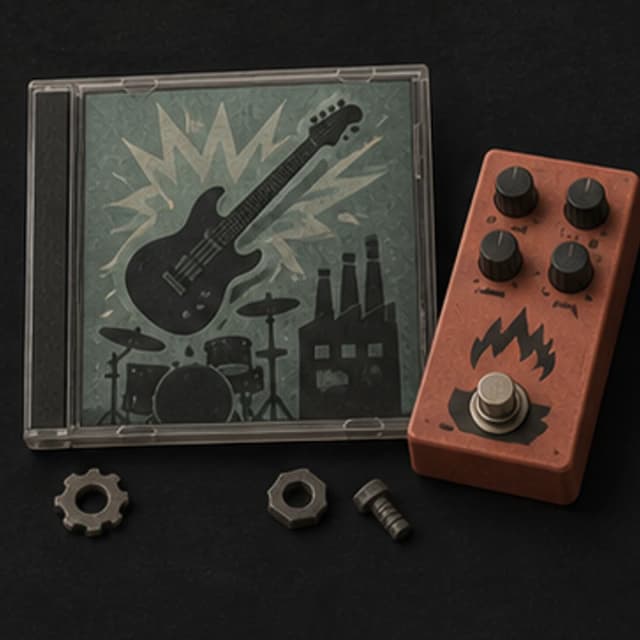
“Angry industrial-rock instrumental with distorted rhythm guitar, hard live drums, metallic percussion, thick bass, no vocals, no slow intro, and a tight stop ending”
Pick a track to hear it and see the prompt behind it.
Direct the mood
Anger can be controlled, explosive, frustrated, defiant, or exhausted. Describe the source and release without using harmful personal targeting.
Frustration, defiance, betrayal, pressure, and boundary-setting call for different pacing and vocal delivery.
Distorted guitar, hard drums, 808 bass, industrial percussion, and low strings create different kinds of force.
Ask for restrained tension, a steady hard groove, or one short release instead of maximum loudness throughout.
Keep original lyrics focused on feelings, choices, and limits without naming targets, making threats, or encouraging harm.
Ask for no weapon sounds, screams, threats, or graphic imagery when the track needs force without violent decoration.
Compare a heavier instrumental with a clearer vocal version when you are unsure whether the message or the sound should lead.
Pressure and release
A track can hold tension, state a boundary, and release without staying at maximum intensity the entire time.
“Tense alternative-rock song about setting a firm boundary, hard live drums, distorted rhythm guitar and low bass, direct original chorus without threats or named targets, clean stop ending.”
How it works
Start with the feeling and scene. Add musical details only where they help make the direction clearer.
Describe what the pressure feels like, whether the track is controlled or explosive, and how it should release without targeting or threatening a person.
Pick an available music model, choose instrumental or vocal, and review the shown credit cost before starting.
Play the result from your library. Change the instruments, pace, vocal direction, or intensity when the first version misses the mood.
Heavy expression
A personal song, game encounter, hard workout, and action edit need different balances of message, rhythm, and distortion.
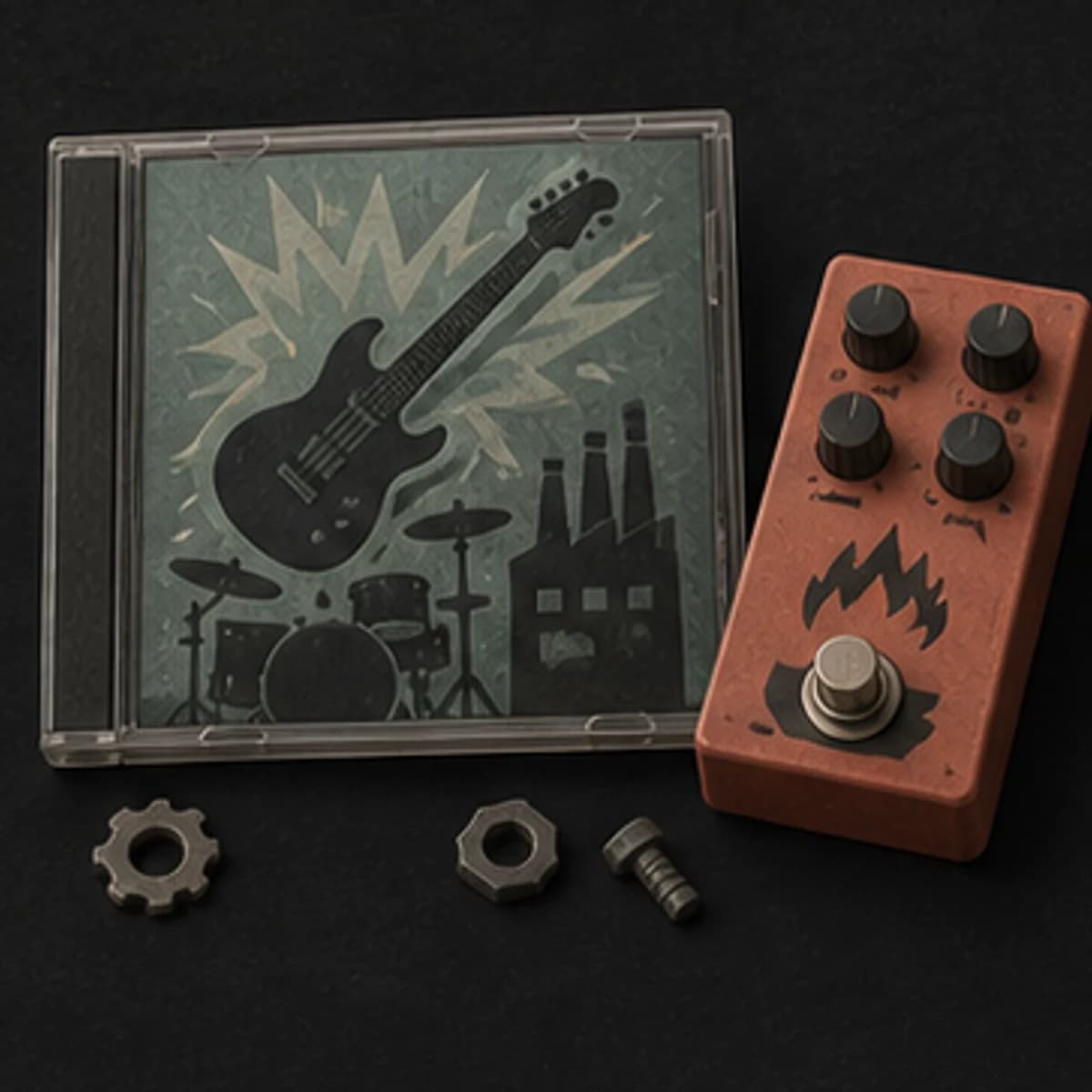
Draft lyrics about frustration, betrayal, or setting a boundary, then rewrite them in your own voice.
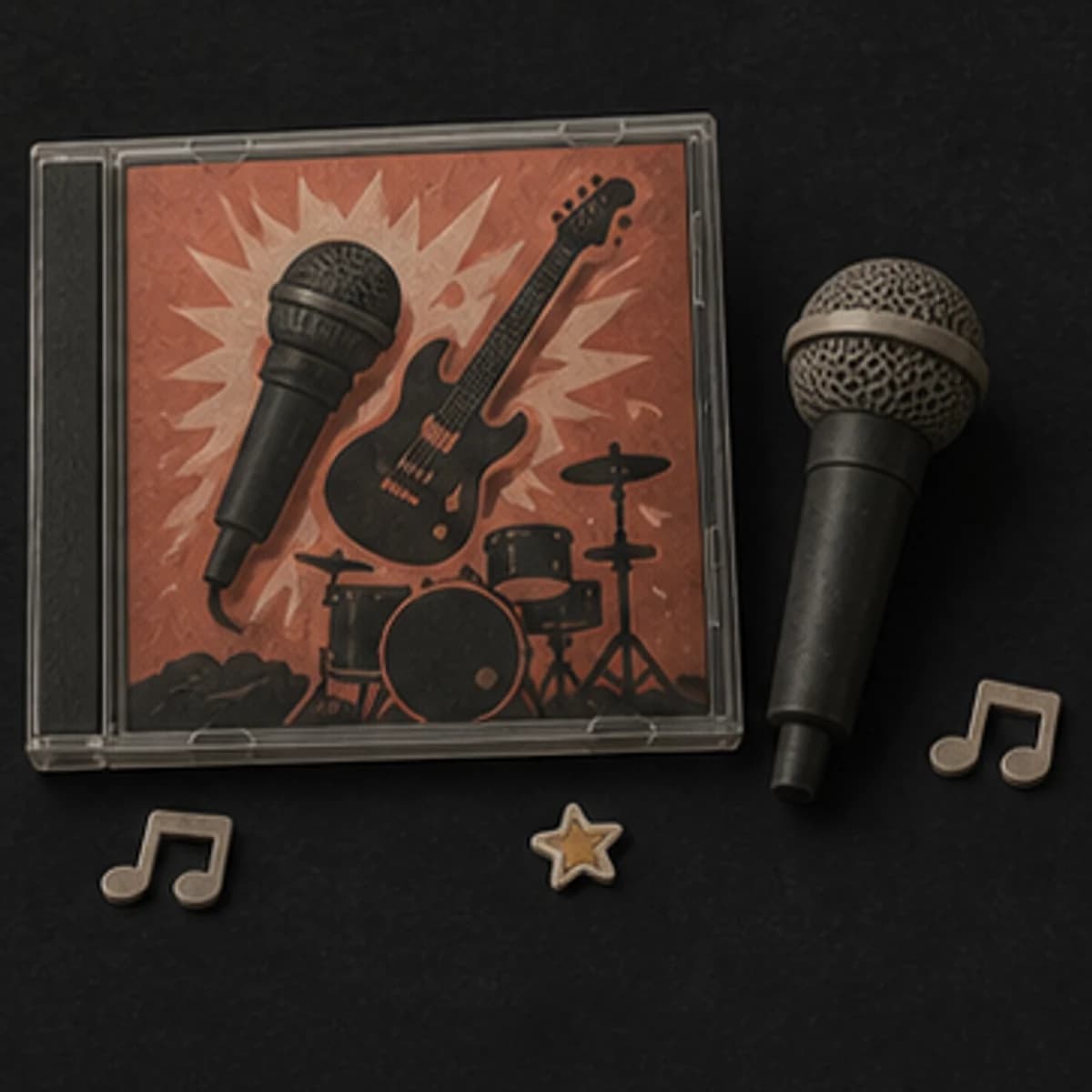
Build industrial, rock, metal, trap, or hybrid music around rhythm and weight rather than graphic imagery.
Create intense background music for conflict, pursuit, or a difficult encounter, then edit it to the scene.
Use a hard instrumental direction when you want weight and momentum without a lyrical message.
Start free. Upgrade when you need more.
Try it out — no card required.
No credit card required
Perfect for creation, image-to-song, and song extension.
Save 40%
All 7 model families


Wave 5.5 · ElevenLabs Music · Lyria 3 Pro · MiniMax 2.6 · Mureka 9 · Stable Audio 2.5 · MusicGen
Cancel anytime · No lock-inUnused subscription credits expire at renewal or when the billing interval changes.
Best for commercial releases and advanced song editing.
Save 40%
All 7 model families
Wave 5.5 · ElevenLabs Music · Lyria 3 Pro · MiniMax 2.6 · Mureka 9 · Stable Audio 2.5 · MusicGen
Cancel anytime · No lock-inUnused subscription credits expire at renewal or when the billing interval changes.
For power users working across MIDI, video, and high-volume output.
Save 40%
All 7 model families
Wave 5.5 · ElevenLabs Music · Lyria 3 Pro · MiniMax 2.6 · Mureka 9 · Stable Audio 2.5 · MusicGen
Cancel anytime · No lock-inUnused subscription credits expire at renewal or when the billing interval changes.
FAQ
Straight answers about lyrics, violent content, genre, downloads, and rights.
Keep the writing focused on your feelings, choices, and boundaries. Do not use the tool to threaten, harass, or target a person.
No. Hip-hop, industrial electronic, punk, orchestral, trap, and even sparse piano can carry anger differently.
Yes. Use rhythm, distortion, bass, harmony, and vocal delivery. Say no weapon sounds, screams, or graphic effects.
Yes. Turn on instrumental mode and describe the weight, drums, bass, guitars, texture, and structure you want.
Completed tracks are saved to your MusicWave library with the options available for the selected model and plan.
Review your MusicWave plan, model terms, supplied material, and the final lyrics before publishing or commercial use.
Keep exploring
Move toward dark tension, energetic motion, epic scale, or continue the version that works.
Describe the weight, rhythm, boundary, and release, then generate the first version.
Start free — no credit card needed.