01
Name the game scene
Say whether the track is for a menu, exploration area, puzzle, dialogue scene, or combat encounter.
Describe the scene, pace, and role of the music. Make a menu, exploration, puzzle, or combat track you can test inside your game.
Start with the scene, action, and pace
First 2 songs freeEvery model on paid plans from $5.99/moSee plans ↓
Gaming music examples
These original instrumentals show a calm menu, a tense boss room, and a playful puzzle direction.
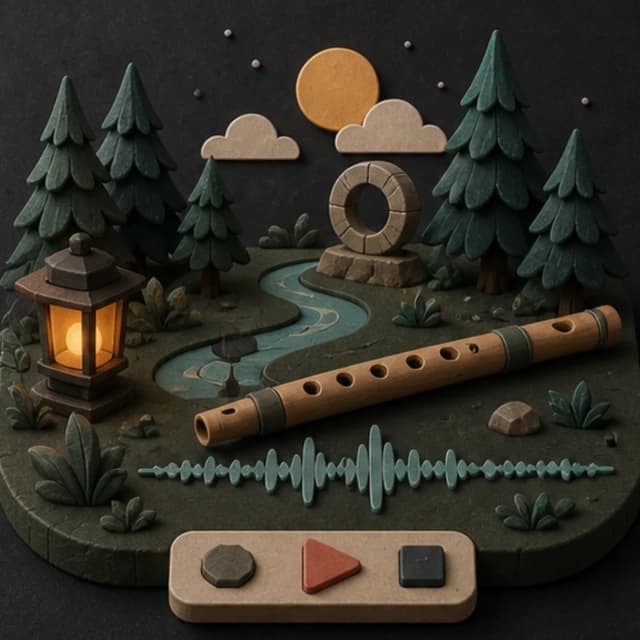
“Gentle fantasy game-menu instrumental with soft wooden flute, muted strings, hand percussion, warm low drone, calm 76 BPM feel, no vocals, no large swell, and an ending that can return naturally to the opening”
Pick a track to hear it and see the prompt behind it.
Write a useful brief
A scene, action level, and sound palette give the track a clearer job than a genre name alone.
Say whether the track is for a menu, exploration area, puzzle, dialogue scene, or combat encounter.
Describe still, cautious, moving, or urgent action so the rhythm has a practical target.
Ask for fewer foreground melodies when dialogue, effects, and player feedback need room.
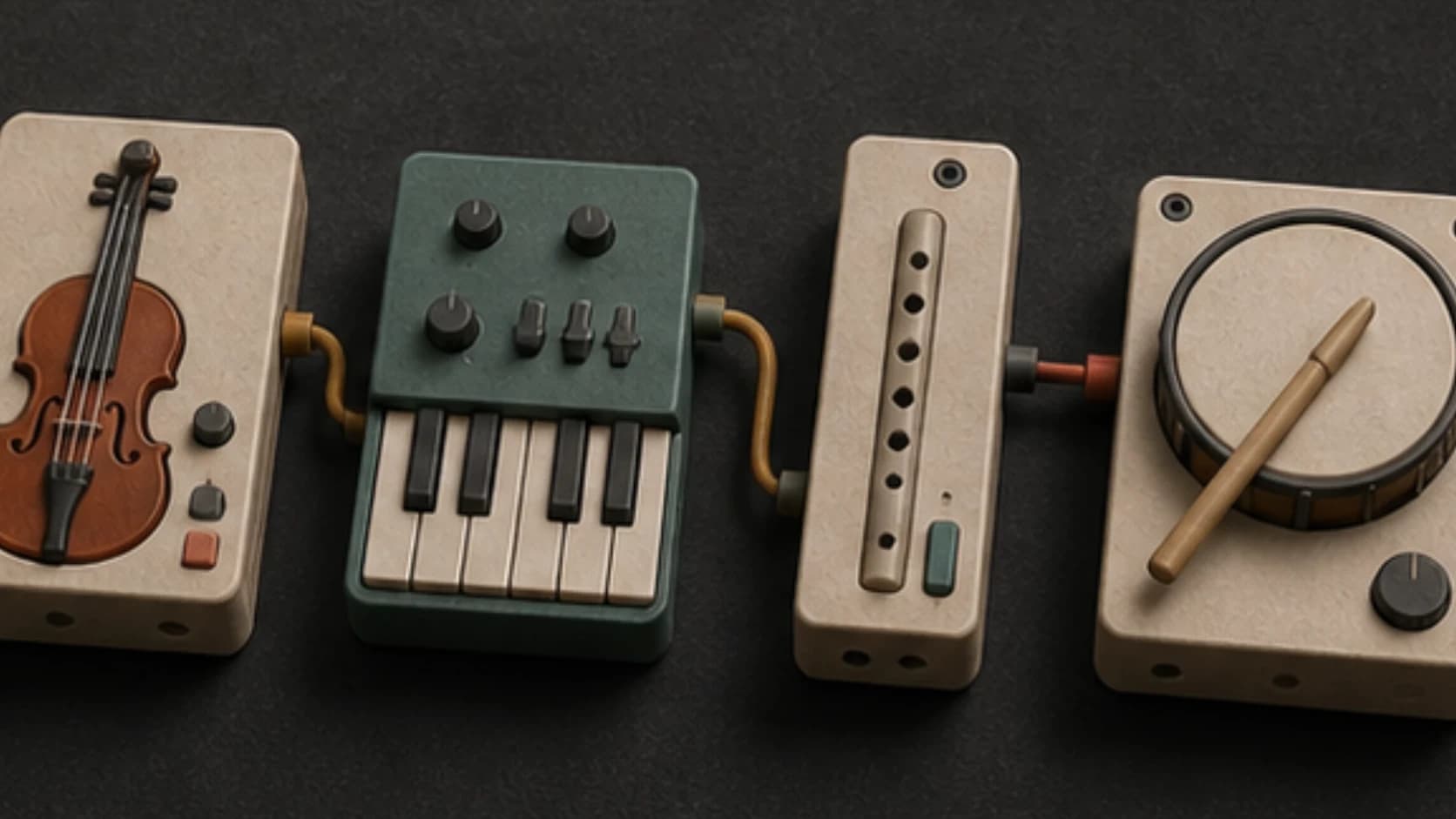
Name acoustic, orchestral, electronic, lo-fi, or hybrid instruments that fit the setting.
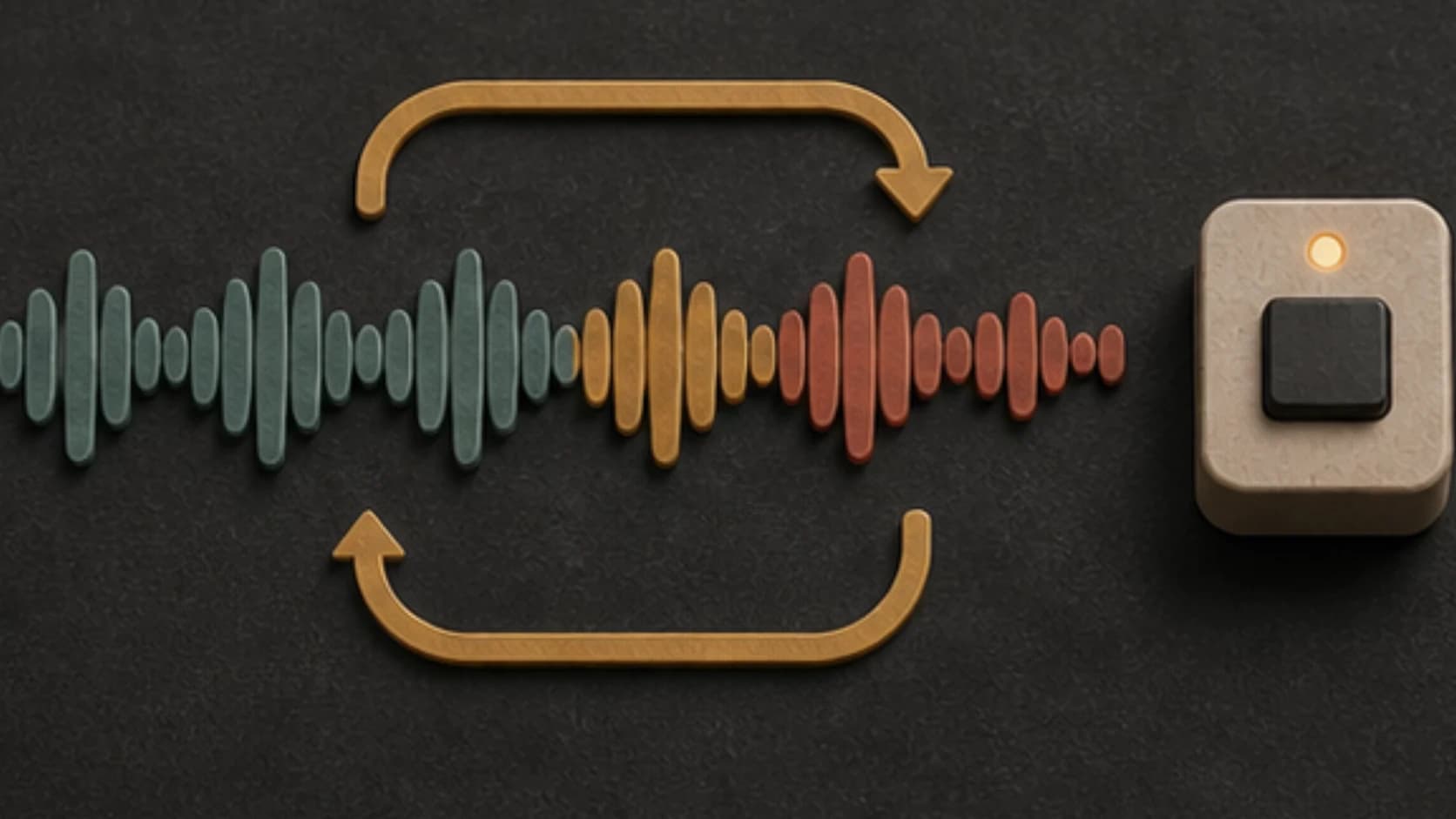
Request a firm ending or a phrase that points back toward the opening, then test the edit yourself.
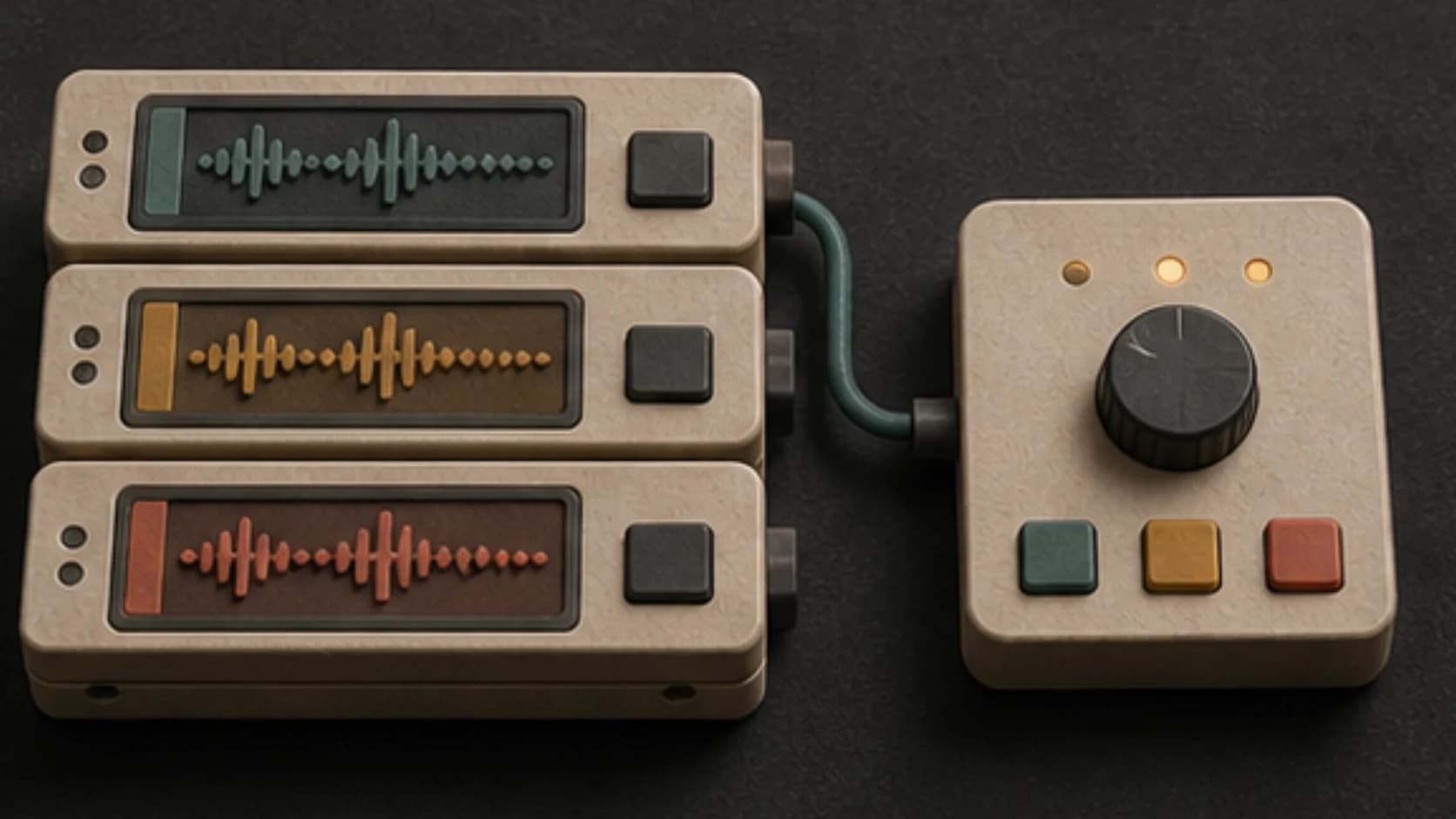
Keep several results and audition them with the same gameplay before choosing one.
Scene structure
Write the opening, active section, and ending as three small decisions.
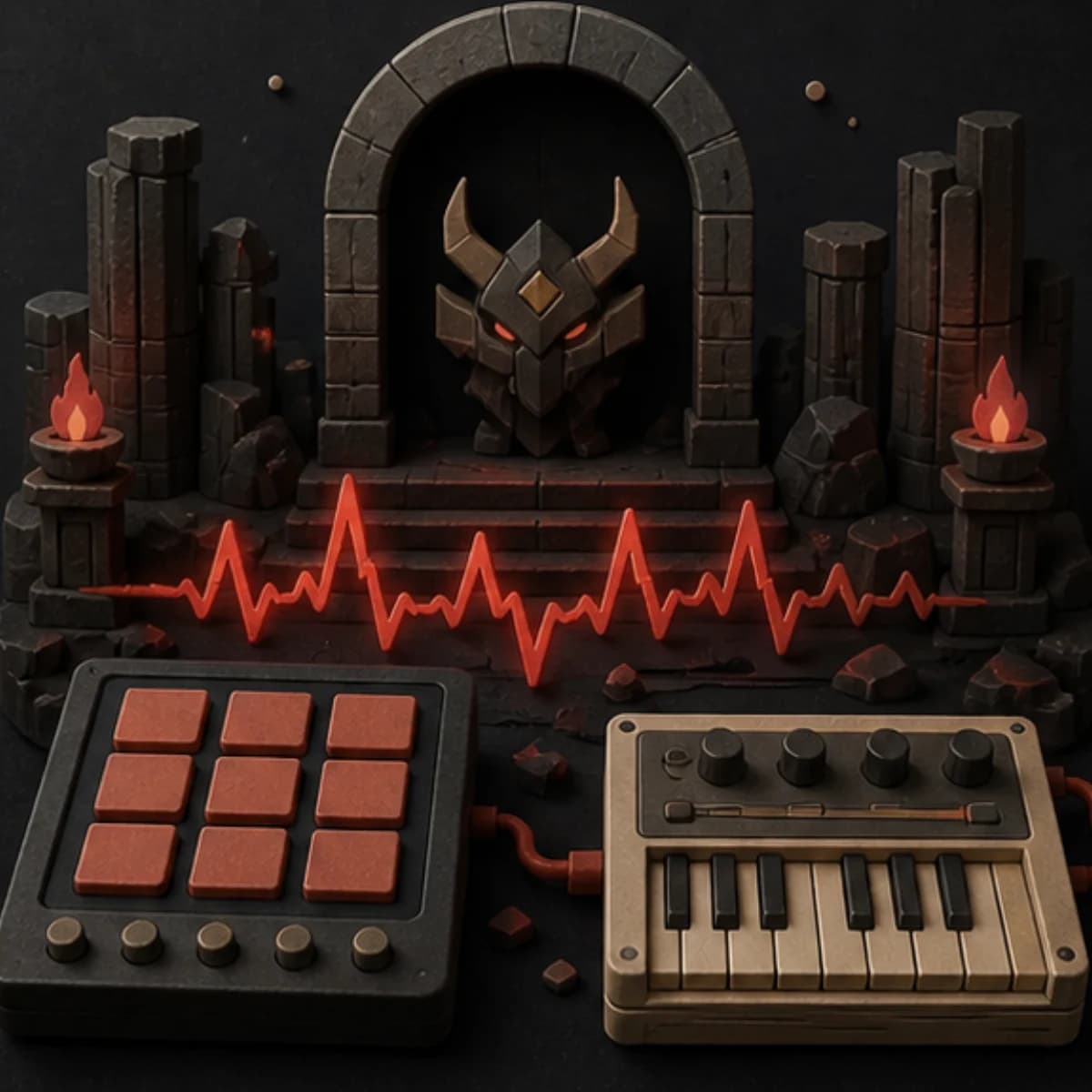
“Tense electronic combat instrumental for a game boss room, hard dry drums, pulsing low synth, clipped brass, short repeating motif, steady 136 BPM feel, no vocals, no trailer boom, and no long intro.”
How it works
Generate a direction, put it against gameplay, and revise the detail that does not fit.
Include the setting, action, pace, and instruments you want to hear.
Choose a model and keep the track instrumental when speech or game audio should lead.
Play the result with the actual scene and trim, extend, or revise it as needed.
Game moments
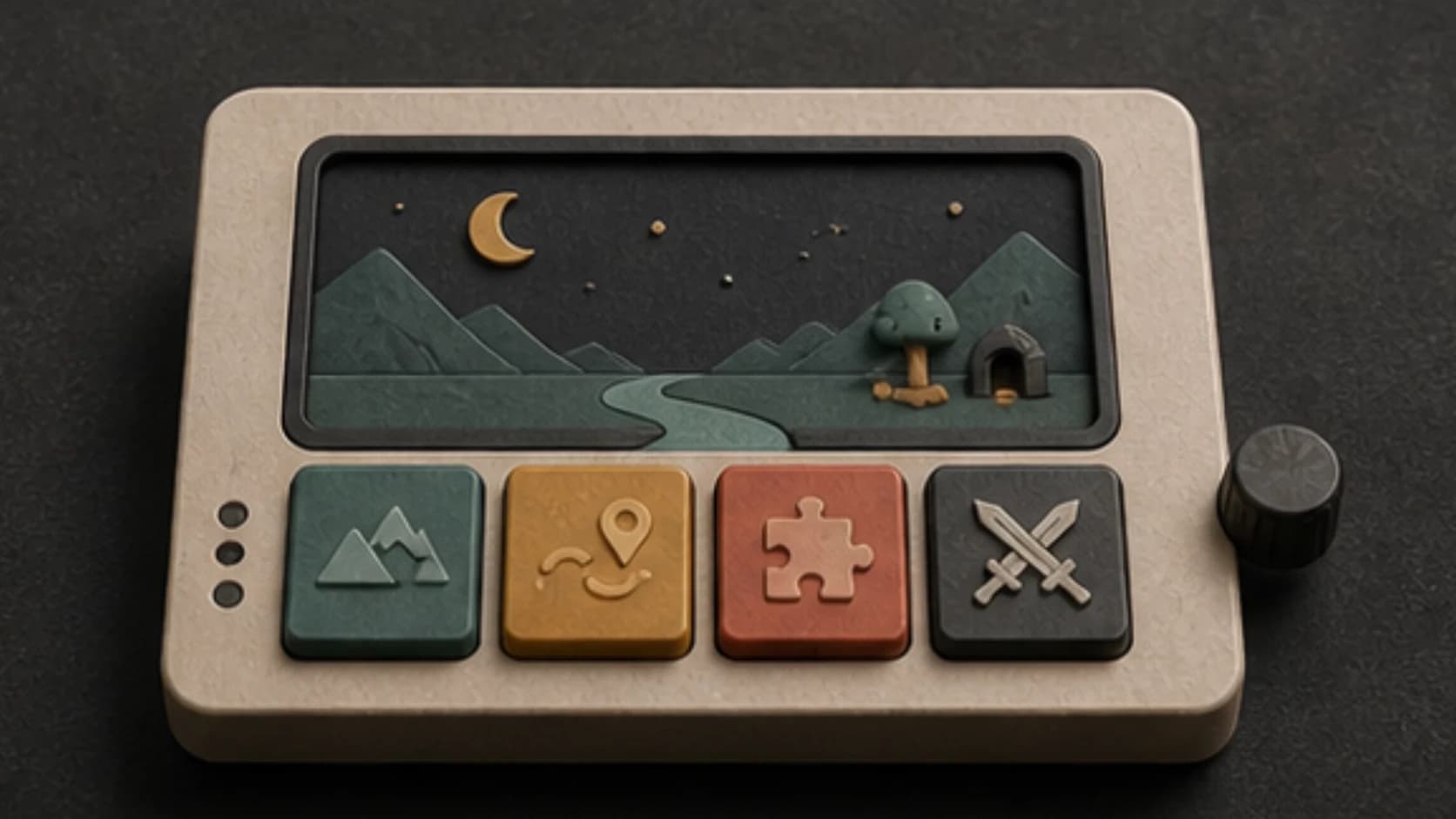
Different game moments need different amounts of rhythm, melody, and change.
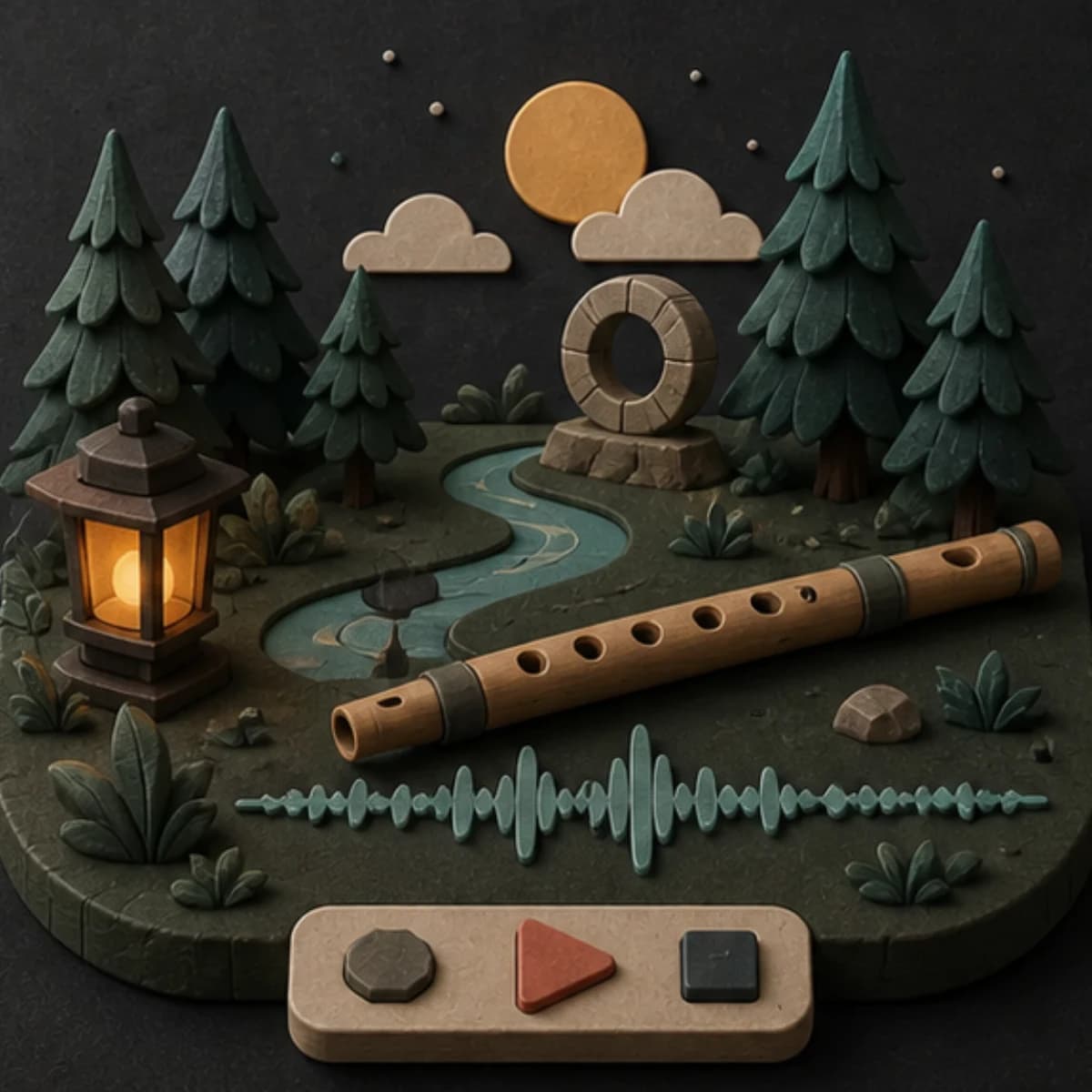
Use a recognizable motif, restrained movement, and an ending you can edit cleanly.
Ask for room, texture, and slow movement that does not compete with environmental sound.
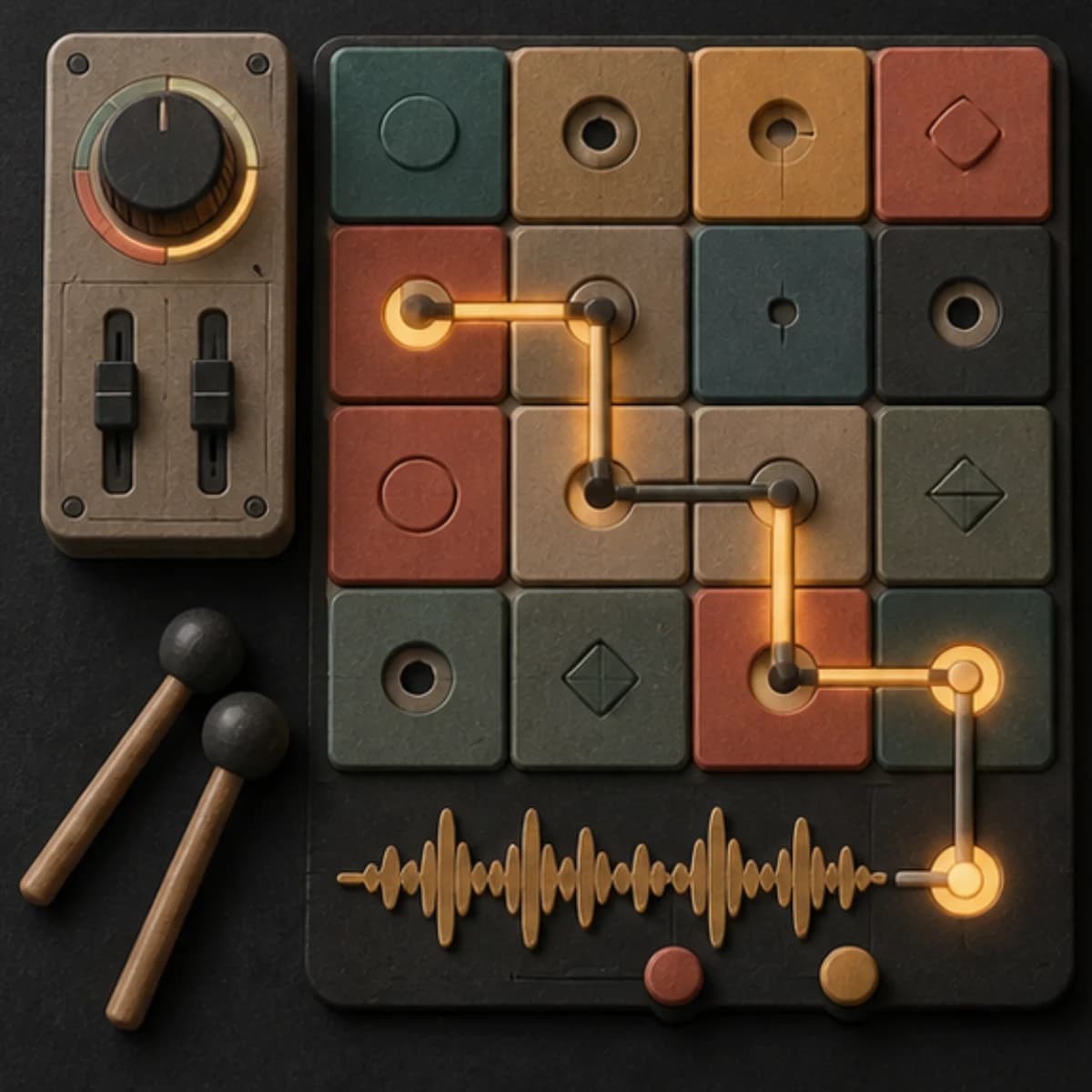
Use a light pulse and repeating phrases without an oversized payoff.
Bring in stronger drums, bass, and shorter motifs without a long cinematic opening.
Start free. Upgrade when you need more.
Try it out — no card required.
No credit card required
Perfect for creation, image-to-song, and song extension.
Save 40%
All 7 model families


Wave 5.5 · ElevenLabs Music · Lyria 3 Pro · MiniMax 2.6 · Mureka 9 · Stable Audio 2.5 · MusicGen
Cancel anytime · No lock-inUnused subscription credits expire at renewal or when the billing interval changes.
Best for commercial releases and advanced song editing.
Save 40%
All 7 model families
Wave 5.5 · ElevenLabs Music · Lyria 3 Pro · MiniMax 2.6 · Mureka 9 · Stable Audio 2.5 · MusicGen
Cancel anytime · No lock-inUnused subscription credits expire at renewal or when the billing interval changes.
For power users working across MIDI, video, and high-volume output.
Save 40%
All 7 model families
Wave 5.5 · ElevenLabs Music · Lyria 3 Pro · MiniMax 2.6 · Mureka 9 · Stable Audio 2.5 · MusicGen
Cancel anytime · No lock-inUnused subscription credits expire at renewal or when the billing interval changes.
FAQ
Straight answers about loops, scenes, dialogue, exporting, and using the finished audio.
Yes. Describe the scene, action level, setting, pace, and instruments. Test the result with the scene because the generator does not see your gameplay.
No. It creates audio tracks. Build and trigger states, transitions, and runtime rules inside your game engine or audio middleware.
You can ask for a repeat-friendly ending, but check and trim the loop point in an audio editor before shipping it.
Often, especially under dialogue or sound effects. Vocal music can still suit trailers, credits, or a specific story moment.
Usage rights depend on your MusicWave plan and the material you supplied. Review the current license before publishing.
Keep exploring
Build state variations, make shorter loops, create quieter background music, or continue a track that already fits.
Describe the moment, set the action level, and generate a version you can test in context.
Start free — no credit card needed.