01
Describe the scene
Name what is visible, what changes, and what the audience should notice rather than listing instruments first.
Describe the scene, emotional turn, and scale you need. Build intimate, suspenseful, hybrid, or orchestral music to test against a film, trailer, game, or visual sequence.
Start with the scene, arc, and scale
First 2 songs freeEvery model on paid plans from $5.99/moSee plans ↓
Cinematic-music examples
These original instrumentals compare an intimate arrival, a measured orchestral rise, and a quieter modern hybrid ending.
“Intimate cinematic instrumental with felt piano, low strings, soft room tone, sparse percussion, patient movement, no vocals, no trailer hit, and a small hopeful ending”
Pick a track to hear it and see the prompt behind it.
Direct the mood
The visual action, emotional turn, and placement in the edit matter more than one broad genre word.
Name what is visible, what changes, and what the audience should notice rather than listing instruments first.
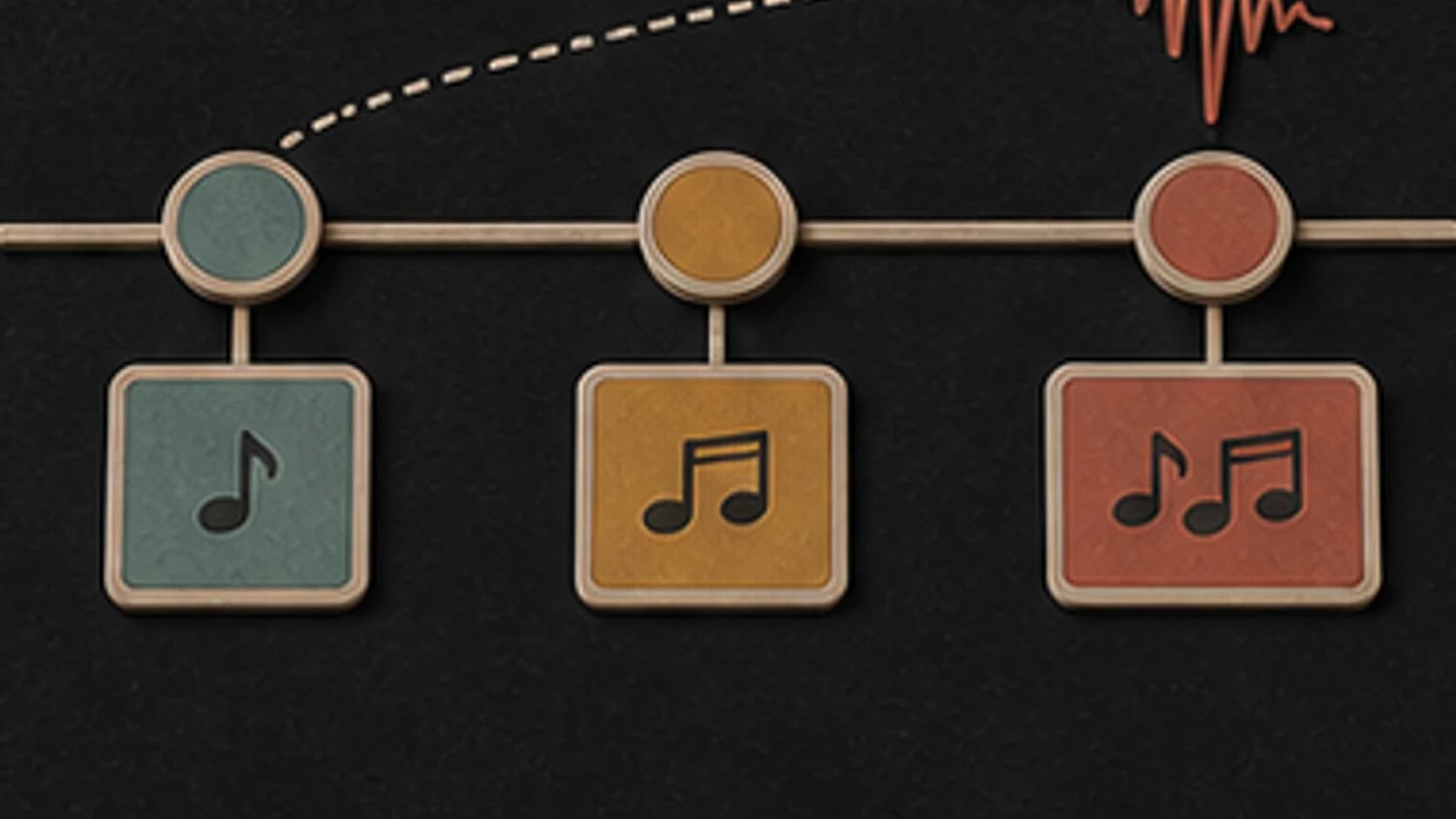
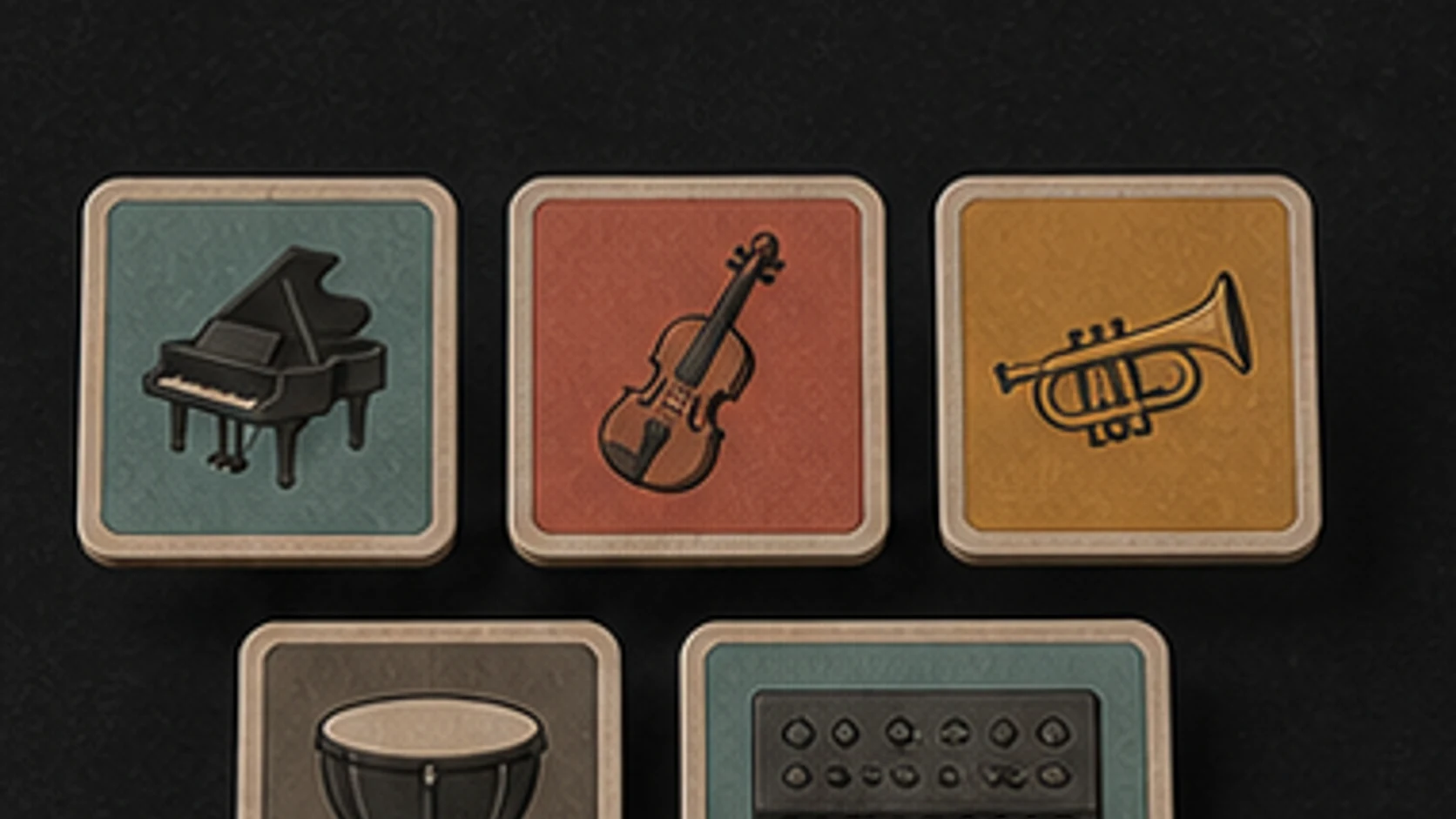
Intimate piano, chamber strings, modern hybrid, full orchestra, and percussion-led cues each occupy a different amount of space.
Explain where doubt becomes resolve, calm becomes danger, or distance becomes connection so the cue has a useful arc.
Ask for no drums, a restrained pulse, measured low hits, or action rhythm depending on the edit.
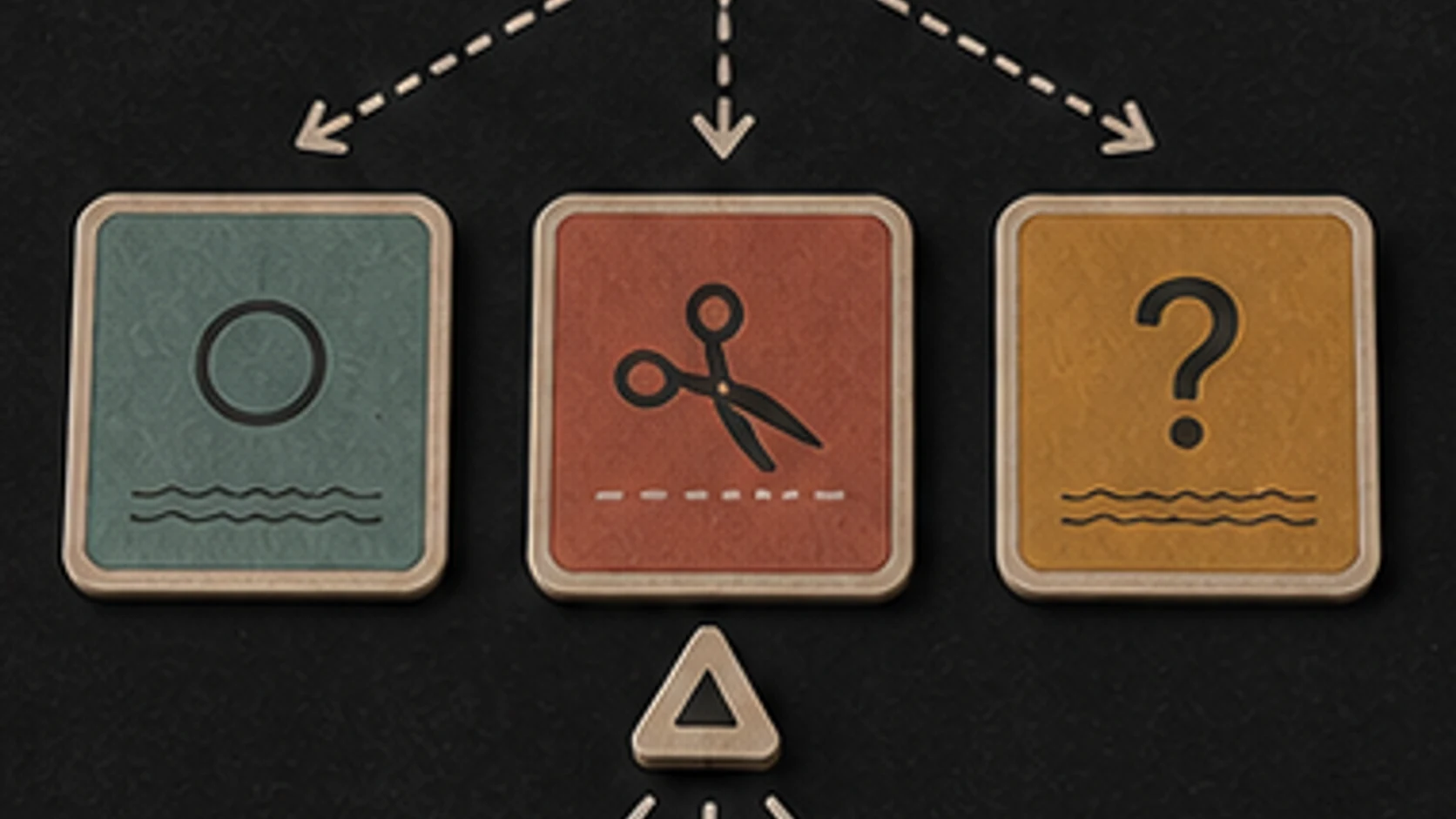
Say no giant hit, no choir, no oversized finale, or no constant rise when the scene needs restraint.
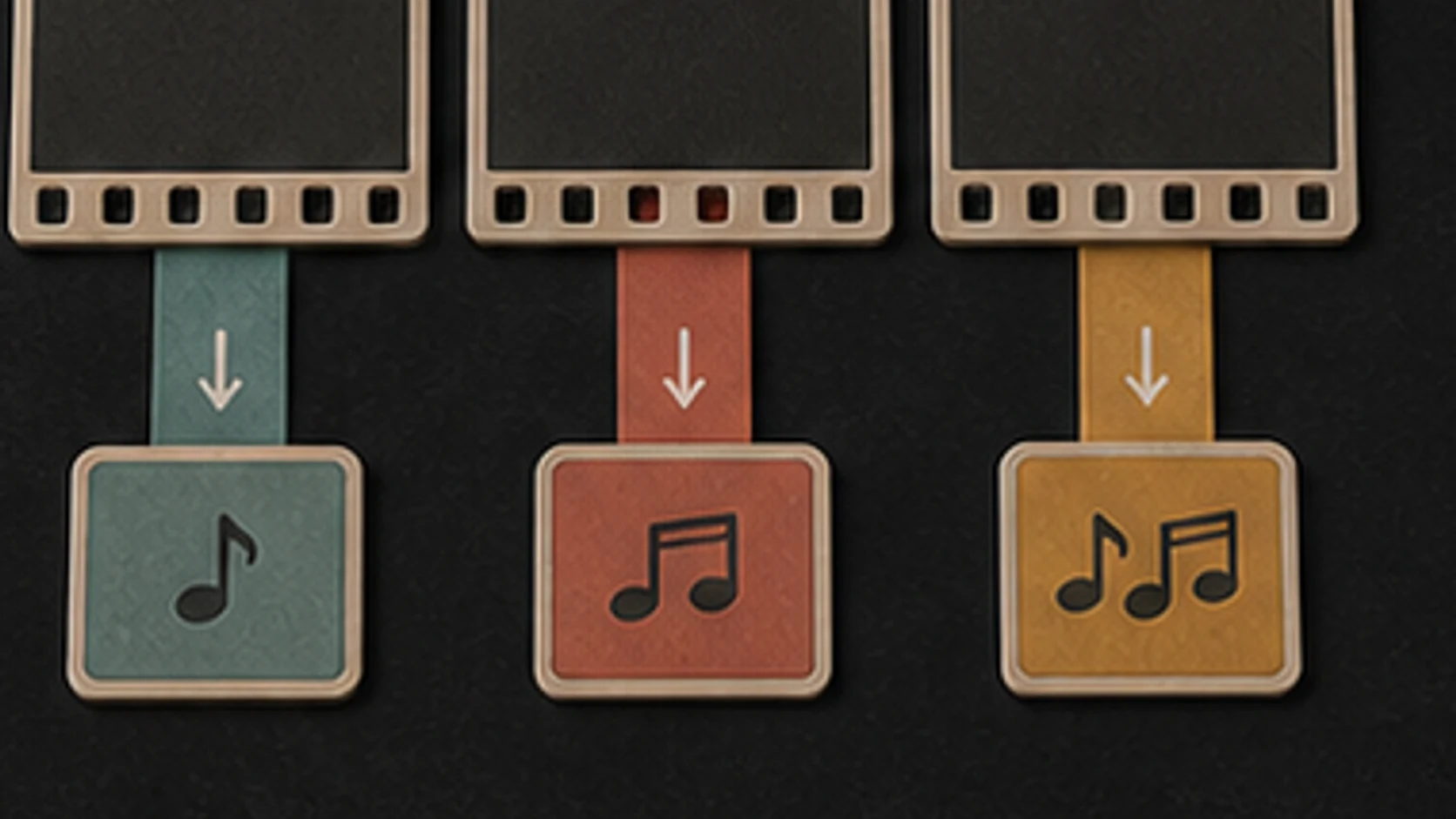
The generator creates audio, not a cue locked to timecode. Trim, move, mix, and align the result in your video or game tools.
A scene arc
A useful cue brief explains where the scene starts, what turns, and what remains at the end.
“Intimate cinematic cue for a character entering an empty childhood home, felt piano and low strings, quiet room tone, small hopeful turn near the end, no trailer hit, choir, or oversized finale.”
How it works
Start with the feeling and scene. Add musical details only where they help make the direction clearer.
Describe the scene, where its emotion changes, how large the score should feel, and what the final image needs from the music.
Pick an available music model, choose instrumental or vocal, and review the shown credit cost before starting.
Play the result from your library. Change the instruments, pace, vocal direction, or intensity when the first version misses the mood.
Scenes and sequences
Dialogue, discovery, action, and trailers need different amounts of movement, density, and ending weight.
Sketch an intimate, restrained, or observational cue, then edit it around dialogue and picture.
Describe the sections and final arrival without assuming every trailer needs a giant orchestral peak.
Create scene-specific music ideas for menus, exploration, reveals, and scripted sequences.
Use an original temporary direction while discussing pace and tone before final scoring.
Start free. Upgrade when you need more.
Try it out — no card required.
No credit card required
Perfect for creation, image-to-song, and song extension.
Save 40%
All 7 model families


Wave 5.5 · ElevenLabs Music · Lyria 3 Pro · MiniMax 2.6 · Mureka 9 · Stable Audio 2.5 · MusicGen
Cancel anytime · No lock-inUnused subscription credits expire at renewal or when the billing interval changes.
Best for commercial releases and advanced song editing.
Save 40%
All 7 model families
Wave 5.5 · ElevenLabs Music · Lyria 3 Pro · MiniMax 2.6 · Mureka 9 · Stable Audio 2.5 · MusicGen
Cancel anytime · No lock-inUnused subscription credits expire at renewal or when the billing interval changes.
For power users working across MIDI, video, and high-volume output.
Save 40%
All 7 model families
Wave 5.5 · ElevenLabs Music · Lyria 3 Pro · MiniMax 2.6 · Mureka 9 · Stable Audio 2.5 · MusicGen
Cancel anytime · No lock-inUnused subscription credits expire at renewal or when the billing interval changes.
FAQ
Straight answers about timecode, stems, exact hits, downloads, and project rights.
No. MusicWave generates audio from your direction. You need to trim, place, and mix it against picture in your editing software.
You can describe the intended moment, but generation does not guarantee frame-accurate timing. Edit the result or work with a composer when exact synchronization is required.
Yes. Ask for intimate scale, sparse instruments, no trailer hit, no choir, and restrained percussion.
The generator returns the output supported by the chosen model. If a completed song is eligible, Stem Splitter can separate available parts afterward.
Completed tracks are saved to your MusicWave library with the options available for the selected model and plan.
Check your MusicWave plan, model terms, supplied materials, and production requirements before commercial use.
Keep exploring
Build darker tension, a larger epic rise, adaptive state ideas, or continue a cue that fits.
Describe the action, emotional turn, scale, and ending, then generate a version to test against picture.
Start free — no credit card needed.