01
Start with a specific subject
Name the scene, conflict, point, details, and voice instead of asking for generic bars.
MusicWave writing tool
Describe the subject, choose a rap style, mood, structure, and point of view, then edit the returned lyrics in your own voice.
What the tool does
The form gives you rap-specific ideas and controls, then leaves the returned words editable.
Name the scene, conflict, point, details, and voice instead of asking for generic bars.
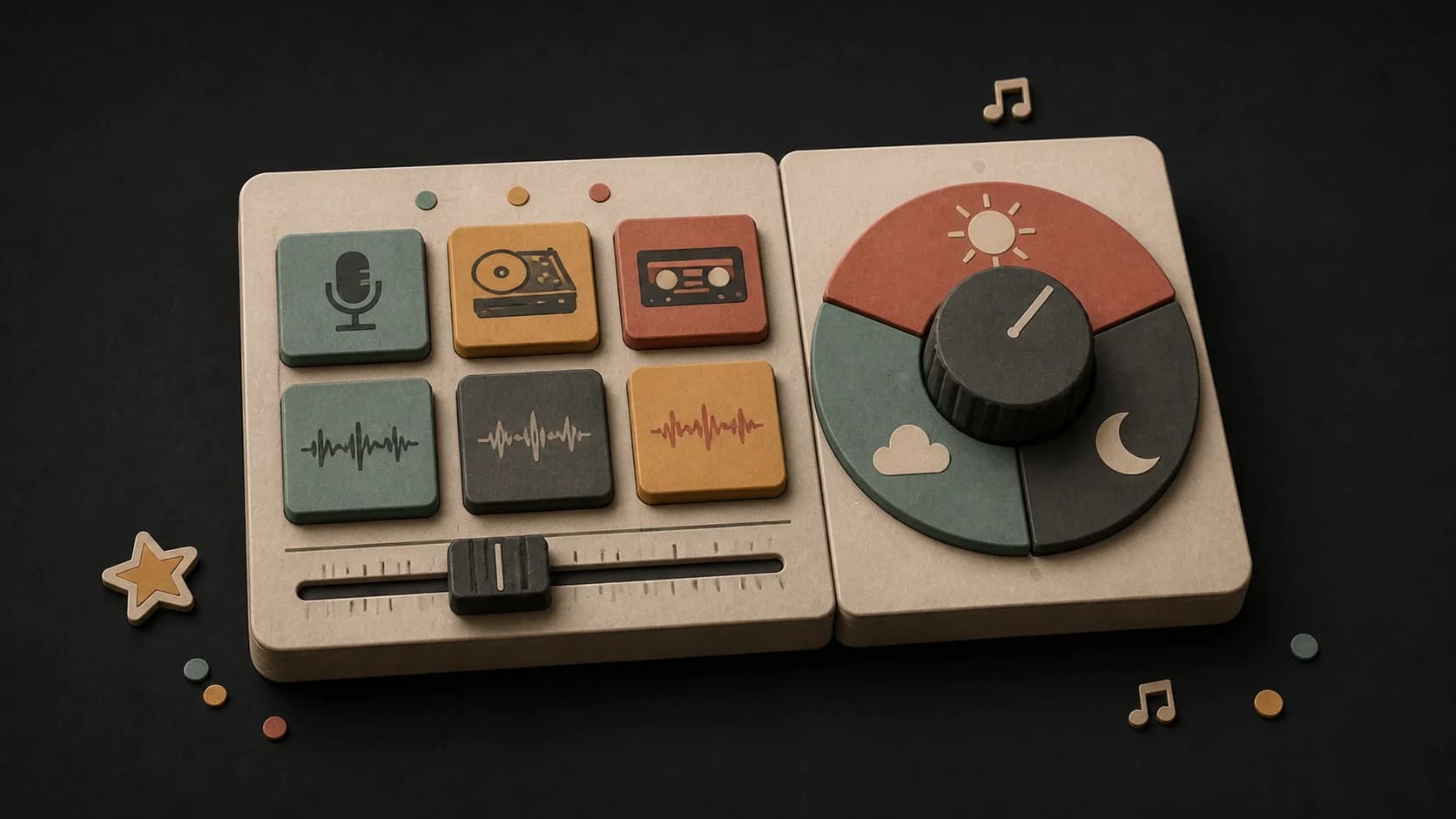
Pick from trap, boom-bap, drill, conscious rap, jazz rap, and other directions, then set the emotional tone.
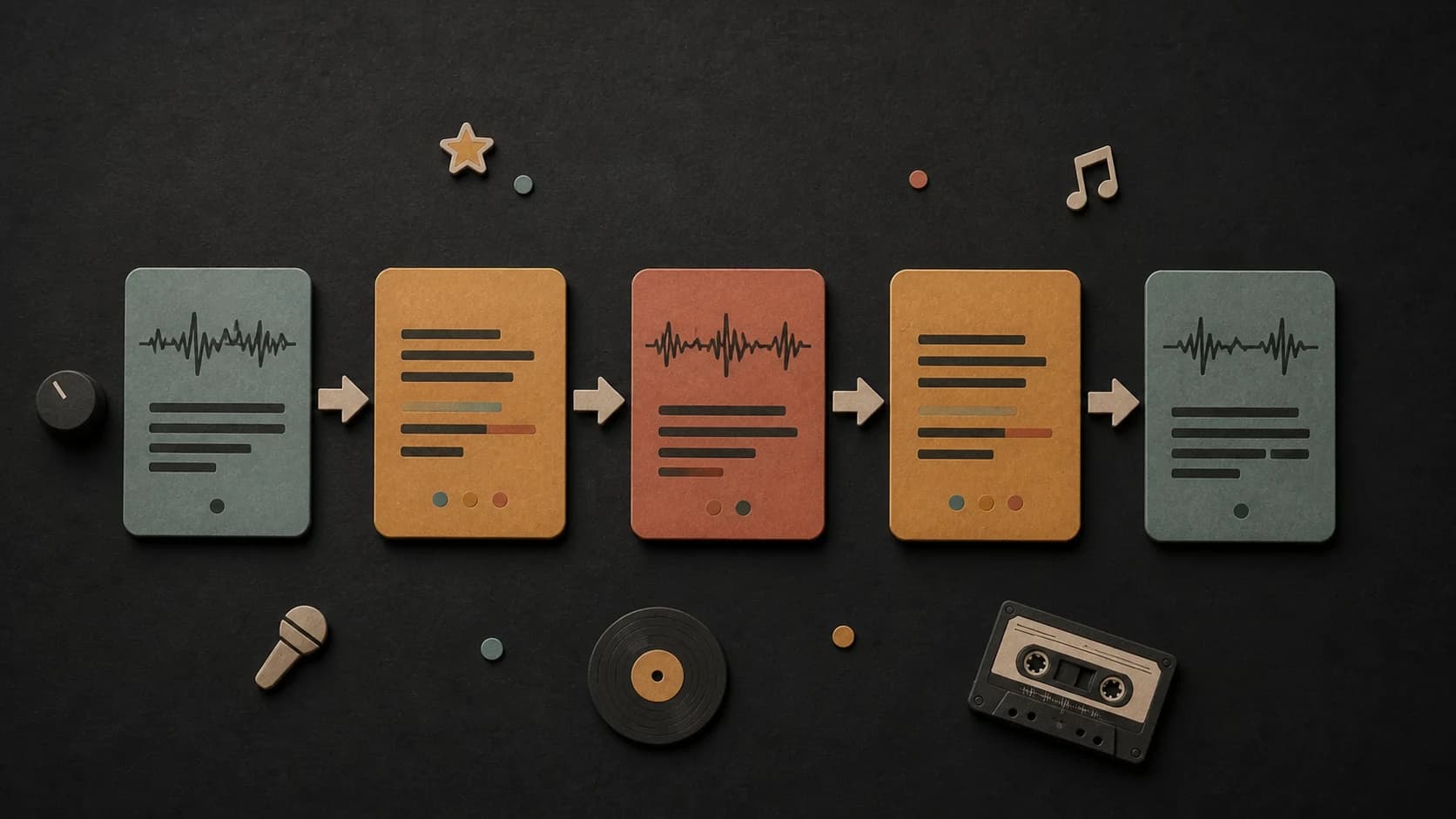
Choose a verse-and-hook layout, an intro-to-outro format, or a freestyle draft without a fixed structure.
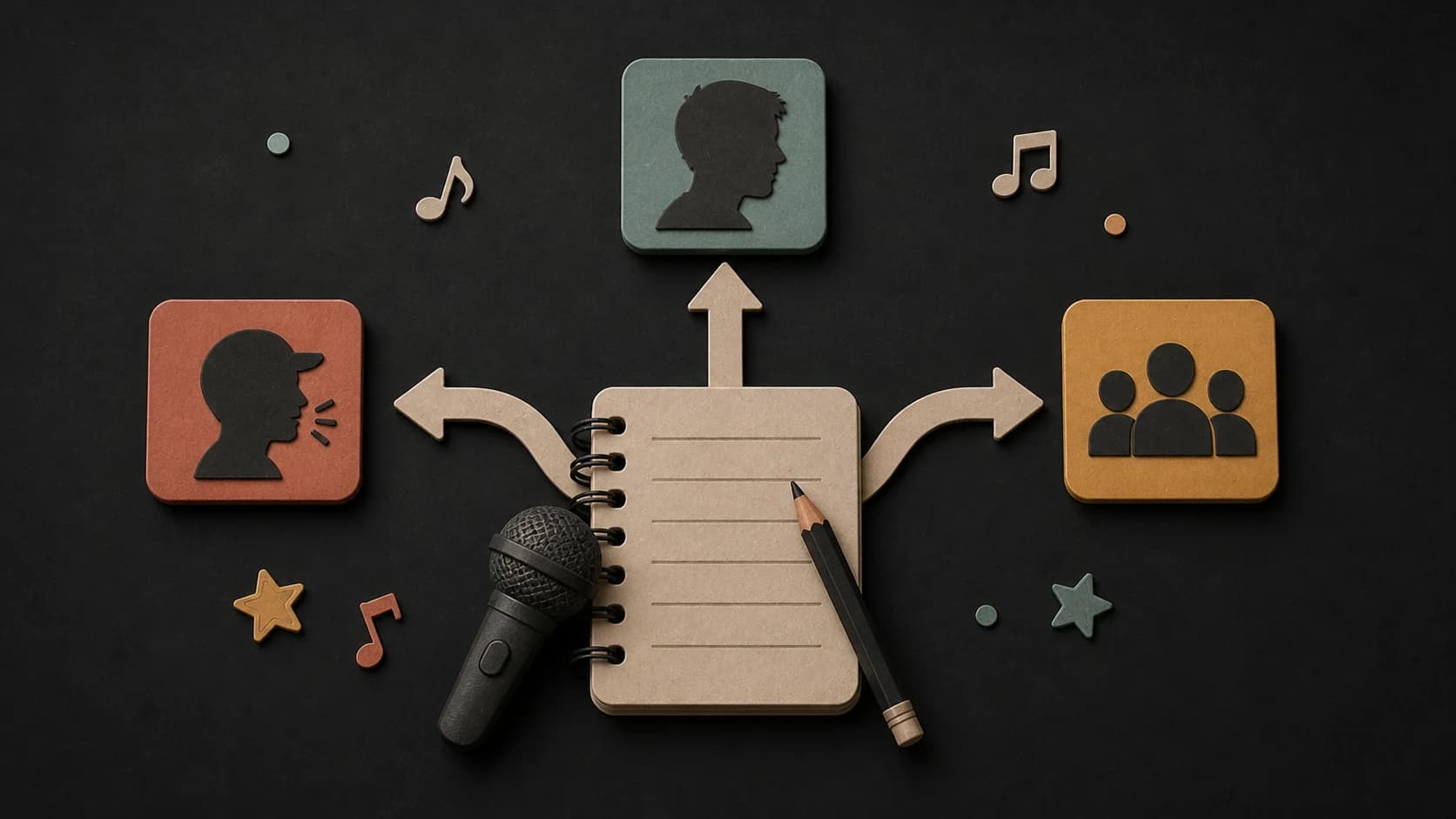
Write from first, second, or third person so the draft tells the story from the right angle.
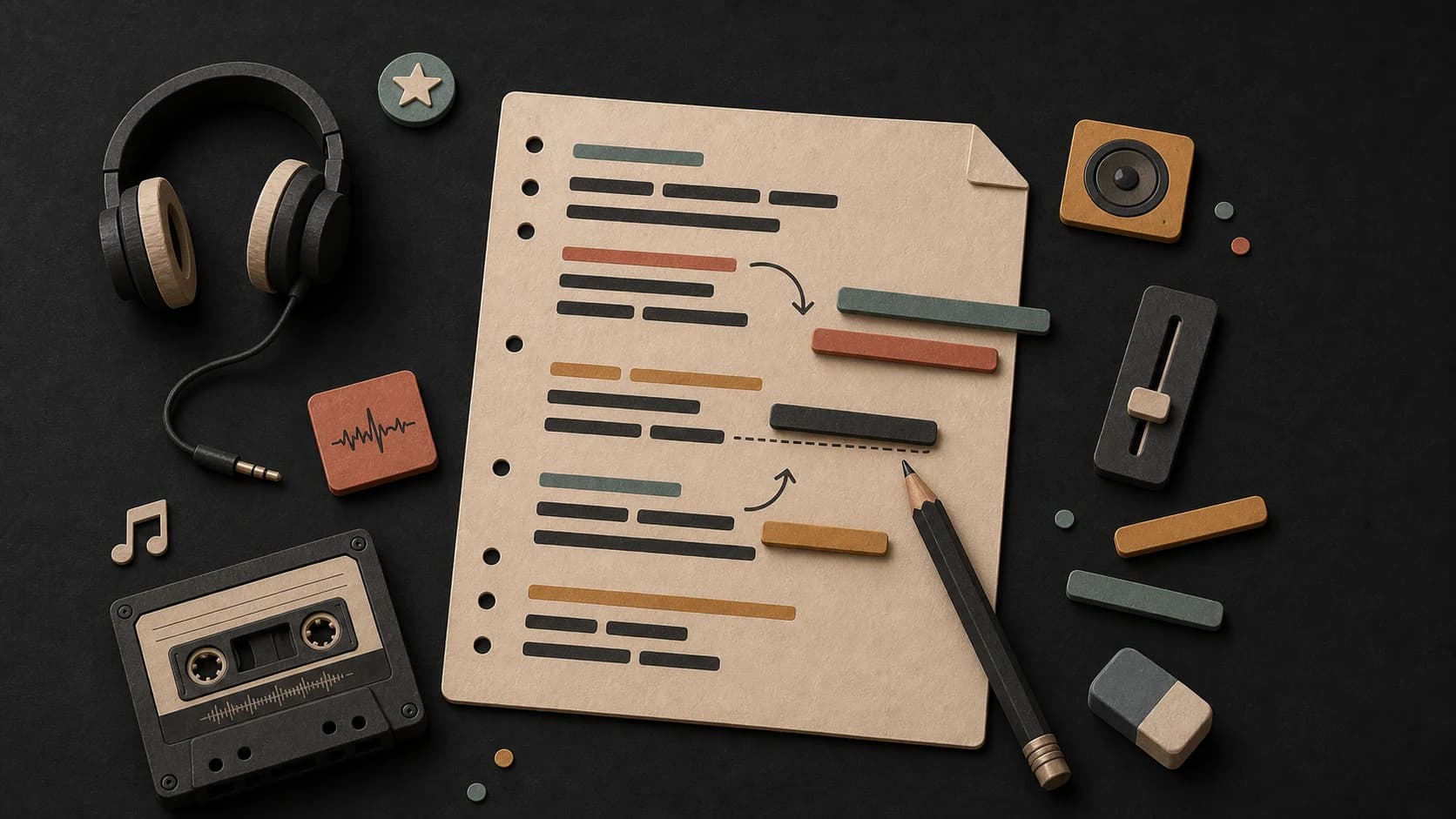
Change awkward lines, replace vague details, tighten the rhythm, and make the language sound like you.
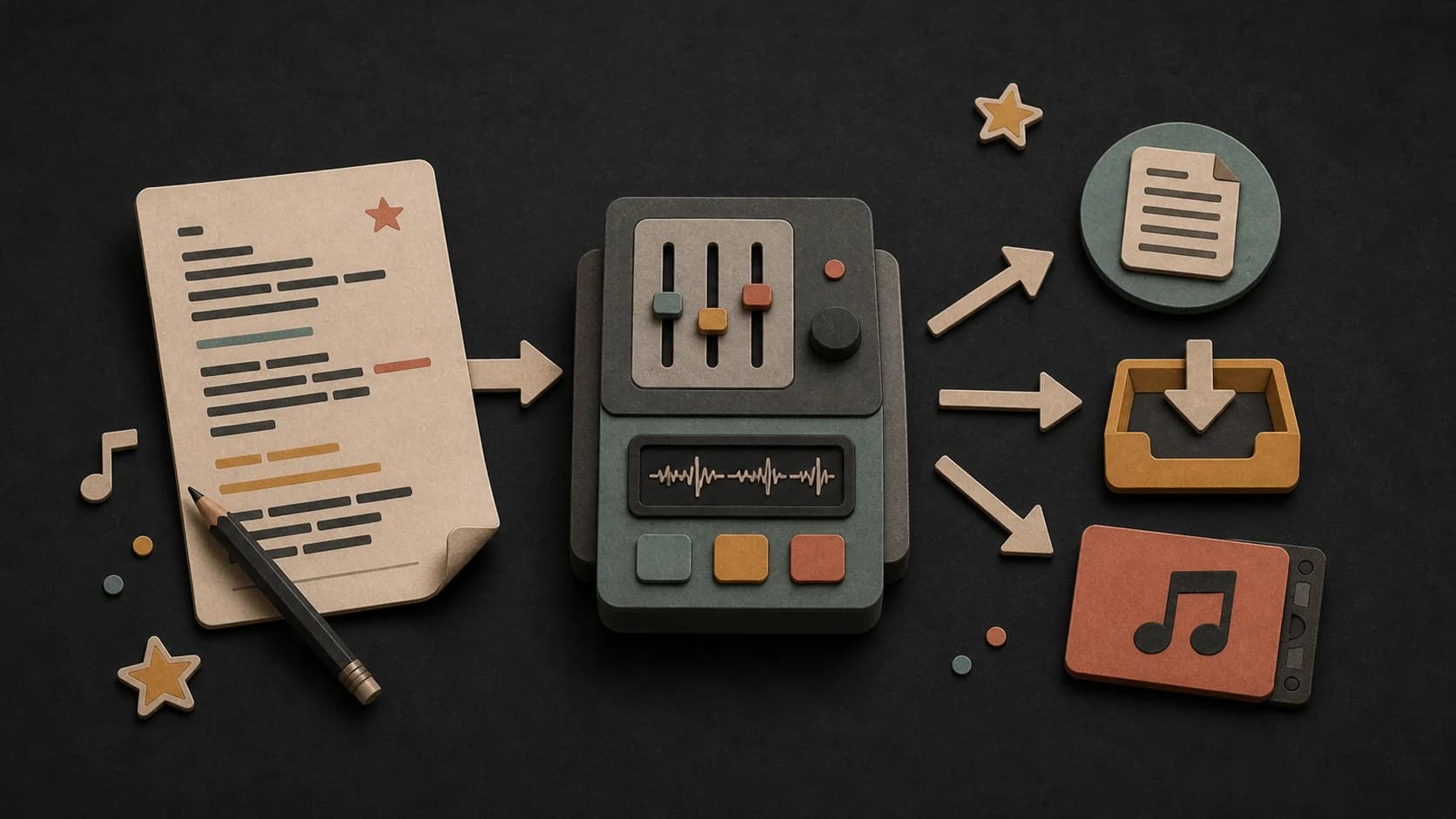
Copy the lyrics, save a text file, or send the draft into the song creation flow when you are ready.
Three steps
Write the topic, scene, details, attitude, and any lines or phrases you want included.
Select a rap style, mood, structure, and point of view, or use Try a rap idea for a page-specific starting direction.
Sign in, make the draft, then edit, copy, download, or continue into song creation.
Before you start
A scene, conflict, point of view, and rhythmic direction give the draft more to work with than a broad topic alone.
Ways to use it
Use a detailed prompt or one of the rap-specific ideas to get a verse-and-hook draft started.
Retell the same subject in first, second, or third person and compare what changes.
Match the mood and structure to the instrumental, then rewrite the cadence while you practice over it.
Start free. Upgrade when you need more.
 Rap Lyrics GeneratorNo credits usedFree on every plan
Try it out — no card required.
No credit card required
Perfect for creation, image-to-song, and song extension.
Save 40%
All 7 model families


Wave 5.5 · ElevenLabs Music · Lyria 3 Pro · MiniMax 2.6 · Mureka 9 · Stable Audio 2.5 · MusicGen
Cancel anytime · No lock-inUnused subscription credits expire at renewal or when the billing interval changes.
Best for commercial releases and advanced song editing.
Save 40%
All 7 model families
Wave 5.5 · ElevenLabs Music · Lyria 3 Pro · MiniMax 2.6 · Mureka 9 · Stable Audio 2.5 · MusicGen
Cancel anytime · No lock-inUnused subscription credits expire at renewal or when the billing interval changes.
For power users working across MIDI, video, and high-volume output.
Save 40%
All 7 model families
Wave 5.5 · ElevenLabs Music · Lyria 3 Pro · MiniMax 2.6 · Mureka 9 · Stable Audio 2.5 · MusicGen
Cancel anytime · No lock-inUnused subscription credits expire at renewal or when the billing interval changes.
FAQ
Straight answers about the current tool, its limits, and what happens next.
It chooses one of eight rap-specific topics plus a random rap style and mood, then fills the form so you can edit the direction.
The current page asks you to sign in before it creates the lyric draft.
Yes. The form includes three verse-and-hook layouts plus a freestyle option without a fixed structure.
Yes. The returned lyrics are shown in an editable text area so you can rewrite them before copying or downloading.
Yes. The result includes an action that carries the lyrics into MusicWave's song creation flow.
Treat them as a draft. Rewrite generic lines, check for unwanted similarities, clear any references, and make sure the final words fit your voice and intended use.
Keep exploring
Make a beat, write another genre, or turn the final lyrics into a song.
Start with your subject or try one of the eight detailed rap ideas, then edit every line you keep.
Write Rap LyricsFree on every plan