01
Analyze common audio files
Use MP3, WAV, M4A, AAC, FLAC, or OGG audio up to 50 MB.
MusicWave analysis tool
Drop in a track to estimate its tempo, key, scale, Camelot notation, and meter in your browser.
What the tool does
Use the returned BPM, scale, Camelot code, and meter as estimates you can verify by ear.
Use MP3, WAV, M4A, AAC, FLAC, or OGG audio up to 50 MB.
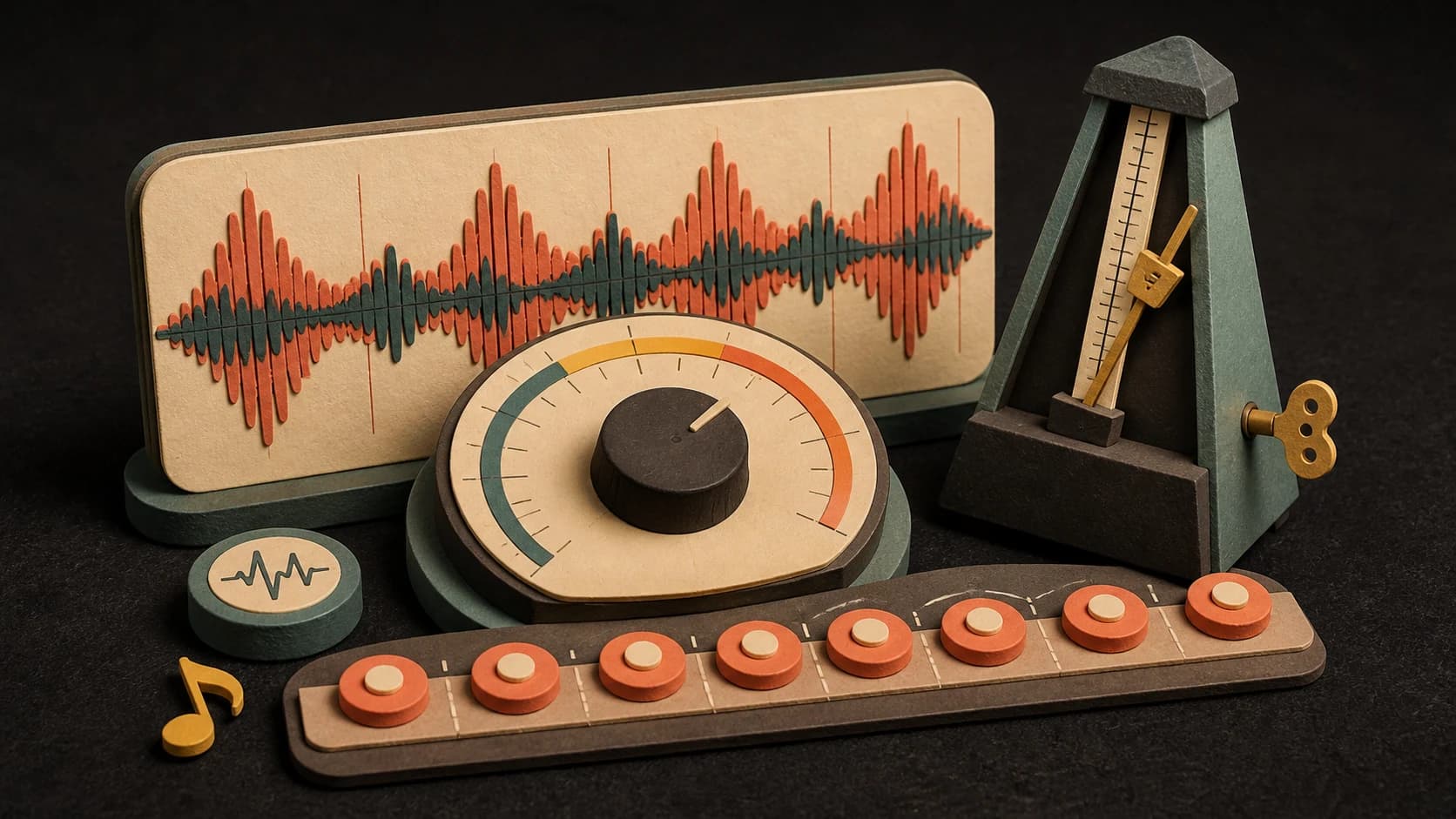
See an estimated BPM and tempo label, then tap along or listen again when the rhythm is ambiguous.
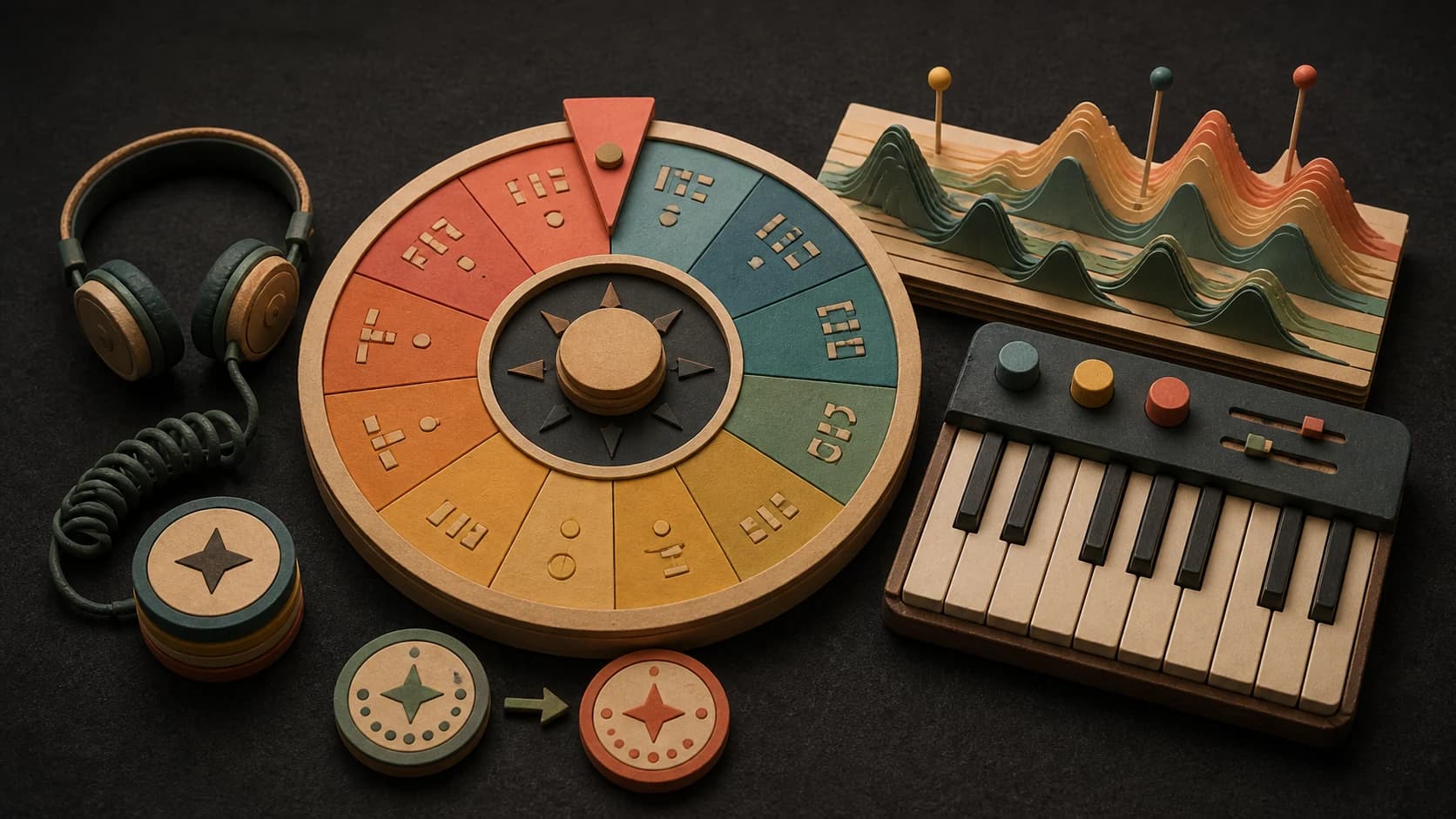
Get an estimated key, scale, and Camelot code for planning a mix or musical transition.
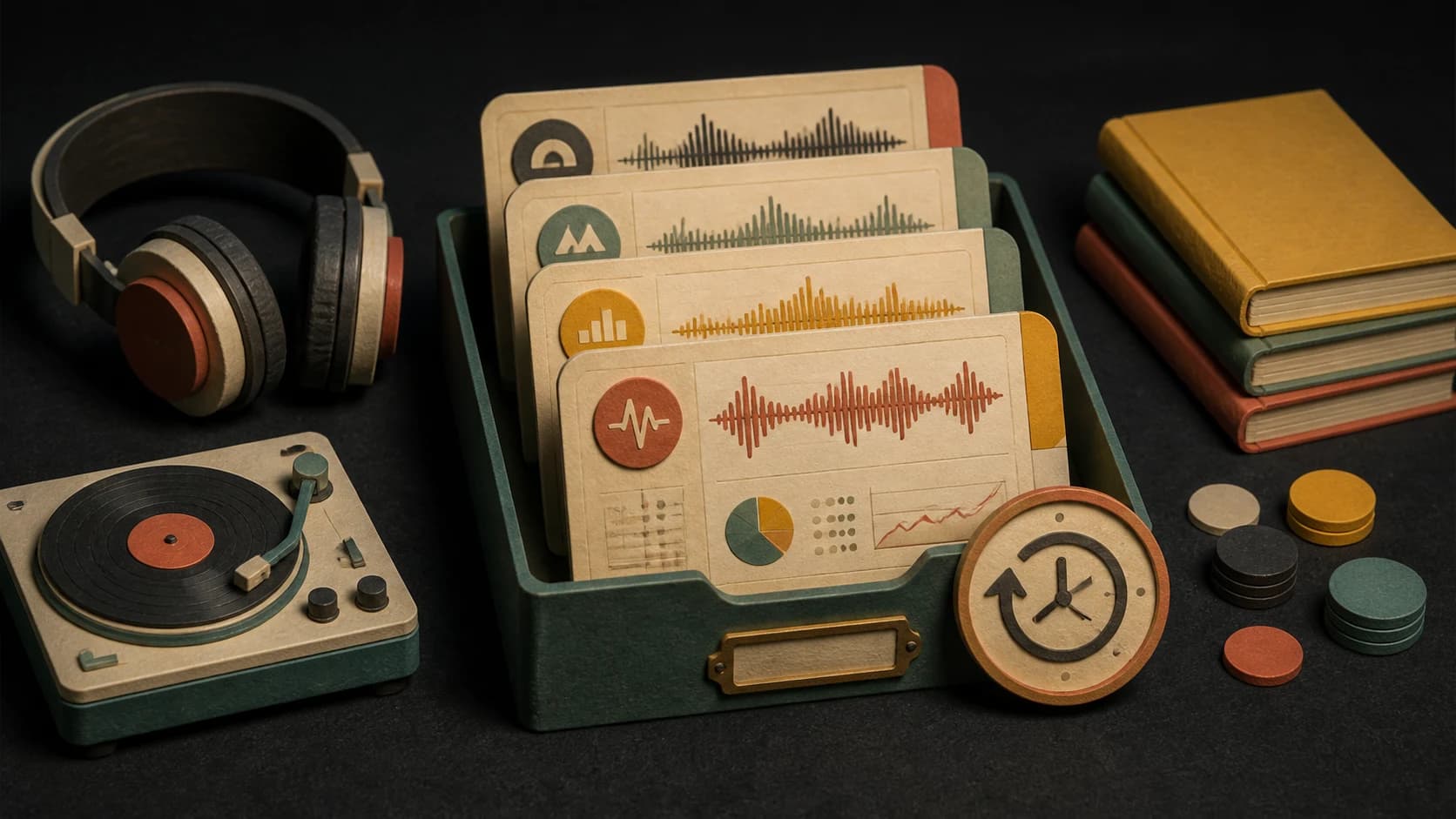
Reopen recent analyses stored for your browser or account without uploading the same file again.

The page analyzes the selected file on your device rather than spending music-generation credits.
Tempo and key detection can be wrong on live, sparse, modulating, or rhythmically complex recordings. Verify the result before a final mix.
Three steps
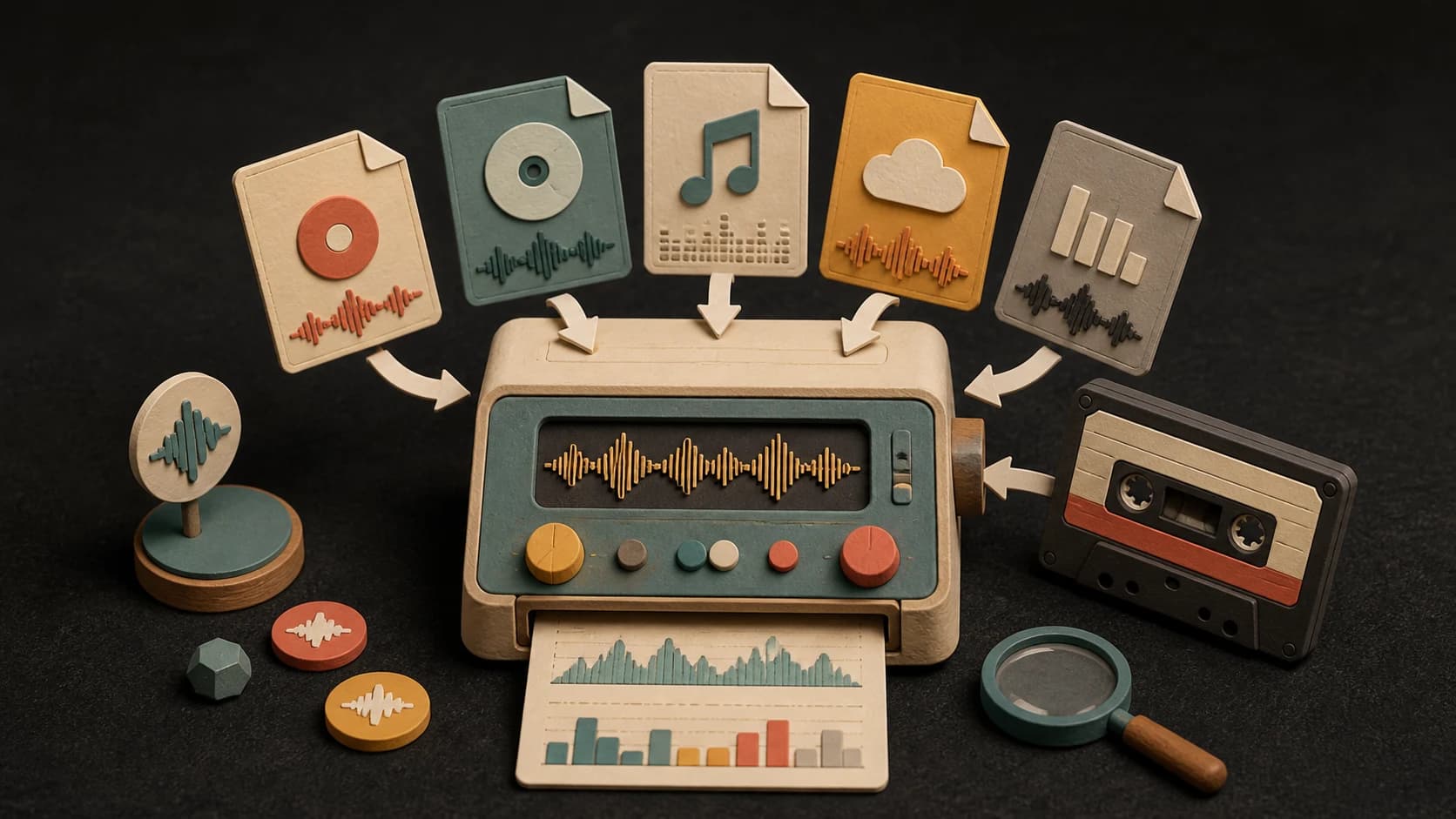
Drop in a supported file from your device, up to 50 MB.
Let the browser inspect the rhythm, pitch content, and other musical signals.
Check the BPM, key, scale, Camelot code, and meter, then copy what you need.
Before you start
Steady drums and audible harmony are easier to read than sparse intros, live timing, or songs that change key.
Ways to use it
Compare tempo and Camelot notation before deciding which tracks may mix well together.
Use the estimate as a starting point for your project tempo and key, then line it up by ear.
Record tempo and key notes for tracks you want to sort, practice, or revisit later.
Social proof
Real feedback from DJs and producers using our BPM & key finder
Super accurate BPM detection! Makes mixing so much easier. I can instantly find the right tracks that match the tempo I'm looking for.
The key detection is spot on! It's saved me countless hours when creating mashups. Now I know exactly which tracks will harmonically mix.
Essential tool for every DJ! Quick, accurate, and reliable. I use it to prep all my sets and organize my music library by key.
Start free. Upgrade when you need more.
 BPM & Key FinderNo credits usedFree on every plan
Try it out — no card required.
No credit card required
Perfect for creation, image-to-song, and song extension.
Save 40%
All 7 model families


Wave 5.5 · ElevenLabs Music · Lyria 3 Pro · MiniMax 2.6 · Mureka 9 · Stable Audio 2.5 · MusicGen
Cancel anytime · No lock-inUnused subscription credits expire at renewal or when the billing interval changes.
Best for commercial releases and advanced song editing.
Save 40%
All 7 model families
Wave 5.5 · ElevenLabs Music · Lyria 3 Pro · MiniMax 2.6 · Mureka 9 · Stable Audio 2.5 · MusicGen
Cancel anytime · No lock-inUnused subscription credits expire at renewal or when the billing interval changes.
For power users working across MIDI, video, and high-volume output.
Save 40%
All 7 model families
Wave 5.5 · ElevenLabs Music · Lyria 3 Pro · MiniMax 2.6 · Mureka 9 · Stable Audio 2.5 · MusicGen
Cancel anytime · No lock-inUnused subscription credits expire at renewal or when the billing interval changes.
FAQ
Straight answers about the current tool, its limits, and what happens next.
Upload MP3, WAV, M4A, AAC, FLAC, or OGG files up to 50MB for instant analysis.
Our AI provides highly accurate BPM readings for most genres. Complex or shifting tempos may require manual verification.
The Camelot Wheel is a DJ tool that assigns each key a number (1–12) and letter (A for minor, B for major). Adjacent keys mix harmonically.
Currently, you analyze one track at a time. Your recent analyses are saved in history for quick reference.
You can analyze tracks for free without an account. Sign up for unlimited history and faster processing.
Some rhythms can be counted in half-time or double-time. For example, the same pulse may feel like 70 BPM or 140 BPM, so choose the value that matches the beat you hear.
Keep exploring
Analyze first, then remix, split, convert, or make another beat.
Drop in a supported file up to 50 MB. The analysis uses no generation credits.
Free on every plan
Add an audio file