01
Start with the image itself
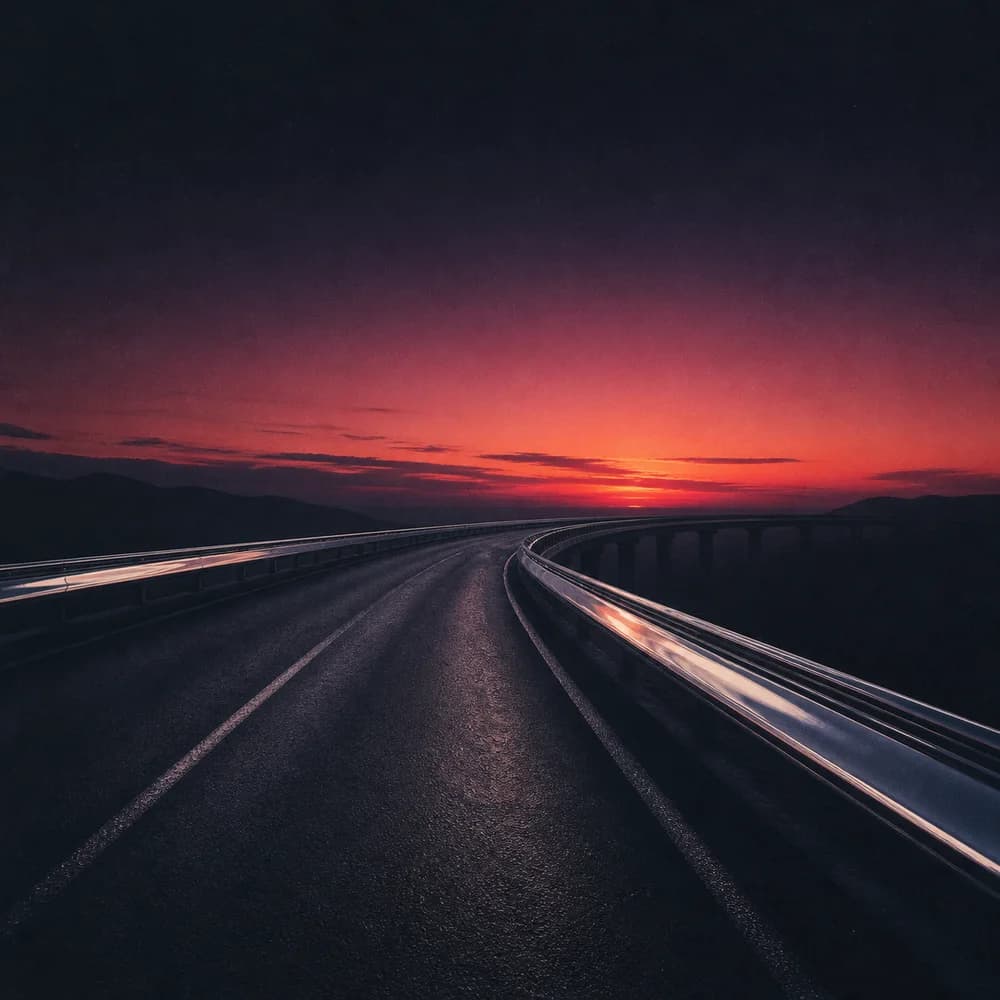
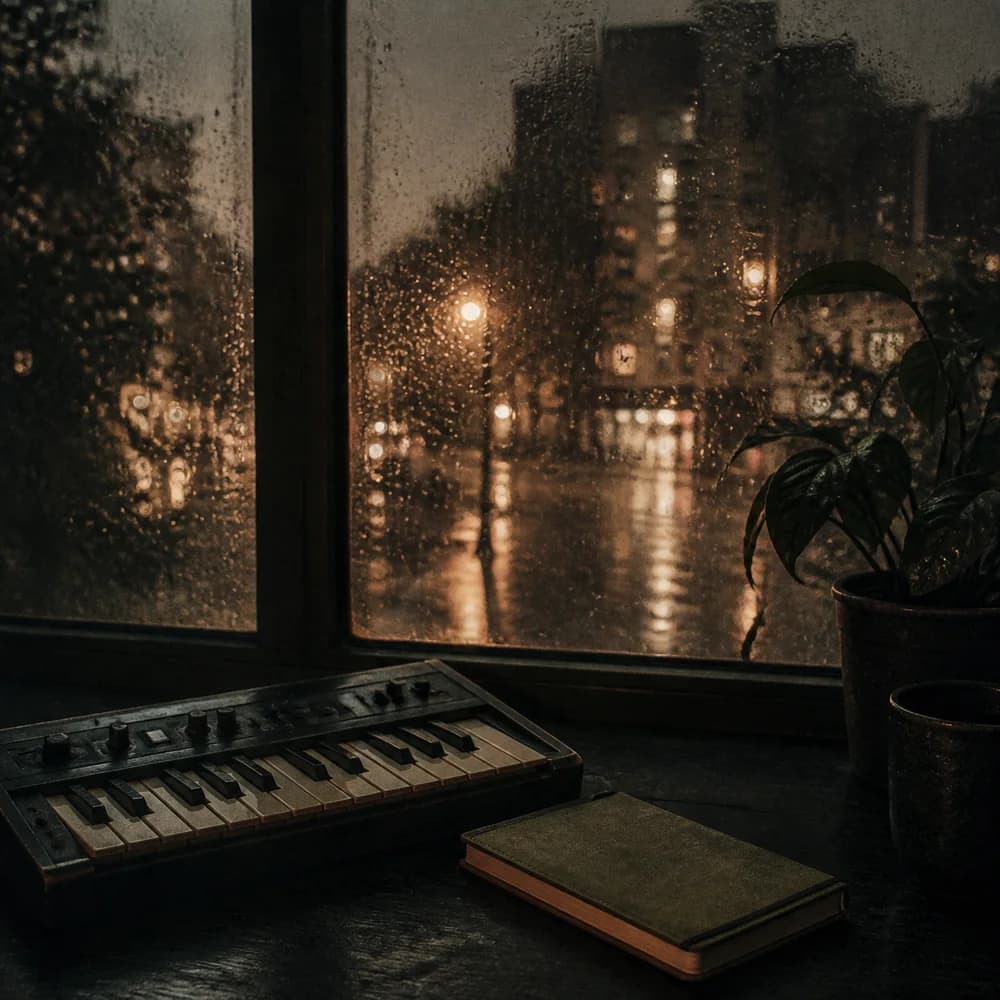
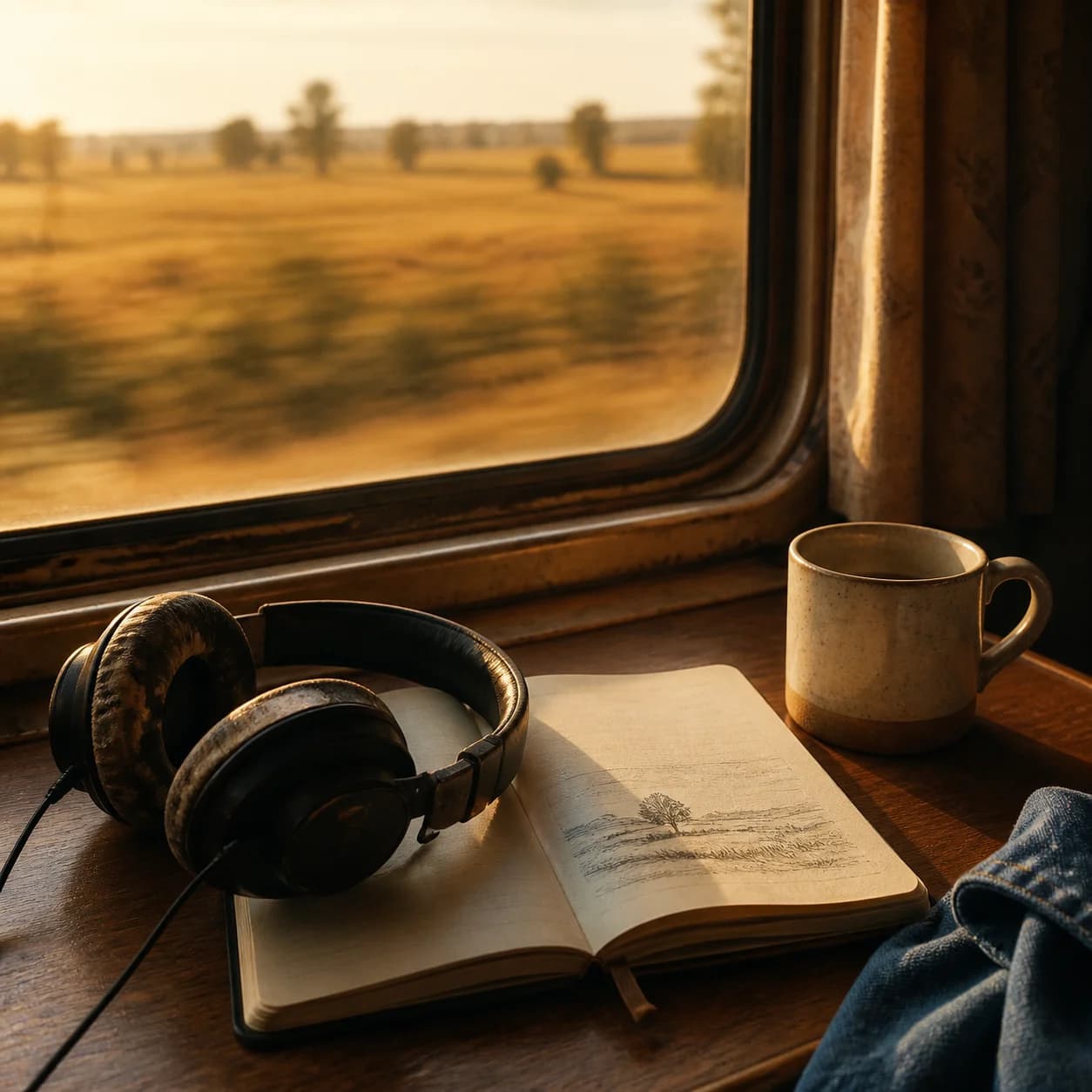
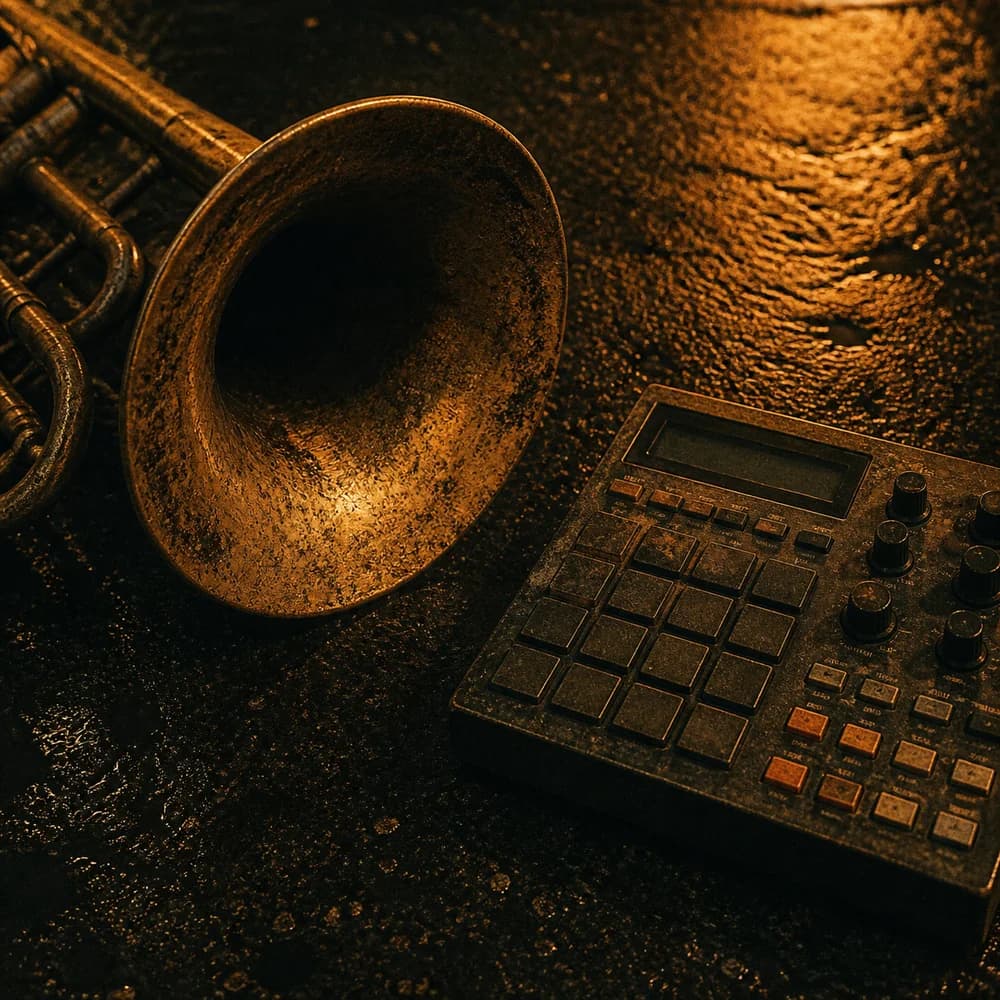
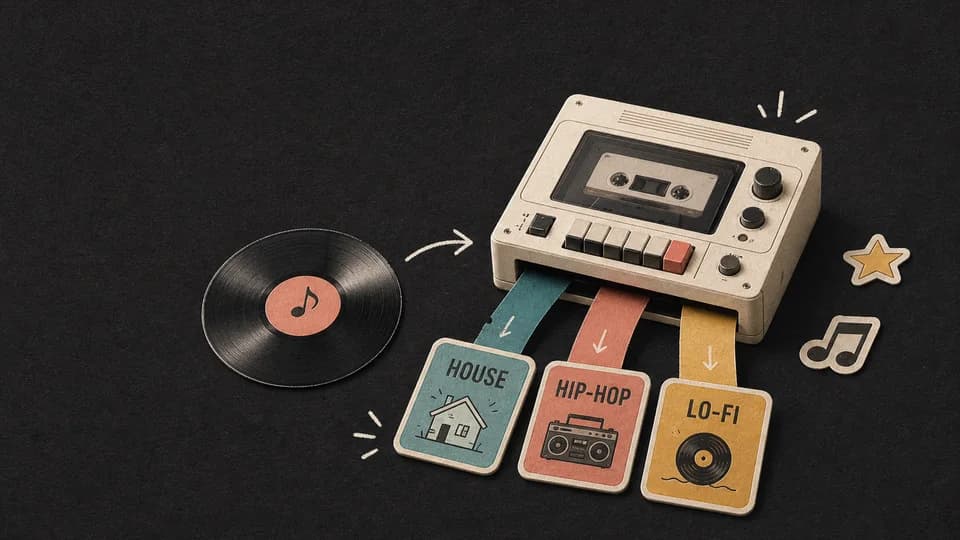
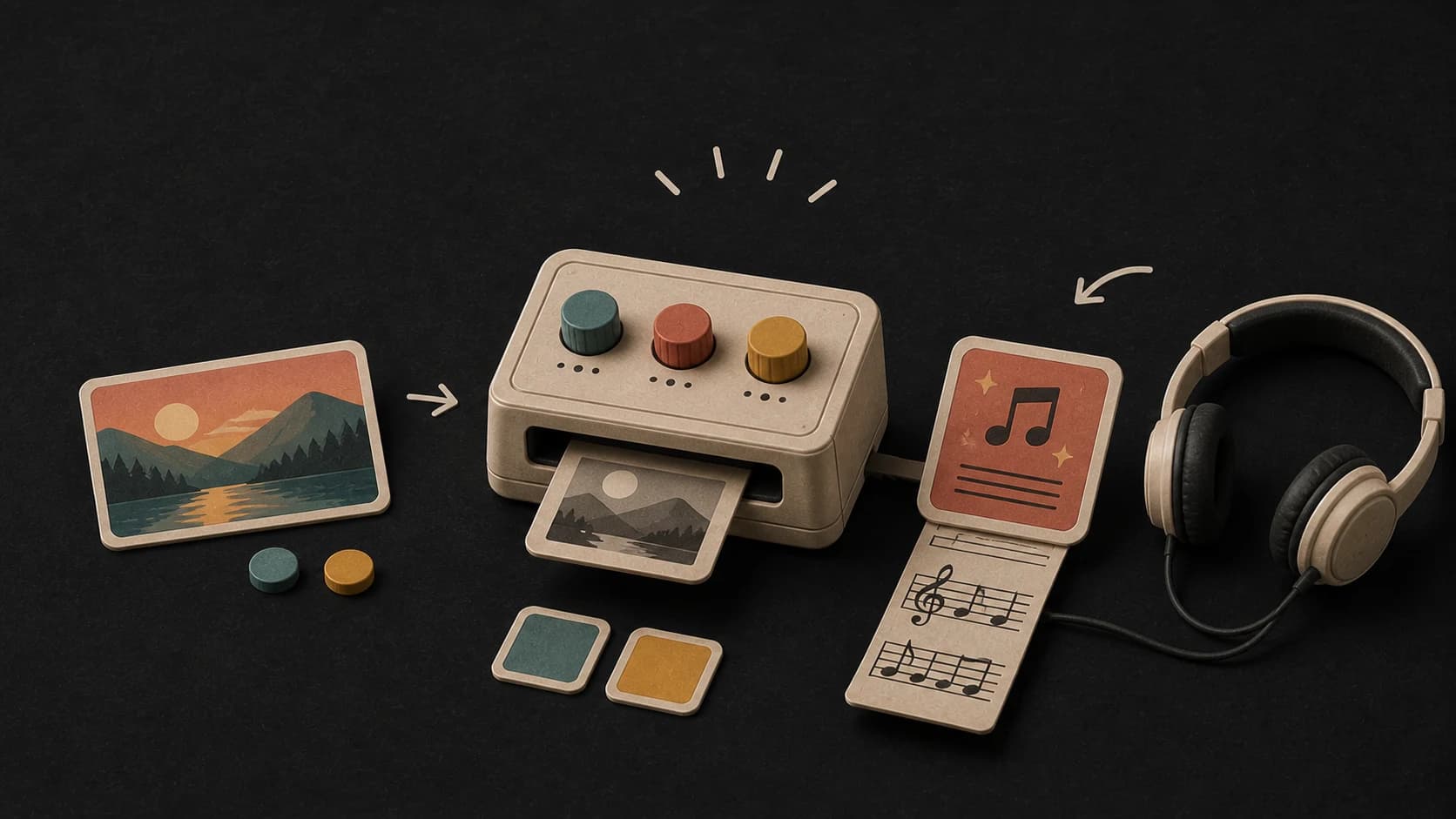
The picture travels with the request, giving the song a visual starting point for its scene, atmosphere, and emotional direction.
MusicWave image tool
Upload an image, add a written direction or your own lyrics, and create two songs shaped by the scene or mood.
Choose the picture, describe the sound, and decide whether the result should use lyrics or stay instrumental.
From picture to music direction
The picture sets the starting point. Your written direction, lyrics, and output choice make the request more specific.
The picture travels with the request, giving the song a visual starting point for its scene, atmosphere, and emotional direction.
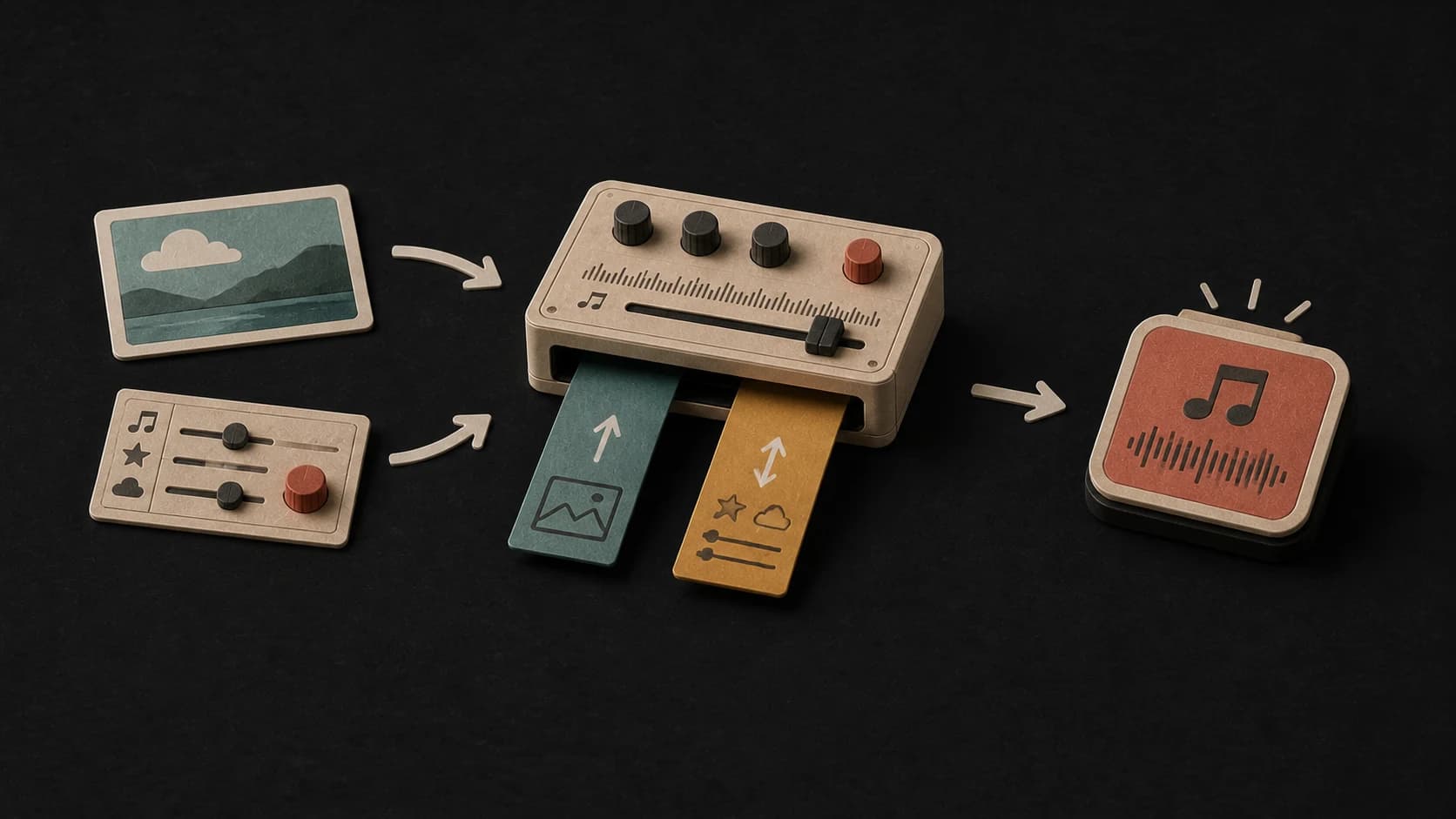
Name the genre, pace, instruments, vocal feel, or production details when you want more control than the picture provides.
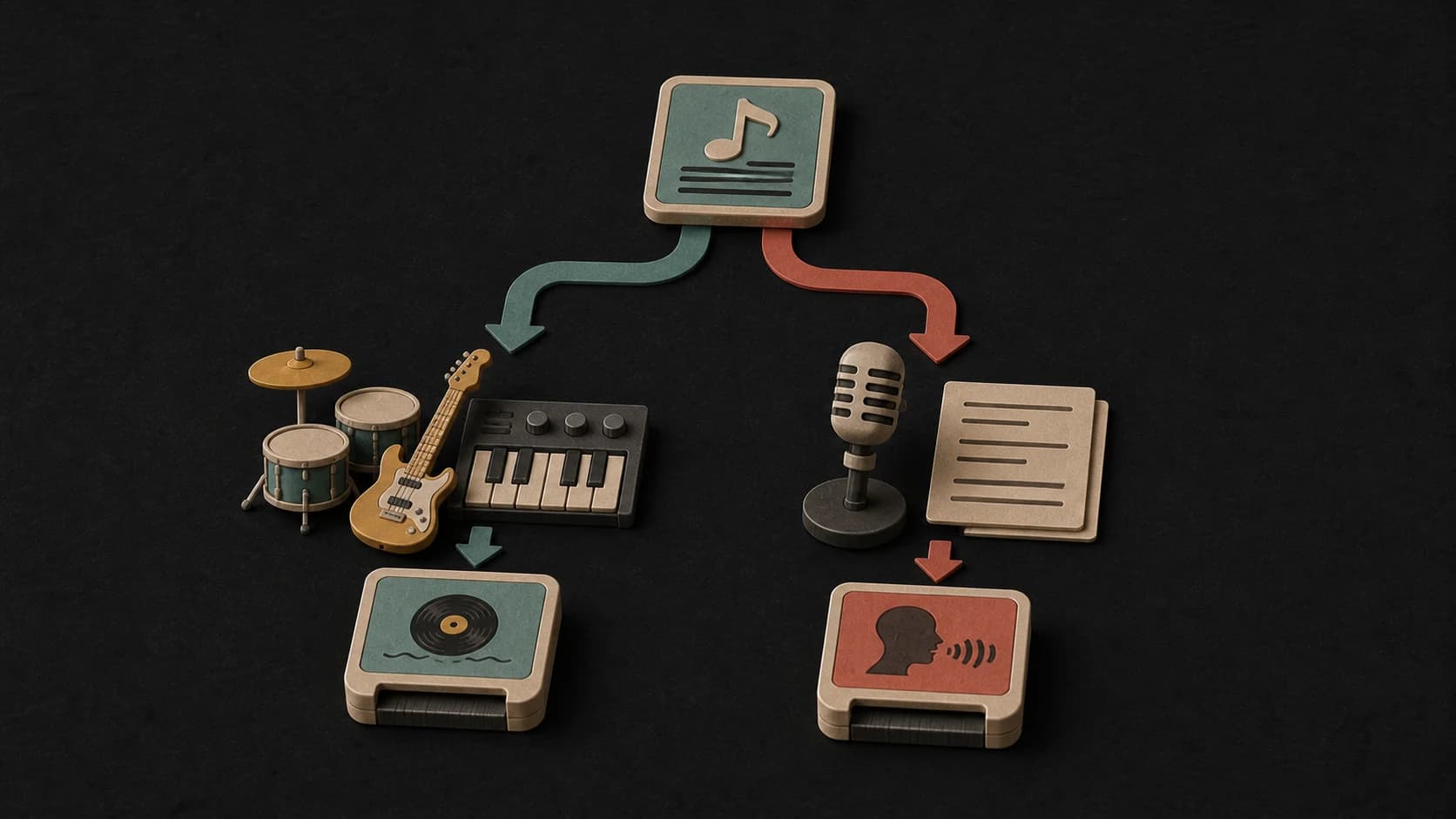
Paste your own lyrics for a vocal track, or switch on Instrumental when the image should become background music without words.
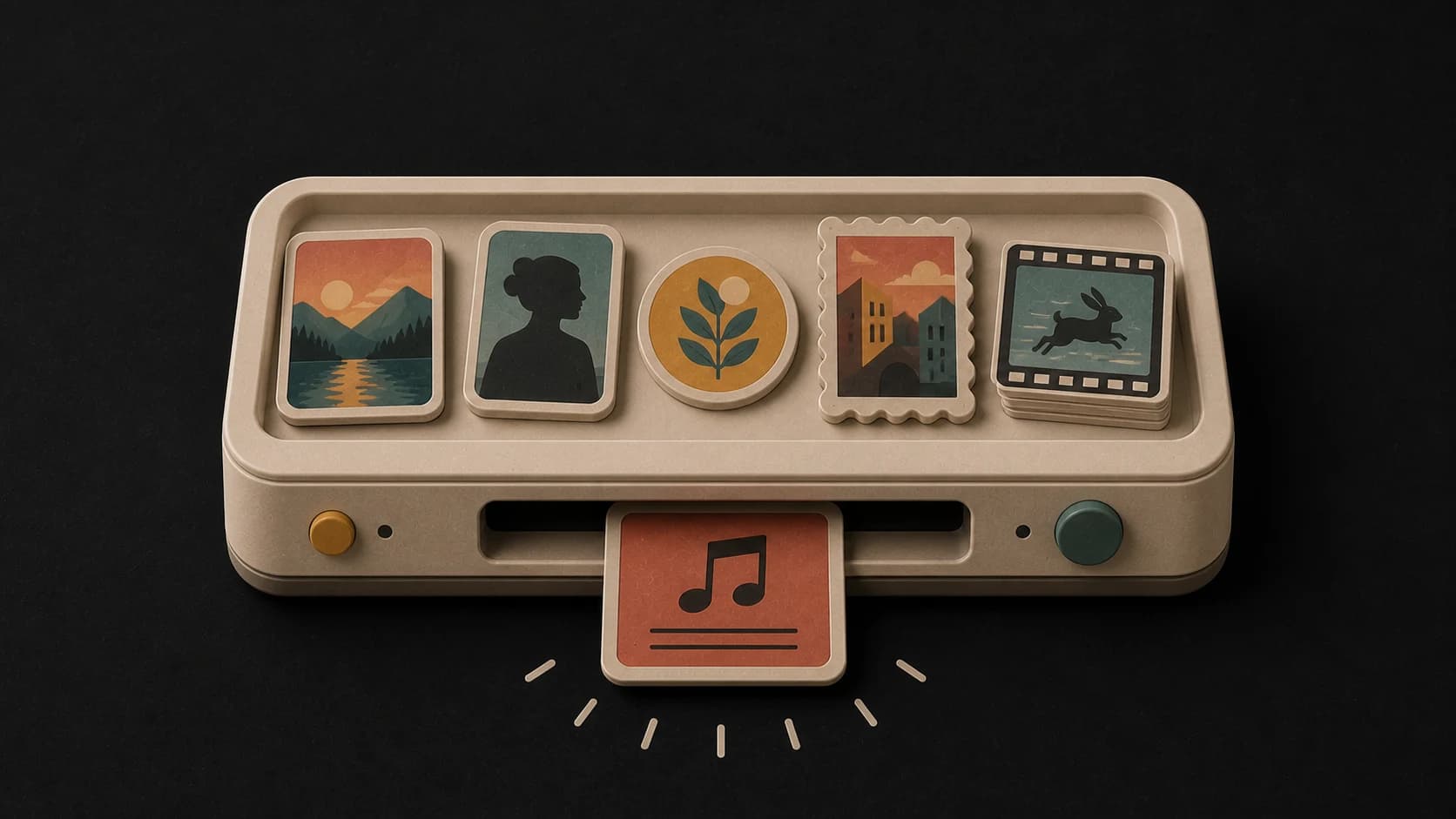
The live uploader accepts JPG, PNG, GIF, WebP, and BMP files, so you can begin with a photo, illustration, or artwork.
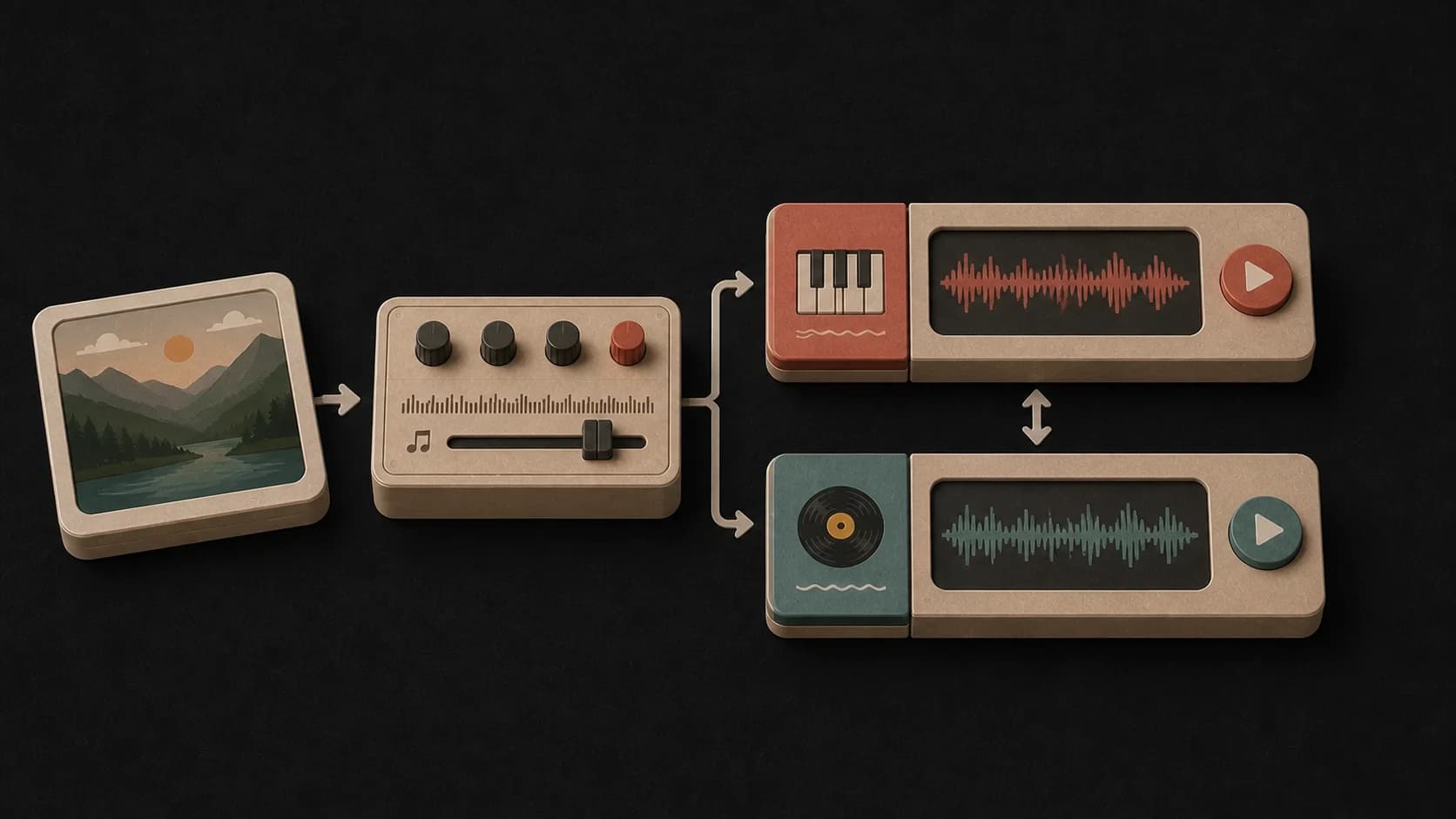
One request returns two takes. Play both on the page and keep the version that reads the image in the direction you wanted.
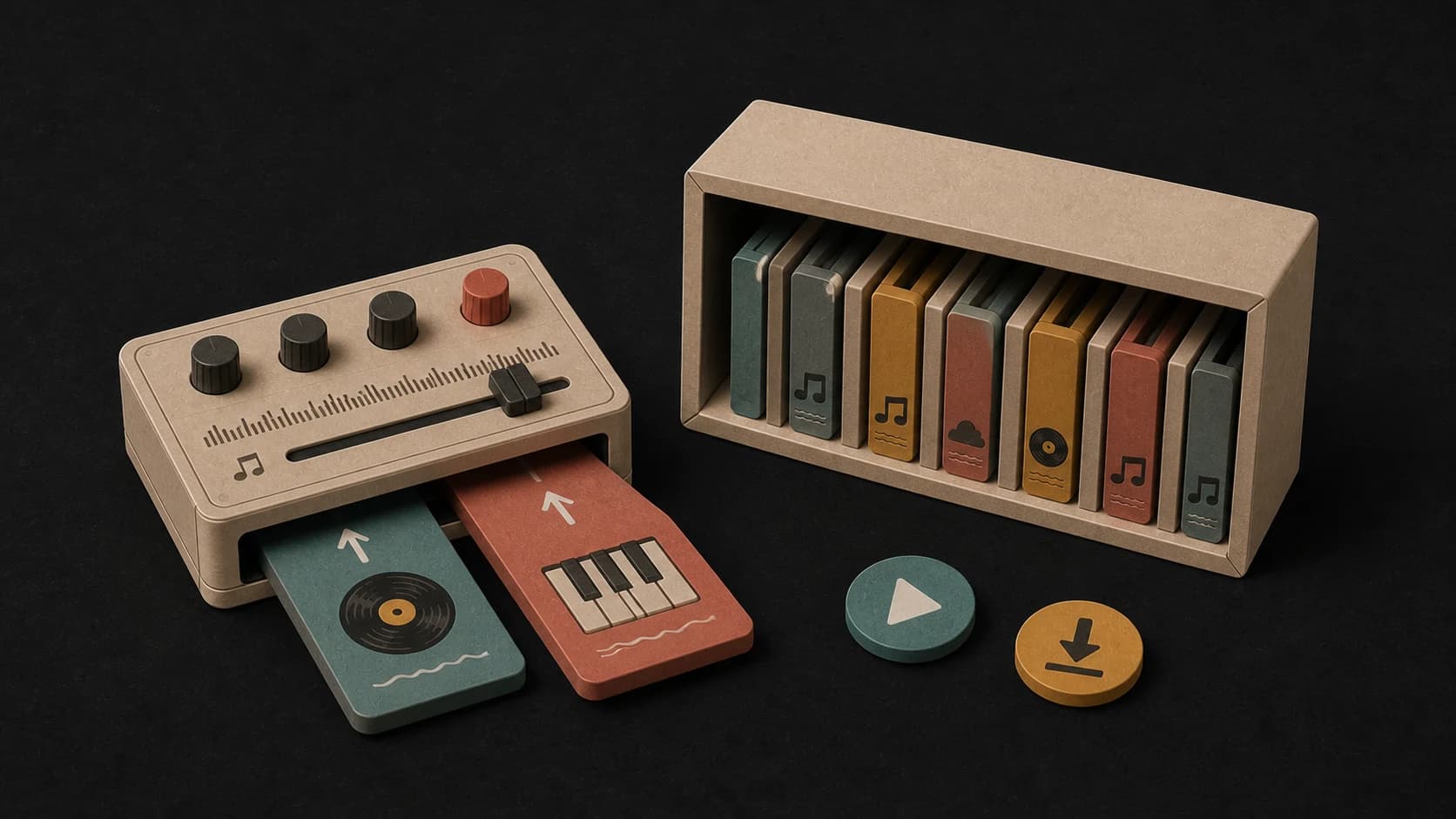
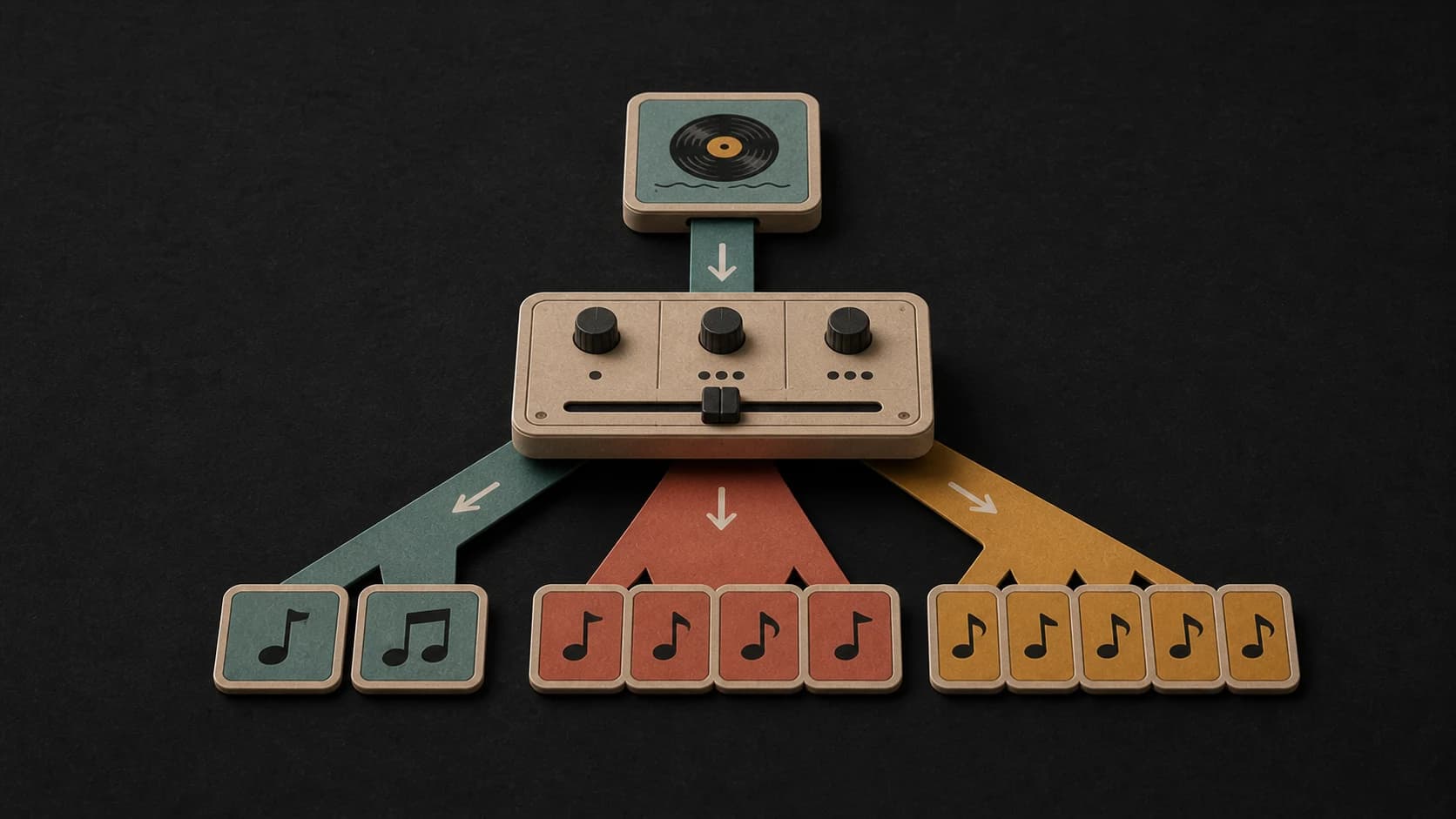
Finished songs can live in your MusicWave library, where the tools available for that track can help you extend, remix, or split it later.
From image to two songs
Choose a JPG, PNG, GIF, WebP, or BMP file from your device.
Add the genre, pace, instruments, mood, lyrics, or instrumental choice that should guide the result.
Start the request, follow its progress, and play the two returned song versions on the page.
Write a clearer direction
You do not need visual-analysis jargon. Point to the feeling or scene you want, then describe the sound in ordinary language.
Ways to start from an image
Use one representative image, then describe the pace and arc you want across a slideshow or gallery.
Upload a thumbnail or key frame and draft a soundtrack idea before the full edit is finished.
Try the same illustration or painting with different instruments, moods, and tempos to compare the musical interpretations.
Start free. Upgrade when you need more.
 Image to Song10 credits per generationIncluded from Starter
Try it out — no card required.
No credit card required
Perfect for creation, image-to-song, and song extension.
Save 40%
All 7 model families


Wave 5.5 · ElevenLabs Music · Lyria 3 Pro · MiniMax 2.6 · Mureka 9 · Stable Audio 2.5 · MusicGen
Cancel anytime · No lock-inUnused subscription credits expire at renewal or when the billing interval changes.
Best for commercial releases and advanced song editing.
Save 40%
All 7 model families
Wave 5.5 · ElevenLabs Music · Lyria 3 Pro · MiniMax 2.6 · Mureka 9 · Stable Audio 2.5 · MusicGen
Cancel anytime · No lock-inUnused subscription credits expire at renewal or when the billing interval changes.
For power users working across MIDI, video, and high-volume output.
Save 40%
All 7 model families
Wave 5.5 · ElevenLabs Music · Lyria 3 Pro · MiniMax 2.6 · Mureka 9 · Stable Audio 2.5 · MusicGen
Cancel anytime · No lock-inUnused subscription credits expire at renewal or when the billing interval changes.
FAQ
Clear answers about image types, directions, lyrics, song versions, credits, and image rights.
The current uploader accepts JPG, JPEG, PNG, GIF, WebP, and BMP images.
No, but a written direction helps when the image could suggest several kinds of music. Name the pace, instruments, genre, or vocal approach you want.
Yes. You can add up to 3,000 characters, or switch on Instrumental when you do not want vocals.
Image to Song currently creates two versions so you can compare how the same image and direction were interpreted.
The create button shows a cost of 10 credits before you start the request.
Only upload an image you own or have permission to use. Creating a song from a picture does not give you rights to the original image.
Keep exploring
Create without an image, reshape the result, extend it, or separate it into parts.
Choose a picture, add the sound you want, and compare the two returned versions.
Choose an ImageIncluded from Starter · 10 credits per generation