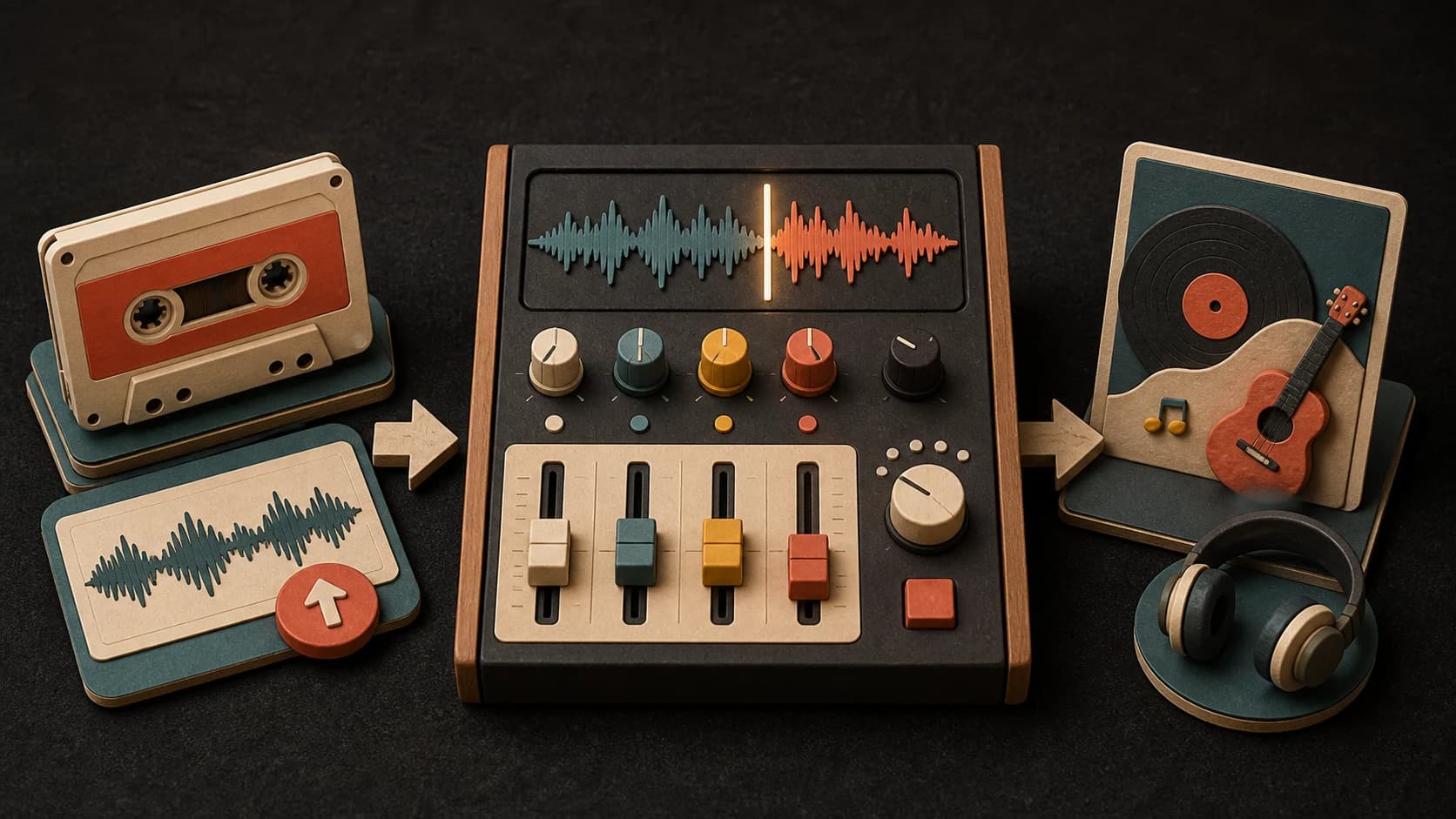
01
Start with source audio
Choose a file from your device that you own or have permission to use.
MusicWave cover tool
Upload audio you may use, choose a voice, adjust the pitch, and make a new cover version.
Choose the source, voice, and pitch before you spend 10 credits.
What the tool does
Upload the source, preview the available voices, adjust the pitch, and review the result before you keep it.
Choose a file from your device that you own or have permission to use.

Browse the available voice catalog and listen to previews before making your selection.
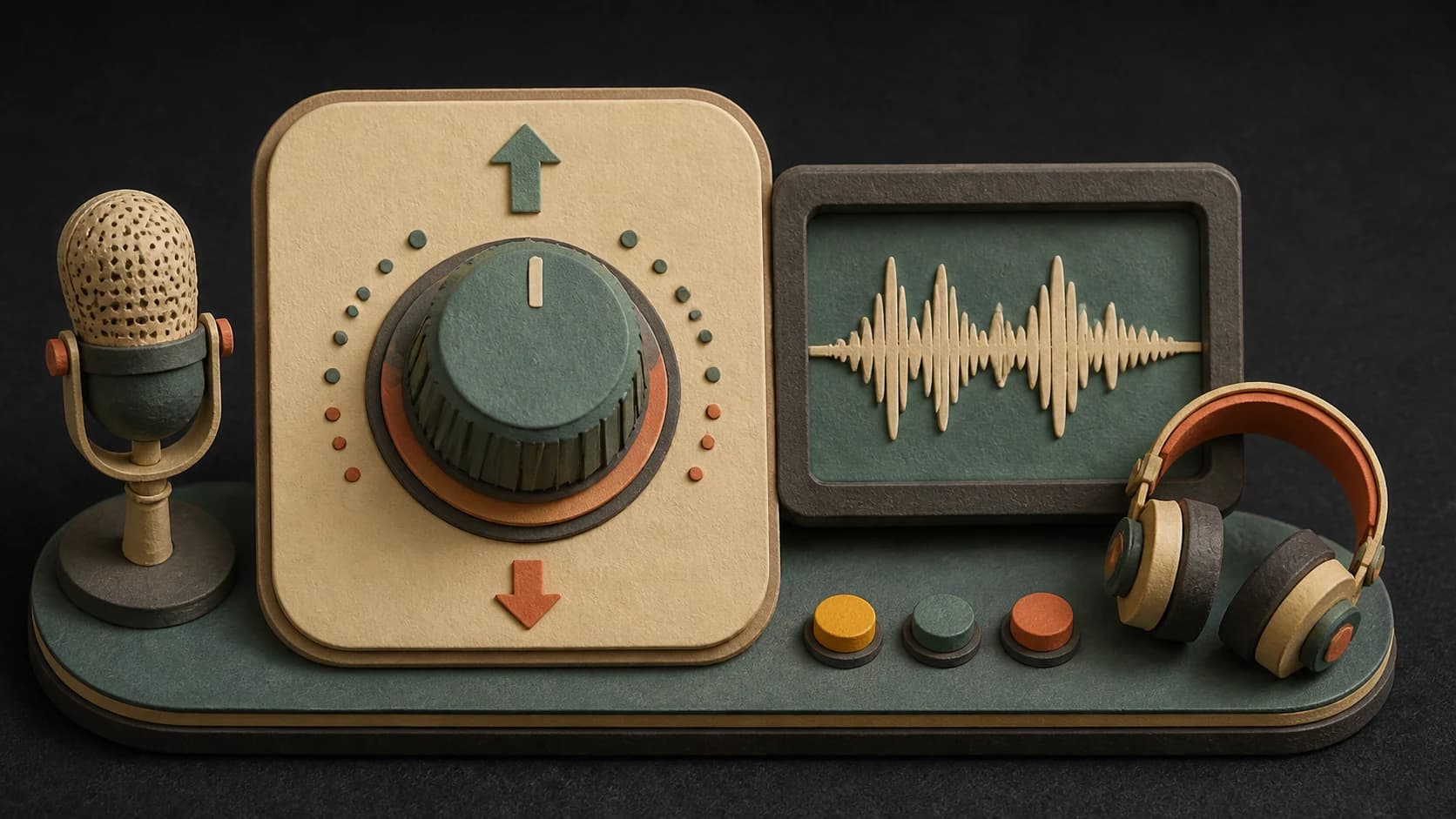
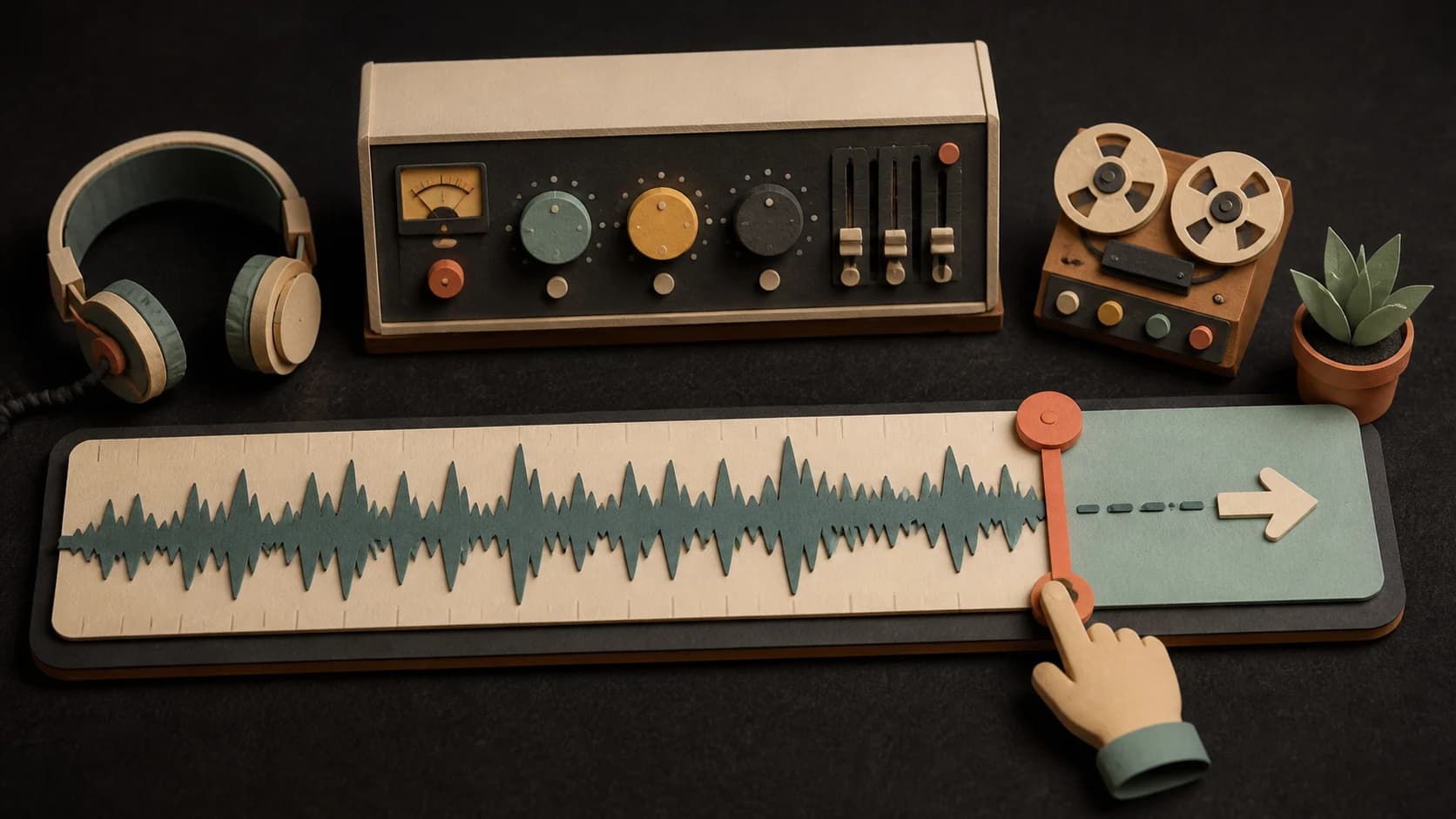
Move the source up or down by as much as 12 semitones when the vocal range needs a better fit.
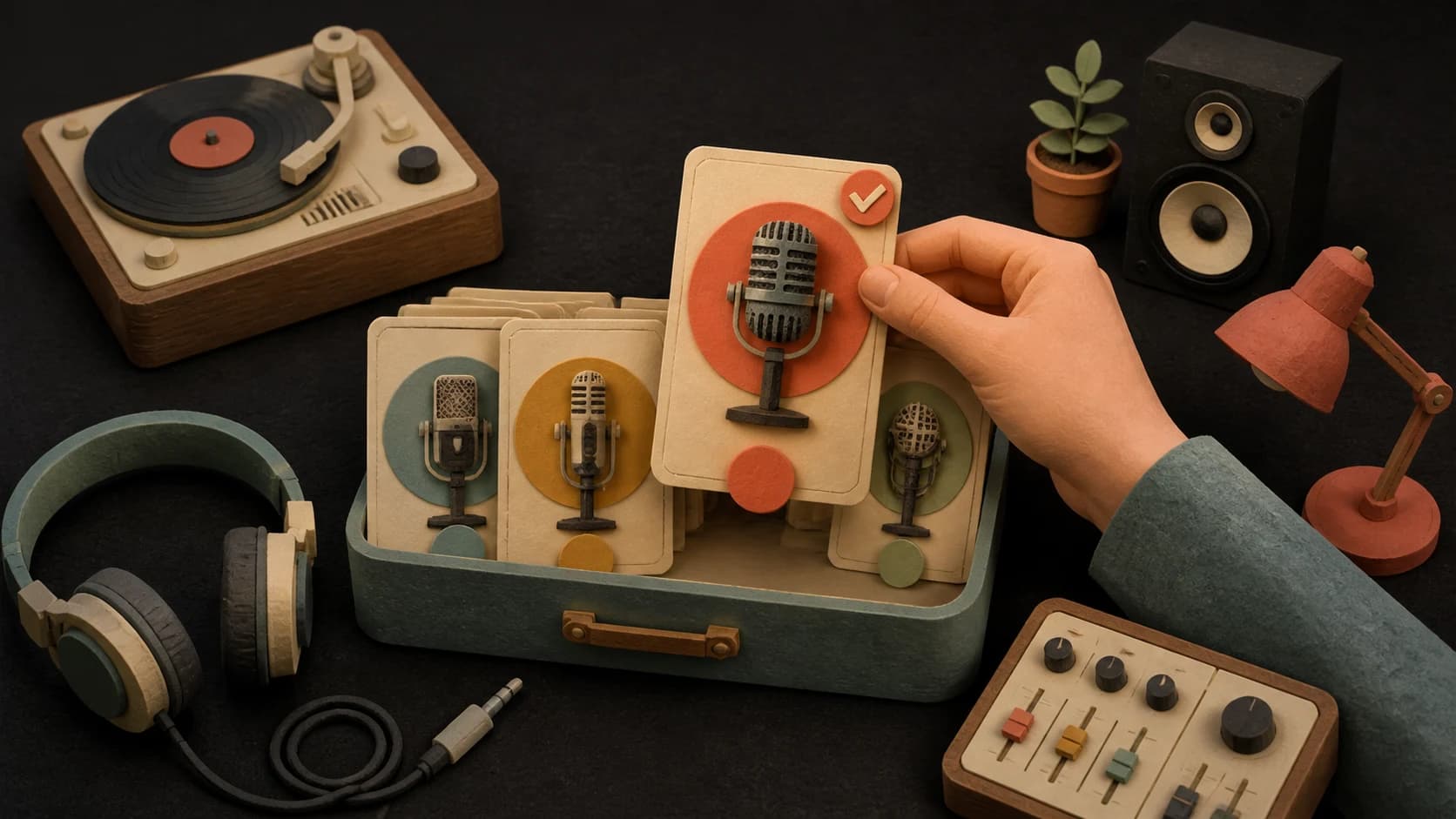
Plans with custom voice access can choose an available personal voice from the same selector.

Listen to the finished cover on the page, keep it in your history, and download the version you want.
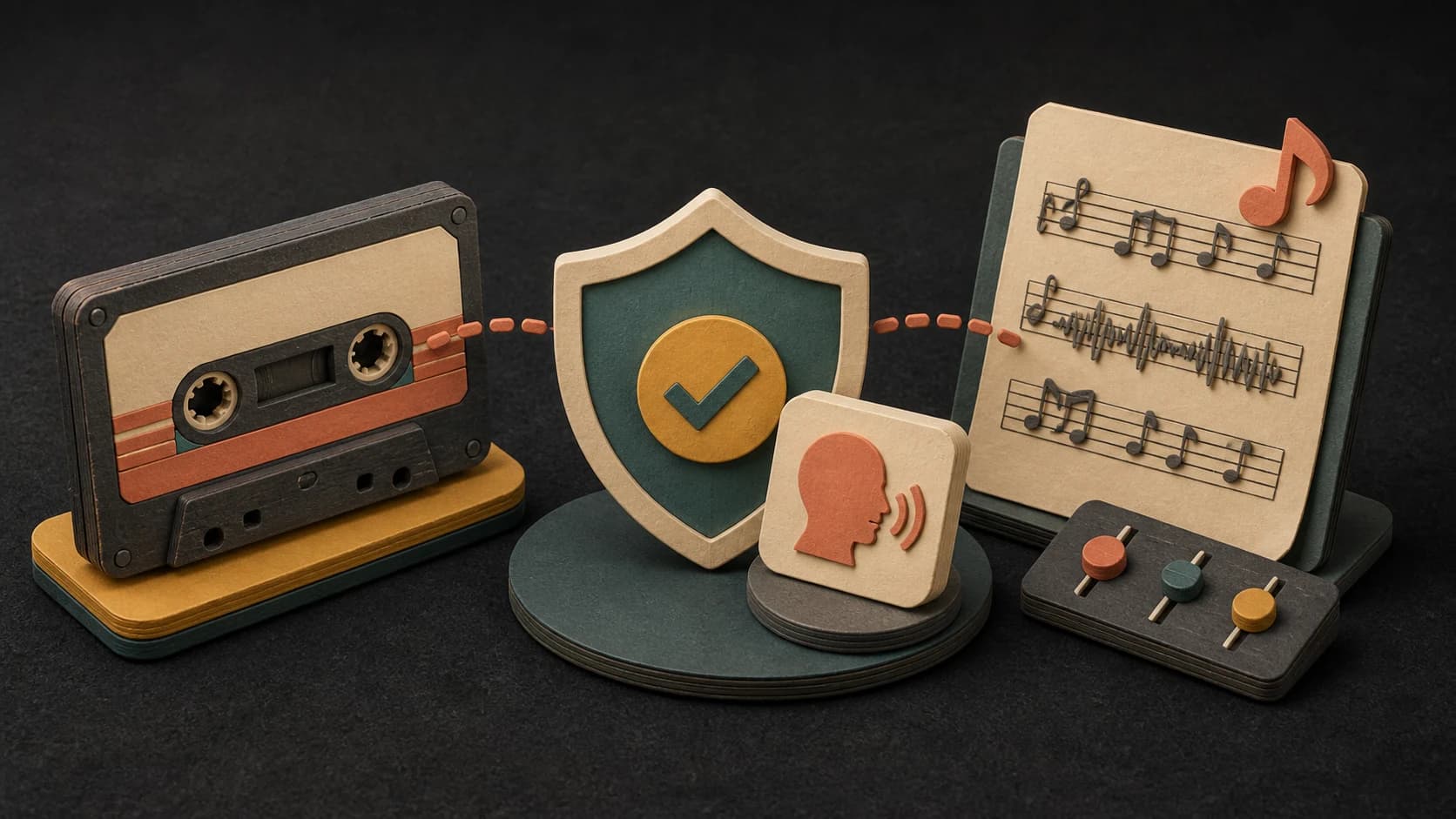
A cover does not give you rights to the original recording, composition, or voice. Use material you may lawfully use.
Three steps
Choose an audio file from your device and let the page validate it.
Preview the available voices, choose one, and adjust the source pitch if needed.
Confirm the 10-credit cost, start the job, then play or download the completed version.
Before you start
A clear source, a sensible range, and the right permissions matter most.
Ways to use it
Try the same source with a different catalog voice and compare the returned versions.
Shift the source before generating to hear whether another range suits the selected voice better.
Create a private or licensed concept version when you control the source and have the permissions you need.
Start free. Upgrade when you need more.
 AI Cover Song Generator10 credits per coverIncluded from Starter
Try it out — no card required.
No credit card required
Perfect for creation, image-to-song, and song extension.
Save 40%
All 7 model families


Wave 5.5 · ElevenLabs Music · Lyria 3 Pro · MiniMax 2.6 · Mureka 9 · Stable Audio 2.5 · MusicGen
Cancel anytime · No lock-inUnused subscription credits expire at renewal or when the billing interval changes.
Best for commercial releases and advanced song editing.
Save 40%
All 7 model families
Wave 5.5 · ElevenLabs Music · Lyria 3 Pro · MiniMax 2.6 · Mureka 9 · Stable Audio 2.5 · MusicGen
Cancel anytime · No lock-inUnused subscription credits expire at renewal or when the billing interval changes.
For power users working across MIDI, video, and high-volume output.
Save 40%
All 7 model families
Wave 5.5 · ElevenLabs Music · Lyria 3 Pro · MiniMax 2.6 · Mureka 9 · Stable Audio 2.5 · MusicGen
Cancel anytime · No lock-inUnused subscription credits expire at renewal or when the billing interval changes.
FAQ
Straight answers about the current tool, its limits, and what happens next.
Upload audio you own or have permission to use. The public page uses a file from your device rather than a YouTube link.
A cover currently costs 10 credits. The tool shows the cost before you start.
Yes. You can move the source between 12 semitones down and 12 semitones up before generating.
Eligible plans can use an available custom voice. Access depends on your plan and whether the voice is ready.
No. The result depends on the source, range, pronunciation, arrangement, and selected voice. Listen before deciding whether to keep it.
Only if you have the rights and permissions required for the source song, composition, recording, voice, and intended use.
Keep exploring
Continue with a voice, song-editing, or separation tool.
Upload audio you may use, preview a voice, set the pitch, and check the 10-credit cost.
Included from Starter · 10 credits per cover