01
Choose an eligible vocal song
Select a supported Wave or Suno generation that contains the vocal character you want to save.
MusicWave voice tool
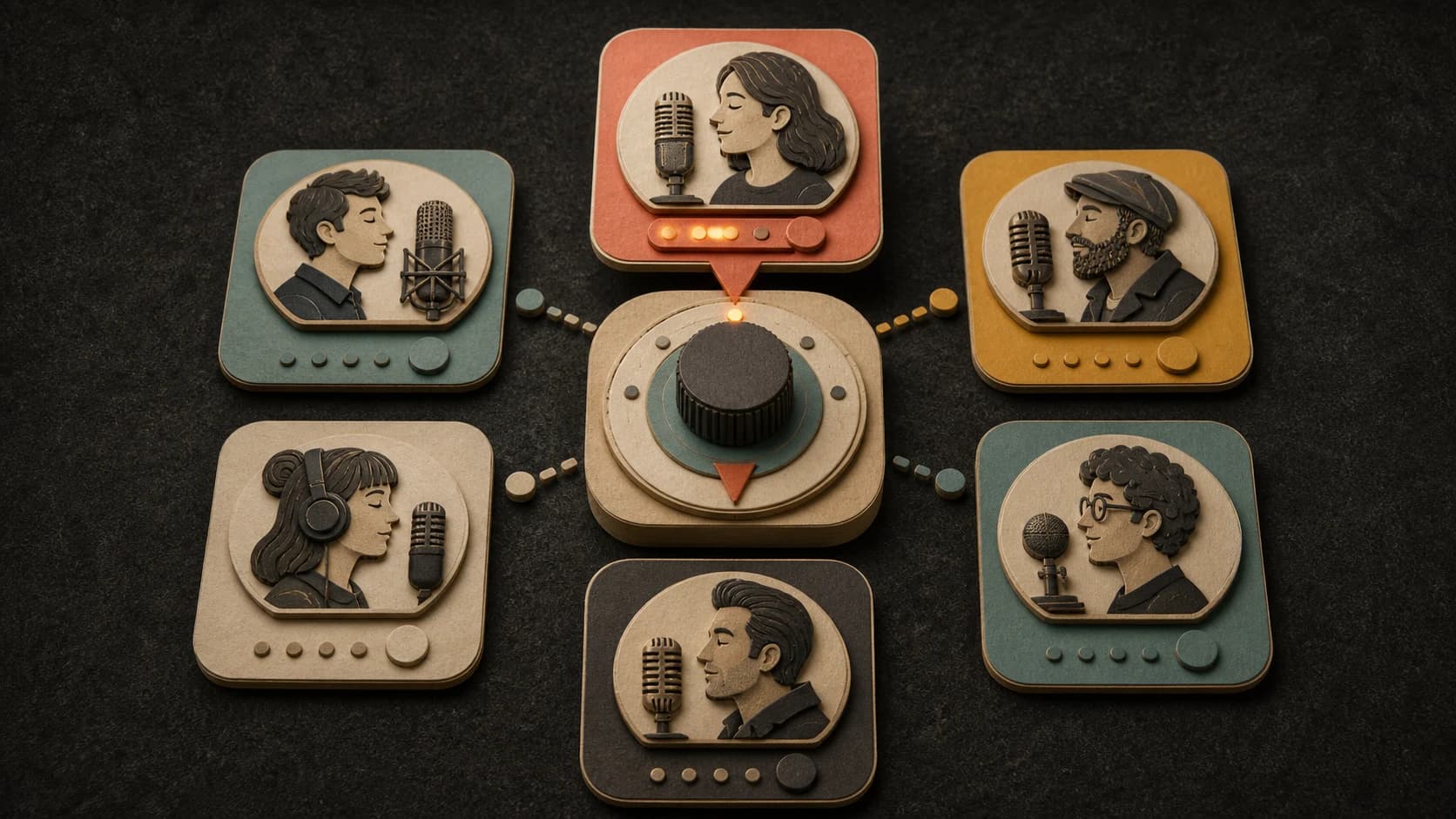
Save the vocal character of an eligible generated song as a persona you can choose again in a later song.
Create a persona from an eligible song, or manage the separate custom-voice option available to your plan.
What the tool does
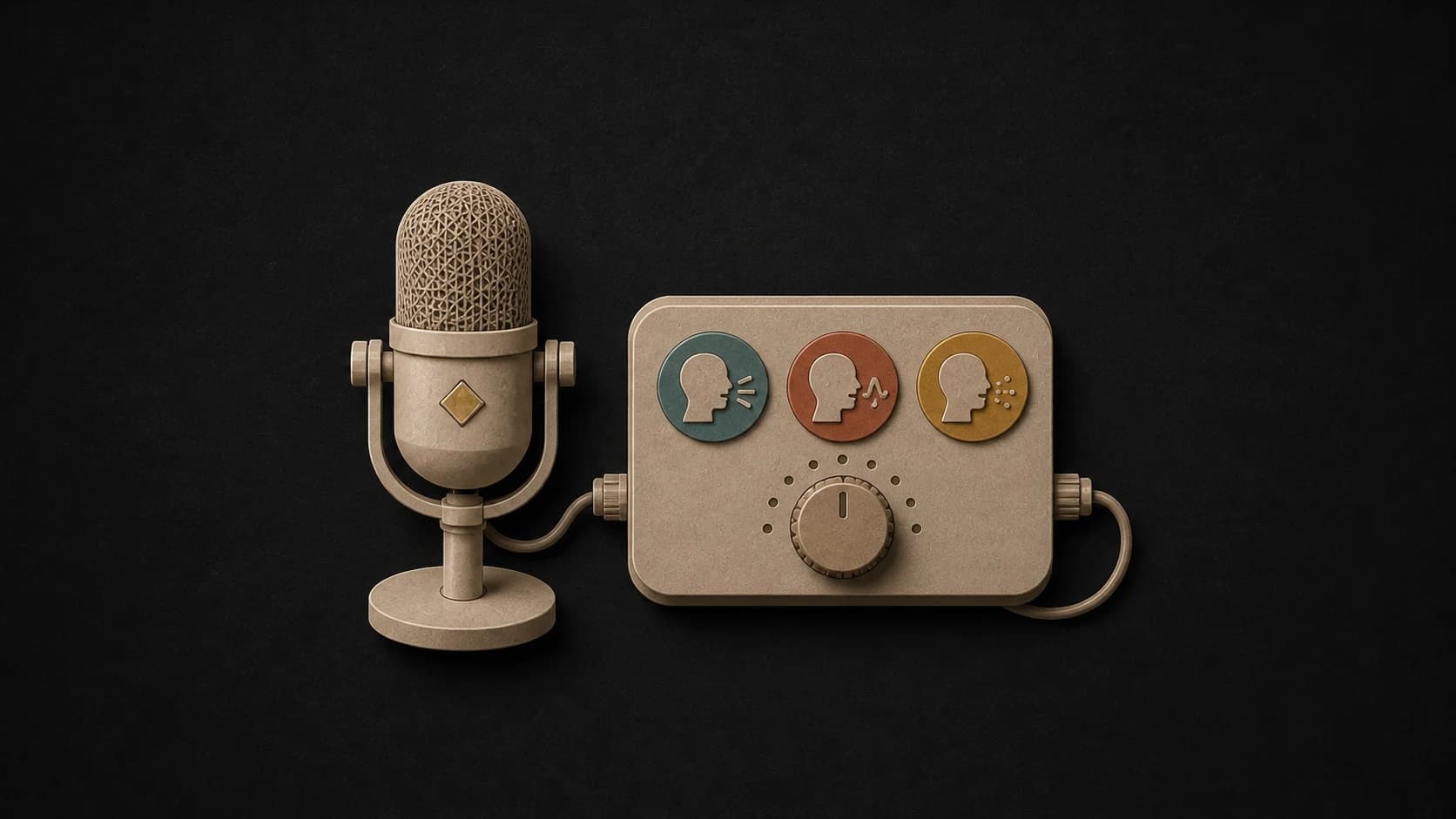
Song personas start from an eligible song. Custom voice cloning starts from a microphone recording and may have different plan access.
Select a supported Wave or Suno generation that contains the vocal character you want to save.
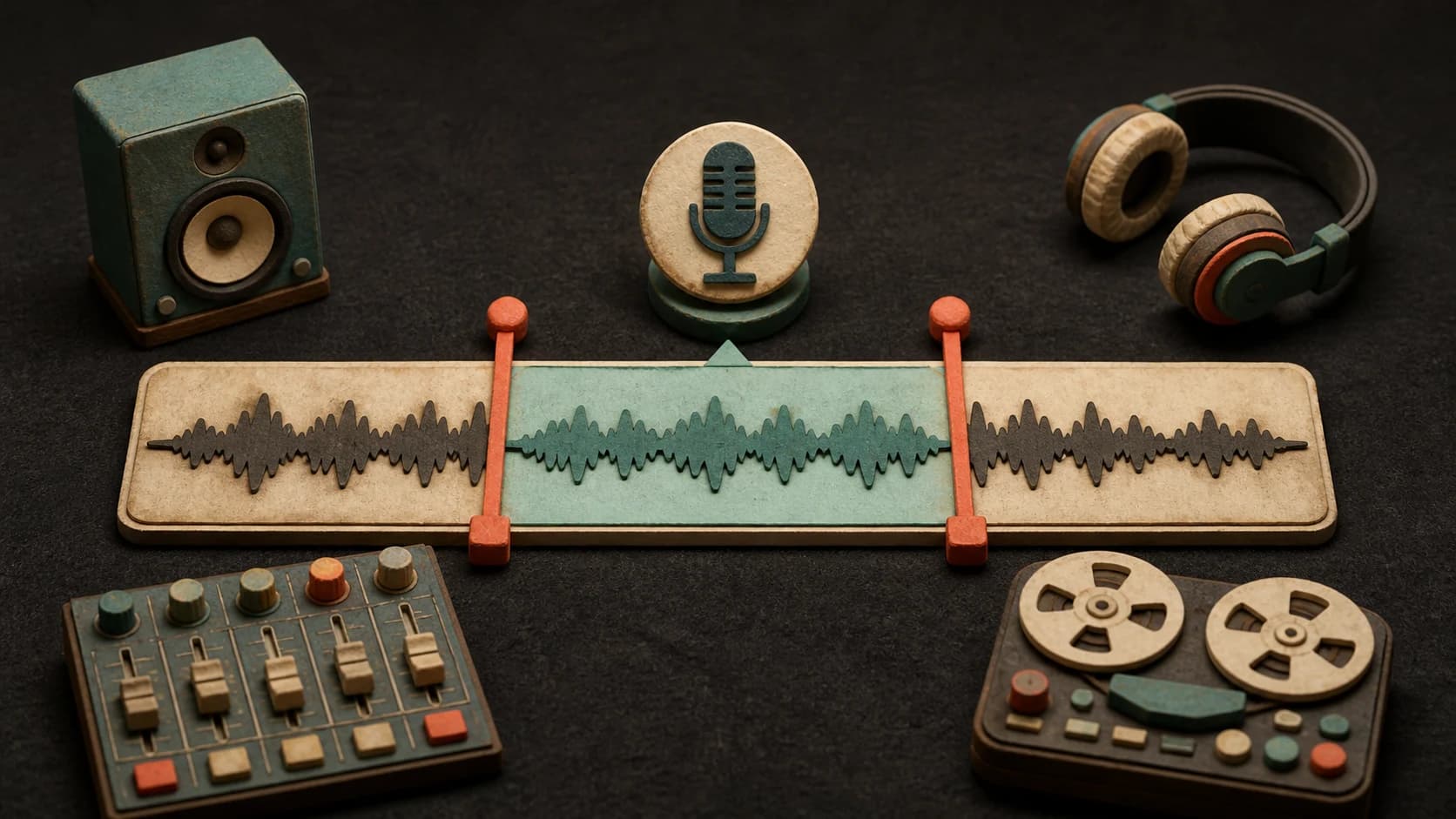
Set a 10–30 second range where the target voice is easy to hear and not buried by another singer.
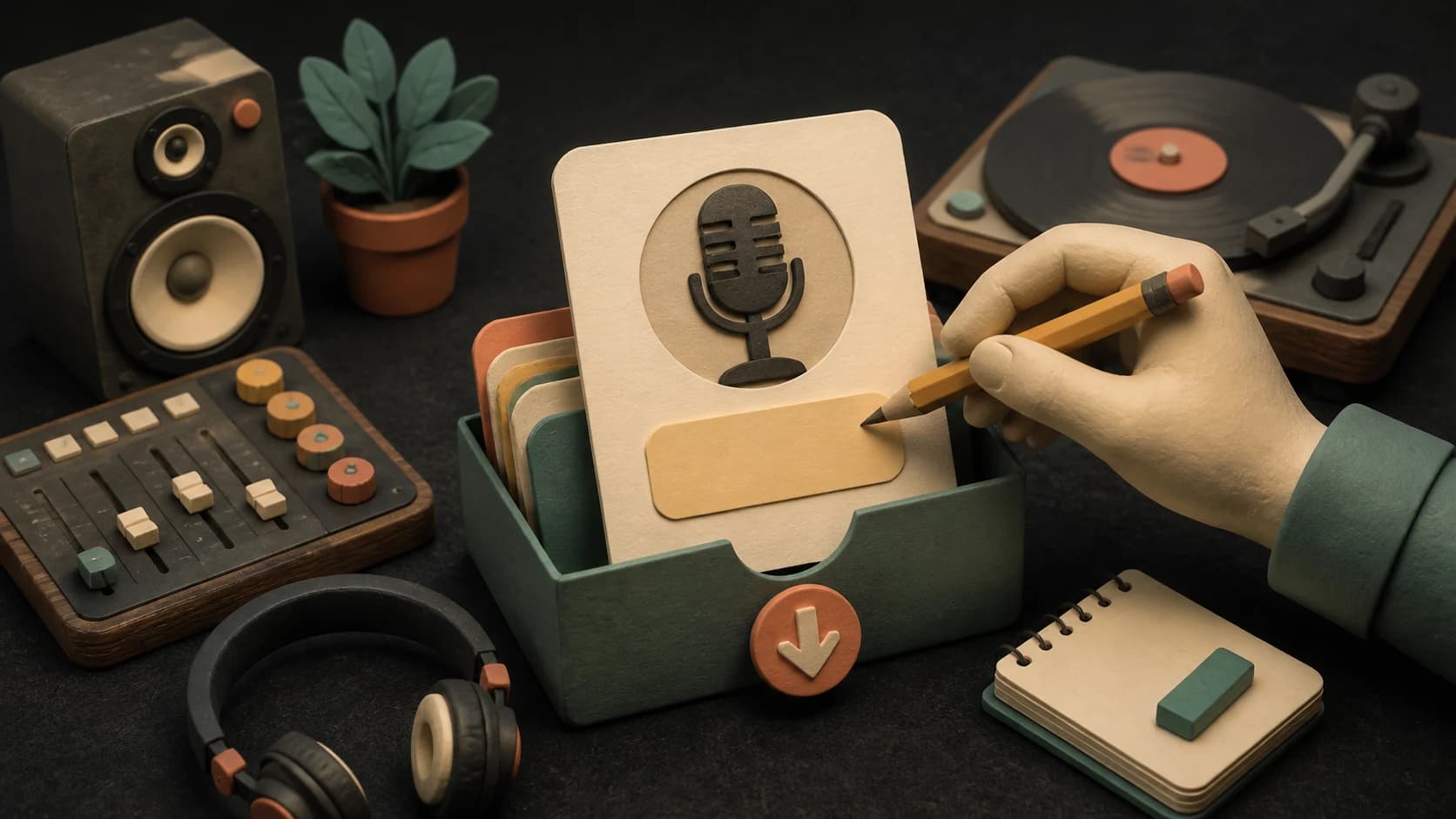
Give the saved vocal character a useful name and description so you can recognize it later.
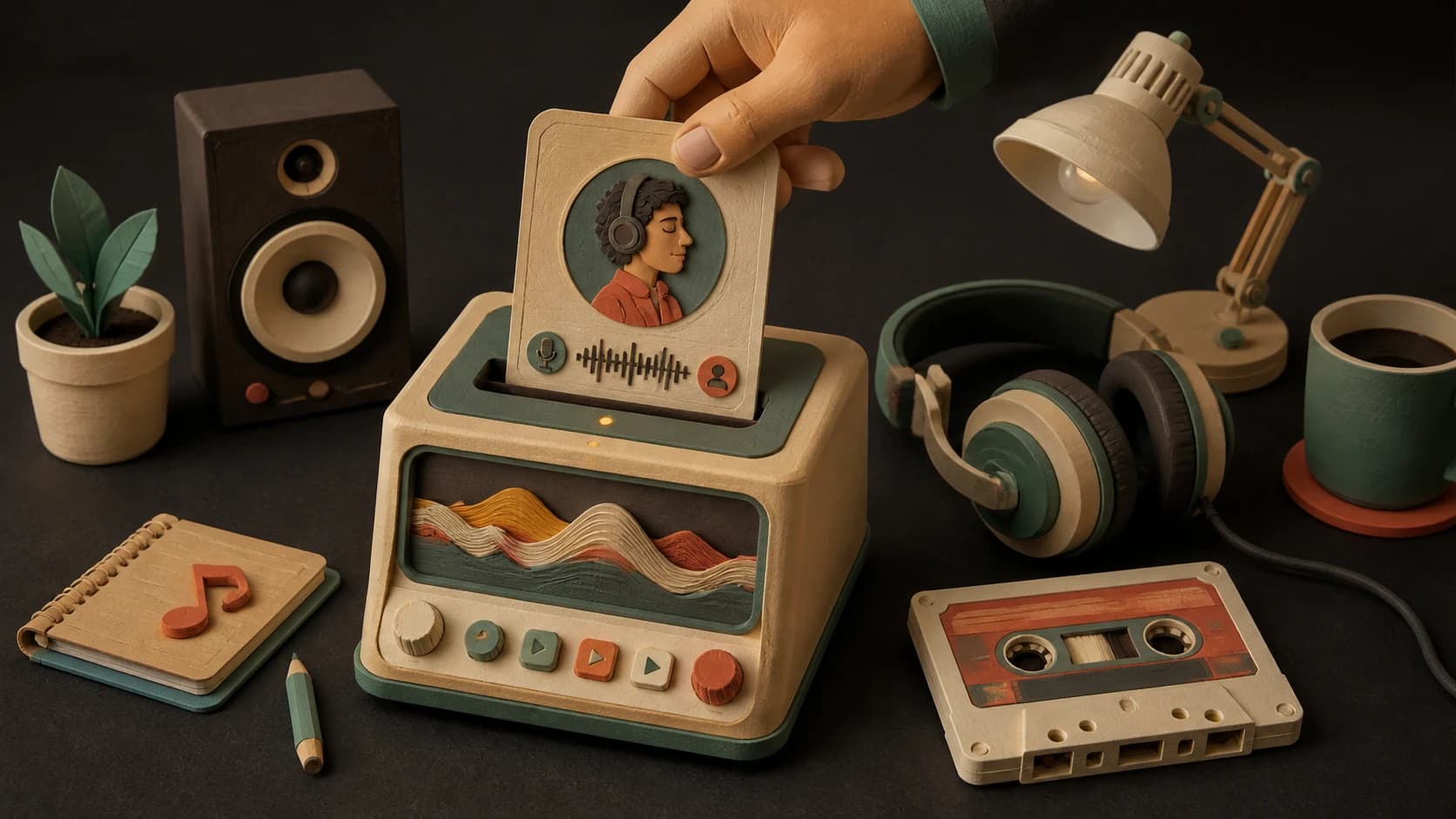
Use an available persona as the vocal direction for another compatible generation.
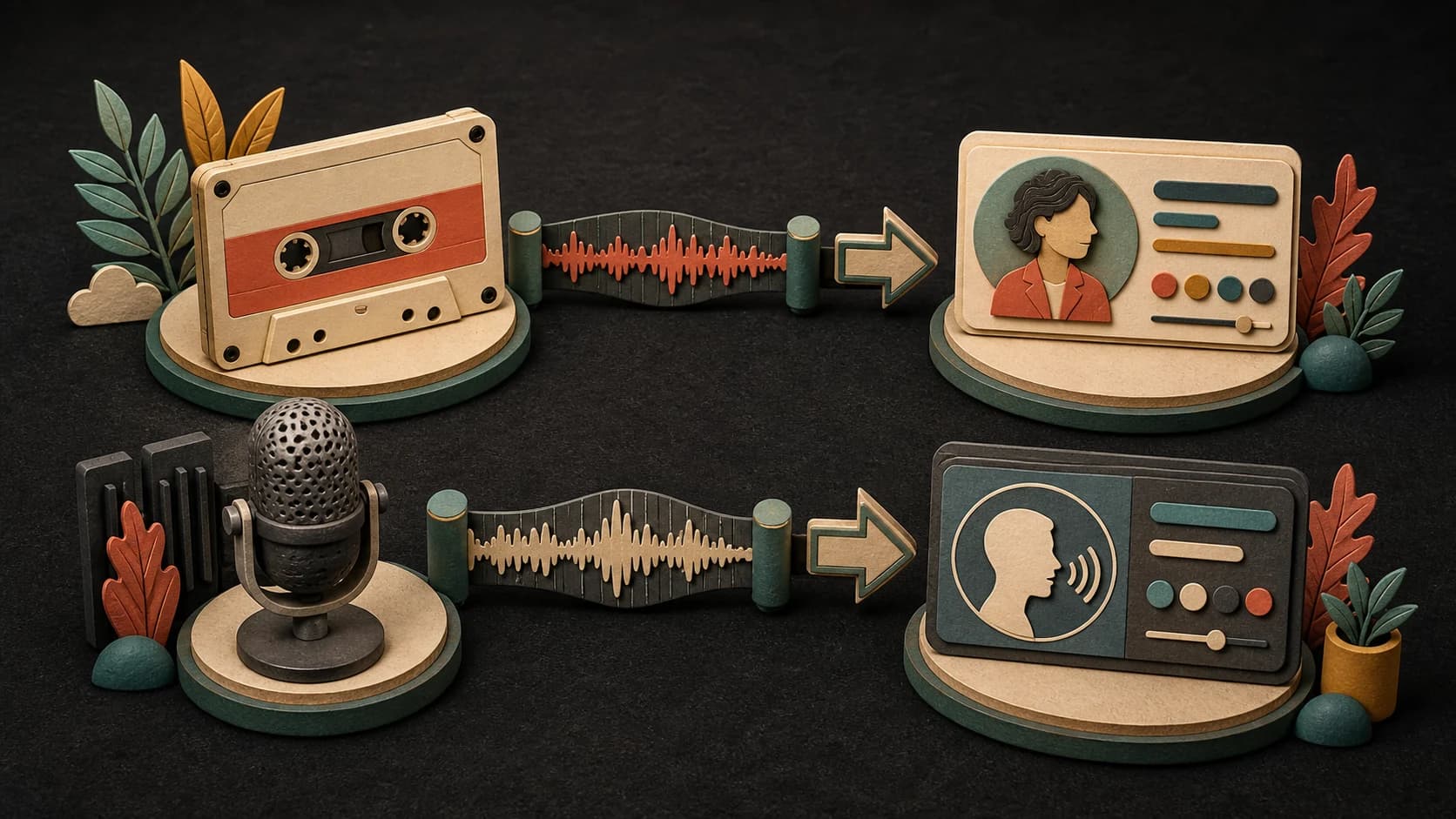
Voice cloning uses a different microphone-based tool with its own access and availability; it is not the same as a song persona.
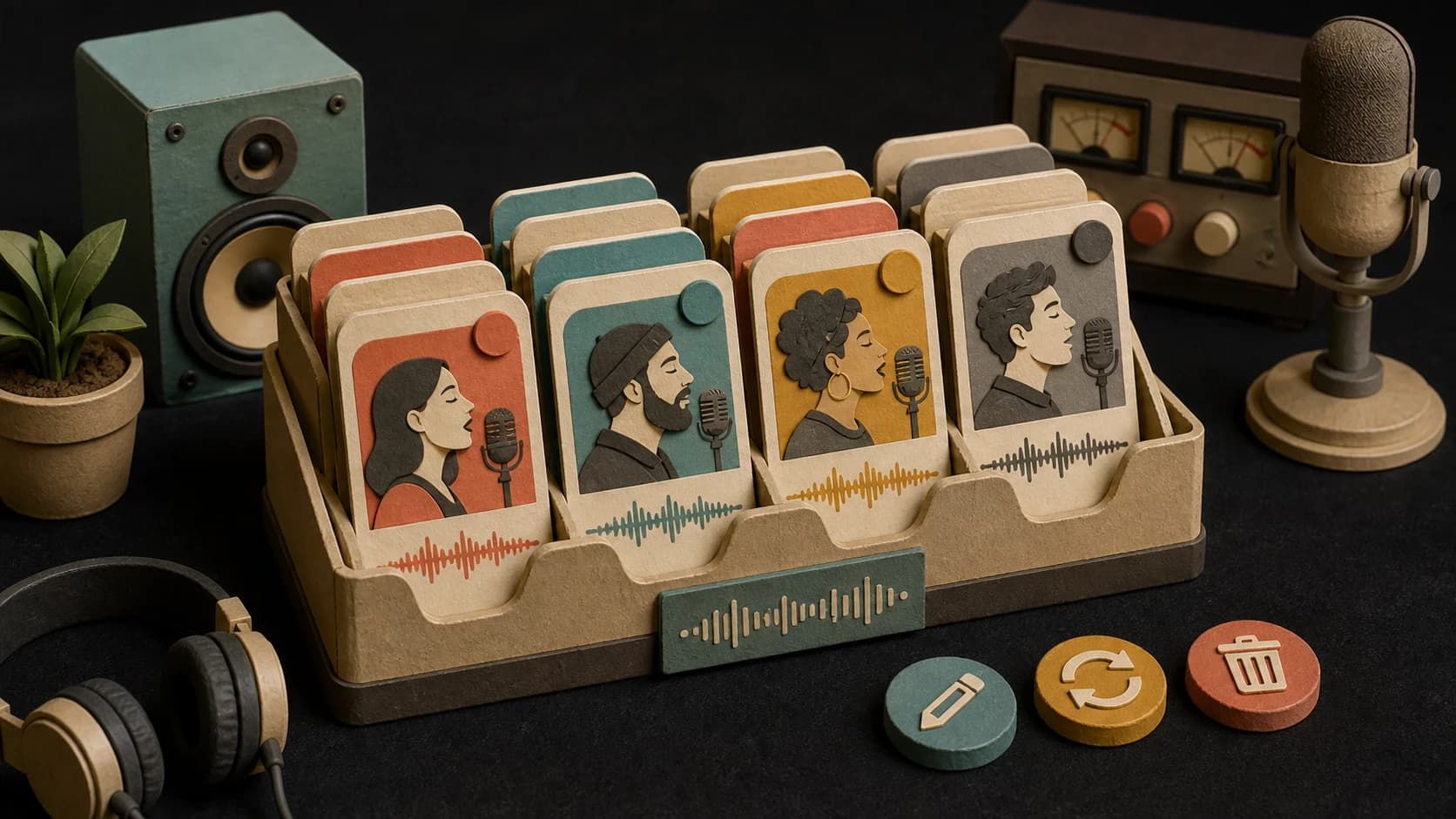
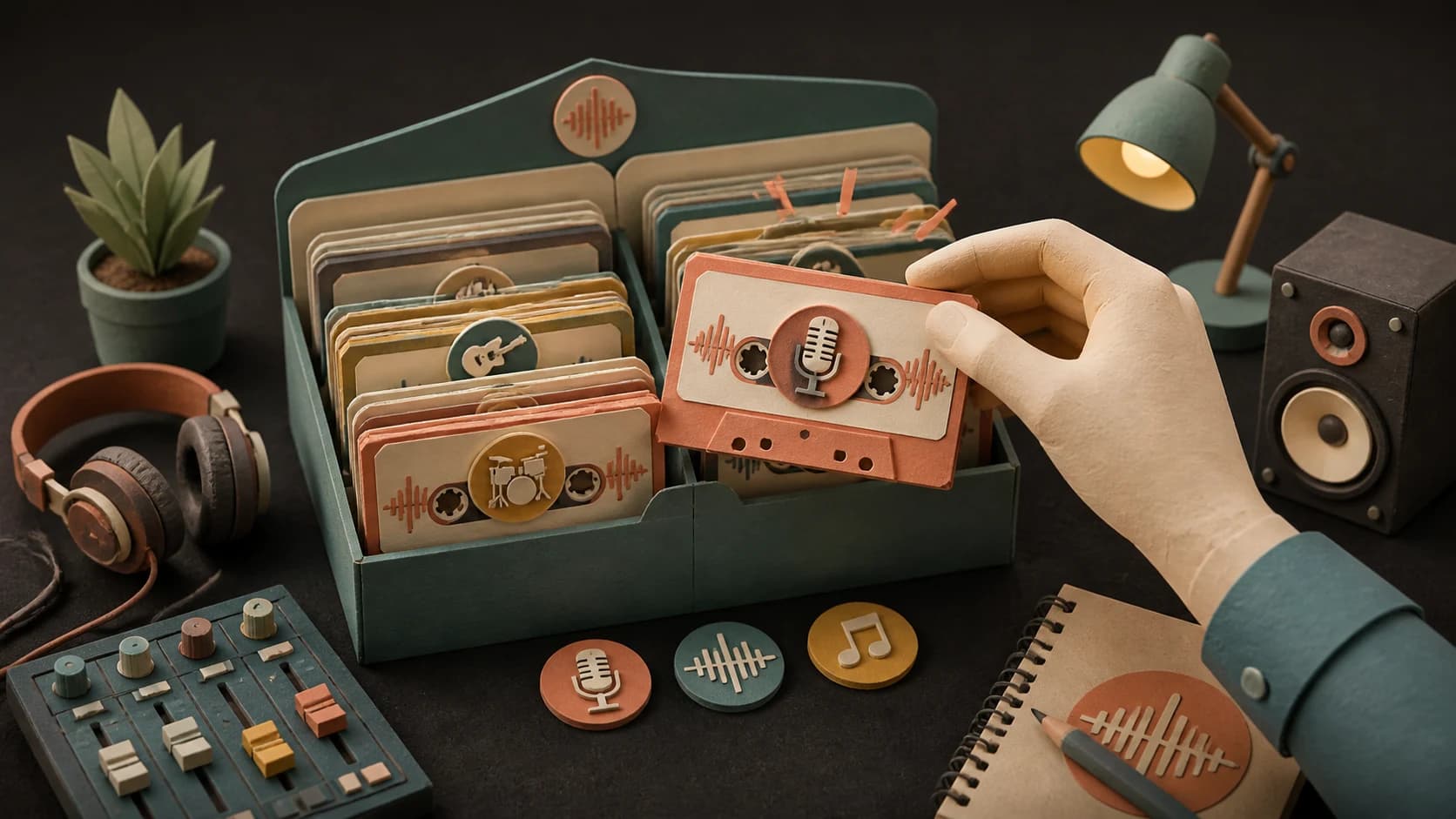
Review available personas and custom voices, recreate eligible expired voices, or remove entries you no longer need.
Three steps
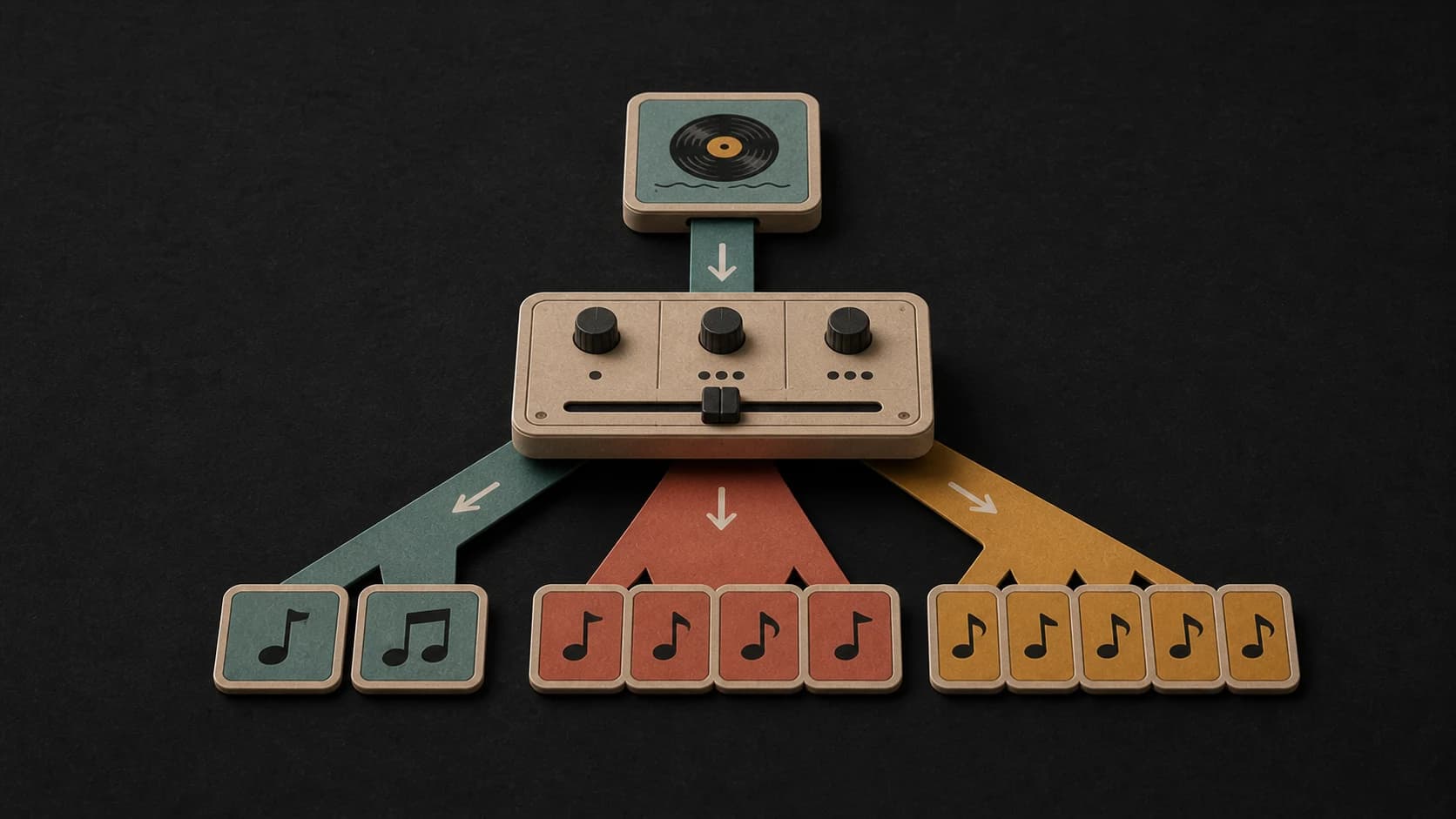
Pick an eligible generated song with a clear vocal section.
Set the vocal start and end, then add a name and short description.
Create the persona, find it in your voice manager, and choose it later in a compatible tool.
Before you start
Use one clear singer, stay inside 10–30 seconds, and get consent and rights where required.
Ways to use it
Save a persona from an eligible generation and choose it again when you want continuity.
Name personas by project, range, or character so they are easier to find later.
Use one manager while keeping the two creation methods and their rules clearly separate.
Start free. Upgrade when you need more.
 AI Voice PersonaNo credits usedIncluded with Creator
Try it out — no card required.
No credit card required
Perfect for creation, image-to-song, and song extension.
Save 40%
All 7 model families


Wave 5.5 · ElevenLabs Music · Lyria 3 Pro · MiniMax 2.6 · Mureka 9 · Stable Audio 2.5 · MusicGen
Cancel anytime · No lock-inUnused subscription credits expire at renewal or when the billing interval changes.
Best for commercial releases and advanced song editing.
Save 40%
All 7 model families
Wave 5.5 · ElevenLabs Music · Lyria 3 Pro · MiniMax 2.6 · Mureka 9 · Stable Audio 2.5 · MusicGen
Cancel anytime · No lock-inUnused subscription credits expire at renewal or when the billing interval changes.
For power users working across MIDI, video, and high-volume output.
Save 40%
All 7 model families
Wave 5.5 · ElevenLabs Music · Lyria 3 Pro · MiniMax 2.6 · Mureka 9 · Stable Audio 2.5 · MusicGen
Cancel anytime · No lock-inUnused subscription credits expire at renewal or when the billing interval changes.
FAQ
Straight answers about the current tool, its limits, and what happens next.
It is a reusable vocal character saved from an eligible generated MusicWave song and a selected 10–30 second vocal segment.
The current persona tool requires an eligible Wave or Suno song with the source details needed to create the persona.
Creating a persona currently does not use credits, though access still depends on your account and plan.
No. A persona comes from an eligible generated song. Custom voice cloning is a separate microphone-based tool with different access rules.
Choose a clear vocal section between 10 and 30 seconds.
Only when you have the consent and rights required for the voice, material, and intended use. Do not use the tool to impersonate or mislead.
Keep exploring
Create a source song, add vocals, make a cover, or inspect a vocal stem.
Choose an eligible vocal song and mark the clearest 10–30 second section.
Create a Voice PersonaIncluded with Creator · No credits used