01
Name where the intro will play
A podcast, channel, game, stream, and live show each need a different amount of energy and musical detail.
Describe the opening cue you need for a video, podcast, stream, game, or show. Choose the hook, sounds, pace, and ending, then make a version you can test.
Start with the destination, hook, and ending
First 2 songs freeEvery model on paid plans from $5.99/moSee plans ↓
Intro music examples
We made these original instrumentals for this page. Compare an electronic opener, a compact cinematic cue, and a minimal audio sting.
“Compact electronic intro instrumental with an immediate three-note synth hook, punchy dry drums, warm bass, bright accent hit, no vocals, no fade-in, and a clean ending”
Pick a track to hear it and see the prompt behind it.
Shape the opening
Tell MusicWave where the intro will play, how quickly it should begin, and how it should hand off to the next scene.
A podcast, channel, game, stream, and live show each need a different amount of energy and musical detail.
Say whether you need a quick sting or a longer opening. The returned duration still depends on the model you choose.
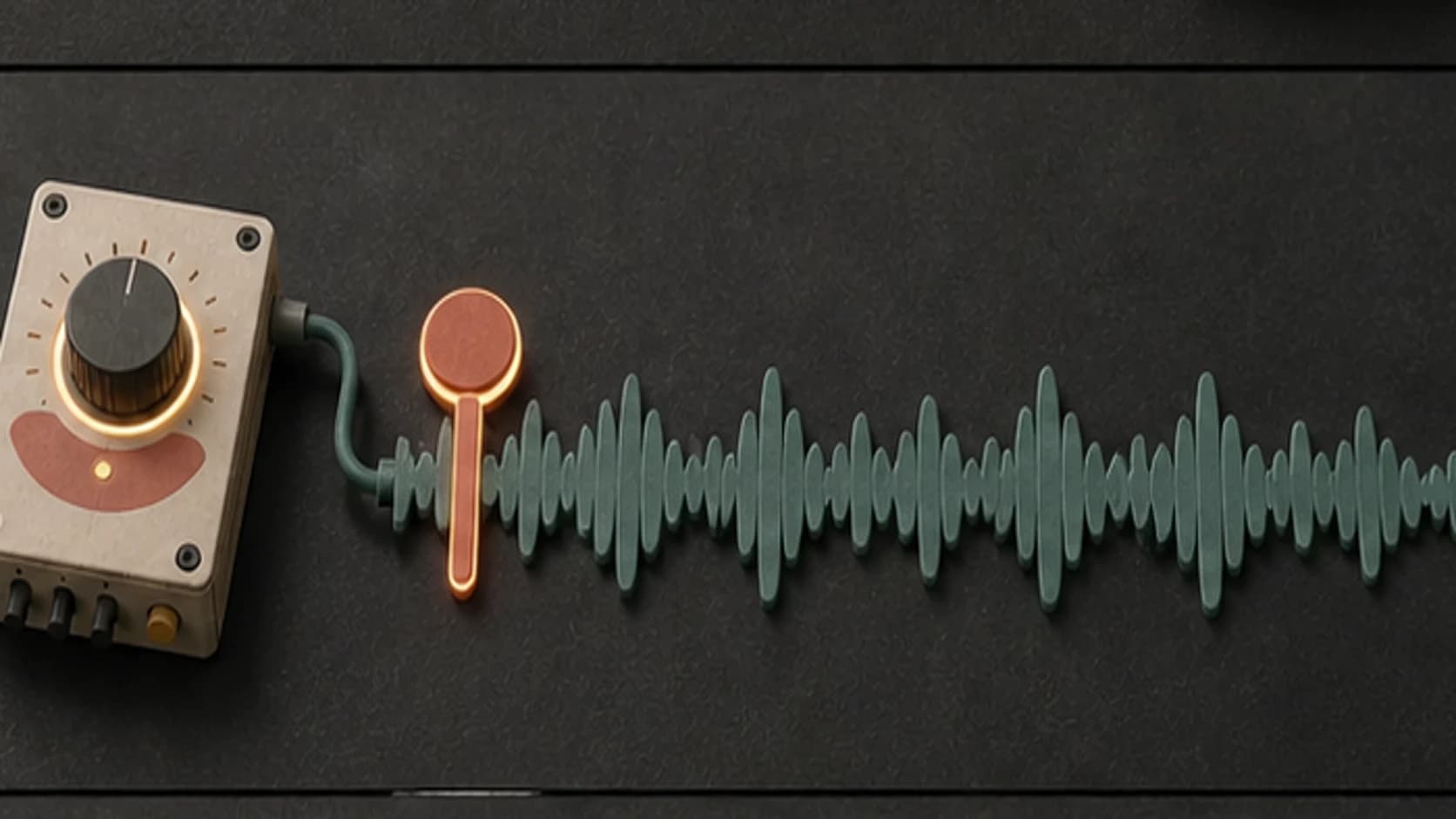
Ask for an immediate melody, drum figure, or chord when the intro should feel clear from the first moment.
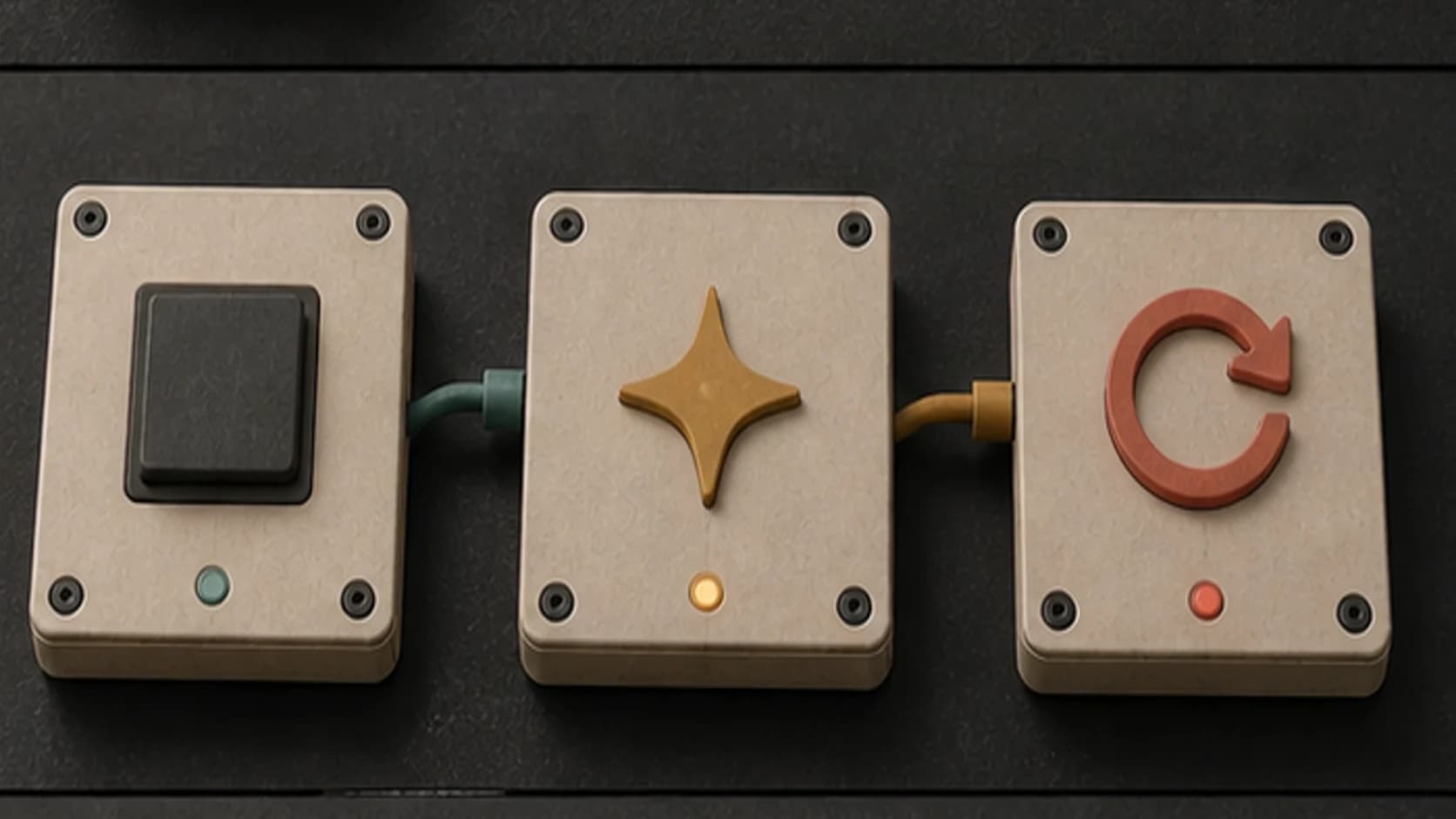
Request a clean final hit, a short tail under speech, or a loop when the opening needs to flow into the next section.
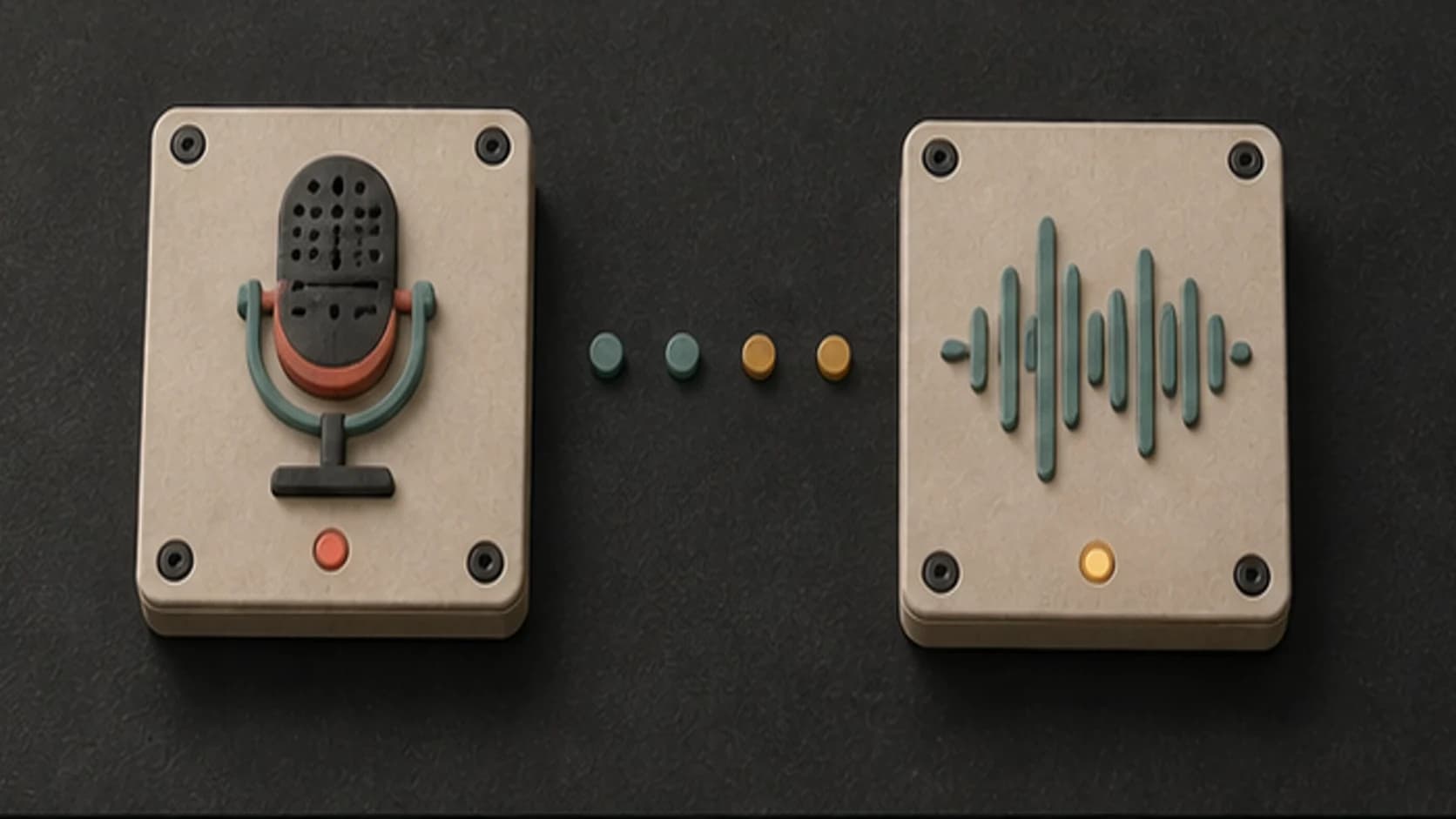
Keep the intro instrumental, or add original words when a short sung phrase belongs in the opening.
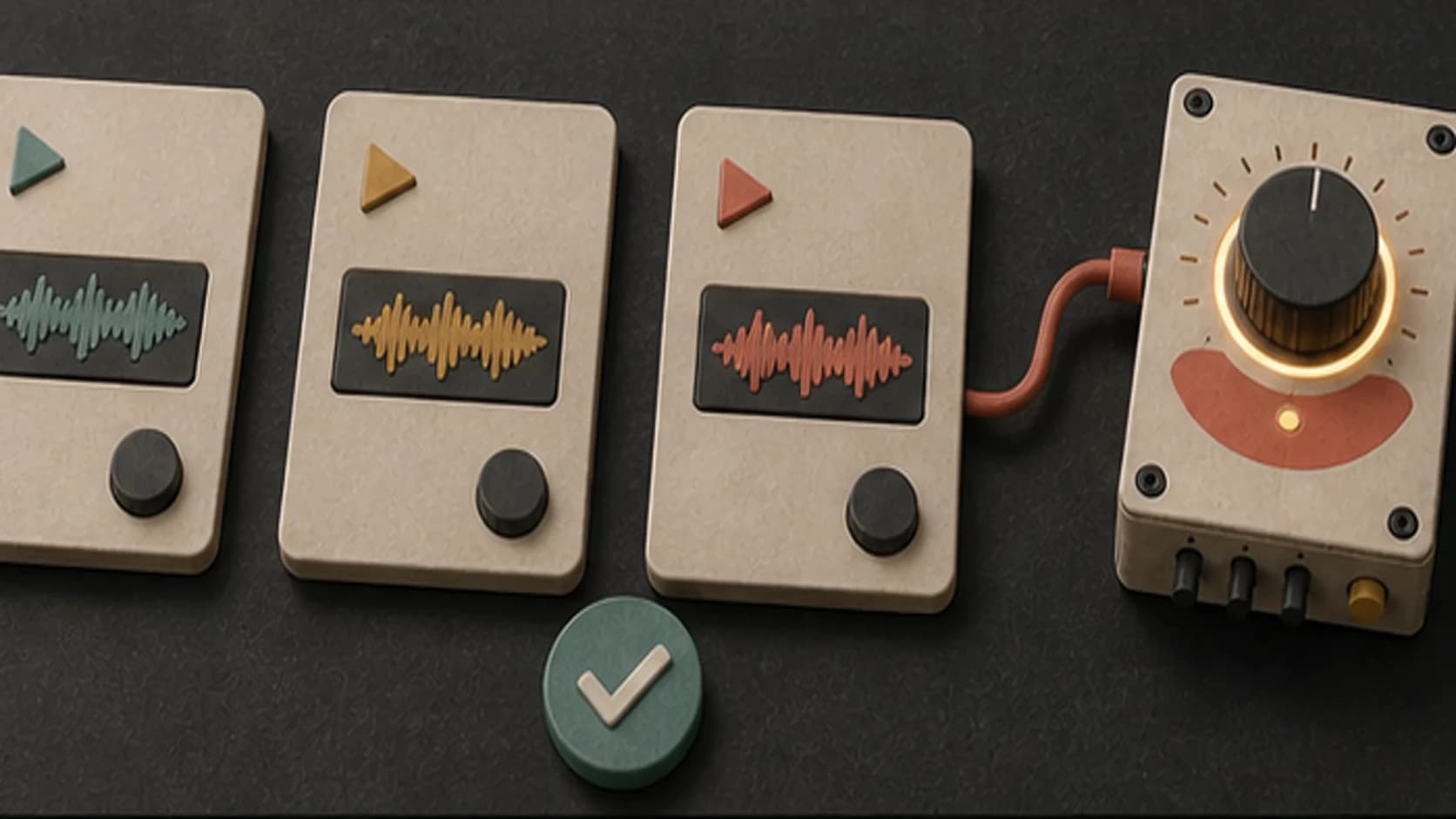
Save the versions that fit, then listen to each one in context before choosing the recurring intro.
A useful intro prompt
Name the destination, the main musical idea, the pace, and the handoff into whatever comes next.
“Compact electronic intro instrumental with an immediate three-note synth hook2, punchy dry drums3, warm bass, bright accent hit, no vocals, no fade-in, and a clean ending4.”
How it works
Describe the destination and handoff, generate a version, and listen to it immediately before the content it introduces.
Include the format, mood, instruments, target length, and whether the cue ends, fades under speech, or loops.
Pick an available music model and use instrumental mode unless you are adding original words for a vocal tag.
Play the cue directly before the video, podcast, stream, or scene it introduces, then revise the hook or ending if needed.
Opening formats
The best intro direction explains what the cue is introducing and how it should get out of the way.
Use a clear recurring motif and a quick ending that leads cleanly into the first scene or spoken line.
Choose an instrumental cue that establishes the tone, then leaves room for the host.
Ask for a loop or defined ending depending on whether the opening duration changes from one session to another.
Describe the audience, mood, and transition into the menu, scene, or first slide.
Start free. Upgrade when you need more.
Try it out — no card required.
No credit card required
Perfect for creation, image-to-song, and song extension.
Save 40%
All 7 model families


Wave 5.5 · ElevenLabs Music · Lyria 3 Pro · MiniMax 2.6 · Mureka 9 · Stable Audio 2.5 · MusicGen
Cancel anytime · No lock-inUnused subscription credits expire at renewal or when the billing interval changes.
Best for commercial releases and advanced song editing.
Save 40%
All 7 model families
Wave 5.5 · ElevenLabs Music · Lyria 3 Pro · MiniMax 2.6 · Mureka 9 · Stable Audio 2.5 · MusicGen
Cancel anytime · No lock-inUnused subscription credits expire at renewal or when the billing interval changes.
For power users working across MIDI, video, and high-volume output.
Save 40%
All 7 model families
Wave 5.5 · ElevenLabs Music · Lyria 3 Pro · MiniMax 2.6 · Mureka 9 · Stable Audio 2.5 · MusicGen
Cancel anytime · No lock-inUnused subscription credits expire at renewal or when the billing interval changes.
FAQ
Straight answers about cue length, vocal tags, endings, recurring themes, downloads, and publishing rights.
You can include a five-second target and ask for a compact ending, but the generated duration depends on the selected model. Trim the exact cue in your editor.
Yes. Ask for a clean final hit, resolved chord, or short sting with no long fade. Check the result against the next scene.
Yes. Turn on instrumental mode and describe the hook, instruments, pace, and ending.
Repeat the same motif, instruments, and tempo direction, then change the arrangement or ending for each format.
That depends on your current MusicWave plan, the selected model's terms, and the rights in anything you supplied. Review the current terms before commercial release.
Keep exploring
Create podcast music, score a video, build background music, or extend a cue that needs a longer tail.
Describe the format, bring the hook forward, and choose how the cue should end.
Start free — no credit card needed.