01
Name the training style
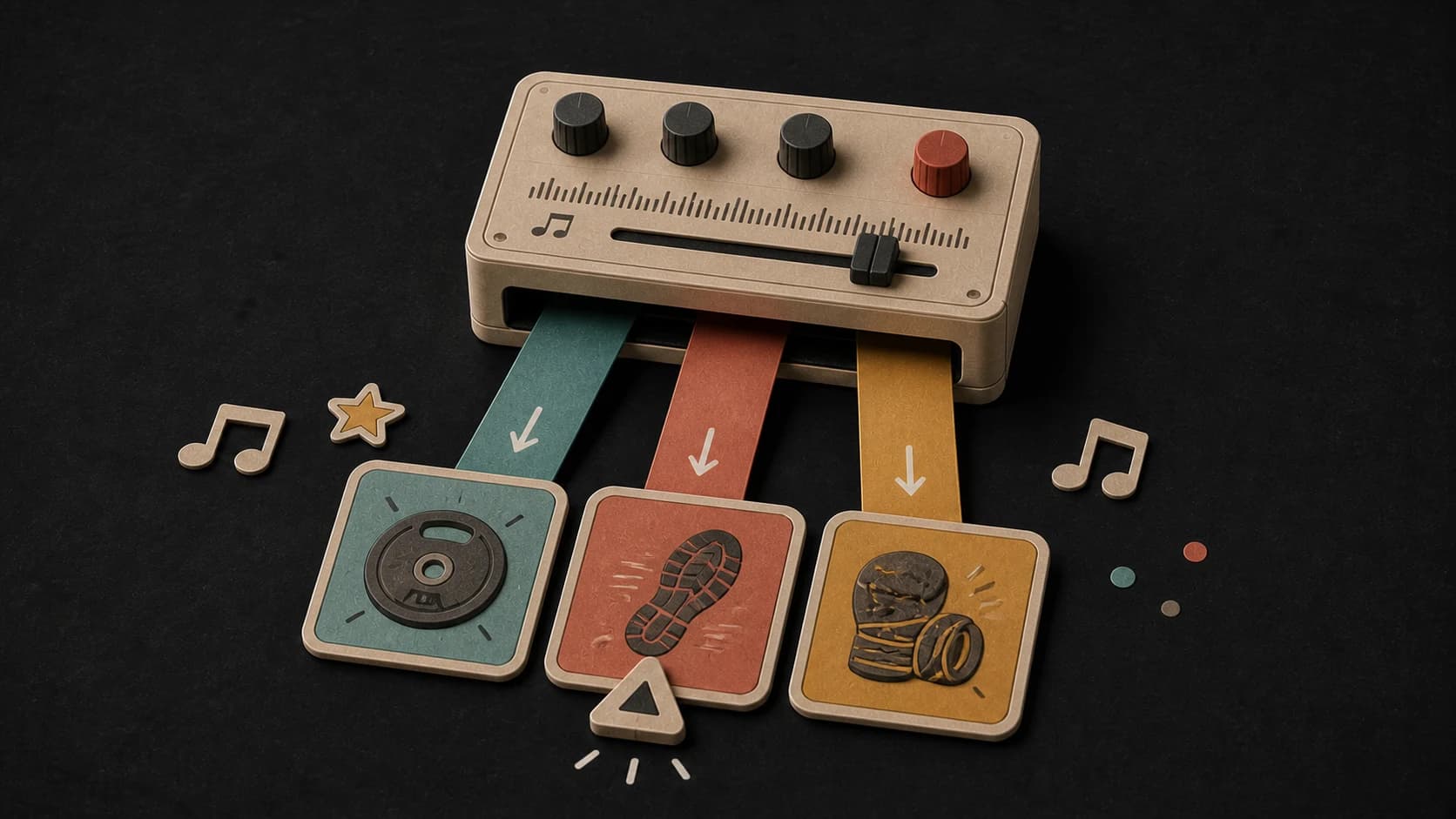
Lifting, running, intervals, boxing, cycling, and warm-ups all suggest a different kind of pace and arrangement.

Tell MusicWave what you are training, how hard the session should feel, and the sound you want. Create an instrumental or vocal track for lifting, running, intervals, or warm-ups.
Describe the session, intensity, and sound
First 2 songs freeEvery model on paid plans from $5.99/moSee plans ↓
Workout-music examples
We generated these five original instrumentals for this page. Play the hip-hop, trap, electronic, industrial-rock, and boom-bap directions, then rewrite a prompt around your session.

“Hard instrumental hip-hop for heavy working sets, deep 808 bass, tight dry drums, clipped brass, steady driving groove, target 145 BPM feel, no vocals, no long intro, no soft breakdown”
Pick a track to hear it and see the prompt behind it.
Direct the energy
“High energy” can mean many things. Tell MusicWave whether you want a steady drive, a heavy working-set groove, or a finish with sharper drums and bigger movement.
Lifting, running, intervals, boxing, cycling, and warm-ups all suggest a different kind of pace and arrangement.
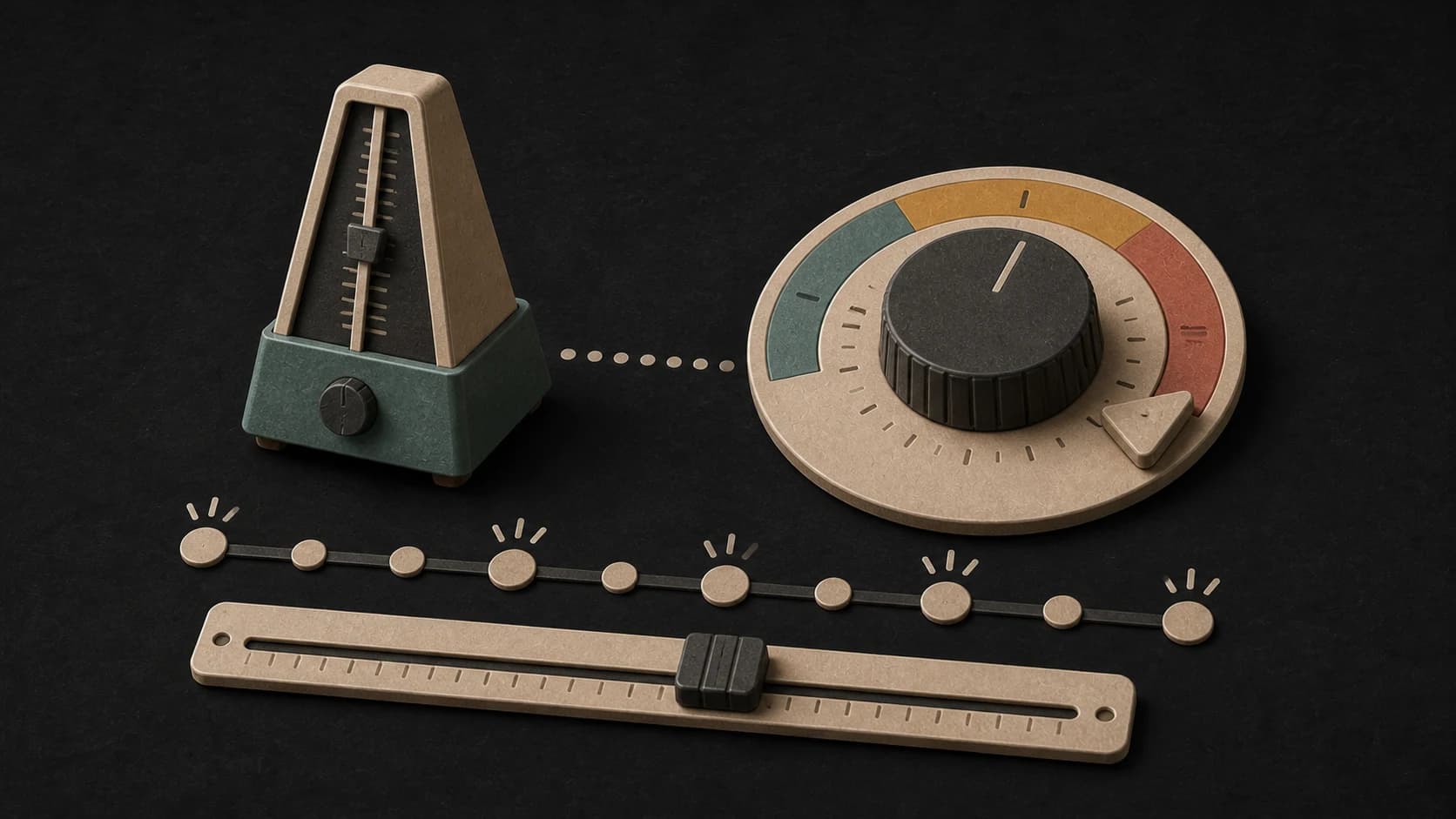
Include a BPM target when cadence matters, then check the finished audio because generated music may not land on the exact number.
Keep the track instrumental, or ask for a vocal hook when words and callouts suit the session.
Describe hard drums, deep bass, clipped synths, distorted guitars, or a lighter groove instead of relying on “intense” alone.
Run the same idea through another available model when you want a different interpretation of the energy or vocal style.
Save the result to your library, compare it with another take, or continue it with the available MusicWave tools.
One session, three energy levels
A warm-up, the main work, and a finisher do not need the same arrangement. Generate separate tracks or describe the arc you want in one prompt.
“Hard instrumental hip-hop for heavy working sets, deep 808 bass, tight dry drums, clipped brass, steady driving groove, target 145 BPM, no long intro and no soft breakdown.”
How it works
Give the generator enough context to understand the session. You can change the genre or model after the first result without rewriting everything.
Say what you are doing, the energy you want, and the instruments or genre that fit. Add a target tempo if it matters.
Select one of the available music models, choose instrumental or vocal, and check the credit cost before starting.
If the result feels too light, too busy, or too slow, change that one detail and generate another version.
Training formats
Use the workout itself as the brief. The more specific the situation, the easier it is to write a prompt you can adjust.

Ask for weight, space, and a steady pulse instead of a track that changes direction every few bars.

Describe a consistent forward drive and add a target tempo when you want to test a cadence-friendly result.

Use build, release, and contrast language when you want the arrangement to move between efforts.

Create a clear, upbeat background for a group format, then review the full track before using it in a session.
Start free. Upgrade when you need more.
Try it out — no card required.
No credit card required
Perfect for creation, image-to-song, and song extension.
Save 40%
All 7 model families


Wave 5.5 · ElevenLabs Music · Lyria 3 Pro · MiniMax 2.6 · Mureka 9 · Stable Audio 2.5 · MusicGen
Cancel anytime · No lock-inUnused subscription credits expire at renewal or when the billing interval changes.
Best for commercial releases and advanced song editing.
Save 40%
All 7 model families
Wave 5.5 · ElevenLabs Music · Lyria 3 Pro · MiniMax 2.6 · Mureka 9 · Stable Audio 2.5 · MusicGen
Cancel anytime · No lock-inUnused subscription credits expire at renewal or when the billing interval changes.
For power users working across MIDI, video, and high-volume output.
Save 40%
All 7 model families
Wave 5.5 · ElevenLabs Music · Lyria 3 Pro · MiniMax 2.6 · Mureka 9 · Stable Audio 2.5 · MusicGen
Cancel anytime · No lock-inUnused subscription credits expire at renewal or when the billing interval changes.
FAQ
Straight answers about tempo, vocals, downloads, track length, and using generated music in a class or video.
You can request a target BPM in the prompt, but generated audio may not land on the exact number. Check the finished track with the BPM & Key Finder if tempo accuracy matters.
Yes. Turn on instrumental mode before generating. Leave it off when you want a vocal song, and describe the vocal energy or hook in the prompt.
EDM, hip-hop, trap, rock, drum and bass, house, metal, and synthwave are common starting points, but the generator is not limited to those genres.
Length depends on the model you choose and the controls it supports. The available setting is shown in the composer. You can extend a finished track with MusicWave’s Song Extender.
Completed tracks are saved to your MusicWave library, where you can play and download the available output.
Review the current MusicWave terms, the selected model’s terms, and the rights in any lyrics or material you supplied before public or commercial use.
Keep exploring
Start with a narrower genre, check the tempo of a finished track, or remix a song into a different training direction.
Describe the workout, choose instrumental or vocal, and generate a version you can test before training with it.
Start free — no credit card needed.