01
Start with a real scene
Name the place, people, conflict, memory, or turning point so the draft has something concrete to say.
MusicWave writing tool
Describe the song you want to write, choose the genre, mood, structure, and point of view, then edit the lyric draft line by line.
What the tool does
Give the draft a concrete subject, choose how it should be written, and keep control of every line that comes back.
Name the place, people, conflict, memory, or turning point so the draft has something concrete to say.

Set the musical lane and emotional tone, or leave either open when you want to compare different directions.
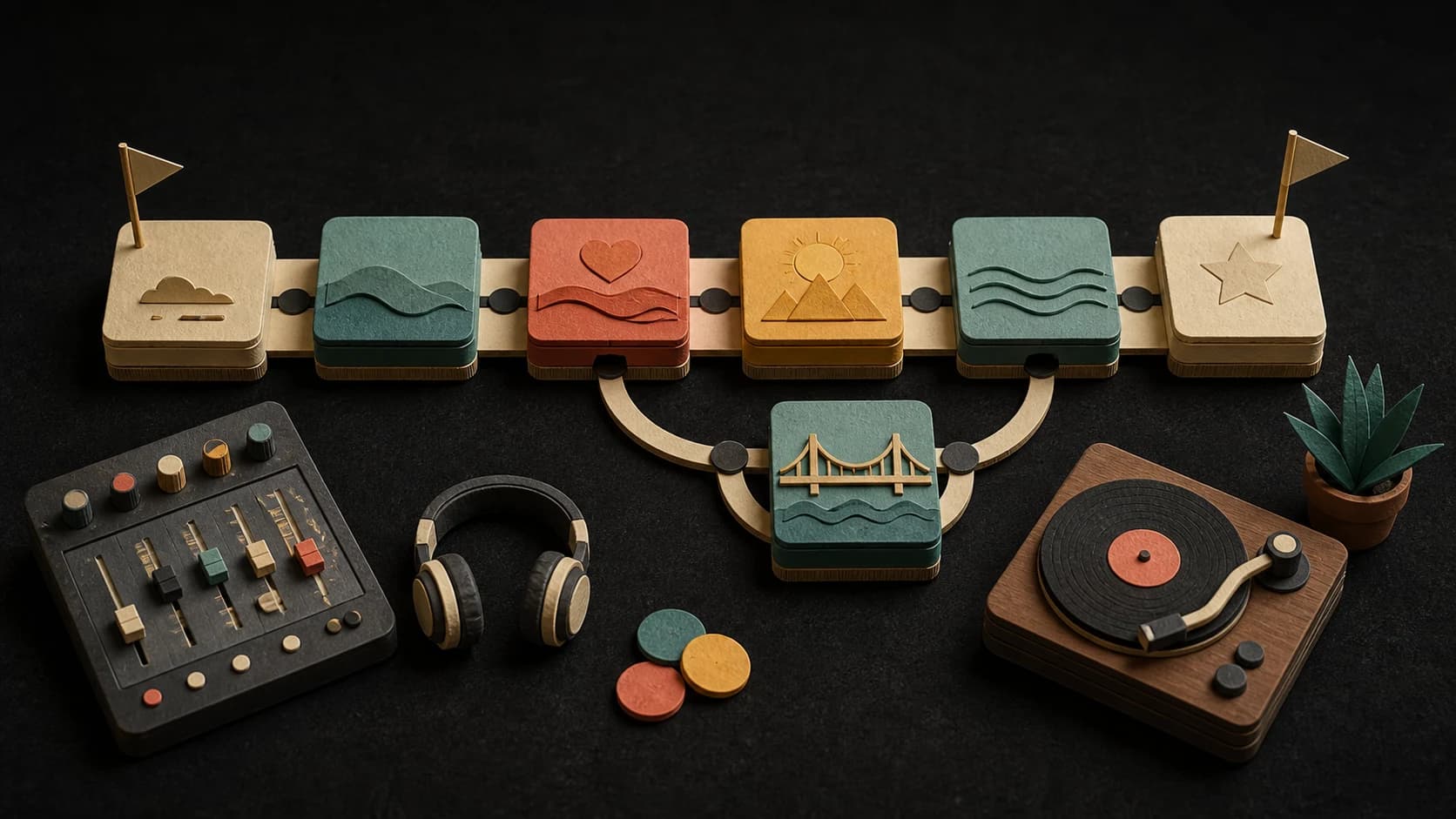
Choose a verse-and-chorus pattern, add a bridge and outro, or use a shorter arrangement for a tighter draft.
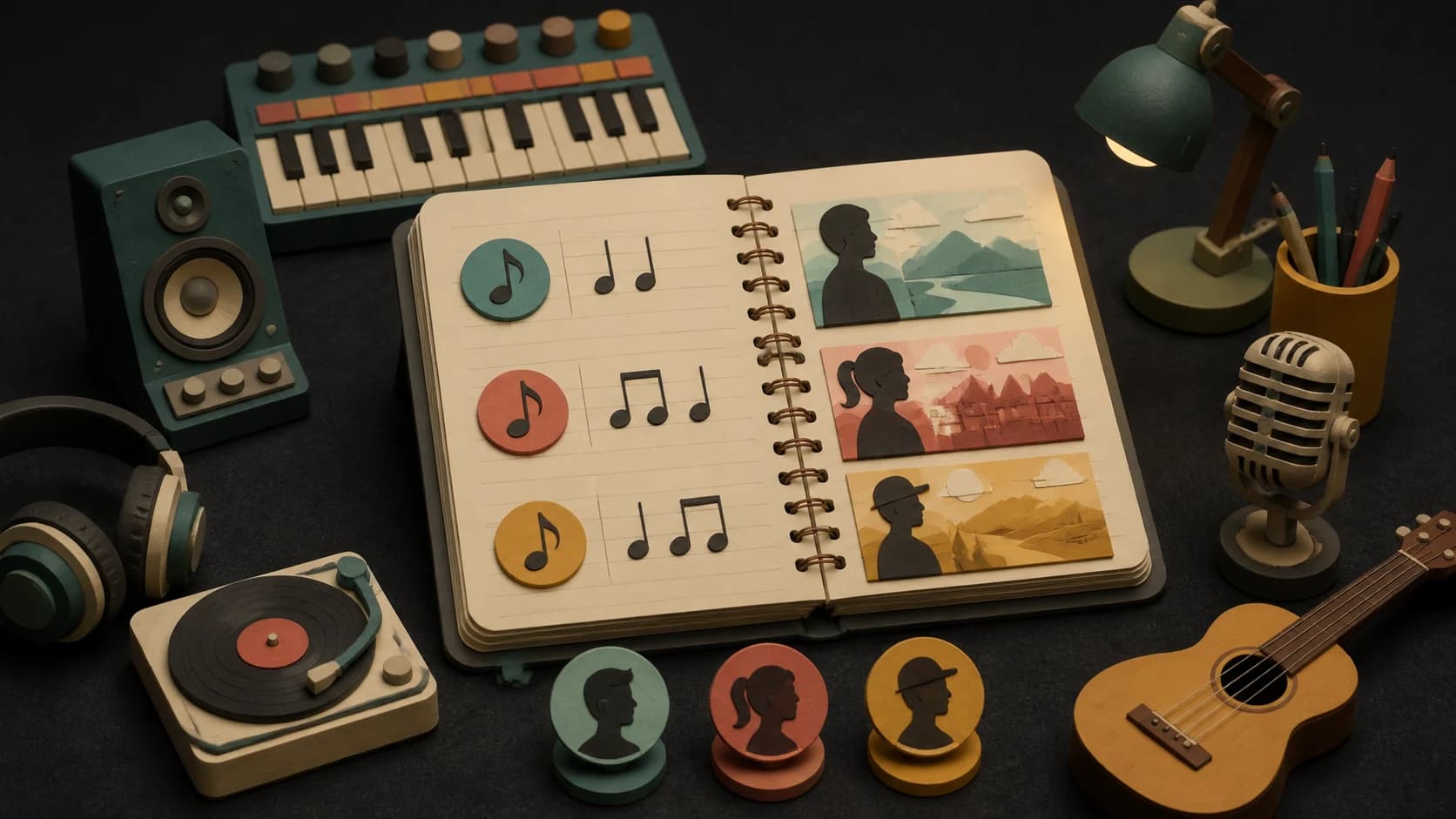
Choose a natural or stricter rhyme pattern and decide whether the story speaks as I, you, or they.
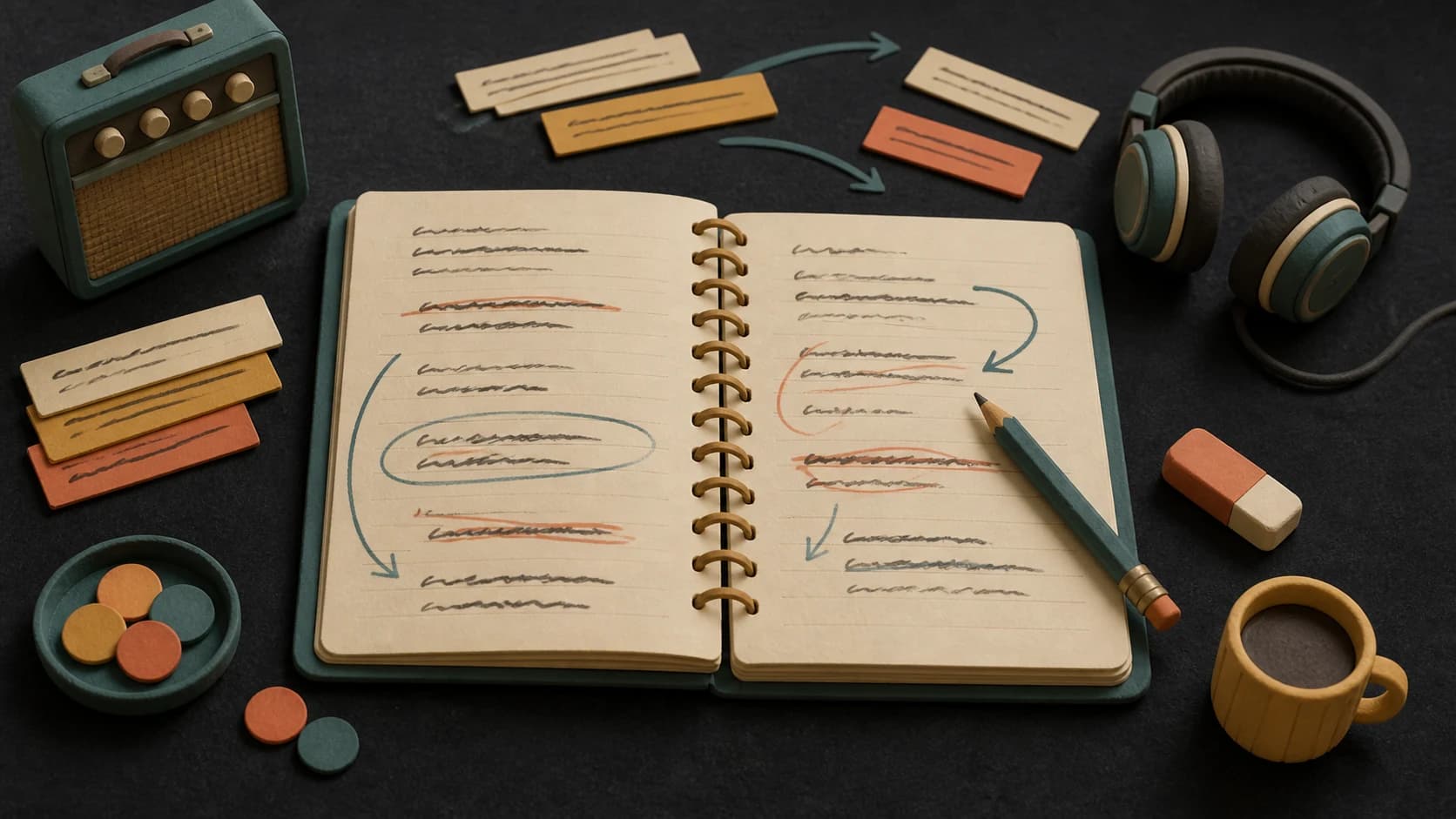
Replace vague phrases, move sections, tighten the rhythm, and keep editing until the words sound like yours.
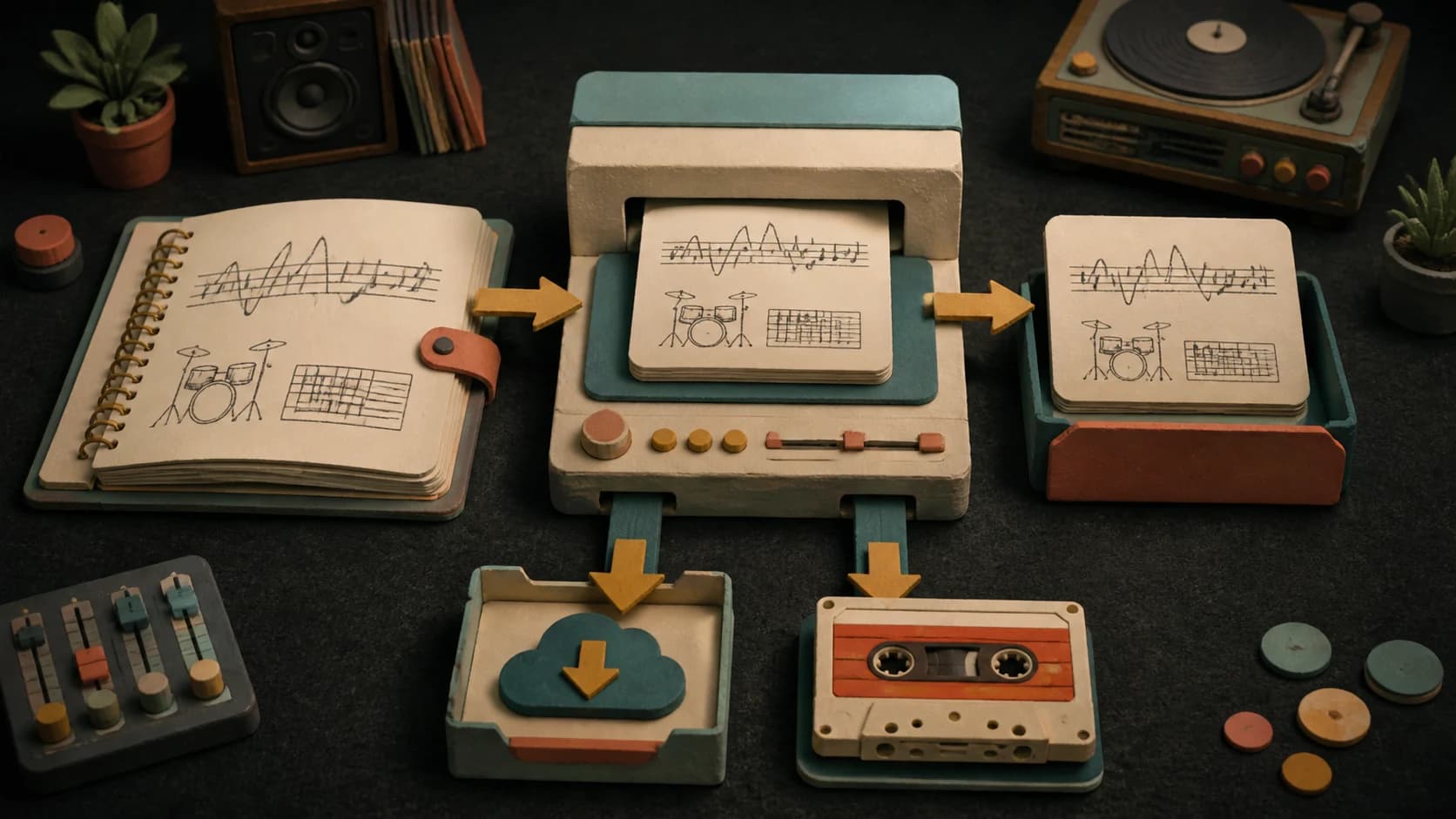
Save the draft as text or carry the lyrics into MusicWave's song creation flow when the writing is ready.
Three steps
Write the subject, scene, feeling, and any words or details you want the lyric draft to include.
Choose the genre and mood, then open more options if you want to set structure, point of view, rhyme, or language.
Review the returned draft, rewrite individual lines or sections, then copy, download, or send the result into song creation.
Before you start
A scene, point of view, and a few real details are more useful than a broad request for a song about love or success.
Ways to use it
Use a detailed idea or the page's Surprise me option to put a first verse-and-chorus draft on the screen.
Keep the subject, then change the mood, genre, structure, or point of view to see which version fits the song.
Rewrite the cadence against your melody or beat, then send the finished words into the MusicWave song creator.
Start free. Upgrade when you need more.
 AI Lyrics GeneratorNo credits usedFree on every plan
Try it out — no card required.
No credit card required
Perfect for creation, image-to-song, and song extension.
Save 40%
All 7 model families


Wave 5.5 · ElevenLabs Music · Lyria 3 Pro · MiniMax 2.6 · Mureka 9 · Stable Audio 2.5 · MusicGen
Cancel anytime · No lock-inUnused subscription credits expire at renewal or when the billing interval changes.
Best for commercial releases and advanced song editing.
Save 40%
All 7 model families
Wave 5.5 · ElevenLabs Music · Lyria 3 Pro · MiniMax 2.6 · Mureka 9 · Stable Audio 2.5 · MusicGen
Cancel anytime · No lock-inUnused subscription credits expire at renewal or when the billing interval changes.
For power users working across MIDI, video, and high-volume output.
Save 40%
All 7 model families
Wave 5.5 · ElevenLabs Music · Lyria 3 Pro · MiniMax 2.6 · Mureka 9 · Stable Audio 2.5 · MusicGen
Cancel anytime · No lock-inUnused subscription credits expire at renewal or when the billing interval changes.
FAQ
Straight answers about the current tool, its limits, and what happens next.
Start with the subject and a specific scene. Add the singer's point of view, the feeling, and any words, images, or events you want included.
Yes. The form includes 16 genres, 12 moods, four starting structures, three points of view, rhyme options, and an output-language control.
Yes. The returned lyrics stay editable. You can rewrite the full draft, work on selected lines, or regenerate individual sections.
Yes. Choose one, two, or three versions before generating, then switch between the returned drafts and edit the one you want to keep.
You can copy it, download a text file, or send the current draft into MusicWave's song creation flow. Signed-in users can also reopen recent generations.
Use the result as a starting draft. Rewrite generic lines, check names and references, and review the final wording for originality, fit, and any rights questions before publishing.
Keep exploring
Write in another format, make a beat, or turn the finished draft into a song.
Describe the song in your own words or try a starting idea, then revise every line you keep.
Write LyricsFree on every plan