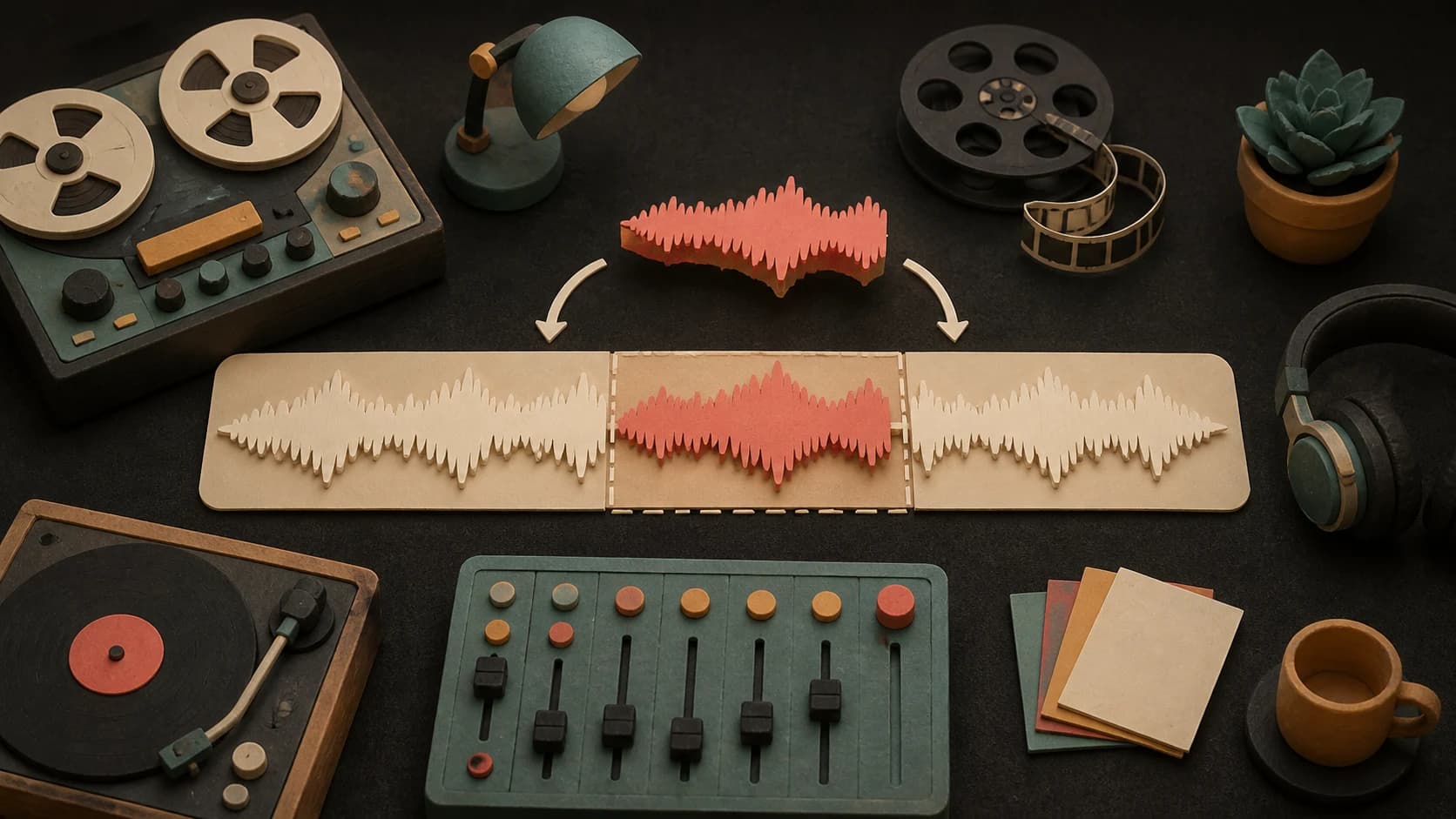
01
Choose a song or upload audio
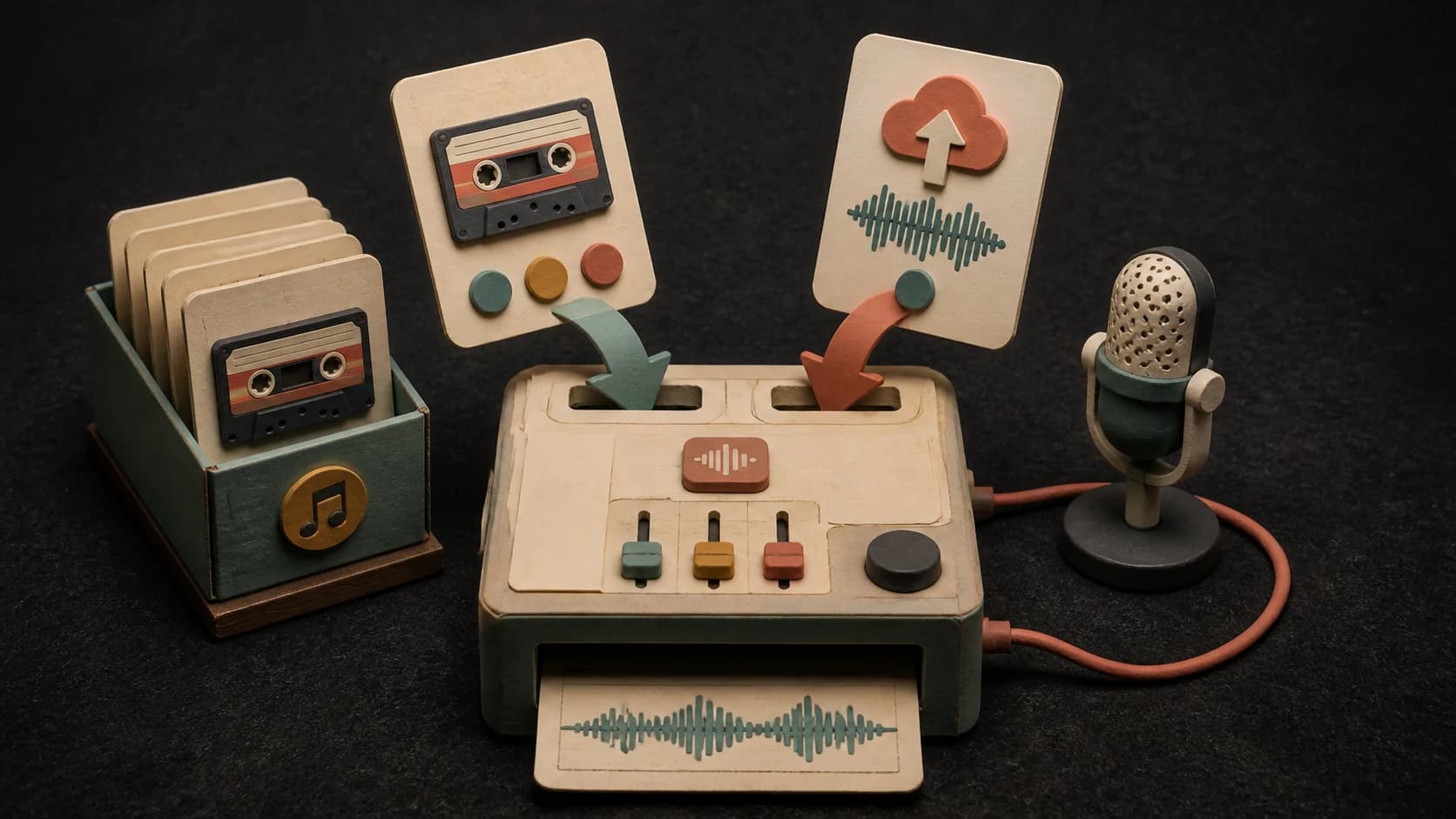
Start from a MusicWave library track, or upload MP3, WAV, or M4A audio within the current limits.
MusicWave song-editing tool
Choose a song or upload audio, pick where the continuation starts, and describe what should happen next.
Choose the source and direction before using 10 credits.
What the tool does
Start from a library song or supported upload, then listen closely to how the added audio joins it.
Start from a MusicWave library track, or upload MP3, WAV, or M4A audio within the current limits.
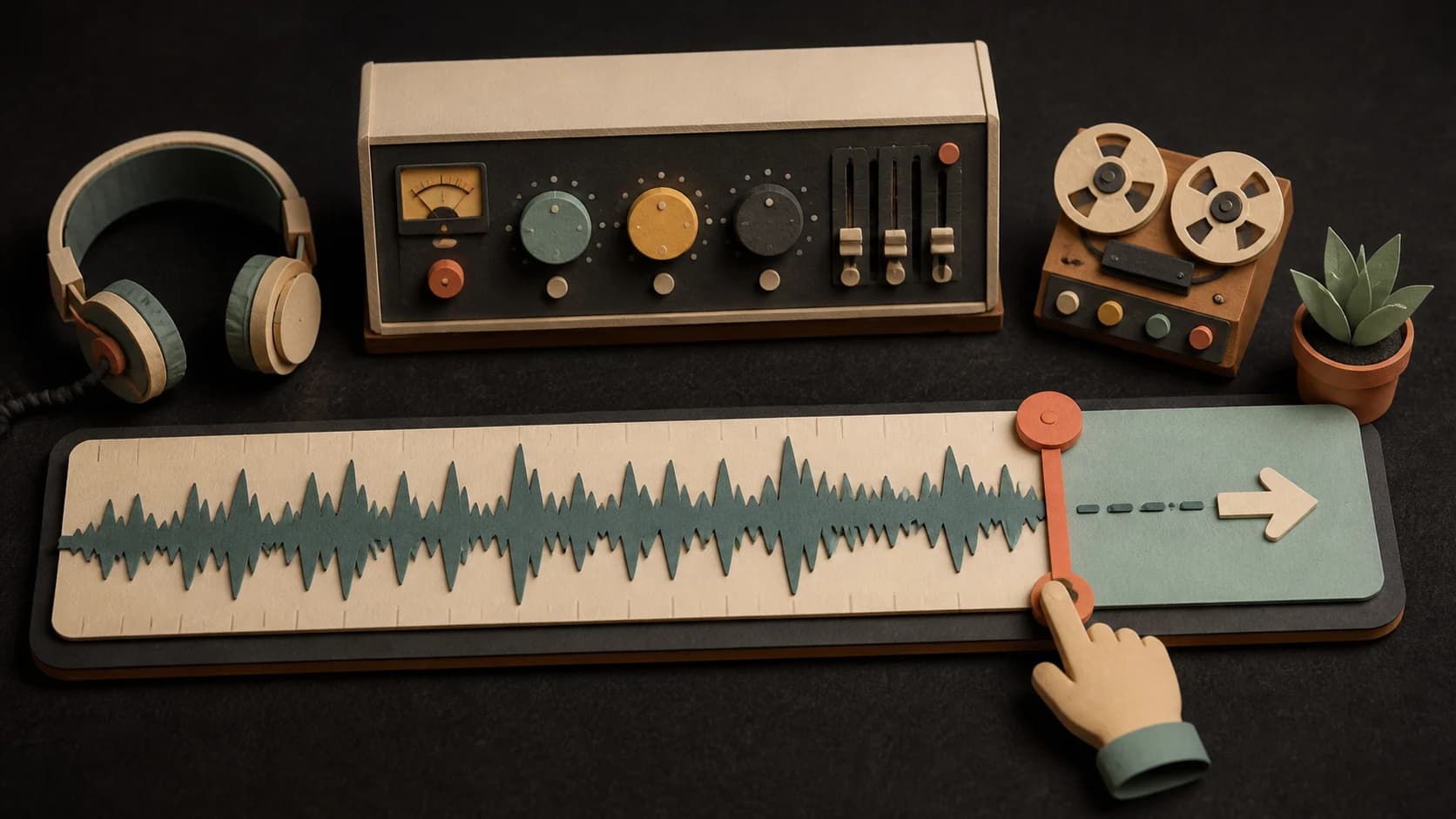
Choose the moment near the end or inside the source where the added section should begin.

Add a plain direction for the instruments, energy, lyrics, or ending you want in the new part.

The tool uses the source before the chosen point as context for the added audio.
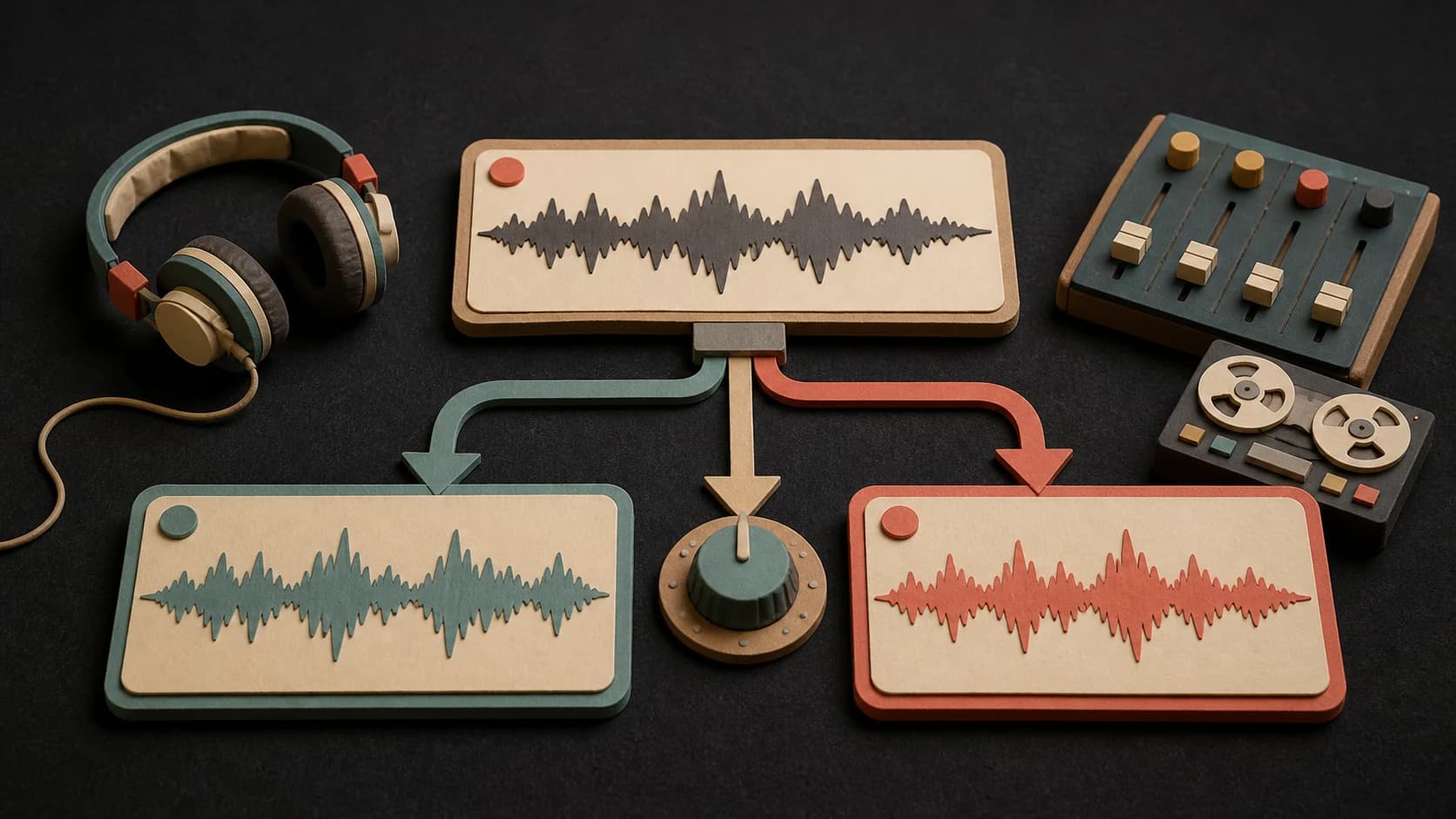
Try the same continuation again or change the direction when the first return does not fit.
Play the returned song, save it to your library, and download the version you prefer.
Three steps
Select a library song or upload a supported audio file up to the current length limit.
Choose where to continue and describe the instruments, mood, vocals, or ending.
Confirm the 10-credit cost, start the extension, and listen around the join.
Before you start
A chorus return, breakdown, extra verse, or clean ending is clearer than a vague request to make it longer.
Ways to use it
Continue a short song when the arrangement needs one more repeat or lyrical section.
Add a breakdown, solo, ambient passage, or repeated groove to background music.
Ask for an outro or final cadence instead of letting the track stop abruptly.
Start free. Upgrade when you need more.
 AI Song Extender10 credits per extensionIncluded from Starter
Try it out — no card required.
No credit card required
Perfect for creation, image-to-song, and song extension.
Save 40%
All 7 model families


Wave 5.5 · ElevenLabs Music · Lyria 3 Pro · MiniMax 2.6 · Mureka 9 · Stable Audio 2.5 · MusicGen
Cancel anytime · No lock-inUnused subscription credits expire at renewal or when the billing interval changes.
Best for commercial releases and advanced song editing.
Save 40%
All 7 model families
Wave 5.5 · ElevenLabs Music · Lyria 3 Pro · MiniMax 2.6 · Mureka 9 · Stable Audio 2.5 · MusicGen
Cancel anytime · No lock-inUnused subscription credits expire at renewal or when the billing interval changes.
For power users working across MIDI, video, and high-volume output.
Save 40%
All 7 model families
Wave 5.5 · ElevenLabs Music · Lyria 3 Pro · MiniMax 2.6 · Mureka 9 · Stable Audio 2.5 · MusicGen
Cancel anytime · No lock-inUnused subscription credits expire at renewal or when the billing interval changes.
FAQ
Straight answers about the current tool, its limits, and what happens next.
Yes. The current tool accepts supported audio uploads such as MP3, WAV, or M4A, with the page enforcing the active size and duration limits.
The current upload flow describes a maximum source length of 8 minutes.
A song extension currently costs 10 credits.
Same-style continuation is available only for eligible Suno library songs with the required source details. Other sources need a written direction.
Not always. Listen for changes in voice, key, rhythm, ambience, or mix around the continuation point.
The returned extension is a new result. Your source remains available separately.
Keep exploring
Replace, remix, split, or turn the longer version into video.
Choose the source, try a page-specific continuation idea, and check the 10-credit cost.
Included from Starter · 10 credits per extension