01
Start with the hook
Name the short lyrical or melodic idea that should feel like the center of the song instead of asking for catchy in general.
Describe the pop song you want—the hook, mood, pace, instruments, and vocal direction. Make bright pop, dream pop, acoustic pop, synth-pop, or your own blend.
Start with the hook, sound, and energy
First 2 songs freeEvery model on paid plans from $5.99/moSee plans ↓
Pop-song examples
We wrote and generated these songs for this page: bright modern pop, a softer late-night track, and warm acoustic pop.

“Bright modern pop song with confident lead vocal, clean guitar, punchy drums, warm bass, colorful synth accents, and a catchy chorus around 118 BPM”
Pick a track to hear it and see the prompt behind it.
Shape the song
Pop is broader than one sound. A useful brief says what should be remembered, how the sections move, and what kind of performance belongs in front.
Name the short lyrical or melodic idea that should feel like the center of the song instead of asking for catchy in general.
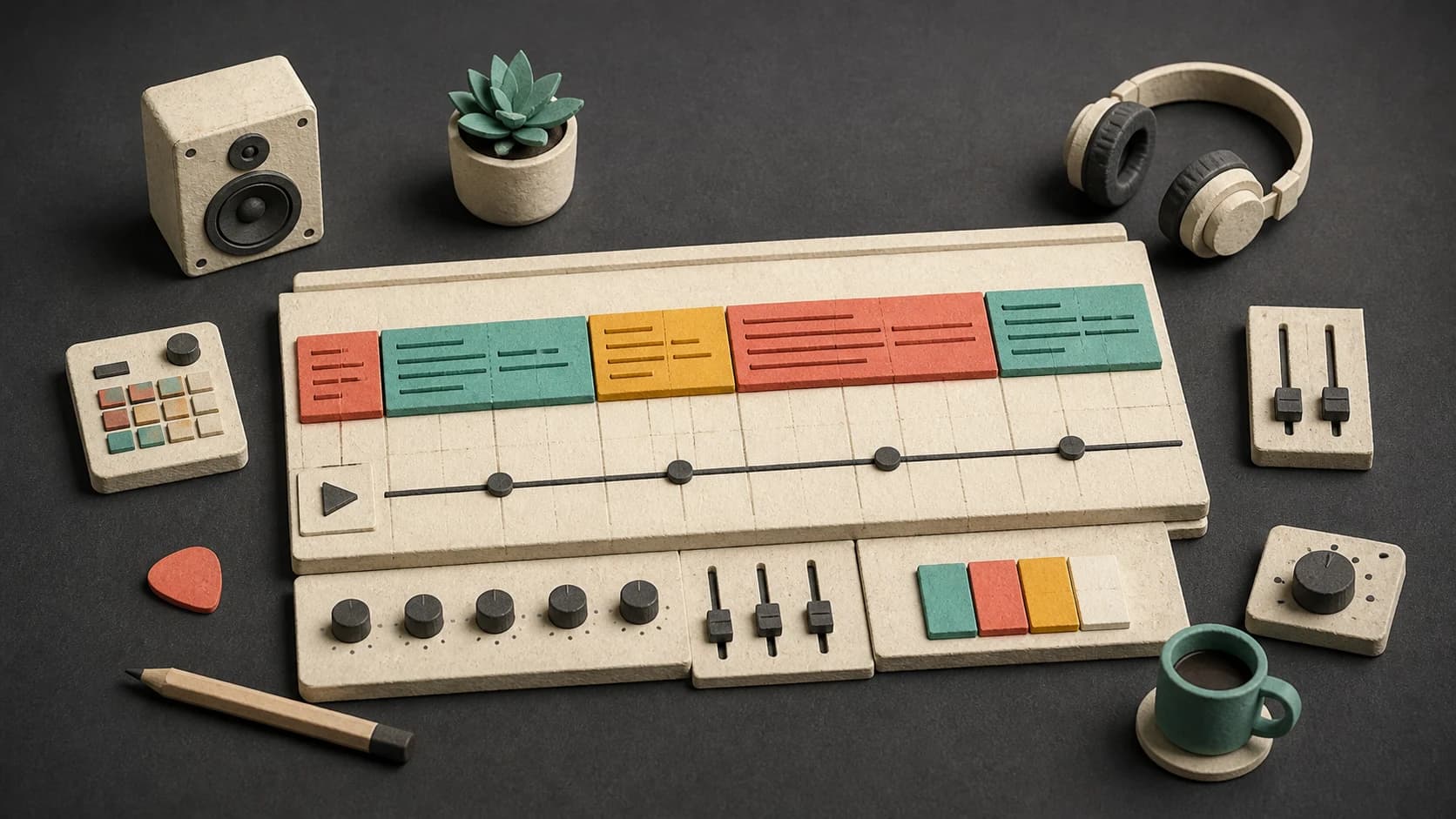
Ask for a short intro, clear verse and pre-chorus, an open chorus, and a bridge only when the song needs one.
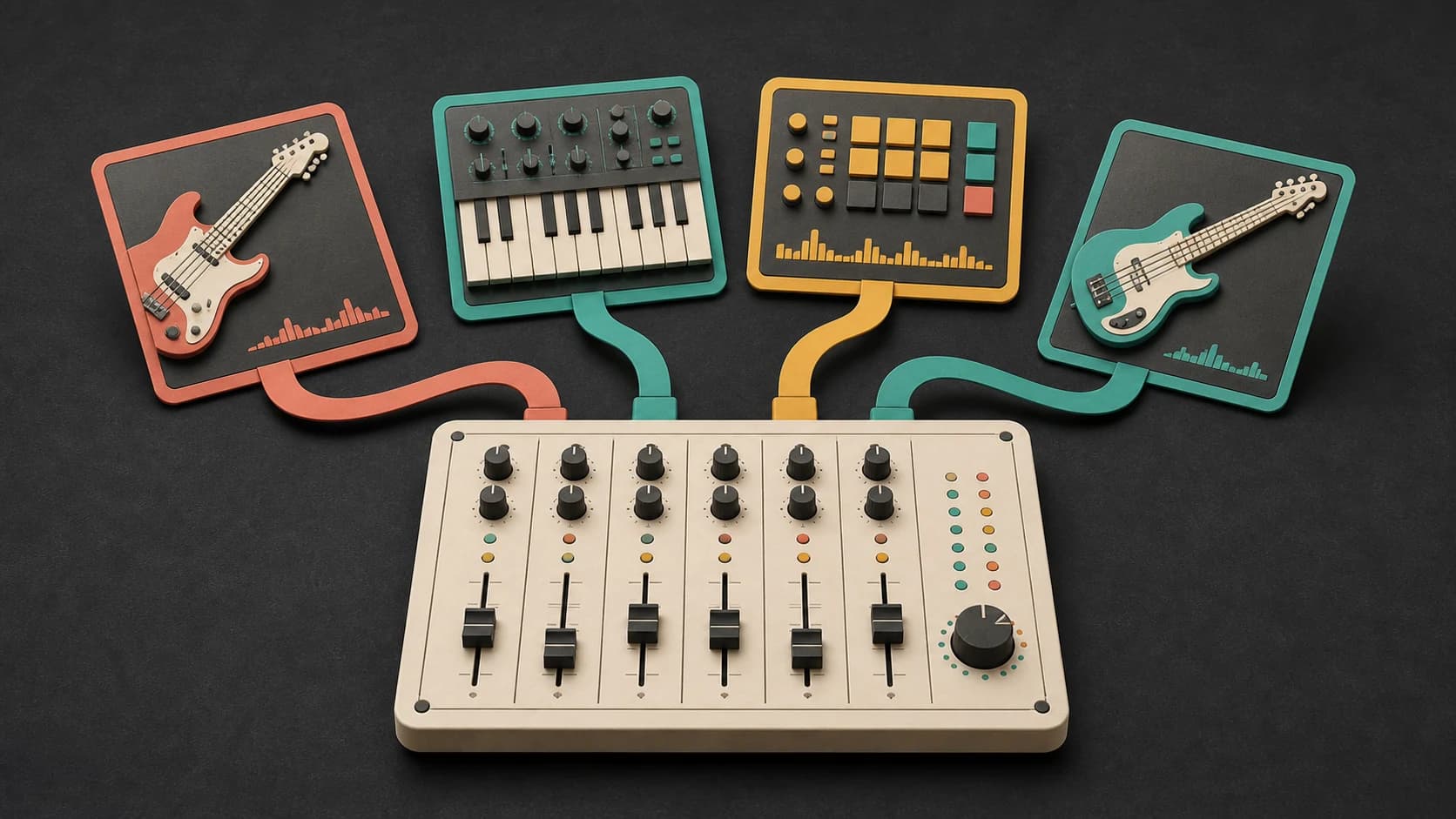
Clean guitar, bright synths, punchy live drums, electronic percussion, piano, bass, and strings all change the lane.
Choose intimate, confident, bright, breathy, conversational, or layered, and say how much backing vocal you want.
Decide whether the chorus should lift gently, open wide, hit quickly, or stay close to the verse.
Try another model, vocal direction, or instrument palette, then keep the strongest versions in your library.
A compact pop structure
The exact form can change, but a strong prompt explains how the song reaches and returns to its main idea.
“Bright modern pop song with confident lead vocal, clean guitar, punchy drums, warm bass, colorful synth accents, a short verse, rising pre-chorus, and a clear chorus around 118 BPM.”
How it works
Start with the part people should remember, add the sound and structure, then listen for sections that feel too crowded or slow.
Write the hook idea, mood, pop direction, instruments, vocal, pace, and section movement.
Select an available model, use your own lyrics or a prompt, and review the credit cost.
Check the verse, transition, chorus, and ending, then change the weakest part of the brief before trying again.
Pop directions
Use the style name as shorthand, then make the sound concrete with instruments, pace, vocal tone, and structure.

Use punchy drums, a direct hook, clean instruments, and a chorus that arrives without a long intro.
Choose softer vocals, wider synths or guitars, steady drums, and a gentler chorus lift.

Start with guitar or piano, natural percussion, a warm vocal, and a simple arrangement around the chorus.
Build around a strong bass pulse, crisp electronic drums, focused synth parts, and a concise vocal hook.
Start free. Upgrade when you need more.
Try it out — no card required.
No credit card required
Perfect for creation, image-to-song, and song extension.
Save 40%
All 7 model families


Wave 5.5 · ElevenLabs Music · Lyria 3 Pro · MiniMax 2.6 · Mureka 9 · Stable Audio 2.5 · MusicGen
Cancel anytime · No lock-inUnused subscription credits expire at renewal or when the billing interval changes.
Best for commercial releases and advanced song editing.
Save 40%
All 7 model families
Wave 5.5 · ElevenLabs Music · Lyria 3 Pro · MiniMax 2.6 · Mureka 9 · Stable Audio 2.5 · MusicGen
Cancel anytime · No lock-inUnused subscription credits expire at renewal or when the billing interval changes.
For power users working across MIDI, video, and high-volume output.
Save 40%
All 7 model families
Wave 5.5 · ElevenLabs Music · Lyria 3 Pro · MiniMax 2.6 · Mureka 9 · Stable Audio 2.5 · MusicGen
Cancel anytime · No lock-inUnused subscription credits expire at renewal or when the billing interval changes.
FAQ
Straight answers about hooks, lyrics, vocals, instrumentals, tempo, downloads, and commercial use.
No. You can start from a song description, or switch to the lyrics option when you have words you wrote or have permission to use.
Describe what should change: wider vocal layers, fuller drums, brighter chords, a shorter repeated line, or a more open arrangement.
Yes. Turn on instrumental mode and describe which instrument should carry the hook instead of a vocal.
Yes. Include a BPM or a plain-language pace. Check the finished audio if exact timing matters, because generated music may not land on the precise number.
Completed tracks are saved to your MusicWave library, where you can play and download the output available for the selected model and plan.
That depends on your MusicWave plan, selected model terms, and the rights in any lyrics or audio you supplied. Review those terms before commercial use.
Keep exploring
Start with lyrics, try a broader song generator, add vocals to an instrumental, or remix a finished track.
Describe the hook, sound, structure, and vocal direction, then generate a version you can play back.
Start free — no credit card needed.