01
Choose the lane
Storytelling rap, boom-bap, melodic rap, drill, conscious rap, and club rap change the length of lines, hook shape, and beat pocket.
Describe the story, point of view, flow, beat, and hook you want. Build an original rap song from a topic, or use your own lyrics when the words are already written.
Start with the subject, flow, and beat
First 2 songs freeEvery model on paid plans from $5.99/moSee plans ↓
Original examples
These original songs use reflective storytelling, a tighter confident pocket, and a melodic hook without copying a named artist.
“Confident boom-bap rap song with a dry close vocal, tight kick and snare, warm bass, clipped piano, 94 BPM feel, short hook, and original lyrics about improving through daily work”
Pick a track to hear it and see the prompt behind it.
Shape the song
You do not need production jargon. These six details give the music a useful direction while leaving room for a fresh result.
Storytelling rap, boom-bap, melodic rap, drill, conscious rap, and club rap change the length of lines, hook shape, and beat pocket.
Set the pace, bar density, rhyme feel, pauses, and whether the delivery should sit straight, swing, or move between rap and melody.
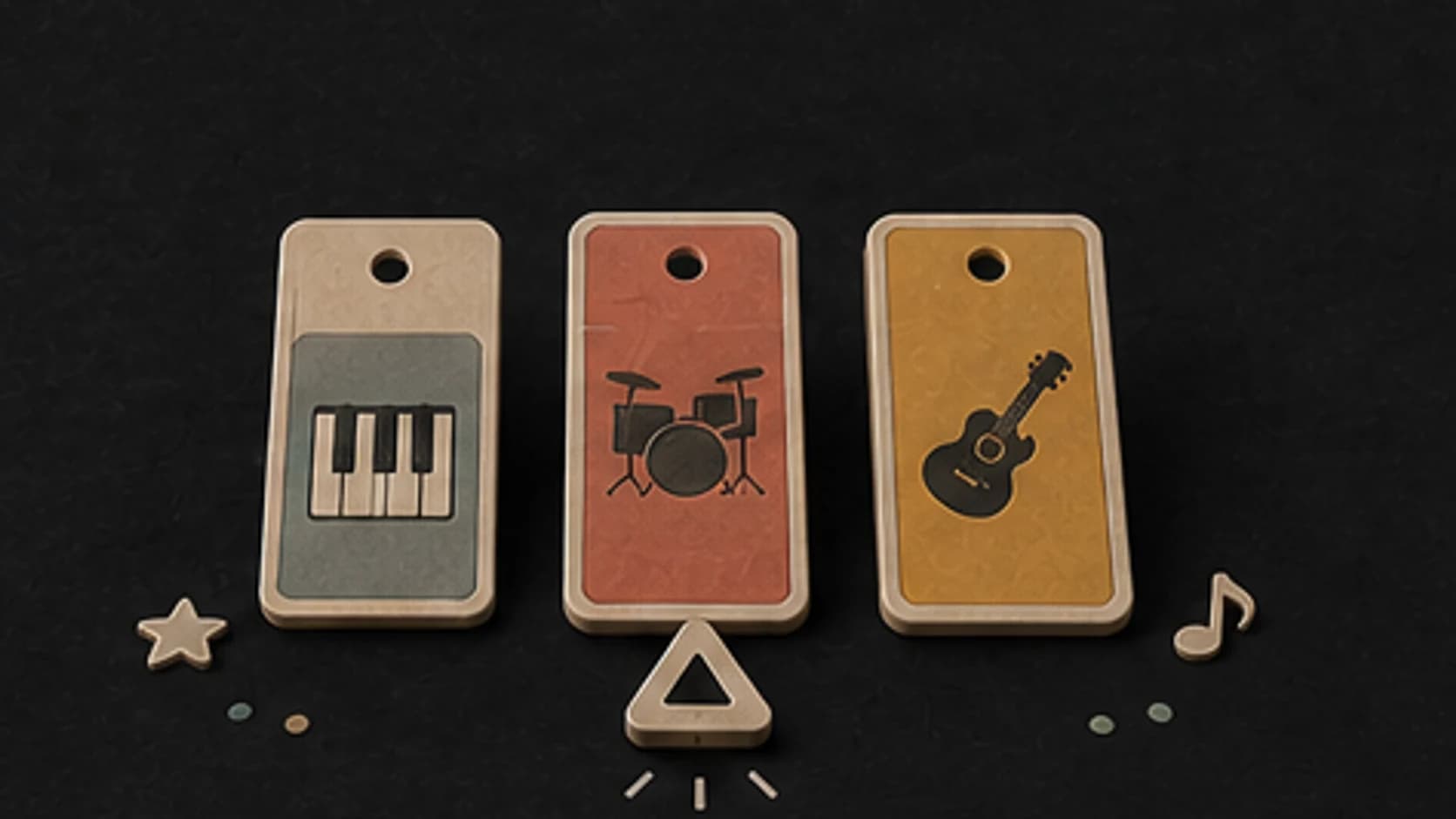
Describe the drums, bass, keys, sample-like harmony, guitar, or synth texture that should support the writing without crowding it.
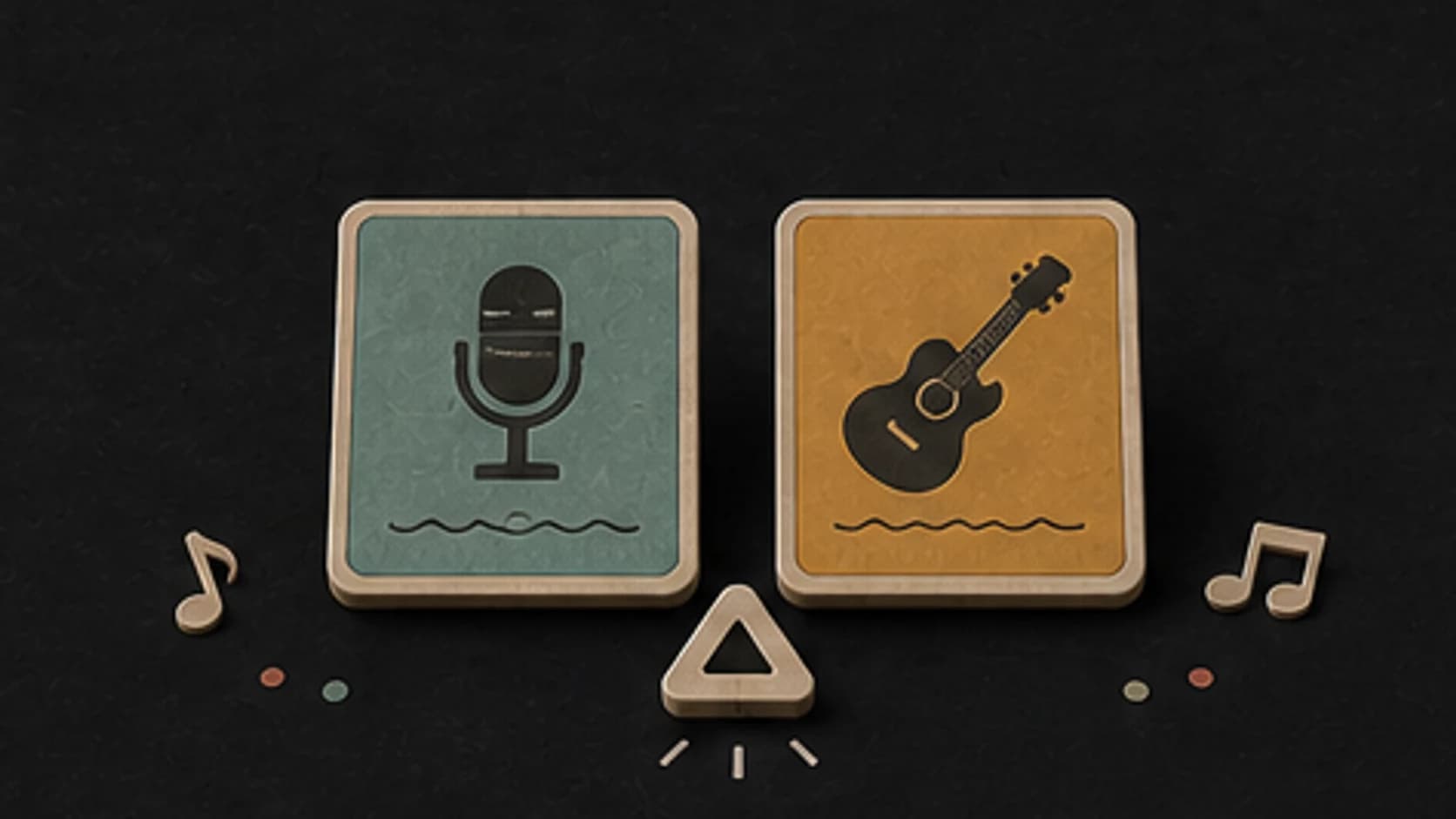
Name the delivery in plain terms—calm, clipped, conversational, forceful, melodic, or call-and-response—and avoid requesting a living artist imitation.
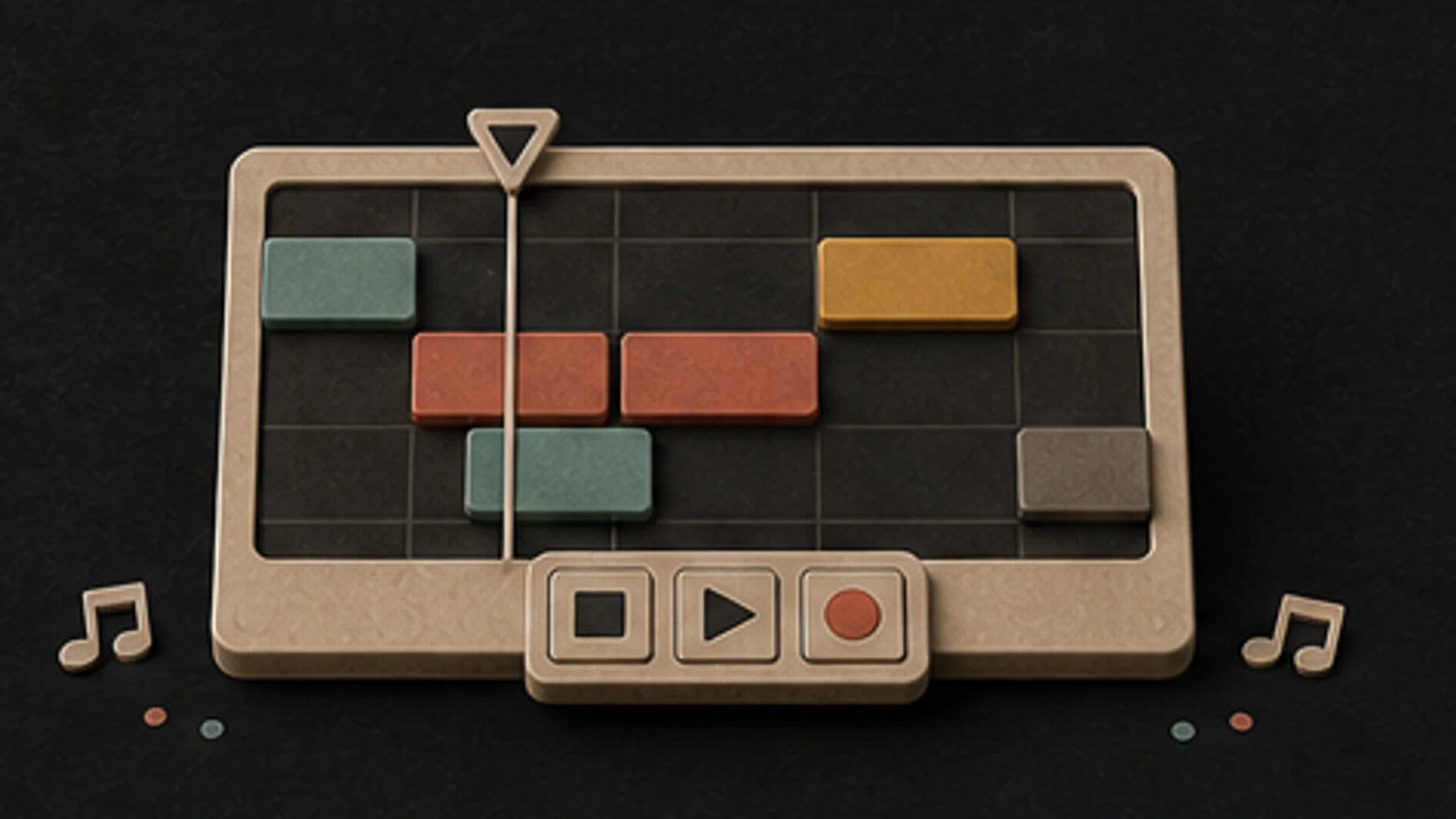
Choose the number of verses, hook length, intro, beat switch, bridge, and outro so the writing has a clear place to land.
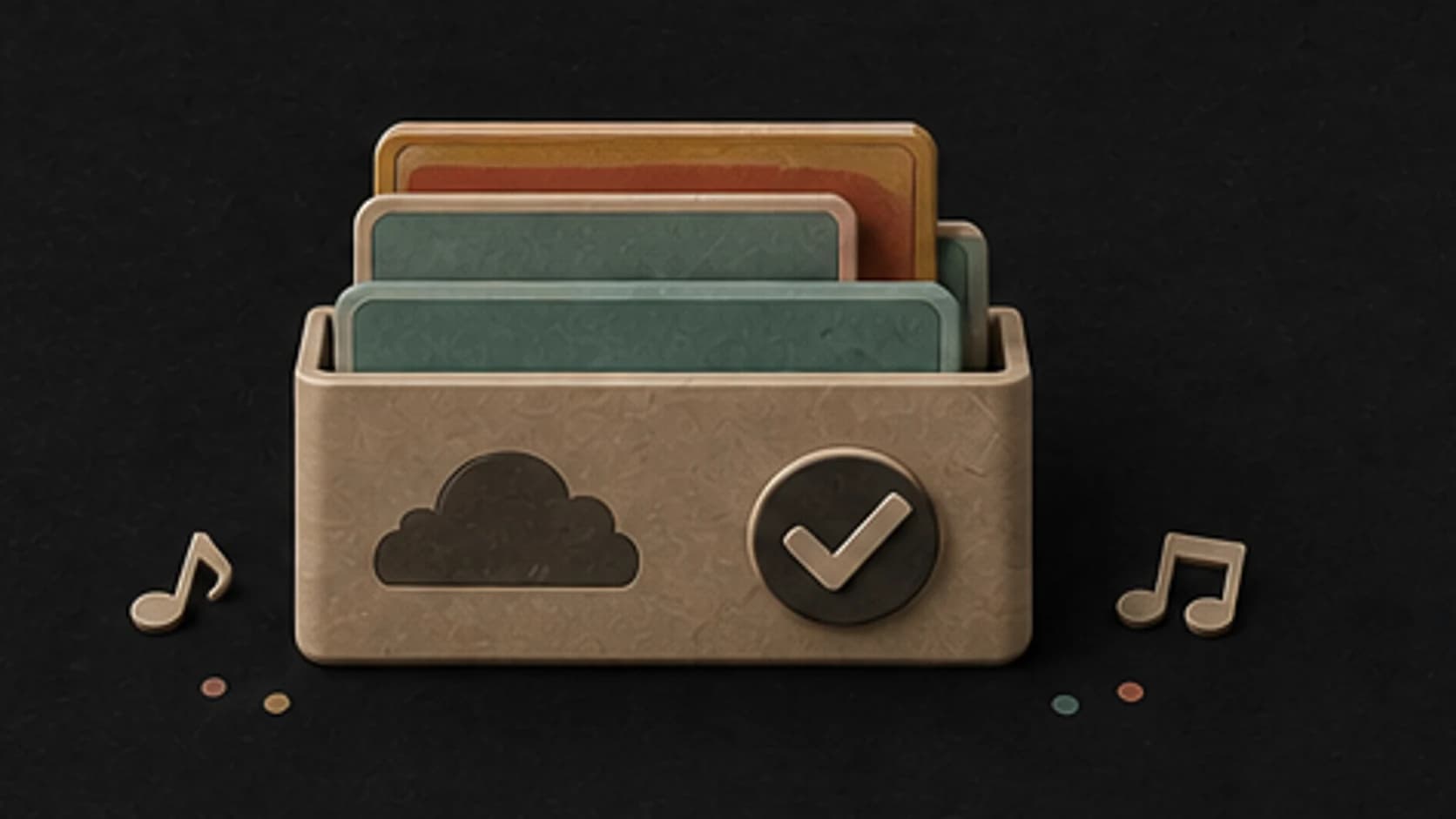
Keep the results that work in your MusicWave library. Compare another model or revise one clear detail when you want a different interpretation.
A practical prompt
Start with what the song should feel like, then add only the musical details you actually care about.
“Confident boom-bap rap song1 with a dry close vocal4, tight kick and snare, warm bass, clipped piano3, 94 BPM feel2, short hook, and original lyrics about improving through daily work4”
How it works
Describe the direction in your own words, choose the available options, then listen before changing anything.
Name the rap song, pace, instruments, vocal role, and one or two arrangement details that matter most.
Pick an available music model, choose instrumental or vocal, and review the shown credit cost before starting.
Play the result from your library. Change the rhythm, instrument, vocal direction, or structure when the first version misses the brief.
Ways to use it
Start from the job the track needs to do. That makes the prompt more specific and the result easier to judge.
Start from a real scene or idea and hear it as verses, a hook, and a complete beat.
Use Own Lyrics when the verses and hook are already written.
Try the same subject at different tempos and line densities without copying another performer.
Create an original reference track before re-recording or rebuilding the production.
Start free. Upgrade when you need more.
Try it out — no card required.
No credit card required
Perfect for creation, image-to-song, and song extension.
Save 40%
All 7 model families


Wave 5.5 · ElevenLabs Music · Lyria 3 Pro · MiniMax 2.6 · Mureka 9 · Stable Audio 2.5 · MusicGen
Cancel anytime · No lock-inUnused subscription credits expire at renewal or when the billing interval changes.
Best for commercial releases and advanced song editing.
Save 40%
All 7 model families
Wave 5.5 · ElevenLabs Music · Lyria 3 Pro · MiniMax 2.6 · Mureka 9 · Stable Audio 2.5 · MusicGen
Cancel anytime · No lock-inUnused subscription credits expire at renewal or when the billing interval changes.
For power users working across MIDI, video, and high-volume output.
Save 40%
All 7 model families
Wave 5.5 · ElevenLabs Music · Lyria 3 Pro · MiniMax 2.6 · Mureka 9 · Stable Audio 2.5 · MusicGen
Cancel anytime · No lock-inUnused subscription credits expire at renewal or when the billing interval changes.
FAQ
Straight answers about prompts, vocals, models, downloads, and using the finished track.
Name the style, pace, main instruments, vocal role, and the section that should carry the song. Add a scene or purpose when it helps explain the mood.
Yes. Turn on Instrumental and describe the rhythm, instruments, structure, and space you want without asking for a vocal part.
Yes. Choose Own Lyrics, paste words you wrote or have permission to use, and describe the music and vocal delivery around them.
Describe the musical traits you like instead—tempo, instruments, drum feel, vocal character, and arrangement. Do not request another person's identity or an exact imitation.
The composer shows the models currently available. Try the same direction with another model when you want a different reading of the groove, voice, or arrangement.
Completed tracks are saved to your MusicWave library. Download and usage options depend on your current plan, the selected model's terms, and the rights in anything you supplied.
Keep exploring
Move to a nearby genre, start from lyrics, or continue a version that already has the right direction.
Describe the story, delivery, tempo, production, and hook, then generate an original rap song.
Start free — no credit card needed.