01
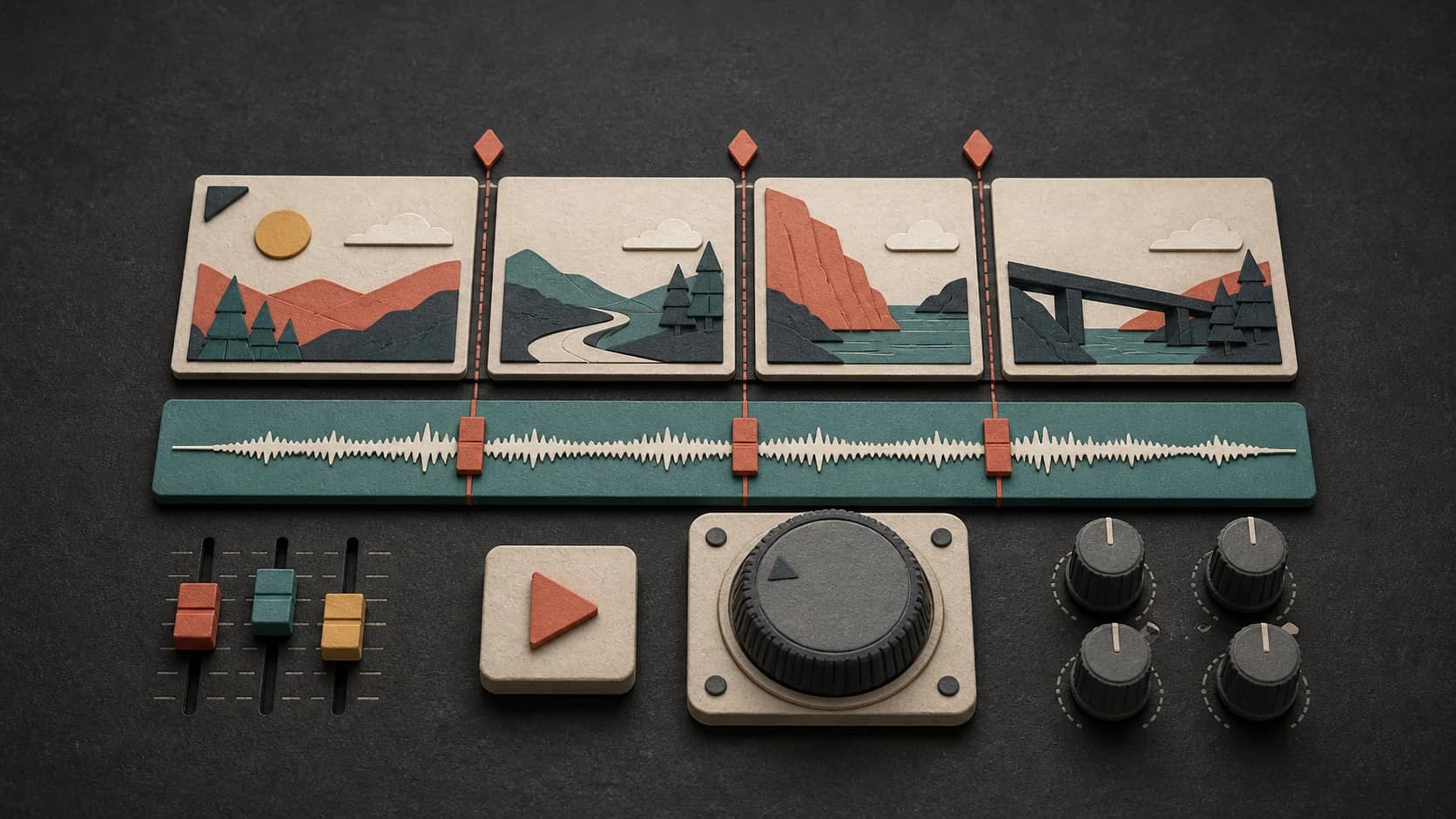
Match the pace of the edit
Describe slow scenic cuts, a steady tutorial, a quick montage, or a short product reveal so the arrangement has the right amount of movement.
Describe the video, the pace of the edit, and the role the music should play. Make a background track, intro, outro, or instrumental you can save and bring into your editor.
Start with the scene, pace, and role of the track
First 2 songs freeEvery model on paid plans from $5.99/moSee plans ↓
YouTube-music examples
We generated these original instrumentals for this page. Compare a clean tutorial bed, a warm travel-vlog track, and a quieter documentary direction before writing your own prompt.
“Clean electronic background instrumental for a software tutorial, muted plucks, soft pulse, rounded bass, restrained drums, steady 96 BPM feel, no vocals, no large build, and enough space for clear narration”
Pick a track to hear it and see the prompt behind it.
Shape the soundtrack
A useful prompt says what is happening on screen, where the track should sit, and what it must leave room for. You can change the musical style without losing that direction.
Describe slow scenic cuts, a steady tutorial, a quick montage, or a short product reveal so the arrangement has the right amount of movement.
Ask for a restrained background and fewer busy lead parts when narration, an interview, or on-camera speech needs to stay clear.
Repeat a small set of instruments, a short motif, or the same overall mood when you want intros, outros, and episodes to feel related.
Keep the track instrumental for background use, or leave instrumental mode off when a sung or spoken part belongs in the video.
Try the same direction with another model or change one detail at a time when the first track feels too busy, too quiet, or too dramatic.
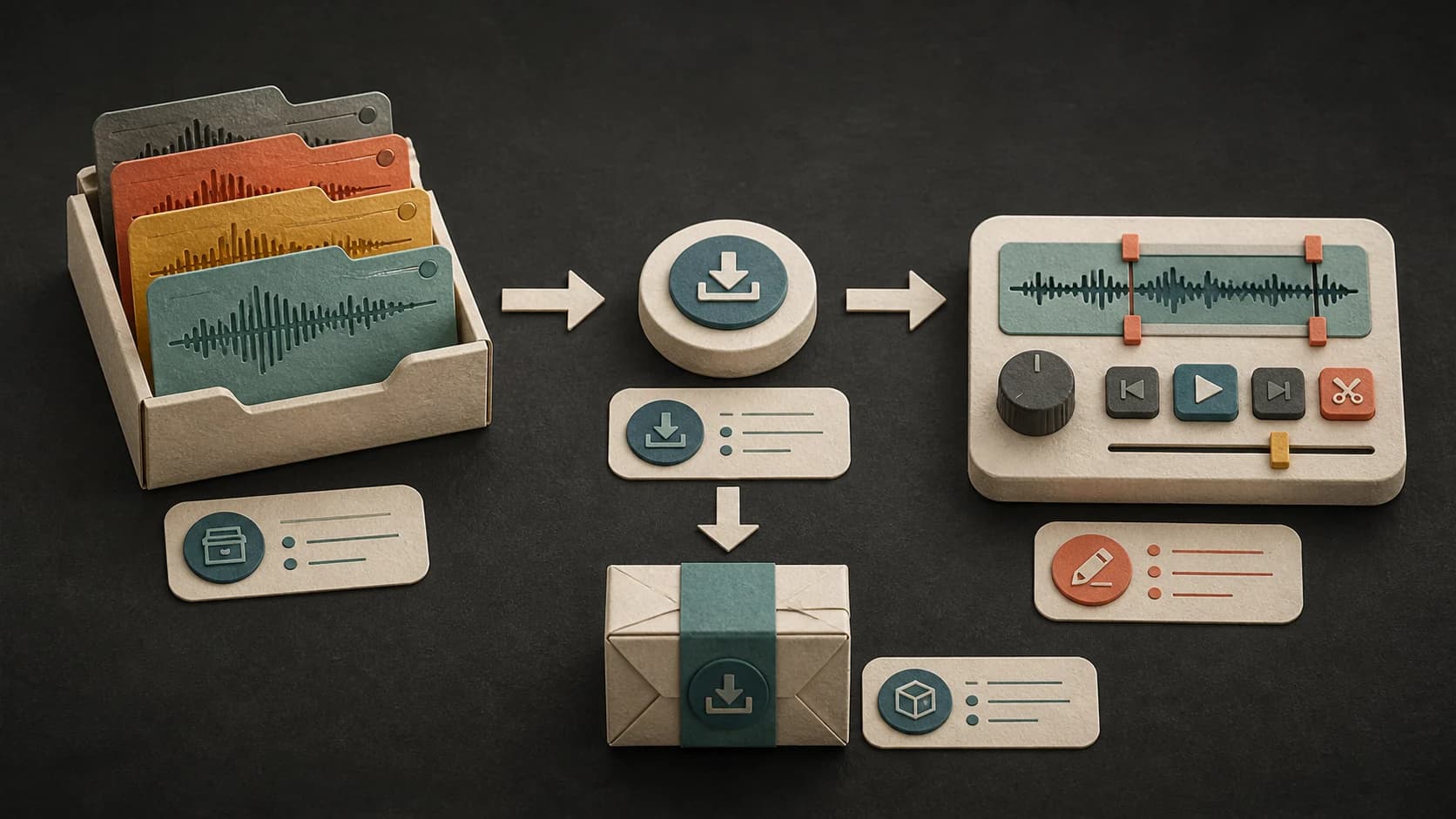
Keep the finished track in your MusicWave library, download the available file, or continue it with the editing tools your result supports.
A useful video prompt, in plain language
You do not need production terms. Describe the video, say what the music is doing, choose a few sounds, and name anything that would get in the way.
“Clean electronic background instrumental2 for a software tutorial1, muted plucks, soft pulse, rounded bass, restrained drums, steady 96 BPM3, no vocals, no large build, and room for narration4.”
How it works
Start with the scene in front of you. After the first result, adjust the part that does not fit instead of rewriting the whole prompt.
Say what viewers are watching, how quickly the edit moves, and whether the track is background, an intro, an outro, or a featured moment.
Pick an available music model, choose instrumental or vocal, and review the credit cost before you start.
Check the track with your voiceover and cuts. If it competes with the video, lower it in your editor or ask for a simpler arrangement.
Creator formats
The same soundtrack will not suit every channel. Use the format and the way you cut the video as the starting point for the prompt.
Ask for an even background with restrained drums and fewer lead parts so explanation remains the focus.

Use the place, time of day, pace, and mood of the footage to guide an acoustic, electronic, lo-fi, or cinematic direction.
Choose a quieter instrumental that supports the scene without telling the audience how to feel in every moment.
Build a short recurring motif, then reuse the same instruments and mood when you want episodes to share a recognizable sound.
Start free. Upgrade when you need more.
Try it out — no card required.
No credit card required
Perfect for creation, image-to-song, and song extension.
Save 40%
All 7 model families


Wave 5.5 · ElevenLabs Music · Lyria 3 Pro · MiniMax 2.6 · Mureka 9 · Stable Audio 2.5 · MusicGen
Cancel anytime · No lock-inUnused subscription credits expire at renewal or when the billing interval changes.
Best for commercial releases and advanced song editing.
Save 40%
All 7 model families
Wave 5.5 · ElevenLabs Music · Lyria 3 Pro · MiniMax 2.6 · Mureka 9 · Stable Audio 2.5 · MusicGen
Cancel anytime · No lock-inUnused subscription credits expire at renewal or when the billing interval changes.
For power users working across MIDI, video, and high-volume output.
Save 40%
All 7 model families
Wave 5.5 · ElevenLabs Music · Lyria 3 Pro · MiniMax 2.6 · Mureka 9 · Stable Audio 2.5 · MusicGen
Cancel anytime · No lock-inUnused subscription credits expire at renewal or when the billing interval changes.
FAQ
Straight answers about narration, Content ID, monetized videos, downloads, track length, and keeping a channel sound consistent.
Yes. Turn on instrumental mode before generating. You can also write “no vocals” and describe the amount of movement you want behind the video.
Ask for a restrained background with fewer lead parts, then listen to the track under the voiceover in your editor. You may still need to lower the music or adjust it around important lines.
No service can promise that every upload will avoid an automated or mistaken claim. Keep your MusicWave generation record, review the rights attached to your plan and selected model, and make sure you have permission for anything you supplied.
That depends on your current MusicWave plan, the selected model’s terms, and the rights in any lyrics, recordings, or other material you supplied. Review those terms before publishing commercially.
Length depends on the model and controls you choose. The composer shows the available options, and MusicWave’s Song Extender can continue a finished track when you need more material.
Yes. Repeat the same short motif, instruments, mood, and pace in both prompts. Listen to the results together and adjust the details that feel inconsistent.
Completed tracks are saved to your MusicWave library, where you can play and download the output available for that model and plan.
Keep exploring
Start with a broader background-music brief, make a short opening cue, add visuals to a finished song, or continue a track that already fits the edit.
Describe the footage, choose instrumental or vocal, and generate a version you can test against your edit.
Start free — no credit card needed.