01
Choose an instrumental
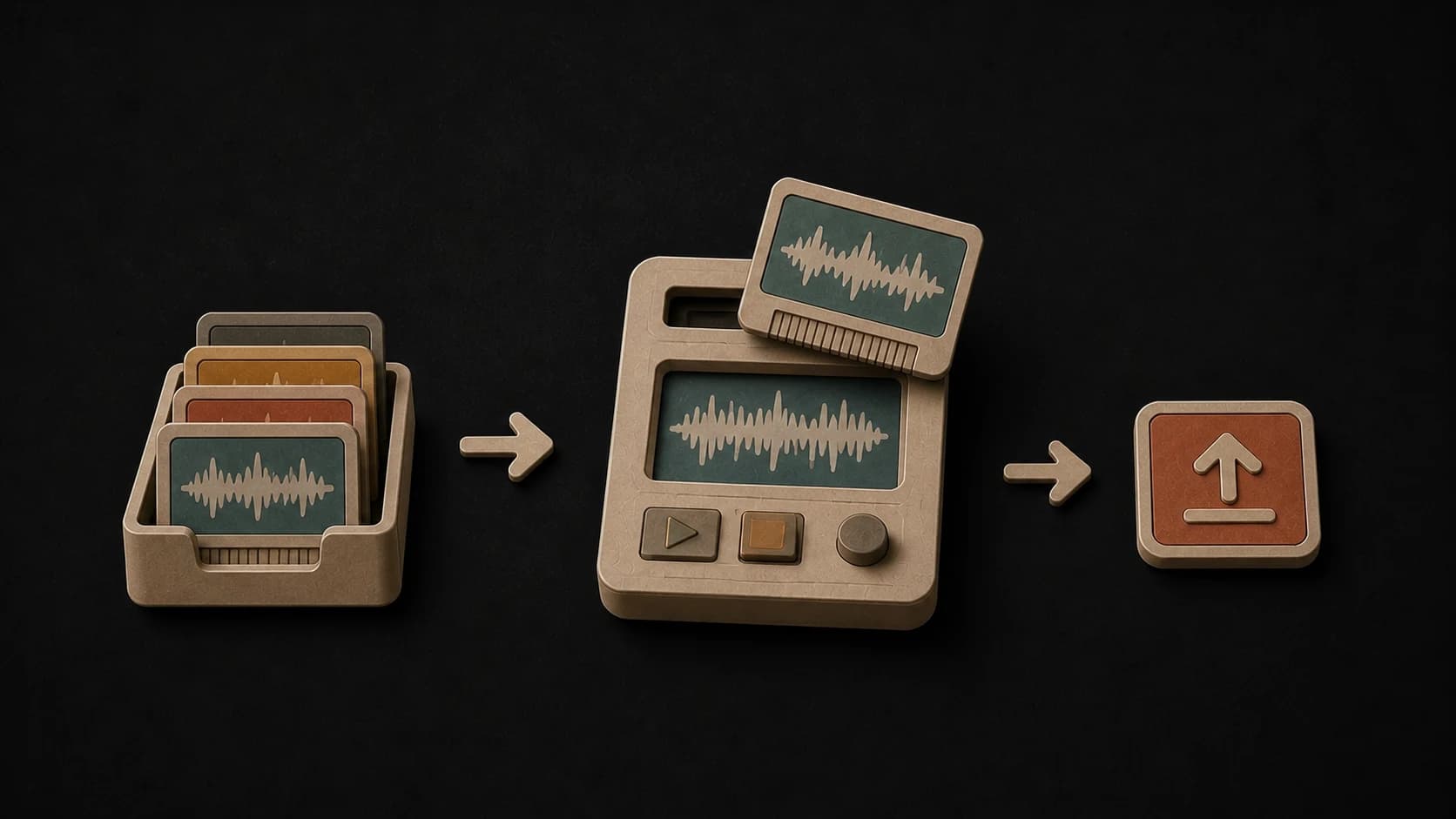
Upload an MP3, WAV, or M4A file, or start with an eligible instrumental already saved in your MusicWave library.
MusicWave vocal tool
Choose an instrumental, add the lyrics and singing style, then compare two new vocal takes.
Upload an instrumental or choose one from your library, then supply the words and vocal direction.
From instrumental to vocal song
The backing track, lyrics, voice choice, and style each answer a different part of the request. Keep those inputs specific and easy to understand.
Upload an MP3, WAV, or M4A file, or start with an eligible instrumental already saved in your MusicWave library.

The lyrics box is for the actual words of the performance. Add verses, a hook, or a complete lyric instead of production instructions.

Leave the voice choice open, or ask for a male or female vocal direction before starting the request.
Describe the genre and vocal feel that belong with the instrumental, or use the genre choices as a quick starting point.
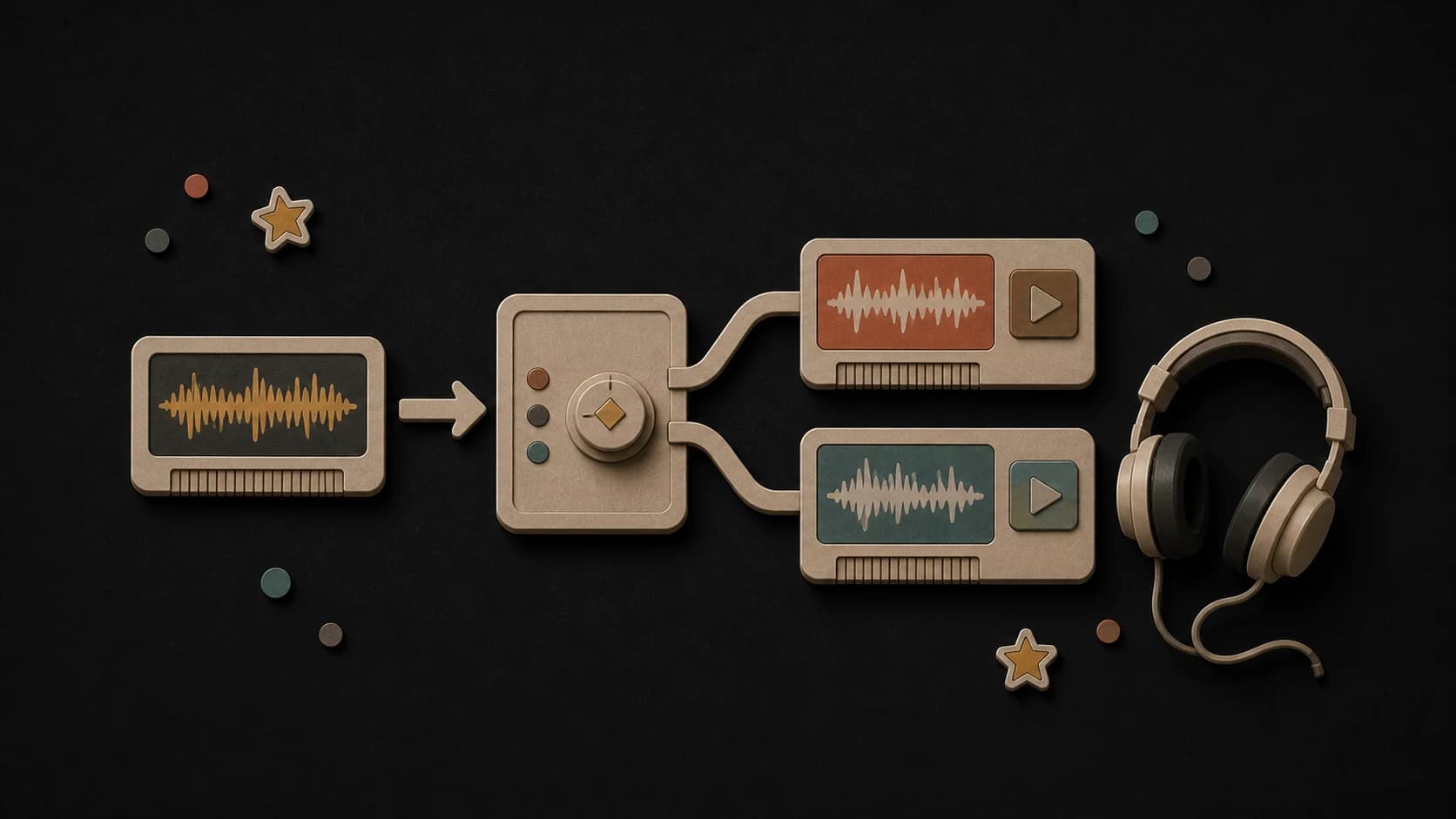
The completed request returns two takes. Play both versions and compare how each performance sits against the same backing track.
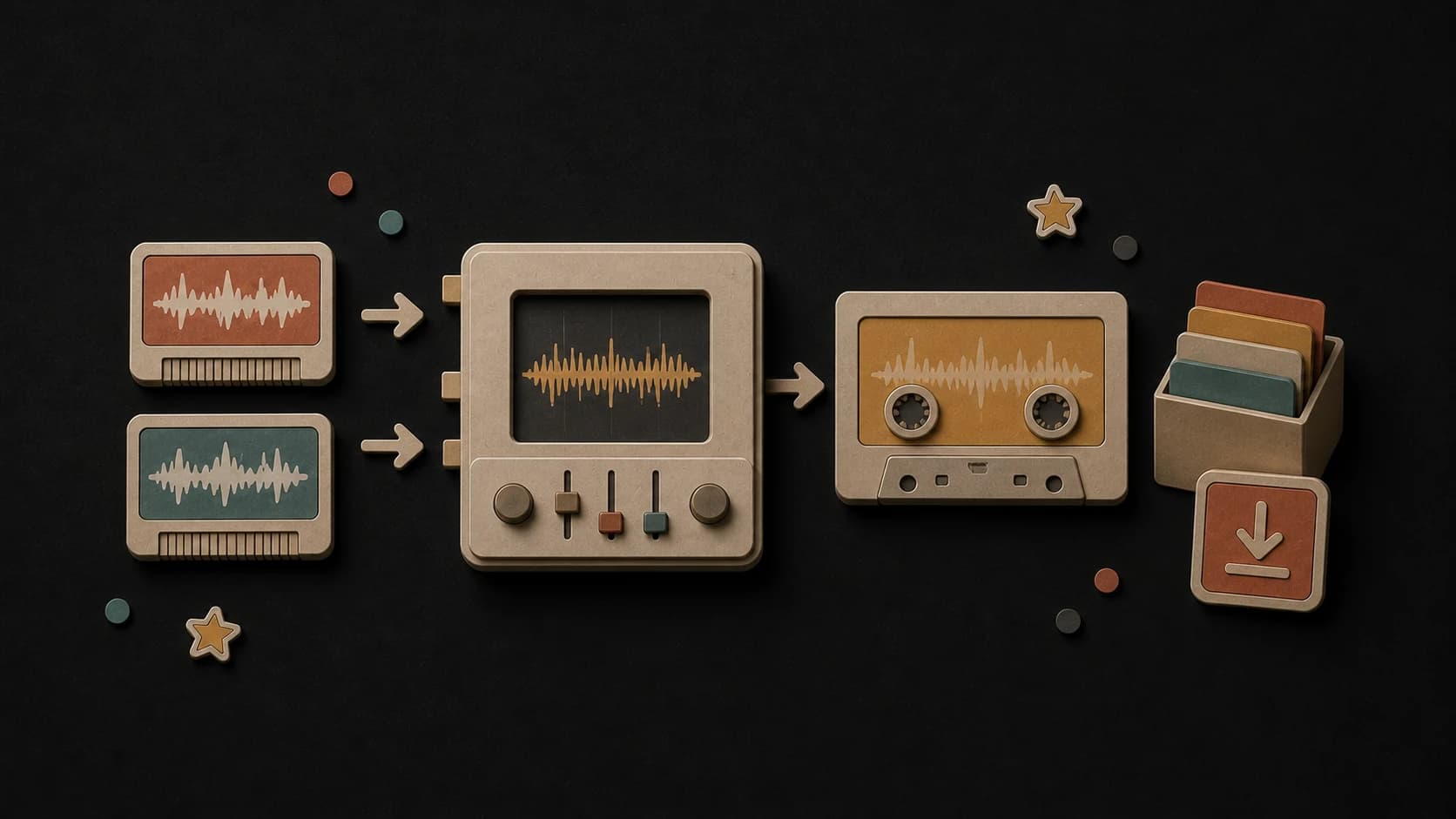
Completed takes can be played and downloaded from the results area, with the finished songs kept in your MusicWave library.
From backing track to two takes
Upload your instrumental or select an eligible instrumental from the MusicWave library.
Paste the words to sing, choose the vocal direction, and describe the genre or performance feel.
Start the request, follow its progress, then listen to the two returned vocal takes.
Before you add vocals
A clean instrumental and well-separated lyrics and style notes make the request easier to judge when both takes return.
Ways to use it
Hear whether a verse and hook fit the instrumental before arranging another recording session.
Run the same words with a different style or vocal choice when the first delivery does not suit the track.
Turn a saved beat or accompaniment into a vocal song you can play, download, and keep working on.
Start free. Upgrade when you need more.
 AI Add Vocals30 credits per generationIncluded from Pro
Try it out — no card required.
No credit card required
Perfect for creation, image-to-song, and song extension.
Save 40%
All 7 model families


Wave 5.5 · ElevenLabs Music · Lyria 3 Pro · MiniMax 2.6 · Mureka 9 · Stable Audio 2.5 · MusicGen
Cancel anytime · No lock-inUnused subscription credits expire at renewal or when the billing interval changes.
Best for commercial releases and advanced song editing.
Save 40%
All 7 model families
Wave 5.5 · ElevenLabs Music · Lyria 3 Pro · MiniMax 2.6 · Mureka 9 · Stable Audio 2.5 · MusicGen
Cancel anytime · No lock-inUnused subscription credits expire at renewal or when the billing interval changes.
For power users working across MIDI, video, and high-volume output.
Save 40%
All 7 model families
Wave 5.5 · ElevenLabs Music · Lyria 3 Pro · MiniMax 2.6 · Mureka 9 · Stable Audio 2.5 · MusicGen
Cancel anytime · No lock-inUnused subscription credits expire at renewal or when the billing interval changes.
FAQ
Clear answers about source audio, lyrics, vocal choices, results, credits, and usage rights.
Use an instrumental or backing track without an existing lead vocal. The uploader accepts MP3, WAV, and M4A files up to eight minutes.
Write the actual words you want sung in the lyrics field. Use the separate style field for genre and performance direction.
You can leave the choice open or select a male or female vocal direction before generating.
A completed request returns two takes so you can listen and compare them.
The Add Vocals button shows a cost of 30 credits before the request starts.
Only use audio and words you own or have permission to upload and adapt. The new vocal result does not grant rights to someone else's source material.
Keep exploring
Create the backing track, draft lyrics, reshape the finished song, or separate it into parts.
Choose the backing track, write the words, set the style, and compare two returned takes.
Included from Pro · 30 credits per generation