01
Name the clip and pace
Say whether it is a product cut, transition, dance, tutorial, or quiet visual loop, then describe how quickly the edit moves.
Describe the clip, the pace, and where the hook should land. Make a vocal track or instrumental you can test with your cuts before you post.
Start with the clip, hook, and pace
First 2 songs freeEvery model on paid plans from $5.99/moSee plans ↓
TikTok music examples
We made these original tracks for this page. Compare a punchy edit, a vocal hook with original lyrics, and a calmer loop before writing your own prompt.
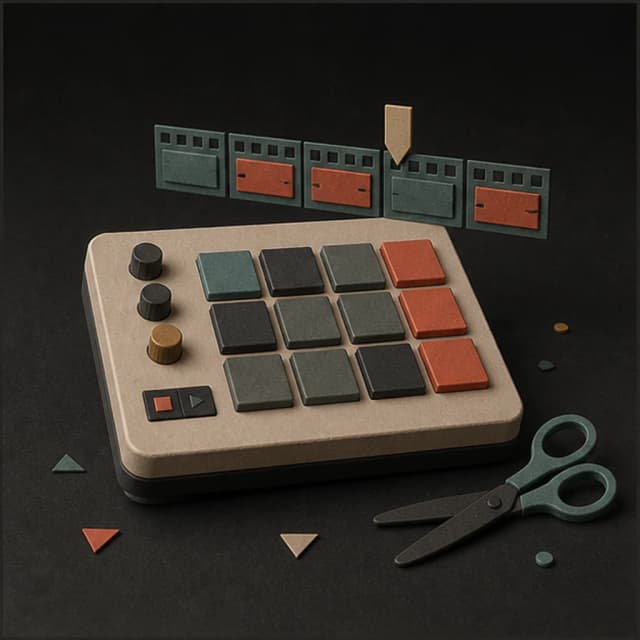
“Punchy electronic instrumental for a fast short-form edit, tight kick, clipped synth bass, bright percussion, a clear first-bar hook, steady 124 BPM feel, no vocals, no long intro, and a clean loopable ending”
Pick a track to hear it and see the prompt behind it.
Plan the edit
Start with what viewers will see. Then describe the hook, rhythm, vocals, and ending in plain language.
Say whether it is a product cut, transition, dance, tutorial, or quiet visual loop, then describe how quickly the edit moves.
Ask for an immediate drum, melody, or vocal idea when the opening needs to catch attention without a long build.
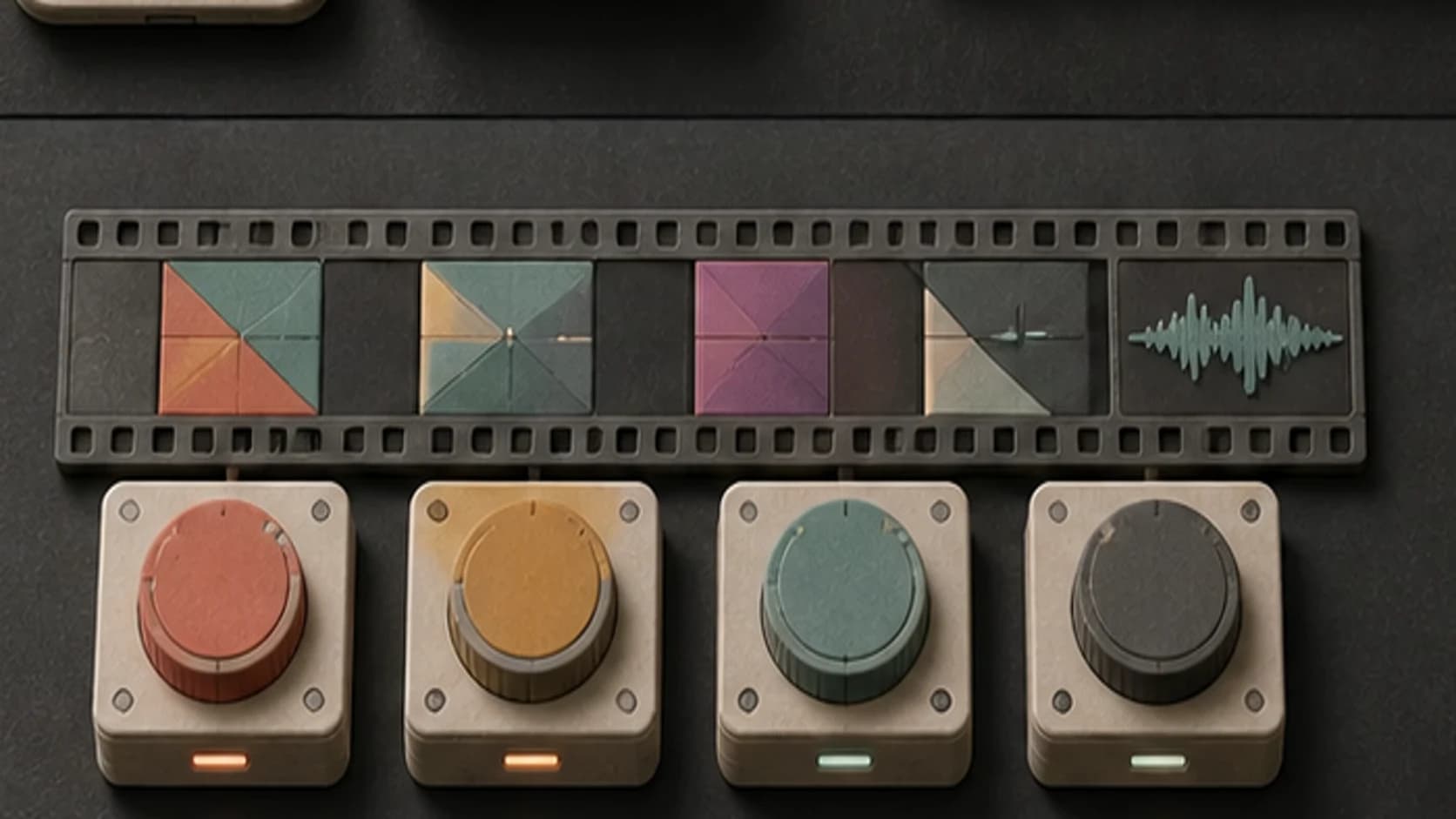
Describe fast cuts, a steady walk-through, or one slow reveal so the musical movement has a clearer target.
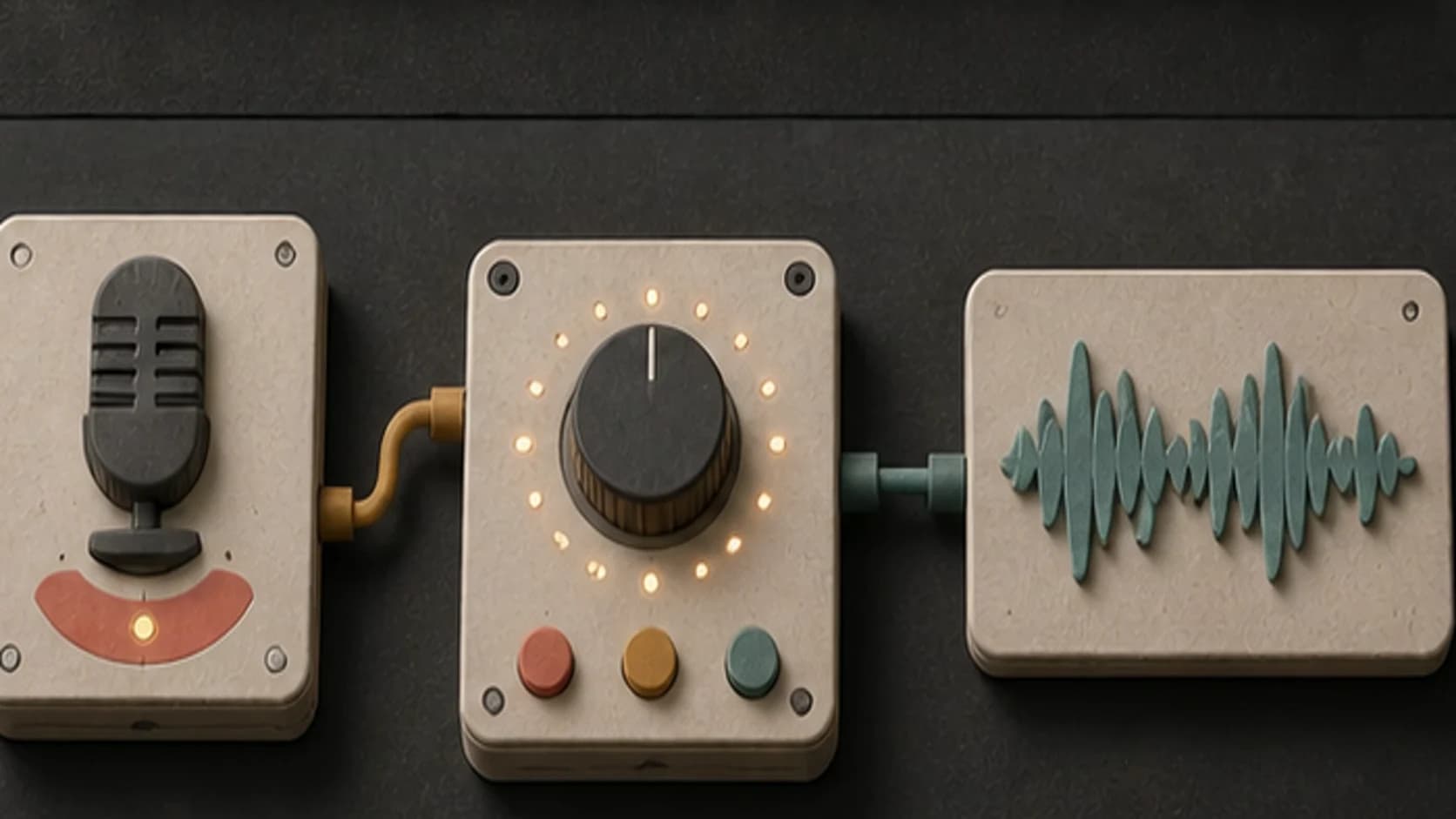
Use original lyrics for a sung hook, or keep the track instrumental when speech, captions, or the visuals should lead.
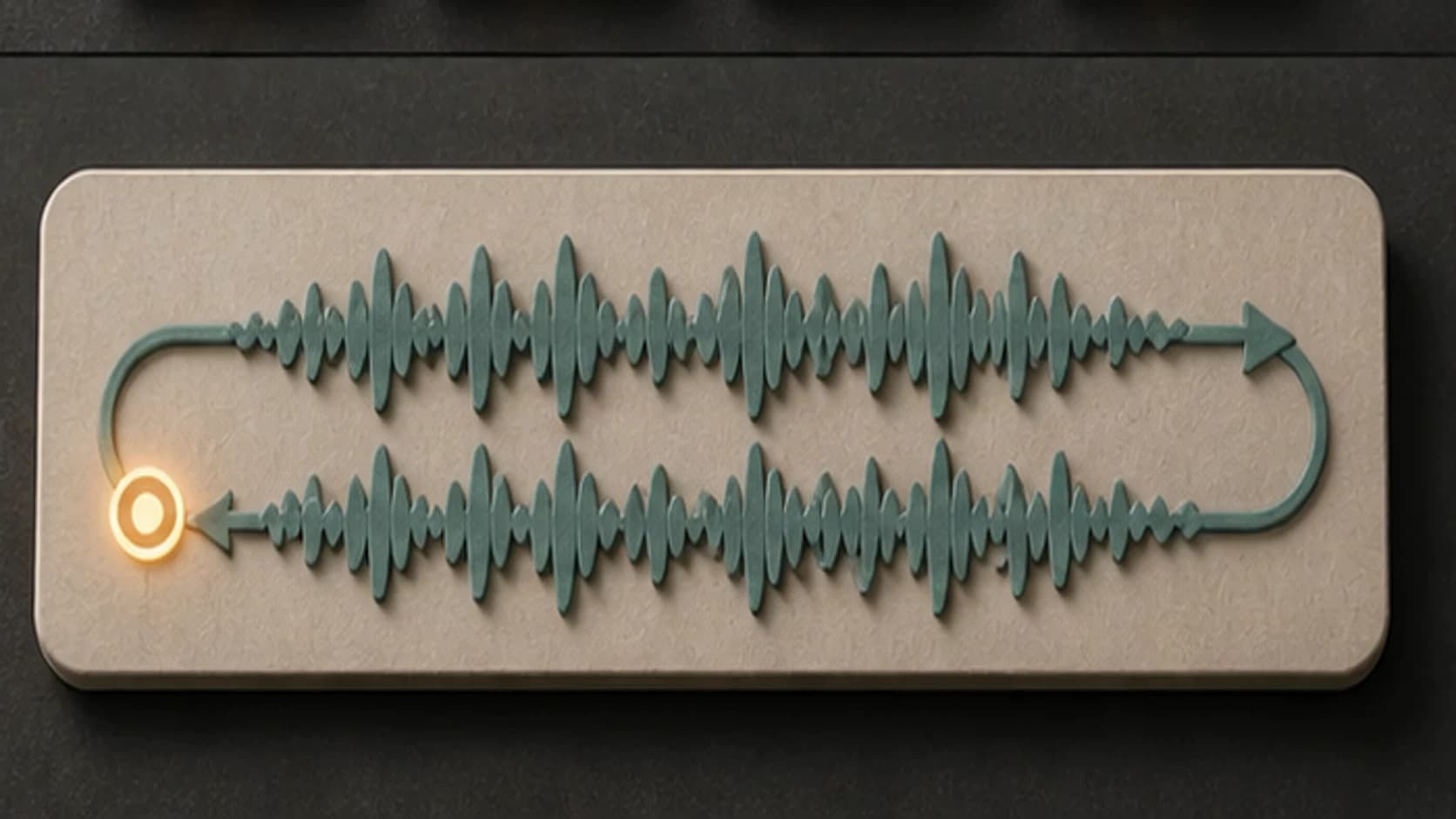
Describe an ending that returns naturally to the opening when you want the clip to replay without an abrupt stop.
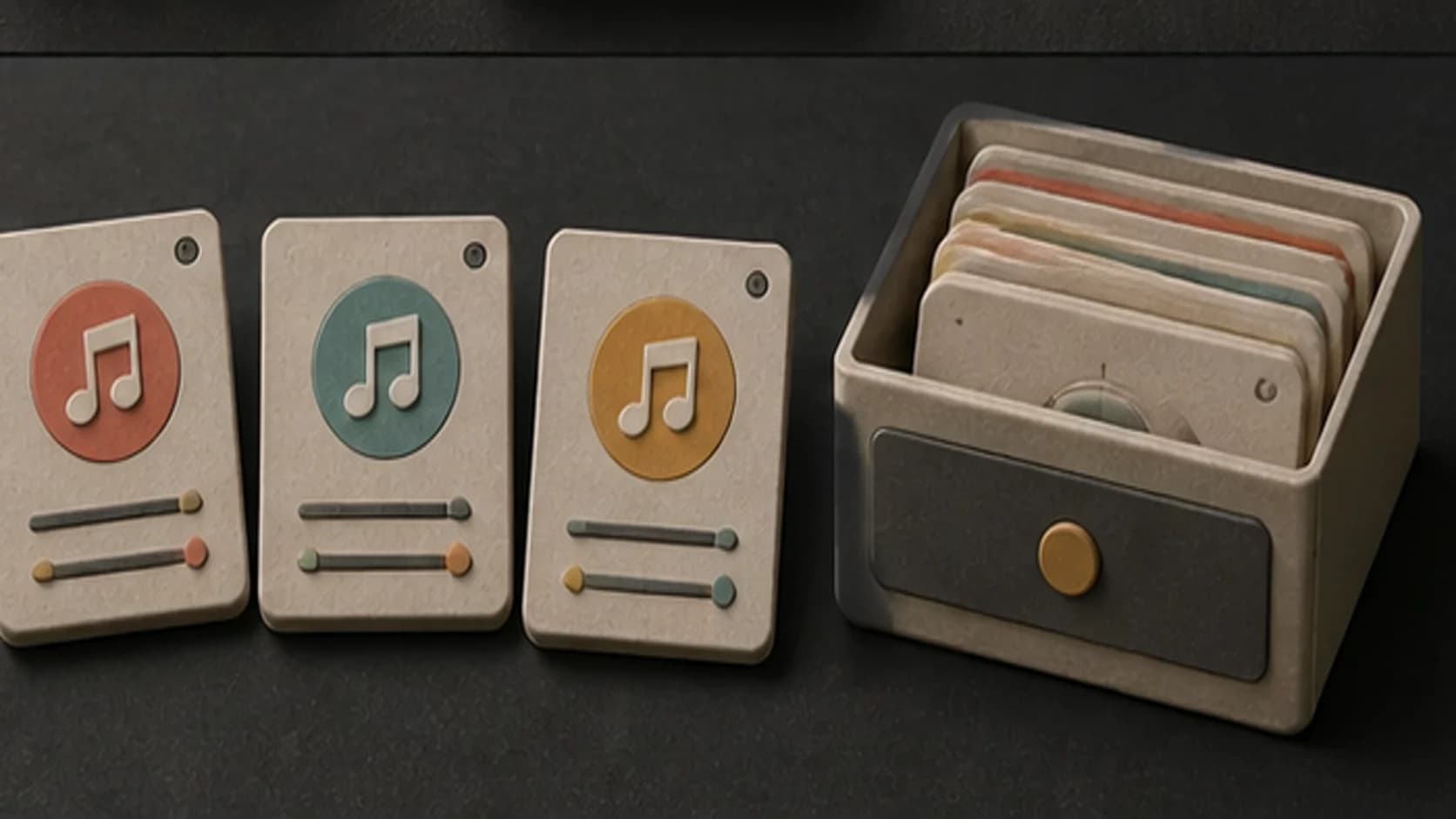
Save the results that fit, then compare them against the same edit before deciding which one to publish.
Build around the first moments
A short-form prompt works better when it explains how the music should move through the clip.
“Punchy electronic instrumental for a fast product edit, tight kick, clipped synth bass, bright percussion, immediate first-bar hook, steady 124 BPM feel, no vocals, no long intro, and a clean loopable ending.”
How it works
Write the direction, generate a version, and listen with the actual edit before you choose it.
Include the format, visual mood, cut pace, and the moment where the music should change.
Select an available music model, then use instrumental mode or add original lyrics for a vocal hook.
Check the opening, the cuts, and the ending in your editor. Revise the one detail that feels off.
Short-form formats
A product reveal, tutorial, dance, and quiet visual loop need different amounts of movement.
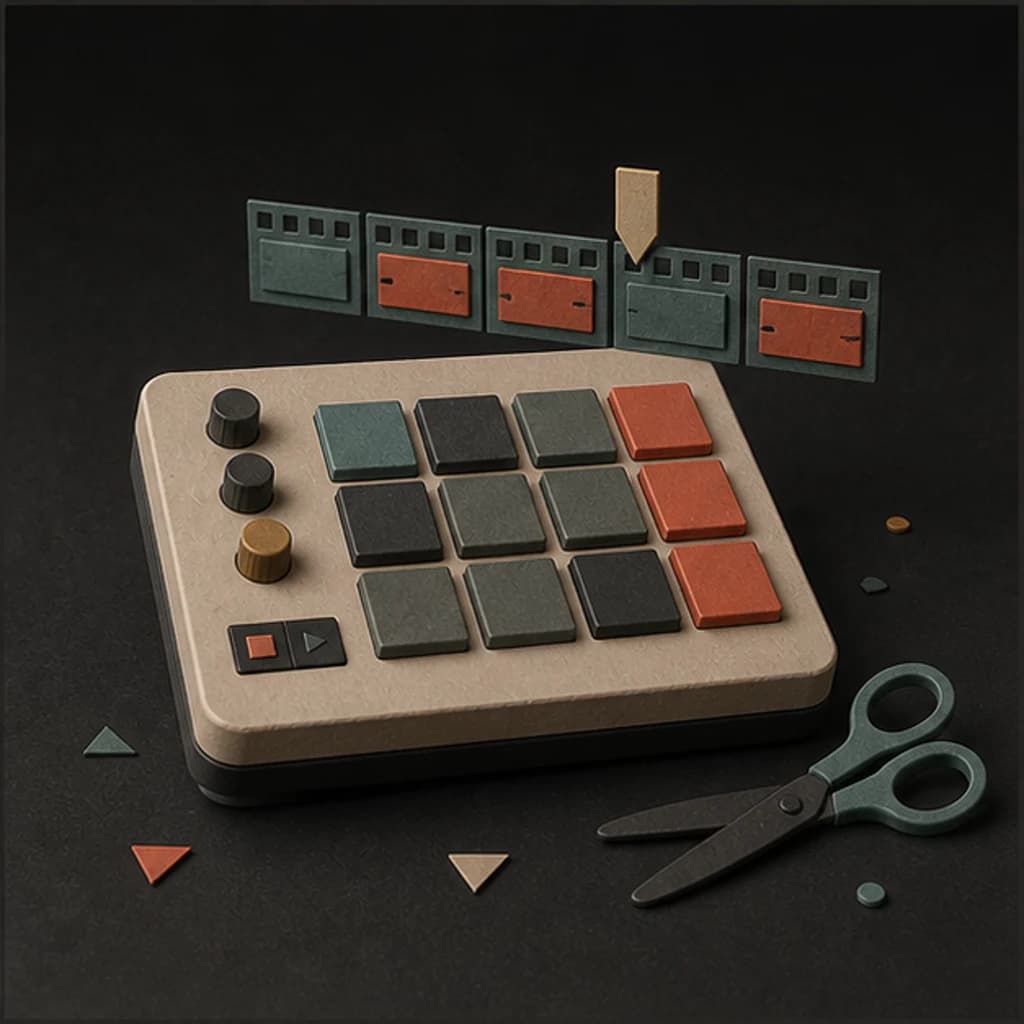
Ask for a quick opening, steady edit points, and a clean lift where the product or outfit is revealed.
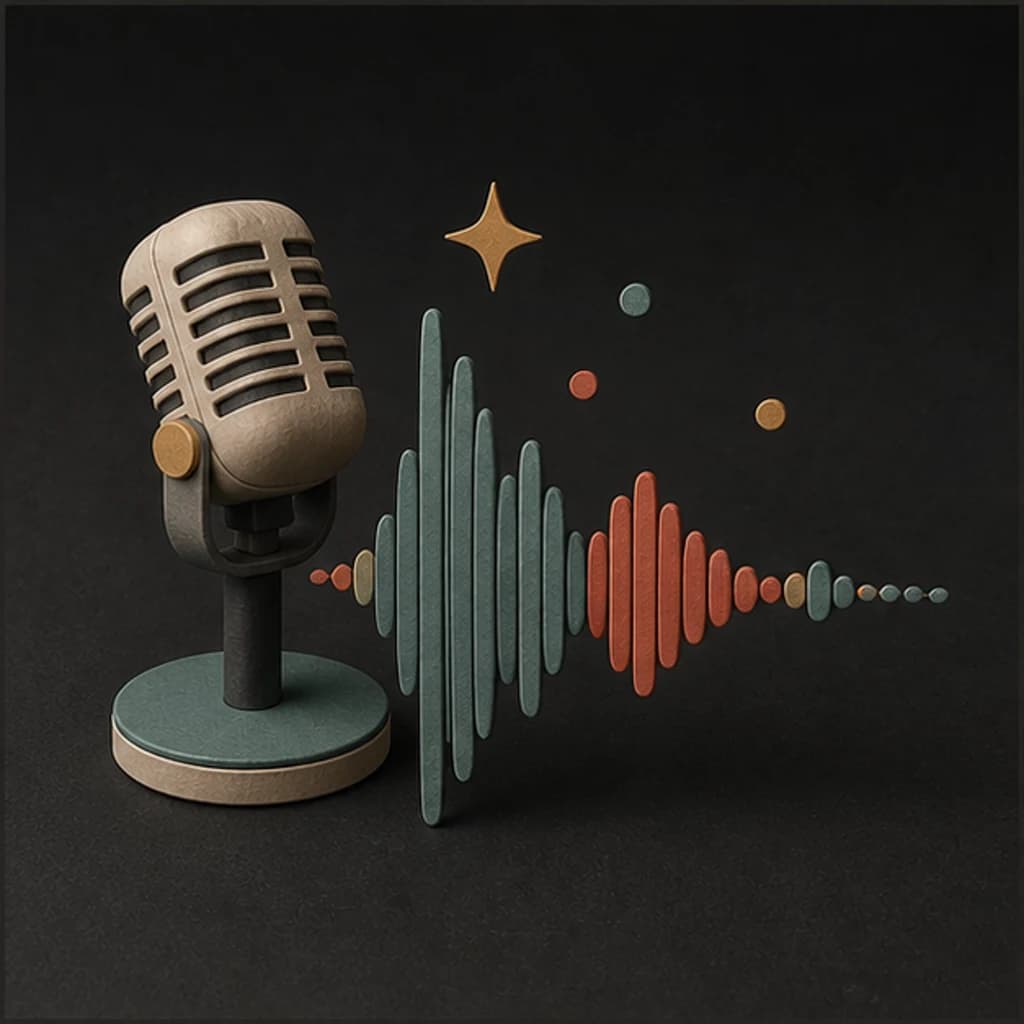
Keep the arrangement instrumental and restrained so the explanation stays clear.
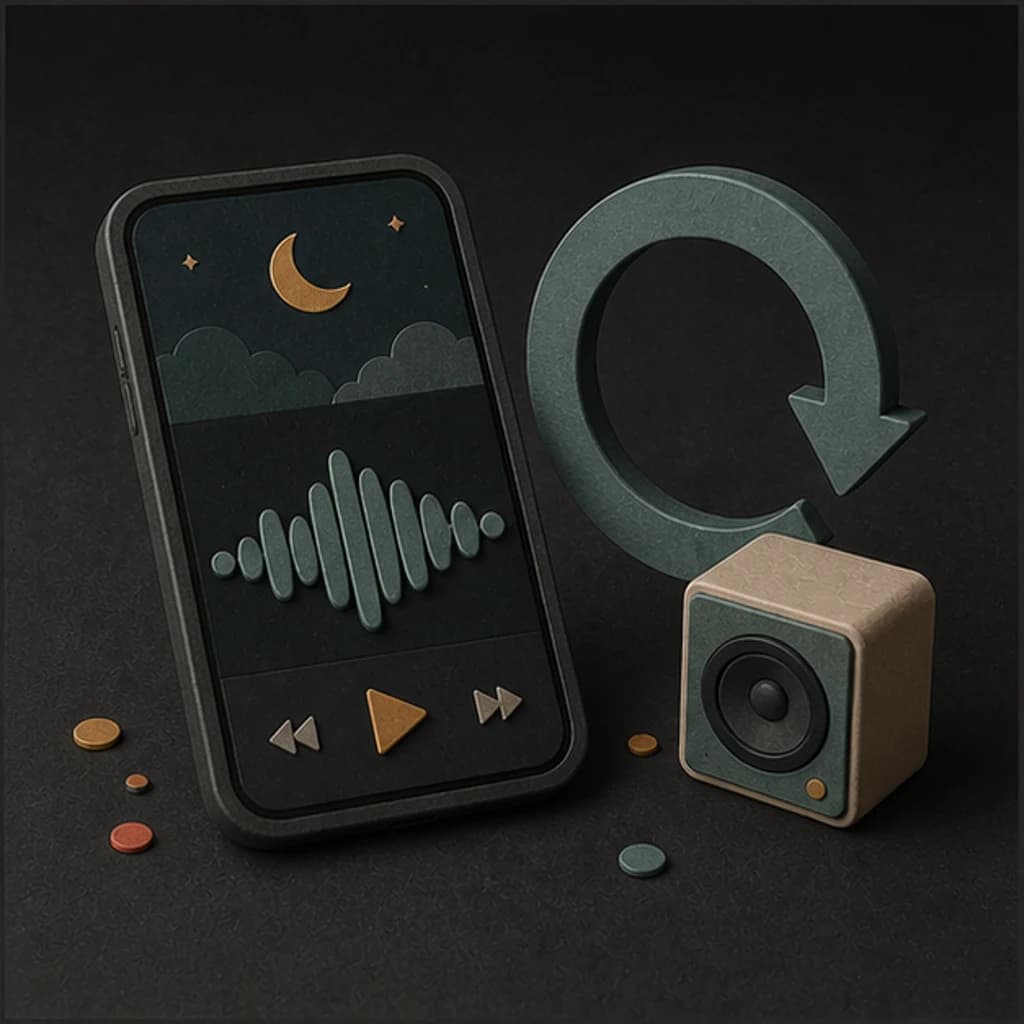
Name the groove and pace, then describe how firmly the drums should mark each phrase.
Use fewer changes, a repeating motif, and an ending that returns smoothly to the start.
Start free. Upgrade when you need more.
Try it out — no card required.
No credit card required
Perfect for creation, image-to-song, and song extension.
Save 40%
All 7 model families


Wave 5.5 · ElevenLabs Music · Lyria 3 Pro · MiniMax 2.6 · Mureka 9 · Stable Audio 2.5 · MusicGen
Cancel anytime · No lock-inUnused subscription credits expire at renewal or when the billing interval changes.
Best for commercial releases and advanced song editing.
Save 40%
All 7 model families
Wave 5.5 · ElevenLabs Music · Lyria 3 Pro · MiniMax 2.6 · Mureka 9 · Stable Audio 2.5 · MusicGen
Cancel anytime · No lock-inUnused subscription credits expire at renewal or when the billing interval changes.
For power users working across MIDI, video, and high-volume output.
Save 40%
All 7 model families
Wave 5.5 · ElevenLabs Music · Lyria 3 Pro · MiniMax 2.6 · Mureka 9 · Stable Audio 2.5 · MusicGen
Cancel anytime · No lock-inUnused subscription credits expire at renewal or when the billing interval changes.
FAQ
Straight answers about hooks, vocals, length, downloads, rights, and editing the result.
Yes. Turn on instrumental mode and describe the beat, sounds, pace, and ending you want.
You can include the target length in the prompt, but the returned duration depends on the selected model. Trim the part you need in your video editor.
Ask for an immediate first-bar hook, no slow intro, and the instrument or vocal phrase you want to hear first.
Yes. Choose the lyrics option and add words you wrote or have permission to use. Keep the hook compact when the clip is short.
That depends on your MusicWave plan, the selected model's terms, and the rights in anything you supplied. Review the current terms before publishing commercial work.
Keep exploring
Make music for Instagram, build a reusable intro, create broader background music, or continue a track that ends too soon.
Describe the clip, bring the hook forward, and generate a version you can test with the edit.
Start free — no credit card needed.