01
Choose an eligible song
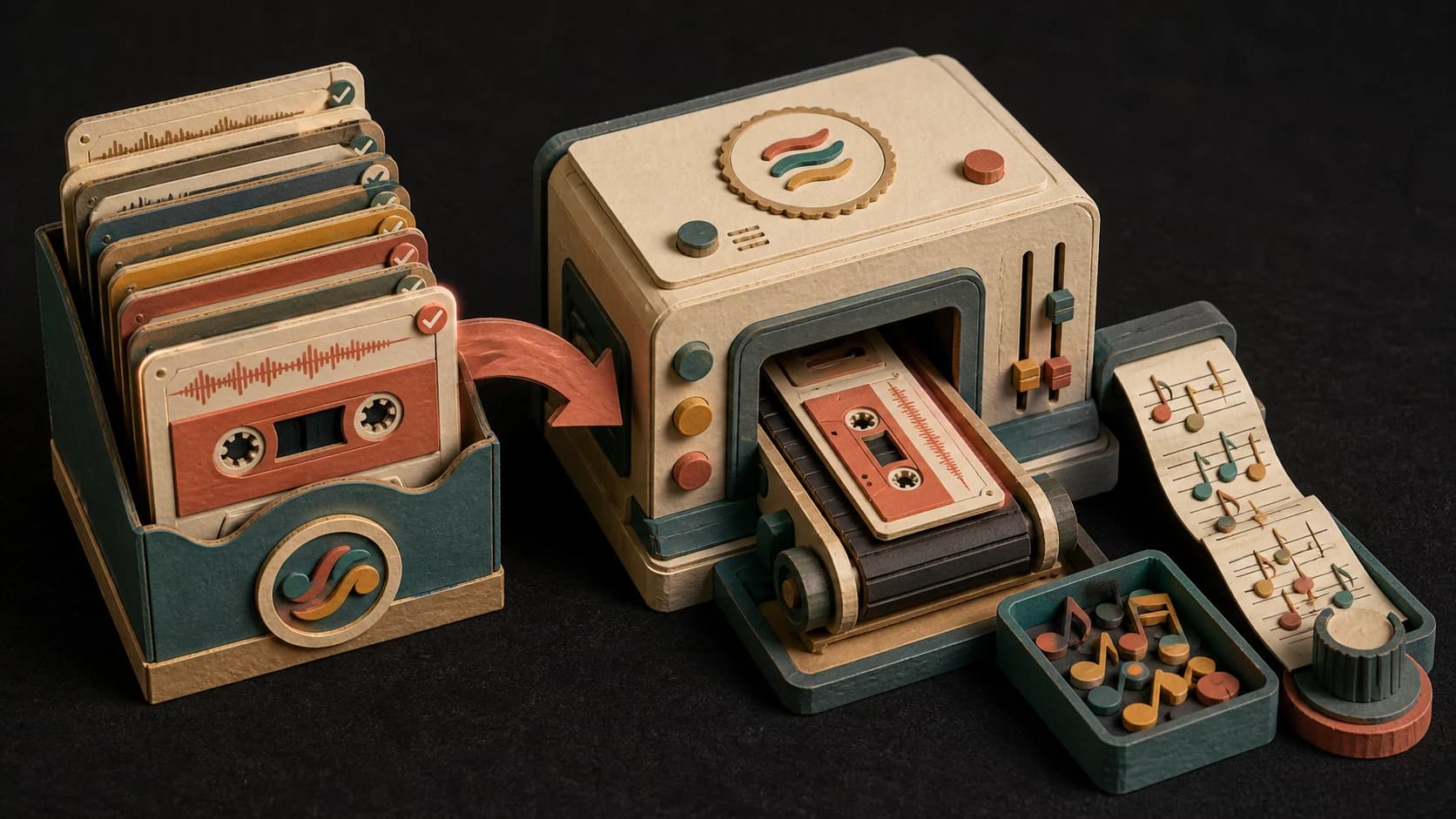
The current converter works with supported Wave or Suno songs in your MusicWave library, not an arbitrary file upload.
MusicWave MIDI tool
Choose an eligible MusicWave song and turn its detected musical parts into note data you can review, edit, and export as MIDI.
Pick an eligible song, review the 20-credit cost, and start the conversion.
What the tool does
This tool starts with an eligible library song. It does not promise an exact MIDI transcription of every mix.
The current converter works with supported Wave or Suno songs in your MusicWave library, not an arbitrary file upload.
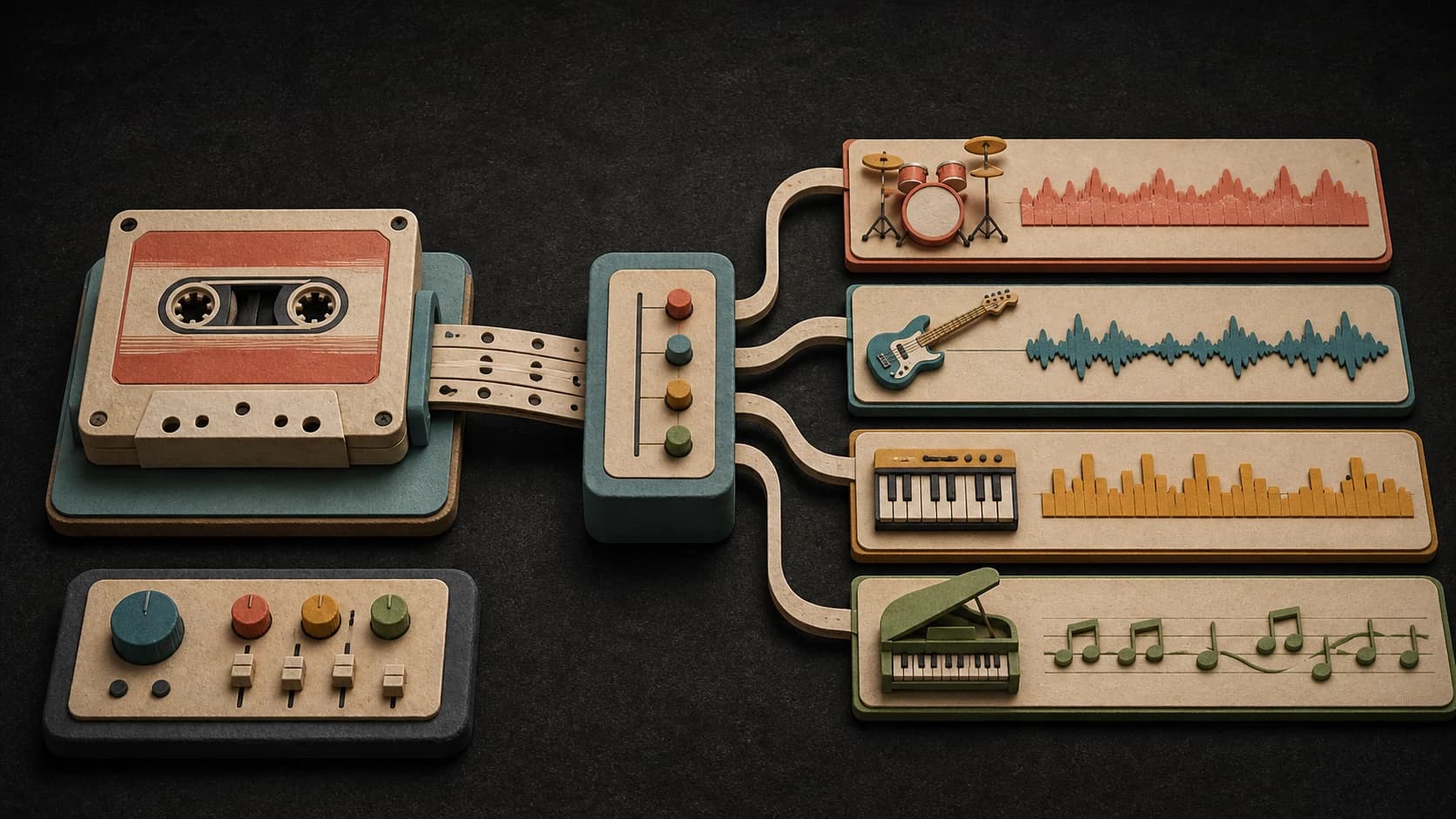
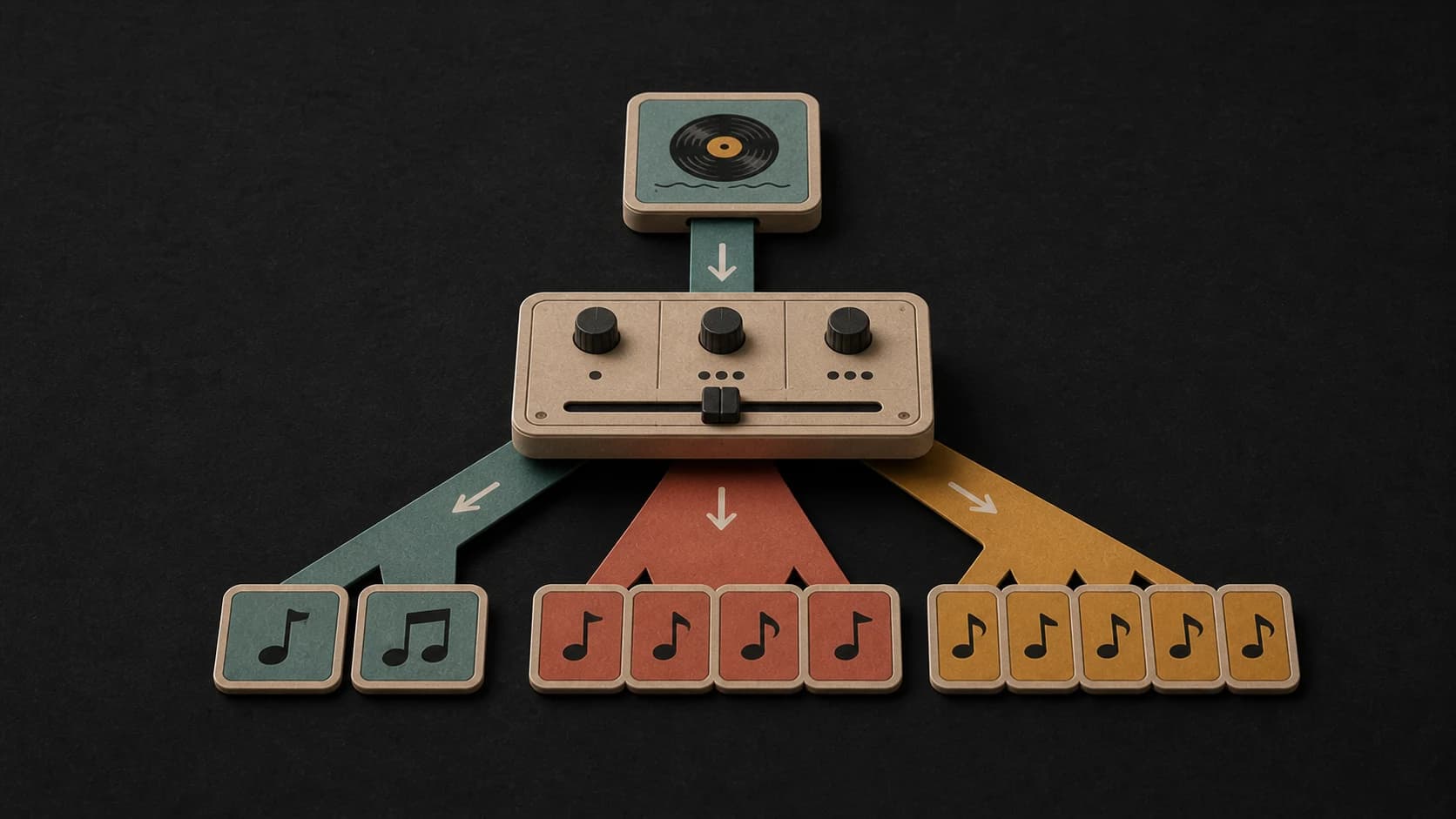
The conversion returns instrument tracks when those parts can be detected in the source.
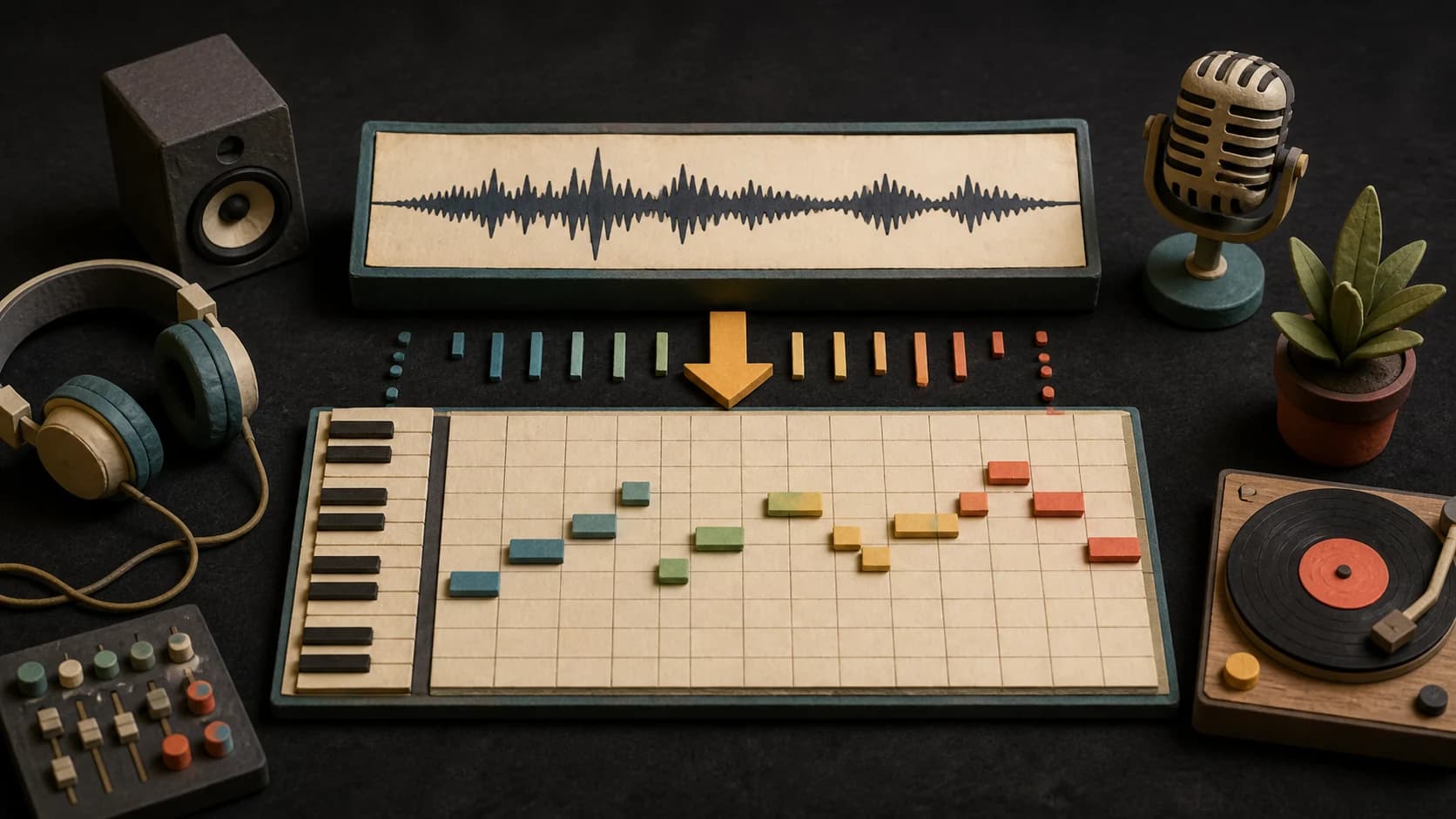
Open the returned notes as a piano-roll style project instead of a flat audio waveform.

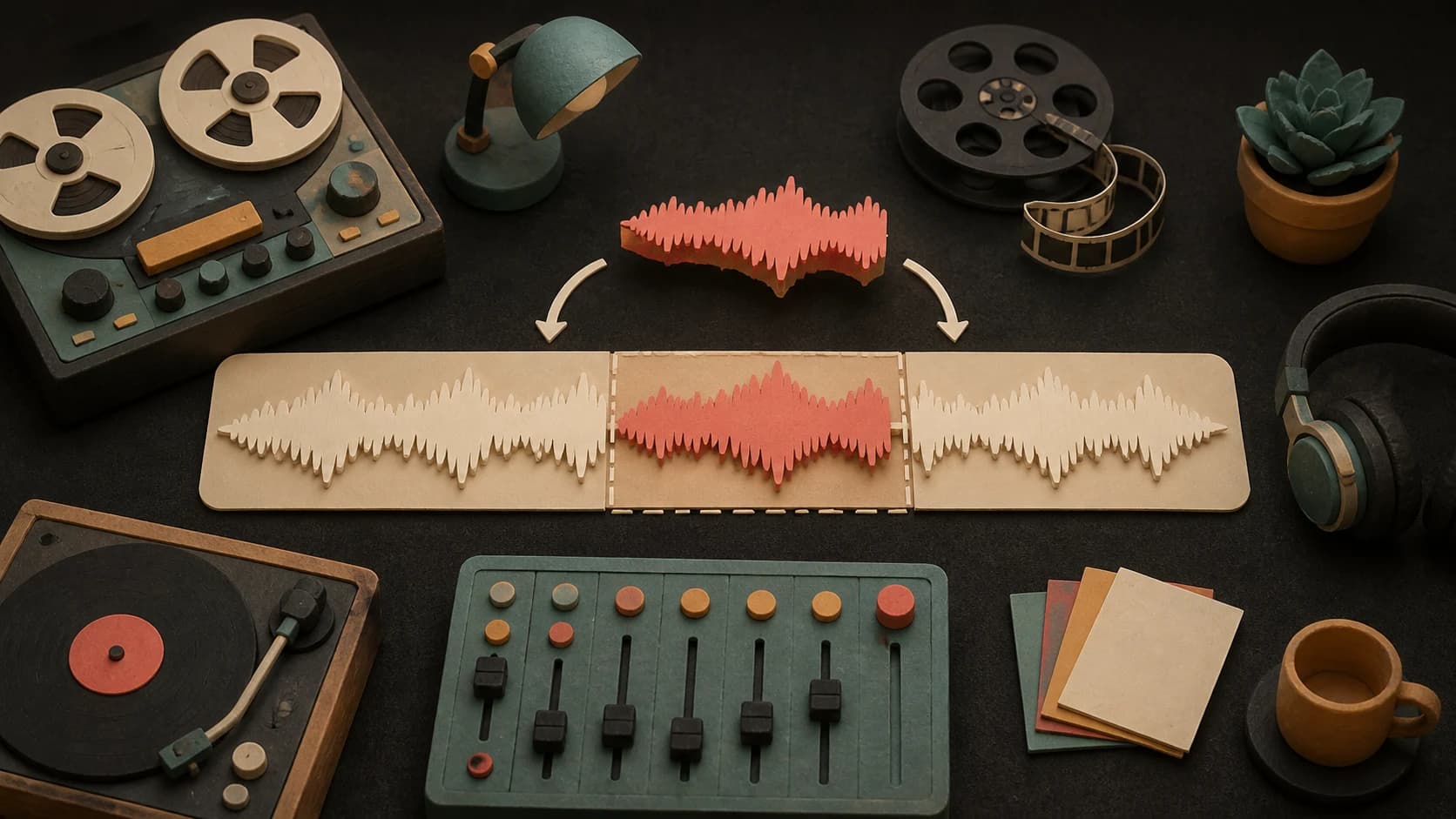
Move, trim, or remove detected notes in the MusicWave MIDI editor before saving the file.
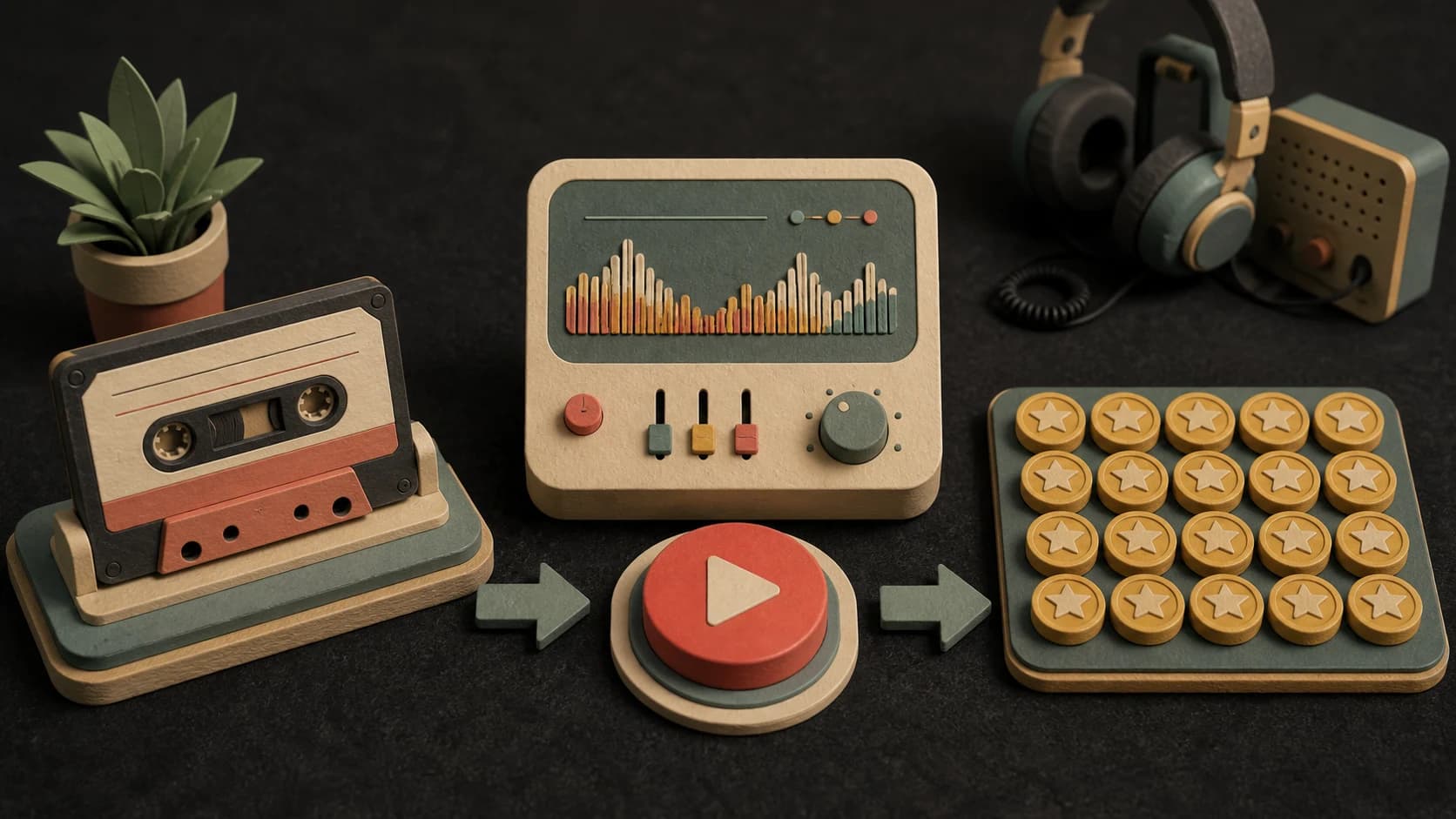
A conversion uses 20 credits. The tool checks song eligibility and shows the cost before it starts.
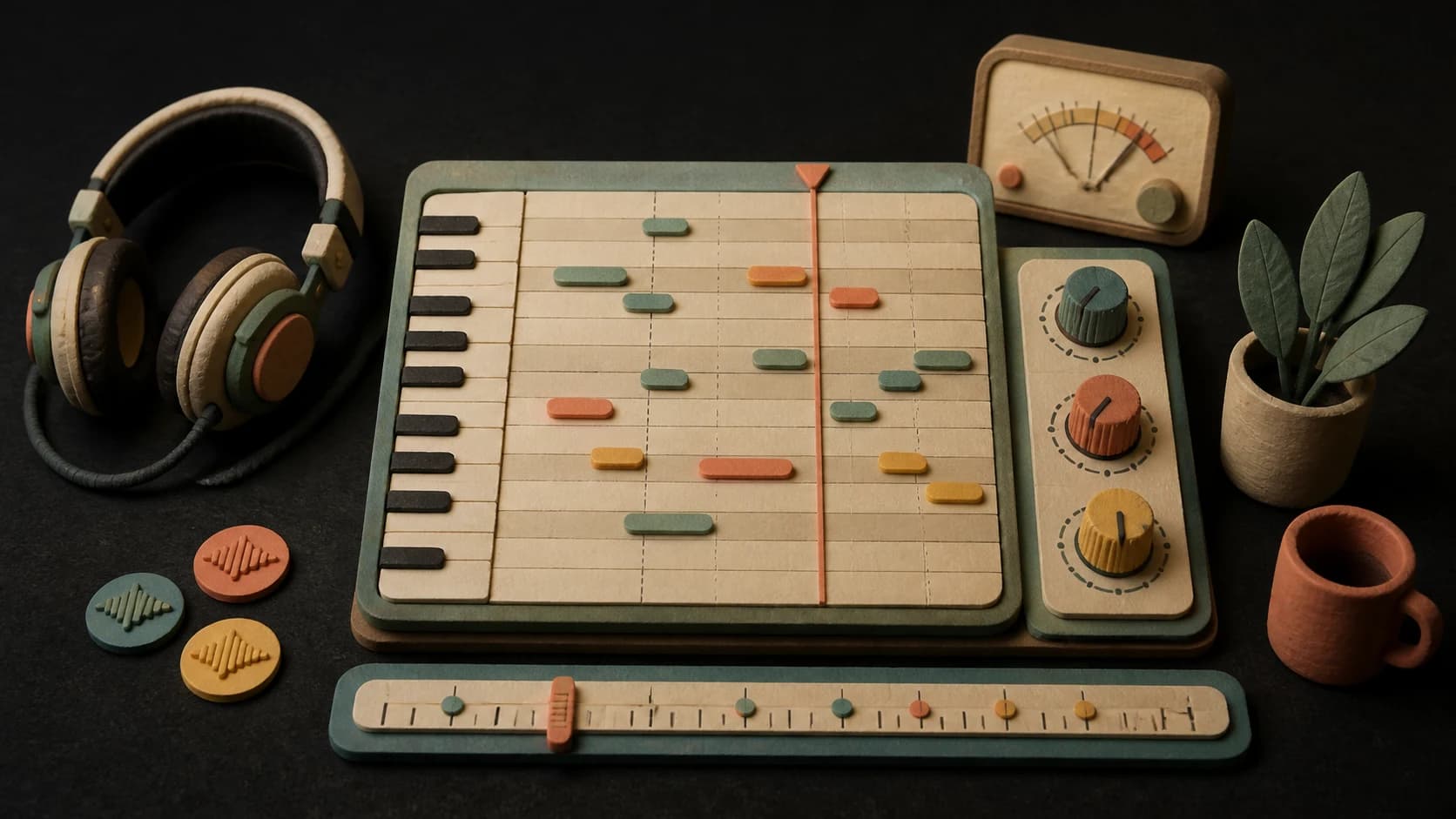
Audio-to-note conversion is an estimate. Check timing, pitches, and instrument tracks before using the MIDI elsewhere.
Three steps
Select an eligible Wave or Suno song that still has the source details needed for conversion.
Confirm the 20-credit cost and wait for the detected notes and tracks to return.
Open the result in the MIDI editor, make corrections, and export a standard MIDI file.
Before you start
Detected notes are a starting point. Dense mixes and overlapping instruments can need manual correction.
Ways to use it
Export the detected notes, choose new sounds, and keep arranging in another music app.
Inspect the approximate notes and timing of a melody, bass line, or accompaniment.
Use the transcription as a draft, then correct the parts that matter for your project.
Start free. Upgrade when you need more.
 Audio to MIDI Converter20 credits per conversionIncluded with Creator
Try it out — no card required.
No credit card required
Perfect for creation, image-to-song, and song extension.
Save 40%
All 7 model families


Wave 5.5 · ElevenLabs Music · Lyria 3 Pro · MiniMax 2.6 · Mureka 9 · Stable Audio 2.5 · MusicGen
Cancel anytime · No lock-inUnused subscription credits expire at renewal or when the billing interval changes.
Best for commercial releases and advanced song editing.
Save 40%
All 7 model families
Wave 5.5 · ElevenLabs Music · Lyria 3 Pro · MiniMax 2.6 · Mureka 9 · Stable Audio 2.5 · MusicGen
Cancel anytime · No lock-inUnused subscription credits expire at renewal or when the billing interval changes.
For power users working across MIDI, video, and high-volume output.
Save 40%
All 7 model families
Wave 5.5 · ElevenLabs Music · Lyria 3 Pro · MiniMax 2.6 · Mureka 9 · Stable Audio 2.5 · MusicGen
Cancel anytime · No lock-inUnused subscription credits expire at renewal or when the billing interval changes.
FAQ
Straight answers about the current tool, its limits, and what happens next.
No. The current converter requires an eligible Wave or Suno song from your MusicWave library.
Audio to MIDI currently costs 20 credits per conversion.
Not always. Dense mixes, effects, and overlapping instruments can cause missed or extra notes. Review and edit the result.
You can export the edited result as a standard MIDI file and keep the conversion in your account history when available.
The converter needs source details stored with supported Wave or Suno songs. Older, uploaded, or unsupported songs may not have them.
Your usage rights still depend on your MusicWave plan, the source song, anything you supplied, and applicable law.
Keep exploring
Create a compatible source, analyze it, split it, or edit a section.
Choose an eligible library song and review the 20-credit cost before processing.
Included with Creator · 20 credits per conversion