01
Choose an eligible song
Use a supported Wave or Suno song that still has the source details required by the replacement tool.
MusicWave song-editing tool
Choose an eligible generated song, mark the part you want to change, and describe the replacement.
Select the song, time range, and new direction before using 5 credits.
What the tool does
Set the boundaries, write a focused direction, and compare the returned version with the original.
Use a supported Wave or Suno song that still has the source details required by the replacement tool.

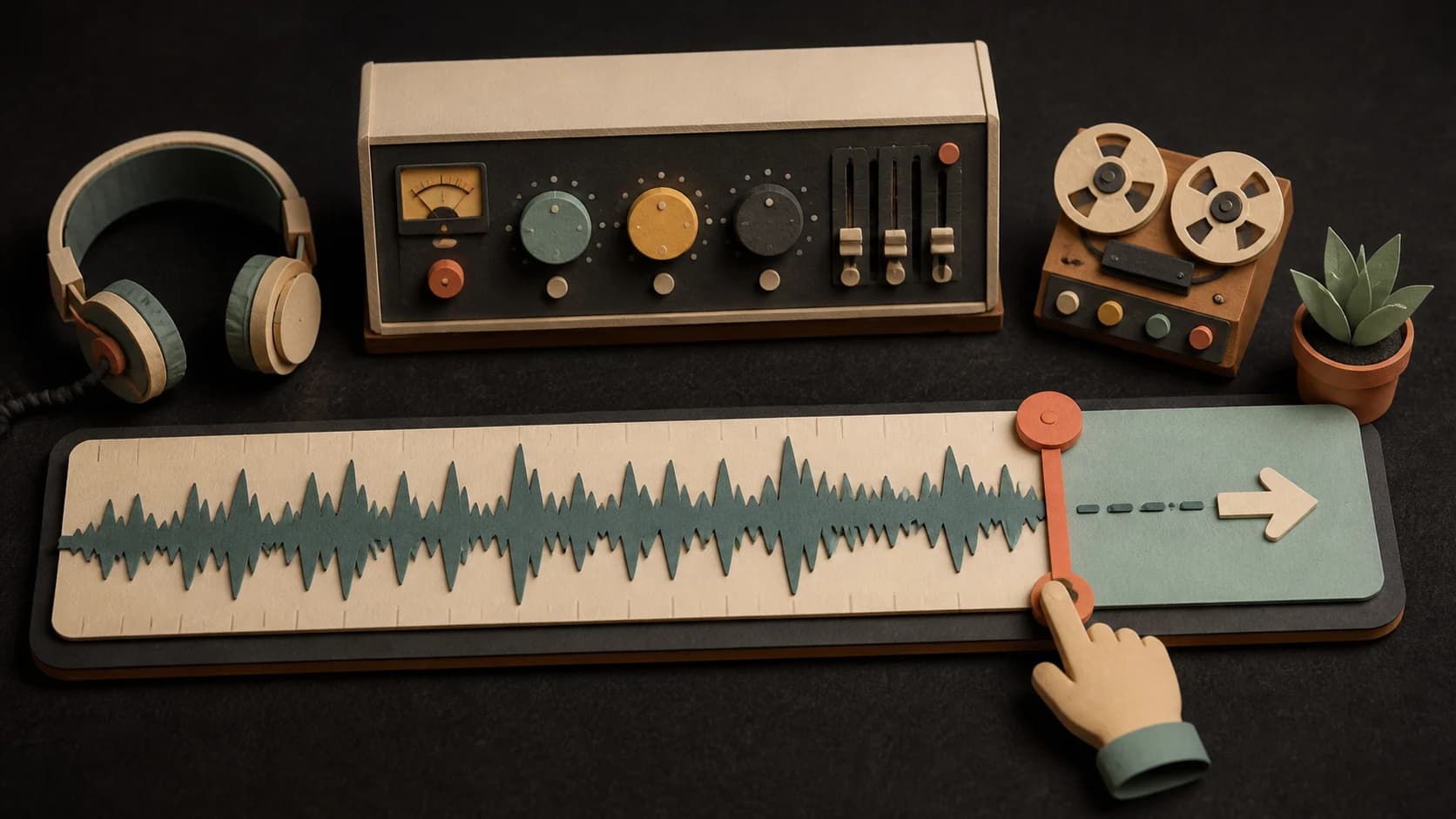
Set the start and end points for a section between 10 and 60 seconds and no more than half of the source song.

Write what should happen in the replacement and add style tags that match the sound you want.
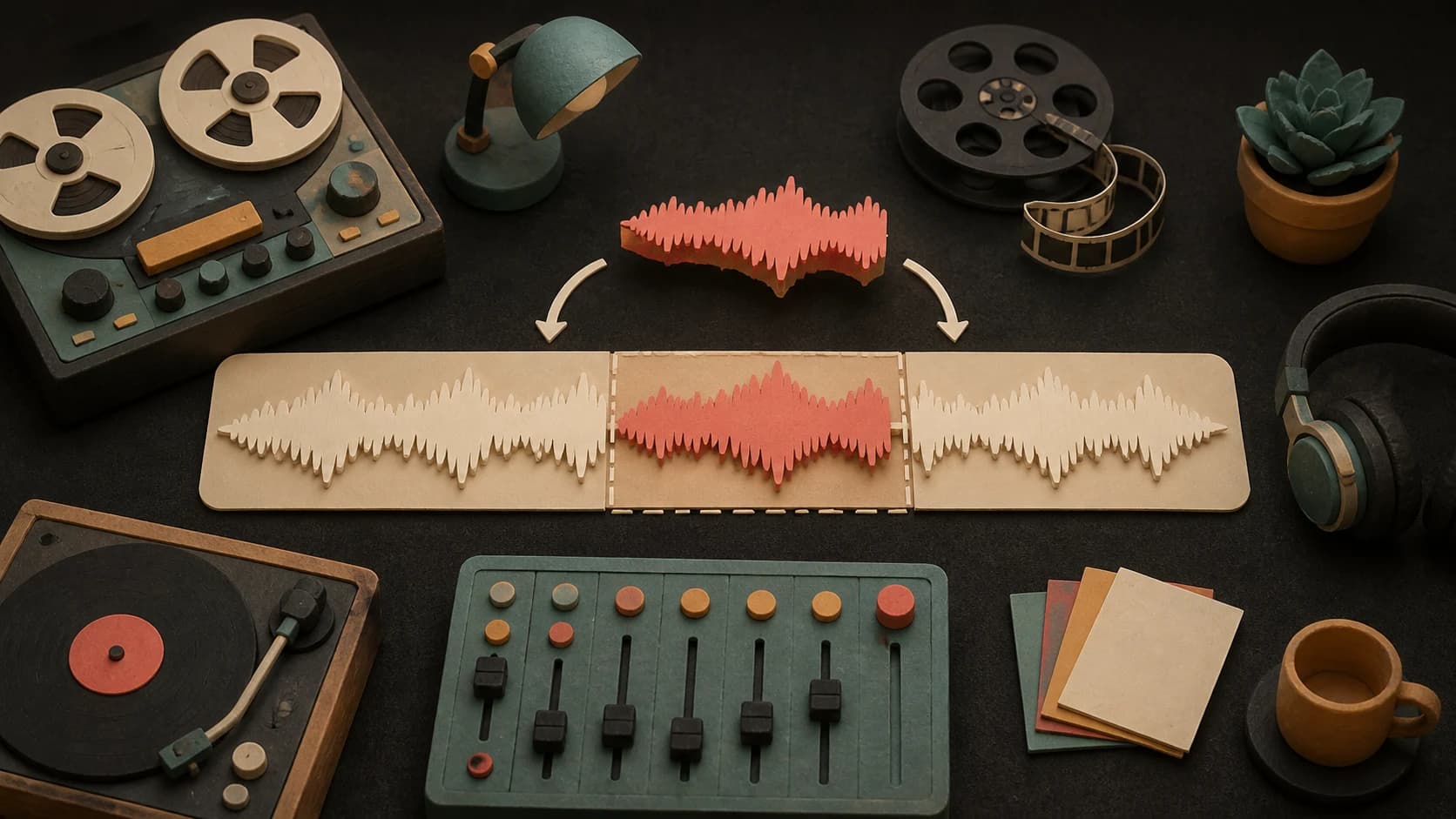
The selected range is regenerated while the rest of the song stays as the surrounding context.
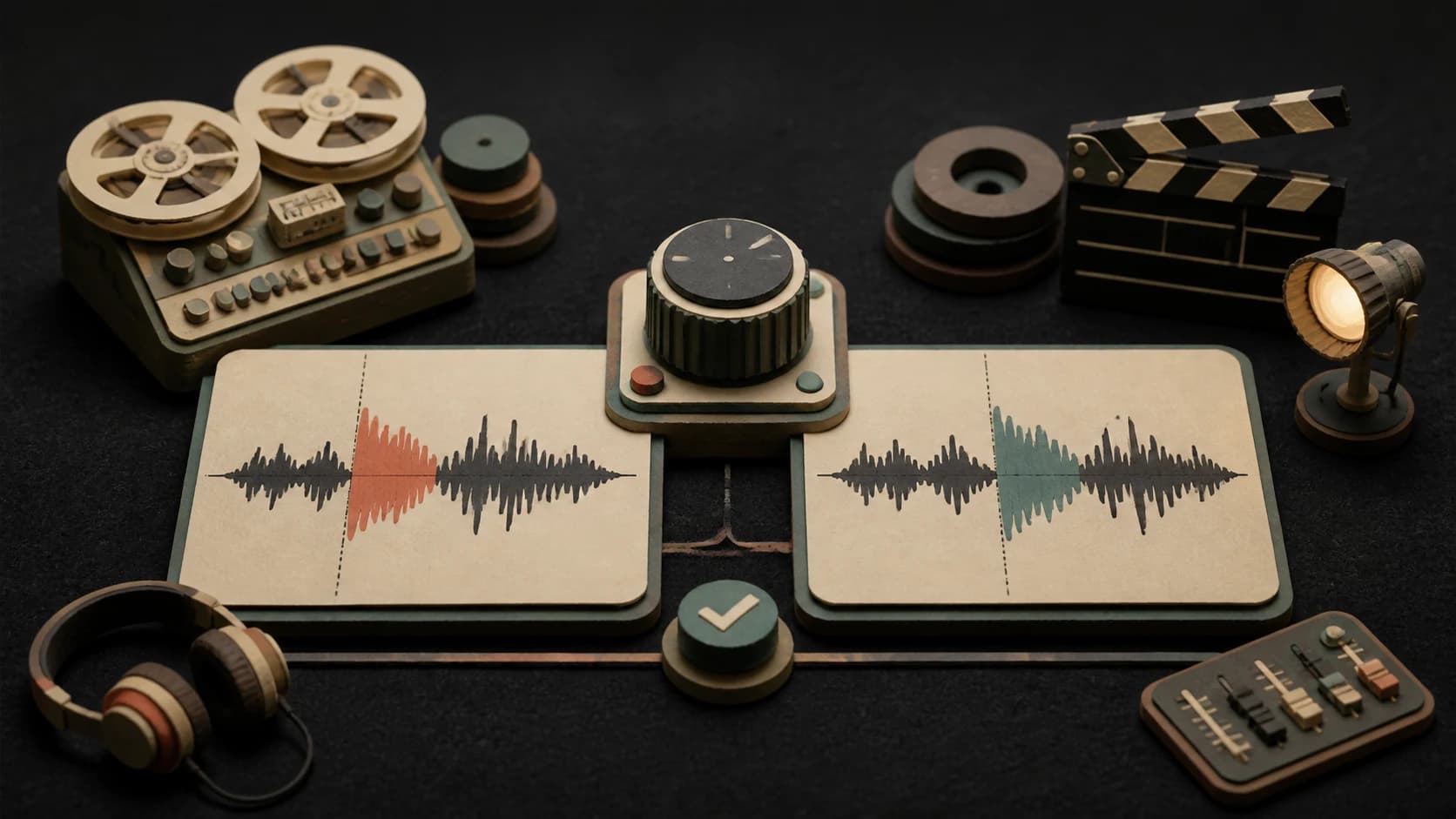
Play the new version and compare the changed section with the source before deciding what to keep.

The result is returned as another track so the source song is not overwritten by the replacement.
Three steps
Choose a supported generated song from your MusicWave library.
Enter the start and end times, then describe the new section and its style.
Confirm the 5-credit cost, start the replacement, and listen to the returned track.
Before you start
Clear section boundaries and a specific musical job give you a better basis for comparing takes.
Ways to use it
Ask for a stronger or simpler hook while keeping the rest of the generated song.
Replace a solo, transition, or bridge with a different instrument or energy.
Use the lyrics controls when you need a targeted vocal change inside the supported time range.
Start free. Upgrade when you need more.
 AI Replace Section5 credits per replacementIncluded from Pro
Try it out — no card required.
No credit card required
Perfect for creation, image-to-song, and song extension.
Save 40%
All 7 model families


Wave 5.5 · ElevenLabs Music · Lyria 3 Pro · MiniMax 2.6 · Mureka 9 · Stable Audio 2.5 · MusicGen
Cancel anytime · No lock-inUnused subscription credits expire at renewal or when the billing interval changes.
Best for commercial releases and advanced song editing.
Save 40%
All 7 model families
Wave 5.5 · ElevenLabs Music · Lyria 3 Pro · MiniMax 2.6 · Mureka 9 · Stable Audio 2.5 · MusicGen
Cancel anytime · No lock-inUnused subscription credits expire at renewal or when the billing interval changes.
For power users working across MIDI, video, and high-volume output.
Save 40%
All 7 model families
Wave 5.5 · ElevenLabs Music · Lyria 3 Pro · MiniMax 2.6 · Mureka 9 · Stable Audio 2.5 · MusicGen
Cancel anytime · No lock-inUnused subscription credits expire at renewal or when the billing interval changes.
FAQ
Straight answers about the current tool, its limits, and what happens next.
The current tool requires an eligible Wave or Suno song with the source details needed to replace a section.
The selected section must be between 10 and 60 seconds and cannot exceed half of the source song.
A section replacement currently costs 5 credits.
Yes. The current request needs a replacement direction and style tags before it can start.
Not always. Listen around both boundaries because changes in voice, rhythm, harmony, or mix can be audible.
No. The replacement is returned as another version so the original remains available.
Keep exploring
Continue, remix, split, or publish the song after the edit.
Select 10–60 seconds, add the new direction and style, then confirm the 5-credit cost.
Included from Pro · 5 credits per replacement