01
Name the setting
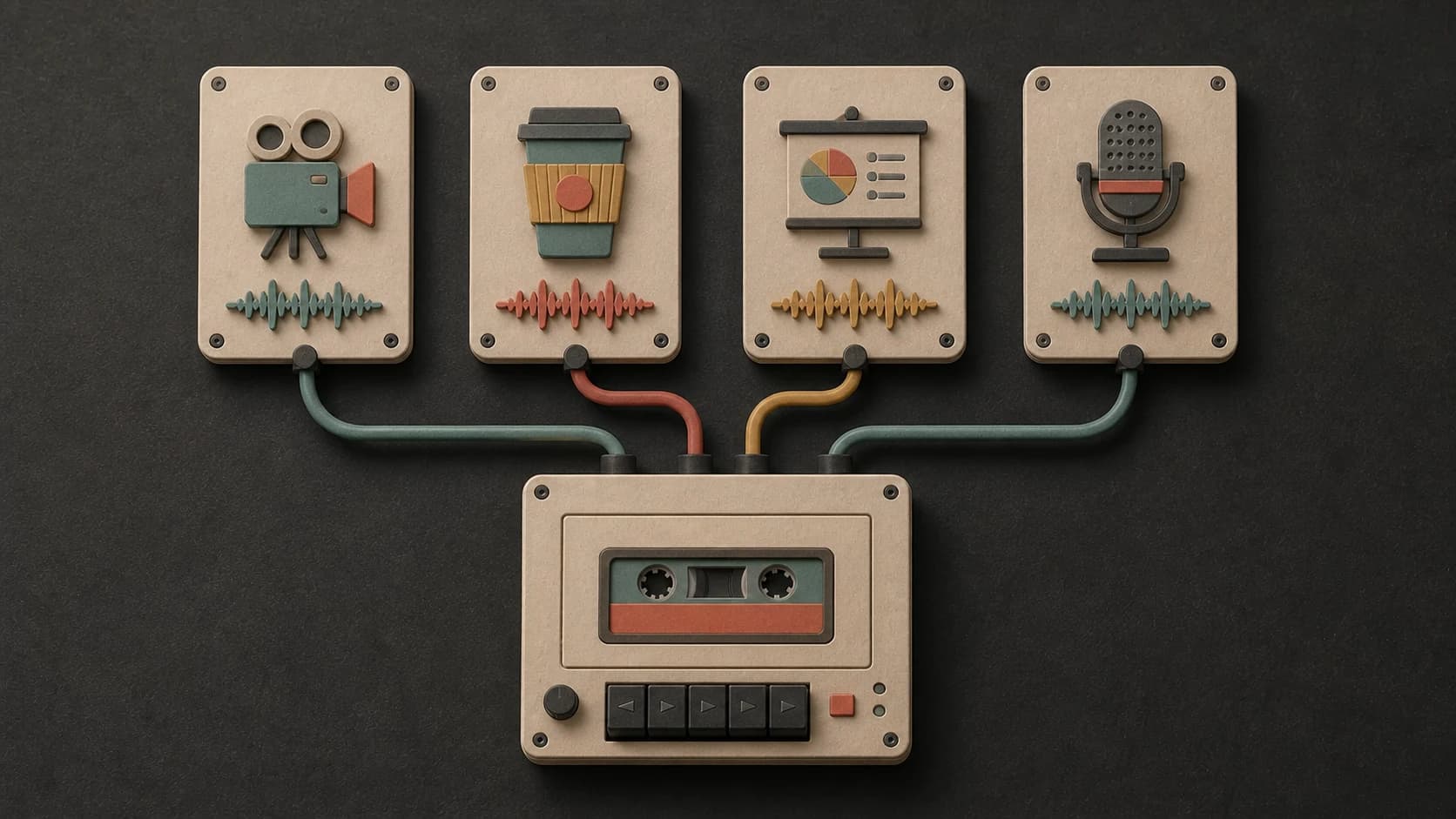
Start with the real destination—a tutorial, cafe, podcast, shop, presentation, waiting room, or event—so the track has a practical role.
Describe where the music will play—a video, cafe, presentation, shop, podcast, or another setting. Set the mood and energy, then make an instrumental that leaves room for everything else.
Start with the setting, mood, and energy
First 2 songs freeEvery model on paid plans from $5.99/moSee plans ↓
Background-music examples
We made these original instrumentals for this page. Compare a narration bed, a small-room cafe groove, and a minimal gallery atmosphere.
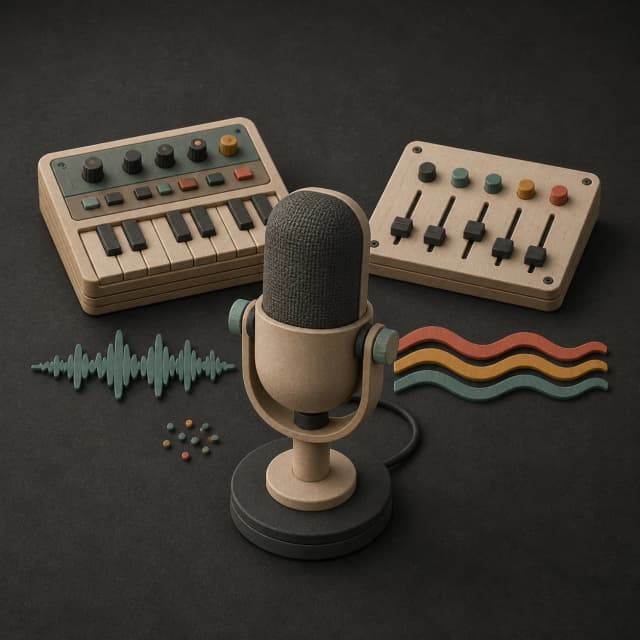
“Clean background instrumental for narration with muted synth plucks, rounded bass, restrained dry drums, steady 96 BPM feel, no vocals, no busy lead, no large build, and clear space for speech”
Pick a track to hear it and see the prompt behind it.
Fit the setting
A useful prompt explains what should stay in front of the music, how busy the setting is, and how much energy the track should add.
Start with the real destination—a tutorial, cafe, podcast, shop, presentation, waiting room, or event—so the track has a practical role.
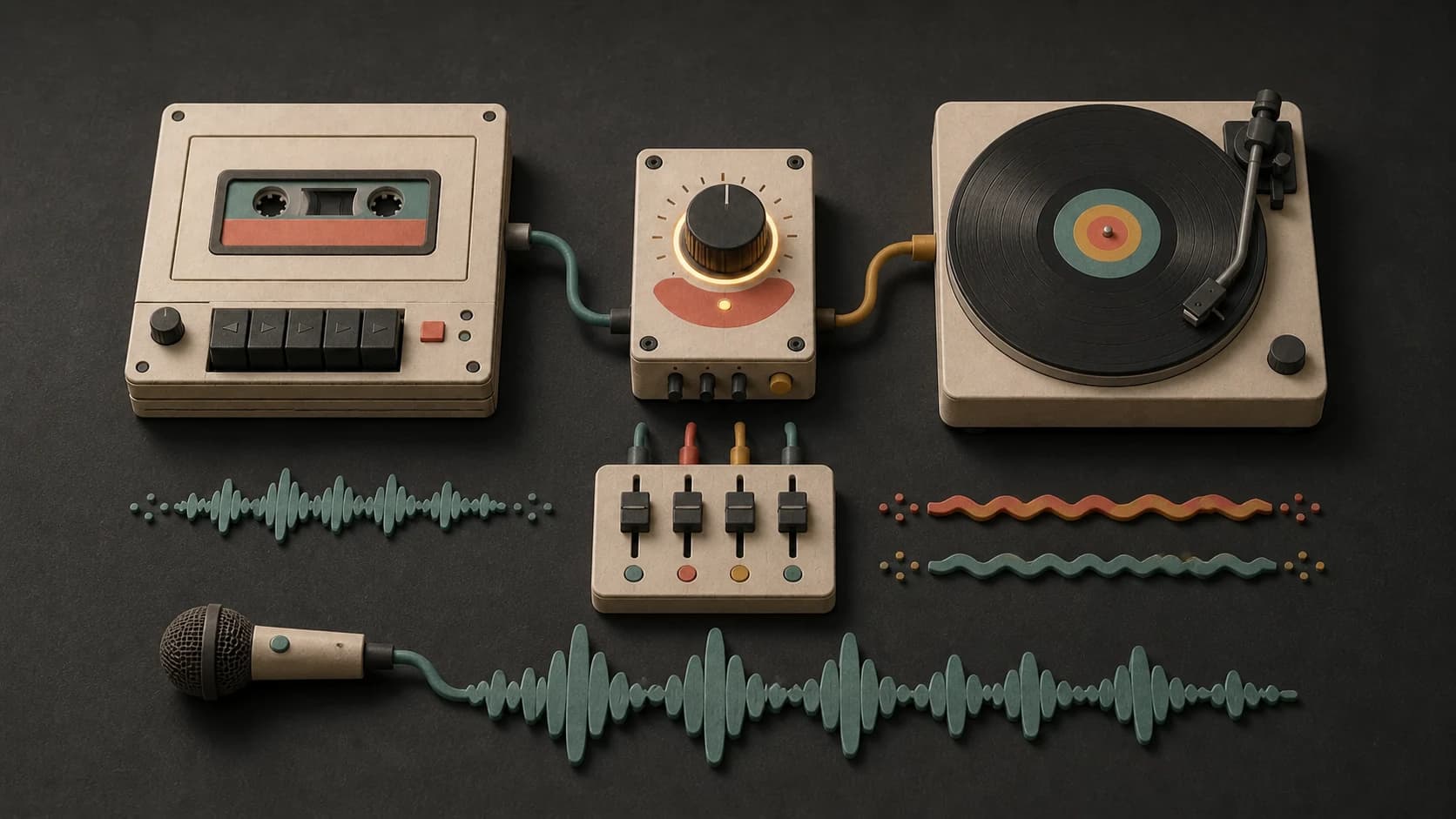
Ask for fewer lead parts and a restrained arrangement when speech, customers, visuals, or a presenter need to remain the focus.
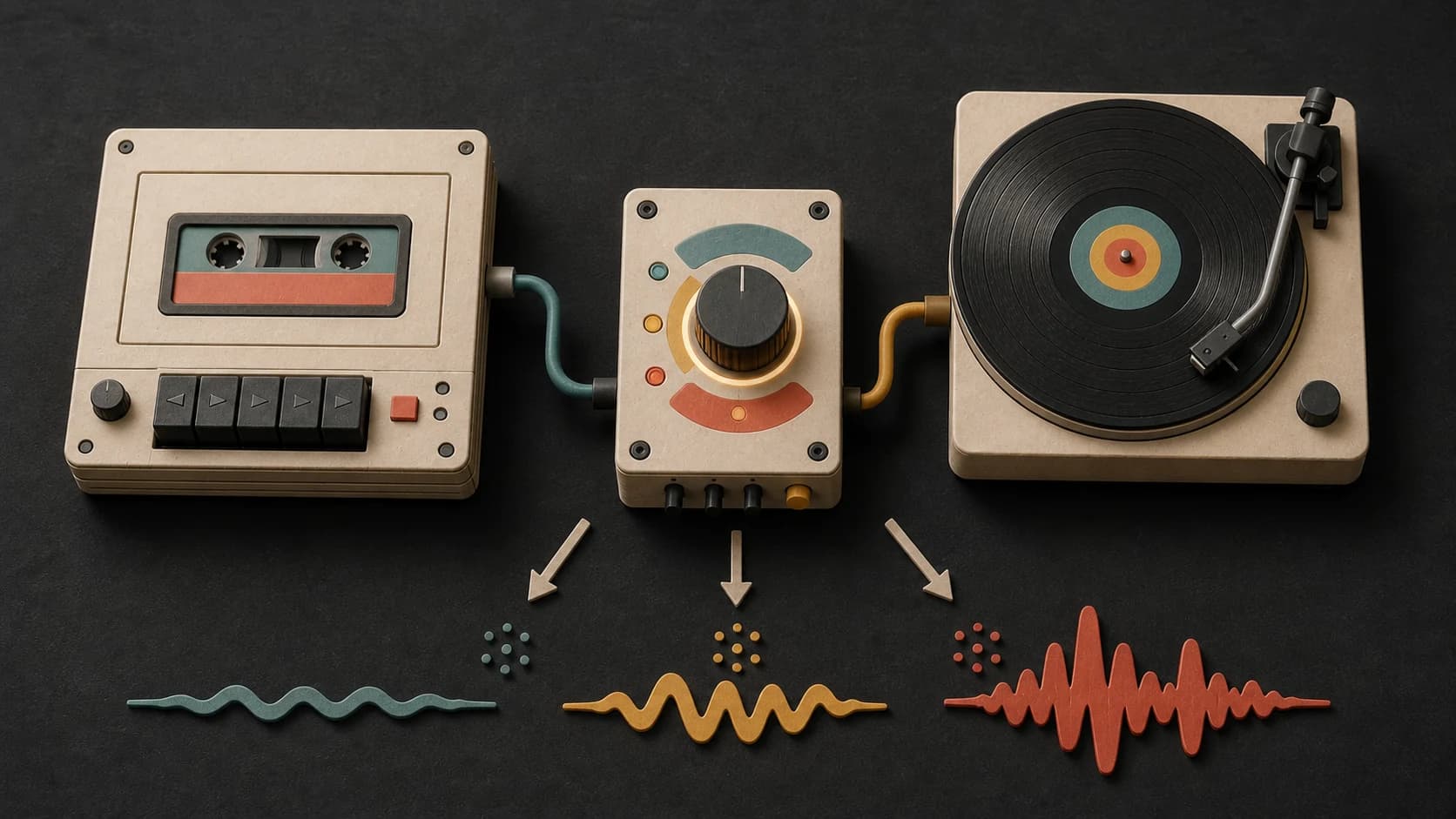
Use calm, focused, welcoming, lightly upbeat, or steady instead of assuming every background needs to be quiet.
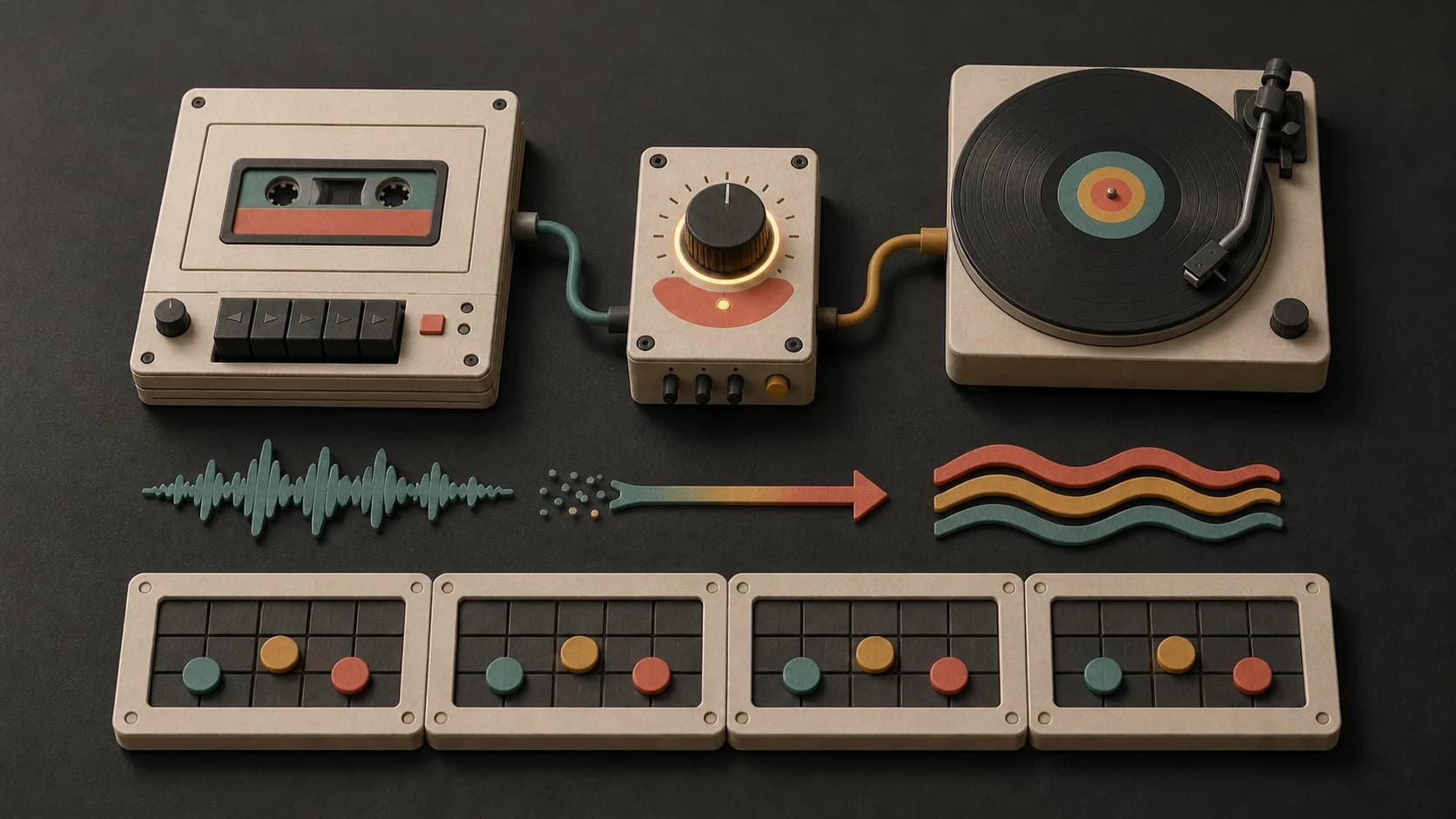
Ask for a short repeating piano, guitar, or synth phrase when the track needs character without a busy melody.
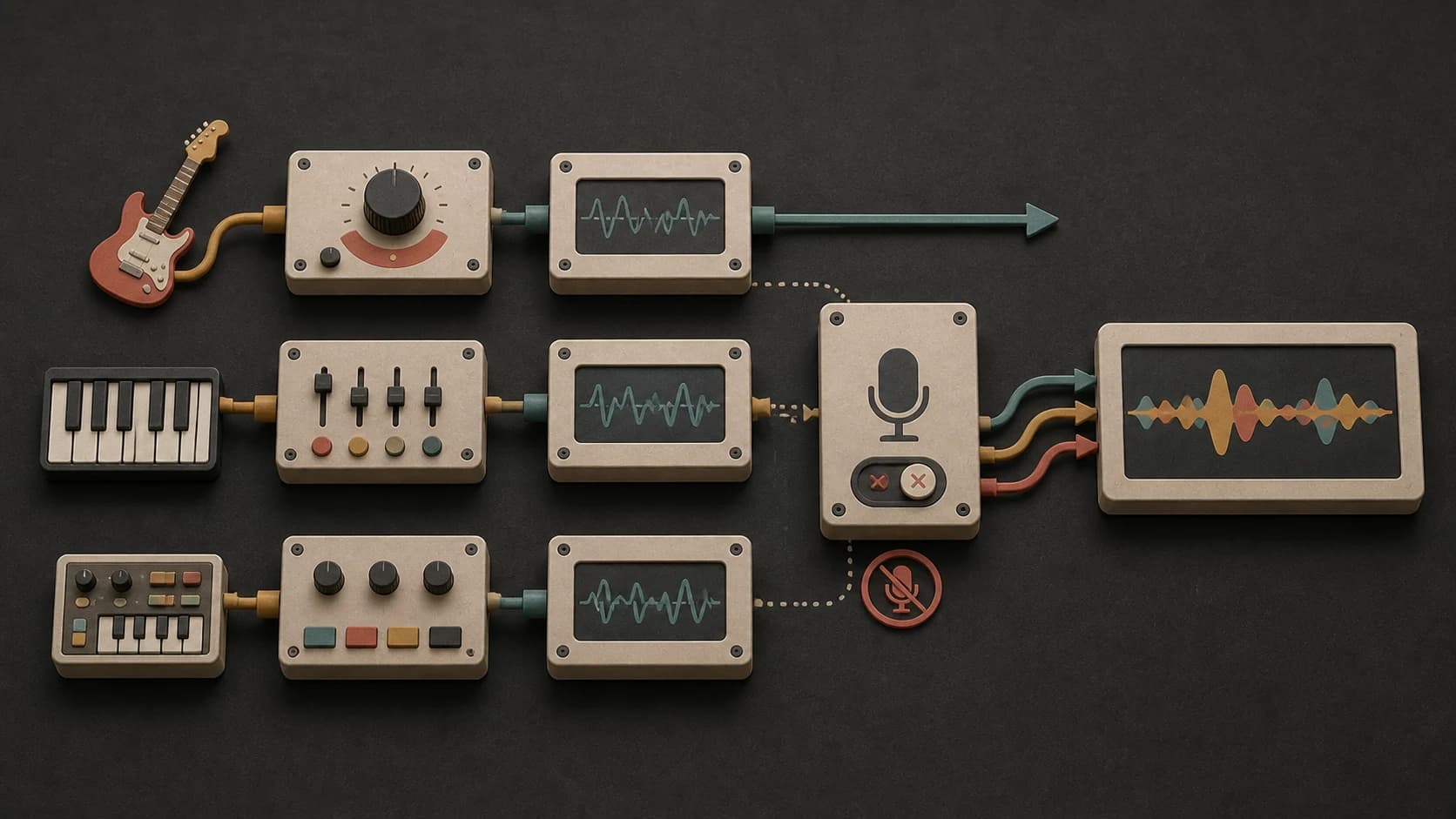
Turn on instrumental mode when singing would compete with narration, conversation, reading, or an on-screen message.
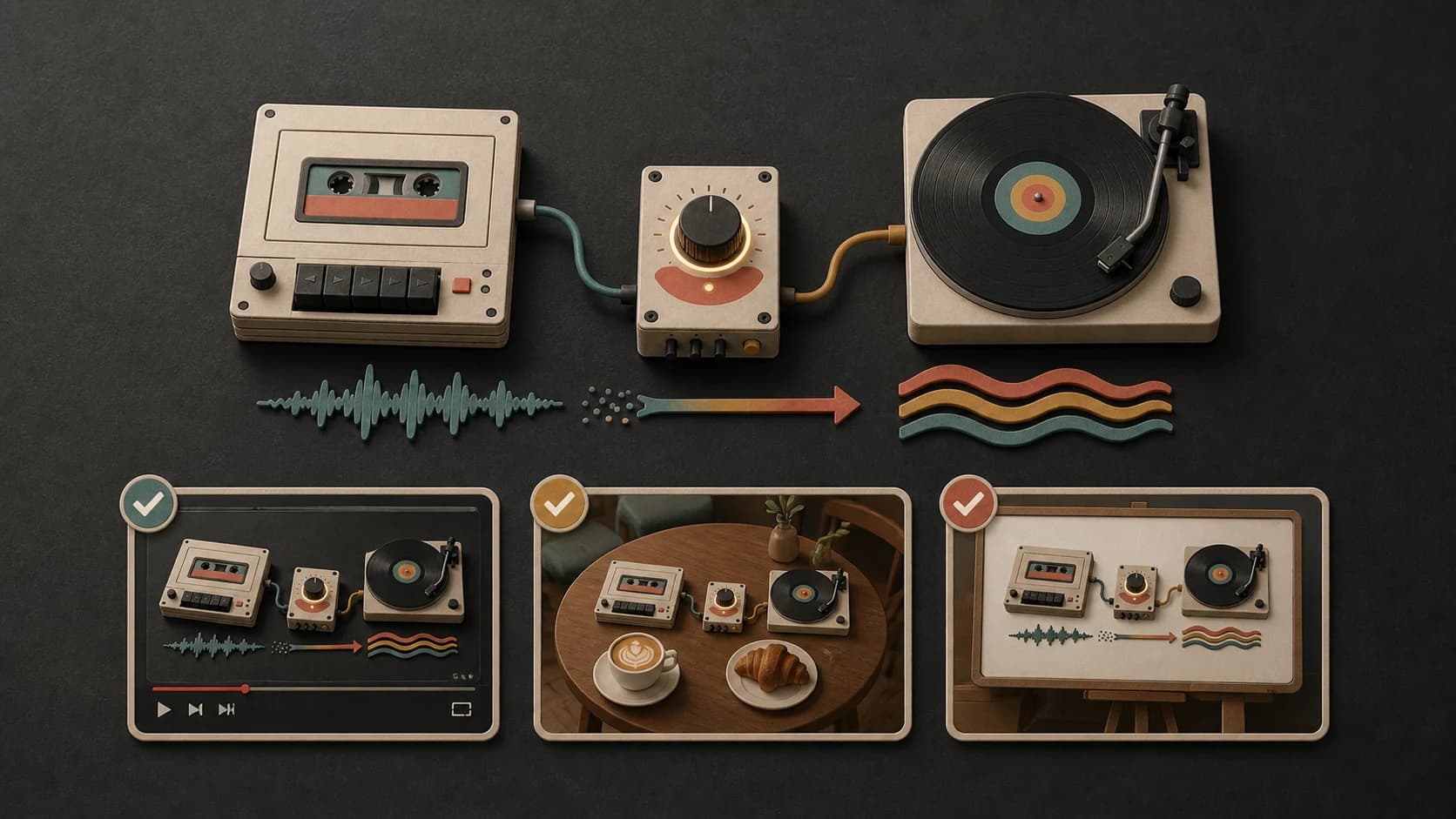
Play the finished track under the video, voiceover, room, or presentation and simplify the next prompt if it still takes too much attention.
A useful background prompt
Name the setting, choose the mood and instruments, set the energy, and make room for whatever belongs in front.
“Clean background instrumental for narration1 with muted synth plucks, rounded bass, restrained dry drums2, steady 96 BPM feel3, no vocals, no busy lead, no large build, and clear space for speech4.”
How it works
Describe what the music sits behind, choose a model, then test the result with the video, voice, room, or presentation it needs to support.
Name the setting, foreground, mood, instruments, energy, and anything that would be distracting.
Select an available model, keep instrumental mode on when needed, and review the credit cost.
Listen under the voiceover, presentation, or room and adjust the prompt if the music asks for too much attention.
Background settings
Narration, customers, a presentation, and an event each leave a different amount of room for rhythm and melody.
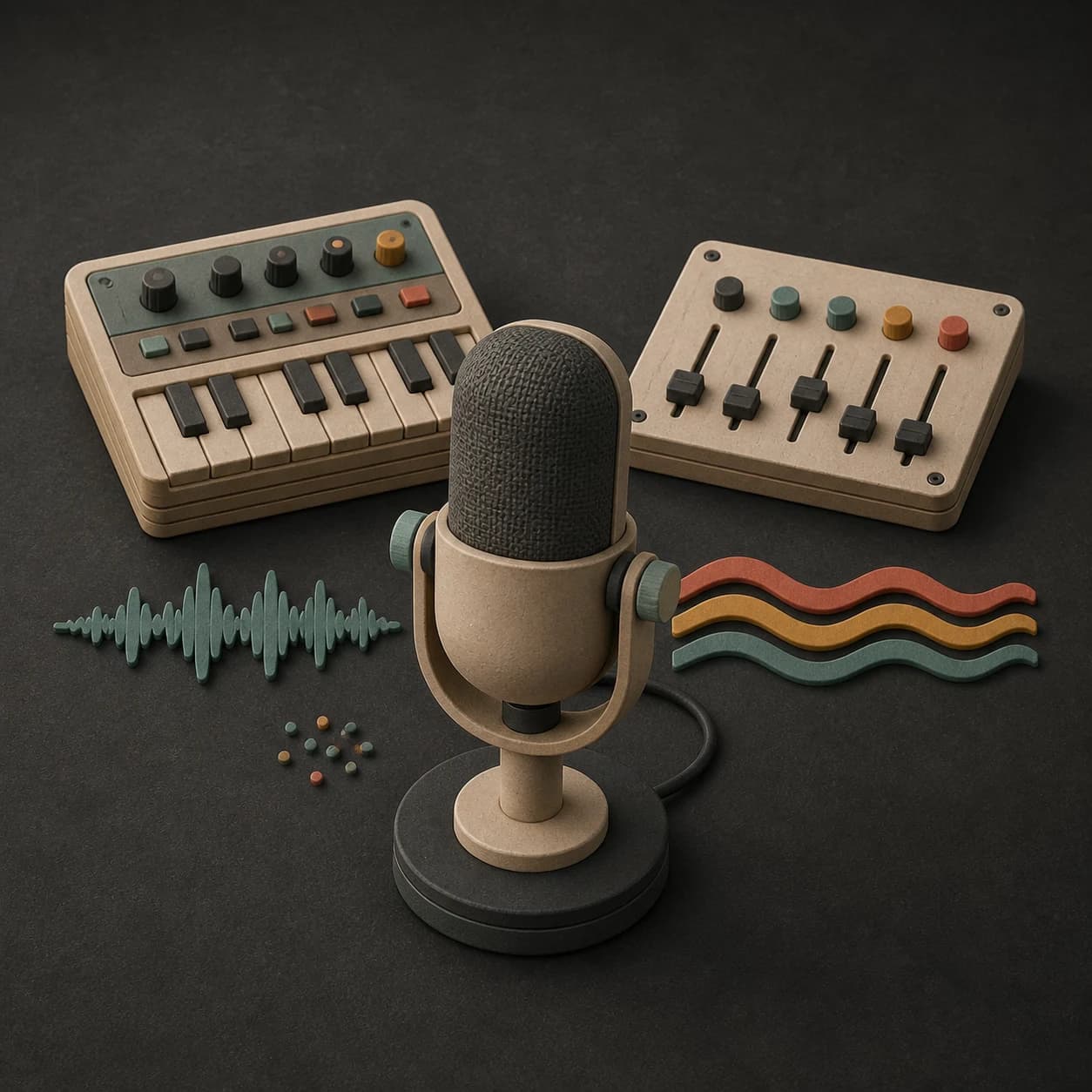
Use fewer lead parts, restrained drums, and enough middle-range space for clear narration.
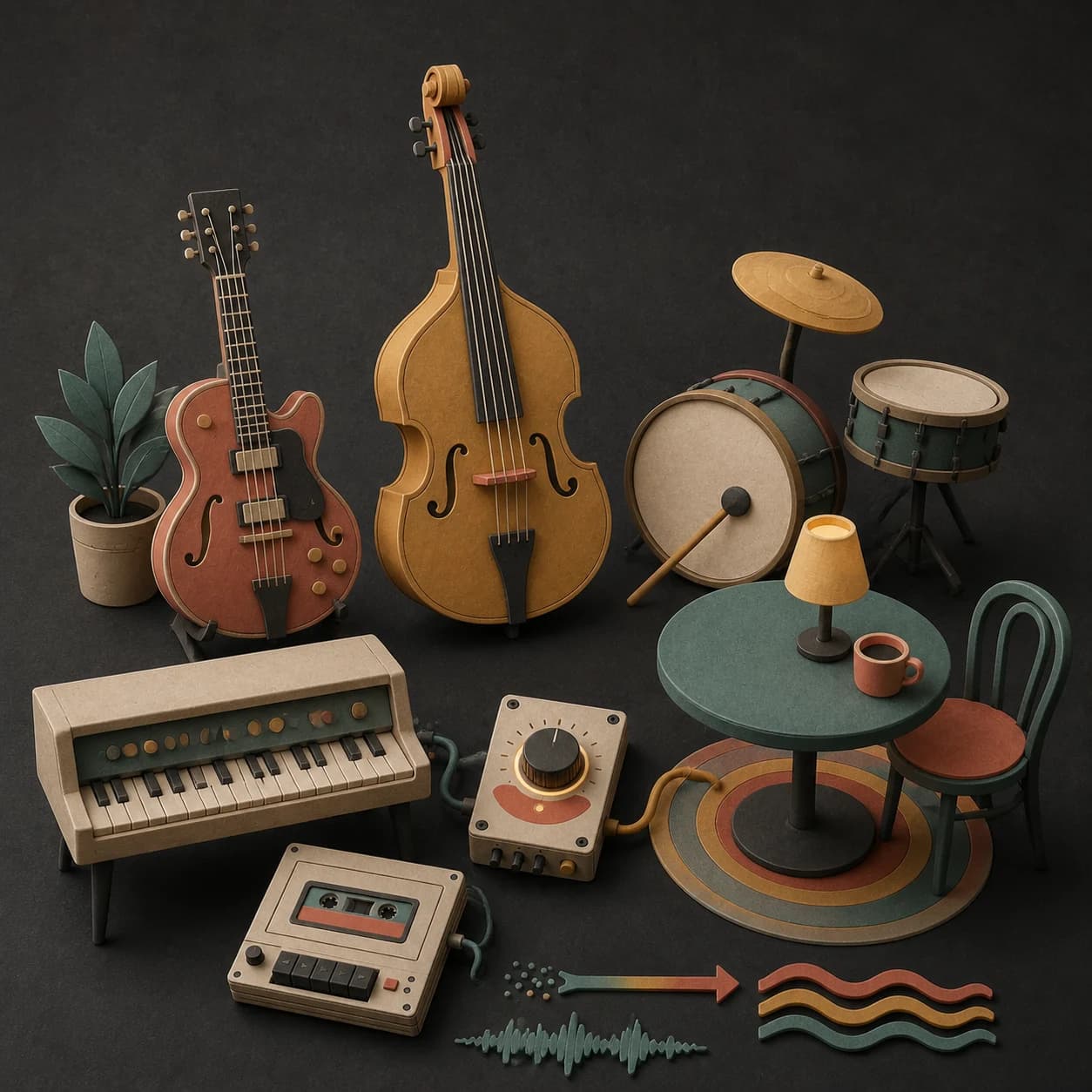
Choose a welcoming pace and sound that fits the room without overpowering conversation.
Keep the opening clean, the melody simple, and the arrangement even behind speech or transitions.
Build a subtle atmosphere around the space, crowd level, and the amount of movement you want in the room.
Start free. Upgrade when you need more.
Try it out — no card required.
No credit card required
Perfect for creation, image-to-song, and song extension.
Save 40%
All 7 model families


Wave 5.5 · ElevenLabs Music · Lyria 3 Pro · MiniMax 2.6 · Mureka 9 · Stable Audio 2.5 · MusicGen
Cancel anytime · No lock-inUnused subscription credits expire at renewal or when the billing interval changes.
Best for commercial releases and advanced song editing.
Save 40%
All 7 model families
Wave 5.5 · ElevenLabs Music · Lyria 3 Pro · MiniMax 2.6 · Mureka 9 · Stable Audio 2.5 · MusicGen
Cancel anytime · No lock-inUnused subscription credits expire at renewal or when the billing interval changes.
For power users working across MIDI, video, and high-volume output.
Save 40%
All 7 model families
Wave 5.5 · ElevenLabs Music · Lyria 3 Pro · MiniMax 2.6 · Mureka 9 · Stable Audio 2.5 · MusicGen
Cancel anytime · No lock-inUnused subscription credits expire at renewal or when the billing interval changes.
FAQ
Straight answers about narration, instrumentals, settings, length, downloads, and commercial use.
Ask for no vocals, fewer lead parts, restrained drums, and clear space for speech. Test the result under the actual voiceover and lower it in your editor when needed.
No. A shop, event, or fast tutorial may need more energy. Describe the setting and say lightly upbeat, driving but restrained, or another level that fits.
Yes. Turn on instrumental mode and include no vocals when words would compete with the foreground.
Yes. Repeat the same instruments, mood, pace, and short motif, then adjust only what changes from one episode or setting to the next.
Completed tracks are saved to your MusicWave library. Available downloads and editing options depend on the selected model and plan.
That depends on your MusicWave plan, the selected model terms, and the rights in anything you supplied. Review those terms before commercial use.
Keep exploring
Make music for YouTube, build a quieter ambient piece, create a broad instrumental, or continue a track that already fits.
Describe the setting, foreground, mood, and energy, then generate a version you can test in context.
Start free — no credit card needed.