01
Choose the source of tension
Ask for isolation, pursuit, uncertainty, machinery, or restrained dread so the arrangement has a clearer job.
Describe the tension, space, and weight you want in the track. Build dark ambient, industrial, electronic, rock, or cinematic music without relying on vague words like ominous.
Start with the scene, tension, and weight
First 2 songs freeEvery model on paid plans from $5.99/moSee plans ↓
Dark-music examples
These original instrumentals compare industrial pressure, sparse ambient unease, and a restrained hybrid score.
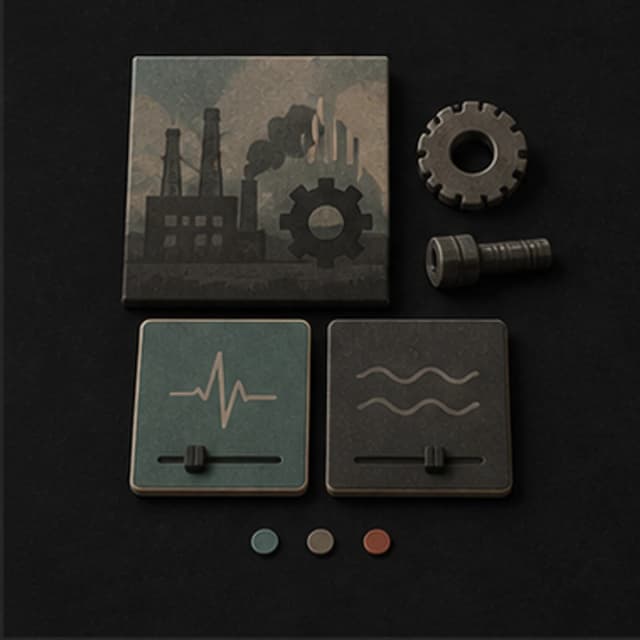
“Dark industrial electronic instrumental with a low distorted pulse, dry metallic percussion, deep bass, sparse synth warning tones, no vocals, no bright resolution, and controlled tension”
Pick a track to hear it and see the prompt behind it.
Direct the mood
Low notes alone do not make a useful dark track. Name the scene, movement, and amount of pressure you want.
Ask for isolation, pursuit, uncertainty, machinery, or restrained dread so the arrangement has a clearer job.
Use low drones, sub bass, bass strings, or distorted pulse carefully so the track stays heavy without turning muddy.
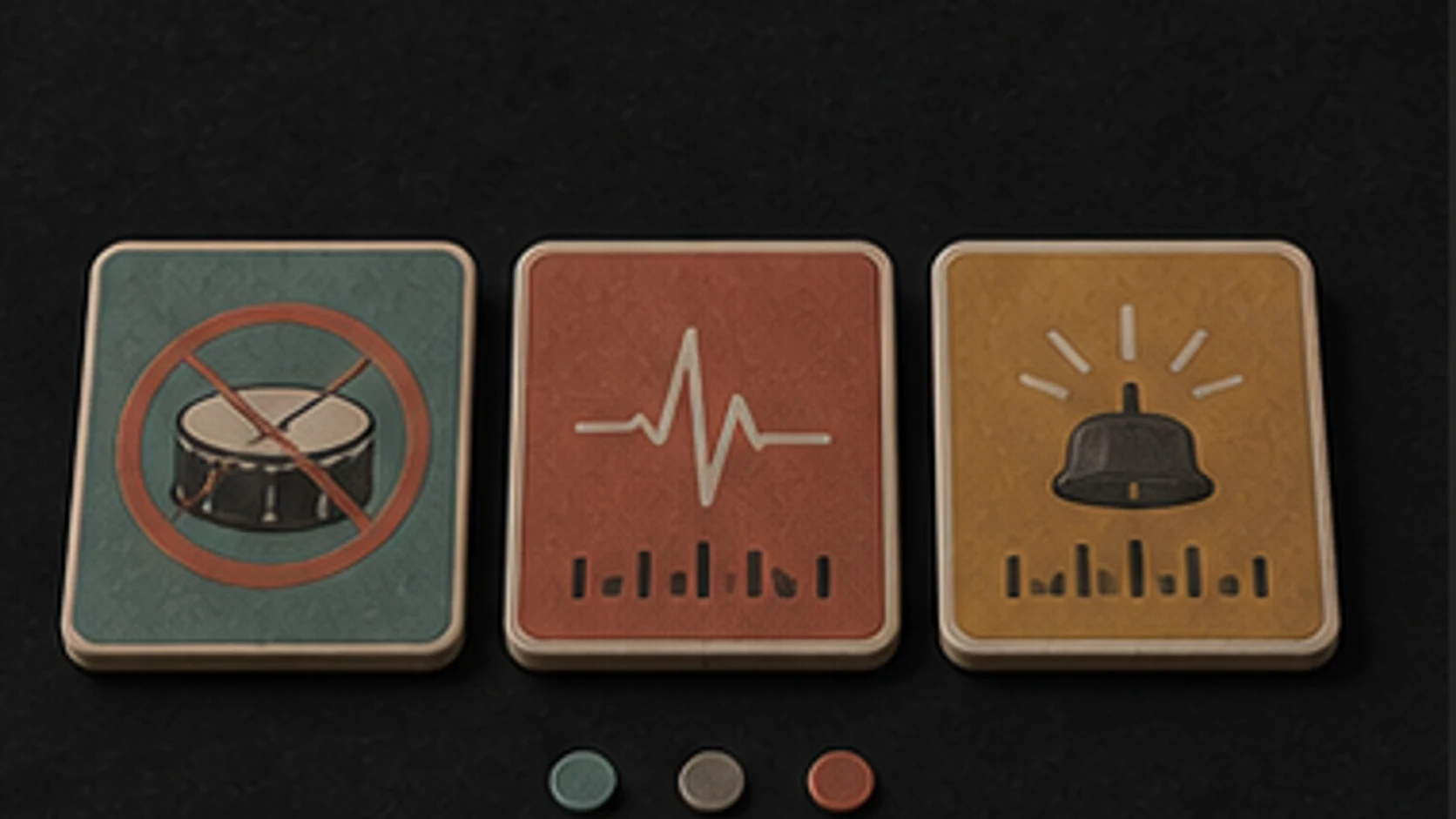
Choose no drums, a quiet pulse, metallic percussion, or a harder industrial pattern depending on the scene.
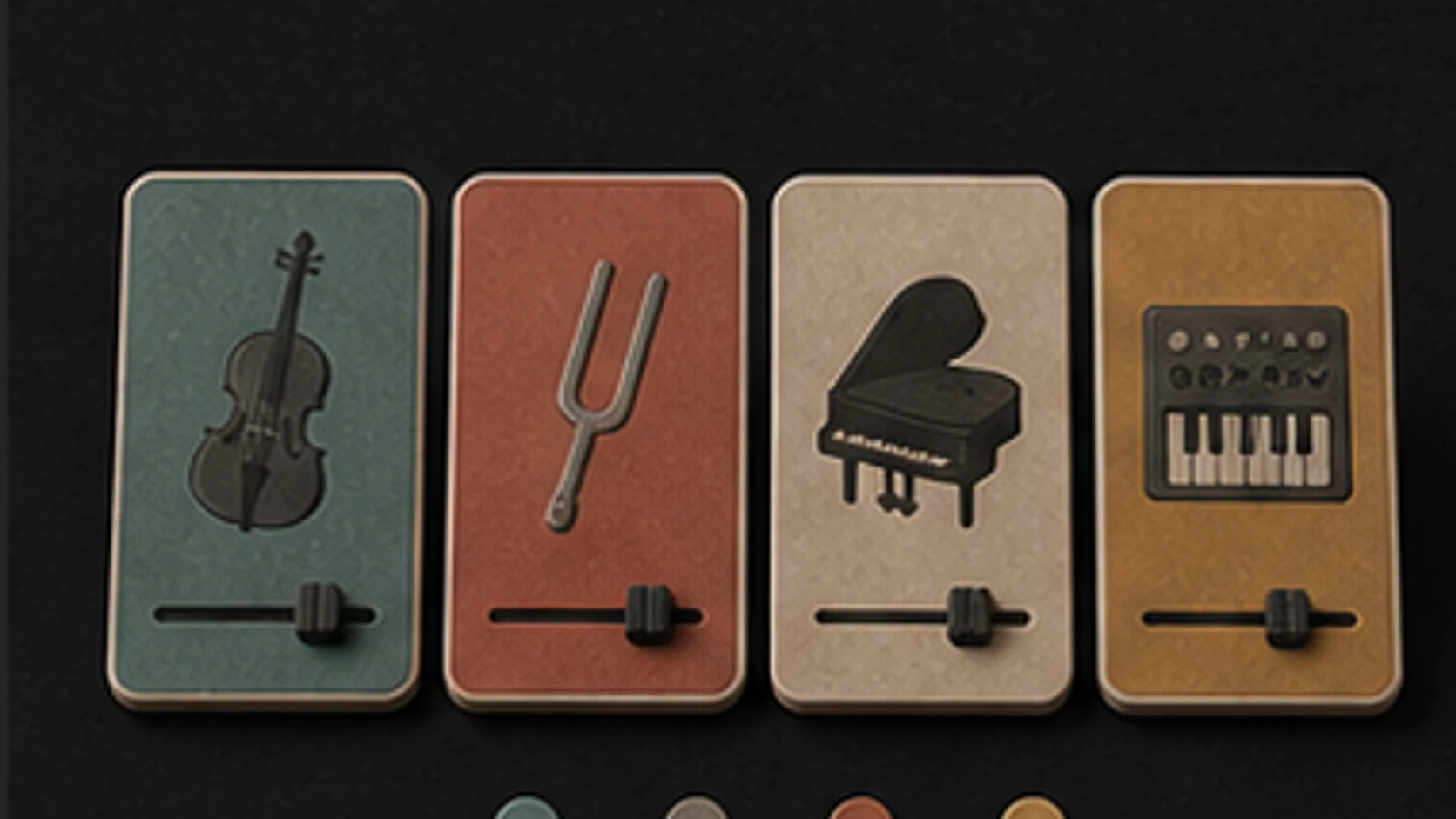
Low strings, bowed metal, distant piano, clipped synths, and distorted guitar create different kinds of darkness.
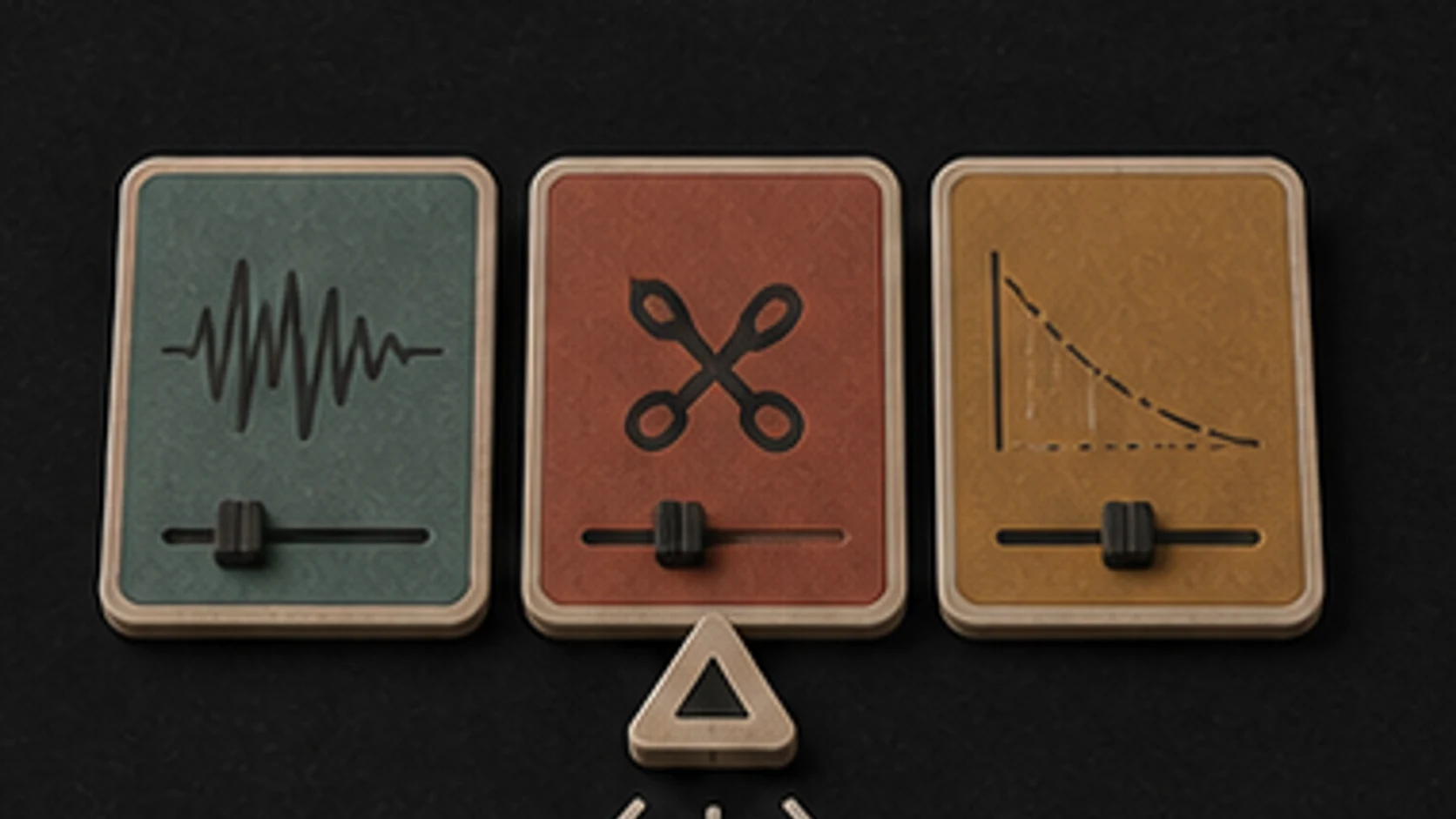
Ask for unresolved, abruptly cut, slowly fading, or cautiously resolved so the last phrase supports the story.
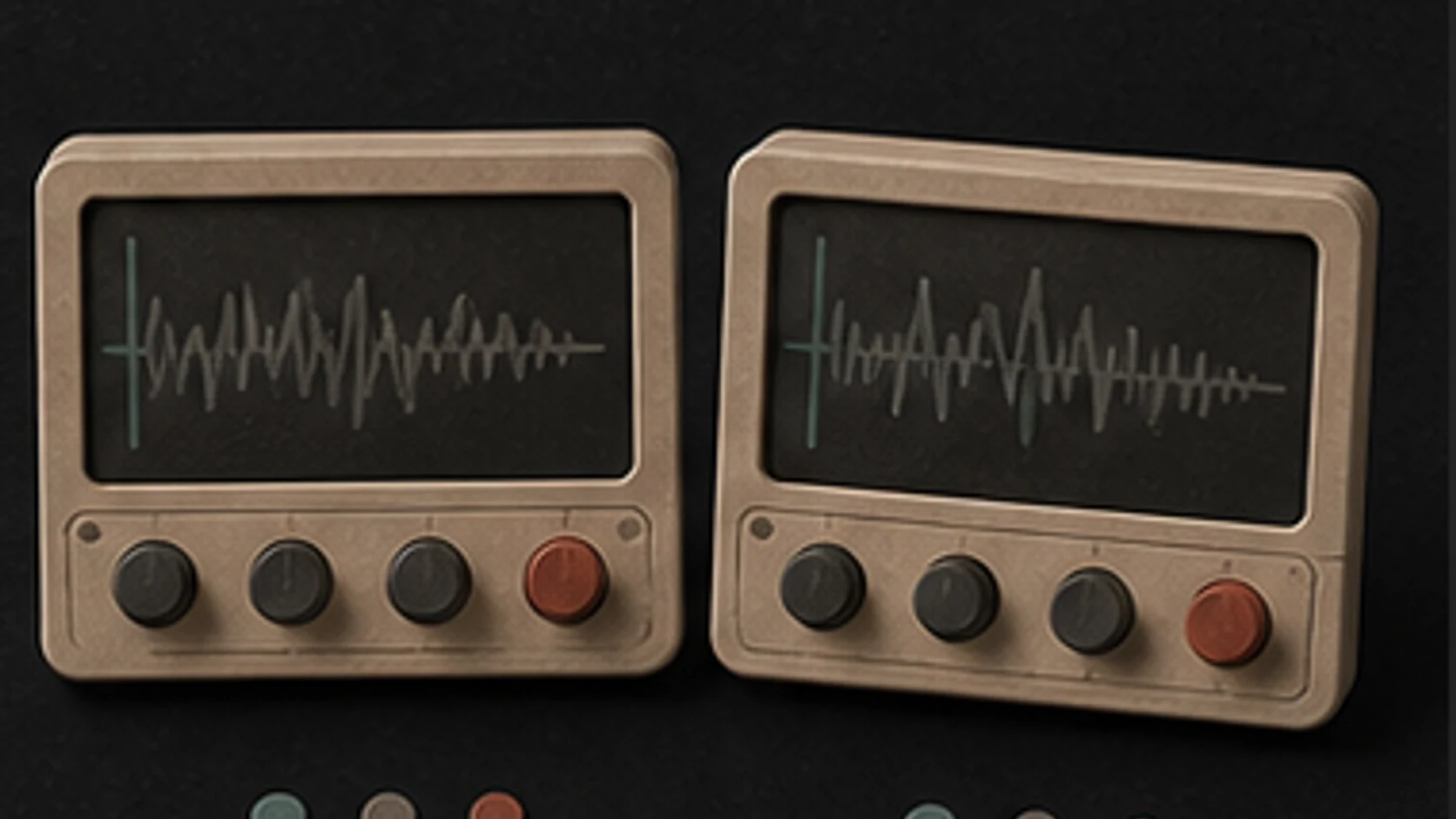
Run the same restrained brief through another model when the first result becomes too cinematic, noisy, or dramatic.
A tension arc
Dark music can sit under a scene or control its entire arc. Describe the movement instead of asking for maximum intensity from the start.
“Dark industrial instrumental for an empty underground corridor, low distorted pulse, metallic percussion and distant warning tones, controlled tension, no vocals and no bright resolution.”
How it works
Start with the feeling and scene. Add musical details only where they help make the direction clearer.
Describe the scene, what feels threatening or uncertain, and whether the tension should stay low, rise gradually, or break at the end.
Pick an available music model, choose instrumental or vocal, and review the shown credit cost before starting.
Play the result from your library. Change the instruments, pace, vocal direction, or intensity when the first version misses the mood.
Dark settings
A quiet thriller scene needs a different arrangement from a heavy game encounter or industrial visual.
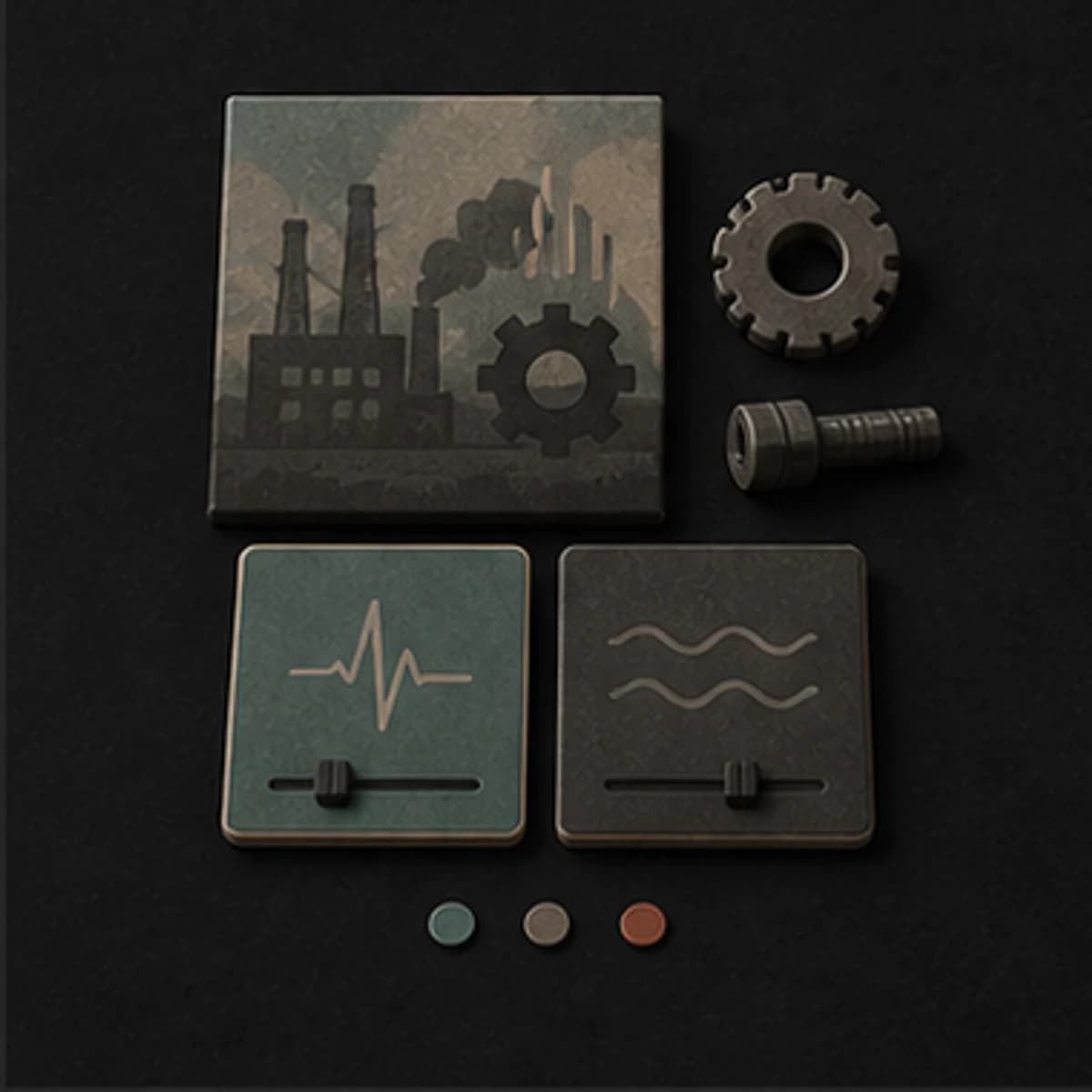
Build restrained unease under investigation, isolation, or an approaching reveal.
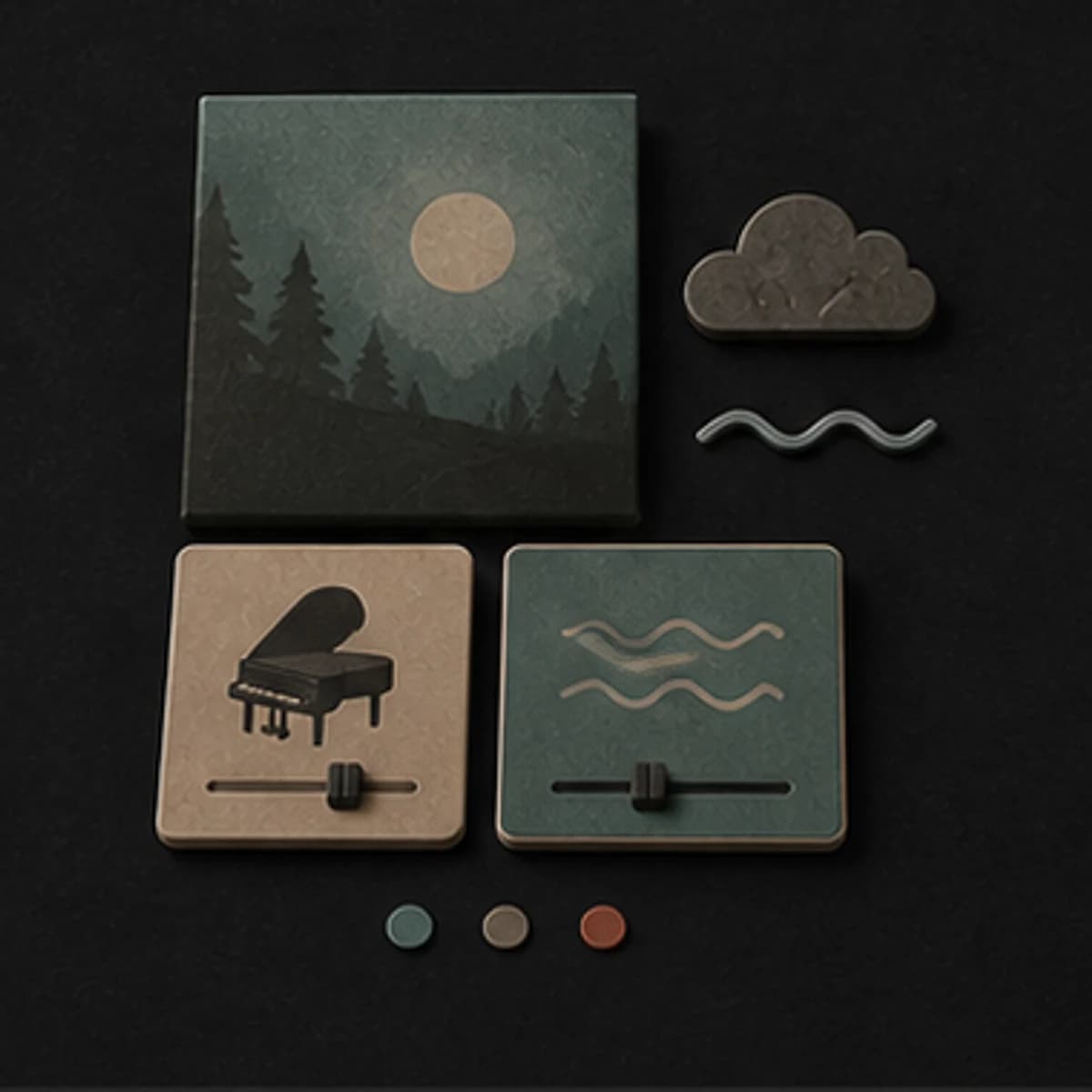
Create menu, exploration, or danger-state ideas with different levels of pressure.
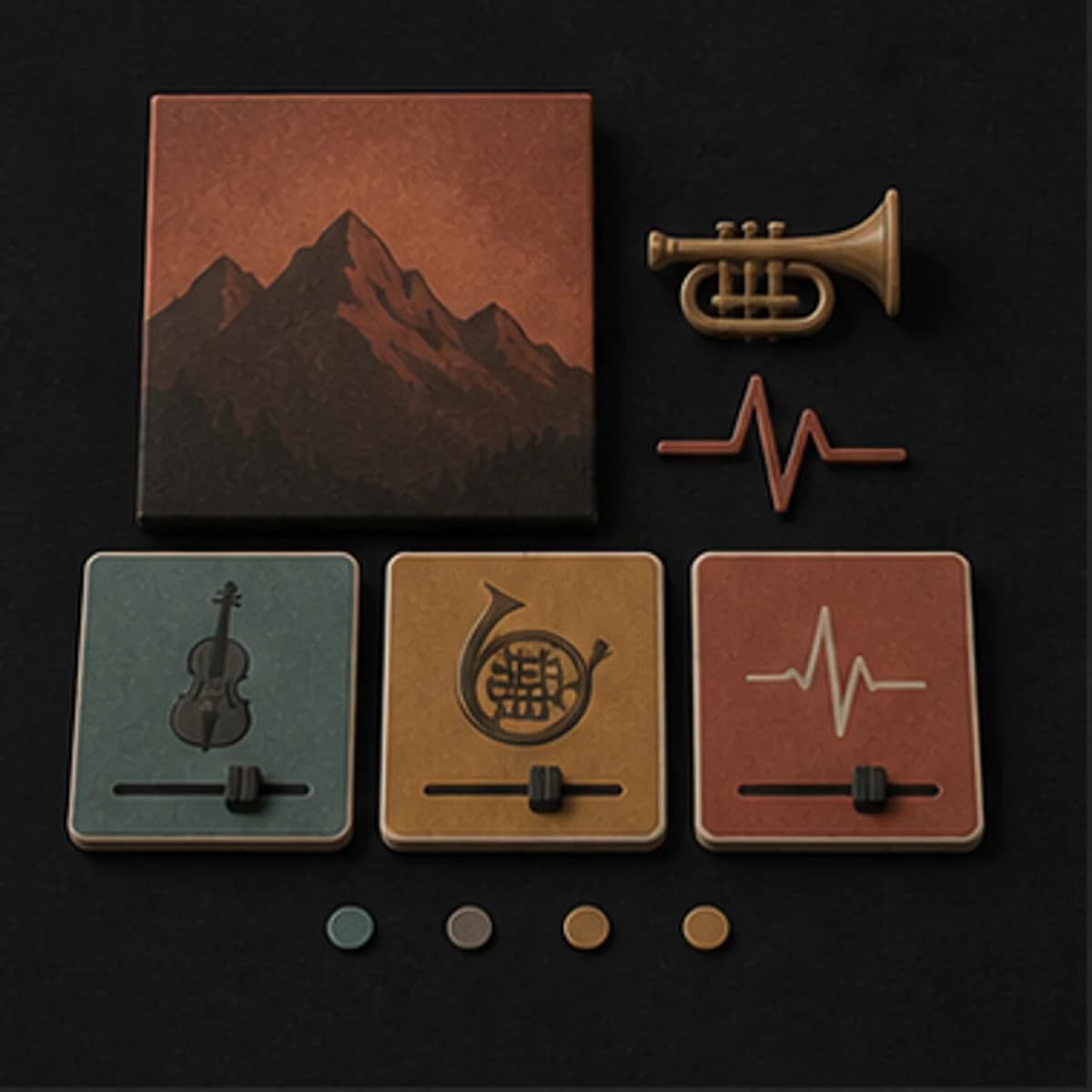
Use industrial, ambient, or hybrid music under moody fashion, architecture, or night footage.
Sketch a dark electronic, rock, or metal direction before arranging it further.
Start free. Upgrade when you need more.
Try it out — no card required.
No credit card required
Perfect for creation, image-to-song, and song extension.
Save 40%
All 7 model families


Wave 5.5 · ElevenLabs Music · Lyria 3 Pro · MiniMax 2.6 · Mureka 9 · Stable Audio 2.5 · MusicGen
Cancel anytime · No lock-inUnused subscription credits expire at renewal or when the billing interval changes.
Best for commercial releases and advanced song editing.
Save 40%
All 7 model families
Wave 5.5 · ElevenLabs Music · Lyria 3 Pro · MiniMax 2.6 · Mureka 9 · Stable Audio 2.5 · MusicGen
Cancel anytime · No lock-inUnused subscription credits expire at renewal or when the billing interval changes.
For power users working across MIDI, video, and high-volume output.
Save 40%
All 7 model families
Wave 5.5 · ElevenLabs Music · Lyria 3 Pro · MiniMax 2.6 · Mureka 9 · Stable Audio 2.5 · MusicGen
Cancel anytime · No lock-inUnused subscription credits expire at renewal or when the billing interval changes.
FAQ
Straight answers about intensity, vocals, cinematic claims, downloads, and rights.
No. Silence, low drones, distant piano, and sparse texture can feel darker than a loud arrangement. Describe how much movement the scene needs.
Yes. Turn on instrumental mode and ask for no drums, slow texture, low drones, and a restrained ending.
It creates music from your direction. You still need to edit, time, mix, and clear the result for the specific film, game, or project.
You can describe a gradual rise or specific sections, but the generated structure may vary. Check the result and edit or regenerate as needed.
Completed tracks are saved to your MusicWave library with the playback and download options available for the chosen model and plan.
Review your MusicWave plan, the selected model terms, and the rights in supplied material before commercial use.
Keep exploring
Build a broader film score, push toward anger or epic scale, or continue a track that fits.
Describe the scene, tension, sound palette, and ending, then generate a version to test.
Start free — no credit card needed.