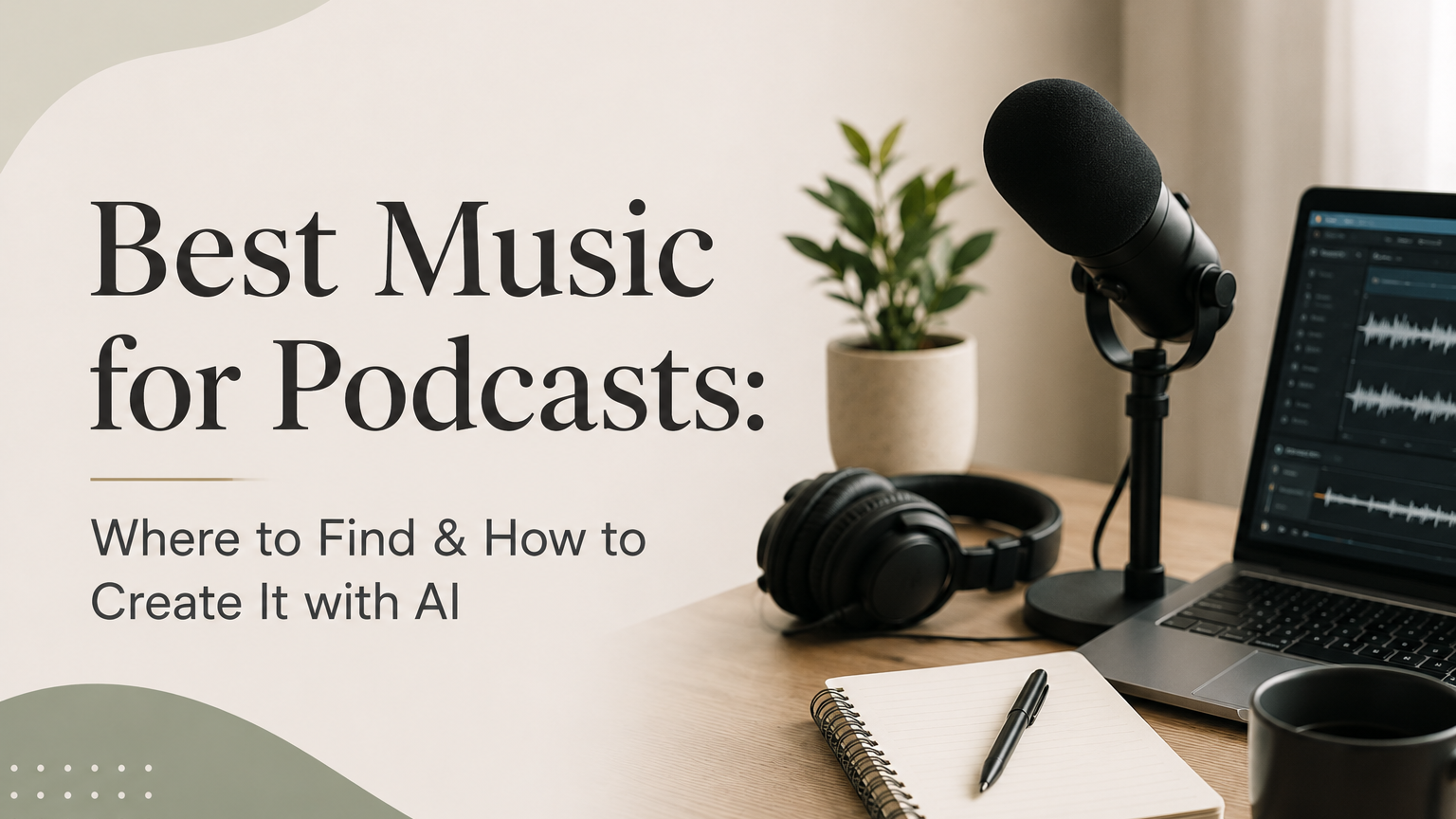
The right music for podcasts can turn a decent show into one that sounds professional, polished, and instantly recognizable.
Whether you need a punchy intro, a smooth outro, or subtle background beds that keep listeners engaged, this guide covers the best free and paid sources for podcast music — plus how AI tools are changing the game for creators who want something truly original.
Why Music Matters More Than You Think
Music is the first thing your audience hears. Before you say a single word, your intro track sets the mood, signals your genre, and tells listeners whether they should stick around.
Think about the podcasts you love. You probably hear the intro music in your head right now. That's branding at work.
Beyond first impressions, music serves practical purposes.
It smooths transitions between segments, fills awkward silences, and gives your show a rhythm that keeps people listening. A podcast without music can feel flat — like watching a movie with no score.
Types of Podcast Music You Actually Need
Before you start browsing libraries, it helps to know what you're looking for. Most podcasts use three types of music.
Intro Music
This is your show's signature. It plays at the top of every episode, usually for 15-30 seconds, and it should match your podcast's personality. A true crime show needs something different from a comedy podcast.
Your intro is the most important music choice you'll make. It's what listeners associate with your brand, so pick something you won't get tired of hearing a thousand times.
Outro Music
The outro signals that the episode is wrapping up. It can be the same track as your intro, a variation of it, or something completely different. Many podcasters use the outro to play over their closing remarks and credits.
Background Beds
These are the quiet, unobtrusive tracks that play underneath your voice during segments, transitions, or storytelling moments. Background beds should never compete with your voice — they sit quietly in the mix and add texture.
The golden rule: background music should sit between -20dB and -30dB under your voice level. Any louder and it becomes distracting. Any quieter and it may as well not be there.
Free Music for Podcasts: 5 Platforms That Won't Cost You a Dime
If you're just starting out or running a podcast on a tight budget, these free platforms have you covered.
1. YouTube Audio Library
YouTube's Audio Library is one of the most accessible free options out there. You can search by mood, genre, duration, and instrument — and most tracks require no attribution at all.
Pricing: Free Pros: No attribution needed for most tracks, easy search filters, backed by Google Cons: The selection can feel limited and generic, especially for popular moods. You might hear the same tracks on other podcasts.
2. Pixabay Music
Pixabay has expanded well beyond stock photos. Their music library is royalty-free, requires no attribution, and covers a surprisingly wide range of genres.
Pricing: Free Pros: No attribution required, growing library, clean licensing terms Cons: Quality varies — you'll need to dig through some mediocre tracks to find gems.
3. Incompetech (Kevin MacLeod)
Incompetech is the work of composer Kevin MacLeod, and if you've spent any time on YouTube, you've heard his music. Hundreds of tracks spanning every genre imaginable.
Pricing: Free with attribution (paid option to remove attribution) Pros: Huge catalog, well-organized, trusted by creators for years Cons: Attribution required for free use. Many tracks are overused at this point, which can make your podcast sound less unique.
4. 909 Music
909 Music offers free, no-attribution-required music with a more modern, cutting-edge sound. If you're looking for something that doesn't scream "stock music," this is worth checking out.
Pricing: Free Pros: No attribution needed, contemporary sound design, fresh aesthetic Cons: Smaller library compared to the bigger platforms, so your options are more limited.
5. Free Music Archive (FMA)
The Free Music Archive is a curated collection of Creative Commons licensed music. It's been a staple for independent creators for years.
Pricing: Free Pros: Curated collections, wide variety of indie and experimental music, great for finding unique sounds Cons: Licensing varies by track (some require attribution, some restrict commercial use), so you need to check each download carefully.
Paid Podcast Music Platforms: When Free Isn't Enough
Free libraries work fine for casual podcasts. But if you're monetizing your show, working with sponsors, or just want higher production quality, paid platforms offer larger libraries, better curation, and cleaner licensing.
6. Epidemic Sound
Epidemic Sound is one of the biggest names in the space. Their library is massive, and they offer podcast-specific playlists that make finding the right track easy.
Pricing: $9.99 - $29.99/month Pros: Huge library, podcast-tailored playlists, stems available for some tracks Cons: Some creators have reported copyright strike issues on platforms like YouTube, even with active subscriptions. Worth understanding their terms carefully.
7. Artlist
Artlist offers a universal license that covers all use cases — personal, commercial, broadcast. If you're running a podcast with sponsors or paid content, this simplicity is valuable.
Pricing: $9.99 - $39.99/month Pros: Universal license covers commercial use, high-quality catalog, clean interface Cons: Higher tiers get expensive, and you need the right plan to cover all use cases.
8. Soundstripe
Soundstripe bundles music with sound effects and video assets. For podcasters who also create video content or need SFX for their show, it's a solid all-in-one option.
Pricing: ~$11.25/month (billed annually) Pros: Unlimited downloads, includes SFX library, good value for the price Cons: Library isn't as deep as Epidemic Sound or Artlist for purely music-focused needs.
9. PremiumBeat
Backed by Shutterstock, PremiumBeat focuses on high production quality. Every track goes through a curation process, so there's less digging through filler. They also have a dedicated podcast music section.
Pricing: Per-track licensing or subscription plans Pros: Consistently high quality, curated catalog, Shutterstock backing means reliability Cons: Per-track pricing can add up fast if you need multiple tracks.
10. Silverman Sound Studios
Silverman Sound Studios offers over 200 original royalty-free tracks that you can filter by mood. They have a dedicated podcast music collection designed specifically for intros, outros, and beds.
Pricing: Free and premium options available Pros: Purpose-built for podcasters, filterable by mood, original compositions Cons: Smaller catalog than the major platforms.
Platform Comparison Table
| Platform | Price | Attribution Required | Commercial Use | Library Size | Best For |
|---|---|---|---|---|---|
| YouTube Audio Library | Free | No (most tracks) | Yes | Medium | Beginners on a budget |
| Pixabay Music | Free | No | Yes | Growing | Quick, no-hassle downloads |
| Incompetech | Free | Yes (free tier) | Yes | Large | Wide genre variety |
| 909 Music | Free | No | Yes | Small | Modern, fresh sounds |
| Free Music Archive | Free | Varies by track | Varies | Large | Unique indie music |
| Epidemic Sound | $9.99-$29.99/mo | No | Yes (with plan) | Very Large | Serious podcasters |
| Artlist | $9.99-$39.99/mo | No | Yes (universal) | Large | Commercial podcasts |
| Soundstripe | ~$11.25/mo | No | Yes | Large | Music + SFX bundle |
| PremiumBeat | Per-track/subscription | No | Yes | Curated | High production quality |
| Silverman Sound | Free/Premium | No | Yes | 200+ tracks | Podcast-specific music |
| MusicWave.ai | See site | No (you own it) | Yes | Unlimited (AI) | Custom, original music |
| Beatoven.ai | Freemium | No | Yes (with plan) | AI-generated | Mood-based backgrounds |
| Mubert | Freemium | No | Yes (with plan) | AI-generated | Ambient podcast beds |
AI Music for Podcasts: Create Something Nobody Else Has
Here's the problem with stock music libraries, even the great ones: other podcasters are using the same tracks. You've probably listened to a podcast and thought, "I've heard that intro somewhere before." That's because you have.
AI-powered music tools solve this by generating original compositions on demand. You describe what you want — mood, tempo, genre, duration — and the AI builds a track from scratch.
MusicWave.ai
MusicWave.ai lets you generate custom podcast intros, outros, and background beds using AI. Every track is unique, created specifically for your input parameters.
The big advantage here is ownership. You're not licensing someone else's music — you own what you create. No royalty concerns, no attribution requirements, no worrying about another podcaster using the same track. For podcasters who care about having a truly distinctive sound, this is the cleanest path to get there.
It's especially useful for podcast intro music, where originality matters most. Instead of scrolling through hundreds of stock tracks hoping to find "the one," you describe your vision and let the AI build it.
Try creating your podcast music with MusicWave.ai →
Beatoven.ai
Beatoven.ai specializes in mood-based AI music. You select the emotion you're going for — calm, tense, uplifting — and it generates a track to match. It works well for background beds where you need music that supports the content without stealing attention.
Mubert
Mubert generates ambient and background music in real time. It's particularly good for podcast beds and transition music where you need something subtle and unobtrusive.
How to Choose the Right Music for Your Podcast
Finding music is the easy part. Choosing the right music takes a bit more thought.
Match the Music to Your Content
A business podcast probably shouldn't open with heavy metal. A comedy show probably shouldn't use somber piano. This sounds obvious, but it's a mistake people make more often than you'd think.
Listen to podcasts in your niche and pay attention to what music choices they make. You don't want to copy them, but you'll start noticing patterns that tell you what listeners in your genre expect.
Consistency Is Your Friend
Once you pick your intro and outro music, stick with it. Changing your music every few episodes confuses listeners and weakens your brand. Your music should become as recognizable as your voice.
That said, background beds can vary from episode to episode. Different topics call for different moods, and variety in your beds keeps the listening experience fresh.
Test Before You Commit
Play your music choice under your voice. Record a sample segment with the background bed running and listen back. Does the music complement your voice, or does it fight for attention?
Pay attention to frequency clashes. If your voice is in the lower register, avoid bass-heavy background tracks. If you speak quickly, steer clear of busy, complex music that adds to the chaos.
Understanding Licensing: Don't Skip This Part
Licensing is the least exciting topic in podcasting, but ignoring it can get you in real trouble. Here's what you need to know.
Royalty-Free
This doesn't mean free. It means you pay once (or subscribe) and can use the music without paying ongoing royalties. Most paid platforms operate on this model.
Creative Commons
Creative Commons licenses come in several flavors. Some allow commercial use, some don't. Some require attribution, some don't. Always check the specific CC license on each track before using it. CC-BY means you can use it commercially but must credit the creator. CC-BY-NC means no commercial use.
Public Domain
Public domain music has no copyright restrictions at all. You can use it however you want. The catch is that most public domain music is very old, so it may not fit a modern podcast aesthetic.
Full Ownership (AI-Generated)
When you create music with AI tools like MusicWave.ai, you typically own the output. No licensing to worry about, no attribution to manage, no restrictions on how you use it. This is the simplest model and the one gaining the most traction among podcasters who want zero friction.
Quick Tips for Using Music in Your Podcast
- Keep intros under 30 seconds. Listeners want to get to your content. A 60-second intro with music and voice-over feels like an eternity.
- Fade in and out. Hard cuts to music sound jarring. A 1-2 second fade makes transitions feel smooth and professional.
- Use music to signal transitions. A quick 3-5 second music sting between segments helps listeners mentally reset and prepares them for what's next.
- Don't use music with lyrics under your voice. Lyrics compete with spoken words and make both harder to understand. Stick to instrumental tracks for background beds.
- Export and listen on multiple devices. Your mix might sound fine on studio headphones but terrible on phone speakers. Check your levels on the devices your audience actually uses.
FAQ
Can I use copyrighted music in my podcast?
Not without a license. Using copyrighted music without permission can result in your episodes being taken down, your podcast being removed from directories, or legal action from the rights holder. Stick to royalty-free, Creative Commons, or AI-generated music to stay safe.
What's the best volume level for podcast background music?
Aim for -20dB to -30dB below your voice level. This keeps the music audible enough to add texture and mood without competing with your words. Most podcast editing software (like Audacity, Descript, or Adobe Audition) lets you adjust track volume easily.
Is AI-generated music legal to use in podcasts?
Yes. AI music platforms like MusicWave.ai, Beatoven.ai, and Mubert provide licenses that allow you to use the generated music commercially, including in podcasts. With MusicWave.ai, you own the music you create outright — no licensing gray areas.
Do I need different music for every episode?
Not for your intro and outro — keeping those consistent builds your brand. But background beds and transition music can (and often should) change based on the mood and topic of each episode. Having a small library of 5-10 background tracks gives you flexibility without losing cohesion.
Where should I put music in my podcast episodes?
At minimum, use music for your intro and outro. Beyond that, consider adding it during transitions between segments, under storytelling sections where you want to build emotion, and as a brief sting before ad breaks. The key is using music intentionally — every musical moment should serve a purpose.
Ready to create podcast music that's 100% yours? - Generate custom intros, outros, and background beds with MusicWave— original tracks, full ownership, no licensing headaches.