 Bob Dylan voice selected
Bob Dylan AI Voice Cover
Bob Dylan's nasal, talk-singing style rewrote the rules of what a vocalist could be. His words carried more weight than any note — proof that lyrics and delivery trump pure technique.

Bob Dylan voice selected
Upload an audio file from your device that you have permission to use.
No licensed voice sample is attached to this page yet. A play button appears only after a sample is verified.
Direct uploadsource audio from your device
Voice selectedBob Dylan
Pitch controlbefore generation
Result playbackafter processing completes
How it works
Three steps. That's it.
1
Step 1
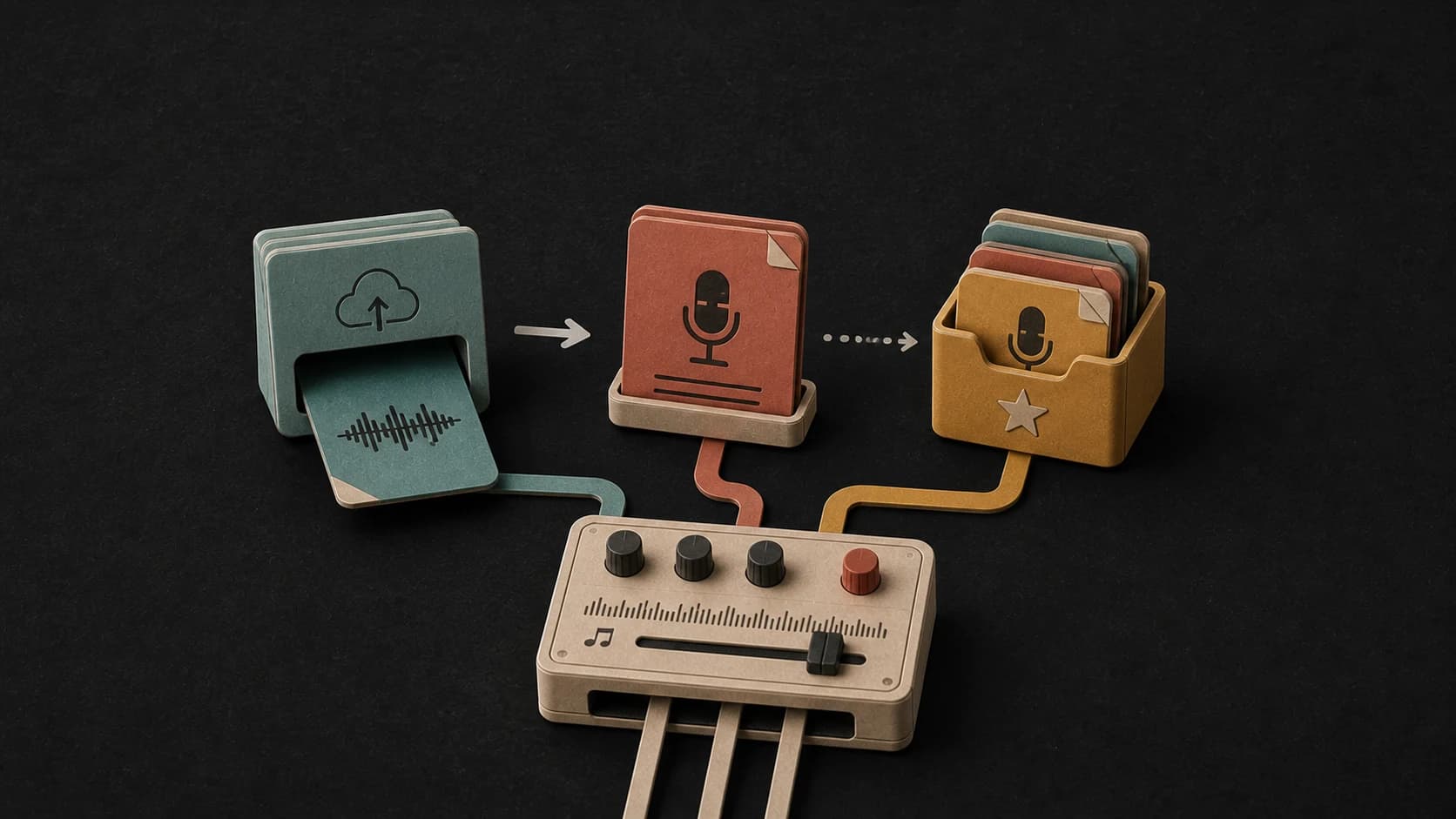
Upload source audio
Choose an audio file you have permission to use.
2
Step 2
Check voice and pitch
The Bob Dylan voice is selected. Move the pitch control only if the source needs it.
3
Step 3
Generate and listen
Start the cover, wait for processing to finish, then play or download the result.
Why this works
Choose the Bob Dylan voice model, add a source track you have the right to use, and set the pitch before you start the cover.
Upload source audio directly from your device
Pitch control from -12 to +12 semitones
Play and download the result after processing finishes
Bob Dylan AI Cover Features
Here's what you get.
01
Bob Dylan voice selected
This page opens with the named voice model already chosen.
02
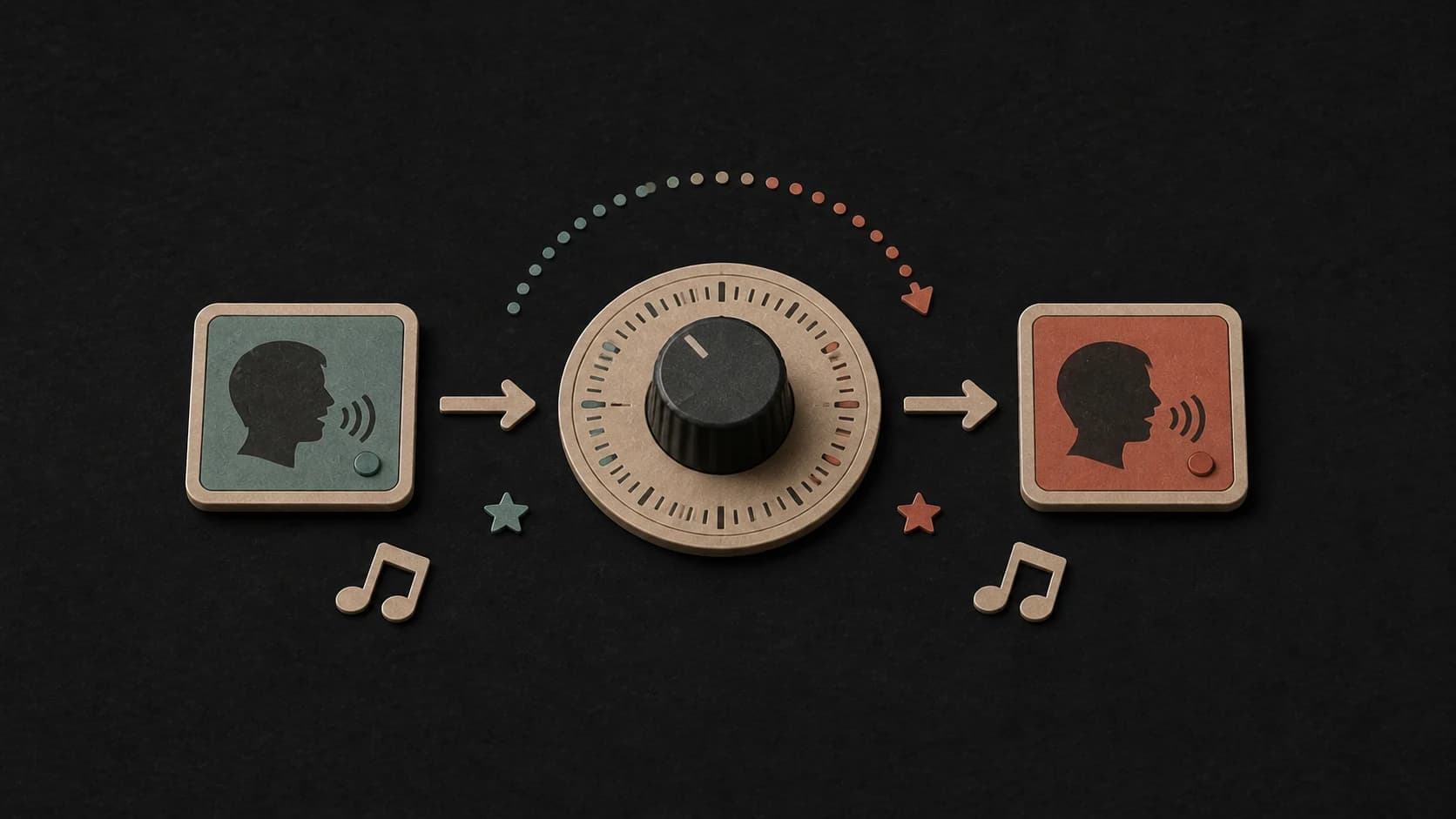
Pitch Shift
Shift the pitch up or down by 12 semitones to fit any key.
03
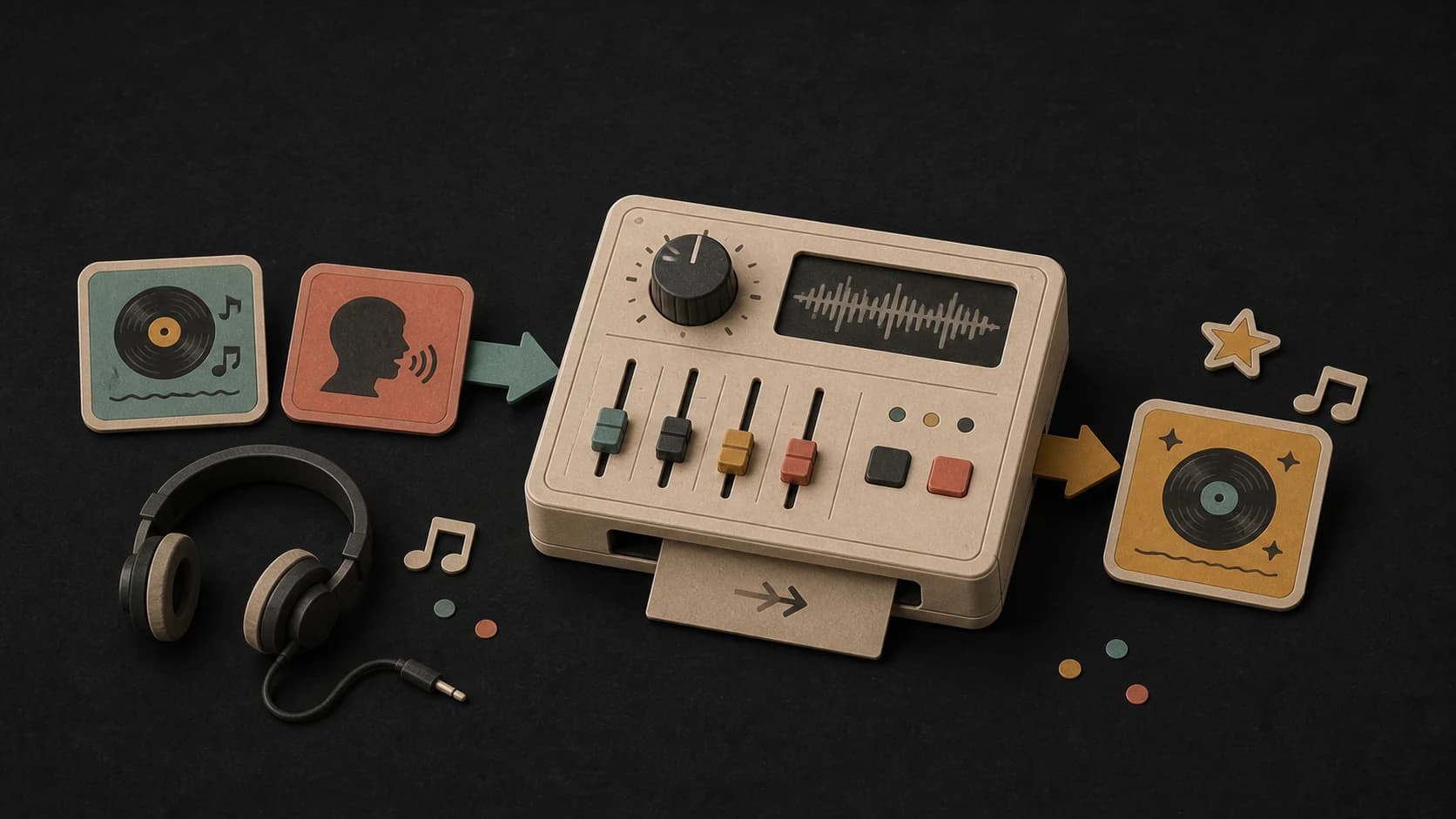
Progress shown while processing
The page reports each step and shows the result only when the job completes.
04
Result playback
Listen to the finished cover directly on the page.
05
Download after completion
Save the returned audio file when the cover is ready.
06
Direct file upload
Choose source audio from your device; YouTube input is not offered on this page.
Ways to use the Bob Dylan cover page
01
Personal experiments
Try a short source track and compare the cover with the original.
02
Pitch matching
Adjust the source up or down when the selected voice sits better in another range.
03
Arrangement tests
Hear how the selected voice behaves over different arrangements you control.
04
Private demos
Make a private reference version before deciding whether the direction works.
Bob Dylan AI Cover FAQ
Quick answers before you get started.
What affects the Bob Dylan cover result?+
The source vocal, recording quality, arrangement, selected voice model, and pitch setting can all change the result.
Can I use a Bob Dylan AI cover for commercial purposes?+
AI covers are great for personal use and creative projects. For commercial use, you'll want to check copyright and likeness laws in your area.
How long does the Bob Dylan cover take?+
Processing time varies with the source audio and provider load. The page shows progress while the job is running.
How do I add the source song?+
Upload an audio file from your device. This voice page does not accept a YouTube URL.
What does it cost to make a Bob Dylan AI cover?+
10 credits per cover. New accounts start with free credits so you can try it out.
Try these voices too
Explore more AI voice covers
Ready to try Bob Dylan AI Voice Cover?
Start free — no credit card needed.
Create Bob Dylan Cover Now →