

01
Change the Song’s Genre
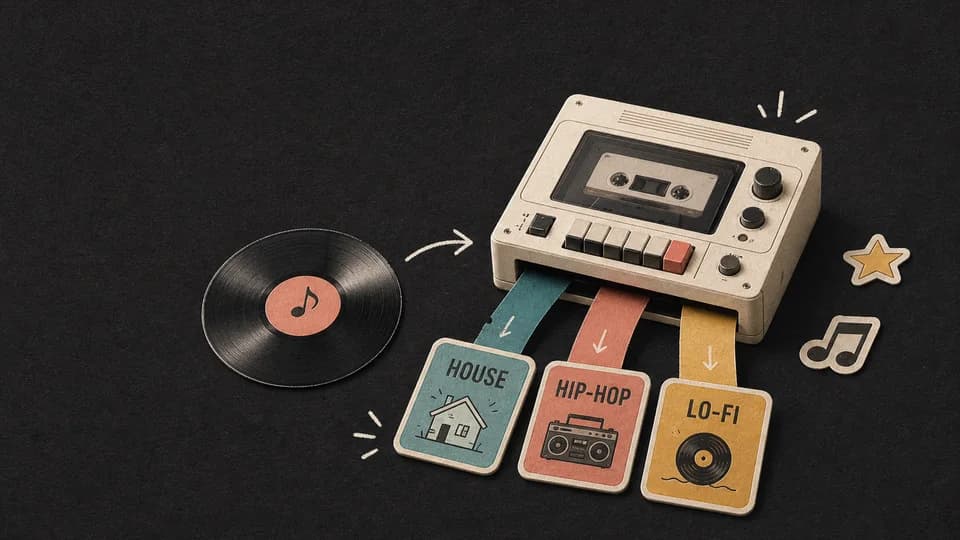
Turn a pop, rock, acoustic, or R&B song into house, hip-hop, lo-fi, synthwave, or another style.
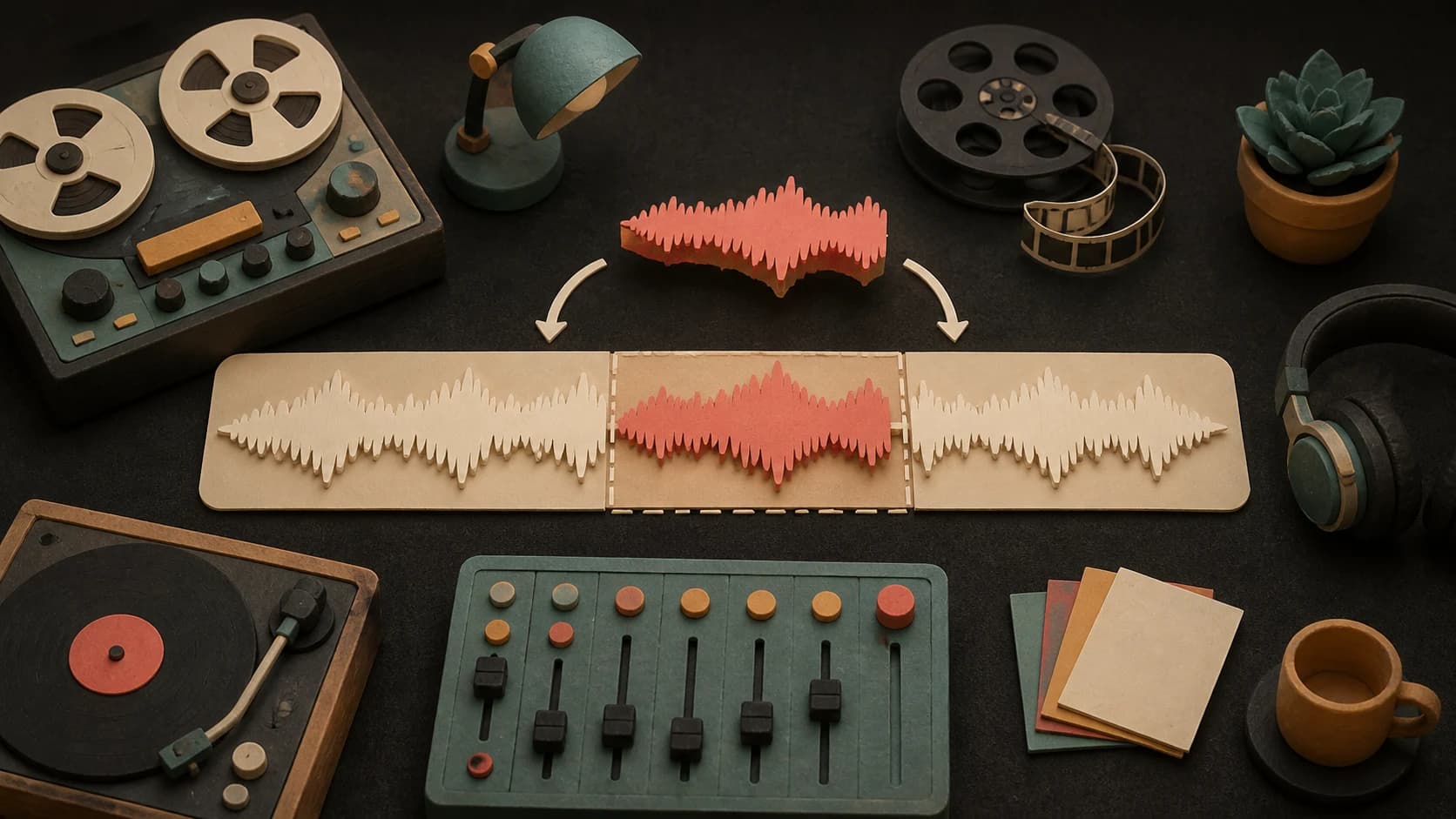
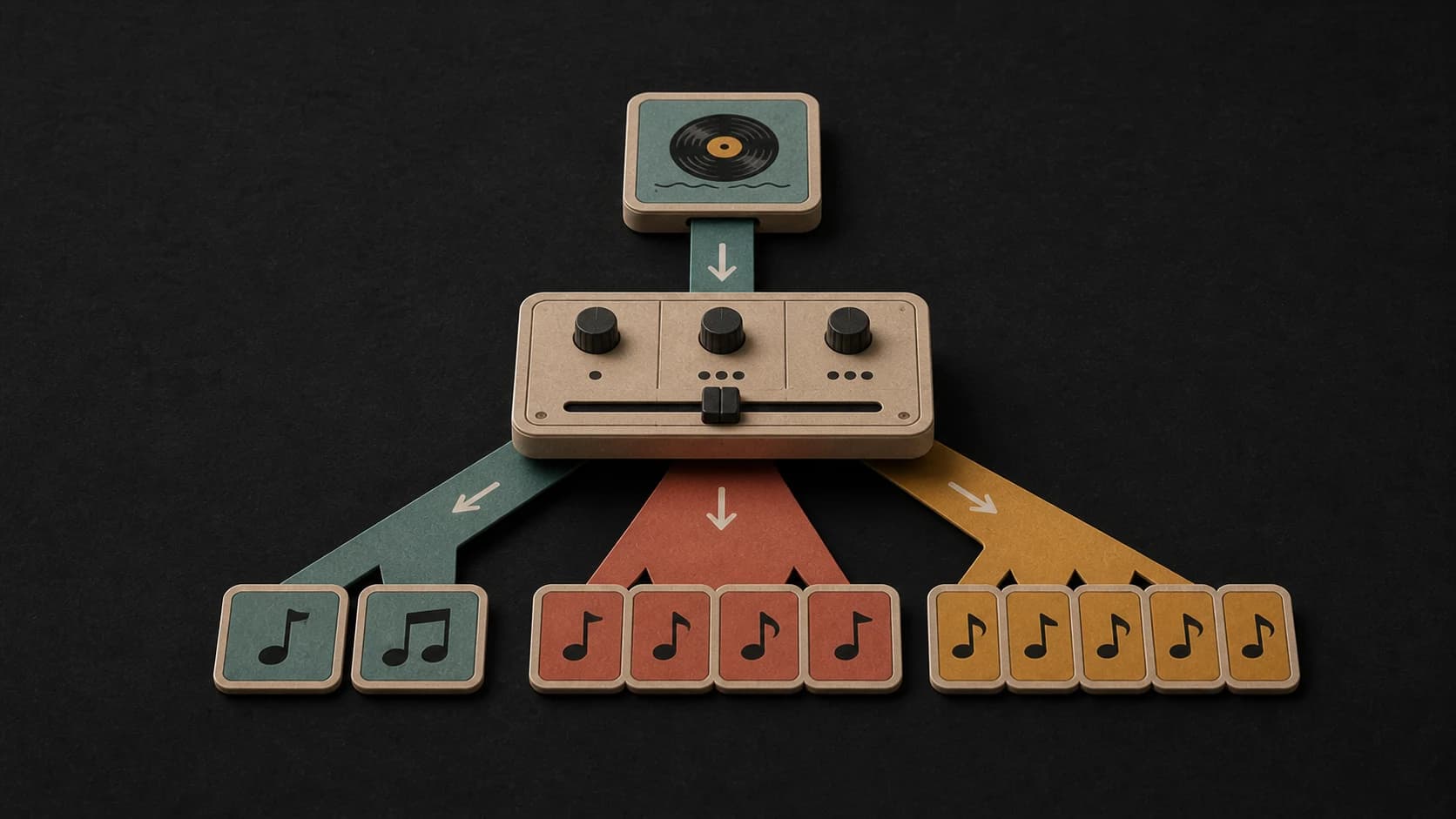
Upload a song and remix it in a new genre, mood, or style. Wave Mix makes one remix; Duo Mix makes two versions to compare.
AI remix examples
Listen to the original demo, then compare two remixed versions of the same song in different styles.

Switch versions any time. The song keeps its place, so you hear exactly what changed.
“Melodic house remix with a warm deep bassline, crisp club drums, shimmering synths, and a euphoric late-night festival energy”
What you can create
Use the AI song remixer to change the genre, mood, instruments, energy, lyrics, or vocals.
Turn a pop, rock, acoustic, or R&B song into house, hip-hop, lo-fi, synthwave, or another style.
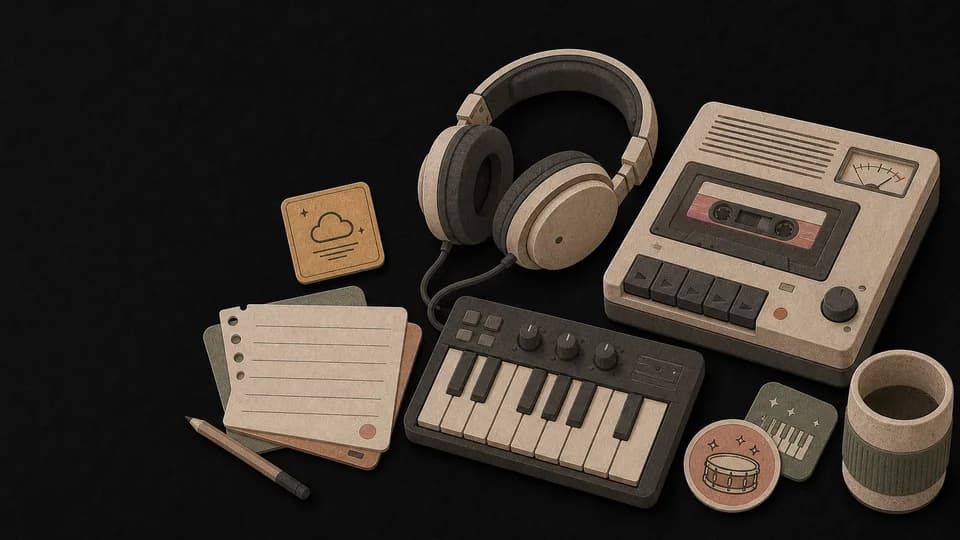
Create a calmer version with soft drums, mellow keys, and a warm tape feel for study or background music.
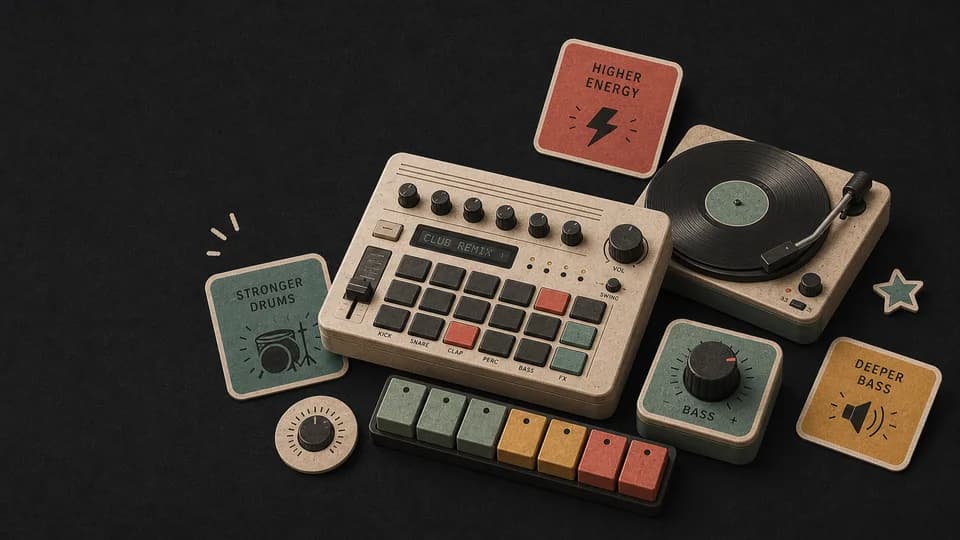
Add a stronger beat, deeper bass, and more energy to make a dance or DJ-friendly version of your song.
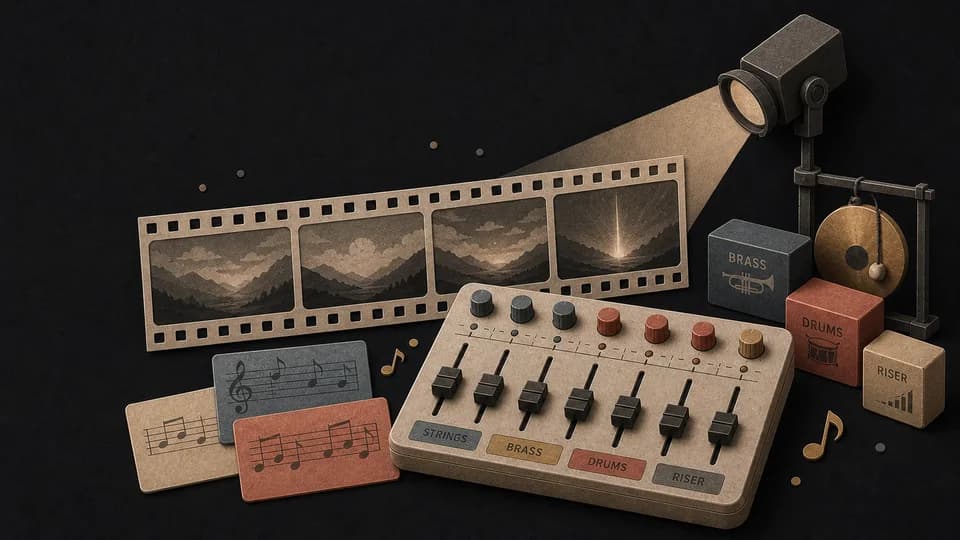
Use atmospheric instruments, a bigger build, and dramatic percussion for trailers, videos, or storytelling.
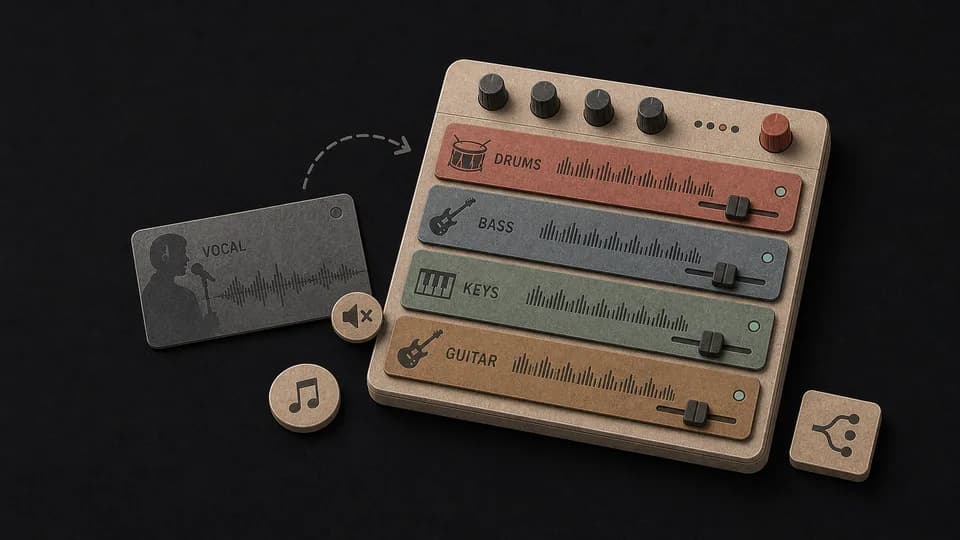
Remove the vocal direction and create a new arrangement focused on drums, bass, melody, and texture.
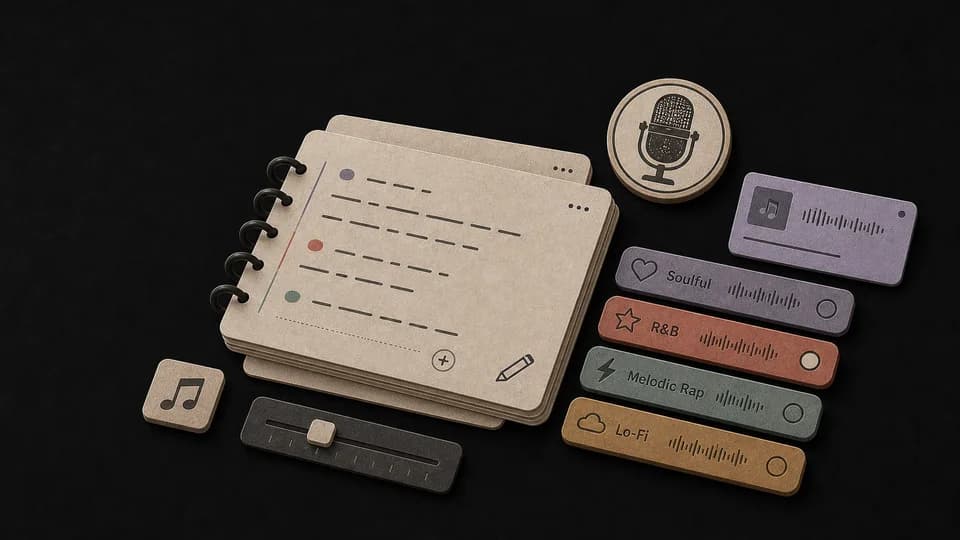
Use Custom Remix to add new lyrics, choose a vocal direction, and give the new version its own title.
How it works
Transform any track in three steps.
Upload an audio file or select a song from your library. Supports MP3, WAV, and M4A, up to 4 minutes for Duo Mix and 6 for Wave Mix.
Write new lyrics, choose a different genre, set the mood — tell the AI how to reimagine your track.
AI creates a fresh take on your song. Compare with the original and download your favorite version.
Remix settings
Start with one simple description, or choose Custom Remix when you want to set the style, title, lyrics, and vocals.
Common uses
Use the AI remix generator to create alternate versions for releases, videos, social posts, or new production ideas.
Transform songs between genres — pop to hip-hop, rock to electronic, and beyond.
Create unique remixed versions of tracks for YouTube, TikTok, and social media content.
Quickly prototype different arrangements and styles before committing to a final mix.
Create AI-powered reimaginations of songs with new vocals, instrumentation, and energy.
Start free. Upgrade when you need more.
 AI Song Remix Generator50–60 credits per remixIncluded from Pro
Try it out — no card required.
No credit card required
Perfect for creation, image-to-song, and song extension.
Save 40%
All 7 model families


Wave 5.5 · ElevenLabs Music · Lyria 3 Pro · MiniMax 2.6 · Mureka 9 · Stable Audio 2.5 · MusicGen
Cancel anytime · No lock-inUnused subscription credits expire at renewal or when the billing interval changes.
Best for commercial releases and advanced song editing.
Save 40%
All 7 model families
Wave 5.5 · ElevenLabs Music · Lyria 3 Pro · MiniMax 2.6 · Mureka 9 · Stable Audio 2.5 · MusicGen
Cancel anytime · No lock-inUnused subscription credits expire at renewal or when the billing interval changes.
For power users working across MIDI, video, and high-volume output.
Save 40%
All 7 model families
Wave 5.5 · ElevenLabs Music · Lyria 3 Pro · MiniMax 2.6 · Mureka 9 · Stable Audio 2.5 · MusicGen
Cancel anytime · No lock-inUnused subscription credits expire at renewal or when the billing interval changes.
FAQ
Simple answers about song uploads, remix styles, permissions, credits, and AI covers.
Upload an MP3, WAV, or M4A file (up to 4 minutes for Duo Mix, 6 for Wave Mix) only if you own the audio or have permission to create and publish a derivative remix. You can also pick an eligible song from your MusicWave library.
AI Cover swaps the voice while keeping the arrangement. AI Remix completely reimagines the song — new instrumentation, style, and optionally new lyrics.
Yes! You can write completely new lyrics, describe the new style, or let the AI create both.
Wave Mix costs 50 credits and makes one remix. Duo Mix costs 60 credits and makes two versions to choose from.
Keep exploring
Extend, edit, split, or cover your song with MusicWave.
Upload a song, describe the new style, and get one remix with Wave Mix or two to compare with Duo Mix.
Included from Pro · 50–60 credits per remix