 ElevenLabs Music
0:000:00
Paper Sun
Dream pop · Lyrics + style
 ElevenLabs Music inside MusicWave
Create a vocal song from a style description and structured lyrics, or generate an instrumental track from a prompt. Choose a 20–120 second length and save the result as MP3 or WAV.
Independent integration · MusicWave is not affiliated with ElevenLabs.

ElevenLabs Music studio
Model preselected: ElevenLabs MusicEvery model on paid plans from $5.99/moSee plans ↓
ElevenLabs Music examples
Play five unedited 40-second MP3 outputs across dream pop, fast rap, deep house, acoustic soul, and cinematic ambient music.
ElevenLabs MusicDream pop · Lyrics + style
 ElevenLabs Music
Fast rap · Rap vocals
 ElevenLabs Music
Deep house · Instrumental
 ElevenLabs Music
Acoustic soul · Lyrics + style
 ElevenLabs Music
Cinematic ambient · Instrumental
ElevenLabs AI music features
Describe the style and structure, choose vocal or instrumental output, then set the length and file format before generating.
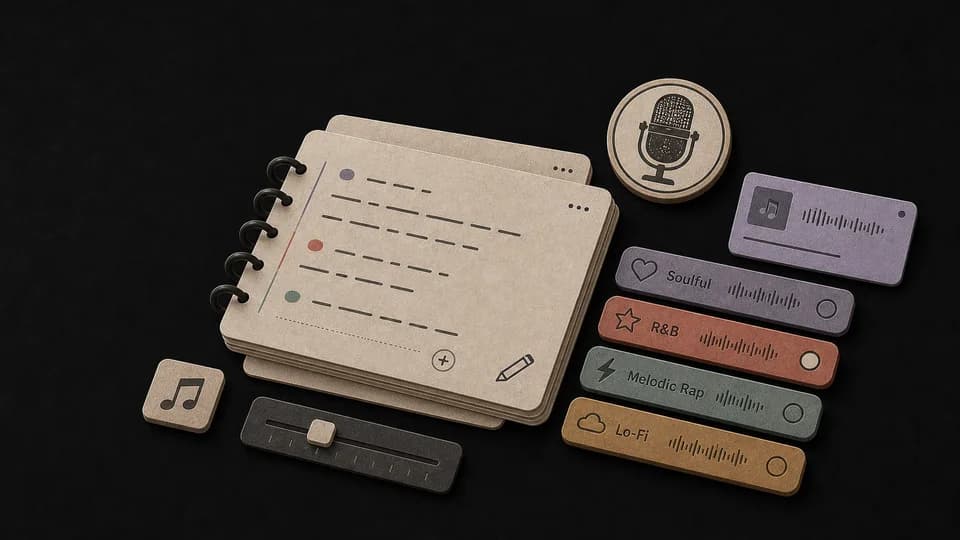
Use Own Lyrics, add [Verse], [Chorus], or [Bridge] labels, and describe the genre, singer, instruments, mood, and tempo.
Enable Instrumental to create a beat, soundtrack, music bed, or background track without vocals.
Select 20, 40, 60, 90, or 120 seconds. Every ElevenLabs Music generation costs 100 MusicWave credits.
Choose standard MP3, high-quality MP3, or CD-quality WAV before starting the generation.
Put section markers in your own lyrics so the prompt clearly identifies verses, choruses, and bridges.
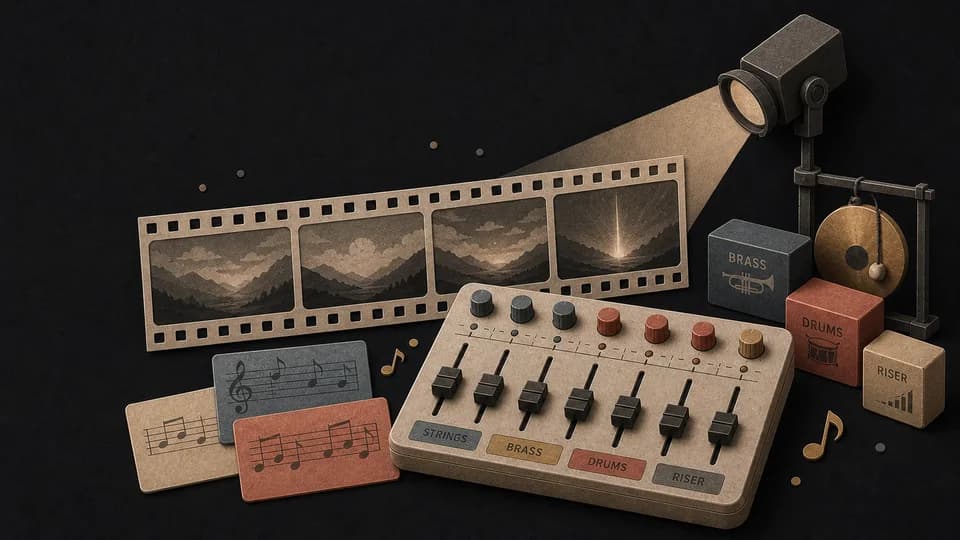
Include the genre, mood, tempo, instruments, production texture, and vocal style in plain language.
How to use ElevenLabs Music
Add a music direction, choose vocals or Instrumental, then set the duration and format.
Use Prompt for an idea-led track or Own Lyrics for a vocal song with explicit [Verse], [Chorus], and [Bridge] sections.
Choose Instrumental when you want no vocals, then select the song length and MP3 or WAV format.
Start the generation and wait for the single ElevenLabs Music result to be stored in your MusicWave library.
ElevenLabs AI music use cases
Create lyric-led songs, rap tracks, background music, short intros, and longer soundtrack ideas.
Hear original lyrics as a complete vocal song with the genre and production direction you describe.
Combine a fast vocal direction, beat details, BPM, and sectioned original rap lyrics.
Enable Instrumental for videos, podcasts, games, presentations, intros, or other creative projects.
Choose a short 20-second idea or a longer 60–120 second output for the space your project needs.
FAQ
Direct answers about ElevenLabs Music lyrics, instrumentals, duration, MP3/WAV output, track count, and usage.
It is a MusicWave generator that uses ElevenLabs Music to create vocal songs or instrumental tracks from text.
Yes. Use Own Lyrics, add structure labels such as [Verse] and [Chorus], and describe the intended musical and vocal style.
Yes. Enable Instrumental and enter a prompt describing the genre, tempo, instruments, mood, and production style.
You can choose a 20, 40, 60, 90, or 120 second song.
You can save standard MP3, high-quality MP3, or CD-quality WAV with ElevenLabs Music.
One ElevenLabs Music generation returns one track.
No. MusicWave is an independent AI music product and is not affiliated with ElevenLabs.
Usage depends on your MusicWave plan, the current terms, and the rights in the lyrics and other material you provide. Review those terms before commercial release.
Start free. Upgrade when you need more.
Try it out — no card required.
No credit card required
Perfect for creation, image-to-song, and song extension.
Save 40%
All 7 model families


Wave 5.5 · ElevenLabs Music · Lyria 3 Pro · MiniMax 2.6 · Mureka 9 · Stable Audio 2.5 · MusicGen
Cancel anytime · No lock-in
Best for commercial releases and advanced song editing.
Save 40%
All 7 model families
Wave 5.5 · ElevenLabs Music · Lyria 3 Pro · MiniMax 2.6 · Mureka 9 · Stable Audio 2.5 · MusicGen
Cancel anytime · No lock-in
For power users working across MIDI, video, and high-volume output.
Save 40%
All 7 model families
Wave 5.5 · ElevenLabs Music · Lyria 3 Pro · MiniMax 2.6 · Mureka 9 · Stable Audio 2.5 · MusicGen
Cancel anytime · No lock-in
Open another model-specific generator and compare the controls, formats, and music each workflow supports.
Create two vocal or instrumental song versions with Mureka 8 or Mureka 9.
Turn lyrics or a prompt into one vocal or instrumental MiniMax Music 2.6 track.
Generate instrumental music from a detailed prompt with optional exclusions and a seed.
Control duration, diffusion steps, guidance, and seed for text-to-audio generation.
Generate a short instrumental clip with two MusicGen models and MP3 or WAV output.
Continue with song creation, lyrics-to-song, background music, or remixing.
Create a complete AI song from a prompt or your own lyrics.
Turn written lyrics into a vocal song with melody and production.
Generate instrumental music for videos, podcasts, games, and other projects.
Upload a song and create a new genre, mood, or production direction.
Open the full MusicWave workspace with ElevenLabs Music already selected.
Create with ElevenLabs Music →