 Stable Audio 2.5
0:000:00
Chrome Horizon
Cinematic synthwave · Instrumental
 Stable Audio 2.5 inside MusicWave
Generate instrumental music and sound from a text prompt with Stable Audio 2.5. Choose a 15–190 second length, diffusion steps, prompt guidance, and an optional seed.
Independent integration · MusicWave is not affiliated with Stability AI.

Stable Audio music studio
Model preselected: Stable Audio 2.5Every model on paid plans from $5.99/moSee plans ↓
Stable Audio 2.5 examples
Play five unedited 30-second MP3 outputs across synthwave, lo-fi hip-hop, boom-bap, ambient house, and acoustic scoring.
Stable Audio 2.5Cinematic synthwave · Instrumental
 Stable Audio 2.5
Lo-fi hip-hop · Instrumental
 Stable Audio 2.5
Boom-bap · Instrumental
 Stable Audio 2.5
Ambient house · Instrumental
 Stable Audio 2.5
Acoustic score · Instrumental
Stable Audio AI controls
Choose the Stable Audio 2.5 settings that shape the result: prompt, duration, diffusion steps, guidance, and seed.
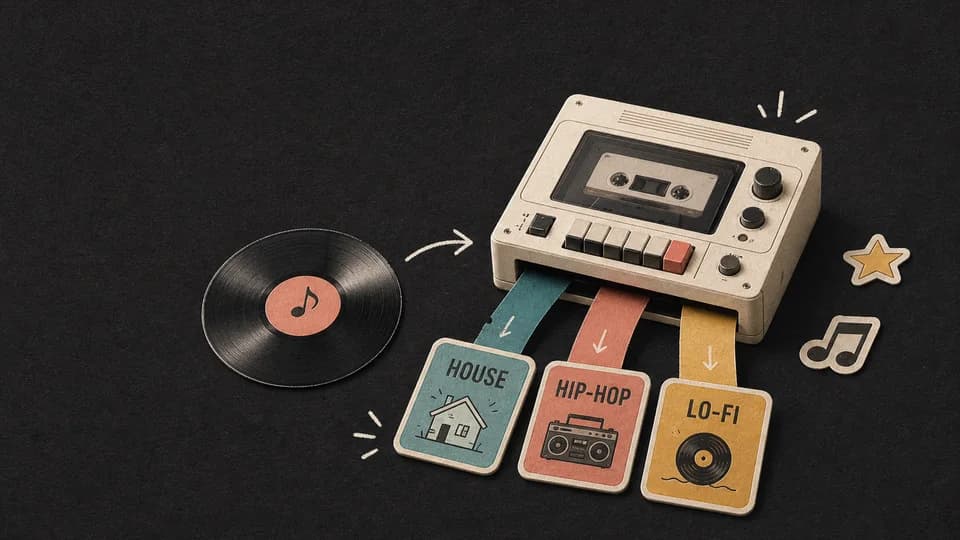
Describe genre, instruments, tempo, mood, production texture, and arrangement in plain language.
Select 15, 30, 60, 90, 120, or 190 seconds before starting the generation.

Use fewer steps for a faster draft or eight steps for the model’s highest supported setting.
The guidance value controls how strongly the generation follows the written prompt within the supported 1–25 range.
Enter a whole-number seed when you want to rerun the same prompt and settings. Results can still change after a model update.
The finished MP3 is stored in your MusicWave library with your other generated tracks.
How to use Stable Audio 2.5
Describe the audio, set the duration and generation controls, then create and save the result.
Write the genre, instruments, BPM, mood, production character, and intended arrangement.
Select a length, set four to eight diffusion steps, adjust guidance, and optionally add a seed.
Start the generation and wait for MusicWave to save the single MP3 output.
Stable Audio use cases
Create music beds, beat sketches, cinematic cues, ambience, and sound-design drafts from text.
Generate an instrumental music bed with a defined mood, tempo, and instrument palette.
Try a hip-hop, lo-fi, house, synthwave, or acoustic direction before a full production.
Describe a scene, pacing, orchestration, and emotional arc for a soundtrack draft.
Use a concrete sound description when the project needs texture or environmental audio rather than a conventional song.
FAQ
Direct answers about Stable Audio 2.5 prompts, duration, diffusion steps, guidance, MP3 output, and usage.
It turns a text prompt into instrumental music or sound with Stability AI Stable Audio 2.5, then saves the finished MP3 in MusicWave.
No. This generator creates instrumental music and sound from text; it does not turn lyrics into a sung track.
MusicWave offers 15, 30, 60, 90, 120, and 190 second choices for Stable Audio 2.5.
Steps control how many denoising passes the model uses. MusicWave lets you choose four to eight steps for Stable Audio 2.5.
It controls how strongly the result follows the text prompt. Higher is not automatically better; the available range is 1–25.
MusicWave saves the finished Stable Audio 2.5 track as an MP3 in your library.
No. MusicWave is an independent product and is not affiliated with Stability AI.
Review the current MusicWave terms, Stability AI terms, and rights in your supplied material before commercial release.
Start free. Upgrade when you need more.
Try it out — no card required.
No credit card required
Perfect for creation, image-to-song, and song extension.
Save 40%
All 7 model families


Wave 5.5 · ElevenLabs Music · Lyria 3 Pro · MiniMax 2.6 · Mureka 9 · Stable Audio 2.5 · MusicGen
Cancel anytime · No lock-in
Best for commercial releases and advanced song editing.
Save 40%
All 7 model families
Wave 5.5 · ElevenLabs Music · Lyria 3 Pro · MiniMax 2.6 · Mureka 9 · Stable Audio 2.5 · MusicGen
Cancel anytime · No lock-in
For power users working across MIDI, video, and high-volume output.
Save 40%
All 7 model families
Wave 5.5 · ElevenLabs Music · Lyria 3 Pro · MiniMax 2.6 · Mureka 9 · Stable Audio 2.5 · MusicGen
Cancel anytime · No lock-in
Open another model-specific generator and compare the controls, formats, and music each workflow supports.
Create two vocal or instrumental song versions with Mureka 8 or Mureka 9.
Turn lyrics or a prompt into one vocal or instrumental MiniMax Music 2.6 track.
Create a vocal song or instrumental track with adjustable length and file format.
Generate instrumental music from a detailed prompt with optional exclusions and a seed.
Generate a short instrumental clip with two MusicGen models and MP3 or WAV output.
Continue with song creation, lyrics-to-song, background music, or remixing.
Create a complete AI song from a prompt or your own lyrics.
Turn written lyrics into a vocal song with melody and production.
Generate instrumental music for videos, podcasts, games, and other projects.
Upload a song and create a new genre, mood, or production direction.
Open the full MusicWave workspace with Stable Audio 2.5 already selected.
Create with Stable Audio 2.5 →