01
Define the space
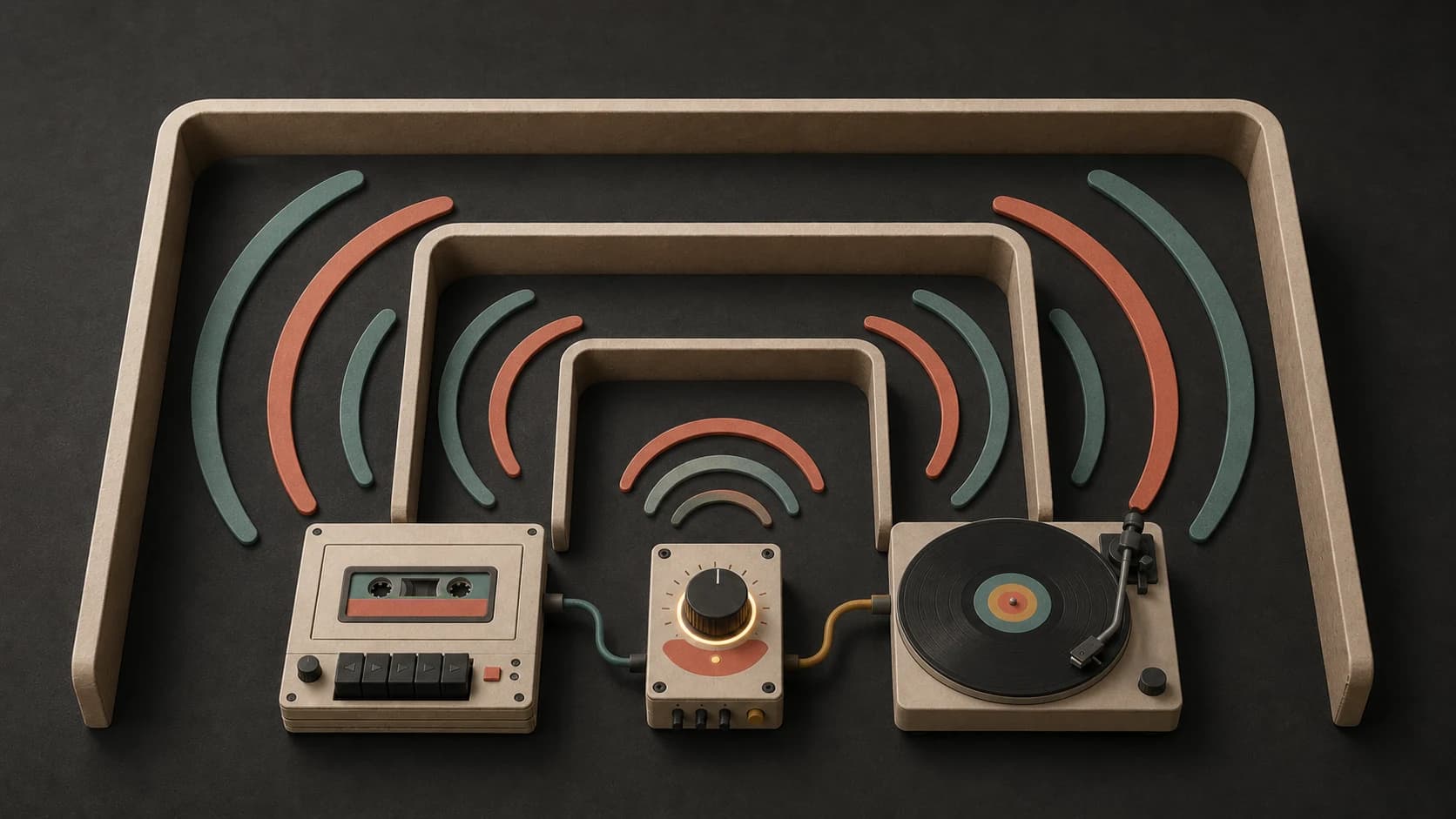
Ask for a vast hall, a close room, an underwater scene, an open night sky, or another setting that guides the sense of distance.
Describe an atmosphere—open and spacious, dark, underwater, organic, or something else. Choose the texture and movement, then make an ambient instrumental you can keep.
Start with the space, texture, and movement
First 2 songs freeEvery model on paid plans from $5.99/moSee plans ↓
Ambient examples
We made these original instrumentals for this page. Compare a wide space piece, a filtered piano texture, and an organic forest direction.
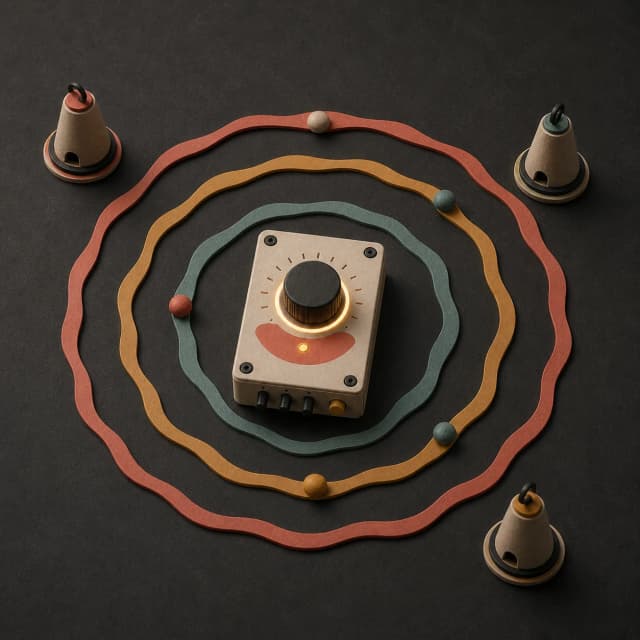
“Spacious ambient instrumental with slow analog pads, distant bell harmonics, a low warm drone, almost no percussion, no vocals, no sudden swell, and gradual movement across a wide stereo field”
Pick a track to hear it and see the prompt behind it.
Shape the atmosphere
Ambient prompts work better when you describe distance, texture, motion, and the amount of rhythm instead of asking only for something atmospheric.
Ask for a vast hall, a close room, an underwater scene, an open night sky, or another setting that guides the sense of distance.
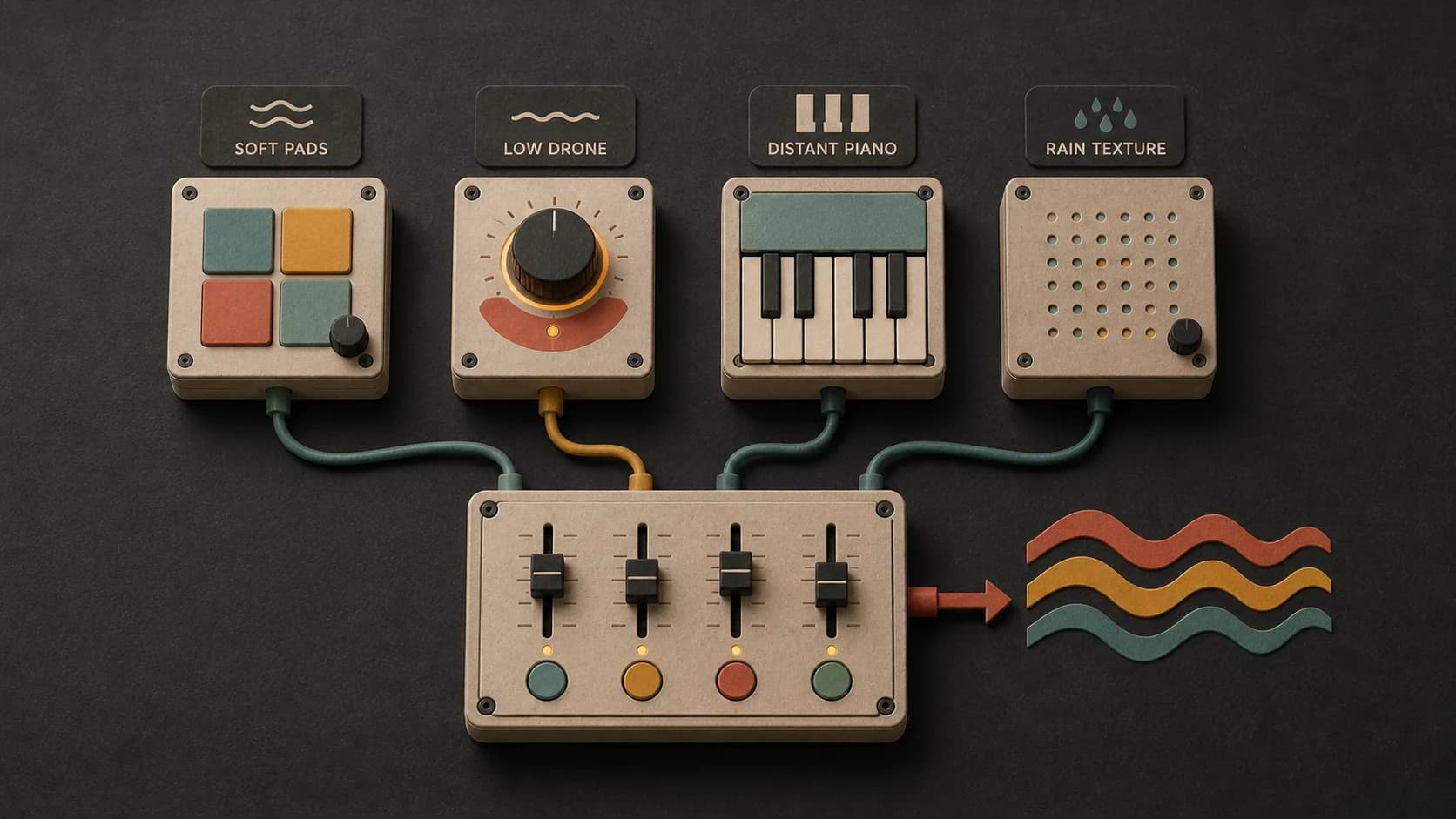
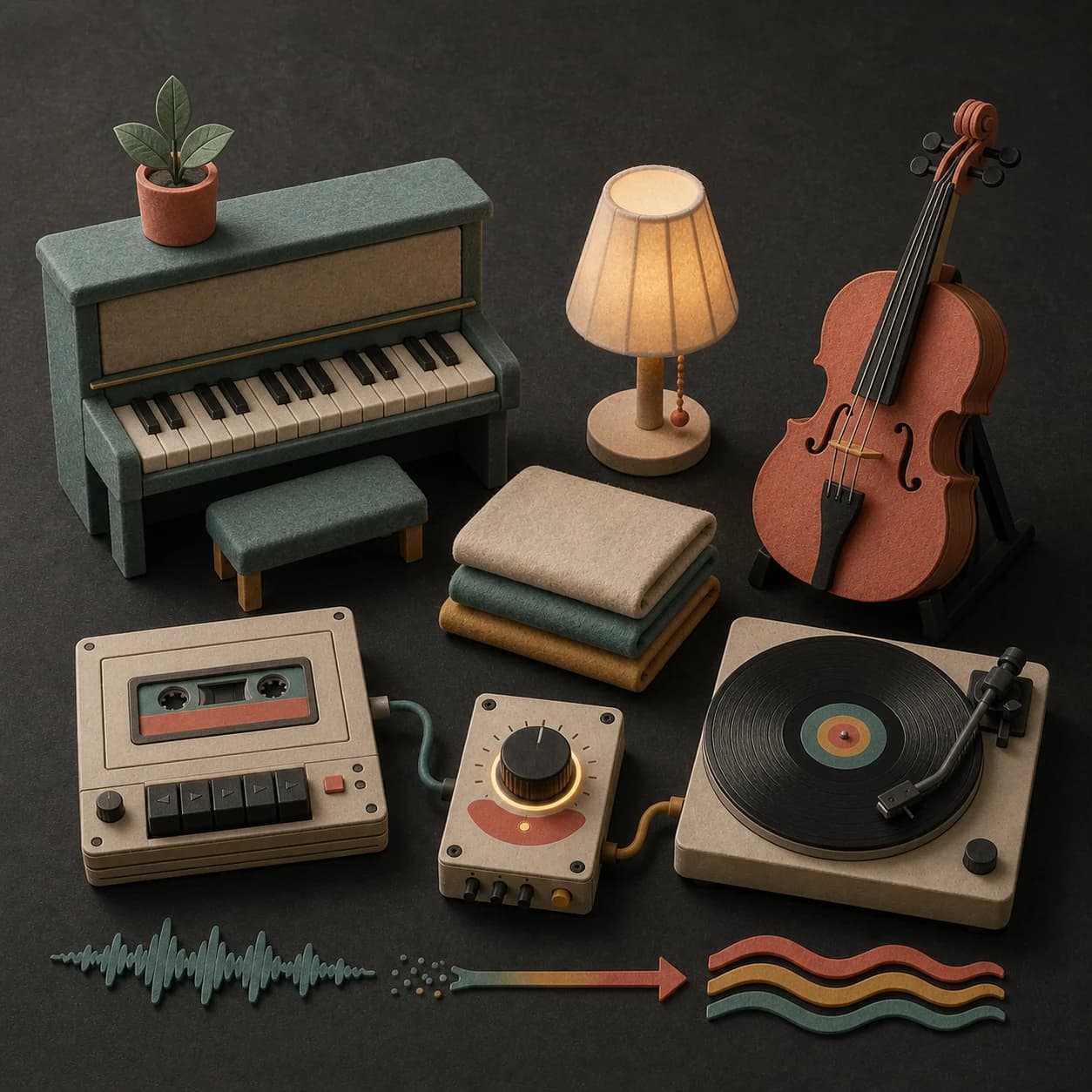
Pads, drones, felt piano, strings, wind, rain, bells, and field recordings each change how the atmosphere feels.
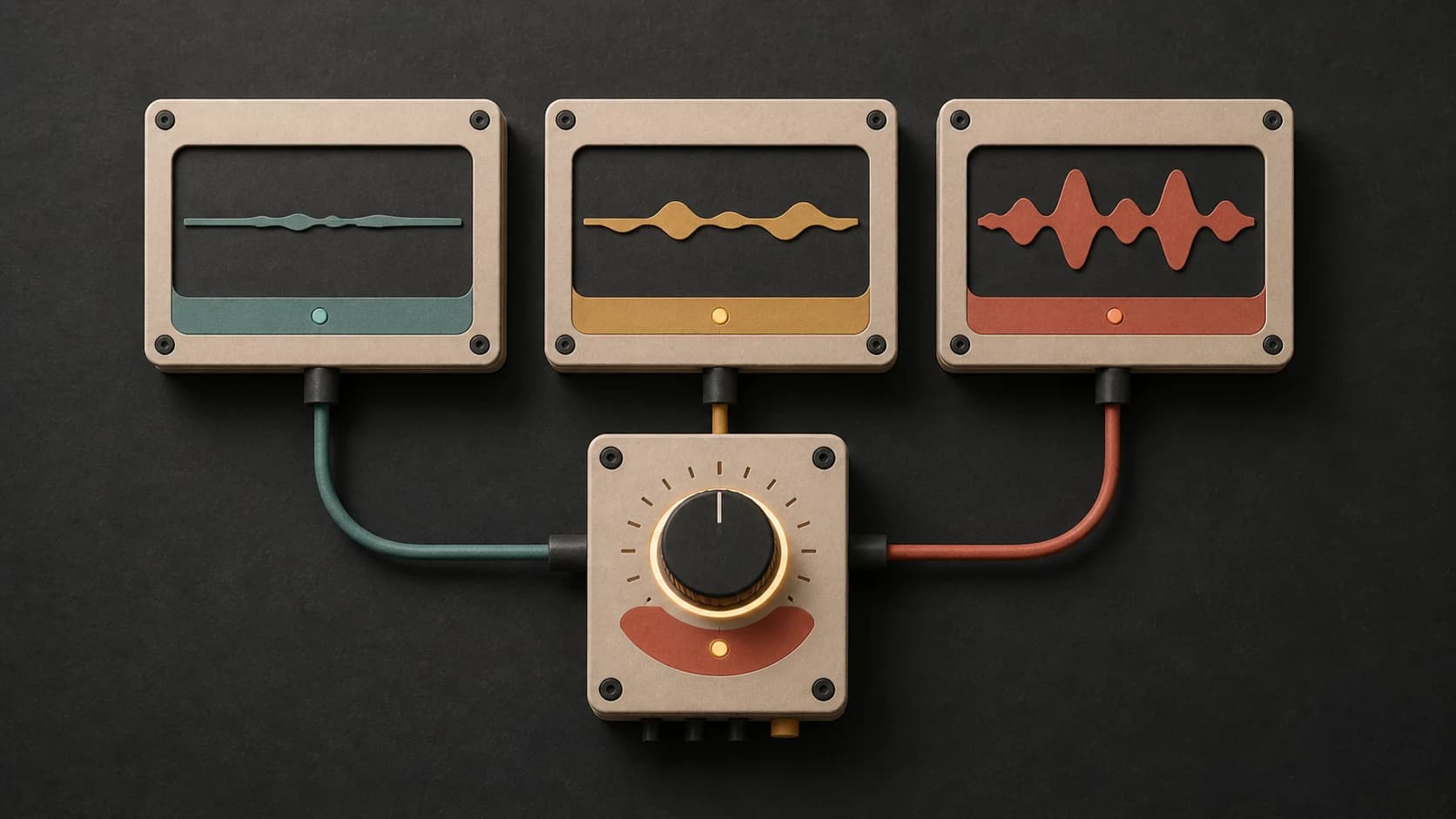
Use slow evolution, almost still, or gentle repeating movement to explain how quickly the sound should shift.
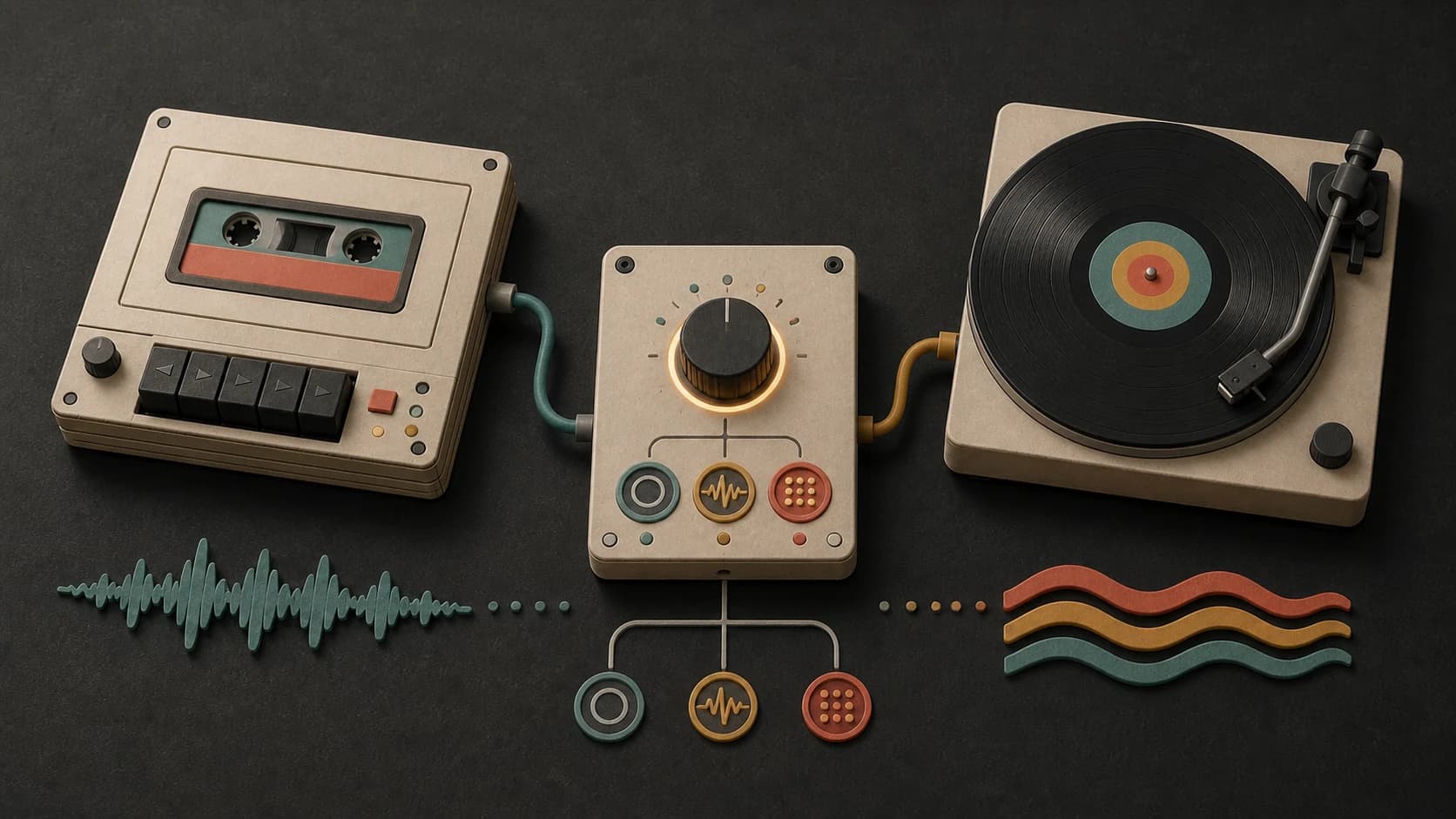
Ask for no drums, a faint low pulse, or sparse percussion depending on whether the track should drift or move forward.
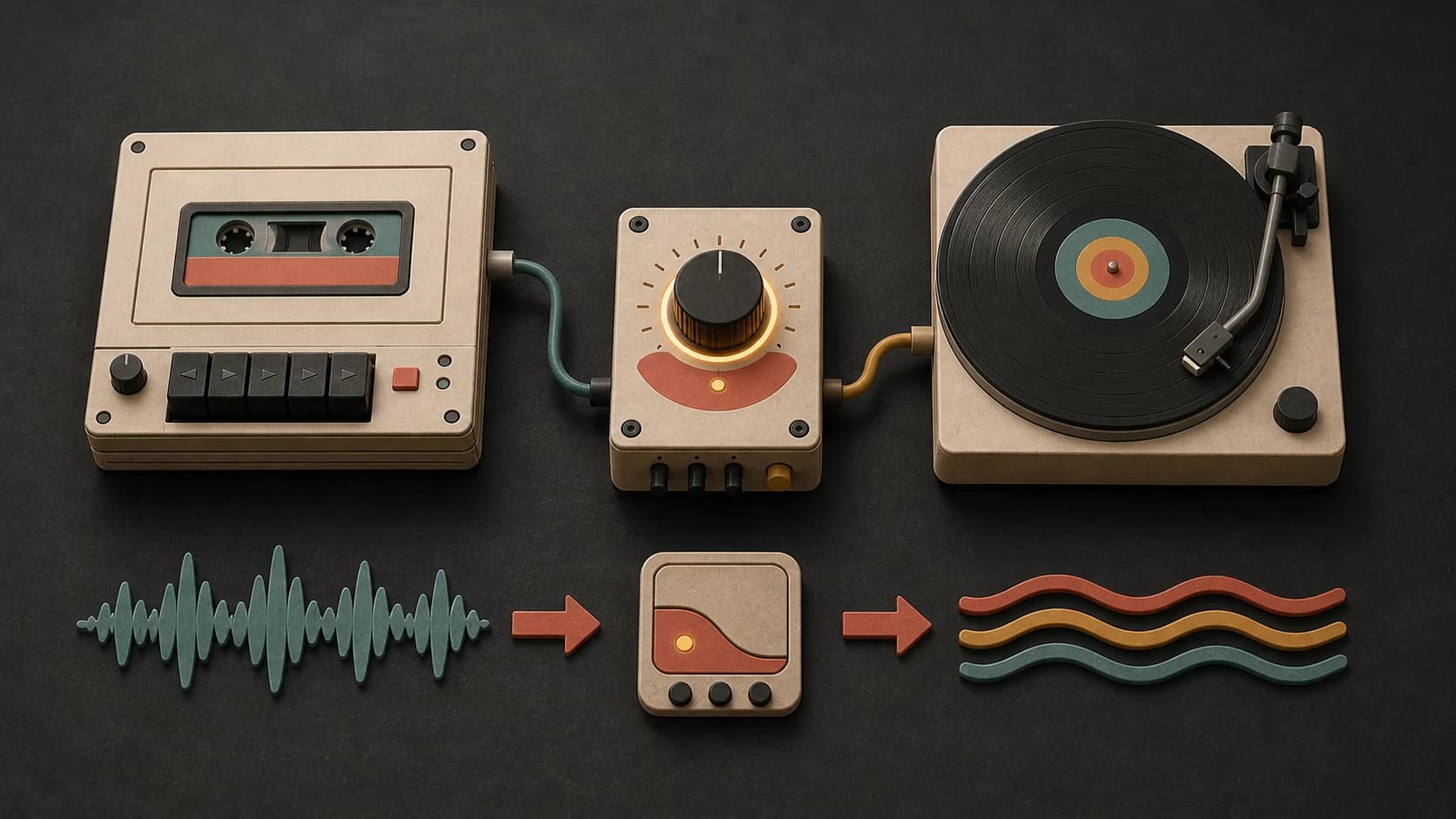
Say no bright lead, no sudden hit, or no harsh high frequencies when the track needs to support long listening.
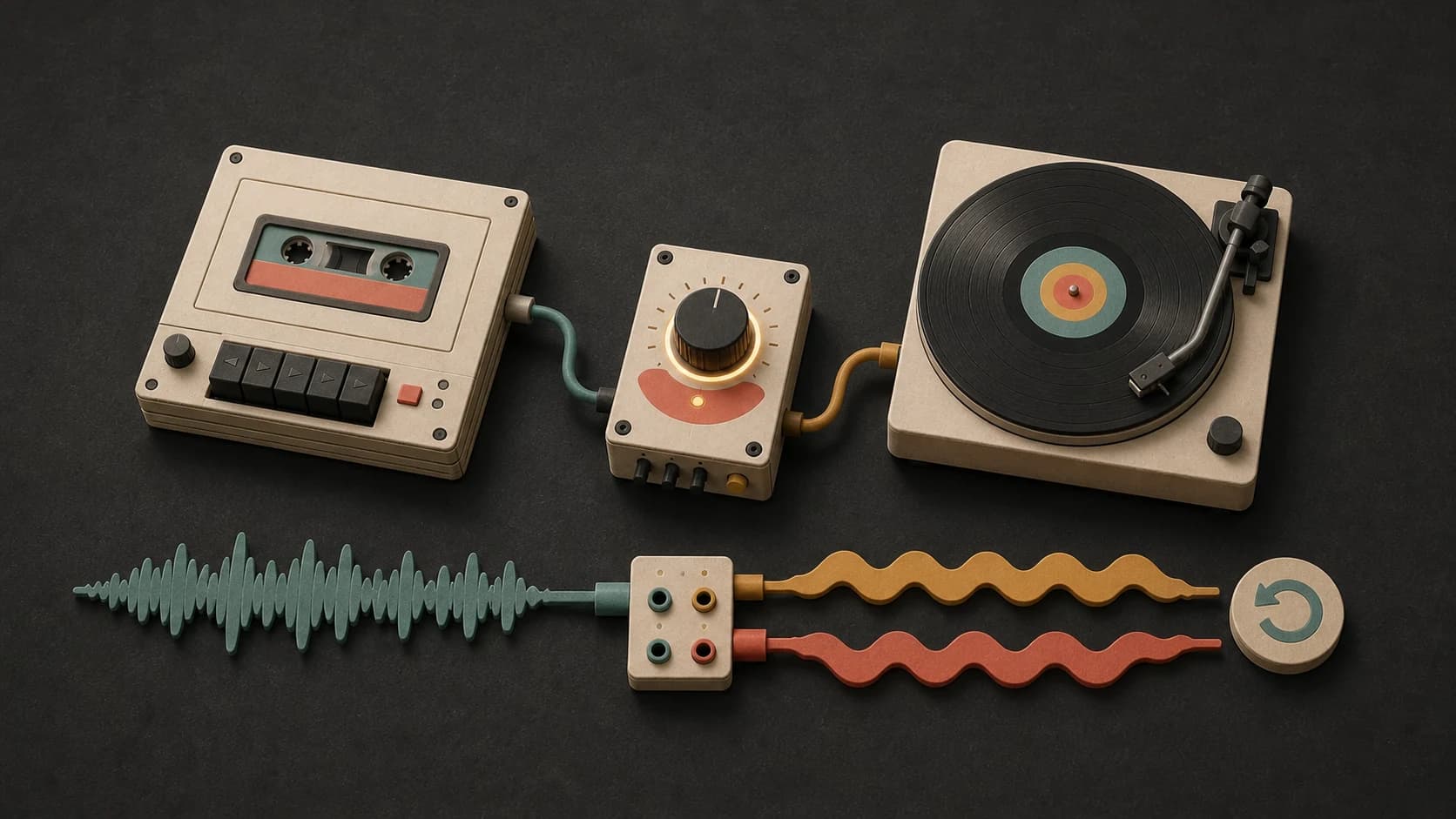
Save the result, then use the available MusicWave tools when you want a longer passage or another version of the same idea.
A clear ambient prompt
Start with the setting, add a few textures, explain the movement, and finish with anything that should stay out.
“Spacious ambient instrumental1 with slow analog pads, distant bell harmonics, a low warm drone2, almost no percussion, no vocals, no sudden swell4, and gradual movement across a wide stereo field3.”
How it works
Describe the space and the way it changes, choose a model, then listen for anything that feels too busy, bright, or sudden.
Name the setting, textures, movement, rhythm, and anything you do not want in the track.
Select an available music model and review the credit cost before starting the instrumental.
Check whether the layers leave enough room and whether the changes arrive at the pace you wanted.
Ambient settings
A meditation background, game environment, art space, and sleep track need different levels of tension and movement.
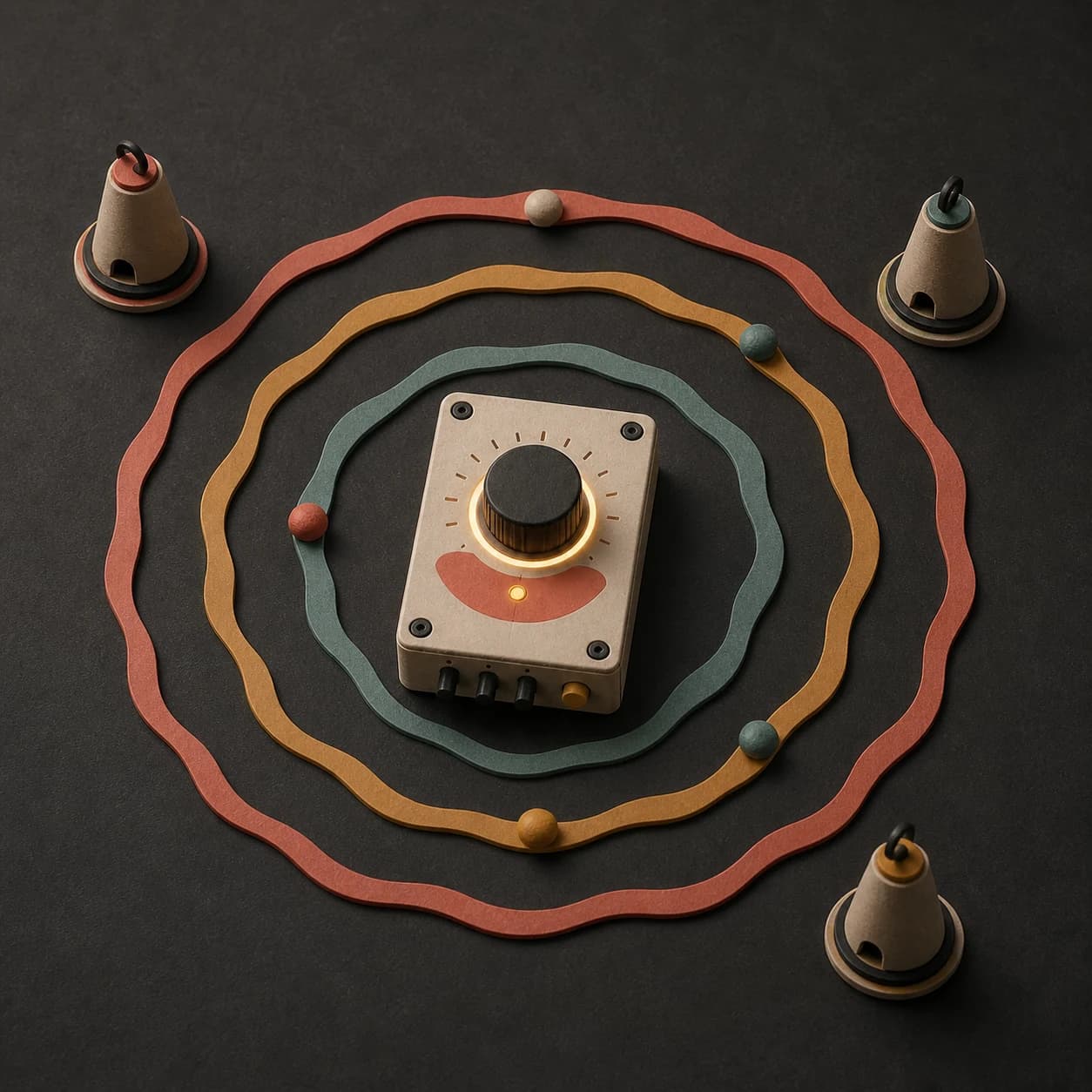
Use warm low layers, almost no rhythm, even dynamics, and no sudden changes behind a guided or quiet session.
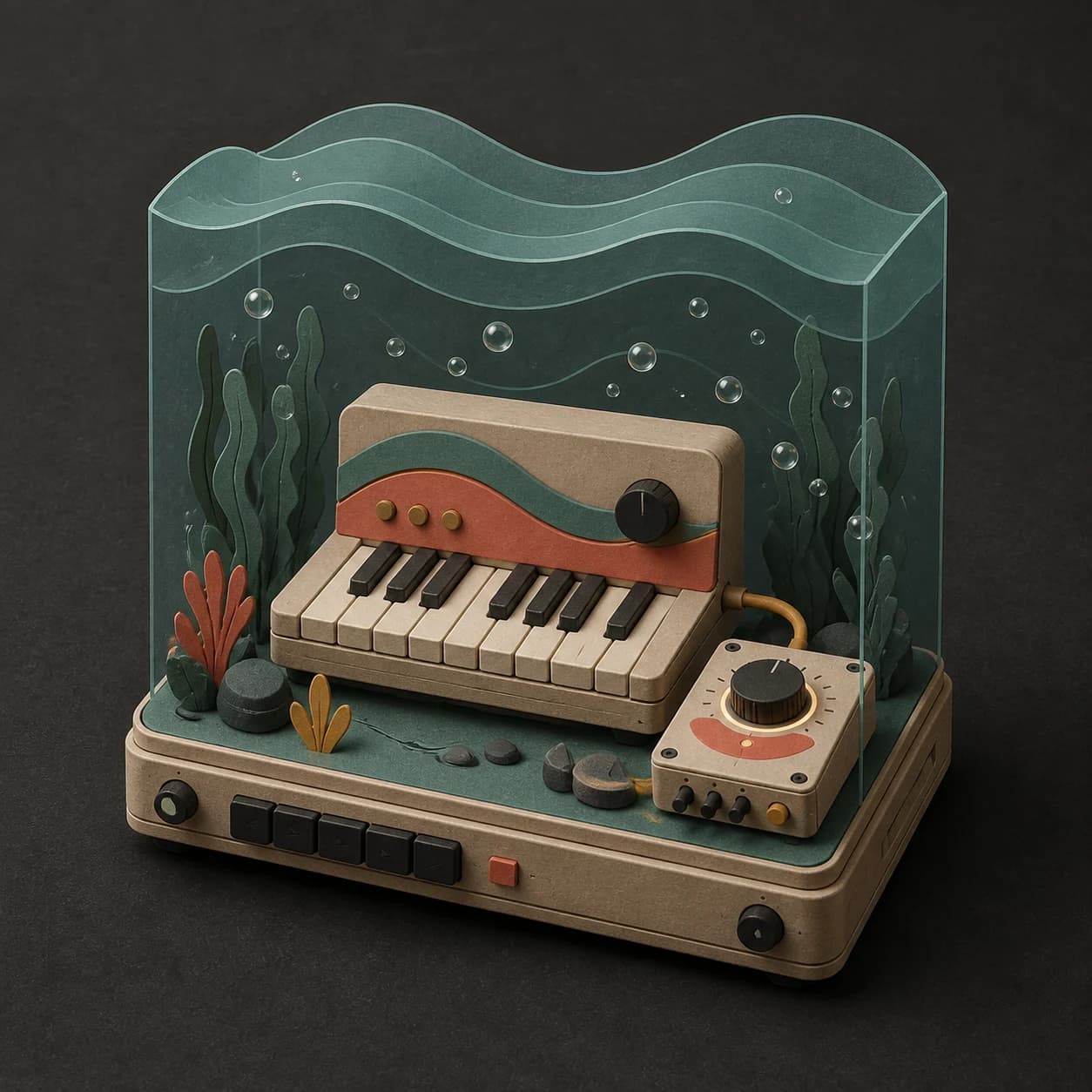
Describe the location, emotional tension, and how quickly the scene changes so the music supports rather than explains it.
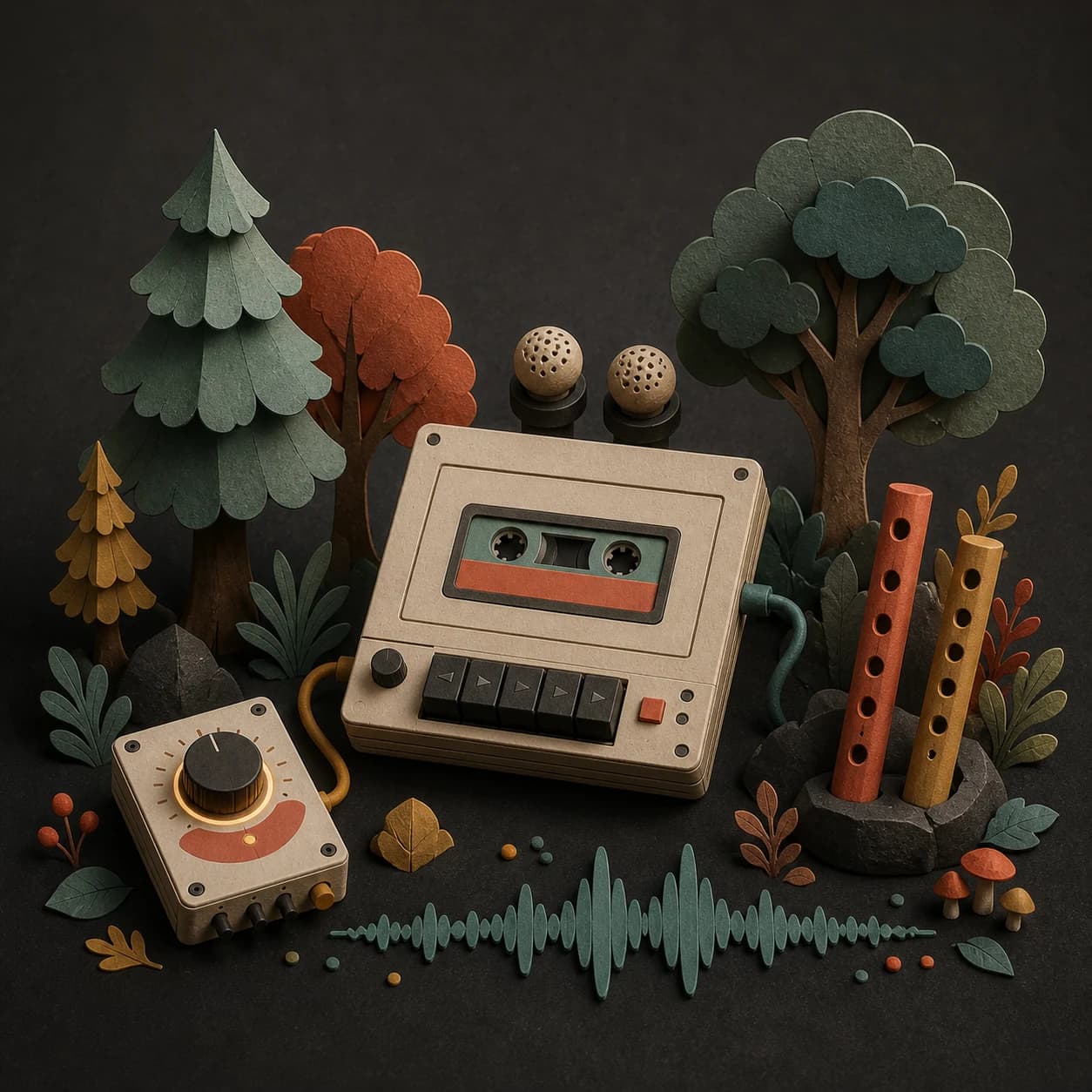
Choose subtle movement and a restrained frequency range for a track meant to sit in a room for longer periods.
Remove percussion and bright details, keep the volume even, and ask for a slow unresolved flow.
Start free. Upgrade when you need more.
Try it out — no card required.
No credit card required
Perfect for creation, image-to-song, and song extension.
Save 40%
All 7 model families


Wave 5.5 · ElevenLabs Music · Lyria 3 Pro · MiniMax 2.6 · Mureka 9 · Stable Audio 2.5 · MusicGen
Cancel anytime · No lock-inUnused subscription credits expire at renewal or when the billing interval changes.
Best for commercial releases and advanced song editing.
Save 40%
All 7 model families
Wave 5.5 · ElevenLabs Music · Lyria 3 Pro · MiniMax 2.6 · Mureka 9 · Stable Audio 2.5 · MusicGen
Cancel anytime · No lock-inUnused subscription credits expire at renewal or when the billing interval changes.
For power users working across MIDI, video, and high-volume output.
Save 40%
All 7 model families
Wave 5.5 · ElevenLabs Music · Lyria 3 Pro · MiniMax 2.6 · Mureka 9 · Stable Audio 2.5 · MusicGen
Cancel anytime · No lock-inUnused subscription credits expire at renewal or when the billing interval changes.
FAQ
Straight answers about beats, nature sounds, length, instrumentals, downloads, and commercial use.
No. It can have no rhythm at all, a faint pulse, or sparse percussion. Say which option you want in the prompt.
Yes. Name the texture and how present it should be, such as distant rain behind soft pads rather than rain dominating the track.
No. Ambient music can be calm, dark, uneasy, cold, or mysterious. The common thread is its focus on space and texture rather than a foreground hook.
Yes. Turn on instrumental mode and include no vocals if you want to make that boundary explicit.
Completed tracks are saved to your MusicWave library. Available downloads and editing options depend on the selected model and plan.
That depends on your MusicWave plan, the selected model terms, and the rights in anything you supplied. Review those terms before commercial use.
Keep exploring
Make a quieter relaxation track, build background music for a project, try a broader instrumental, or continue an atmosphere you already like.
Describe the space, texture, movement, and rhythm, then generate an atmosphere you can play back.
Start free — no credit card needed.