01
Set the role of the music
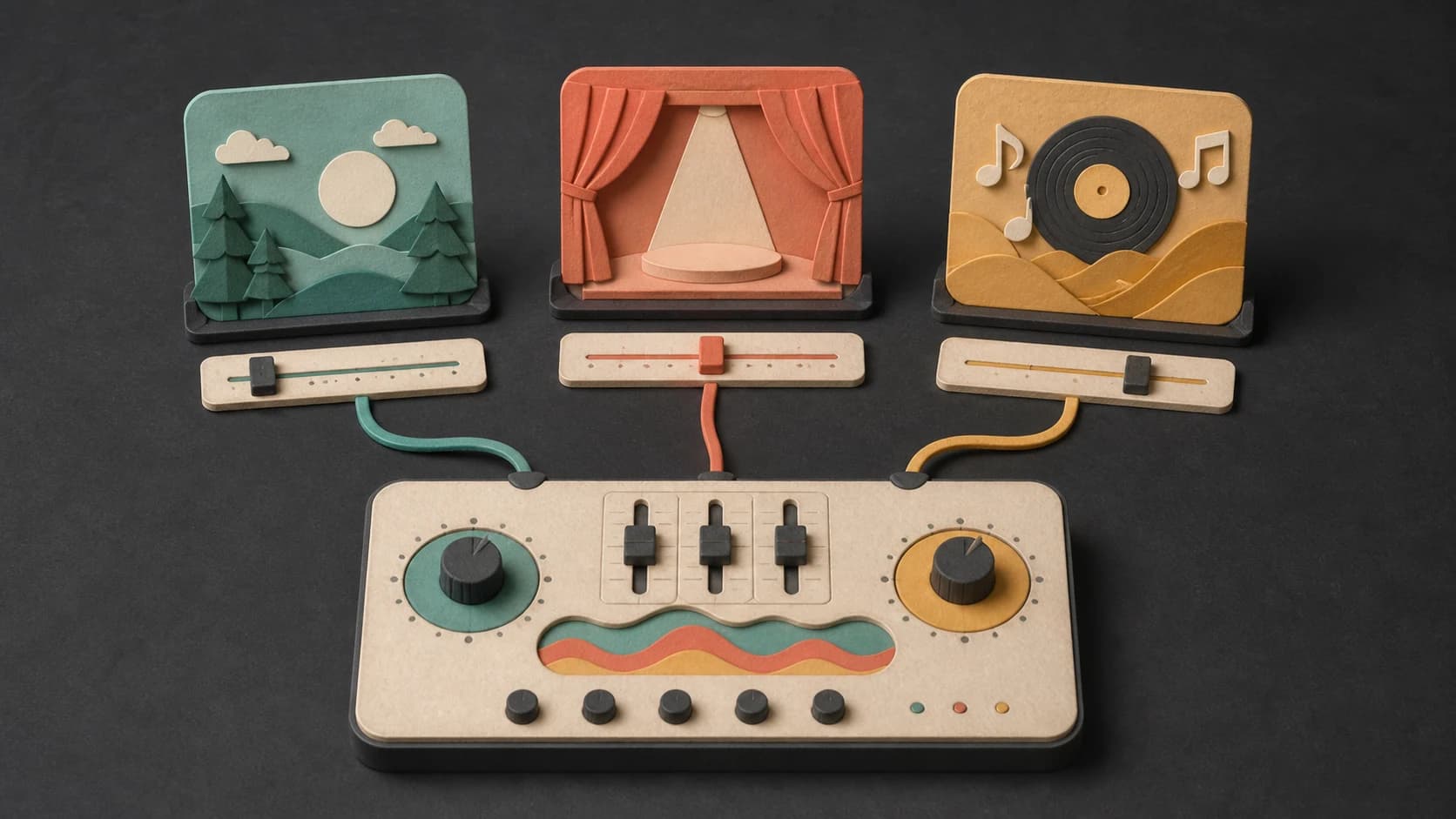
Say whether the track is background, an opening cue, a featured instrumental, or music for a particular scene.
Describe the instrumental you want, the job it should do, and the sounds that belong in it. Make acoustic, electronic, cinematic, jazz, or mixed-genre music without vocals.
Start with its role, instruments, and pace
First 2 songs freeEvery model on paid plans from $5.99/moSee plans ↓
Instrumental examples
These original tracks were made for this page: warm acoustic, focused electronic, and a livelier brass-led direction.

“Warm acoustic instrumental with fingerpicked guitar, upright bass, light brush kit, small mandolin answers, steady 92 BPM feel, no vocals, no long solo, and a clean ending”
Pick a track to hear it and see the prompt behind it.
Build the arrangement
Start with where the music will be used, then choose the instruments, movement, and amount of attention it should ask for.
Say whether the track is background, an opening cue, a featured instrumental, or music for a particular scene.
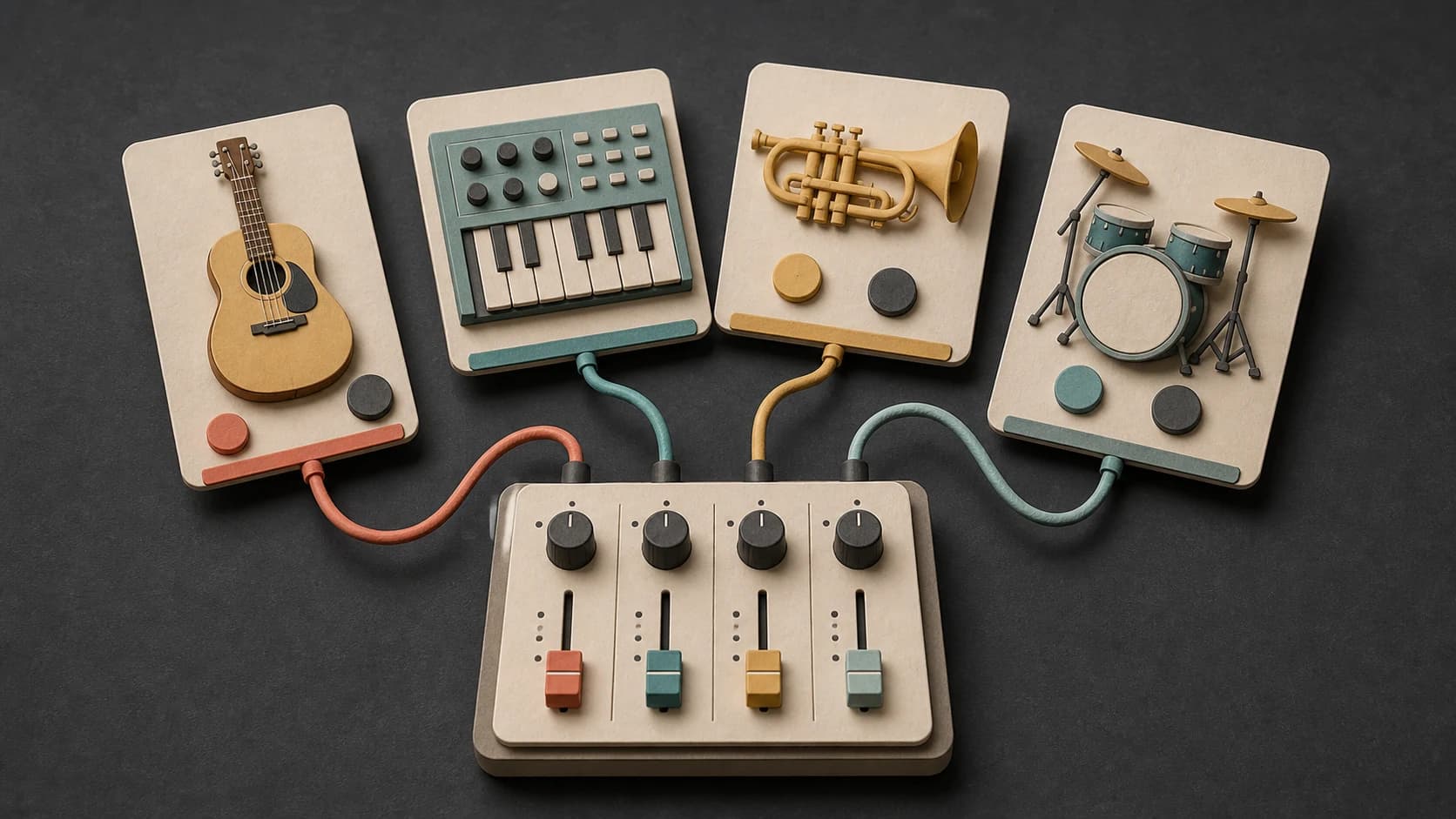
Name the guitar, keys, strings, brass, drums, synths, or acoustic textures you want to hear.
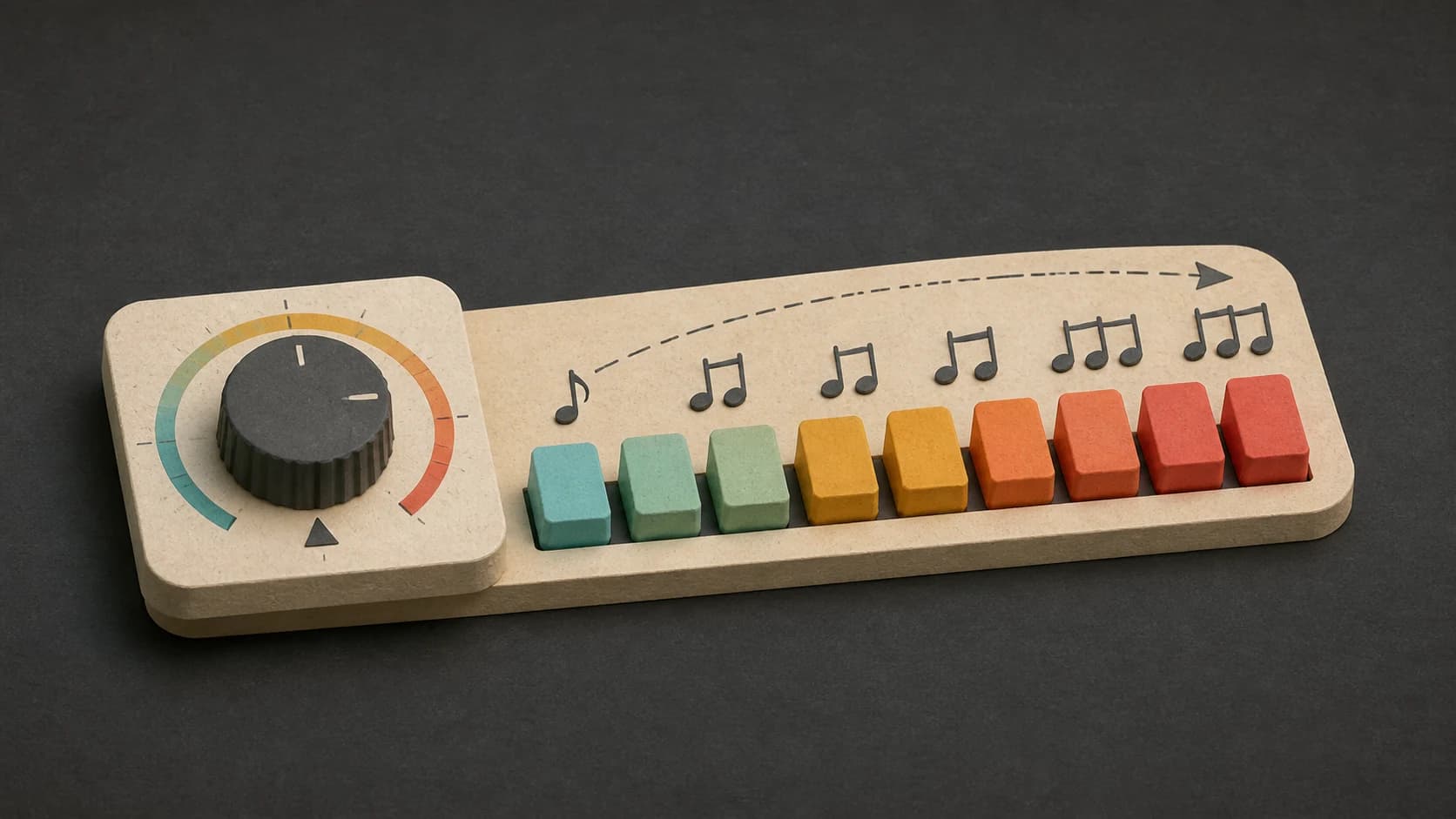
Describe slow and spacious, steady and restrained, driving, playful, or built around one short lift.
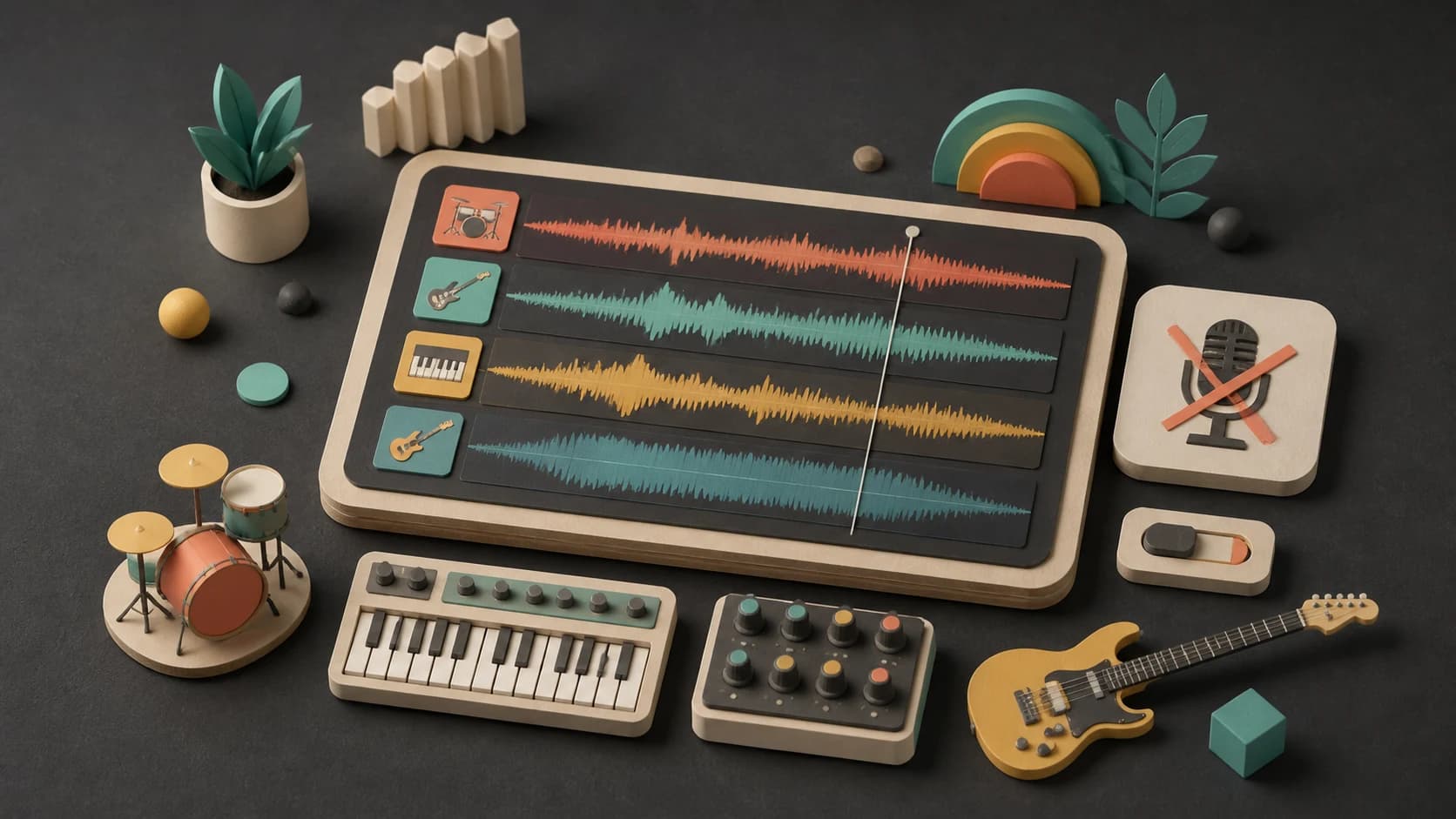
Turn on instrumental mode and write no vocals when you want every part of the result carried by instruments.
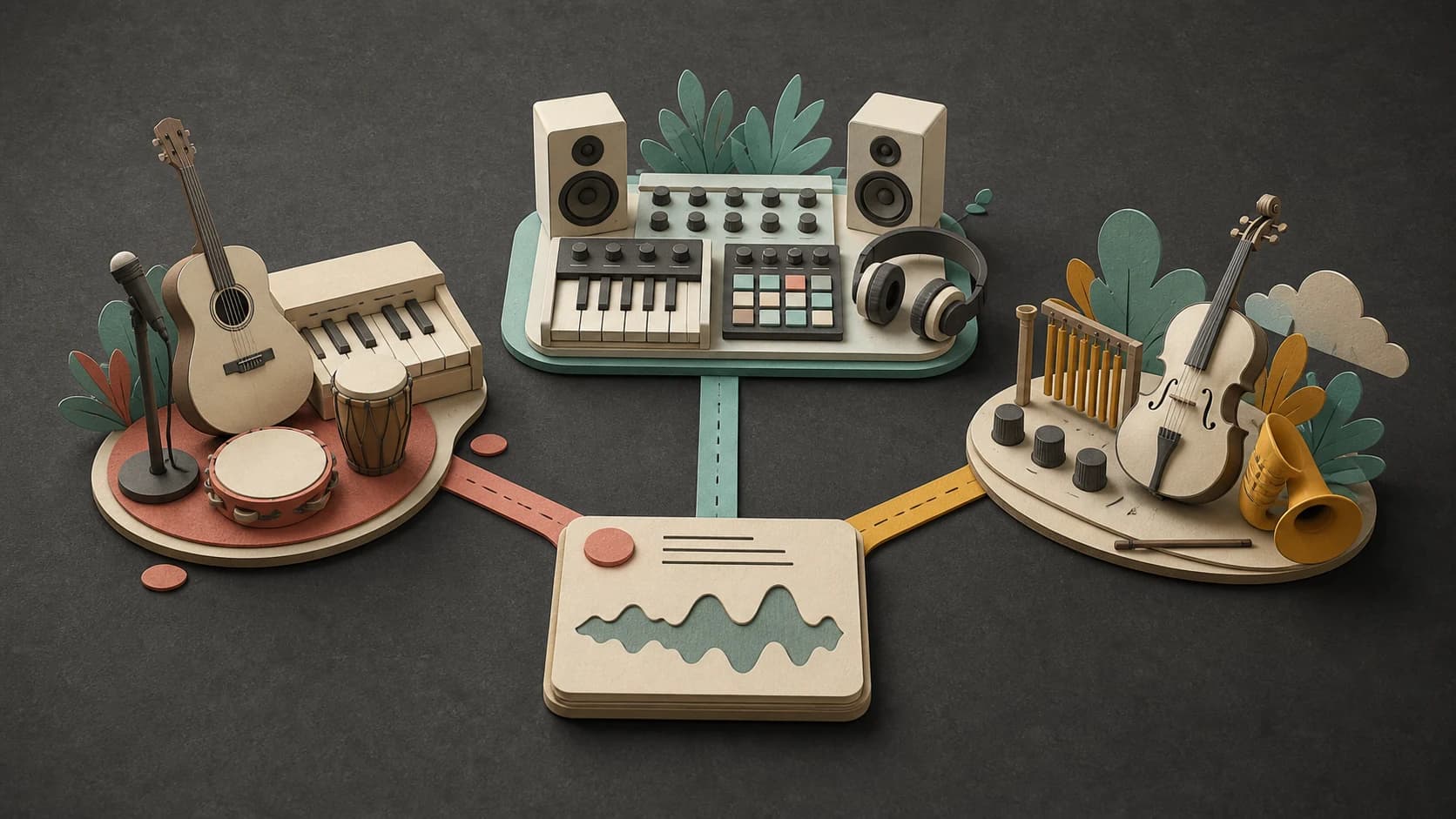
Run the same idea through another model or change the genre blend when the arrangement is right but the sound is not.
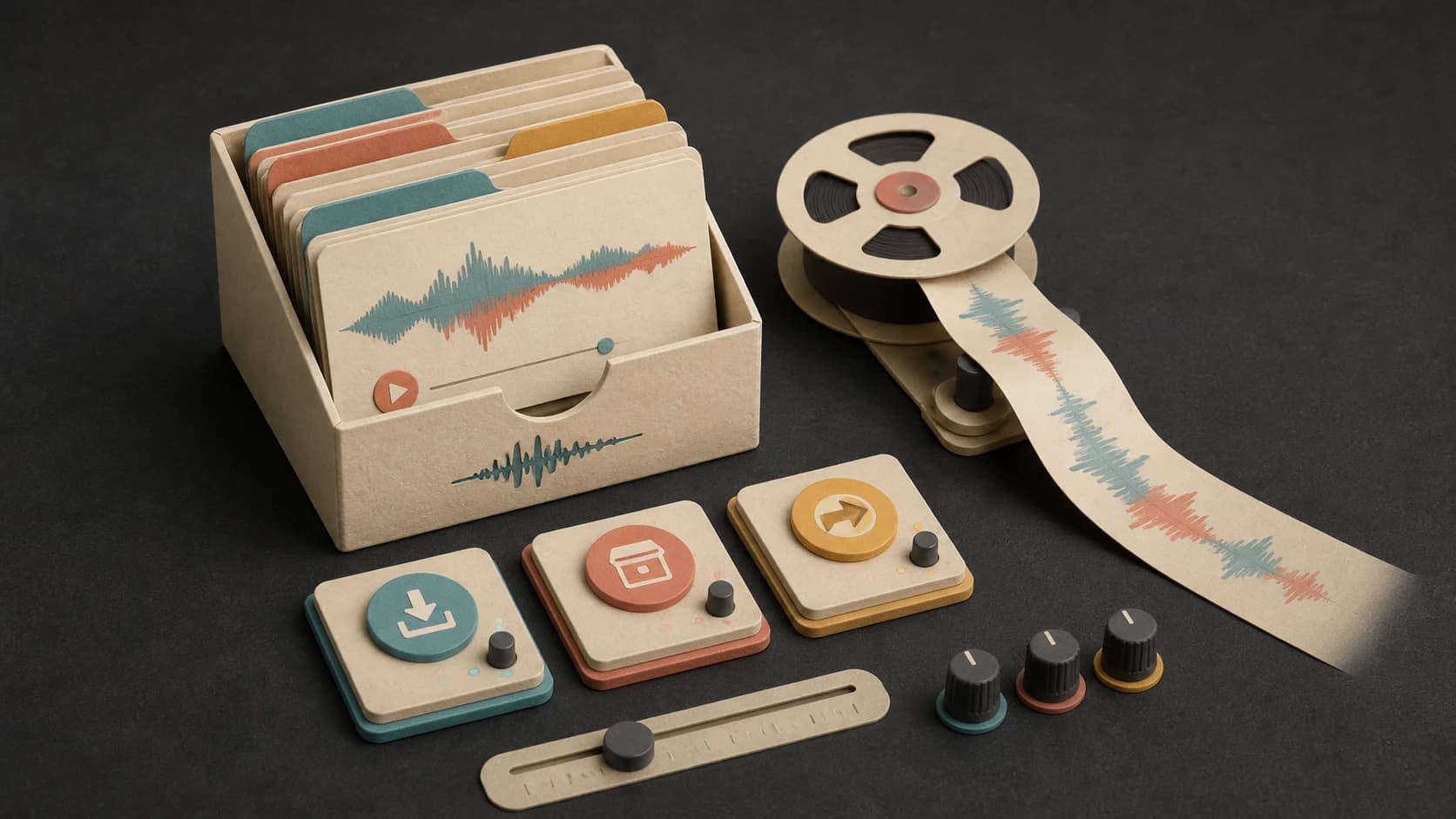
Keep the result in your library, download the available file, or extend it when you need more music.
A useful instrumental brief
A genre is a starting point. The role, instruments, movement, and limits make the request usable.
“Warm acoustic instrumental with fingerpicked guitar, upright bass, light brush kit, small mandolin answers2, steady 92 BPM feel3, no vocals, no long solo, and a clean ending4.”
How it works
Write what the music is for, then refine the instrumentation or movement after hearing the first result.
Name its role, style, instruments, pace, and anything that should stay out of the arrangement.
Keep instrumental mode on, select an available model, and review the credit cost.
Play the result where you plan to use it, then simplify or strengthen the one part that does not fit.
Common directions
The same guitar, piano, or synth idea can work very differently depending on whether it sits behind a voice or carries the whole piece.

Use fewer lead parts and even dynamics when another voice, visual, or task should stay in front.
Ask for an open arrangement when you plan to write a vocal melody or lyrics over the result.
Describe the pace of the edit or conversation and how much room the track should leave.
Give the melody and arrangement more movement when the music itself is the main event.
Start free. Upgrade when you need more.
Try it out — no card required.
No credit card required
Perfect for creation, image-to-song, and song extension.
Save 40%
All 7 model families


Wave 5.5 · ElevenLabs Music · Lyria 3 Pro · MiniMax 2.6 · Mureka 9 · Stable Audio 2.5 · MusicGen
Cancel anytime · No lock-inUnused subscription credits expire at renewal or when the billing interval changes.
Best for commercial releases and advanced song editing.
Save 40%
All 7 model families
Wave 5.5 · ElevenLabs Music · Lyria 3 Pro · MiniMax 2.6 · Mureka 9 · Stable Audio 2.5 · MusicGen
Cancel anytime · No lock-inUnused subscription credits expire at renewal or when the billing interval changes.
For power users working across MIDI, video, and high-volume output.
Save 40%
All 7 model families
Wave 5.5 · ElevenLabs Music · Lyria 3 Pro · MiniMax 2.6 · Mureka 9 · Stable Audio 2.5 · MusicGen
Cancel anytime · No lock-inUnused subscription credits expire at renewal or when the billing interval changes.
FAQ
Straight answers about vocals, genres, instruments, tempo, downloads, and commercial use.
Turn on instrumental mode and add no vocals to the prompt. Describe the instruments that should carry the melody instead.
Yes. Describe the blend and which parts come from each style, such as acoustic guitar and brushes with a subtle electronic pulse.
You can name the instruments and the role each should play. The selected model interprets that direction, so listen and adjust if one part is too prominent.
Yes. Include a BPM or a plain-language pace. Check the finished audio if exact timing matters, because the result may not land on the precise number.
Completed tracks are saved to your MusicWave library, where you can play and download the output available for the selected model and plan.
That depends on your MusicWave plan, the selected model’s terms, and the rights in anything you supplied. Review those terms before commercial use.
Keep exploring
Make background music, build a beat, create a calmer lo-fi direction, or continue an instrumental you already like.
Describe its role, instruments, and movement, then generate a version you can hear in context.
Start free — no credit card needed.