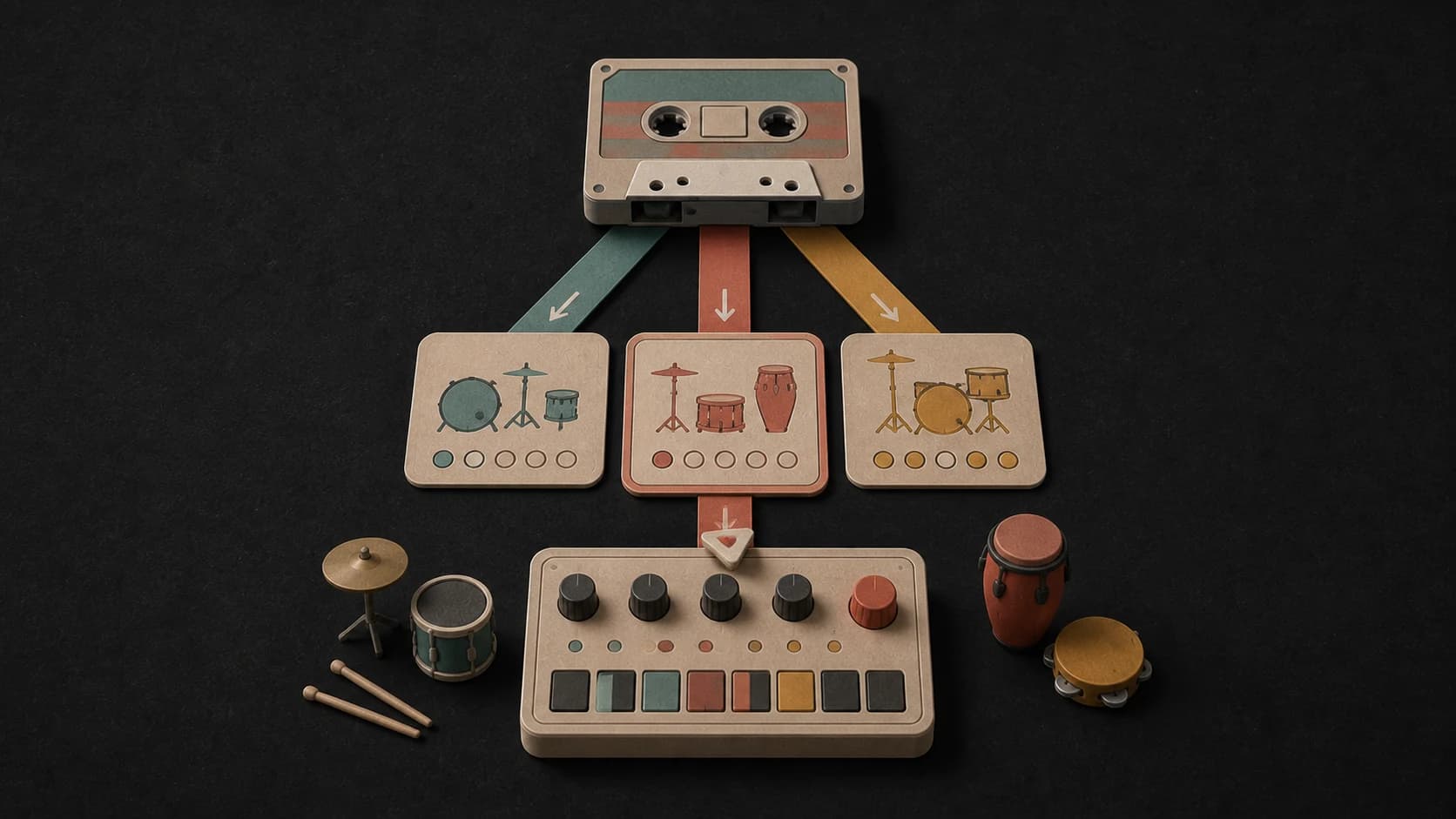
01
Set the rhythm before the details
Name the style and pace first, then add the drum character, bass weight, and any melodic parts you want.
MusicWave beat tool
Describe the drums, bass, pace, and mood you want. Make a beat you can play, save, download, or keep working on.
Start with a sound, a tempo, and the space you want to leave for vocals.
First 2 songs freeEvery model on paid plans from $5.99/moSee plans ↓
What you can control
A useful prompt describes the groove, pace, sound, and arrangement. You can keep it short, then add detail when you want a tighter result.
Name the style and pace first, then add the drum character, bass weight, and any melodic parts you want.
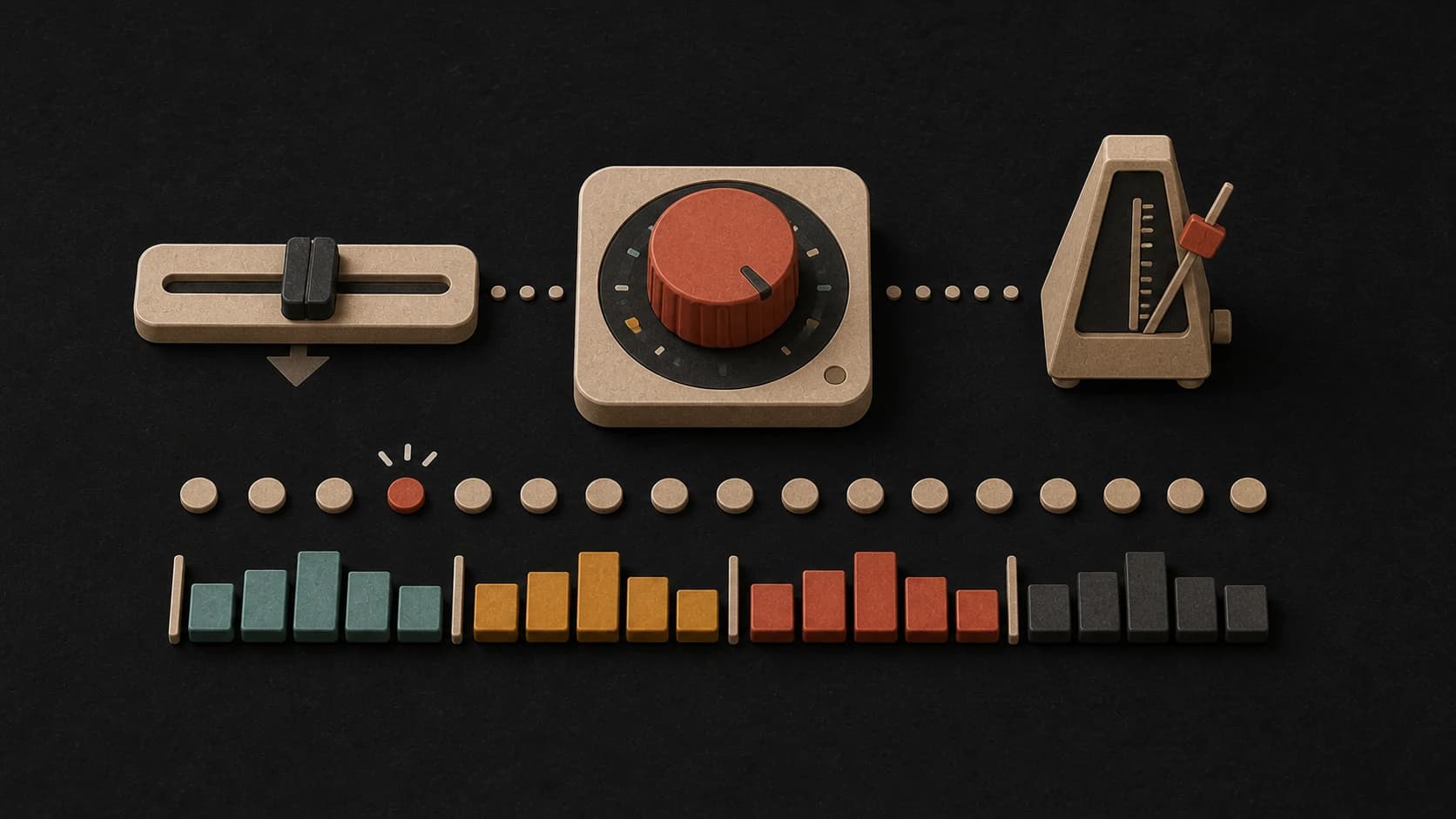
Add a BPM target when cadence matters. Listen to the result and adjust the wording if you need a tighter feel.
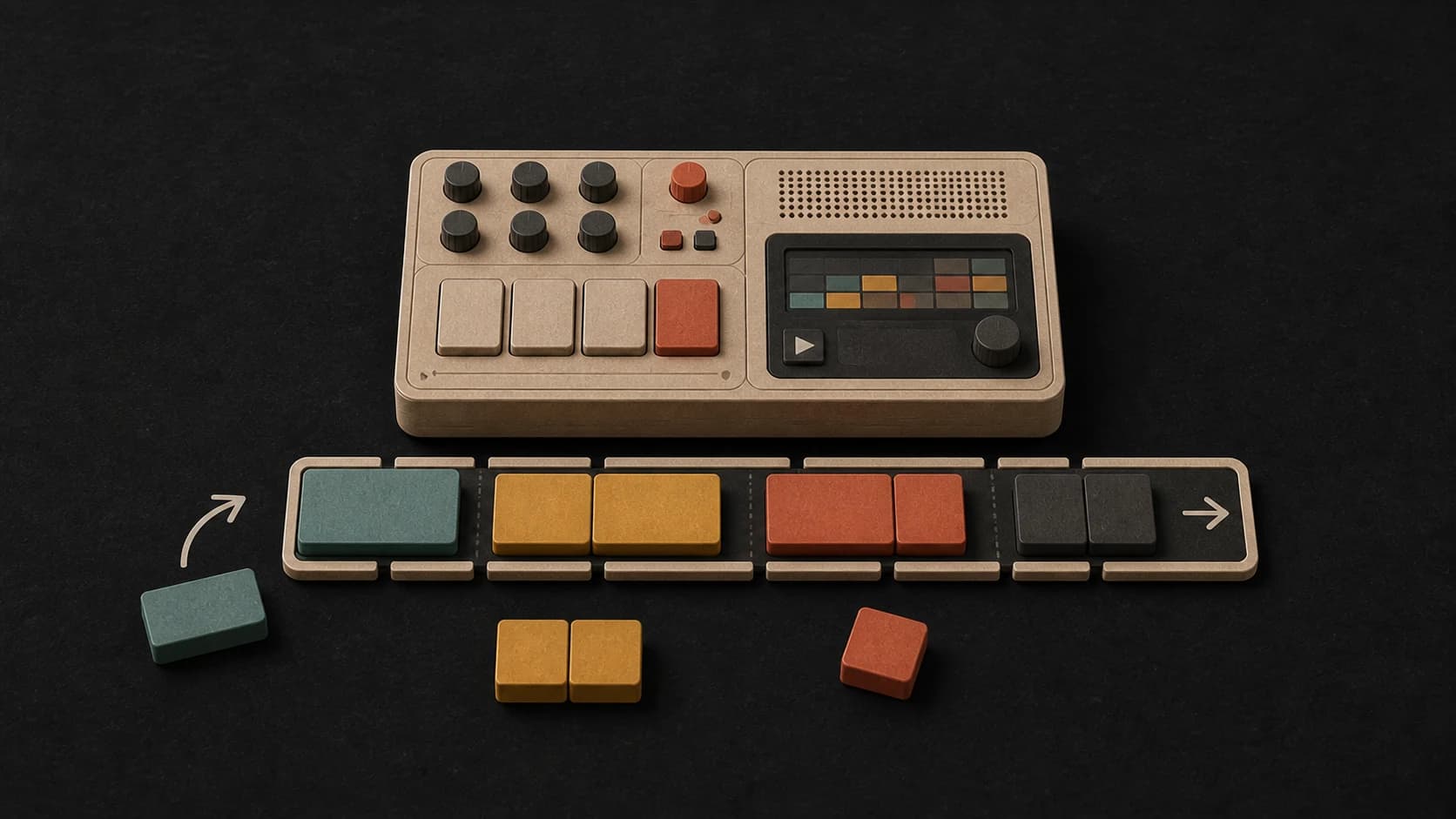
Ask for a short intro, open verse space, a heavier hook, or a clean ending instead of leaving the structure vague.
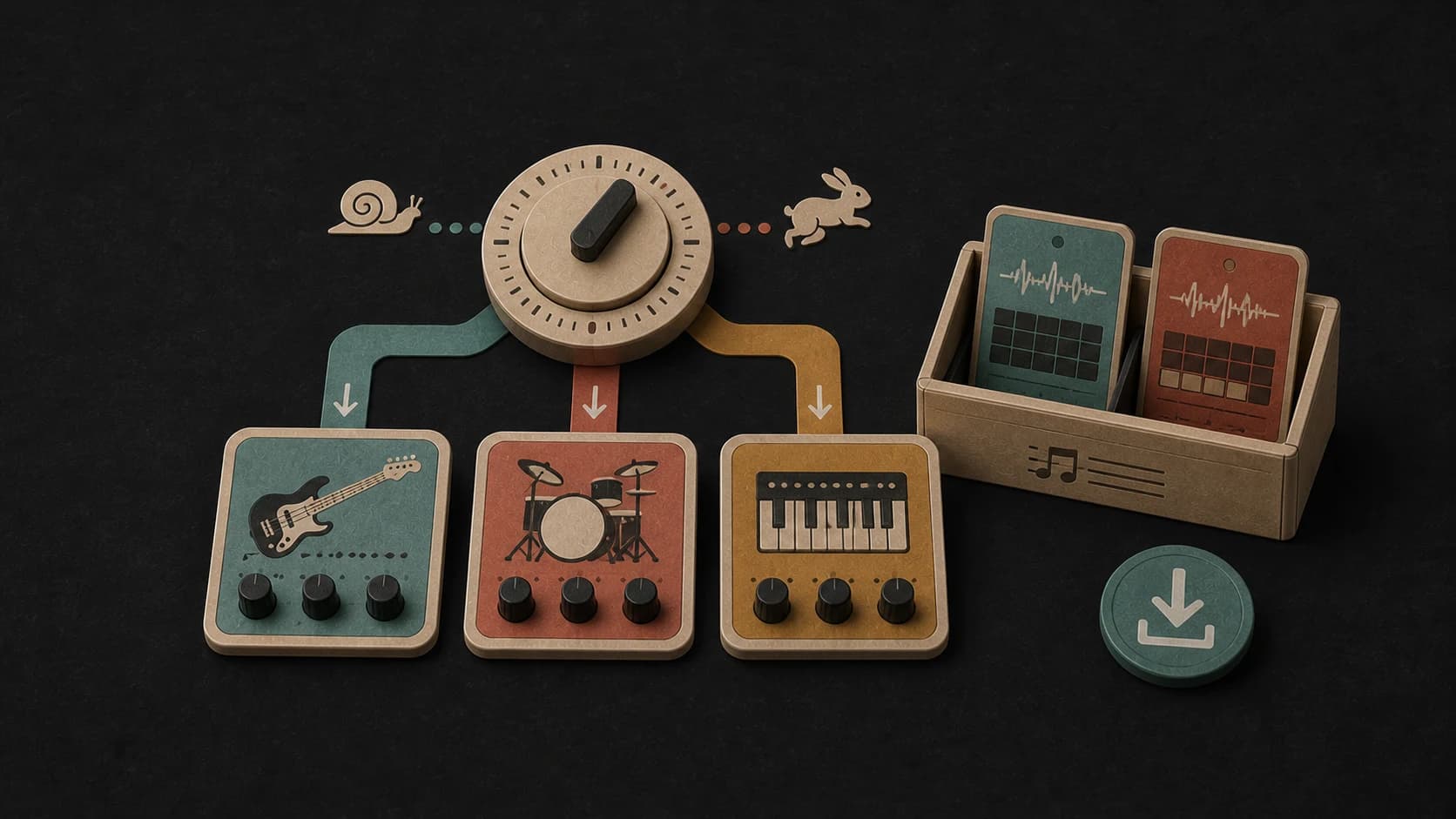
Call out the drum kit, bass, keys, guitars, samples, or synths that should carry the track.
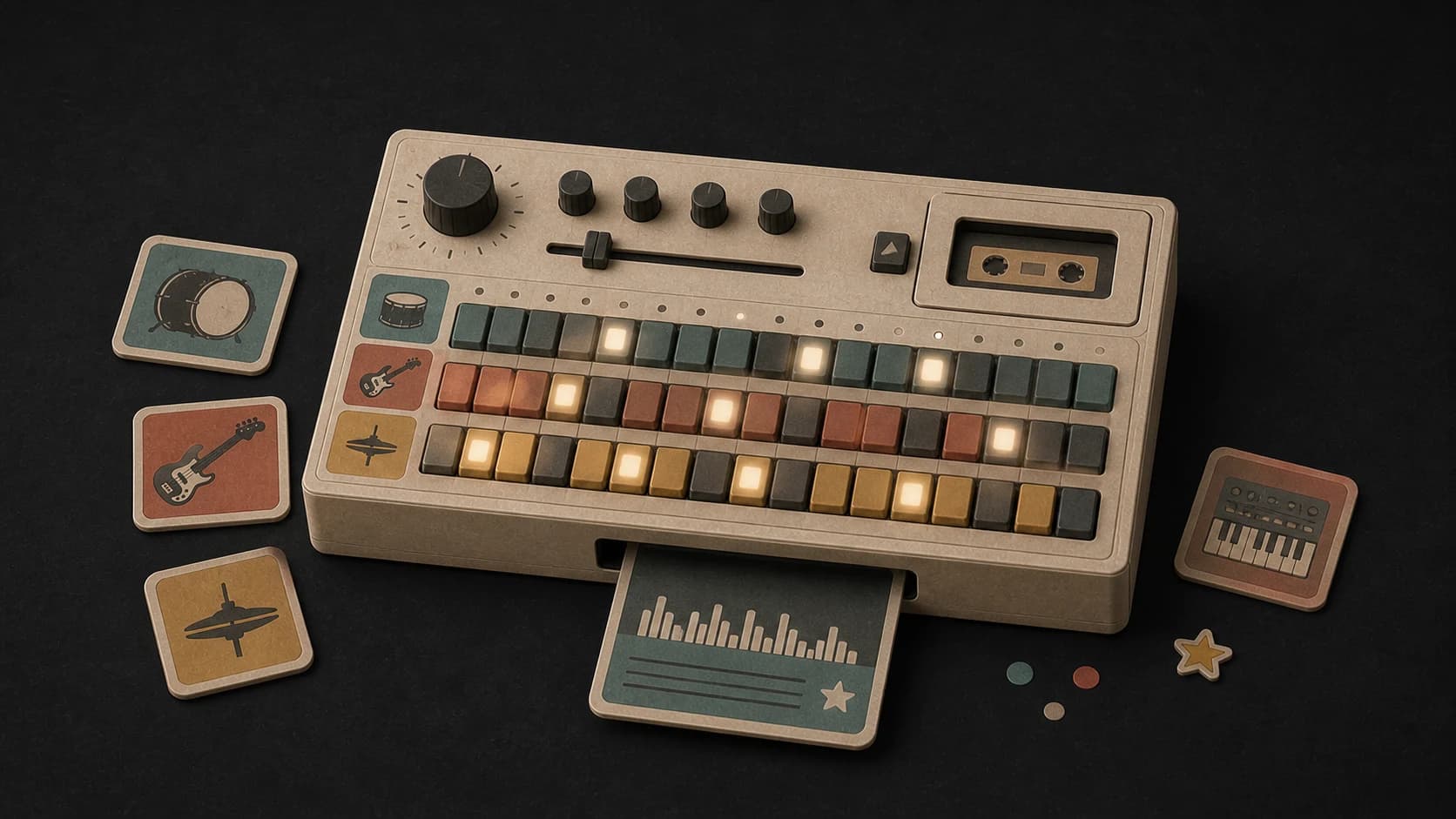
Run the same direction again or choose another model when you want a different groove, mix, or interpretation.
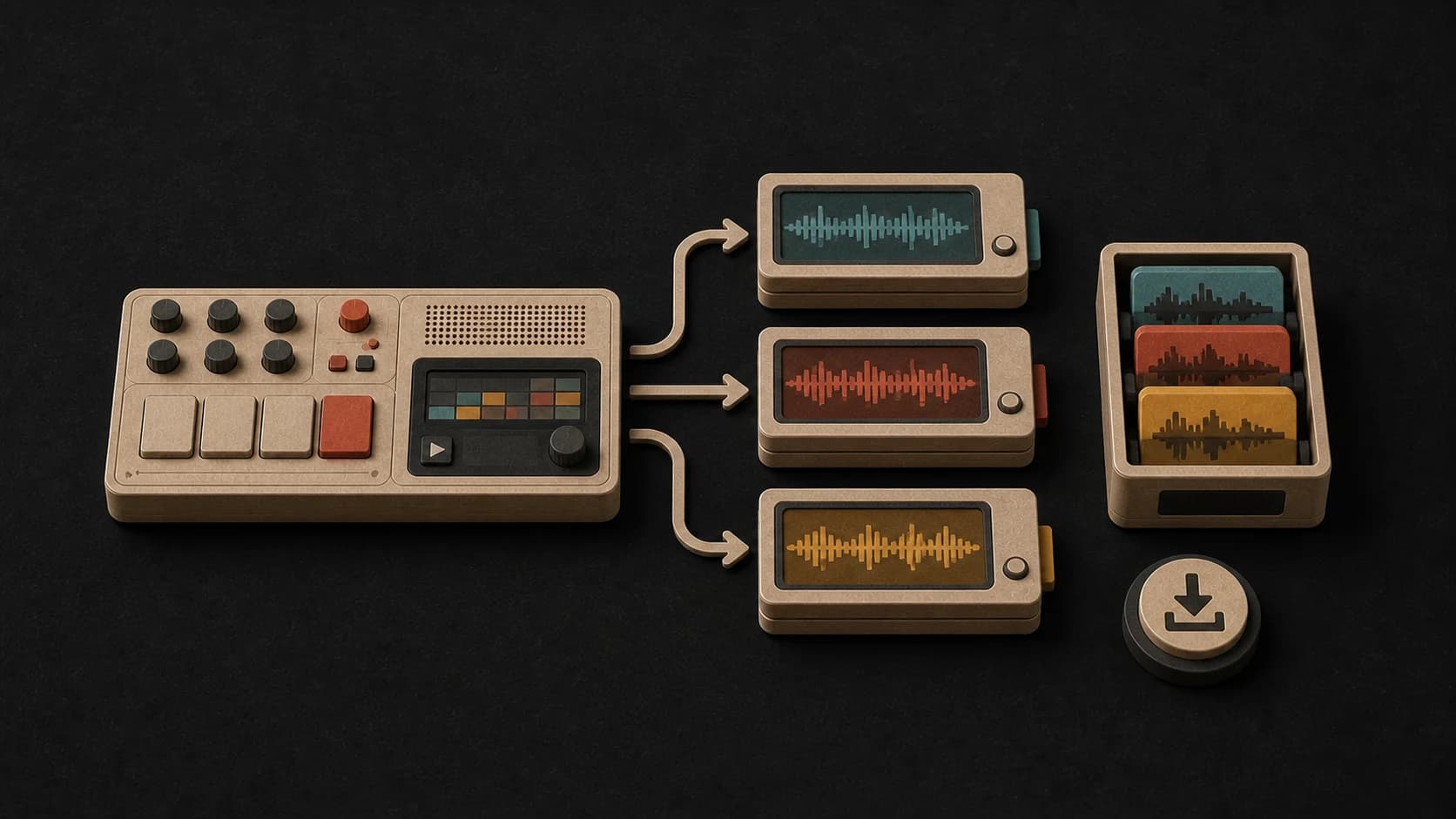
Save finished beats to your library, play them again, and download the versions you want to use.
Made for this page
These examples were generated from the directions shown with each one. Play them, then try the same idea or write your own.
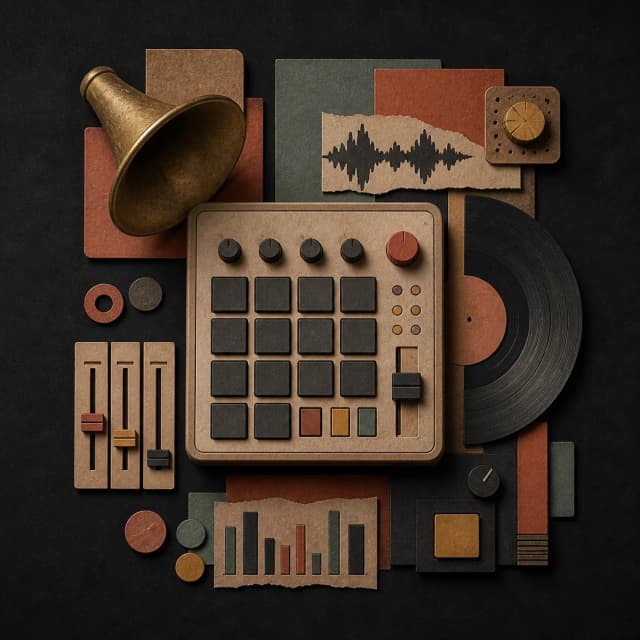
“Dusty boom-bap instrumental beat with chopped soul texture, round bass, tight kick and snare, subtle brass fragments, 92 BPM feel, short intro, open verse space, no vocals”
Pick a track to hear it and see the prompt behind it.
From direction to track
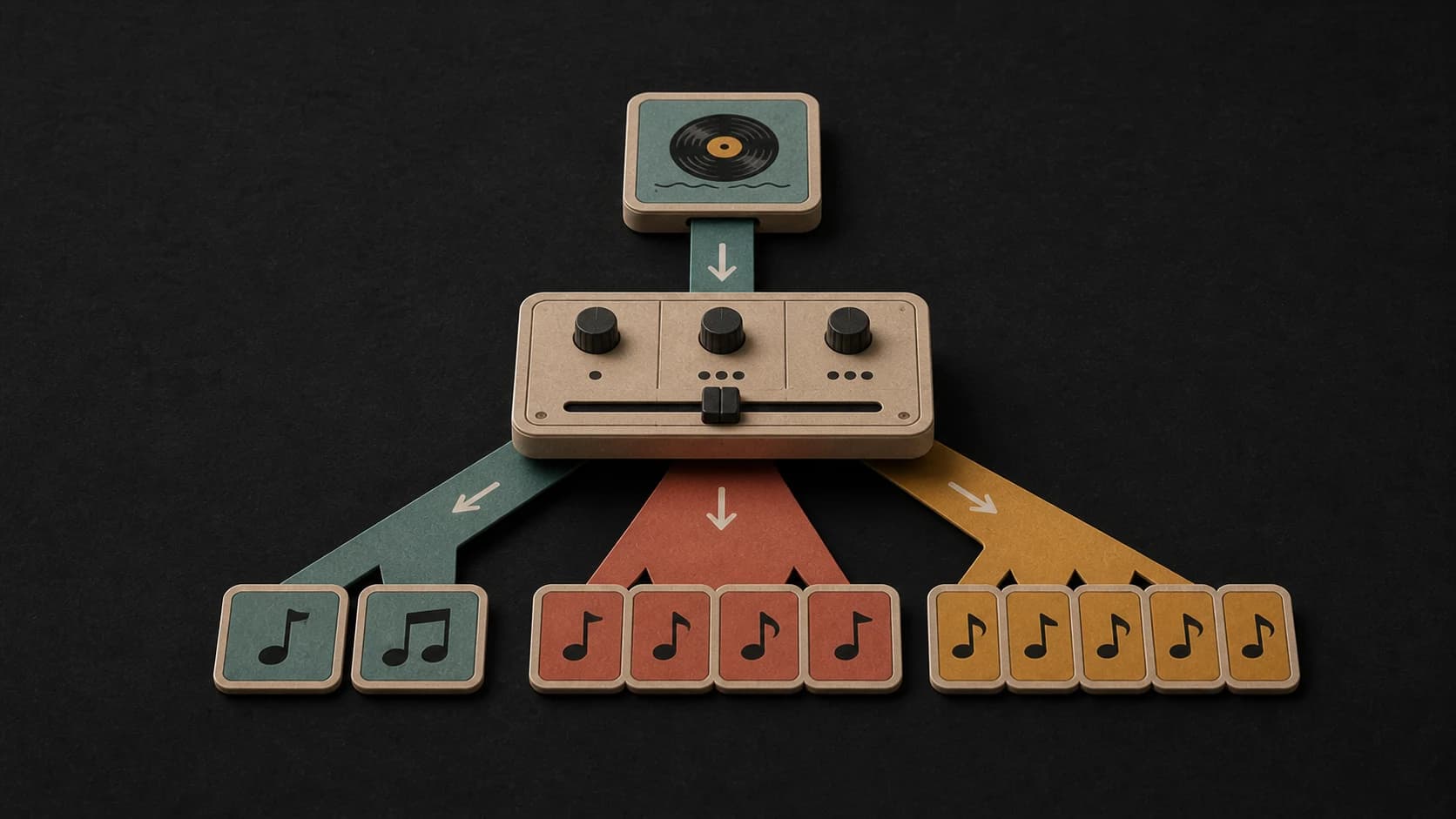
Write the genre, drum feel, bass, instruments, pace, and any arrangement notes.
Pick from the available music models, then review the credit cost before you start.
Play the returned beat, save it, or change the direction and make another version.
A better beat prompt
You do not need production jargon. Describe what you want to hear and how the beat should move.
Try boom-bap, trap, house, drill, lo-fi, Afrobeats, funk, or another clear direction.
Mention the kick, snare, bass, keys, samples, synths, guitars, or percussion you want to hear.
Say whether the beat should be instrumental or leave room for a singer, rapper, or spoken part.
Dusty boom-bap beat with chopped soul texture, round bass, tight kick and snare, 92 BPM feel, no vocals
Make a BeatWays to use it
Make a beat with enough room for a verse, hook, or topline before you start recording.
Create a steady instrumental for a video, podcast, stream, game, or intro.
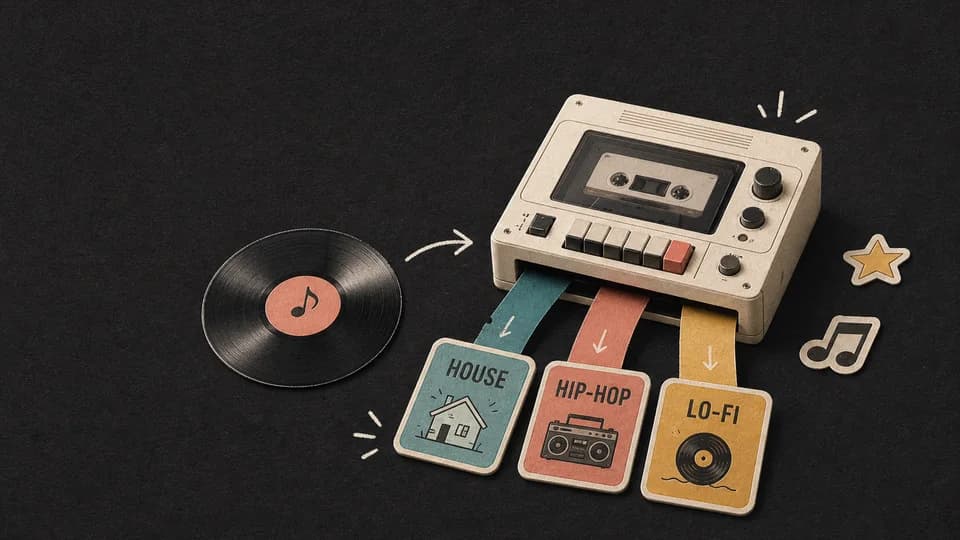
Try the same idea as house, trap, funk, drill, lo-fi, or another style and compare the results.
Start free. Upgrade when you need more.
Try it out — no card required.
No credit card required
Perfect for creation, image-to-song, and song extension.
Save 40%
All 7 model families


Wave 5.5 · ElevenLabs Music · Lyria 3 Pro · MiniMax 2.6 · Mureka 9 · Stable Audio 2.5 · MusicGen
Cancel anytime · No lock-inUnused subscription credits expire at renewal or when the billing interval changes.
Best for commercial releases and advanced song editing.
Save 40%
All 7 model families
Wave 5.5 · ElevenLabs Music · Lyria 3 Pro · MiniMax 2.6 · Mureka 9 · Stable Audio 2.5 · MusicGen
Cancel anytime · No lock-inUnused subscription credits expire at renewal or when the billing interval changes.
For power users working across MIDI, video, and high-volume output.
Save 40%
All 7 model families
Wave 5.5 · ElevenLabs Music · Lyria 3 Pro · MiniMax 2.6 · Mureka 9 · Stable Audio 2.5 · MusicGen
Cancel anytime · No lock-inUnused subscription credits expire at renewal or when the billing interval changes.
FAQ
Direct answers about instrumental beats, BPM prompts, lyrics, finished tracks, and usage rights.
Yes. Switch on Instrumental and describe the groove, instruments, tempo, and arrangement you want without asking for vocals.
Yes. Include a BPM target in the prompt when pace matters. Generated music can land near rather than exactly on that number, so check the finished audio.
Yes. Choose Own Lyrics if you want a vocal song. For a beat without vocals, stay in Prompt mode and switch on Instrumental.
You can play the result, save it to your library, download it, or continue with the MusicWave tools available for that track.
Usage rights depend on your MusicWave plan, the selected model, applicable law, and whether you have rights to anything you supplied.
Keep exploring
Extend, edit, split, or keep building your beat with MusicWave.
Describe the groove, instruments, pace, and arrangement you want to hear.
Make a BeatStart free — no credit card needed.