
01
Paste lyrics you wrote
Use your own words or material you have permission to use, then keep the musical brief separate from the lyric text.
Paste lyrics you wrote, mark the sections, and describe how the song should sound. Choose the genre, mood, instruments, and vocal direction before you generate.
Start with your words and the sound around them
First 2 songs freeEvery model on paid plans from $5.99/moSee plans ↓
Lyrics-to-song examples
We wrote and generated these examples for this page: indie pop, an acoustic ballad, and a tighter synth-pop track.

“Warm indie-pop song with clear close vocal, clean electric guitar, steady live drums, rounded bass, bright but unhurried chorus, and a natural band-room sound”
Pick a track to hear it and see the prompt behind it.
From words to arrangement
Keep the words clear, label the sections, and describe the performance in everyday language.
Use your own words or material you have permission to use, then keep the musical brief separate from the lyric text.
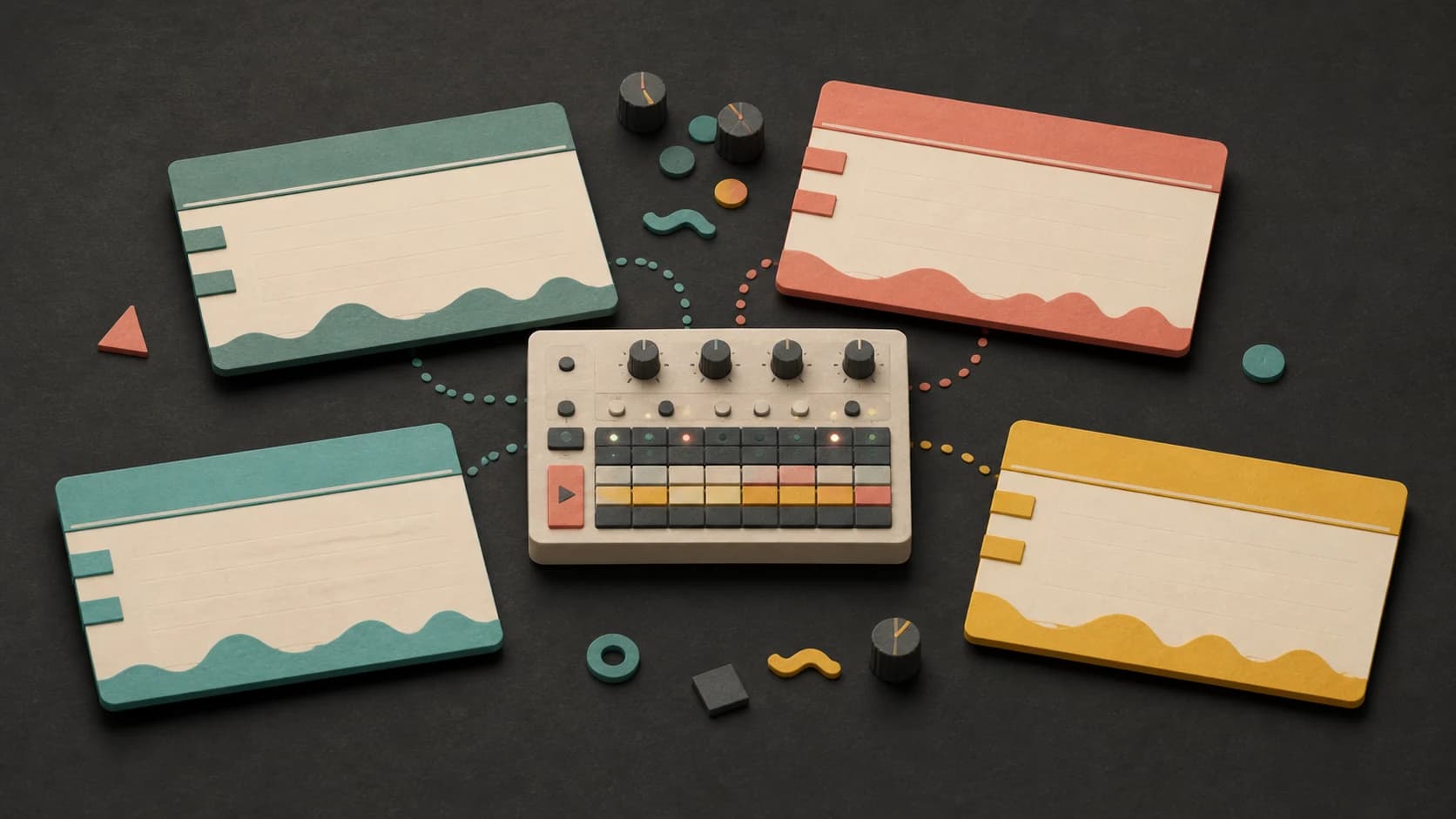
Section labels make the intended structure easier to follow and show where repeated lines belong.
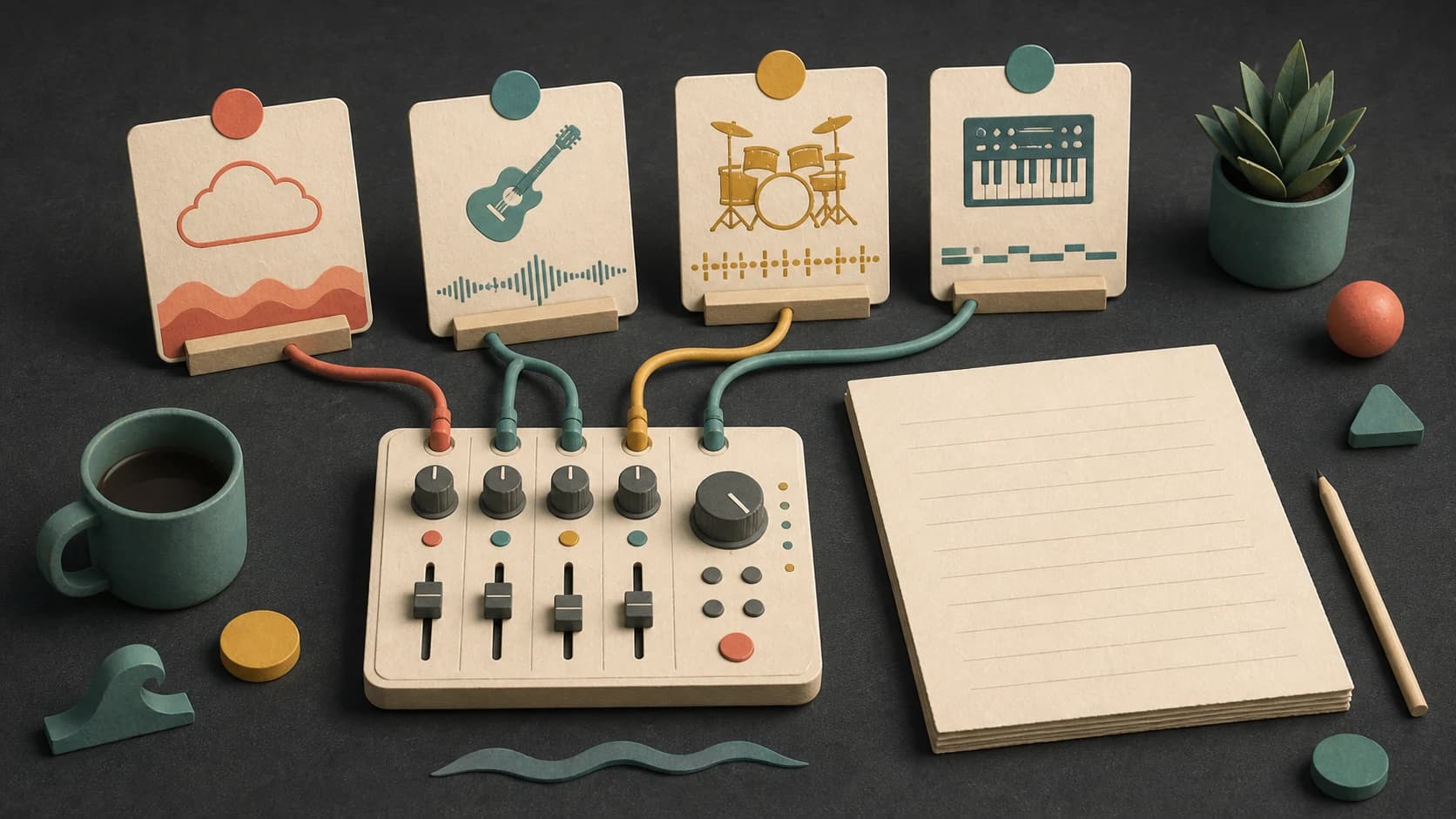
Choose the genre, mood, instruments, pace, and size of the arrangement without stuffing directions into the lyrics.
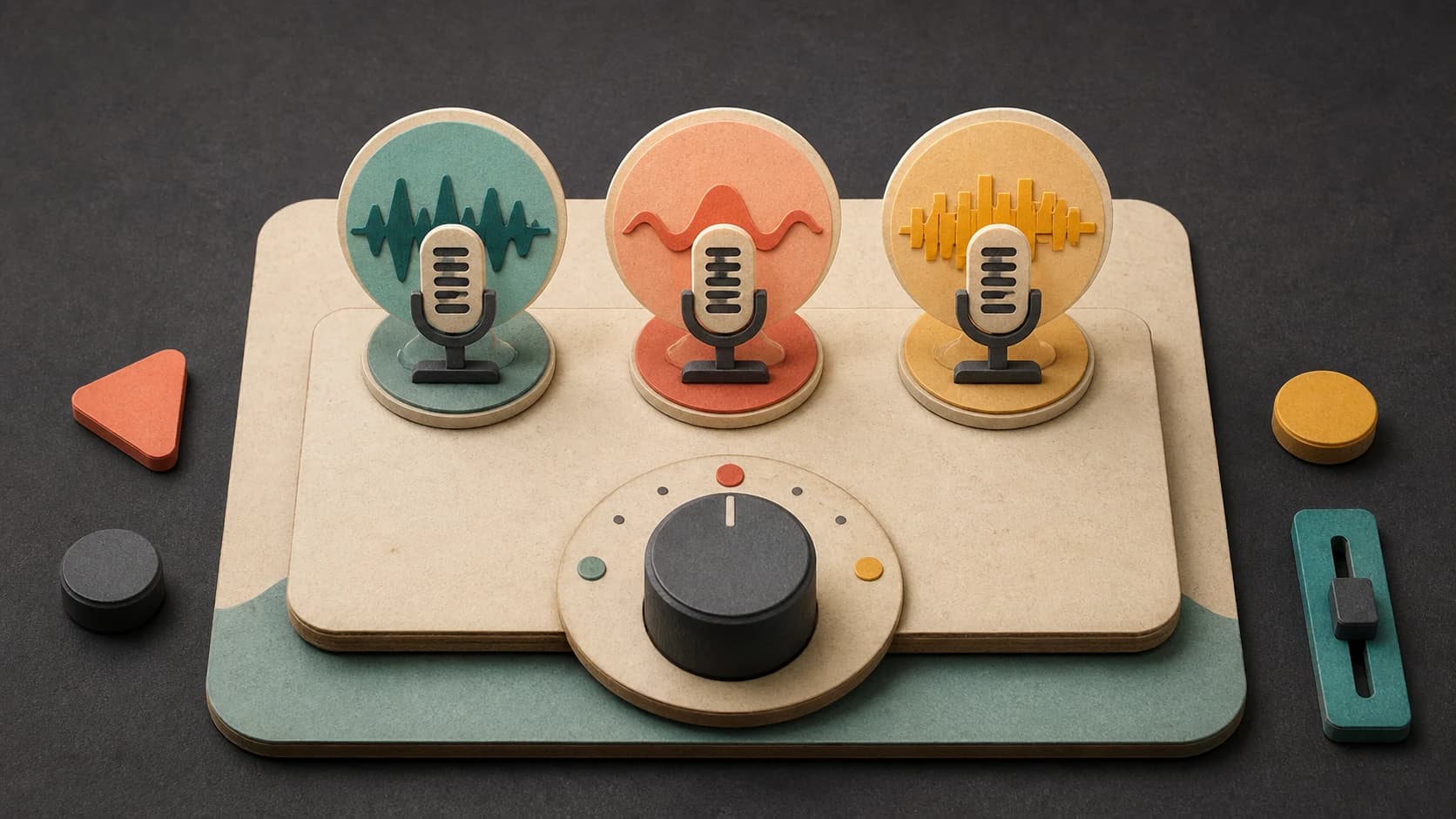
Describe close or powerful, warm or bright, restrained or energetic, plus any backing-vocal ideas that matter.

Shorten crowded lines, repeat the real hook, and listen for words that feel rushed or stretched after generation.
Try a different vocal or musical direction, then keep the finished versions you want in your library.
A clean lyric handoff
The lyrics and music brief do different jobs. Keep both specific and easy to read.
“Warm indie-pop song with clear close vocal, clean electric guitar, steady live drums, rounded bass, bright but unhurried chorus, and a natural band-room sound.”
How it works
Bring the words, add the musical direction, then listen closely to how the melody handles each line.
Use section labels and make sure you have the right to use every line you submit.
Choose the genre, vocal direction, instruments, and model, then review the credit cost.
Keep the version that works, or adjust crowded lyrics and the musical brief before trying again.
Good starting points
A finished chorus, a full lyric sheet, and a loose verse idea each need a different first step.

Label the sections and focus the prompt on how the complete song should sound and move.
Keep the first version compact and listen for whether the hook is strong enough to carry another section.
Reshape the text into singable sections rather than expecting every original line to fit unchanged.
Try the same words as acoustic, pop, rock, R&B, electronic, or another clear direction.
Start free. Upgrade when you need more.
Try it out — no card required.
No credit card required
Perfect for creation, image-to-song, and song extension.
Save 40%
All 7 model families


Wave 5.5 · ElevenLabs Music · Lyria 3 Pro · MiniMax 2.6 · Mureka 9 · Stable Audio 2.5 · MusicGen
Cancel anytime · No lock-inUnused subscription credits expire at renewal or when the billing interval changes.
Best for commercial releases and advanced song editing.
Save 40%
All 7 model families
Wave 5.5 · ElevenLabs Music · Lyria 3 Pro · MiniMax 2.6 · Mureka 9 · Stable Audio 2.5 · MusicGen
Cancel anytime · No lock-inUnused subscription credits expire at renewal or when the billing interval changes.
For power users working across MIDI, video, and high-volume output.
Save 40%
All 7 model families
Wave 5.5 · ElevenLabs Music · Lyria 3 Pro · MiniMax 2.6 · Mureka 9 · Stable Audio 2.5 · MusicGen
Cancel anytime · No lock-inUnused subscription credits expire at renewal or when the billing interval changes.
FAQ
Straight answers about ownership, section labels, lyric length, vocals, downloads, and revisions.
For this workflow, yes. Paste lyrics you wrote or have permission to use, then describe the music and vocal direction around them.
It helps. Simple section labels show the intended order and which lines should repeat.
Shorten the line, remove filler words, or split the thought across two lines. Then generate another version and listen again.
Yes. Keep the lyric text and change the musical brief, vocal direction, or selected model.
Only submit lyrics you wrote or have permission to use. Your ability to use the generated song depends on your MusicWave plan, selected model terms, and the rights in the supplied lyrics.
Completed tracks are saved to your MusicWave library, where you can play and download the output available for the selected model and plan.
Keep exploring
Start from a lyric idea, make a pop version, add vocals to an instrumental, or continue a finished song.
Paste your words, choose the sound and vocal direction, then listen to the first complete version.
Start free — no credit card needed.