01
Name the Instagram format
Say whether you are scoring a Reel, Story, product clip, carousel video, or another visual post.
Describe the Reel, Story, or visual post you are making. Choose the mood, pace, sounds, and vocal direction, then test the result with your edit.
Start with the format, mood, and pace
First 2 songs freeEvery model on paid plans from $5.99/moSee plans ↓
Instagram music examples
We made these original tracks for this page. Compare a warm travel instrumental, an indie-pop song with original lyrics, and a minimal product soundtrack.
“Warm acoustic instrumental for a sunlit travel reel, fingerpicked guitar, hand percussion, upright bass, small melodic answers, easy 94 BPM feel, no vocals, and gentle movement for visual cuts”
Pick a track to hear it and see the prompt behind it.
Match the visuals
The format, visual mood, cut speed, and voiceover tell you more about the music you need than a broad style label alone.
Say whether you are scoring a Reel, Story, product clip, carousel video, or another visual post.
Describe the light, setting, color, and feeling of the footage so the sound has a clearer atmosphere to follow.
Ask for quick rhythmic markers, easy steady movement, or a slower build depending on how the post is edited.
Use fewer lead parts, restrained drums, and instrumental mode when narration or spoken explanation should stay in front.
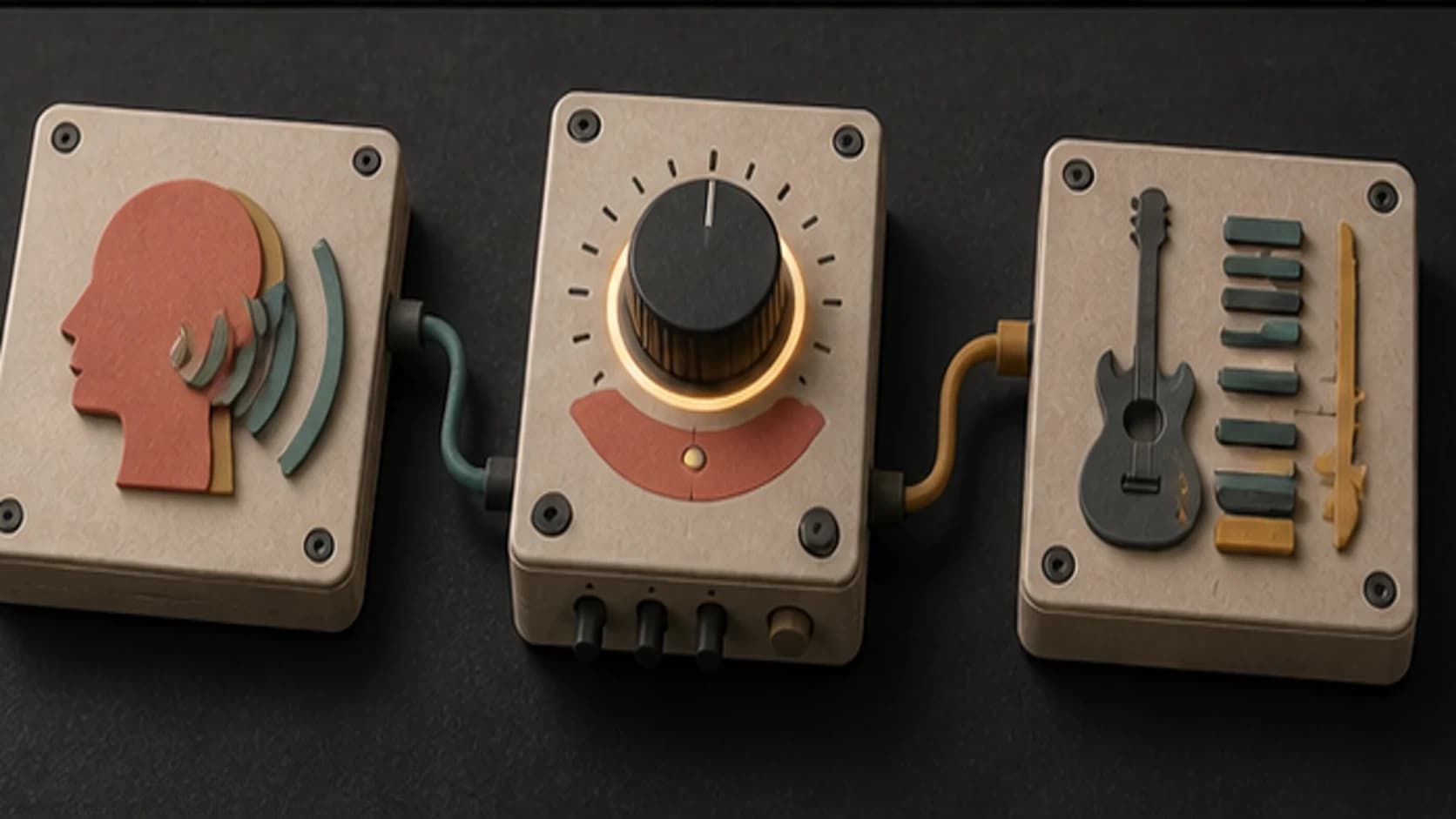
Add original lyrics when a sung phrase suits the post, or keep the music wordless for product, travel, and tutorial edits.
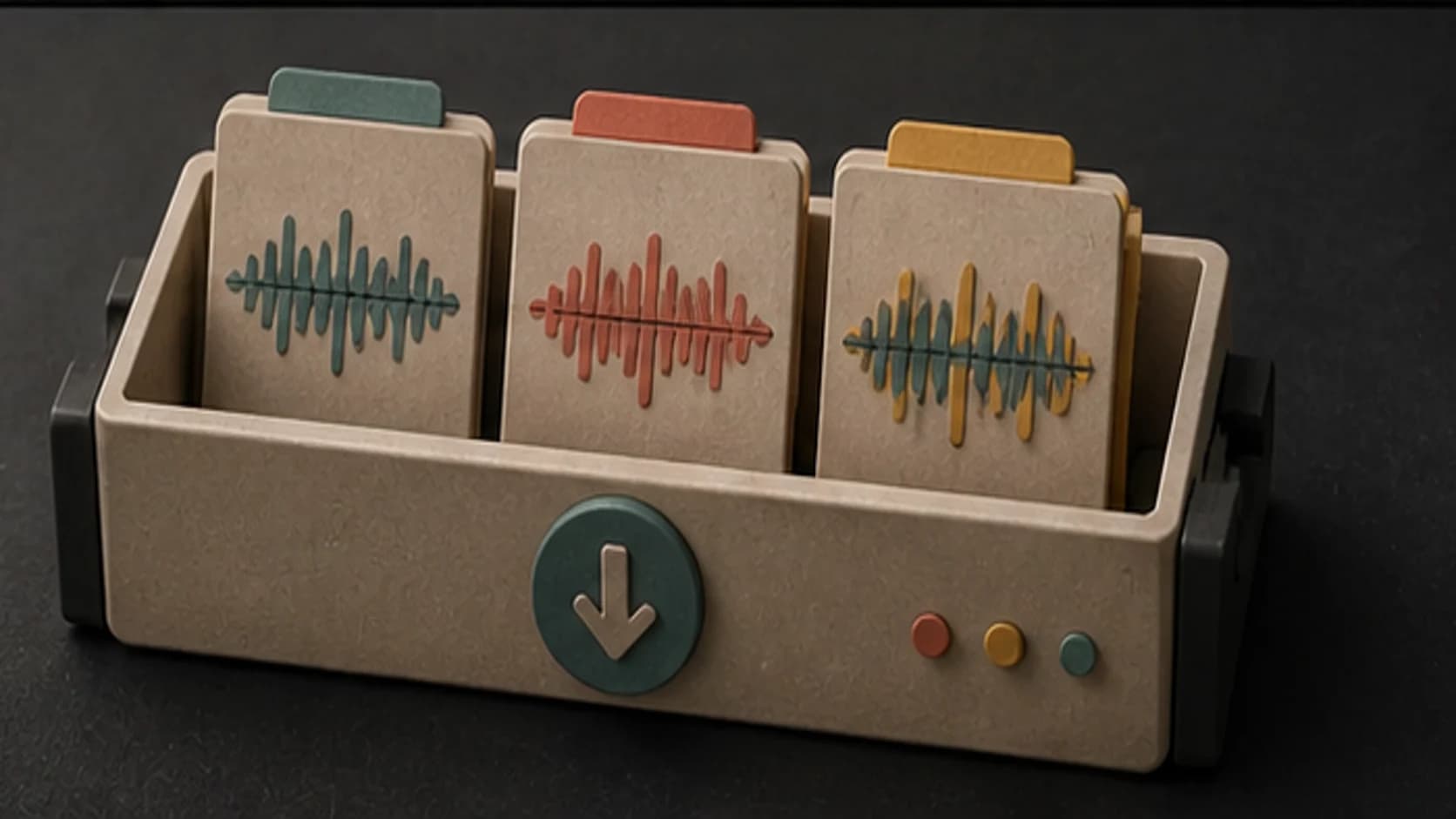
Keep the takes that fit the visuals, then download the available result after you have checked it against the edit.
A useful Instagram prompt
Name the post, describe how it looks, explain how it moves, and finish with the sounds you want.
“Clean minimal electronic instrumental4 for a studio product2 Reel1, muted plucks, soft pulse, rounded bass, restrained percussion4, steady 100 BPM feel3, no vocals, no busy lead, and no large drop4.”
How it works
Start with the post in front of you, generate a version, and make the next prompt more specific after listening.
Include the format, visual mood, cut pace, voiceover, and the part of the post where the music matters most.
Pick an available music model, then choose instrumental or add original lyrics for a vocal result.
Listen under the visuals and voiceover, then adjust the pace, arrangement, or ending instead of rewriting everything.
Instagram formats
Use the content and editing style to decide how much rhythm, melody, and vocal detail belongs in the track.
Use the place, time of day, and pace of the montage to guide an acoustic, electronic, lo-fi, or pop direction.
Keep the arrangement clean and restrained when the item, process, or spoken explanation should lead.
Describe the visual attitude and cut rhythm, then choose a compact hook that supports the reveal.
Ask for lighter instrumentation and fewer section changes when the post is personal or conversational.
Start free. Upgrade when you need more.
Try it out — no card required.
No credit card required
Perfect for creation, image-to-song, and song extension.
Save 40%
All 7 model families


Wave 5.5 · ElevenLabs Music · Lyria 3 Pro · MiniMax 2.6 · Mureka 9 · Stable Audio 2.5 · MusicGen
Cancel anytime · No lock-inUnused subscription credits expire at renewal or when the billing interval changes.
Best for commercial releases and advanced song editing.
Save 40%
All 7 model families
Wave 5.5 · ElevenLabs Music · Lyria 3 Pro · MiniMax 2.6 · Mureka 9 · Stable Audio 2.5 · MusicGen
Cancel anytime · No lock-inUnused subscription credits expire at renewal or when the billing interval changes.
For power users working across MIDI, video, and high-volume output.
Save 40%
All 7 model families
Wave 5.5 · ElevenLabs Music · Lyria 3 Pro · MiniMax 2.6 · Mureka 9 · Stable Audio 2.5 · MusicGen
Cancel anytime · No lock-inUnused subscription credits expire at renewal or when the billing interval changes.
FAQ
Straight answers about Reels, voiceover, vocals, length, downloads, and commercial posts.
Yes. Turn on instrumental mode and describe the mood, pace, instruments, and amount of movement you want.
Ask for fewer lead parts, restrained drums, and no vocals. You may still need to lower or edit the music around important speech.
You can include a target length, but the output duration depends on the selected model. Trim and place the section you need in your editor.
Yes. Use the lyrics option and supply words you wrote or have permission to use, then describe the vocal and musical direction.
That depends on your current MusicWave plan, the selected model's terms, and the rights in anything you supplied. Review those terms before publishing paid work.
Keep exploring
Create music for TikTok, make a longer video soundtrack, build an intro, or turn a finished song into a music video.
Describe the visuals, pace, and vocal direction, then generate a version you can test with the edit.
Start free — no credit card needed.