01
Start with a real detail
A kitchen light, train ride, shared joke, or ordinary routine gives original lyrics and melodies a clearer center.
Start with a real relationship, memory, or message. Choose the genre, instruments, pace, and whether the result should tell the story with original lyrics or stay instrumental.
Start with the person, memory, and sound
First 2 songs freeEvery model on paid plans from $5.99/moSee plans ↓
Romantic-song examples
These original examples move from an acoustic vocal story to warm soul and a tender piano-and-strings instrumental.
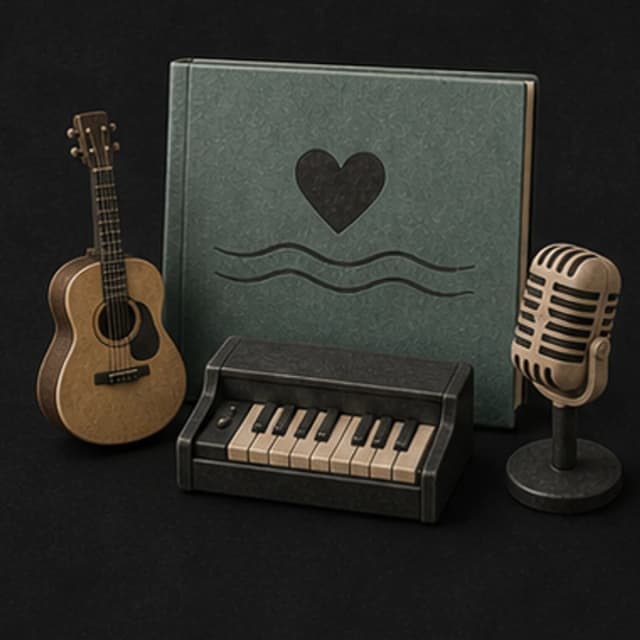
“Intimate acoustic love song with an honest close vocal, fingerpicked guitar, soft upright piano, brushed percussion, warm bass, and an original chorus about ordinary evenings together”
Pick a track to hear it and see the prompt behind it.
Direct the mood
A few concrete details give the song more to work with than love song, romantic, or heartfelt alone.
A kitchen light, train ride, shared joke, or ordinary routine gives original lyrics and melodies a clearer center.

Ask for a private close vocal, a slow dance, or a larger wedding-ready lift depending on the moment.
Acoustic pop, soul, piano ballad, jazz, country, and modern R&B each frame the message differently.
Paste lyrics you wrote when exact details matter, or describe the story and treat the generated words as a draft to edit.
Use personal details you may share and avoid copying a familiar love song, artist voice, or existing melody.
Compare a softer version with a fuller chorus before choosing what fits the person and occasion.
A personal direction
The most useful romantic prompts describe a small truth, the emotional tone, and the musical frame.
“Intimate2 acoustic love song about ordinary evenings cooking together1, fingerpicked guitar, soft piano and brushed drums3, warm conversational vocal, original chorus, no oversized finale4.”
How it works
Start with the feeling and scene. Add musical details only where they help make the direction clearer.
Describe who the song is for, one concrete memory or message, and whether the delivery should feel private, playful, grateful, or celebratory.
Pick an available music model, choose instrumental or vocal, and review the shown credit cost before starting.
Play the result from your library. Change the instruments, pace, vocal direction, or intensity when the first version misses the mood.
Personal moments
A wedding, anniversary, apology, or private playlist needs a different level of detail and scale.
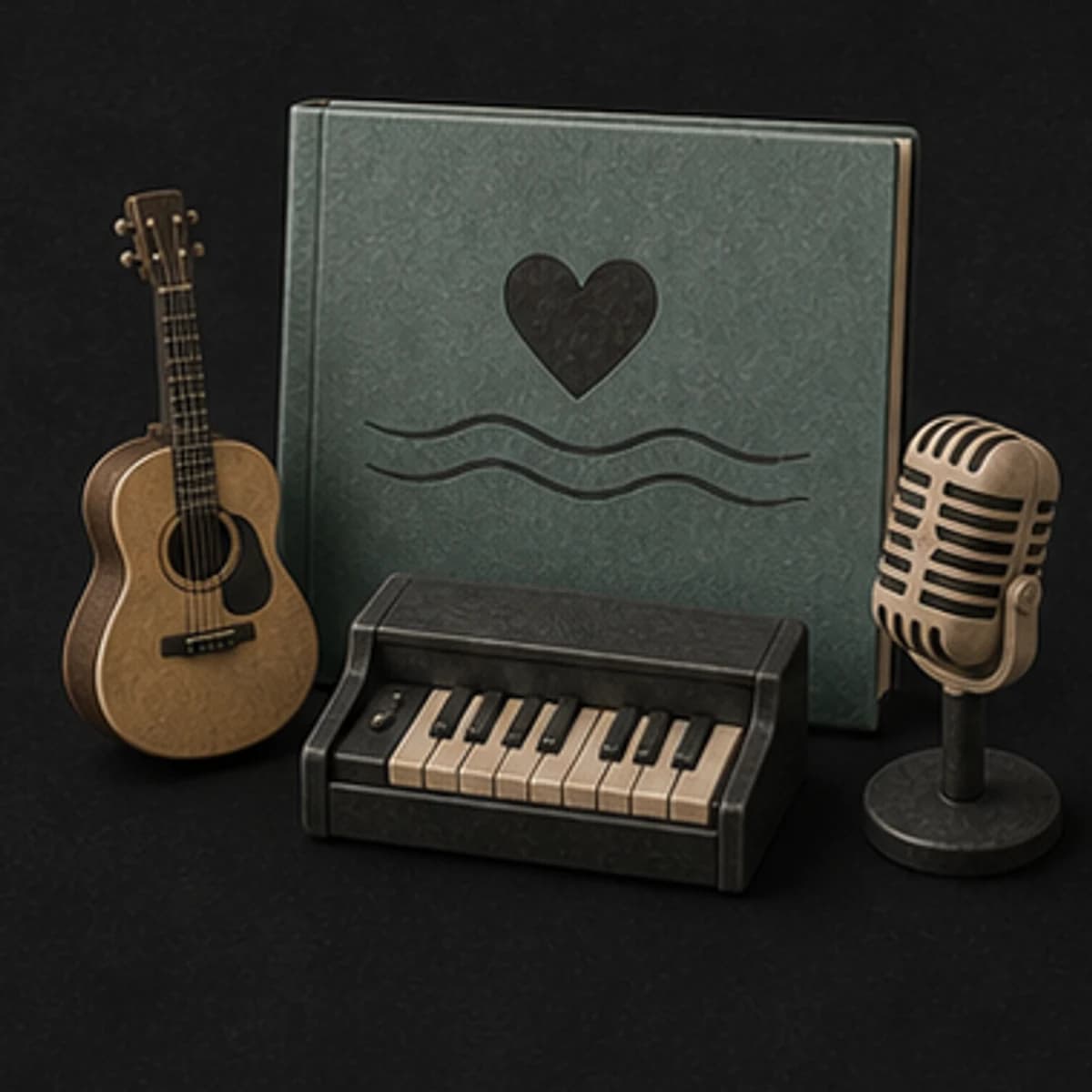
Turn shared memories into an original vocal draft or a gentle instrumental for a video.
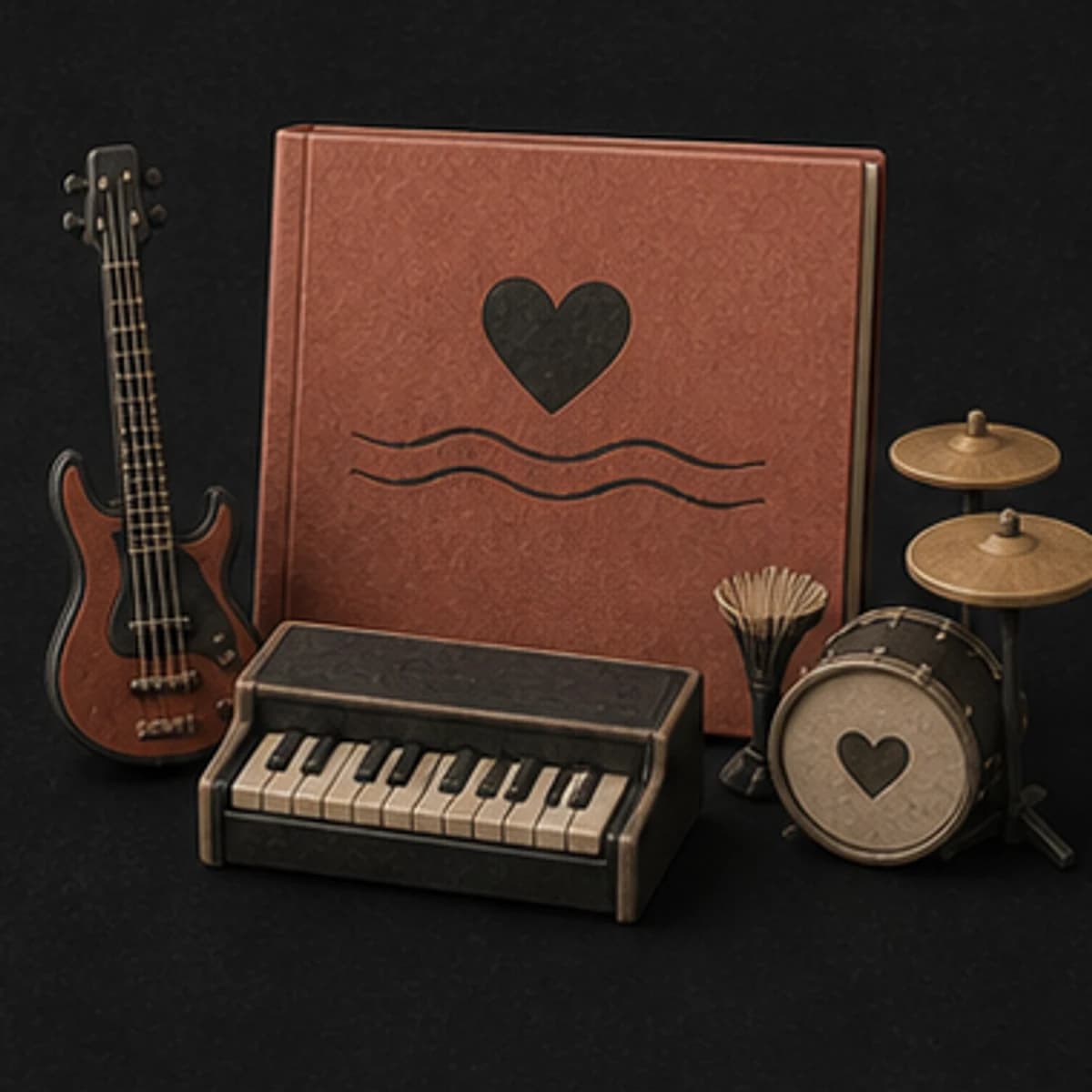
Create a first-dance direction, ceremony background, or personal demo to develop further.
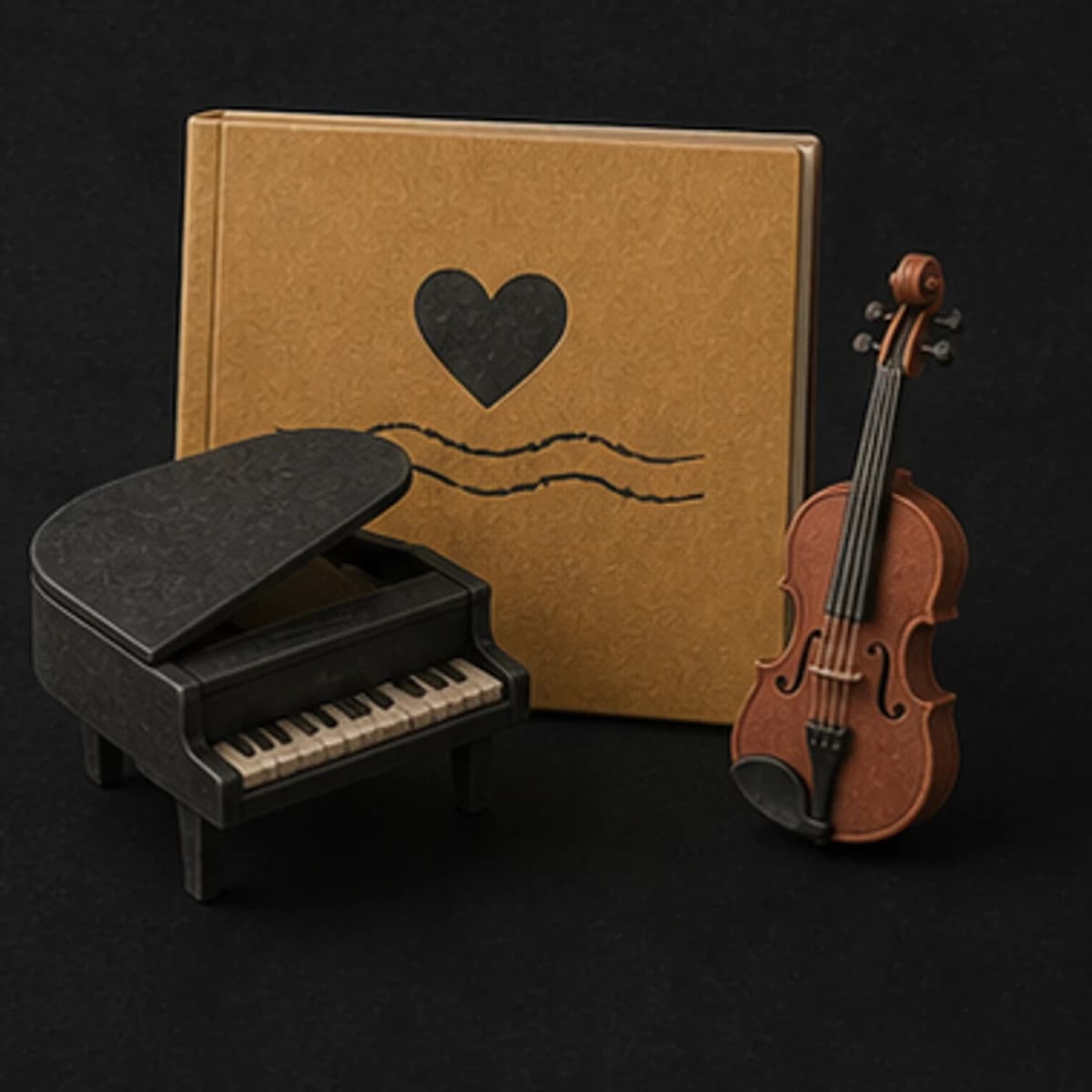
Write something quieter around gratitude, distance, reconnection, or an ordinary shared routine.
Make an instrumental cue for a short film, photo sequence, or personal edit.
Start free. Upgrade when you need more.
Try it out — no card required.
No credit card required
Perfect for creation, image-to-song, and song extension.
Save 40%
All 7 model families


Wave 5.5 · ElevenLabs Music · Lyria 3 Pro · MiniMax 2.6 · Mureka 9 · Stable Audio 2.5 · MusicGen
Cancel anytime · No lock-inUnused subscription credits expire at renewal or when the billing interval changes.
Best for commercial releases and advanced song editing.
Save 40%
All 7 model families
Wave 5.5 · ElevenLabs Music · Lyria 3 Pro · MiniMax 2.6 · Mureka 9 · Stable Audio 2.5 · MusicGen
Cancel anytime · No lock-inUnused subscription credits expire at renewal or when the billing interval changes.
For power users working across MIDI, video, and high-volume output.
Save 40%
All 7 model families
Wave 5.5 · ElevenLabs Music · Lyria 3 Pro · MiniMax 2.6 · Mureka 9 · Stable Audio 2.5 · MusicGen
Cancel anytime · No lock-inUnused subscription credits expire at renewal or when the billing interval changes.
FAQ
Straight answers about lyrics, names, familiar songs, downloads, and commercial use.
Yes, if you have a reason and permission to use it. Check spelling and avoid including private information you should not share.
Yes. Use words you own or may use, then describe the genre, pace, instruments, and vocal delivery separately.
Describe the musical traits you want instead of requesting a copy of a song, melody, or living artist's voice.
Treat them as a draft. Edit generic lines, check the details, and make sure the final words sound like you.
Completed tracks stay in your MusicWave library with the output options available for the selected model and plan.
Check your MusicWave plan, model terms, venue requirements, and rights in every supplied lyric or recording before use.
Keep exploring
Try a happy direction, turn complete lyrics into music, create a gift song, or extend the chosen take.
Describe the relationship, moment, and sound, then generate an original first version.
Start free — no credit card needed.