01
Choose the chill direction
Start with downtempo, acoustic, lo-fi, soft R&B, or mellow electronic so the track has a clearer starting point.
Describe a laid-back song or instrumental—downtempo, acoustic, lo-fi, or soft electronic. Choose the pace, sounds, and vocal direction, then make a version you can keep.
Start with the mood, sounds, and pace
First 2 songs freeEvery model on paid plans from $5.99/moSee plans ↓
Chill-song examples
We made these original tracks for this page. Compare a downtempo instrumental, an acoustic song with original lyrics, and a softer electronic track.
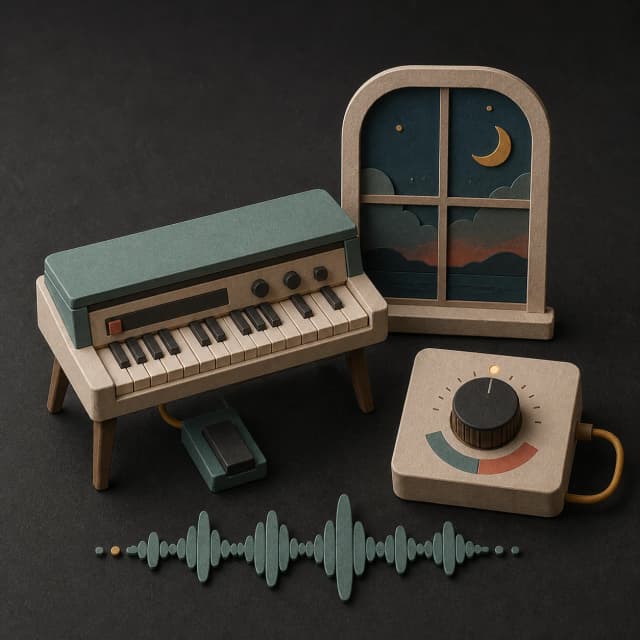
“Easy downtempo instrumental with warm electric piano, round bass, dry soft drums, small guitar phrases, relaxed 88 BPM feel, no vocals, no bright lead, and no sudden build”
Pick a track to hear it and see the prompt behind it.
Set the pace
Chill can still have a groove, a vocal, or a clear hook. Tell MusicWave how much movement you want and which sounds should stay in front.
Start with downtempo, acoustic, lo-fi, soft R&B, or mellow electronic so the track has a clearer starting point.
Ask for a relaxed BPM feel, a light pocket, or unhurried movement when you want energy without urgency.
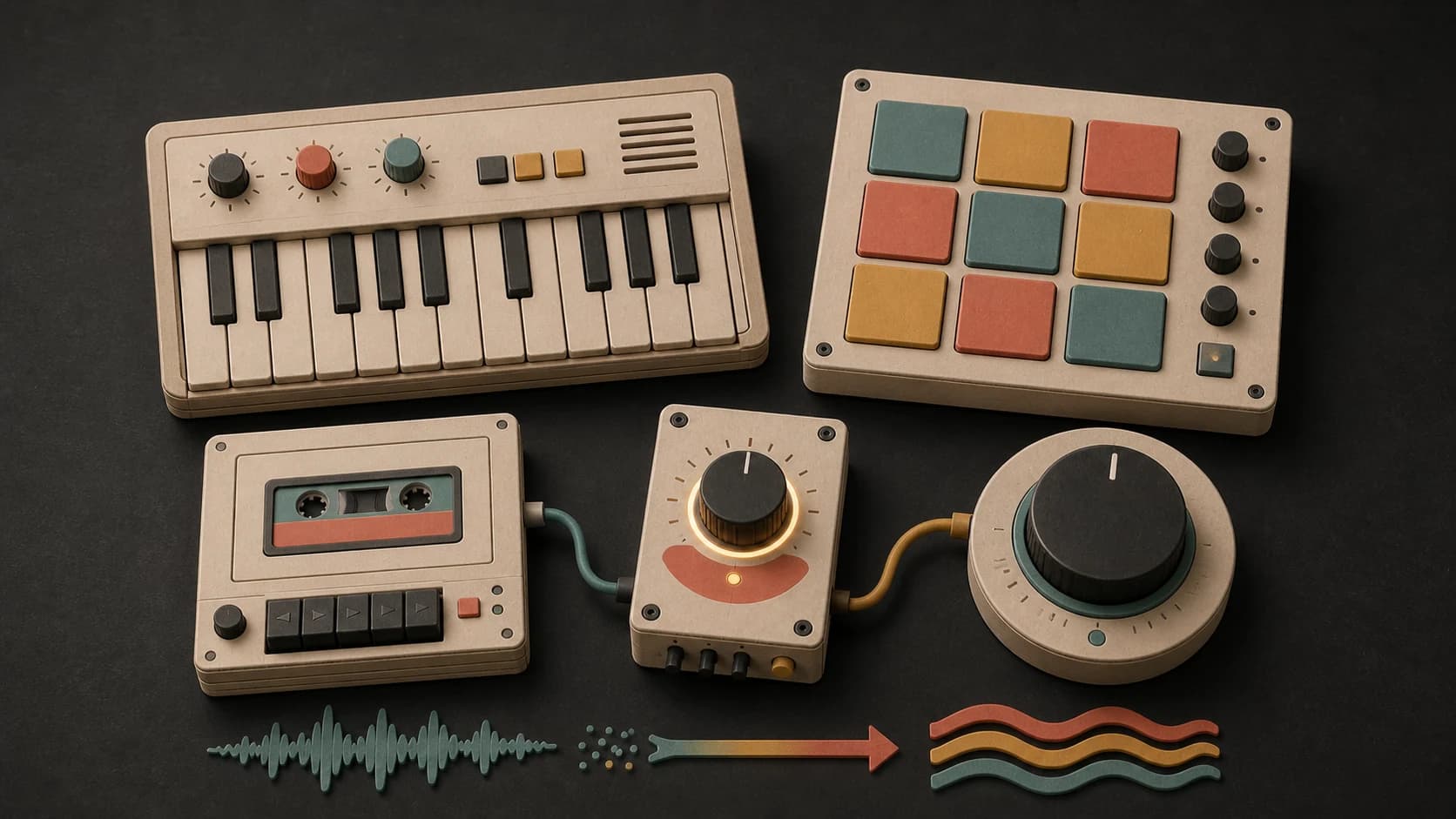
Electric piano, muted guitar, soft pads, brushed drums, and rounded bass create different kinds of calm.
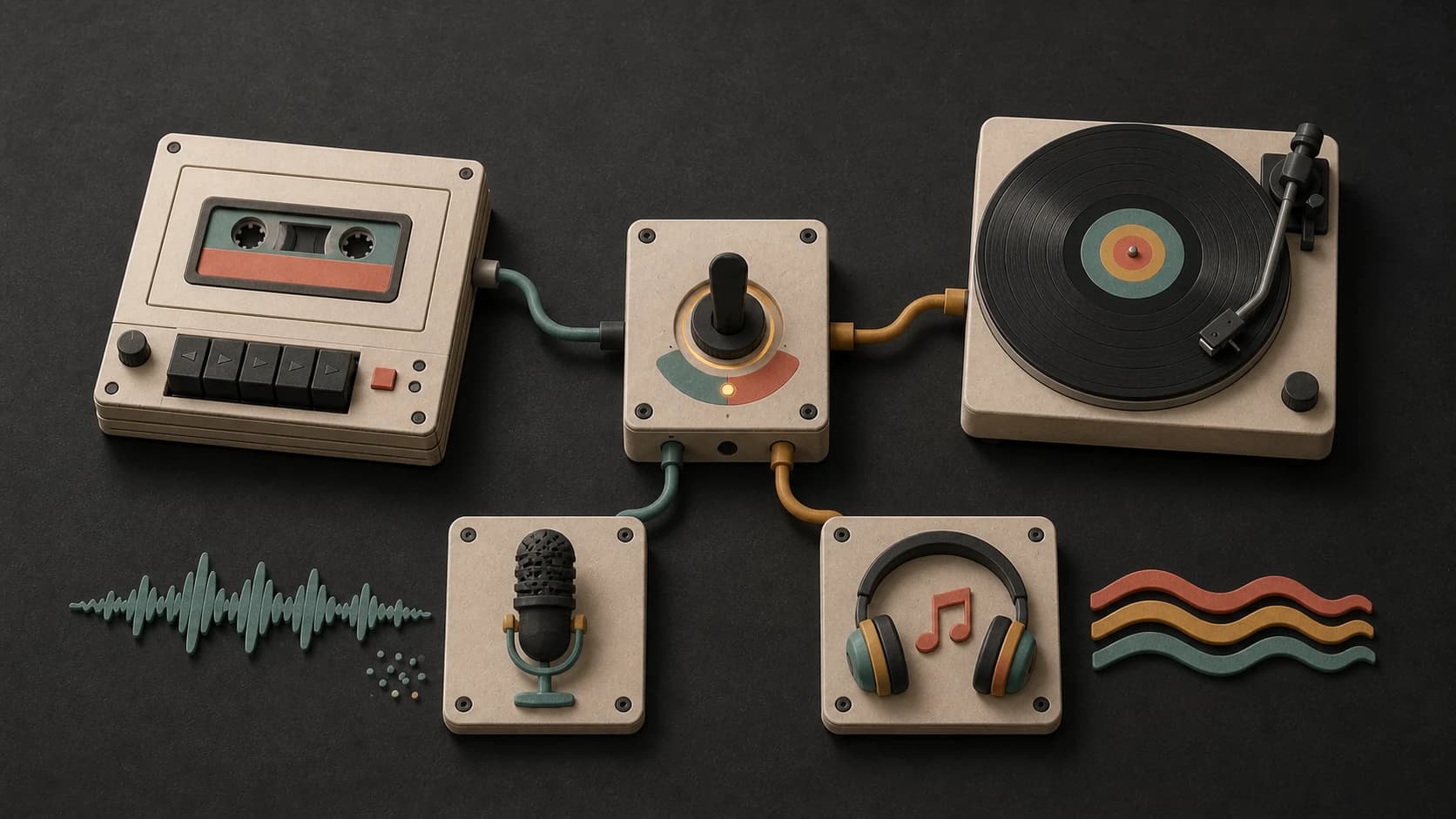
Ask for a close, understated vocal, bring your own lyrics, or turn on instrumental mode when words would get in the way.
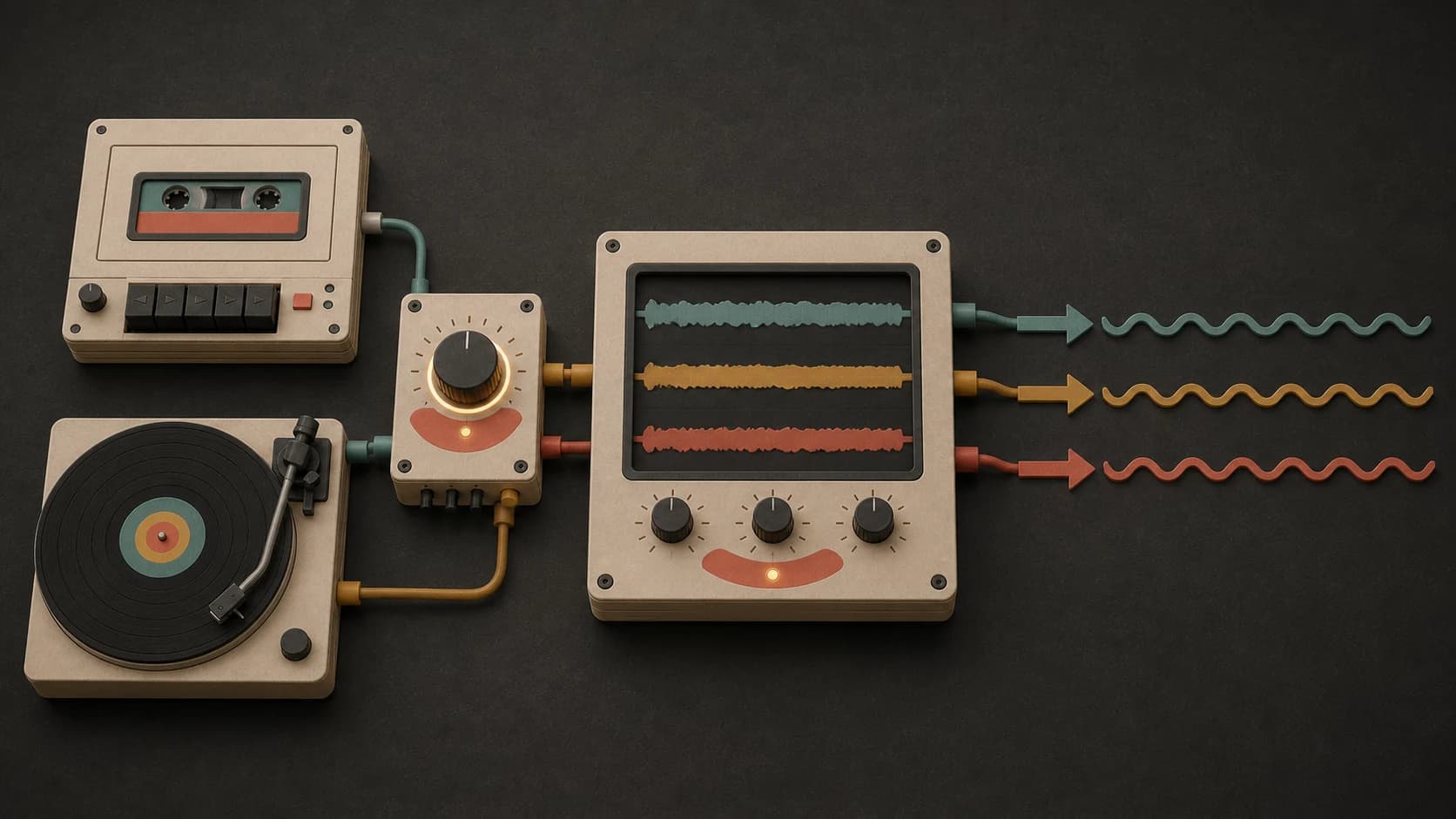
Use phrases like no sudden drop, restrained chorus, and short fills when the track should stay easy from start to finish.
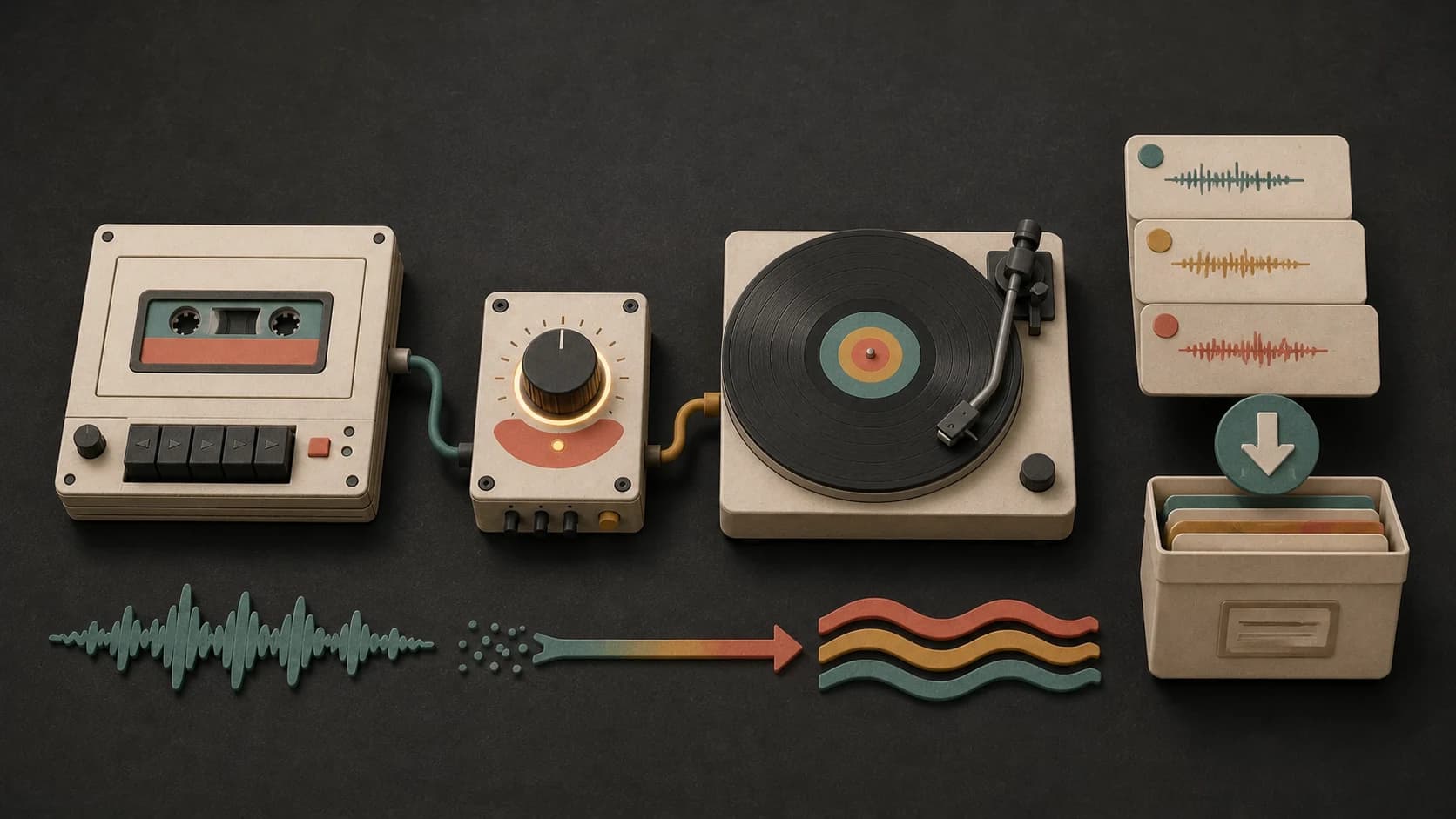
Keep finished tracks in your library so you can compare takes, download the available file, or continue one later.
A useful chill prompt
Choose a lane, name a few sounds, set the movement, and finish with anything you want left out.
“Easy downtempo instrumental1 with warm electric piano, round bass, dry soft drums, small guitar phrases2, relaxed 88 BPM feel3, no vocals, no bright lead, and no sudden build4.”
How it works
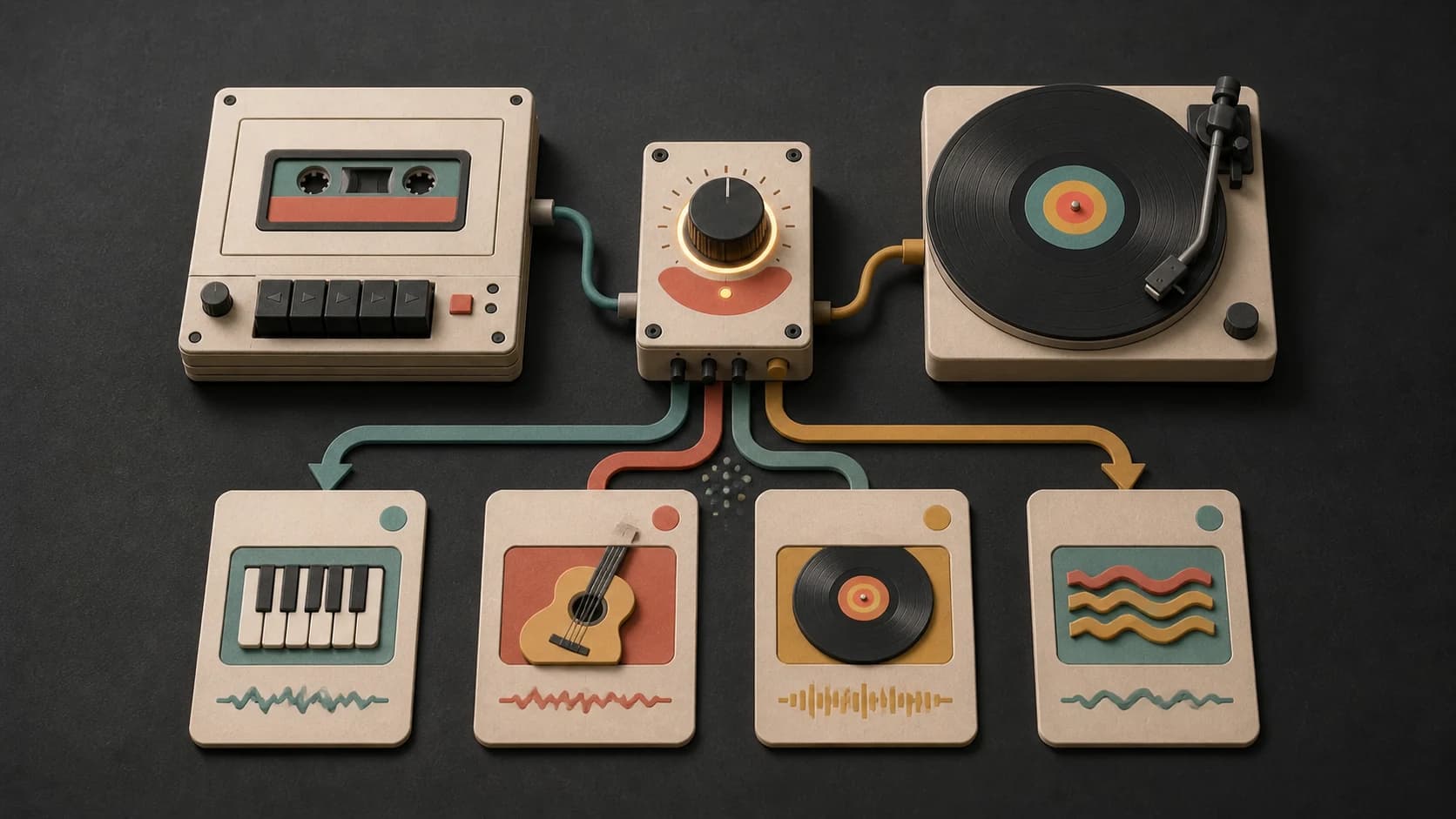
Write the direction in plain language, choose how you want the voice handled, and listen for the result that matches the room or moment.
Name the mood, style, instruments, pace, vocal choice, and anything you want avoided.
Select an available model, choose prompt or lyrics, and review the credit cost before starting.
Listen for pace, warmth, and how much attention the lead takes, then adjust the brief if needed.
Chill directions
A quiet evening, a drive, a study session, and an acoustic song each need a different amount of rhythm and melody.
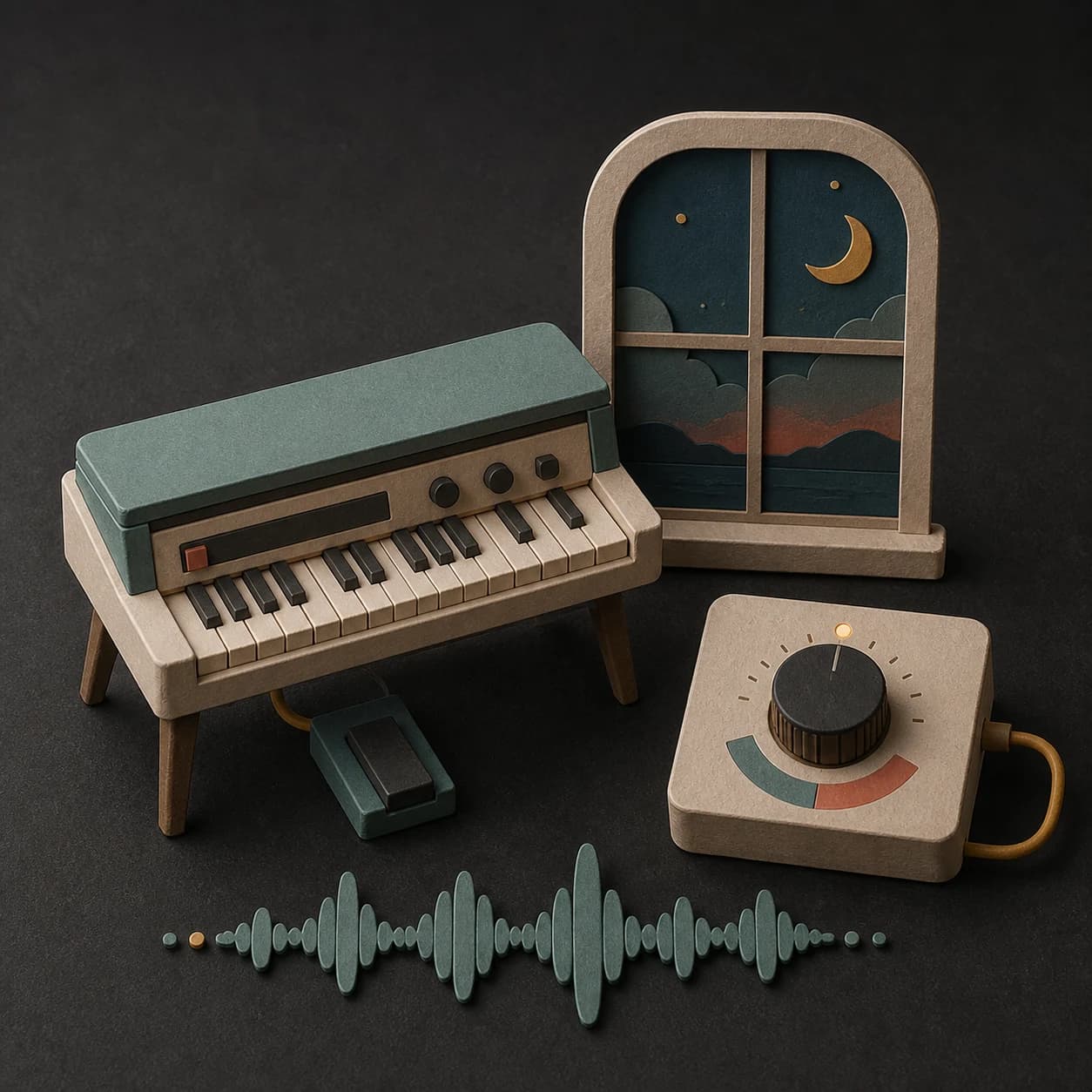
Use low-key drums, warm keys, rounded bass, and a close arrangement that does not push too hard.
Keep it instrumental, reduce melodic movement, and ask for an even background arrangement.
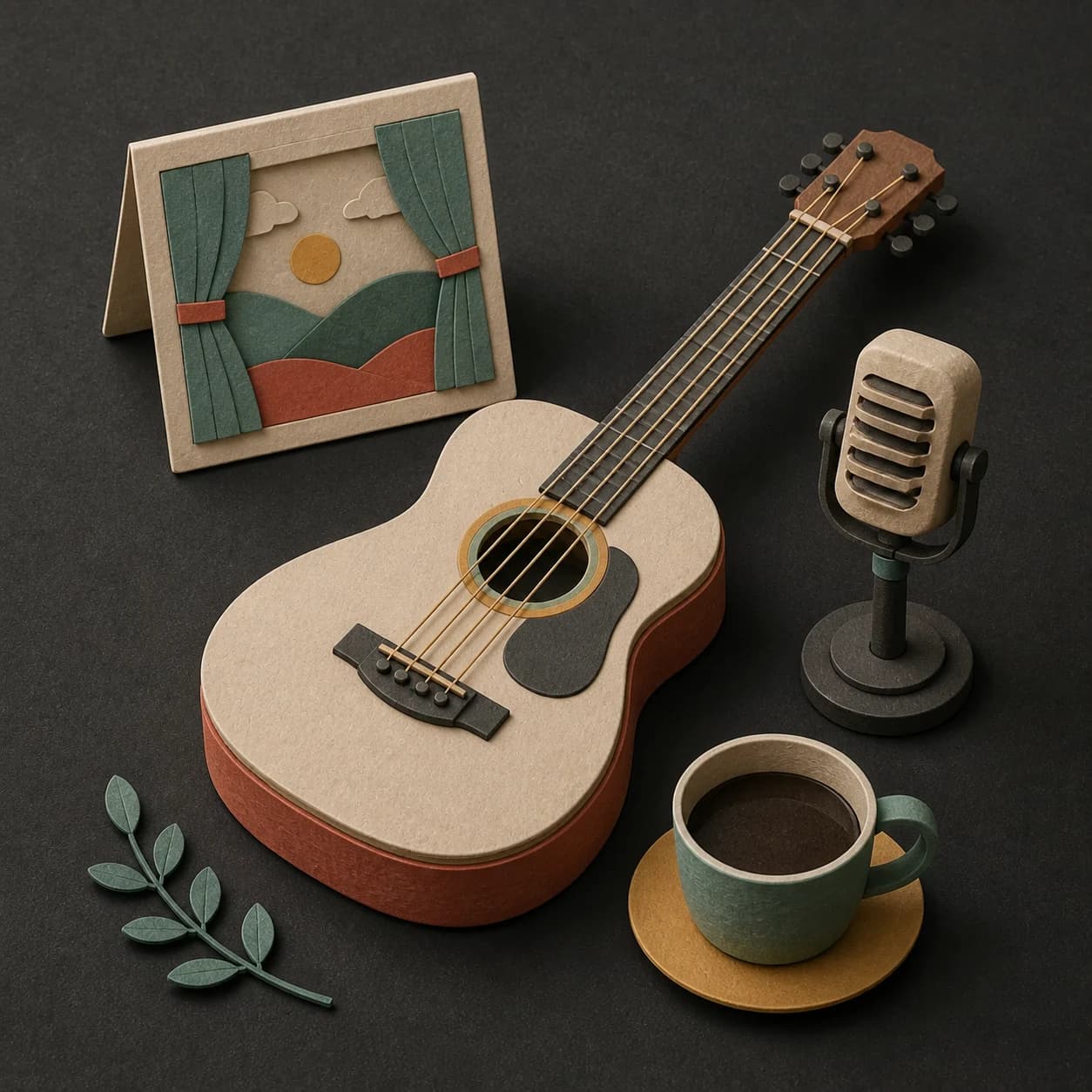
Choose an understated vocal, conversational lyrics, and a chorus that opens without getting loud.
Match the pace of the cuts and keep the lead simple enough to sit under speech or visuals.
Start free. Upgrade when you need more.
Try it out — no card required.
No credit card required
Perfect for creation, image-to-song, and song extension.
Save 40%
All 7 model families


Wave 5.5 · ElevenLabs Music · Lyria 3 Pro · MiniMax 2.6 · Mureka 9 · Stable Audio 2.5 · MusicGen
Cancel anytime · No lock-inUnused subscription credits expire at renewal or when the billing interval changes.
Best for commercial releases and advanced song editing.
Save 40%
All 7 model families
Wave 5.5 · ElevenLabs Music · Lyria 3 Pro · MiniMax 2.6 · Mureka 9 · Stable Audio 2.5 · MusicGen
Cancel anytime · No lock-inUnused subscription credits expire at renewal or when the billing interval changes.
For power users working across MIDI, video, and high-volume output.
Save 40%
All 7 model families
Wave 5.5 · ElevenLabs Music · Lyria 3 Pro · MiniMax 2.6 · Mureka 9 · Stable Audio 2.5 · MusicGen
Cancel anytime · No lock-inUnused subscription credits expire at renewal or when the billing interval changes.
FAQ
Straight answers about vocals, instrumentals, tempo, lo-fi, downloads, and commercial use.
Yes. Ask for an understated vocal and describe the tone you want, or switch to the lyrics option when you have words you wrote or have permission to use.
Yes. Turn on instrumental mode and name the instrument or texture that should carry the track instead of a singer.
No. Lo-fi is one chill direction, usually with worn texture and a steady beat. Chill music can also be acoustic, electronic, R&B, jazz, or pop.
Yes. Include a target BPM or describe the pace in plain language. Check the finished file if exact timing matters, because generated music may not land on the precise number.
Completed tracks are saved to your MusicWave library, where you can play and download the output available for the selected model and plan.
That depends on your MusicWave plan, the selected model terms, and the rights in any lyrics or audio you supplied. Review those terms before commercial use.
Keep exploring
Make a lo-fi beat, create a quieter background track, write a broader song, or extend a version you already like.
Describe the mood, sounds, pace, and vocal choice, then generate a version you can play back.
Start free — no credit card needed.