01
Name where it plays
A menu, level, stream, waiting screen, or background scene suggests a different amount of movement.
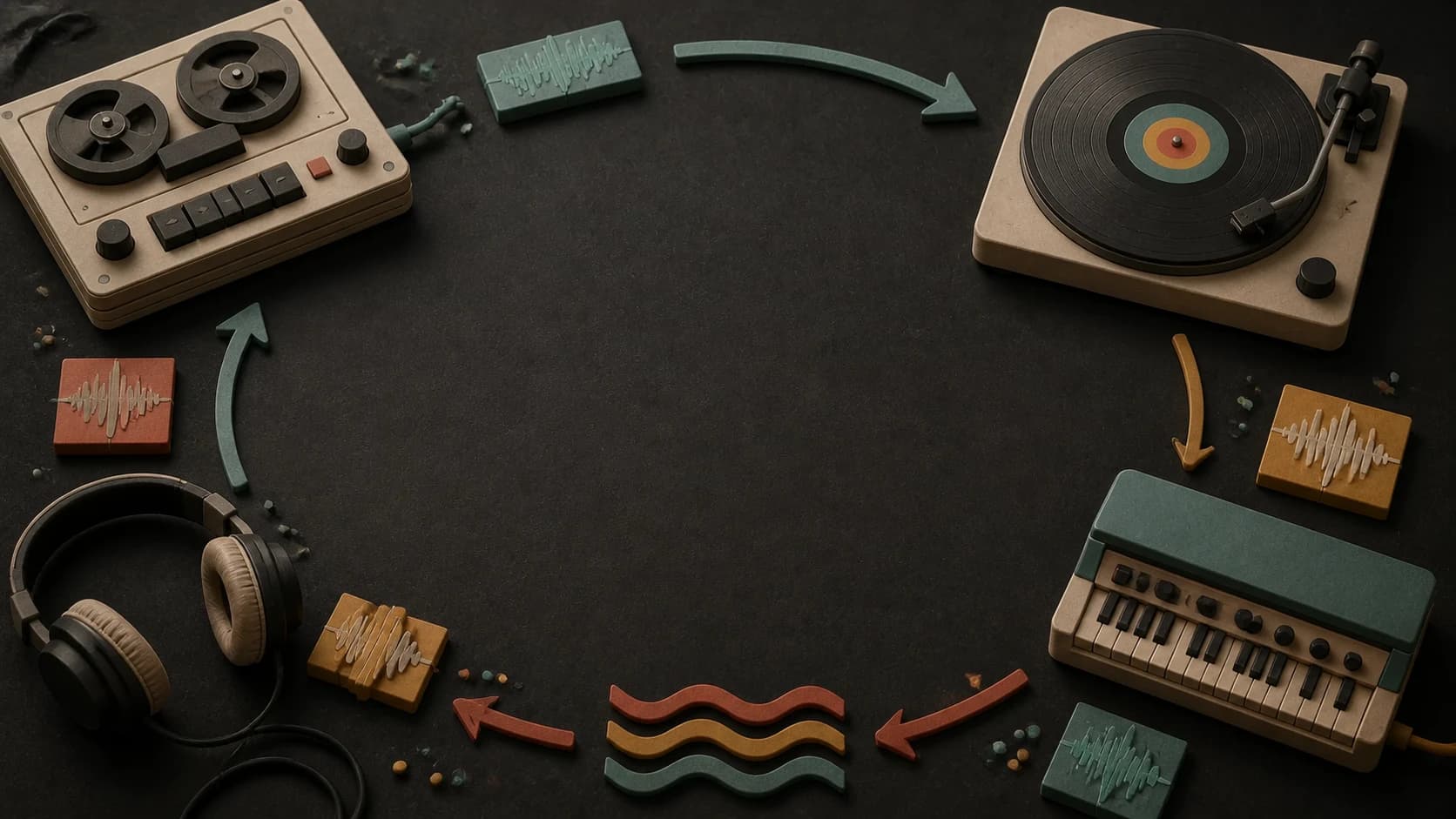
Describe the background, game, or app loop you need. Generate a repeat-friendly direction, then trim and test the exact loop point in your editor.
Start with the use, pace, and ending
First 2 songs freeEvery model on paid plans from $5.99/moSee plans ↓
Music loop examples
These original instrumentals cover a calm menu, lo-fi background, and minimal app loop.
“Calm game-menu loop instrumental with warm pads, soft mallet motif, low rounded bass, very light percussion, no vocals, no dramatic change, and an ending that returns naturally toward the opening harmony”
Pick a track to hear it and see the prompt behind it.
Plan the repeat
Describe what repeats, how much change is allowed, and how the ending should point back to the start.
A menu, level, stream, waiting screen, or background scene suggests a different amount of movement.
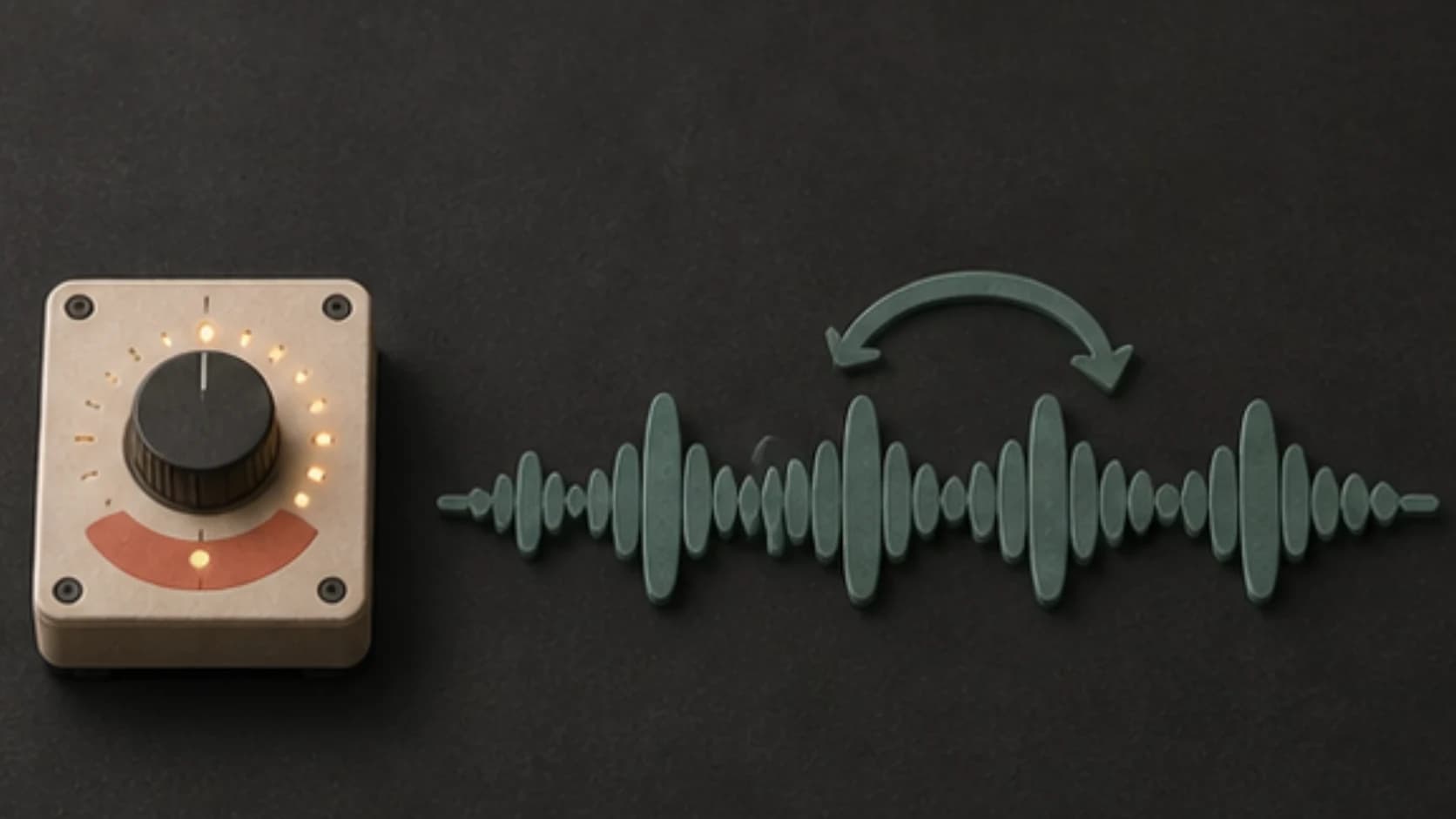
Use one simple melodic or rhythmic idea that can return without calling too much attention to itself.
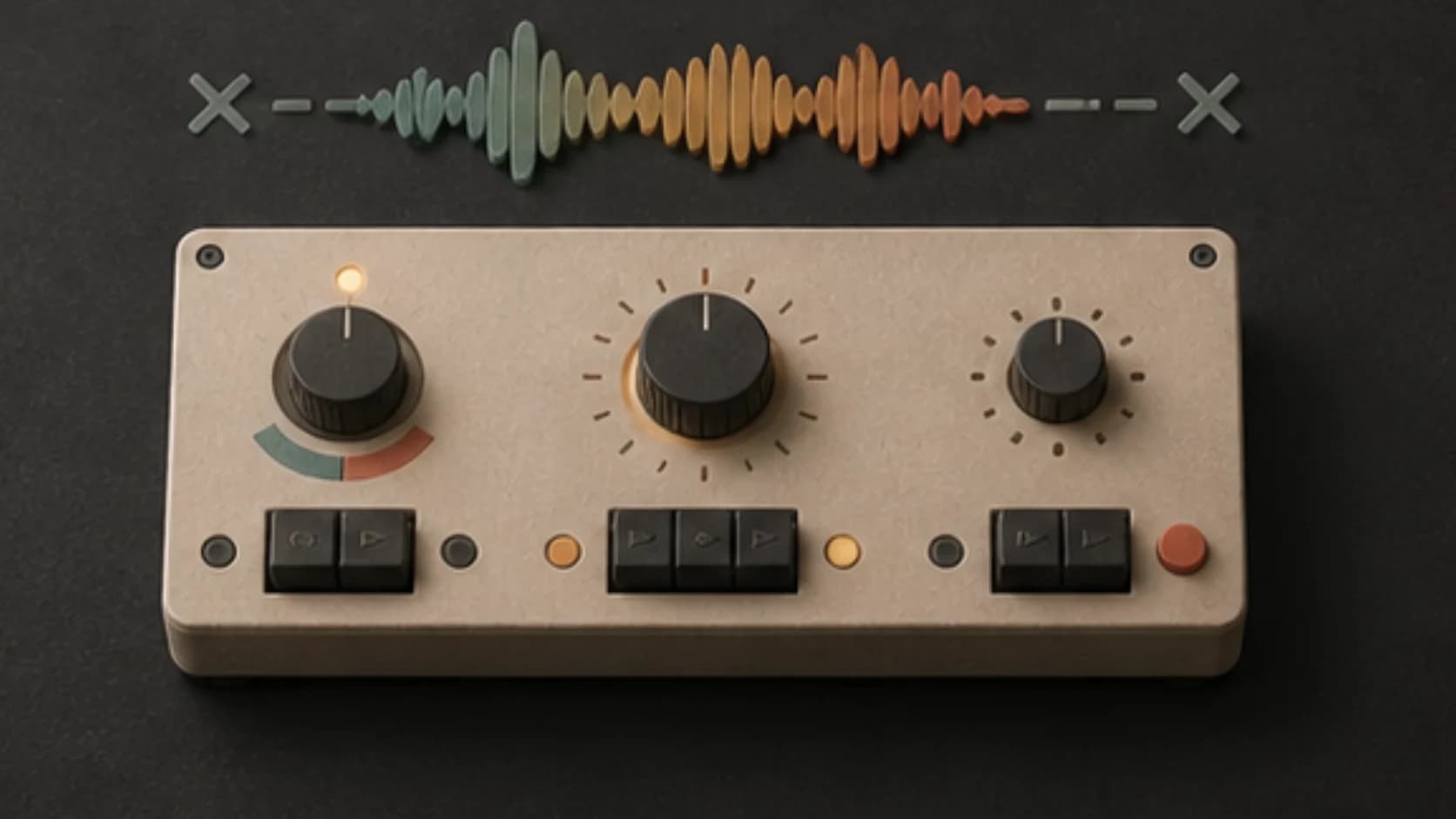
Avoid long builds, hard drops, and one-time finales when the track may repeat many times.
Describe an ending that moves toward the opening harmony instead of a large final chord.
Keep the arrangement controlled when the loop sits under speech, effects, gameplay, or browsing.
Trim on the beat, crossfade if needed, and listen through several repeats before using the file.
Loop recipe
Keep the structure compact and tell the ending where it should go.
“Lo-fi background loop with dusty drums, soft Rhodes, rounded bass, one short guitar answer, steady 82 BPM feel1, no vocals, no large fill2, and balanced opening and closing phrases3.”
How it works
MusicWave gives you the track; your editor gives you the exact repeat point.
Include its use, groove, motif, instruments, and how much variation you want.
Keep it instrumental when other audio needs room and avoid a final-song ending.
Trim or crossfade the file, then listen through several repeats before publishing.
Where loops fit
A short interface loop and a long ambient bed should not use the same amount of movement.
Make menu, level, puzzle, or results music with a repeat-friendly structure.
Use minimal cues and restrained backgrounds that do not tire quickly.
Create a steady bed you can repeat underneath a longer spoken or visual segment.
Build low-distraction tracks that can be arranged into longer playlists or environments.
Start free. Upgrade when you need more.
Try it out — no card required.
No credit card required
Perfect for creation, image-to-song, and song extension.
Save 40%
All 7 model families


Wave 5.5 · ElevenLabs Music · Lyria 3 Pro · MiniMax 2.6 · Mureka 9 · Stable Audio 2.5 · MusicGen
Cancel anytime · No lock-inUnused subscription credits expire at renewal or when the billing interval changes.
Best for commercial releases and advanced song editing.
Save 40%
All 7 model families
Wave 5.5 · ElevenLabs Music · Lyria 3 Pro · MiniMax 2.6 · Mureka 9 · Stable Audio 2.5 · MusicGen
Cancel anytime · No lock-inUnused subscription credits expire at renewal or when the billing interval changes.
For power users working across MIDI, video, and high-volume output.
Save 40%
All 7 model families
Wave 5.5 · ElevenLabs Music · Lyria 3 Pro · MiniMax 2.6 · Mureka 9 · Stable Audio 2.5 · MusicGen
Cancel anytime · No lock-inUnused subscription credits expire at renewal or when the billing interval changes.
FAQ
What to request, what to edit, and what to check before a loop ships.
No. Ask for a repeat-friendly ending, then trim and test the exact loop point in an audio editor.
Describe the intended use and approximate feel. Generated length can vary, so edit the result to the duration your project needs.
Yes. Use small changes in texture or instrumentation, but avoid a large build, drop, or final ending that becomes obvious on repeat.
You can, but repeated lyrics become noticeable quickly. Instrumental loops are often easier to use under a product or scene.
Usage rights depend on your MusicWave plan and supplied material. Review the current license before publishing.
Keep exploring
Build a game cue, make related soundtrack states, create a background bed, or continue a loop direction.
Name the context, keep the motif compact, and describe how the ending should return.
Start free — no credit card needed.