01
Choose the kind of quiet
Warm, spacious, grounded, reflective, and lightly hopeful each suggest a different harmonic and instrumental palette.
Describe the kind of quiet you want—acoustic, ambient, piano-led, spacious, or gently rhythmic. Choose the instruments and movement, then make a calm original track.
Start with the space, sounds, and movement
First 2 songs freeEvery model on paid plans from $5.99/moSee plans ↓
Peaceful-music examples
These original instrumentals compare ambient piano, warm acoustic calm, and a nearly weightless string direction.
“Peaceful ambient-piano instrumental with slow open chords, soft water-like texture, low warm pads, almost no percussion, no vocals, and even quiet dynamics”
Pick a track to hear it and see the prompt behind it.
Direct the mood
Peaceful music can have rhythm and melody. The useful distinction is how much attention each part asks from the listener.
Warm, spacious, grounded, reflective, and lightly hopeful each suggest a different harmonic and instrumental palette.
Ask for no sudden swell, no sharp transition, and a restrained melody when the background should stay predictable.

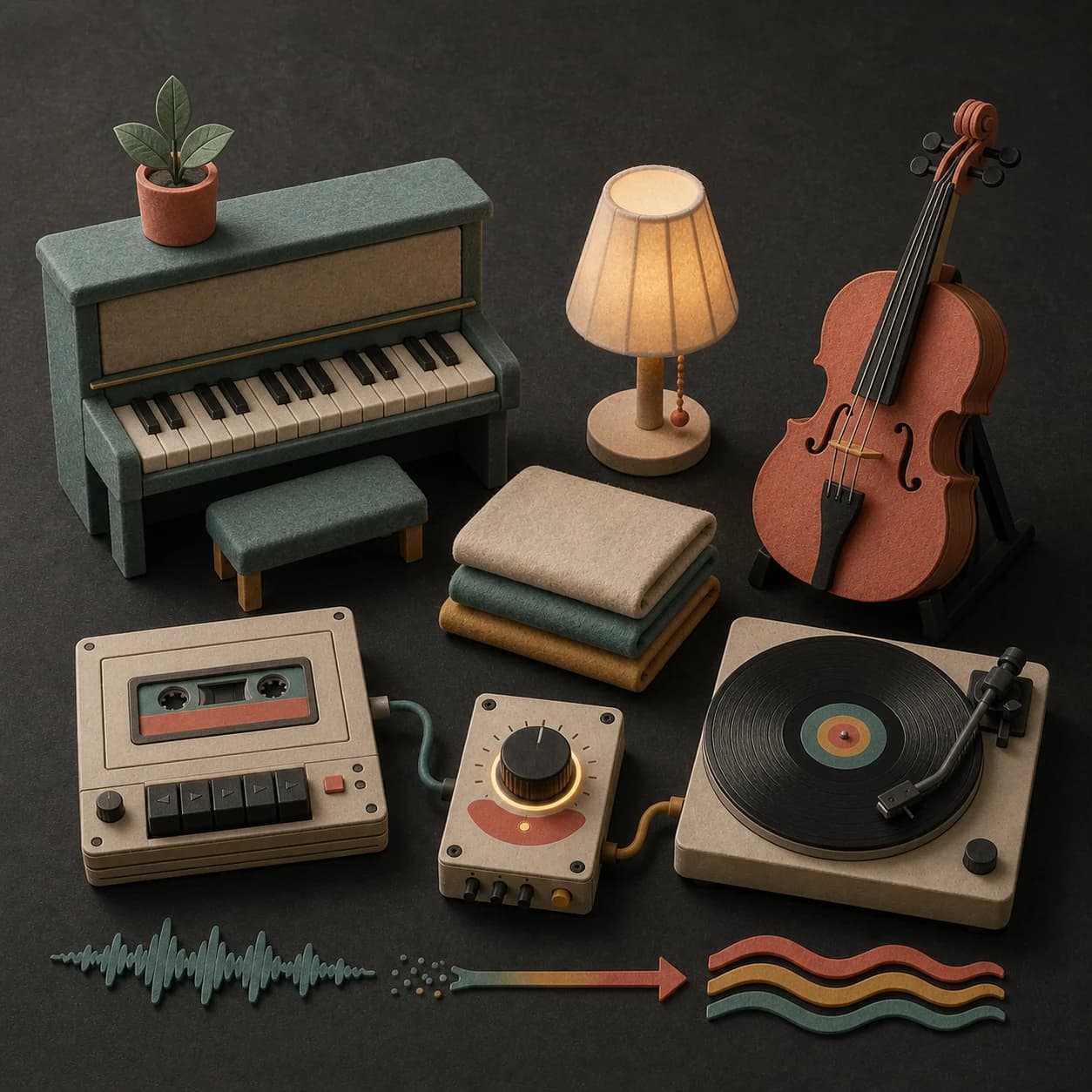
Nylon guitar, felt piano, pads, strings, harp, and brushed percussion can create calm without becoming empty.
Use no drums for open ambient space or a light steady pulse when the track still needs gentle movement.
Instrumental mode removes sung words when the track needs to sit behind reading, reflection, speech, or a quiet room.
Music can support a peaceful setting, but MusicWave does not claim that a track treats stress, anxiety, sleep, or any health condition.
A quieter prompt
A peaceful direction works best when every instrument has a reason to be there.
“Peaceful acoustic instrumental with nylon guitar, soft upright piano and brushed percussion2, slow even movement3, warm close room1, no vocals, no dramatic swell or sharp transition4.”
How it works
Start with the feeling and scene. Add musical details only where they help make the direction clearer.
Describe the setting, how much movement it needs, which sounds should stay soft, and anything that would pull too much attention.
Pick an available music model, choose instrumental or vocal, and review the shown credit cost before starting.
Play the result from your library. Change the instruments, pace, vocal direction, or intensity when the first version misses the mood.
Quiet settings
Reading, reflection, calm visuals, and quiet rooms need different balances of melody, rhythm, and texture.
Use a restrained instrumental with slow movement and very little lead melody.
Create a gentle soundtrack for landscapes, slow travel, craft, or personal footage.
Build even background music for a lounge, waiting area, studio, or home routine.
Try acoustic, ambient, piano, or soft-string versions and keep the one that suits your own preference.
Start free. Upgrade when you need more.
Try it out — no card required.
No credit card required
Perfect for creation, image-to-song, and song extension.
Save 40%
All 7 model families


Wave 5.5 · ElevenLabs Music · Lyria 3 Pro · MiniMax 2.6 · Mureka 9 · Stable Audio 2.5 · MusicGen
Cancel anytime · No lock-inUnused subscription credits expire at renewal or when the billing interval changes.
Best for commercial releases and advanced song editing.
Save 40%
All 7 model families
Wave 5.5 · ElevenLabs Music · Lyria 3 Pro · MiniMax 2.6 · Mureka 9 · Stable Audio 2.5 · MusicGen
Cancel anytime · No lock-inUnused subscription credits expire at renewal or when the billing interval changes.
For power users working across MIDI, video, and high-volume output.
Save 40%
All 7 model families
Wave 5.5 · ElevenLabs Music · Lyria 3 Pro · MiniMax 2.6 · Mureka 9 · Stable Audio 2.5 · MusicGen
Cancel anytime · No lock-inUnused subscription credits expire at renewal or when the billing interval changes.
FAQ
Straight answers about rhythm, health claims, instrumental mode, downloads, and rights.
No. Acoustic guitar, piano, soft jazz, classical strings, and gentle electronic music can all work when the arrangement stays restrained.
Yes. Ask for brushed, light, or restrained percussion when a quiet pulse helps. Use no drums when you want more open space.
MusicWave does not claim medical, sleep, or wellness outcomes. Use the music according to your own comfort and seek qualified help for health concerns.
Yes. Turn on instrumental mode and use the prompt to describe the instruments, texture, and movement.
Completed tracks stay in your library. Available download and extension options depend on the model and plan.
Check your MusicWave plan, model terms, and rights in supplied material before commercial use.
Keep exploring
Move toward meditation, relaxing backgrounds, ambient texture, or continue a track that fits.
Describe the space, instruments, and movement, then generate a calm original version.
Start free — no credit card needed.