01
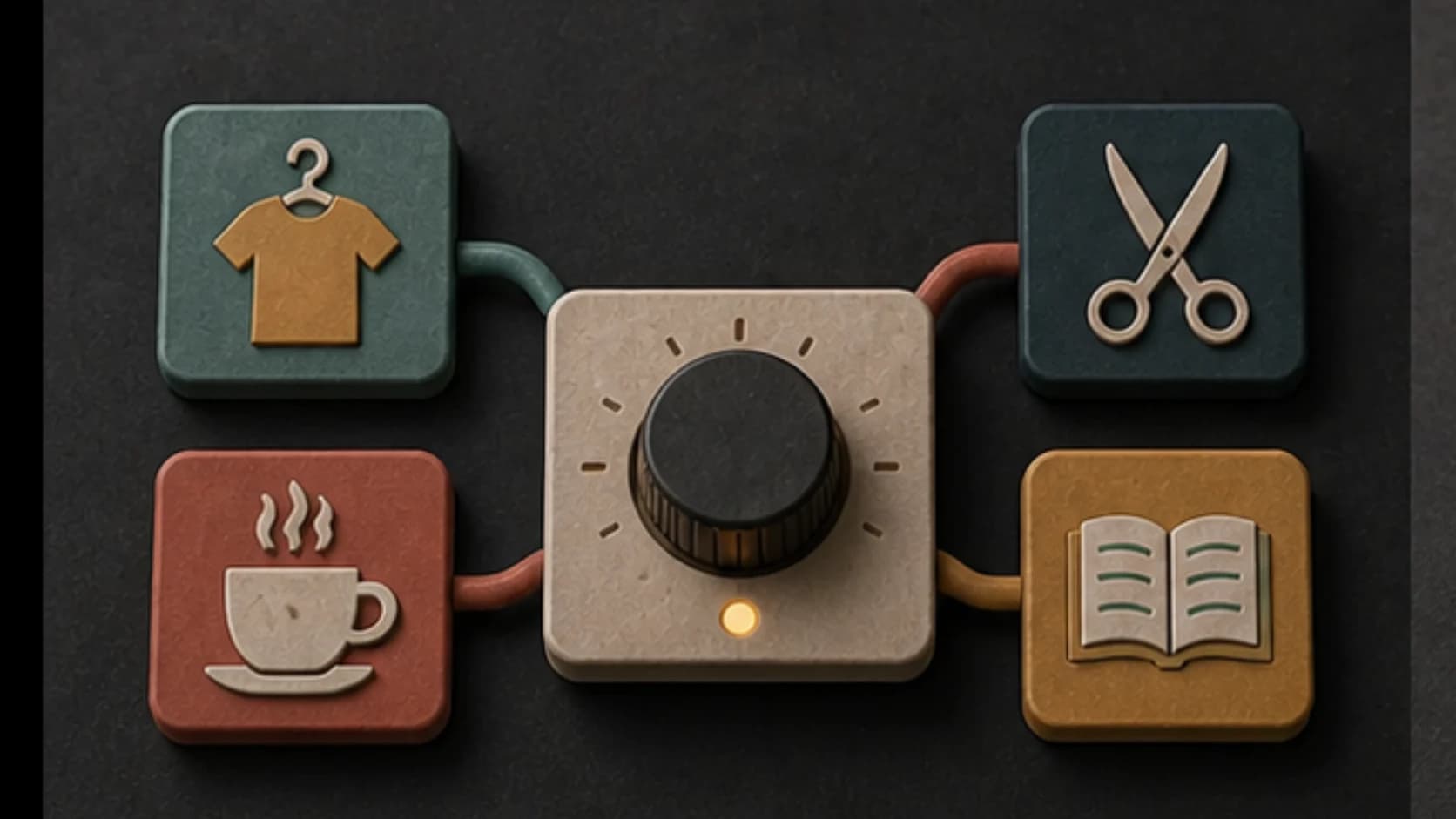
Name the store
Describe the space—fashion, café, salon, showroom, bookshop, grocery, or another setting.
Describe the store, customers, time of day, and desired pace. Make background music you can audition in the space before adding it to a playlist.
Start with the store, customers, and energy
First 2 songs freeEvery model on paid plans from $5.99/moSee plans ↓
Retail music examples
These original instrumentals show a quiet morning, a brighter weekend browse, and a calmer closing-hour sound.
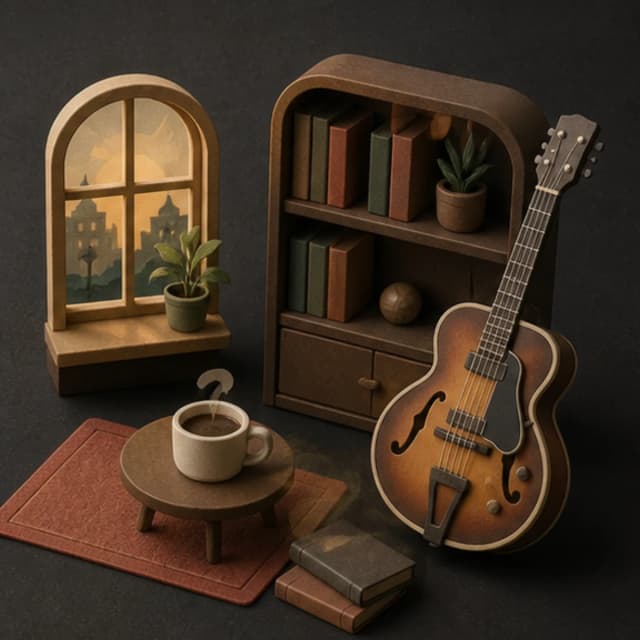
“Warm retail background instrumental for a quiet morning, clean jazz guitar, soft electric piano, brushed drums, upright bass, relaxed 86 BPM feel, no vocals, no foreground solo, and even volume”
Pick a track to hear it and see the prompt behind it.
Plan the atmosphere
Customer pace, time of day, conversation level, and brand character all affect the useful musical direction.
Describe the space—fashion, café, salon, showroom, bookshop, grocery, or another setting.
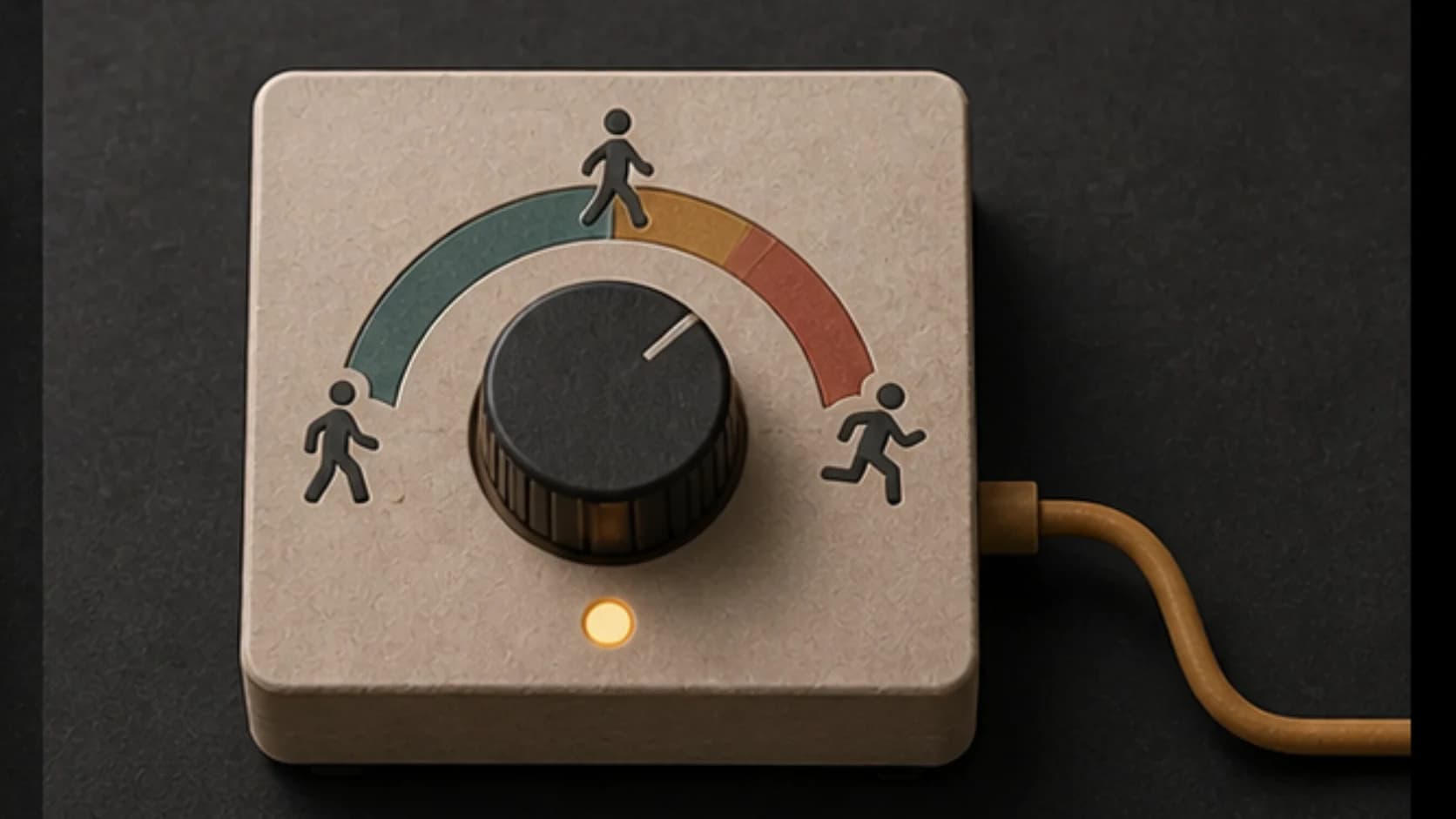
Choose unhurried browsing, steady daytime movement, or a brighter peak-hour feel.
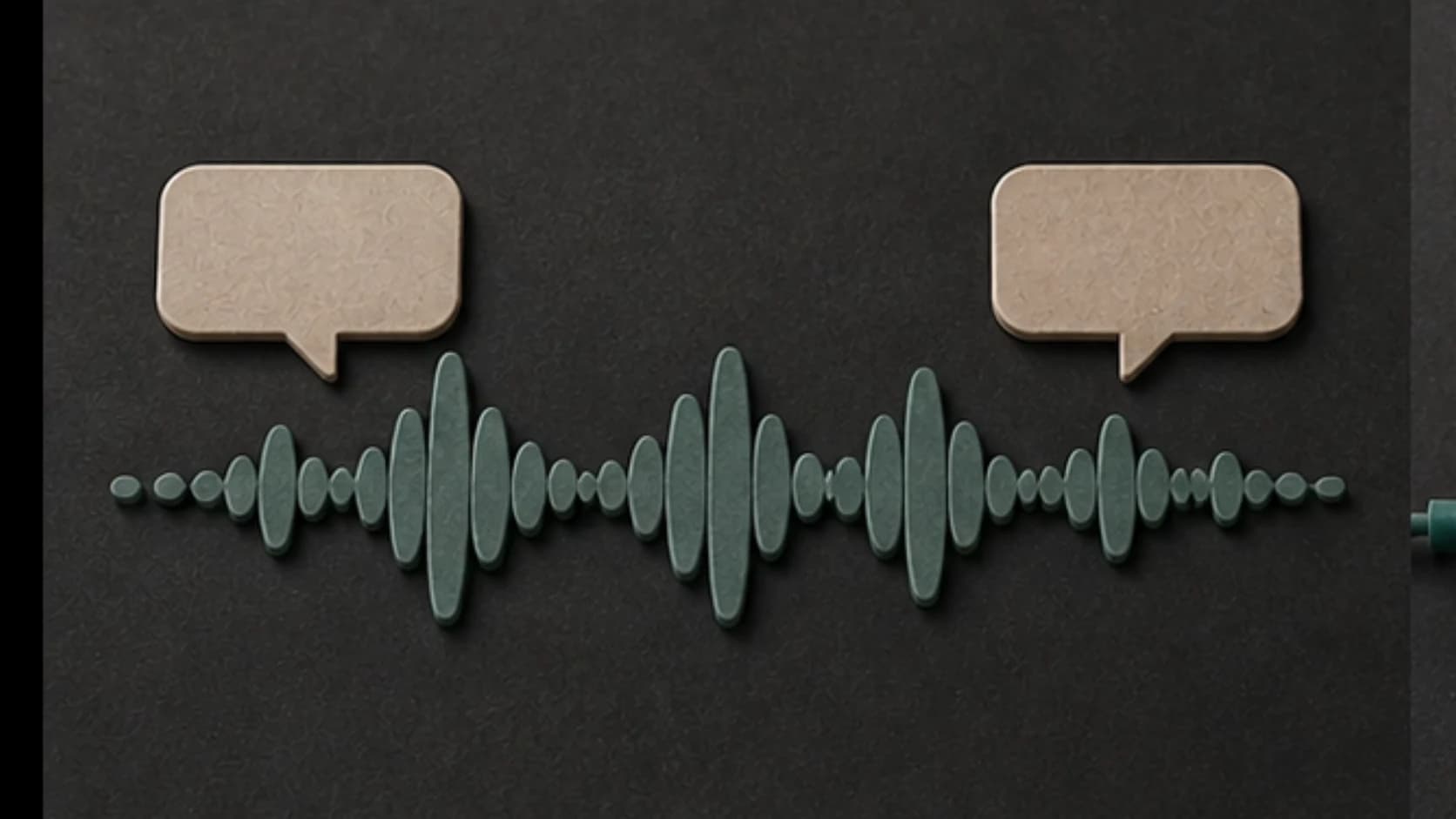
Use restrained leads, controlled bass, and even dynamics when staff and customers need to hear each other.
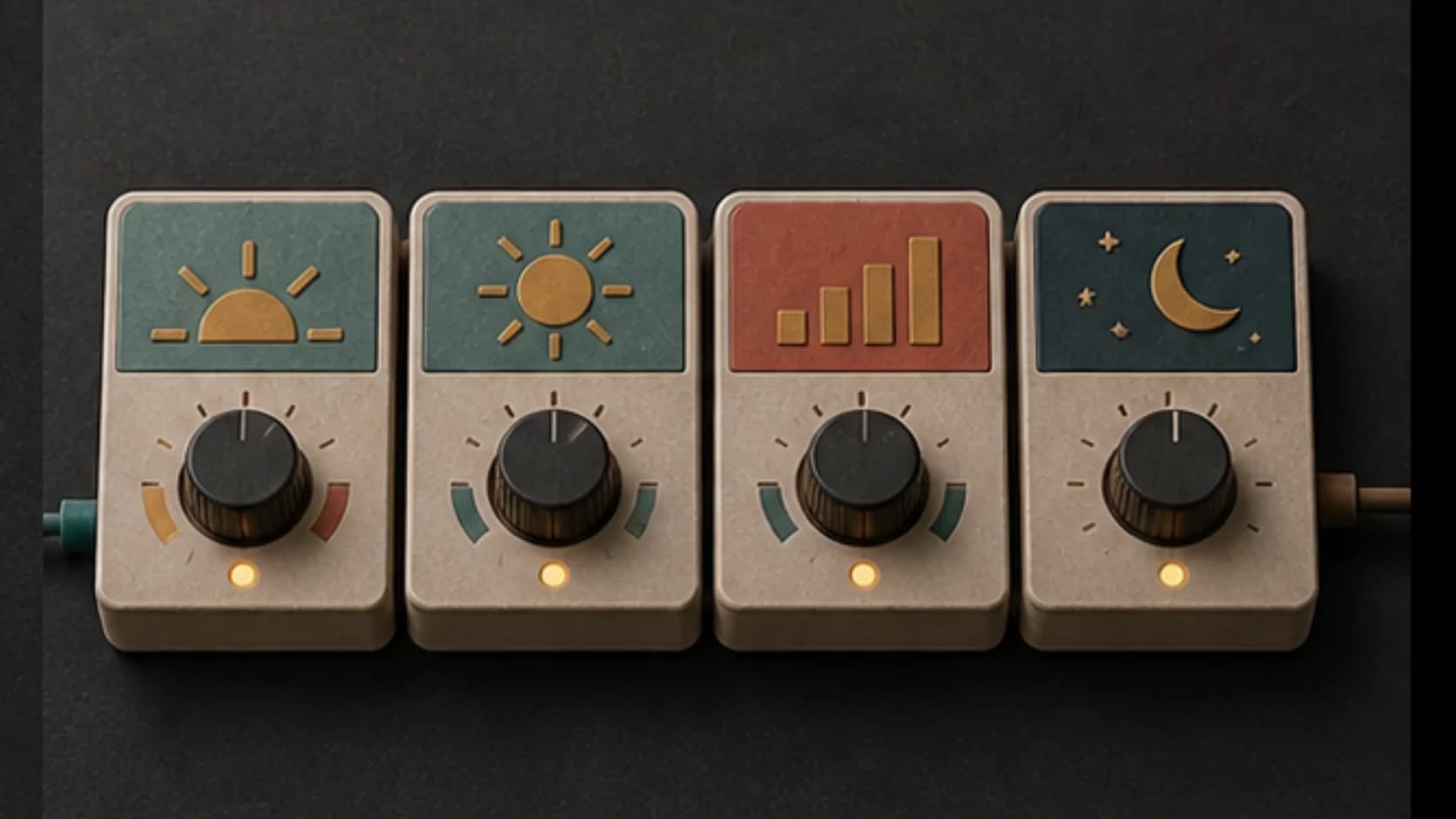
Make morning, afternoon, weekend, event, and closing directions instead of forcing one track to cover every period.
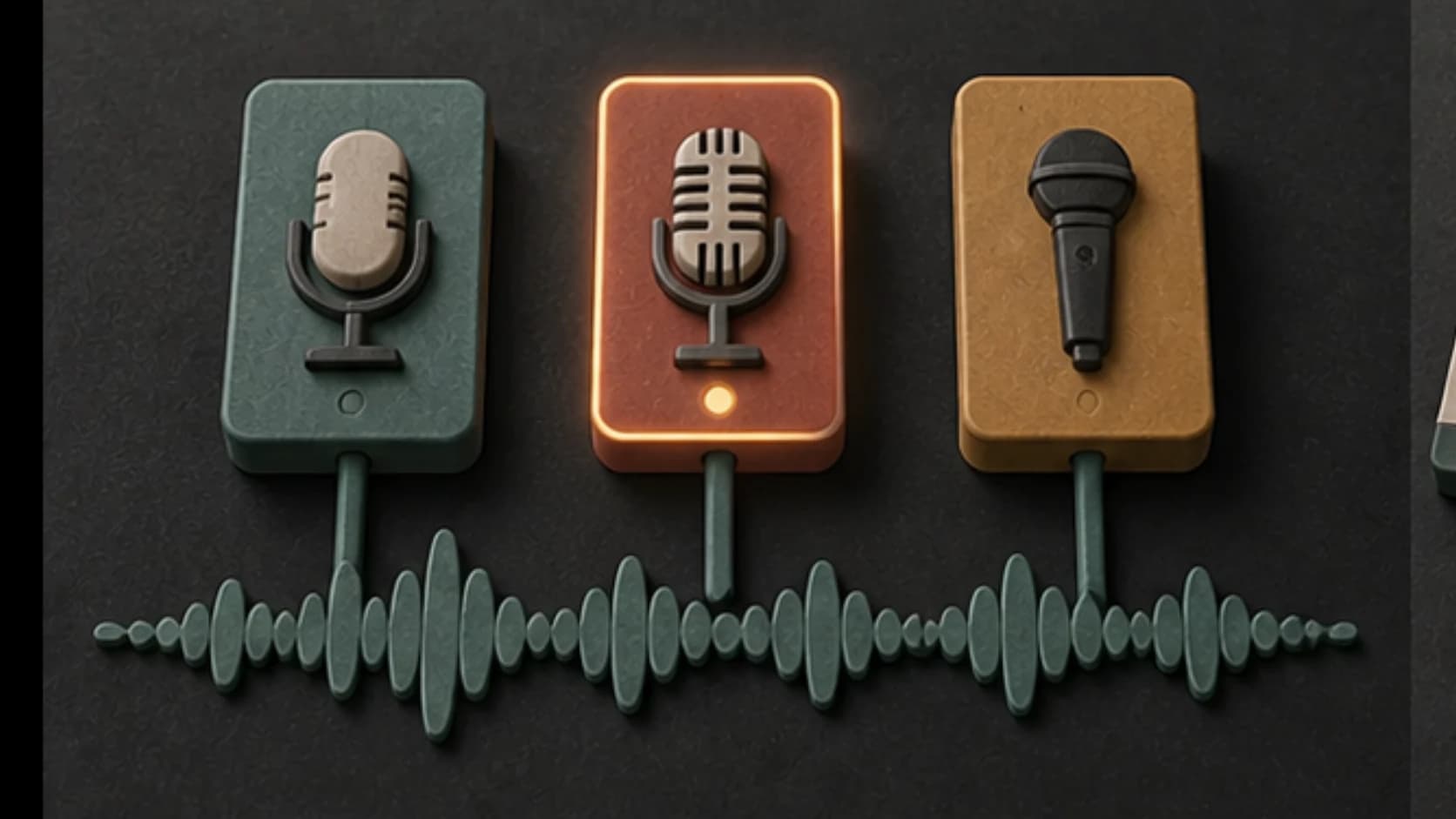
Stay instrumental for a neutral bed, or use original vocals only when they fit the brand and environment.
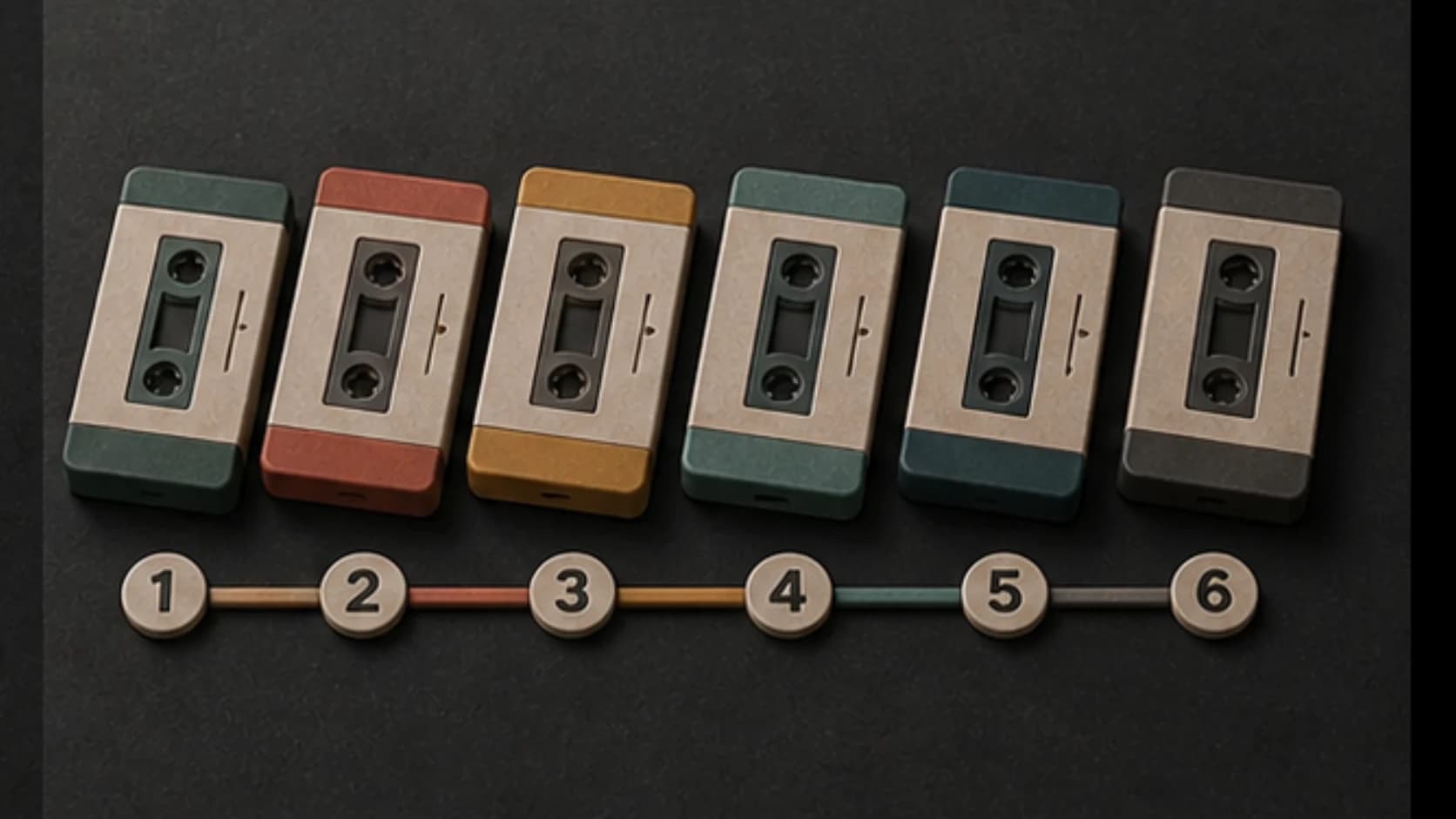
Generate several compatible tracks and arrange the running order outside MusicWave.
Daypart plan
Separate briefs for different periods keep the pace intentional.
“Warm background instrumental for a quiet independent bookshop morning, clean jazz guitar, soft electric piano, brushed drums, upright bass, relaxed 86 BPM feel, no vocals, no foreground solo, and even volume.”
How it works
Generate a direction, listen in the actual space, and build the playlist outside MusicWave.
Include the store type, customer pace, time of day, brand character, and sound level.
Choose instruments, tempo, and vocal mode that support the environment.
Listen on the store system, compare versions, and place approved tracks into your playlist.
Retail settings
Different spaces need different levels of energy, bass, melody, and repetition.
Use a defined pulse and restrained hooks that support browsing and visual presentation.
Choose warm instruments, lower density, and space for conversation.
Use even dynamics, calmer percussion, and a steady unhurried pace.
Create a brighter temporary direction for arrivals, demonstrations, or a product reveal.
Start free. Upgrade when you need more.
Try it out — no card required.
No credit card required
Perfect for creation, image-to-song, and song extension.
Save 40%
All 7 model families


Wave 5.5 · ElevenLabs Music · Lyria 3 Pro · MiniMax 2.6 · Mureka 9 · Stable Audio 2.5 · MusicGen
Cancel anytime · No lock-inUnused subscription credits expire at renewal or when the billing interval changes.
Best for commercial releases and advanced song editing.
Save 40%
All 7 model families
Wave 5.5 · ElevenLabs Music · Lyria 3 Pro · MiniMax 2.6 · Mureka 9 · Stable Audio 2.5 · MusicGen
Cancel anytime · No lock-inUnused subscription credits expire at renewal or when the billing interval changes.
For power users working across MIDI, video, and high-volume output.
Save 40%
All 7 model families
Wave 5.5 · ElevenLabs Music · Lyria 3 Pro · MiniMax 2.6 · Mureka 9 · Stable Audio 2.5 · MusicGen
Cancel anytime · No lock-inUnused subscription credits expire at renewal or when the billing interval changes.
FAQ
Practical answers about playlists, volume, vocals, duration, and commercial use.
It generates individual tracks. Create several compatible directions and arrange scheduling and playback in your playlist system.
Yes. Use separate prompts for morning, peak, event, and closing periods so each track has a clear pace.
Instrumental music is often easier under conversation. Original vocals can work when they fit the setting and brand.
You can describe the intended length, but generated duration may vary. Trim or extend the result for the playlist slot you need.
Usage rights depend on your MusicWave plan, supplied material, and local public-performance requirements. Check the current license and local obligations.
Keep exploring
Create an audio identity, make calmer wellness music, build background tracks, or continue a version that fits.
Describe the space, customer pace, and time of day, then audition the result where it will play.
Start free — no credit card needed.