01
Describe the brand character
Use plain words such as warm, direct, playful, calm, careful, or bold instead of an abstract request to sound premium.
Describe the brand, audience, and place the sound will appear. Make a sonic-logo, jingle, or short theme direction you can compare with the rest of your identity.
Start with the personality, format, and motif
First 2 songs freeEvery model on paid plans from $5.99/moSee plans ↓
Audio branding examples
These original examples include a compact sonic logo, a short vocal jingle with original lyrics, and a clean technology ident.
“Compact audio-branding instrumental built around a memorable three-note mallet motif, one warm bass note, two clean percussion accents, no vocals, no long sustain, and a concise resolved ending”
Pick a track to hear it and see the prompt behind it.
Make the brief specific
Describe who should hear it, where it plays, and which musical idea should stay recognizable.
Use plain words such as warm, direct, playful, calm, careful, or bold instead of an abstract request to sound premium.
Choose a sonic logo, short jingle, product cue, podcast sting, or a longer theme before setting the arrangement.
Use a short note pattern or rhythmic idea that can return in different brand materials.
Use original words for a jingle, or stay instrumental when the name, voiceover, or interface should lead.
Listen on the actual video, ad, app, podcast, or product screen instead of judging the track alone.
Save compact, longer, quieter, and instrumental options while the direction is being chosen.
Brand-sound recipe
A brand adjective is more useful when it is tied to an audience, format, and motif.
“Compact friendly1 sonic logo for a practical consumer app2, three warm mallet notes, one rounded bass note, two clean percussion accents3, no vocals, no long sustain, and a concise resolved ending3.”
How it works
Create several directions and test them against the real brand material.
Include the audience, character, placement, duration, instruments, and anything the sound should avoid.
Try compact, longer, vocal, or instrumental directions around the same motif.
Check recognizability, voiceover space, and fit with the visual identity before choosing a direction.
Brand placements
A two-second product cue and a podcast theme need different structures even when they share a motif.
Create a concise note pattern and ending for the start or finish of brand media.
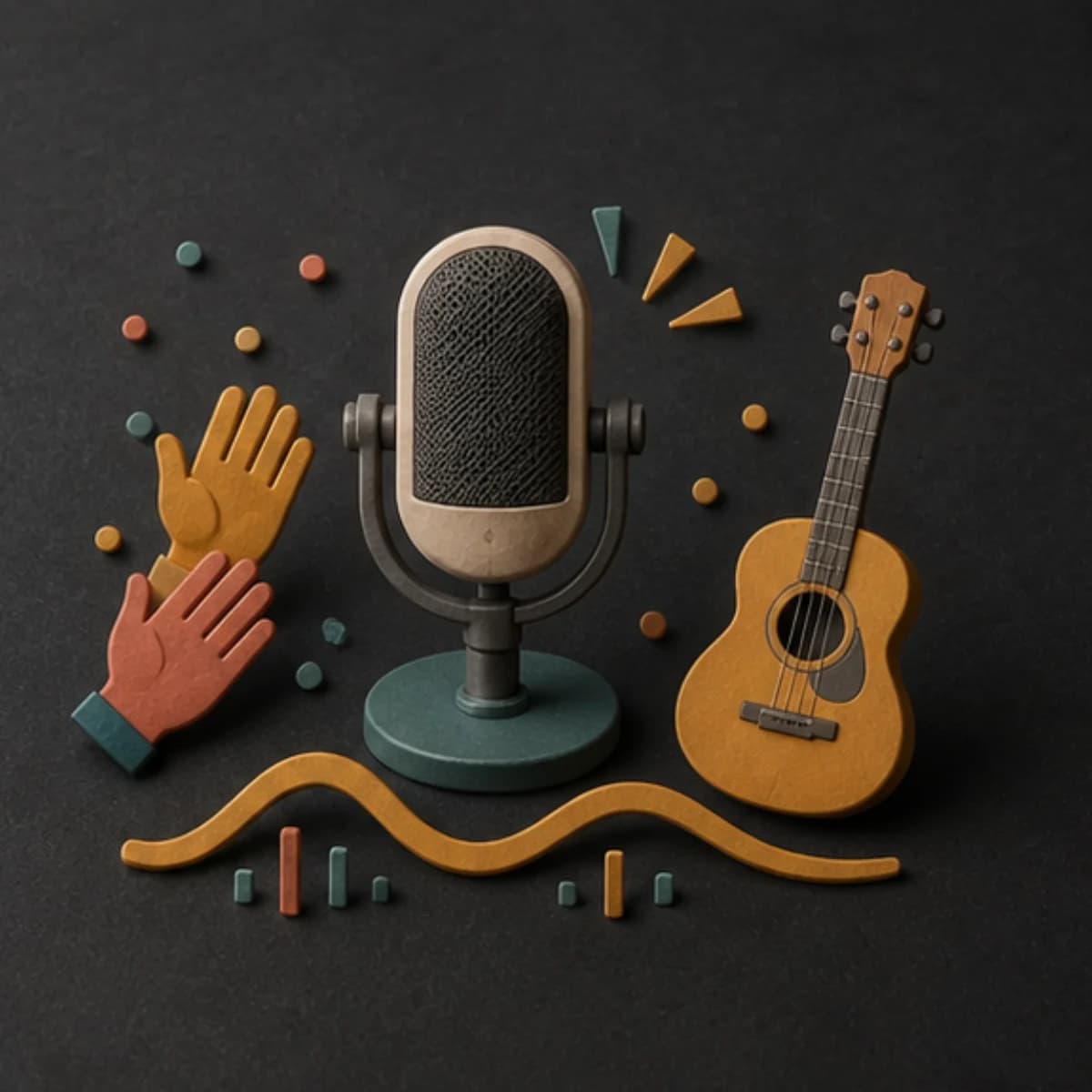
Use original words and a direct hook when the brand needs a sung line.
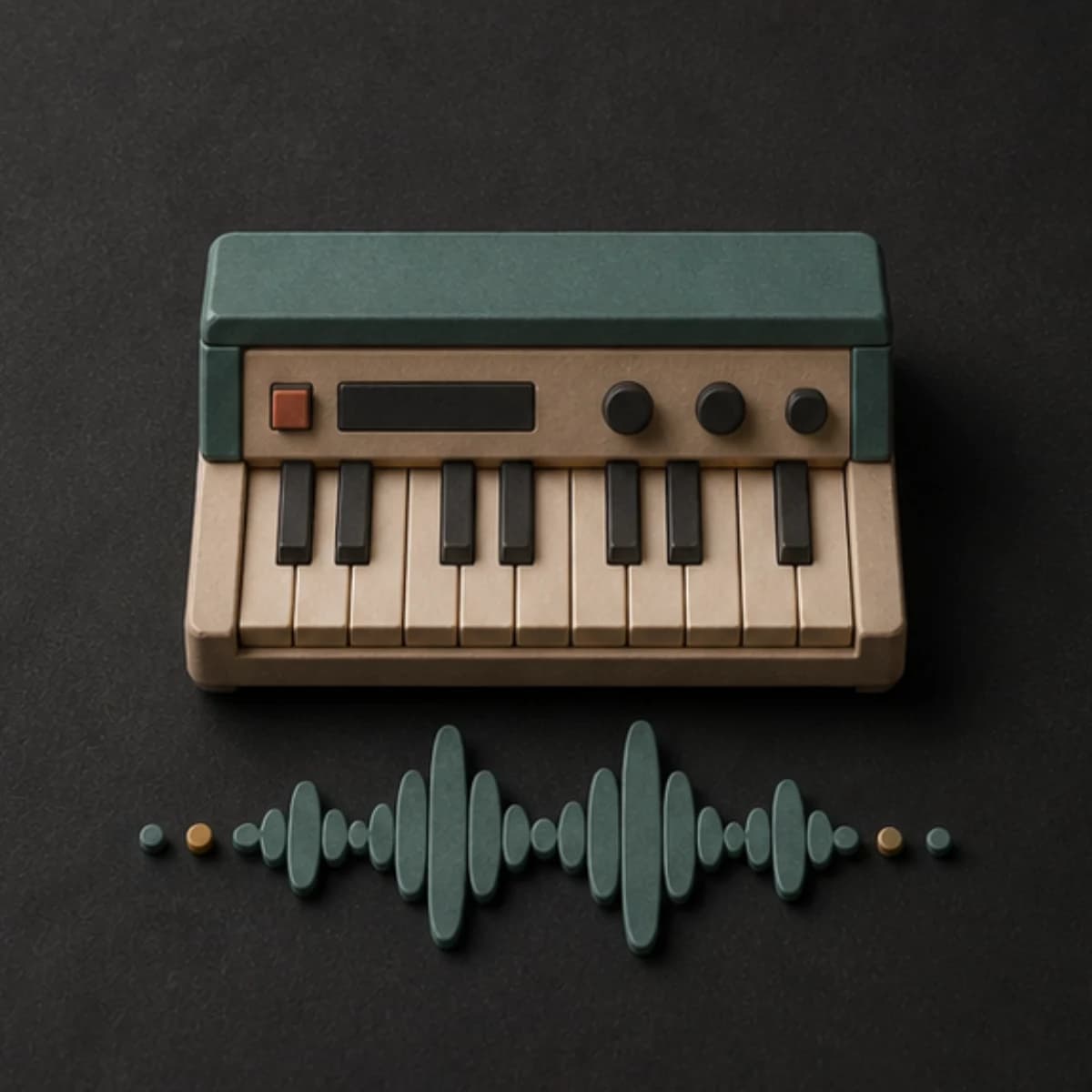
Develop a longer version that leaves room for narration, titles, and transitions.
Make restrained confirmations or state cues, then trim them to the exact product timing.
Start free. Upgrade when you need more.
Try it out — no card required.
No credit card required
Perfect for creation, image-to-song, and song extension.
Save 40%
All 7 model families


Wave 5.5 · ElevenLabs Music · Lyria 3 Pro · MiniMax 2.6 · Mureka 9 · Stable Audio 2.5 · MusicGen
Cancel anytime · No lock-inUnused subscription credits expire at renewal or when the billing interval changes.
Best for commercial releases and advanced song editing.
Save 40%
All 7 model families
Wave 5.5 · ElevenLabs Music · Lyria 3 Pro · MiniMax 2.6 · Mureka 9 · Stable Audio 2.5 · MusicGen
Cancel anytime · No lock-inUnused subscription credits expire at renewal or when the billing interval changes.
For power users working across MIDI, video, and high-volume output.
Save 40%
All 7 model families
Wave 5.5 · ElevenLabs Music · Lyria 3 Pro · MiniMax 2.6 · Mureka 9 · Stable Audio 2.5 · MusicGen
Cancel anytime · No lock-inUnused subscription credits expire at renewal or when the billing interval changes.
FAQ
Clear limits around originality, trademarks, timing, and finished usage.
You can request one, but generated length can vary. Trim the strongest motif and ending to the exact duration in your editor.
Yes, if you supply original wording. Check pronunciation and edit the result before publishing.
No. MusicWave creates audio; trademark searches, legal clearance, and brand registration remain your responsibility.
Yes. Repeat the same note pattern and sound palette, then change length, density, and vocals for each placement.
Usage rights depend on your MusicWave plan and supplied material. Review the current license and obtain any needed legal clearance.
Keep exploring
Build an intro, create retail background music, make a video soundtrack, or continue a theme that needs more length.
Describe the character, placement, and motif, then compare the result with the real brand material.
Start free — no credit card needed.