01
Name the journey
Departure, ascent, resistance, return, discovery, and victory create different shapes even with the same orchestra.
Describe the scale, journey, and final peak you want. Build heroic orchestral, hybrid, folk, or action music without copying a familiar theme or relying on nonstop maximum intensity.
Start with the journey, scale, and peak
First 2 songs freeEvery model on paid plans from $5.99/moSee plans ↓
Epic-music examples
These original instrumentals compare heroic orchestra, a compact hybrid action cue, and a warmer folk-orchestral rise.
“Heroic orchestral instrumental with broad strings, measured low drums, warm brass theme, gradual rise, no vocals, no borrowed melody, and one clear final peak”
Pick a track to hear it and see the prompt behind it.
Direct the mood
Epic music works better when the arrangement earns its peak. Describe the starting point, source of strength, and final arrival.
Departure, ascent, resistance, return, discovery, and victory create different shapes even with the same orchestra.
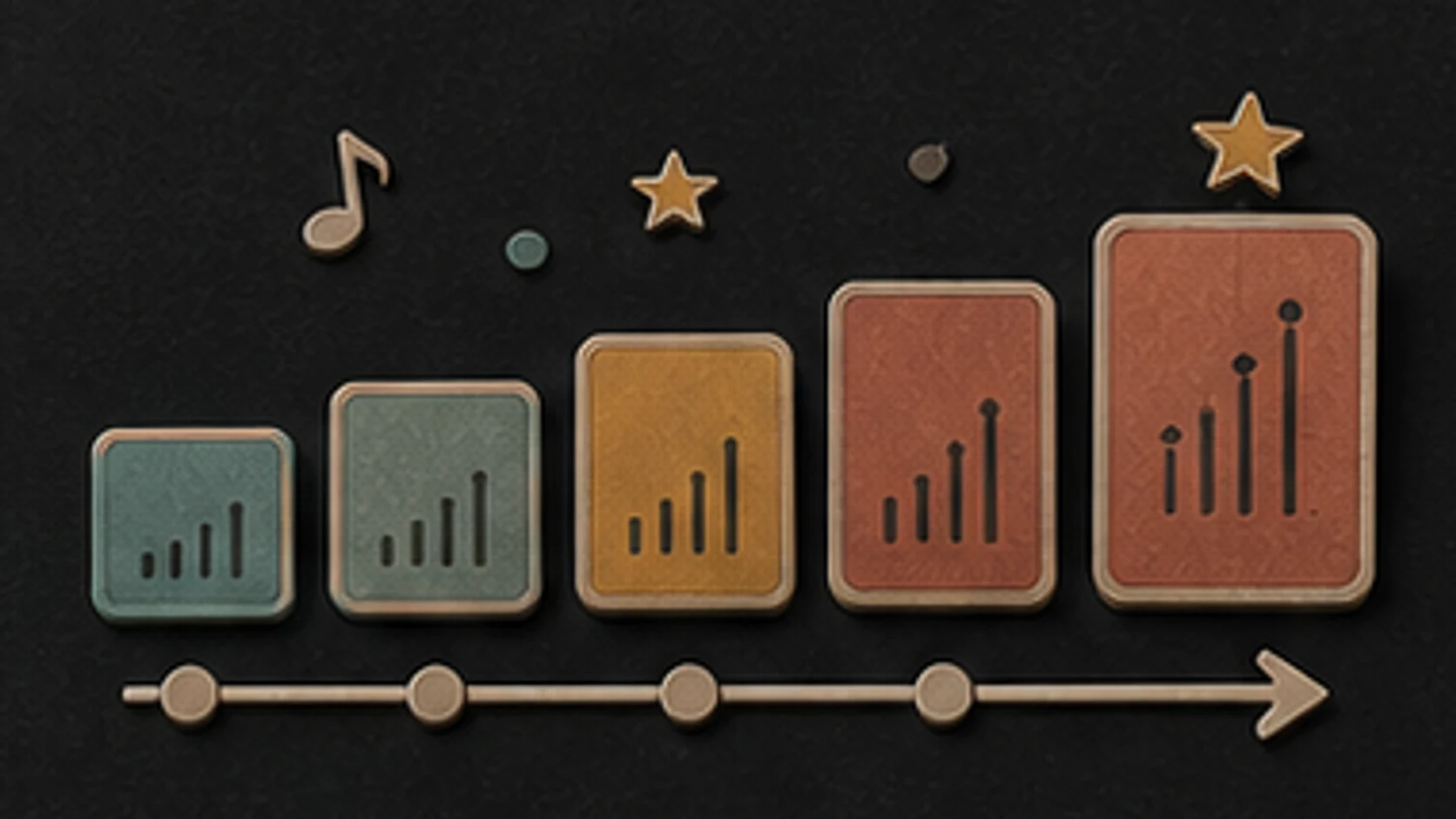
Chamber strings, folk ensemble, full orchestra, hybrid synths, and deep percussion occupy very different spaces.
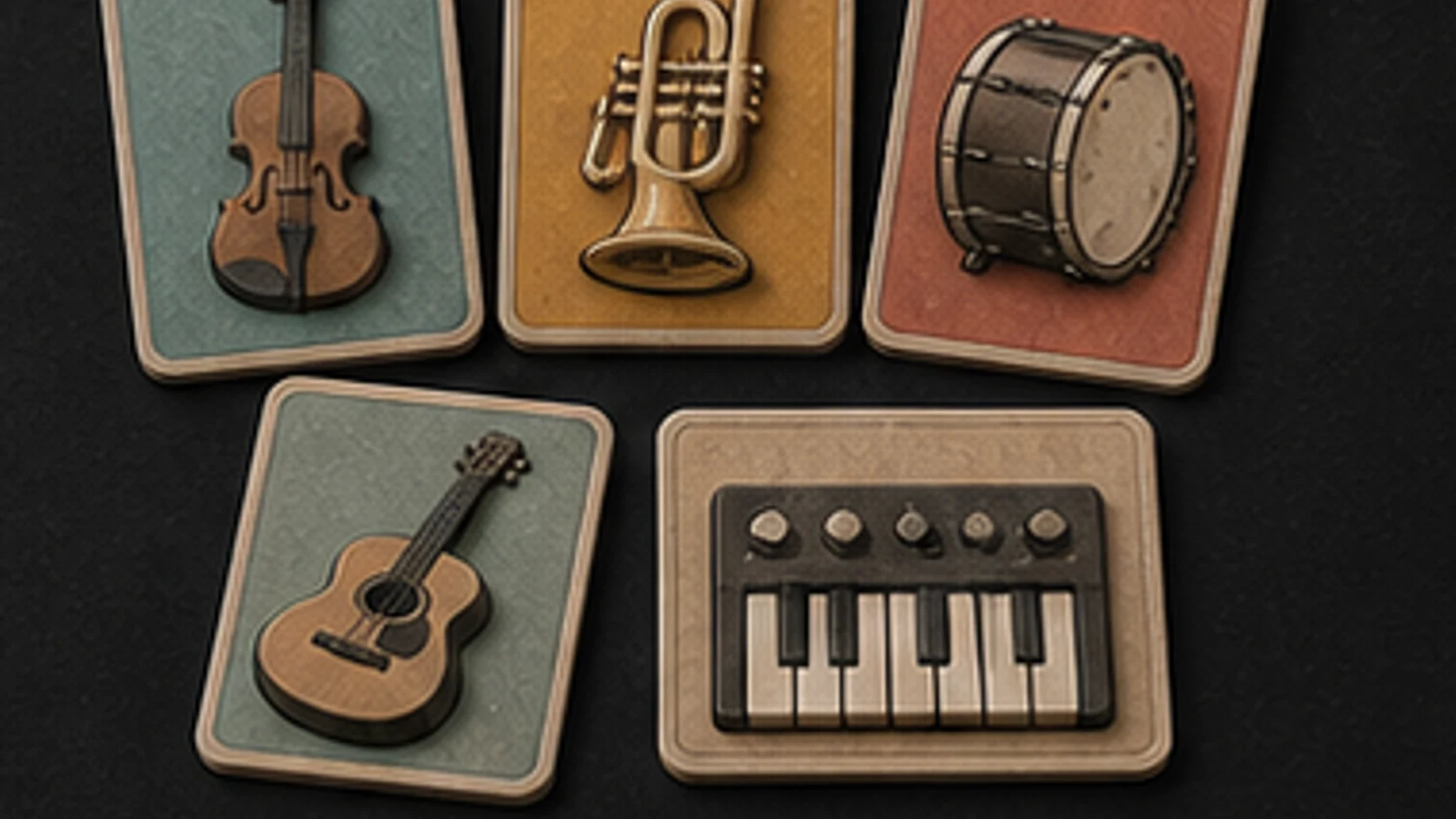
Strings, brass, guitar, choir-like pads, or a repeating synth motif can lead the rise without all competing at once.
Ask for a restrained opening, clear middle rise, and one final peak instead of constant loudness.
Say no choir, no giant trailer hit, no relentless drums, or no dark ending when those choices do not fit.
Describe heroic, adventurous, ancient, futuristic, or folk traits without requesting an existing franchise melody or score.
Earn the peak
A quieter opening makes the final arrival feel larger. Give each section a clear role.
“Heroic folk-orchestral instrumental for a long climb toward home, low frame drums, strings, French horn and acoustic guitar, restrained opening, clear middle rise and one warm final peak, no choir.”
How it works
Start with the feeling and scene. Add musical details only where they help make the direction clearer.
Describe the journey, where the scale should increase, which instruments carry the theme, and what the final peak needs to resolve.
Pick an available music model, choose instrumental or vocal, and review the shown credit cost before starting.
Play the result from your library. Change the instruments, pace, vocal direction, or intensity when the first version misses the mood.
Large-scale moments
A game battle, trailer, achievement video, and fantasy landscape need different amounts of action, warmth, and darkness.
Build a clear opening, rise, and final arrival around the length and tone of the edit.
Create exploration, battle, discovery, or victory directions, then adapt them in your project tools.
Use a warmer heroic sound for sports, graduation, travel, or personal milestone footage.
Compare brass-led, string-led, folk, and hybrid versions before developing the arrangement further.
Start free. Upgrade when you need more.
Try it out — no card required.
No credit card required
Perfect for creation, image-to-song, and song extension.
Save 40%
All 7 model families


Wave 5.5 · ElevenLabs Music · Lyria 3 Pro · MiniMax 2.6 · Mureka 9 · Stable Audio 2.5 · MusicGen
Cancel anytime · No lock-inUnused subscription credits expire at renewal or when the billing interval changes.
Best for commercial releases and advanced song editing.
Save 40%
All 7 model families
Wave 5.5 · ElevenLabs Music · Lyria 3 Pro · MiniMax 2.6 · Mureka 9 · Stable Audio 2.5 · MusicGen
Cancel anytime · No lock-inUnused subscription credits expire at renewal or when the billing interval changes.
For power users working across MIDI, video, and high-volume output.
Save 40%
All 7 model families
Wave 5.5 · ElevenLabs Music · Lyria 3 Pro · MiniMax 2.6 · Mureka 9 · Stable Audio 2.5 · MusicGen
Cancel anytime · No lock-inUnused subscription credits expire at renewal or when the billing interval changes.
FAQ
Straight answers about orchestras, familiar themes, exact timing, downloads, and rights.
No. A strong motif, steady rise, and clear final peak can work with folk instruments, synths, rock band, or a smaller ensemble.
Describe the scale, instruments, rhythm, era, and emotional traits instead of requesting a copy of an existing theme or score.
Yes. Ask for a restrained opening and staged build. Constant maximum intensity often makes the final peak feel smaller.
Not reliably. Describe the intended structure, then edit the result to picture when frame-accurate timing matters.
Completed tracks are saved to your MusicWave library with the options available for the chosen model and plan.
Review your MusicWave plan, model terms, supplied material, and production requirements before commercial use.
Keep exploring
Build a scene-specific cue, darker tension, adaptive states, or continue a version that fits.
Describe the journey, instruments, rise, and final peak, then generate an original first version.
Start free — no credit card needed.