01
Name the trigger
Say whether the cue follows a tap, step, sensor, page state, timer, or staff-controlled change.
Make music and cues for apps, exhibits, kiosks, and interactive installations. Generate the audio here, then connect it to your triggers elsewhere.
Start with the action, state, and response
First 2 songs freeEvery model on paid plans from $5.99/moSee plans ↓
Interactive music examples
These original instrumentals show an exhibit bed, a touch-based app cue, and a gentle idle-to-active change.
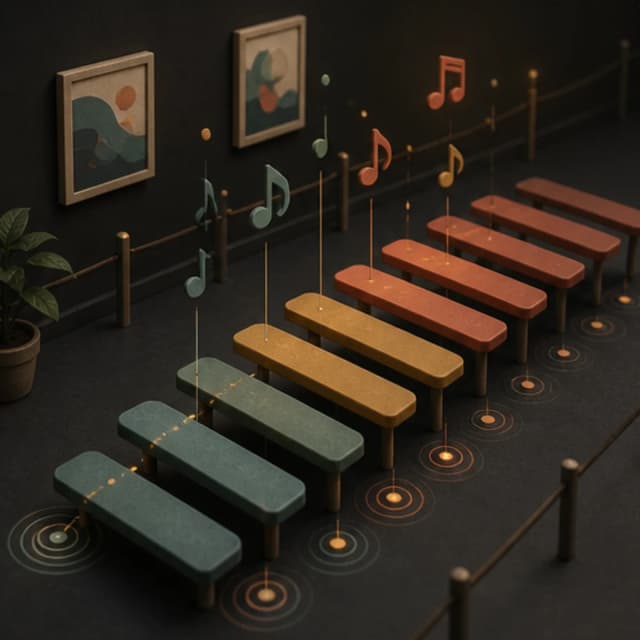
“Quiet interactive-exhibit instrumental with soft marimba notes, low warm pads, subtle room tone, very light pulse, no vocals, no foreground melody, and small spaces where triggered sounds can be heard”
Pick a track to hear it and see the prompt behind it.
Plan the interaction
Describe the action, response, duration, and surrounding sound before choosing a genre.
Say whether the cue follows a tap, step, sensor, page state, timer, or staff-controlled change.
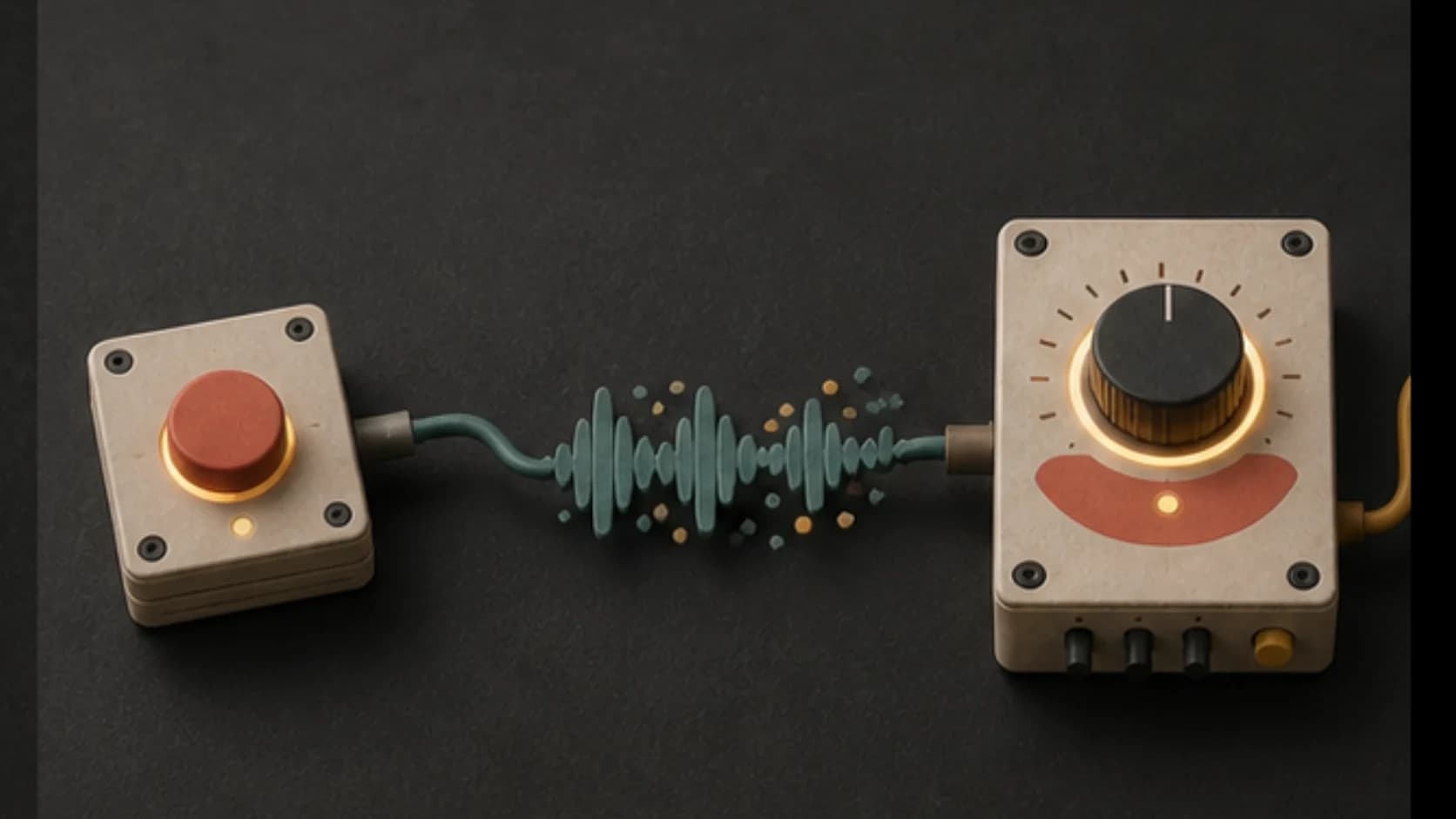
Choose a short confirmation, a repeating bed, a state change, or a longer transition.
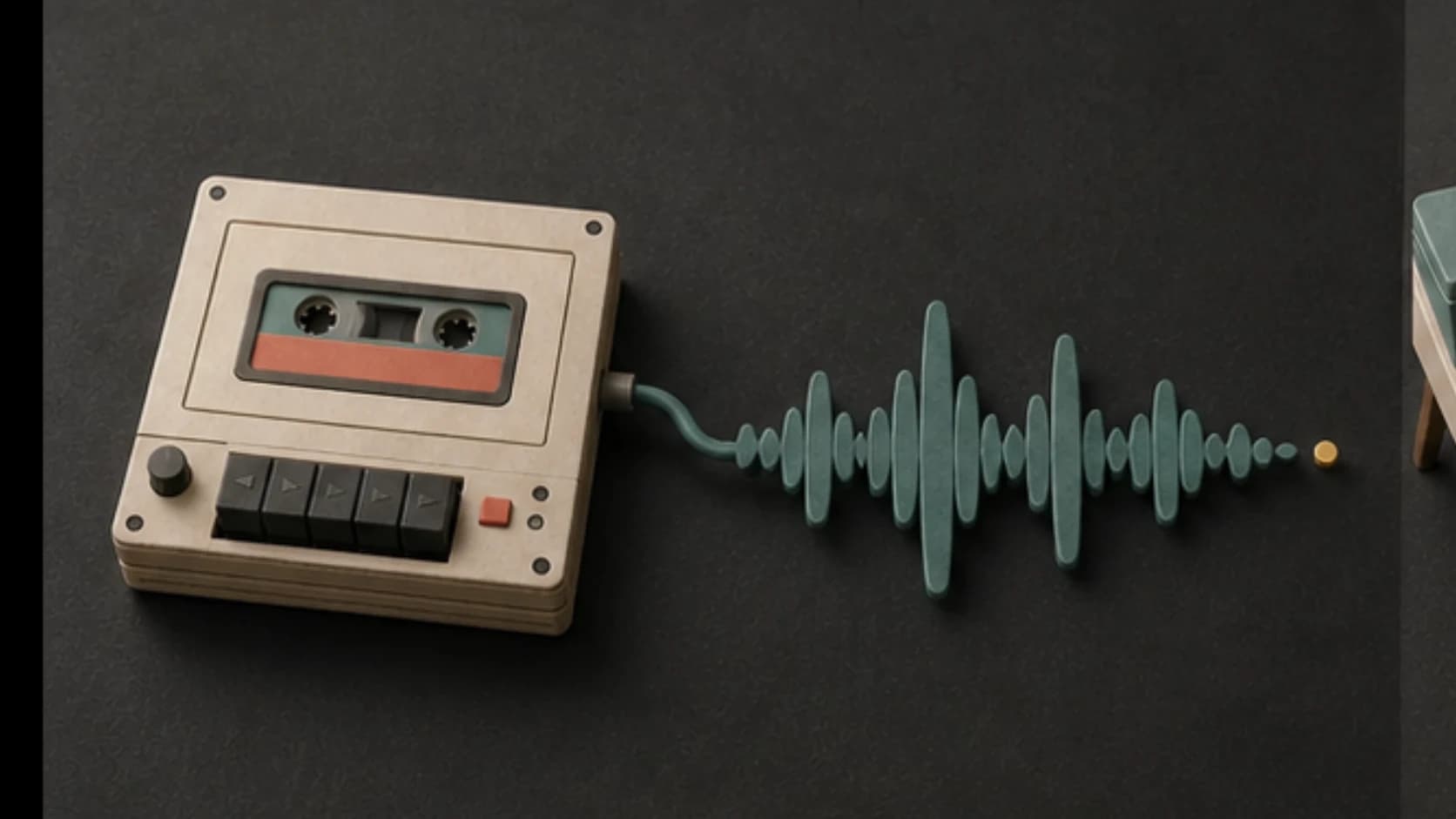
Use a clear motif and controlled arrangement so the response is recognizable without becoming distracting.
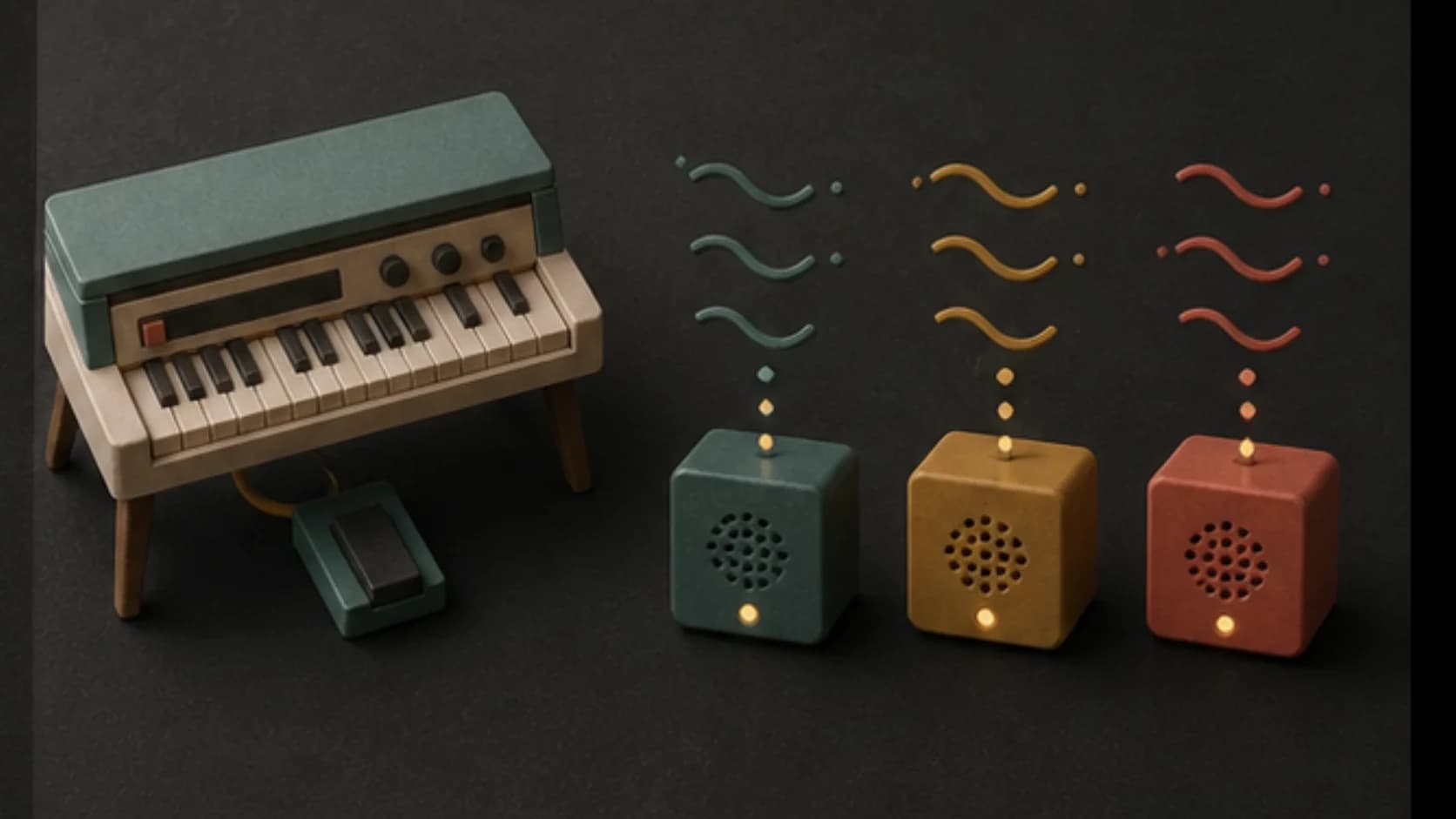
Reduce foreground melody when speech, interface sounds, or physical effects must remain clear.
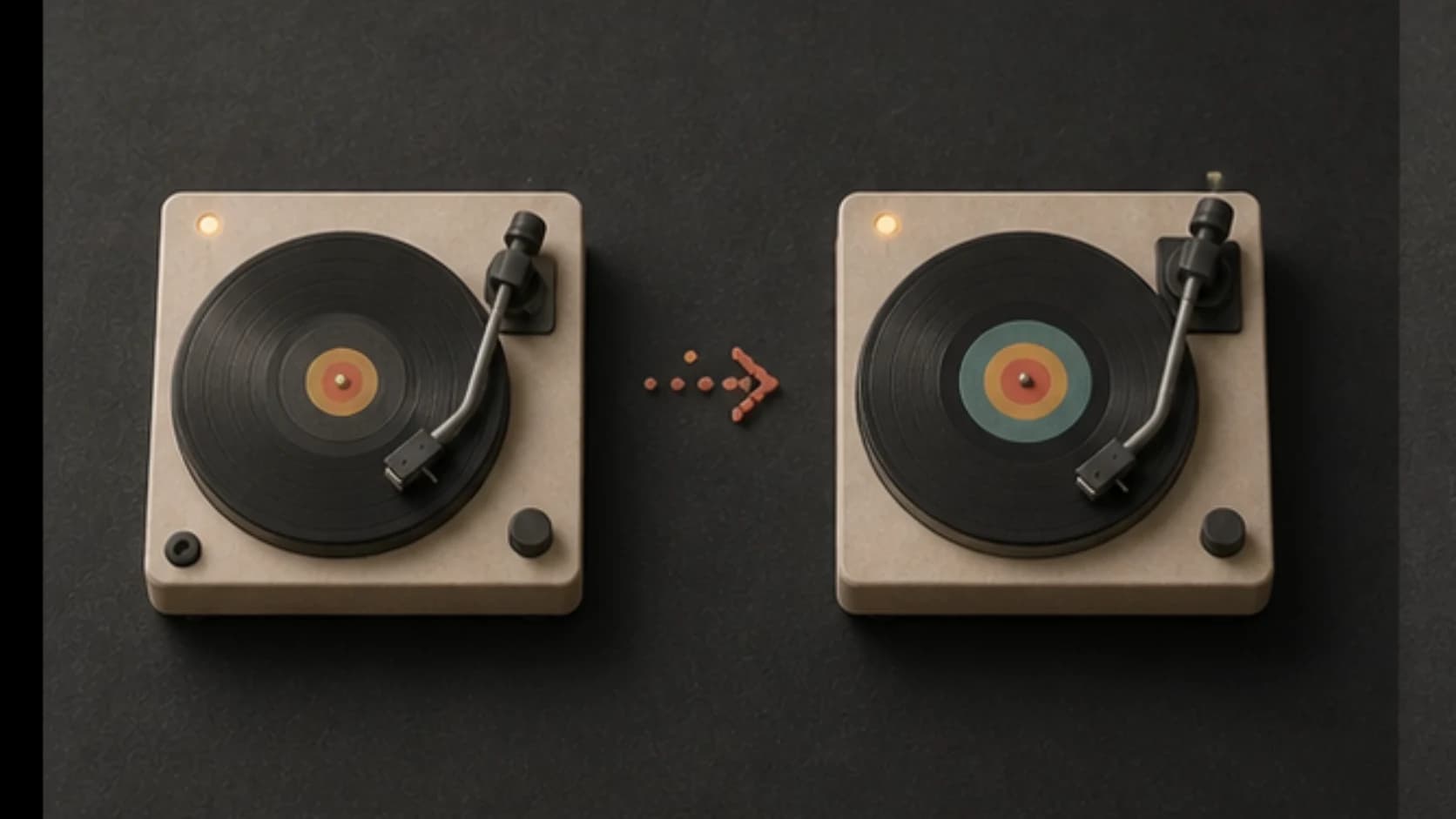
Create related quiet and active versions, then decide how your project moves between them.
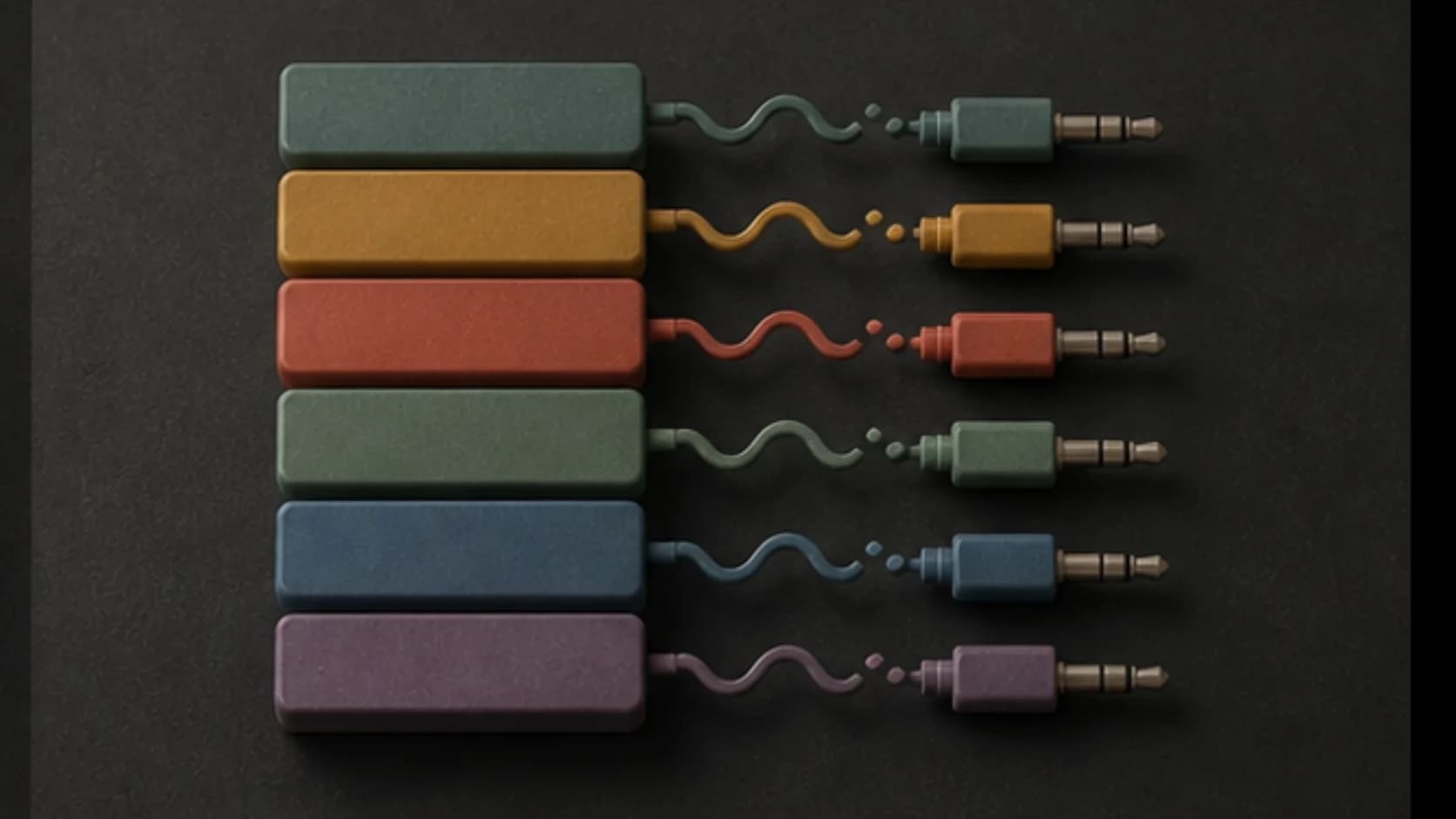
Save cues with the trigger and state in the name so implementation stays manageable.
Interaction map
A useful prompt connects one visitor action to one audible response.
“Quiet gallery bed with soft marimba, low warm pads, and subtle room tone; after a visitor step, add one brighter mallet phrase and a gentle pulse, no vocals and room for exhibit sound.”
How it works
Create the files in MusicWave and implement the response logic in your project.
Name the idle state, trigger, response, duration, and surrounding sound.
Make the bed, cue, or alternate state and keep related outputs organized.
Use your app, kiosk software, game engine, or installation controller to trigger playback.
Interactive formats
Each format needs different cue length, density, and repetition.
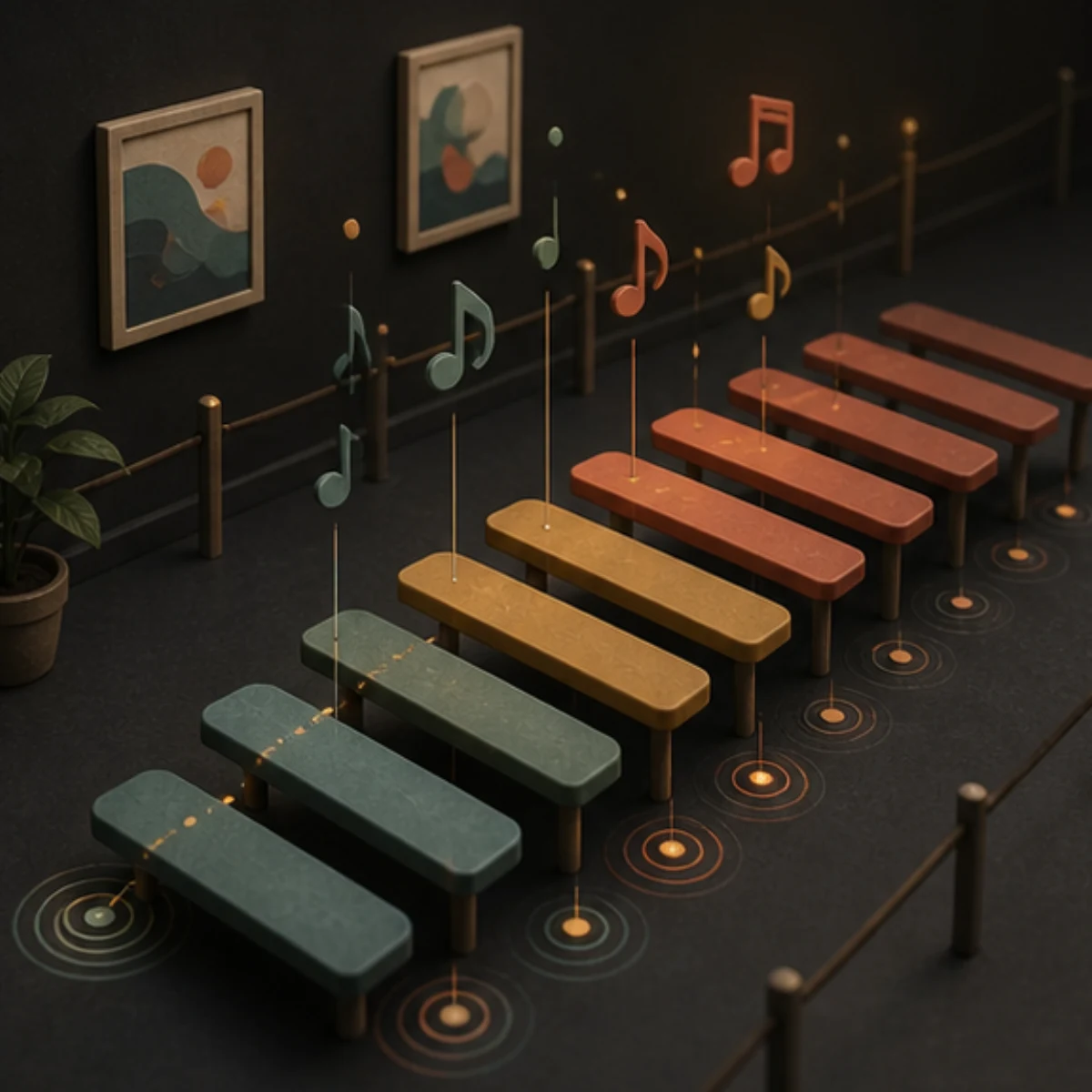
Create background states, confirmations, and transitions around taps or page changes.
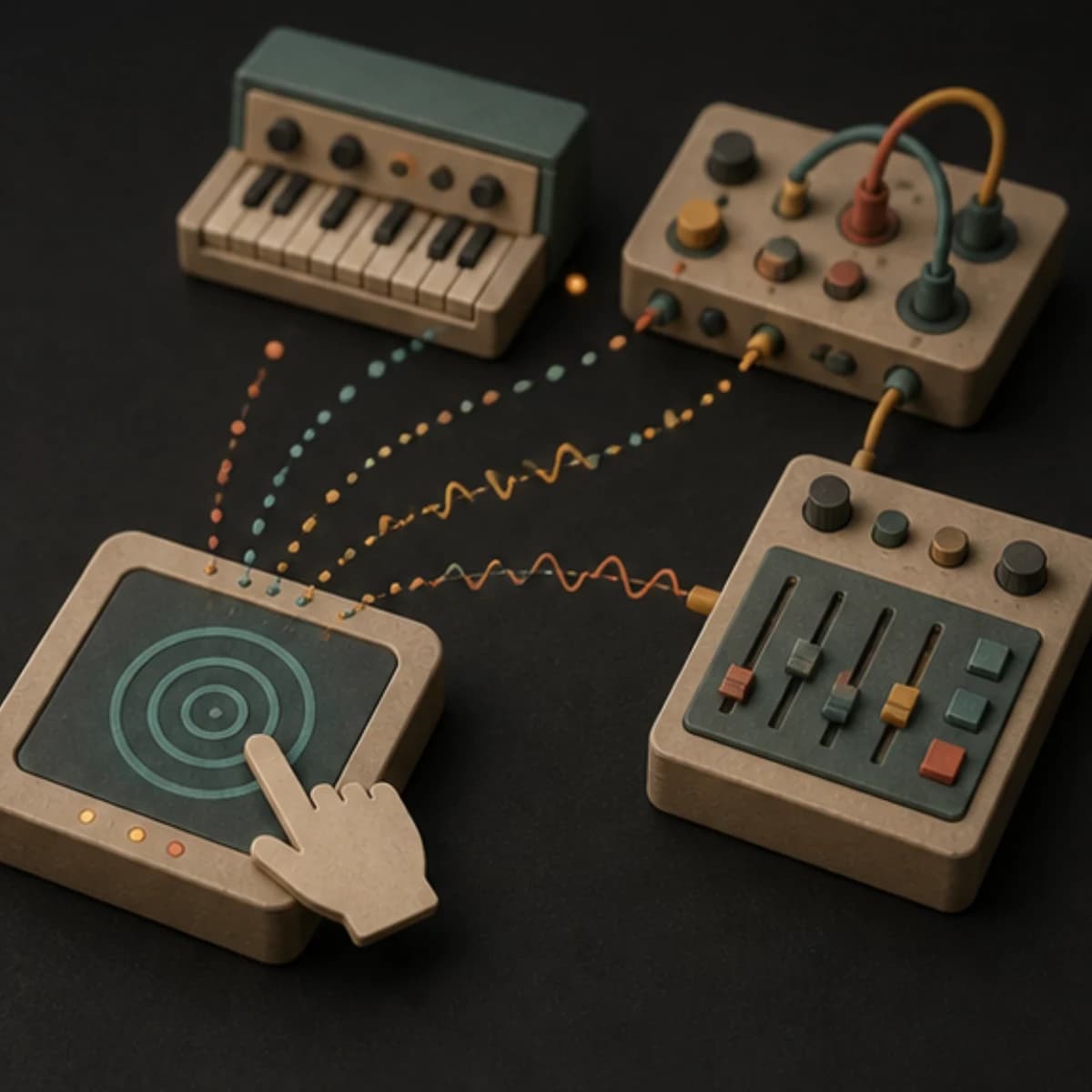
Prepare restrained beds and short responses that leave room for narration and the physical space.
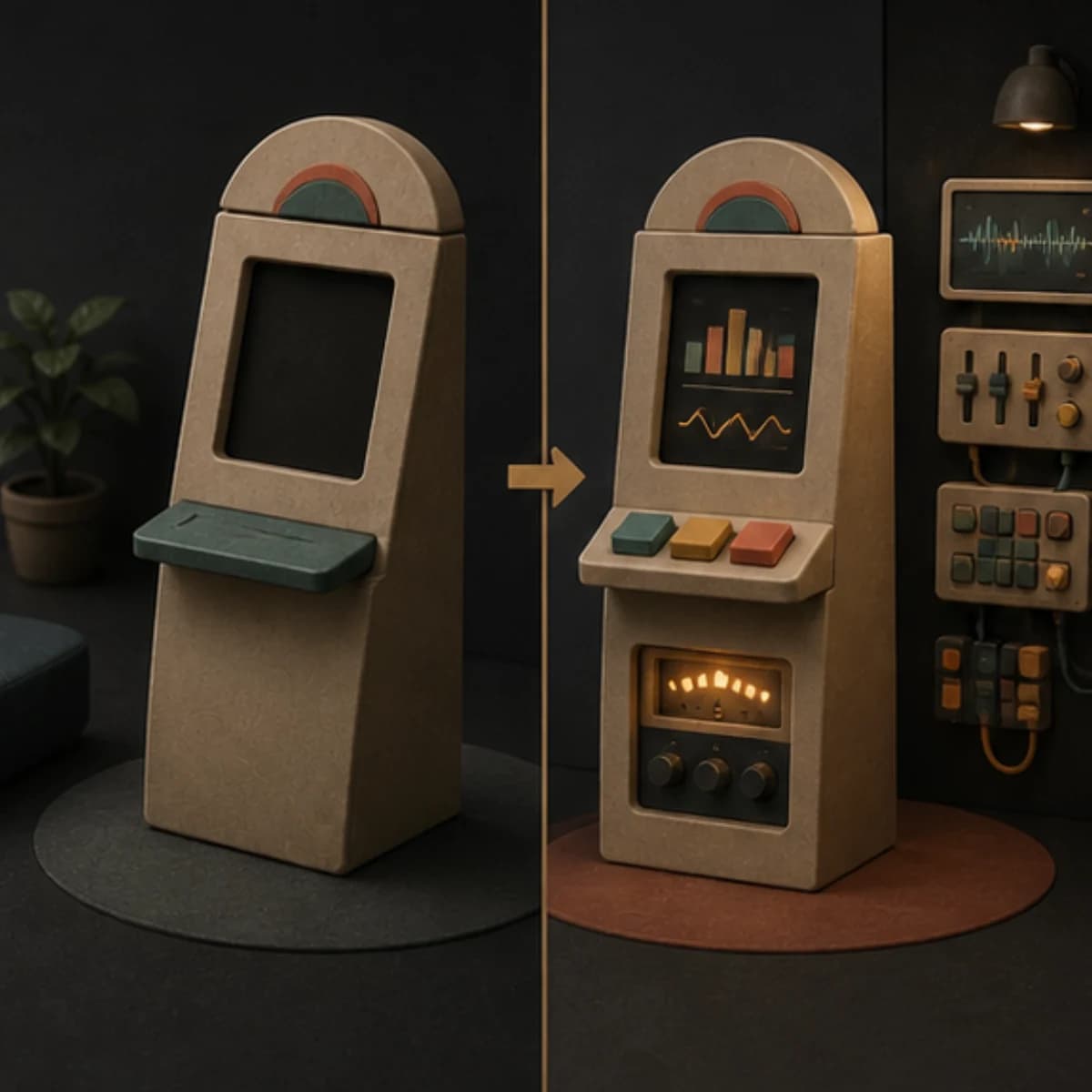
Make clear idle, active, success, and reset cues for a guided interaction.
Generate related audio states for movement, proximity, or scene changes implemented in your runtime.
Start free. Upgrade when you need more.
Try it out — no card required.
No credit card required
Perfect for creation, image-to-song, and song extension.
Save 40%
All 7 model families


Wave 5.5 · ElevenLabs Music · Lyria 3 Pro · MiniMax 2.6 · Mureka 9 · Stable Audio 2.5 · MusicGen
Cancel anytime · No lock-inUnused subscription credits expire at renewal or when the billing interval changes.
Best for commercial releases and advanced song editing.
Save 40%
All 7 model families
Wave 5.5 · ElevenLabs Music · Lyria 3 Pro · MiniMax 2.6 · Mureka 9 · Stable Audio 2.5 · MusicGen
Cancel anytime · No lock-inUnused subscription credits expire at renewal or when the billing interval changes.
For power users working across MIDI, video, and high-volume output.
Save 40%
All 7 model families
Wave 5.5 · ElevenLabs Music · Lyria 3 Pro · MiniMax 2.6 · Mureka 9 · Stable Audio 2.5 · MusicGen
Cancel anytime · No lock-inUnused subscription credits expire at renewal or when the billing interval changes.
FAQ
A clear boundary between generated audio and the system that plays it.
No. It generates audio files. Your app, controller, game engine, or installation software handles triggers and playback.
You can request a concise cue, but generated length may vary. Trim the finished audio to the exact duration in your editor.
Yes. Reuse the same motif and instruments, then describe how the active version changes in rhythm, density, or brightness.
Usually when speech and interface feedback matter. Vocals can still work for a deliberate exhibit or narrative moment.
Usage rights depend on your MusicWave plan and supplied material. Review the current license before release.
Keep exploring
Build related states, create loops, start from a game scene, or make a quiet background bed.
Name the trigger, describe the response, and generate the audio you will connect in your project.
Start free — no credit card needed.