01
Choose the listening use
Say whether the track sits under studying, narration, writing, a visual loop, or relaxed listening.
Describe the pace, texture, instruments, and amount of movement you want. Make a lo-fi track for studying, videos, writing, or quiet background listening.
Start with the texture, groove, and use
First 2 songs freeEvery model on paid plans from $5.99/moSee plans ↓
Lo-fi music examples
These original instrumentals cover warm room lo-fi, rainy jazz lo-fi, and a minimal study track.
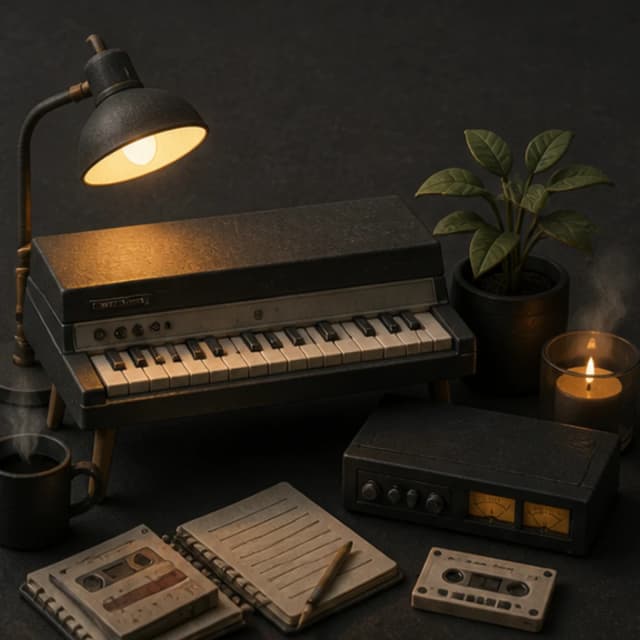
“Warm lo-fi instrumental with soft Rhodes chords, dusty brushed drums, rounded bass, quiet room tone, subtle tape wobble, steady 80 BPM feel, no vocals, no bright lead, and no dramatic build”
Pick a track to hear it and see the prompt behind it.
Shape the texture
The useful details are the drum weight, harmony, room texture, melody level, and listening context.
Say whether the track sits under studying, narration, writing, a visual loop, or relaxed listening.
Ask for brushed, dusty, clipped, or almost absent drums instead of using lo-fi as the only direction.
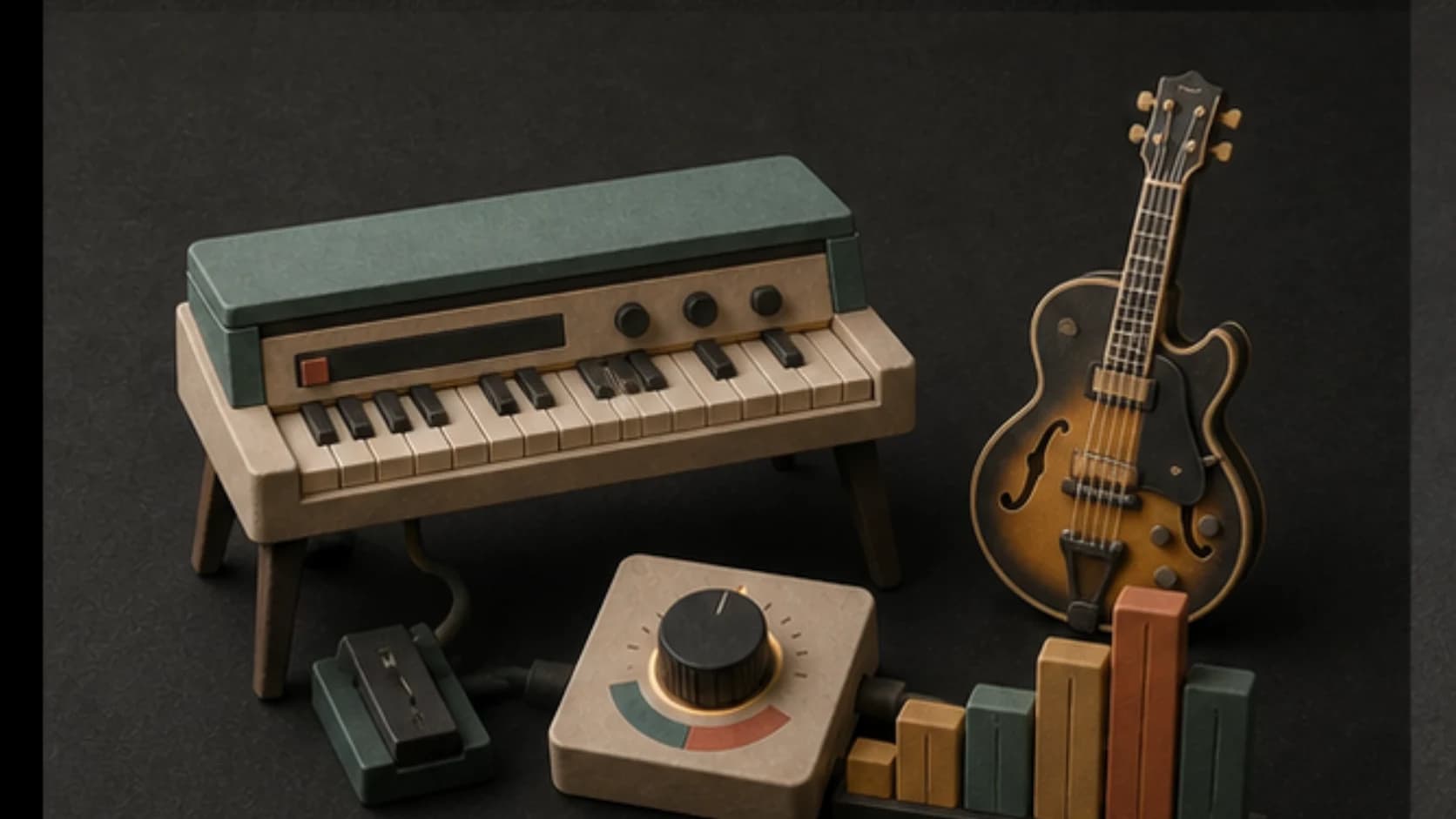
Choose Rhodes, felt piano, jazz guitar, warm synth chords, or another restrained harmonic center.
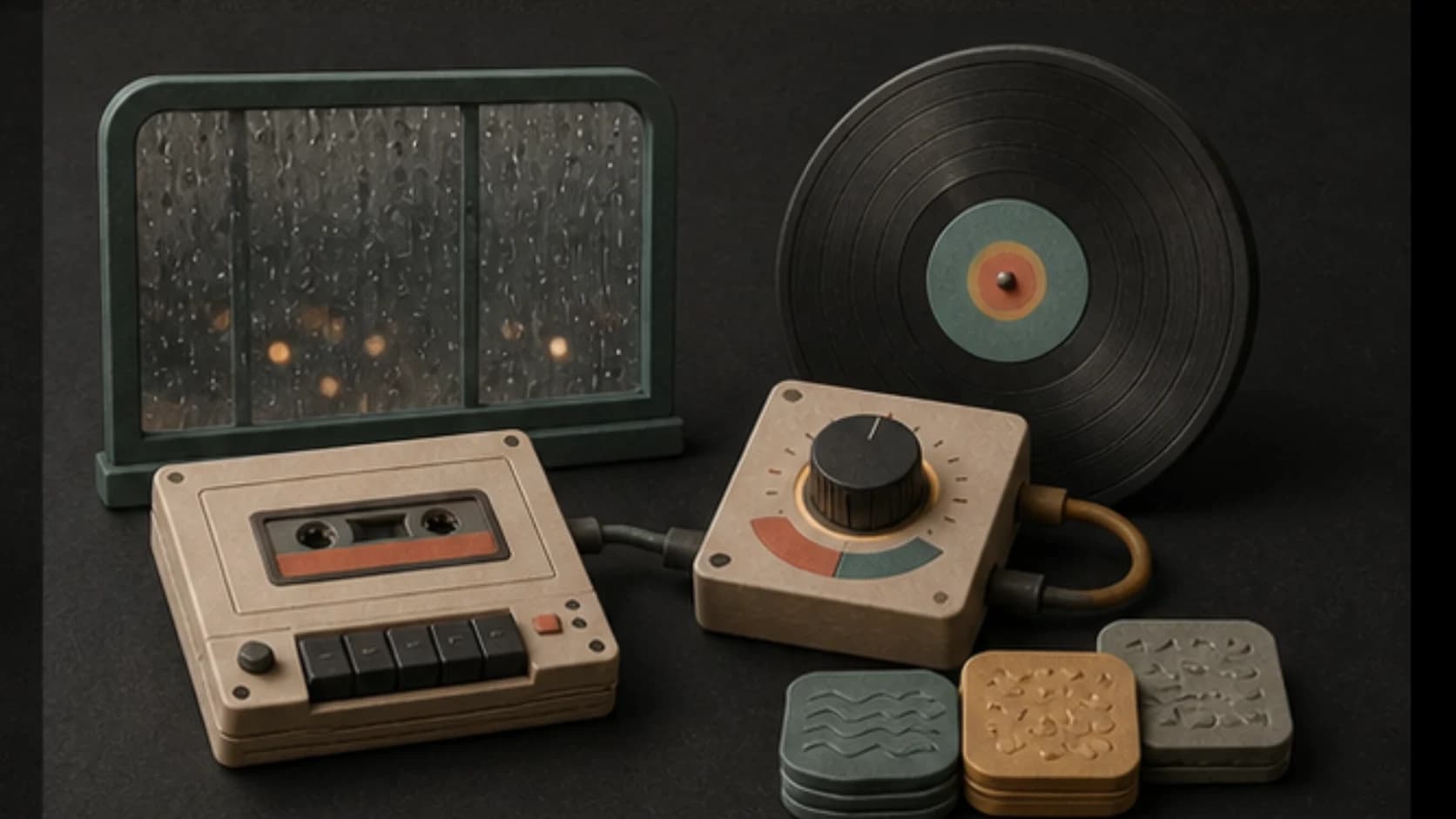
Use rain, room tone, tape wobble, or vinyl texture as a quiet layer rather than the whole track.
Keep solos short and avoid bright lead sounds when the music should stay behind another task.
Save warmer, jazzier, darker, and more ambient versions before choosing one.
Lo-fi recipe
A steady rhythm and restrained sound palette matter more than adding every lo-fi cliché.
“Warm lo-fi instrumental for late-night writing, soft Rhodes chords2, dusty brushed drums1, rounded bass2, quiet room tone, subtle tape wobble3, steady 80 BPM feel1, no vocals, no bright lead, and no dramatic build.”
How it works
Write the listening context, generate a version, and compare it at the volume where it will actually play.
Include the task or scene, tempo feel, drums, harmony, texture, and vocals preference.
Choose a model and keep the arrangement restrained when the track should sit in the background.
Check whether the melody, bass, and texture stay comfortable over time.
Lo-fi listening
Study music, video backgrounds, visual loops, and relaxed listening need different levels of movement.
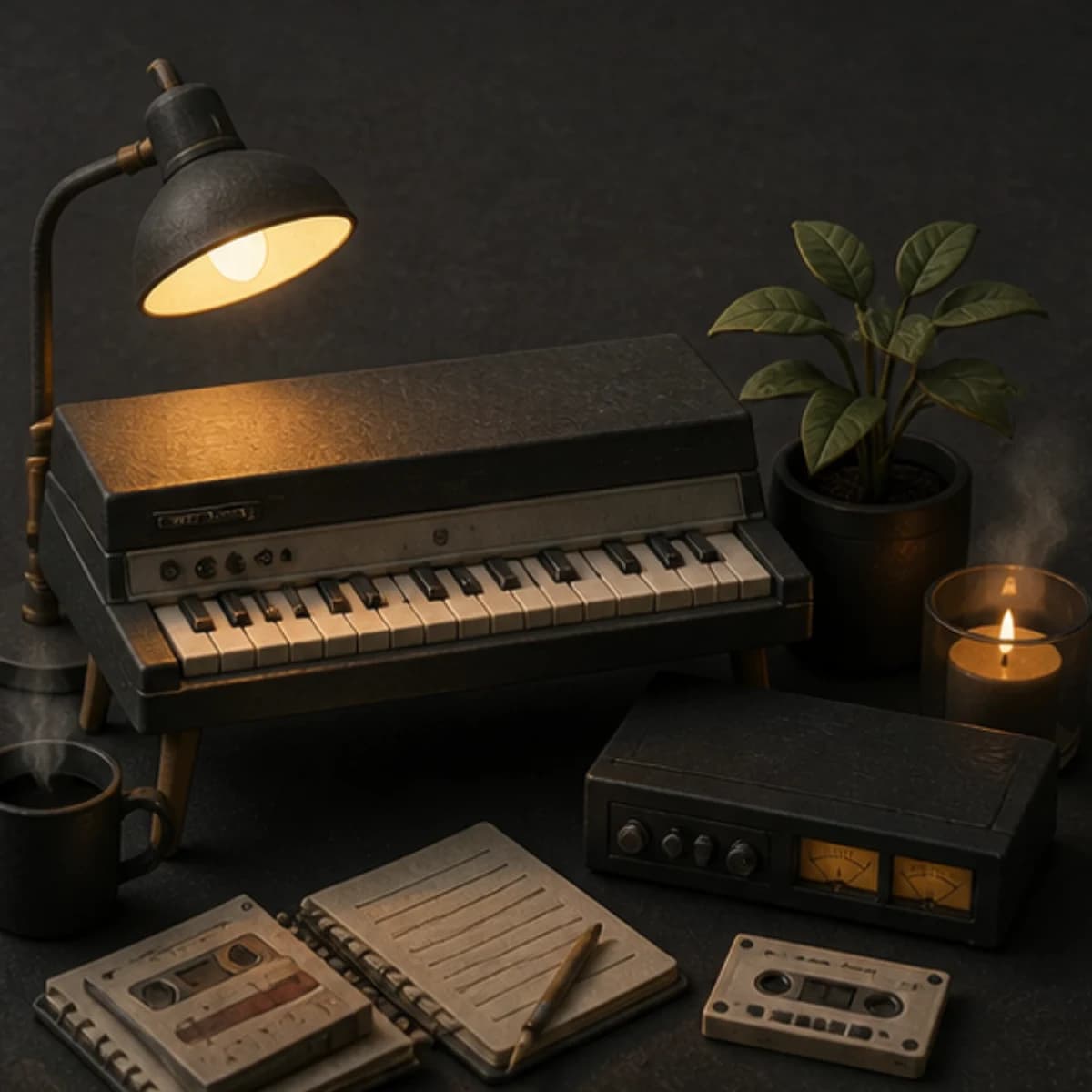
Use steady drums, restrained melody, and no large structural changes.
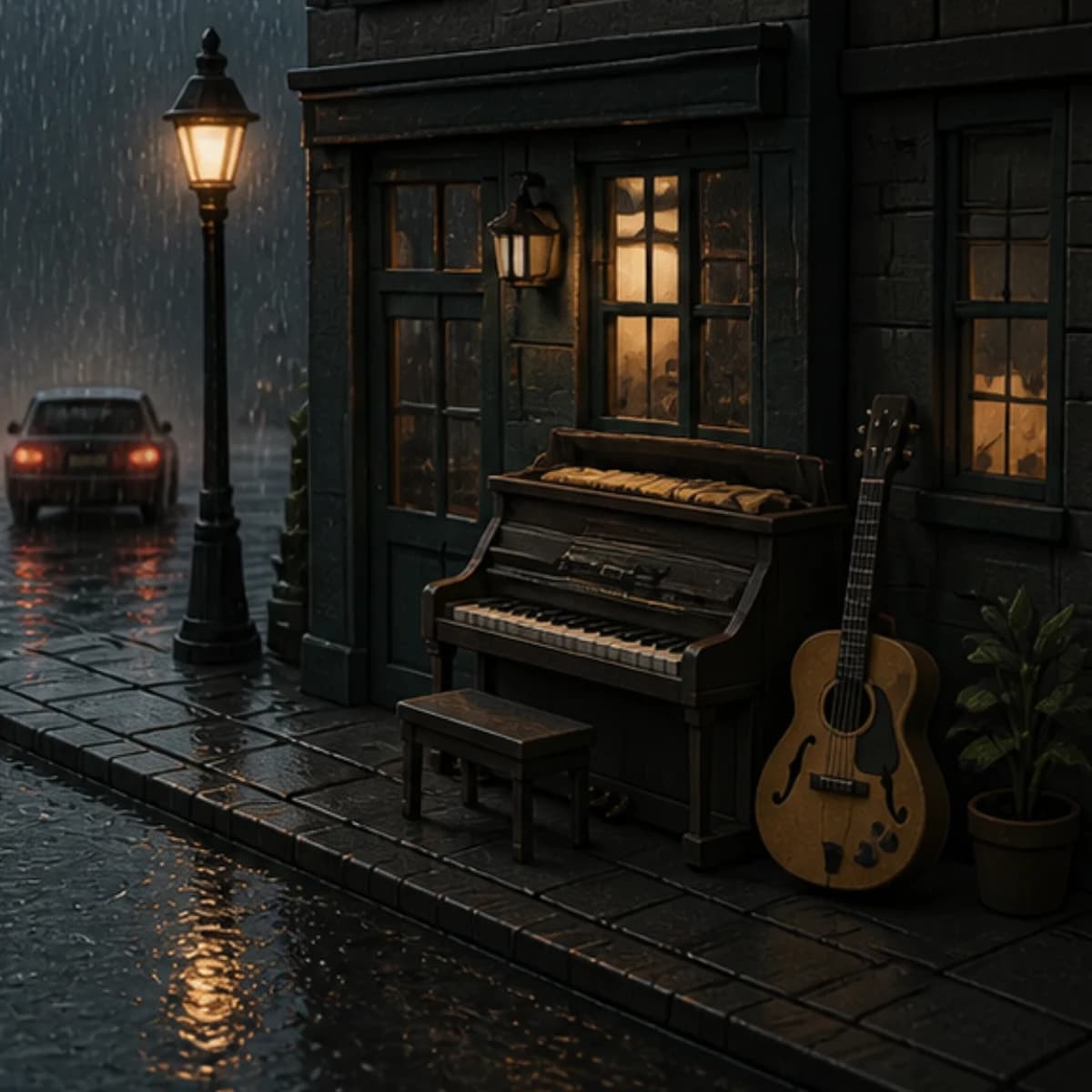
Leave room for narration and keep the texture subtle on smaller speakers.
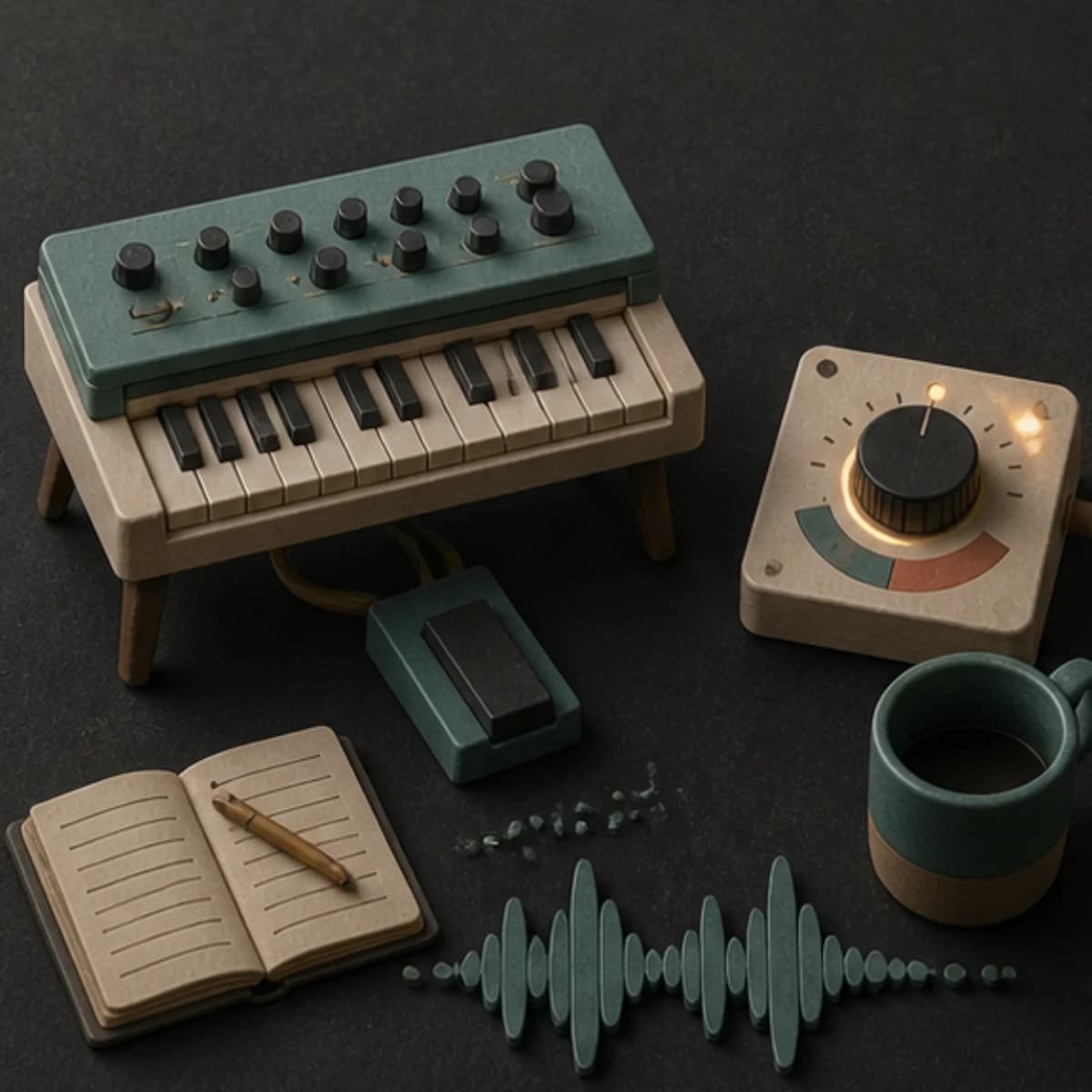
Choose one short motif and an ending that can be edited back toward the start.
Allow a little more melody and harmony while keeping the overall dynamics even.
Start free. Upgrade when you need more.
Try it out — no card required.
No credit card required
Perfect for creation, image-to-song, and song extension.
Save 40%
All 7 model families


Wave 5.5 · ElevenLabs Music · Lyria 3 Pro · MiniMax 2.6 · Mureka 9 · Stable Audio 2.5 · MusicGen
Cancel anytime · No lock-inUnused subscription credits expire at renewal or when the billing interval changes.
Best for commercial releases and advanced song editing.
Save 40%
All 7 model families
Wave 5.5 · ElevenLabs Music · Lyria 3 Pro · MiniMax 2.6 · Mureka 9 · Stable Audio 2.5 · MusicGen
Cancel anytime · No lock-inUnused subscription credits expire at renewal or when the billing interval changes.
For power users working across MIDI, video, and high-volume output.
Save 40%
All 7 model families
Wave 5.5 · ElevenLabs Music · Lyria 3 Pro · MiniMax 2.6 · Mureka 9 · Stable Audio 2.5 · MusicGen
Cancel anytime · No lock-inUnused subscription credits expire at renewal or when the billing interval changes.
FAQ
Straight answers about beats, vocals, texture, duration, and finished usage.
This page covers broader lo-fi music directions, including beat-light ambient, jazz, acoustic, and background tracks. The Lo-fi Beats page focuses more closely on beat-led prompts.
Yes. Ask for clean room tone, tape warmth, rain, or no added texture at all.
Yes, but instrumental mode is usually better for studying, narration, and background listening.
You can give a BPM target, then check the finished audio because generation may not land on an exact measured tempo.
Usage rights depend on your MusicWave plan and supplied material. Review the current license before publishing.
Keep exploring
Focus on beat-led lo-fi, build study music, make a calmer ambient track, or create a repeat-friendly version.
Describe the use, choose the groove and texture, and generate a version you can listen to in context.
Start free — no credit card needed.