01
Choose the emotional shade
Quiet, aching, numb, reflective, bittersweet, and hopeful each suggest a different pace and arrangement.
Describe the feeling without stopping at sad. Choose the scene, instruments, pace, and whether the song should stay quiet, build, or leave a little hope at the end.
Start with the scene, feeling, and sound
First 2 songs freeEvery model on paid plans from $5.99/moSee plans ↓
Sad-song examples
We made these original instrumentals for this page: close piano and cello, a restrained indie ballad, and a quieter electronic track.

“Quiet sad instrumental with close felt piano, low cello, soft room tone, slow patient movement, no vocals, no large crescendo, and a small hopeful change in the final phrase”
Pick a track to hear it and see the prompt behind it.
Shape the emotion
A concrete scene and a few musical choices give the result more direction than broad emotional words alone.
Quiet, aching, numb, reflective, bittersweet, and hopeful each suggest a different pace and arrangement.

Use a vocal track when the words carry the story, or instrumental mode when the instruments should hold the feeling alone.
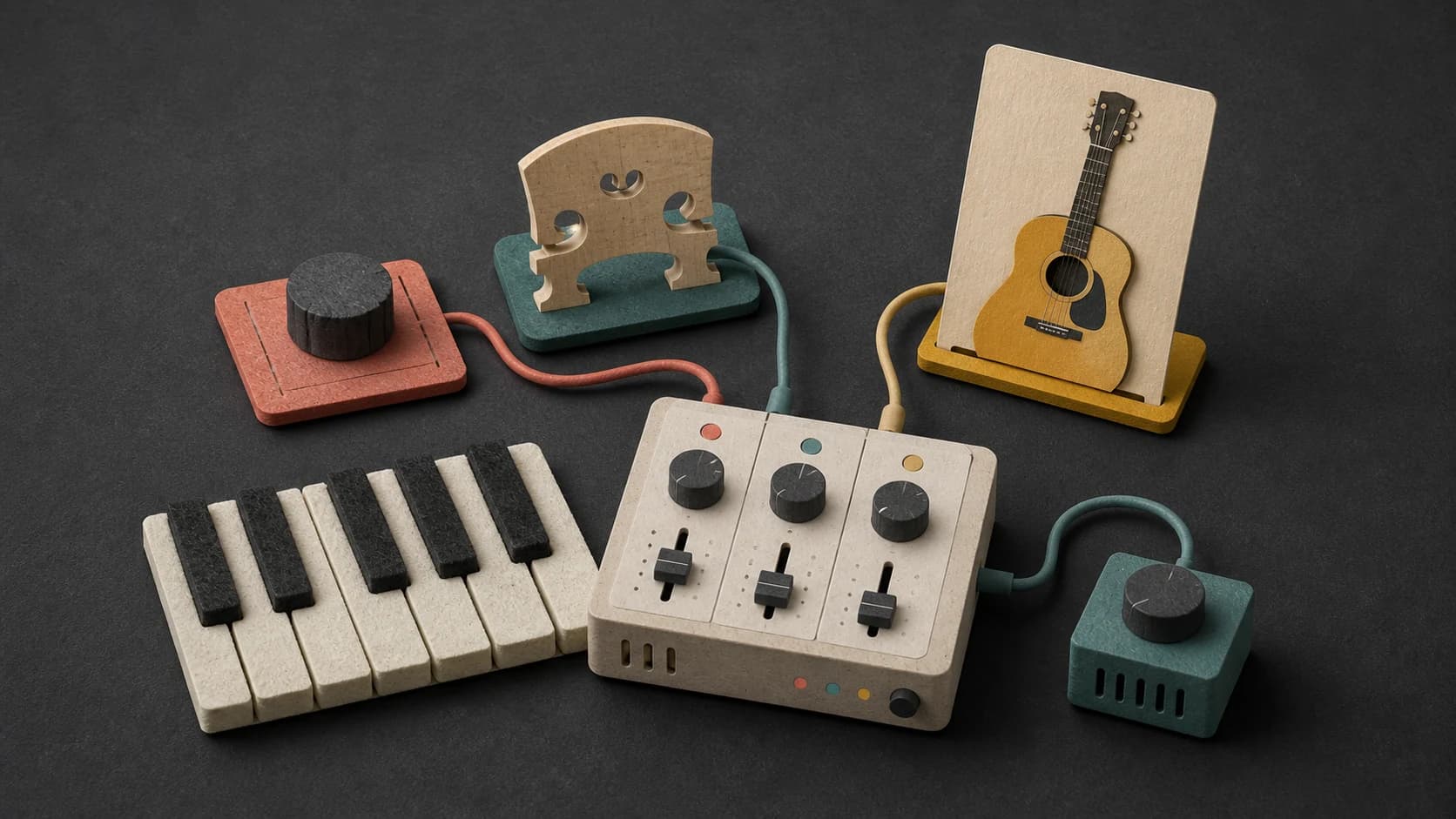
Felt piano, cello, clean guitar, low strings, soft drums, and muted synths create very different kinds of space.

Ask for a restrained arrangement, one small chorus lift, a gradual swell, or no large crescendo at all.
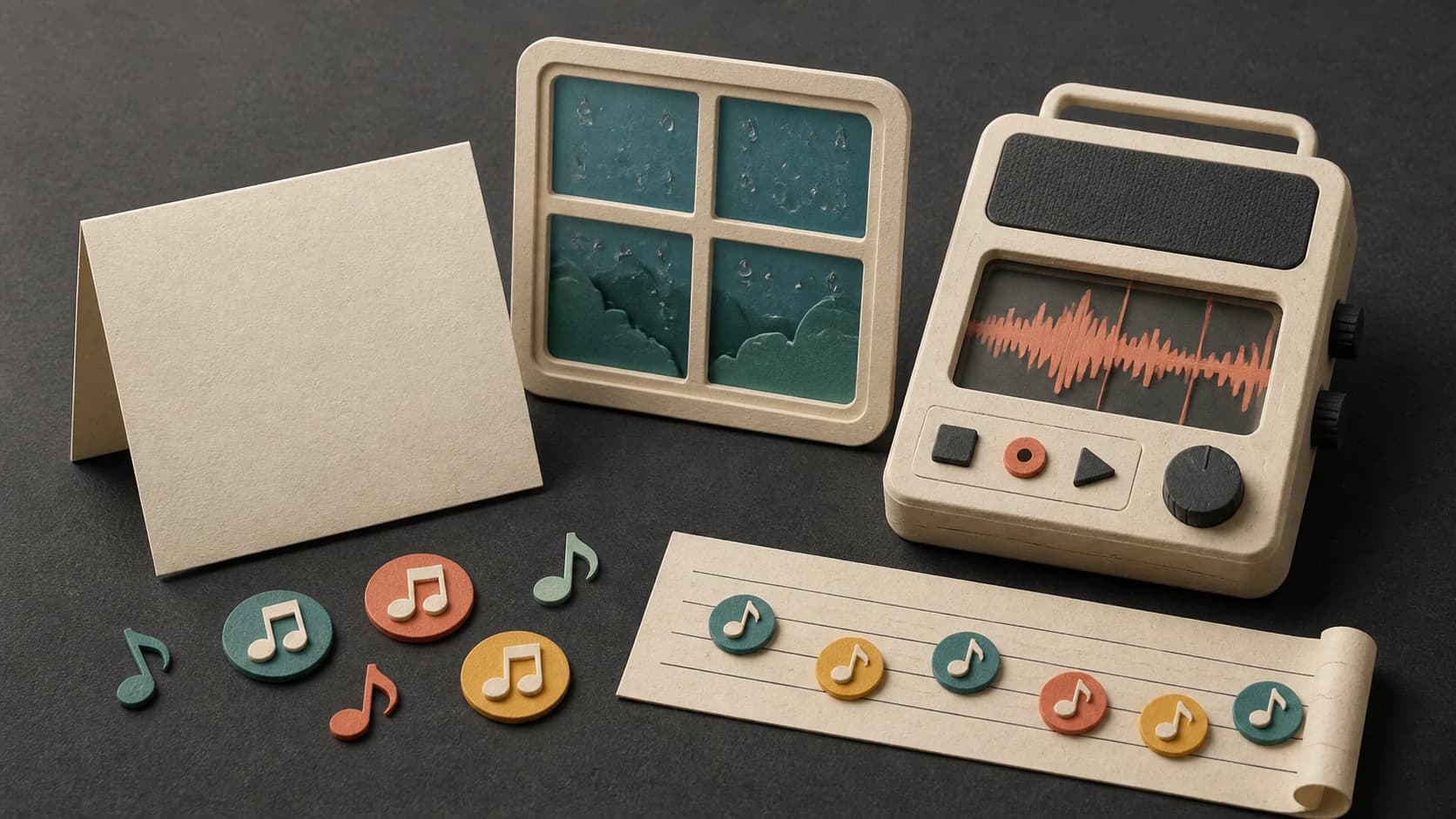
A rainy platform, an unsent letter, or an empty room gives the song something specific to hold onto.
Change one detail at a time—the voice, instrument, pace, or ending—then keep the version that says the most with the least.
A more specific emotional prompt
You do not need dramatic language. One believable moment and a restrained musical brief are usually more useful.
“Quiet sad2 instrumental with close felt piano, low cello, soft room tone3, slow patient movement, no large crescendo, and a small hopeful change in the final phrase4.”
How it works
Start with the scene you can picture. After listening, adjust the part that feels too heavy, too vague, or too polished.
Write the scene, emotional shade, instruments, pace, and whether you want vocals.
Select an available model and review the credit cost before making the song.
If the result feels overdone, ask for fewer instruments, a quieter delivery, or a smaller chorus lift.
Starting points
The scene can be fictional or personal. What matters is giving the music a clear place, time, and emotional movement.

Focus on one remembered detail instead of trying to explain the whole relationship.
Let piano, strings, guitar, or ambient texture carry the feeling without lyrics.
Balance a sad scene with warmer harmony or a small hopeful turn near the end.
Use a restrained arrangement that supports the scene without overwhelming it.
Start free. Upgrade when you need more.
Try it out — no card required.
No credit card required
Perfect for creation, image-to-song, and song extension.
Save 40%
All 7 model families


Wave 5.5 · ElevenLabs Music · Lyria 3 Pro · MiniMax 2.6 · Mureka 9 · Stable Audio 2.5 · MusicGen
Cancel anytime · No lock-inUnused subscription credits expire at renewal or when the billing interval changes.
Best for commercial releases and advanced song editing.
Save 40%
All 7 model families
Wave 5.5 · ElevenLabs Music · Lyria 3 Pro · MiniMax 2.6 · Mureka 9 · Stable Audio 2.5 · MusicGen
Cancel anytime · No lock-inUnused subscription credits expire at renewal or when the billing interval changes.
For power users working across MIDI, video, and high-volume output.
Save 40%
All 7 model families
Wave 5.5 · ElevenLabs Music · Lyria 3 Pro · MiniMax 2.6 · Mureka 9 · Stable Audio 2.5 · MusicGen
Cancel anytime · No lock-inUnused subscription credits expire at renewal or when the billing interval changes.
FAQ
Straight answers about lyrics, instrumentals, emotional prompts, downloads, and commercial use.
Yes. Turn on instrumental mode and describe the emotional shade, instruments, pace, and how much the arrangement should build.
Ask for a restrained arrangement, fewer instruments, no large crescendo, and a close or natural room sound. A specific quiet scene also helps.
Yes. Switch to the lyrics option, paste words you have the right to use, and describe the vocal and musical direction around them.
Yes. Say that directly and describe how small or clear the change should be, such as a warmer final chord or a gentle lift in the last chorus.
Completed tracks are saved to your MusicWave library, where you can play and download the output available for the selected model and plan.
That depends on your MusicWave plan, the selected model’s terms, and the rights in any lyrics or audio you supplied. Review those terms first.
Keep exploring
Start from lyrics, choose a quieter instrumental, make a ballad, or continue the version that feels right.
Describe the moment, choose the sound and intensity, then listen to what that direction becomes.
Start free — no credit card needed.