01
Choose the lane
Drift phonk, Memphis-influenced phonk, house phonk, aggressive street-racing tracks, and slower atmospheric phonk need different drums and distortion.
Describe the phonk lane, cowbell motif, drum distortion, bass weight, tempo feel, and how raw or polished the track should sound. Keep the arrangement as specific as the texture.
Start with the motif, drums, and distortion
First 2 songs freeEvery model on paid plans from $5.99/moSee plans ↓
Original examples
These original instrumentals cover driving phonk, a dirtier Memphis-influenced texture, and a slower spacious version.
“Driving drift-phonk instrumental with sharp cowbell motif, distorted bass, hard kick and snare, tight hats, 128 BPM feel, no vocals, immediate hook, compact breakdown, and a strong final return”
Pick a track to hear it and see the prompt behind it.
Shape the song
You do not need production jargon. These six details give the music a useful direction while leaving room for a fresh result.
Drift phonk, Memphis-influenced phonk, house phonk, aggressive street-racing tracks, and slower atmospheric phonk need different drums and distortion.
Set the BPM feel, kick and snare placement, cowbell rhythm, hi-hat movement, swing, and whether the track should drive steadily or move into half-time.
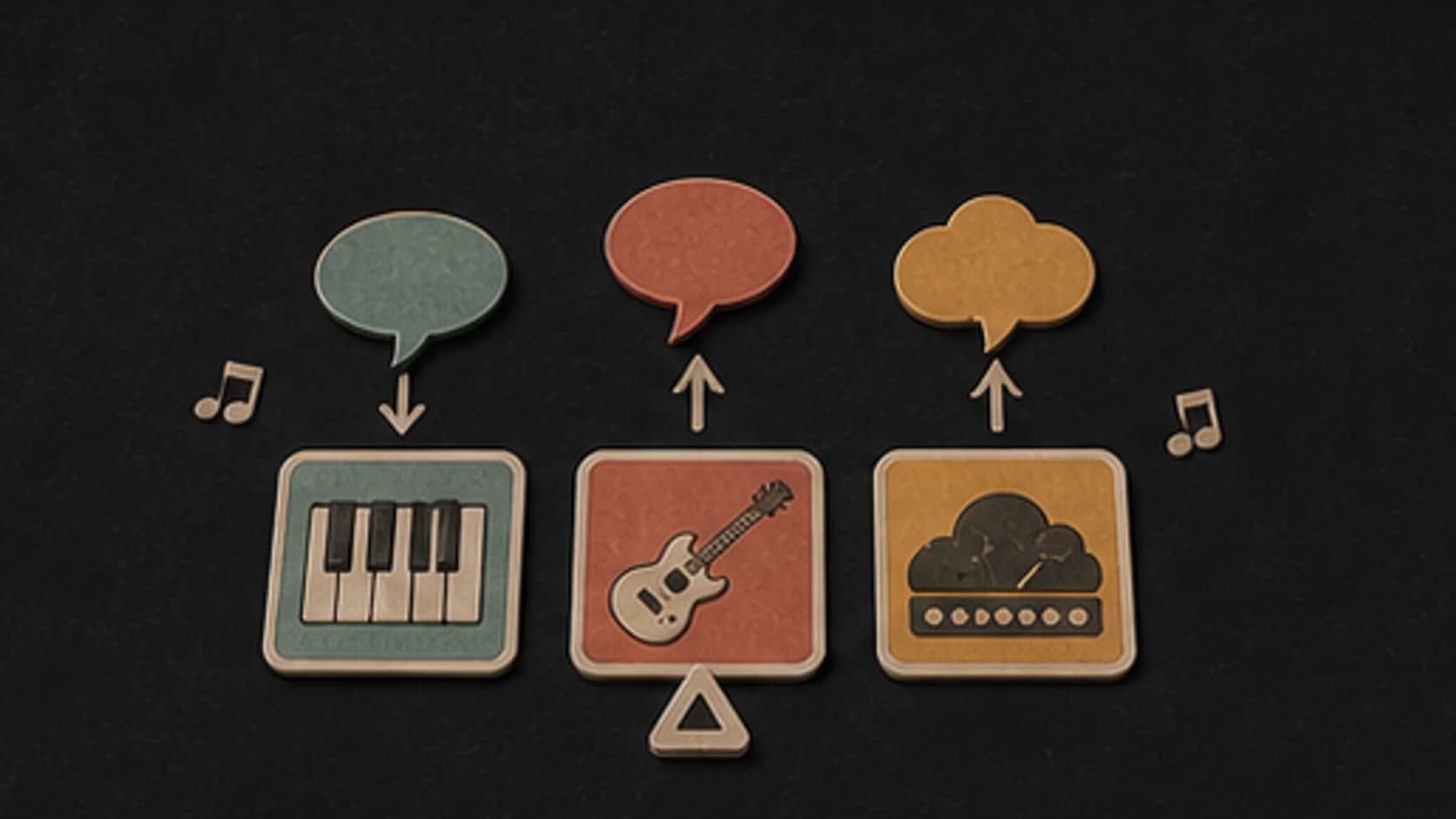
Describe the cowbell or lead motif, distorted bass, drum texture, chopped texture, pads, vocal-like fragments, and how much grit belongs in the mix.
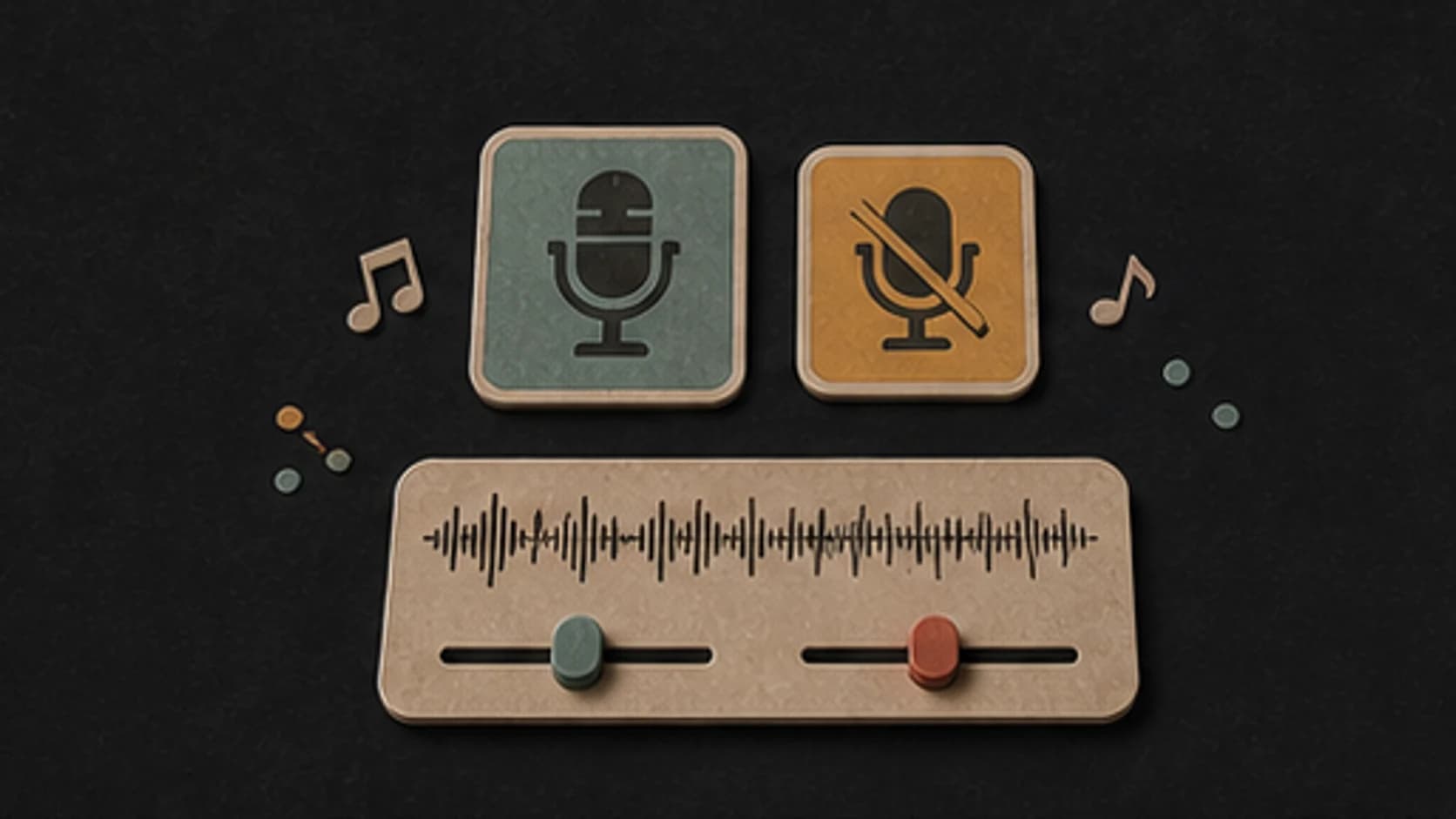
Keep the track instrumental, or request only original non-identifying vocal texture; do not use unlicensed samples or ask for a named recording.
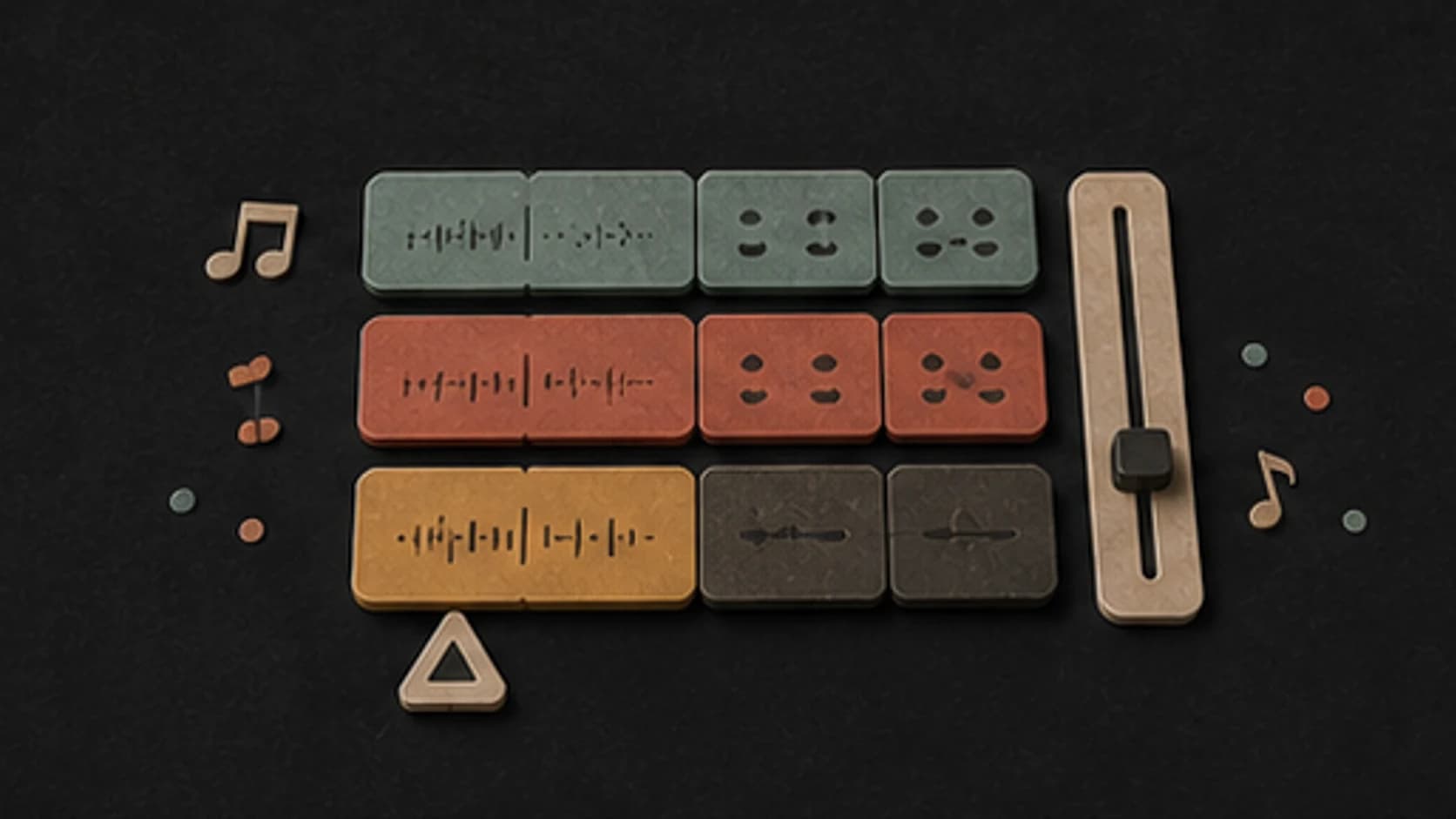
Choose the opening hook, driving section, breakdown, distortion change, final lift, and loop-friendly ending so the track has more than one repeated pattern.
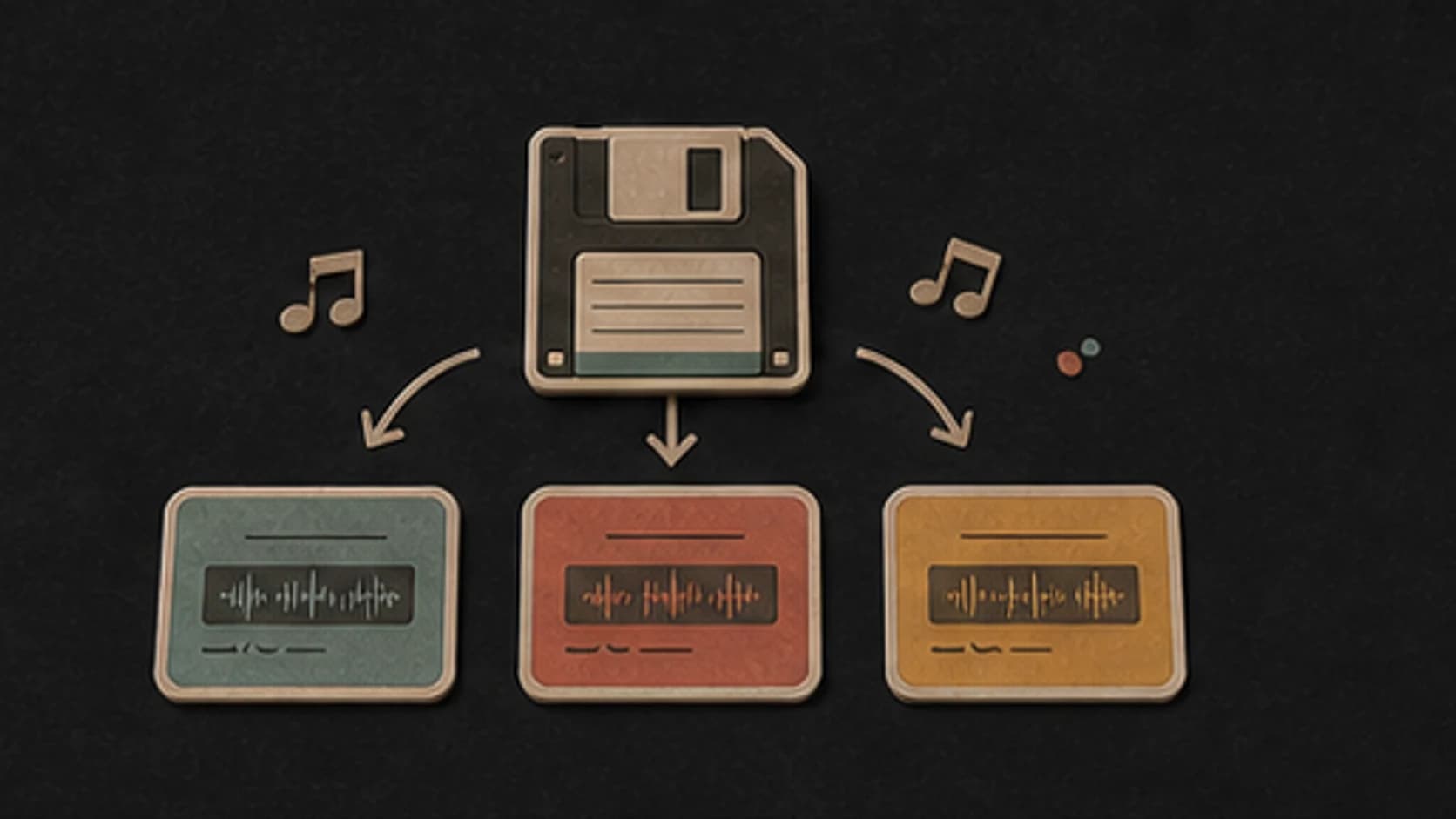
Keep the results that work in your MusicWave library. Compare another model or revise one clear detail when you want a different interpretation.
A practical prompt
Start with what the song should feel like, then add only the musical details you actually care about.
“Driving drift-phonk instrumental1 with sharp cowbell motif, distorted bass, hard kick and snare, tight hats3, 128 BPM feel2, no vocals, immediate hook, compact breakdown, and a strong final return4”
How it works
Describe the direction in your own words, choose the available options, then listen before changing anything.
Name the phonk track, pace, instruments, vocal role, and one or two arrangement details that matter most.
Pick an available music model, choose instrumental or vocal, and review the shown credit cost before starting.
Play the result from your library. Change the rhythm, instrument, vocal direction, or structure when the first version misses the brief.
Ways to use it
Start from the job the track needs to do. That makes the prompt more specific and the result easier to judge.
Use a clear motif, steady push, and strong transitions for vehicle or game footage.
Ask for consistent drum weight and fewer long breakdowns.
Put the main cowbell or bass idea in the opening and keep the arrangement compact.
Compare distortion, drum punch, tempo, and motif density across original versions.
Start free. Upgrade when you need more.
Try it out — no card required.
No credit card required
Perfect for creation, image-to-song, and song extension.
Save 40%
All 7 model families


Wave 5.5 · ElevenLabs Music · Lyria 3 Pro · MiniMax 2.6 · Mureka 9 · Stable Audio 2.5 · MusicGen
Cancel anytime · No lock-inUnused subscription credits expire at renewal or when the billing interval changes.
Best for commercial releases and advanced song editing.
Save 40%
All 7 model families
Wave 5.5 · ElevenLabs Music · Lyria 3 Pro · MiniMax 2.6 · Mureka 9 · Stable Audio 2.5 · MusicGen
Cancel anytime · No lock-inUnused subscription credits expire at renewal or when the billing interval changes.
For power users working across MIDI, video, and high-volume output.
Save 40%
All 7 model families
Wave 5.5 · ElevenLabs Music · Lyria 3 Pro · MiniMax 2.6 · Mureka 9 · Stable Audio 2.5 · MusicGen
Cancel anytime · No lock-inUnused subscription credits expire at renewal or when the billing interval changes.
FAQ
Straight answers about prompts, vocals, models, downloads, and using the finished track.
Name the style, pace, main instruments, vocal role, and the section that should carry the song. Add a scene or purpose when it helps explain the mood.
Yes. Turn on Instrumental and describe the rhythm, instruments, structure, and space you want without asking for a vocal part.
Yes. Choose Own Lyrics, paste words you wrote or have permission to use, and describe the music and vocal delivery around them.
Describe the musical traits you like instead—tempo, instruments, drum feel, vocal character, and arrangement. Do not request another person's identity or an exact imitation.
The composer shows the models currently available. Try the same direction with another model when you want a different reading of the groove, voice, or arrangement.
Completed tracks are saved to your MusicWave library. Download and usage options depend on your current plan, the selected model's terms, and the rights in anything you supplied.
Keep exploring
Move to a nearby genre, start from lyrics, or continue a version that already has the right direction.
Describe the phonk lane, cowbell, drums, bass, distortion, arrangement, and ending, then make an original track.
Start free — no credit card needed.