01
Start with the memory
A summer photograph, old apartment, family drive, first job, or quiet goodbye gives the track a concrete center.
Describe the memory, era, and emotional distance you want in the music. Build something warm, bittersweet, faded, or gently hopeful without copying a familiar song.
Start with the memory, era, and texture
First 2 songs freeEvery model on paid plans from $5.99/moSee plans ↓
Nostalgic-song examples
These original examples use indie pop, soft synthwave, and warm folk without borrowing a familiar melody or artist identity.
“Nostalgic indie-pop song with a warm conversational vocal, clean guitar shimmer, steady live drums, melodic bass, soft analog keys, and an original chorus about a summer photograph”
Pick a track to hear it and see the prompt behind it.
Direct the mood
Era, instrument, recording texture, and emotional tone are more useful than naming a song you want recreated.
A summer photograph, old apartment, family drive, first job, or quiet goodbye gives the track a concrete center.
Analog synths, cassette softness, jangly guitar, upright piano, or dry drums can suggest a period without copying a track.
Say whether the memory should feel comforting, distant, unresolved, playful, or quietly sad.
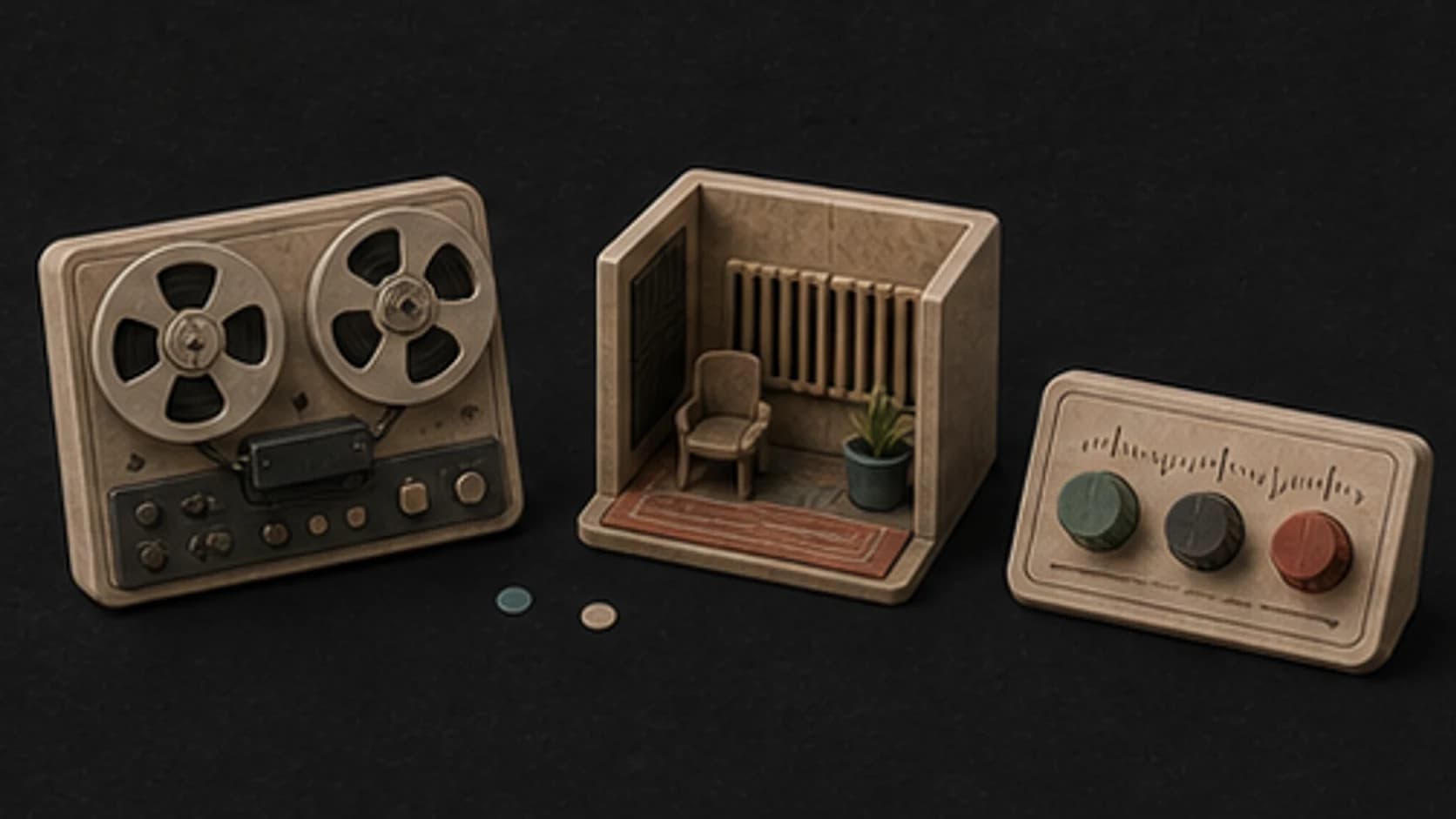
Ask for worn tape, small-room warmth, clean modern production, or restrained vinyl texture instead of adding every retro effect.
Describe traits and instruments rather than requesting an existing melody, recording, or living artist's voice.
Compare a vocal story with an instrumental version when you are unsure whether words help or narrow the feeling too much.
A memory-led prompt
Describe what is being remembered, then choose the musical details that make that distance audible.
“Bittersweet2 indie-pop instrumental about finding an old summer photograph1, clean guitar shimmer, soft analog keys, live drums and melodic bass, warm cassette texture3, no vocals and no borrowed melody4.”
How it works
Start with the feeling and scene. Add musical details only where they help make the direction clearer.
Describe the memory and how it feels from the present, then choose a few era-specific instruments or recording textures without naming a song to copy.
Pick an available music model, choose instrumental or vocal, and review the shown credit cost before starting.
Play the result from your library. Change the instruments, pace, vocal direction, or intensity when the first version misses the mood.
Memory and time
Personal stories, period scenes, family edits, and retro visuals need different balances of warmth and distance.
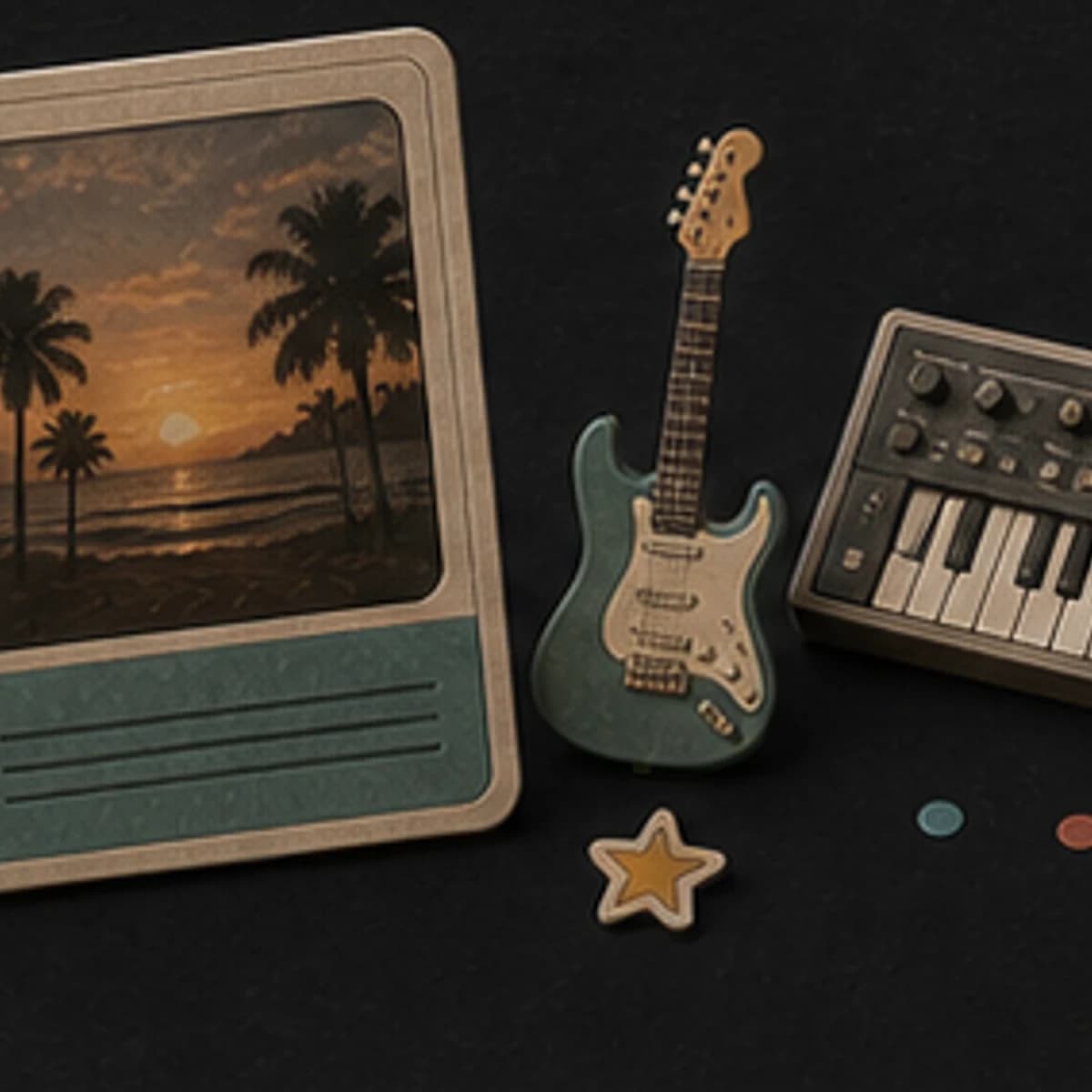
Turn a place, season, object, or turning point into an original vocal or instrumental direction.
Build warm background music around old photographs without forcing a dramatic story.
Suggest an era through instruments and production texture while keeping the composition original.
Create synth, folk, indie, or piano music for archival, fashion, travel, or design footage.
Start free. Upgrade when you need more.
Try it out — no card required.
No credit card required
Perfect for creation, image-to-song, and song extension.
Save 40%
All 7 model families


Wave 5.5 · ElevenLabs Music · Lyria 3 Pro · MiniMax 2.6 · Mureka 9 · Stable Audio 2.5 · MusicGen
Cancel anytime · No lock-inUnused subscription credits expire at renewal or when the billing interval changes.
Best for commercial releases and advanced song editing.
Save 40%
All 7 model families
Wave 5.5 · ElevenLabs Music · Lyria 3 Pro · MiniMax 2.6 · Mureka 9 · Stable Audio 2.5 · MusicGen
Cancel anytime · No lock-inUnused subscription credits expire at renewal or when the billing interval changes.
For power users working across MIDI, video, and high-volume output.
Save 40%
All 7 model families
Wave 5.5 · ElevenLabs Music · Lyria 3 Pro · MiniMax 2.6 · Mureka 9 · Stable Audio 2.5 · MusicGen
Cancel anytime · No lock-inUnused subscription credits expire at renewal or when the billing interval changes.
FAQ
Straight answers about era references, artist imitation, lyrics, downloads, and rights.
Yes. Add instruments, rhythm, and recording traits that belong to the period. Treat the result as an original interpretation, not historical reconstruction.
Describe the qualities you want instead of requesting a copy of a melody, arrangement, recording, or artist voice.
No. It can be clean and modern while using a memory-led melody, older instrument palette, or restrained arrangement.
Yes. Use a memory, place, or object as the lyrical center, then edit the generated draft so the details remain accurate and personal.
Completed tracks are saved to your library with the playback and download options available for the selected model and plan.
Review your MusicWave plan, model terms, and rights in supplied lyrics or references before commercial use.
Keep exploring
Move toward sadness, romance, lo-fi texture, or continue the version that feels right.
Describe the moment, emotional distance, and sound, then generate an original first version.
Start free — no credit card needed.