The best AI music generator in 2026 for most people is MusicWave.ai, an all-in-one AI music studio rather than a one-shot generator.
It does the whole job in one place: generate a song from a prompt, write the lyrics, swap the vocal, split the stems, remix a chorus you don't like, and export it with a commercial license.
Suno still makes the single best-sounding song, and Google Flow Music has the most generous free tier. Which one you pick depends less on audio quality than on what you're allowed to do with the file afterwards.
That last part is the thing almost every "best AI music generator" article skips. 2026 has been a brutal year for AI music licensing.
Udio switched off downloads entirely, Suno is capping them from September 3, and five tools on this list restrict or ban putting their output on Spotify.
So this is a list of 12 tools with current prices, hard limits, and the fine print that decides whether you can use what you make.
There's also a section on what these models still get wrong, which most of these roundups leave out.
The short answer: best AI music generator for each job
Skip the countdown if you already know what you need.
| What you're trying to do | Use this | Why |
|---|---|---|
| Make a full song and also edit it afterwards | MusicWave.ai | Generation plus covers, stems, remix, extend, and mastering in one app |
| Get the best-sounding vocal take, full stop | Suno | v5.5 still leads on vocals, but watch the new download caps |
| Make music without paying anything | Google Flow Music | Free tier includes downloads, which almost nobody else does |
| Score a YouTube video or podcast | Beatoven.ai or Soundraw | Built for background beds, not for songs |
| Run a client campaign with clean rights | ElevenLabs Music | Licensed with Merlin, Kobalt, and Believe |
| Turn lyrics you already wrote into a song | Mureka | Lyrics-first model that builds the melody around your words |
| Get MIDI you can open in your DAW | AIVA | The only one here that exports real MIDI, and Pro transfers copyright to you |
| Generate background loops inside an app or game | Mubert | Strong API, tracks up to 25 minutes |
| Make a personalized song as a gift | MusicWave.ai | Purpose-built flow, from $9, done in about a minute |
Want to try the top pick first? MusicWave gives you 20 credits free at signup, enough for two full songs before you spend anything.
How we ranked these
Audio quality matters, but it's the easiest thing to fake in a blog post. Every article on this topic says "studio-quality" about every tool. So we weighted five things instead:
What you're allowed to do with the file. Commercial rights, streaming distribution, YouTube Content ID, and whether the license survives you cancelling.
Whether you can get the file at all. One major platform on this list won't let you download your own music.
Cost per finished song. Not the sticker price. The price after you account for the five or six regenerations it takes to get a keeper.
Editing, not just generating. Most tools hand you a slot machine. The ones that let you fix a bad chorus without rerolling the whole track are worth a lot more.
Whether it's the right shape for the job. A background-music tool and a song generator are different products, and half the confusion in this category comes from people buying the wrong one.
Prices below are current as of August 2026 and pulled from official pricing pages where the tool publishes them. Where a company hides prices behind a signup wall, we've said so instead of guessing.
The 12 best AI music generators in 2026
1. MusicWave.ai — the all-in-one AI music studio
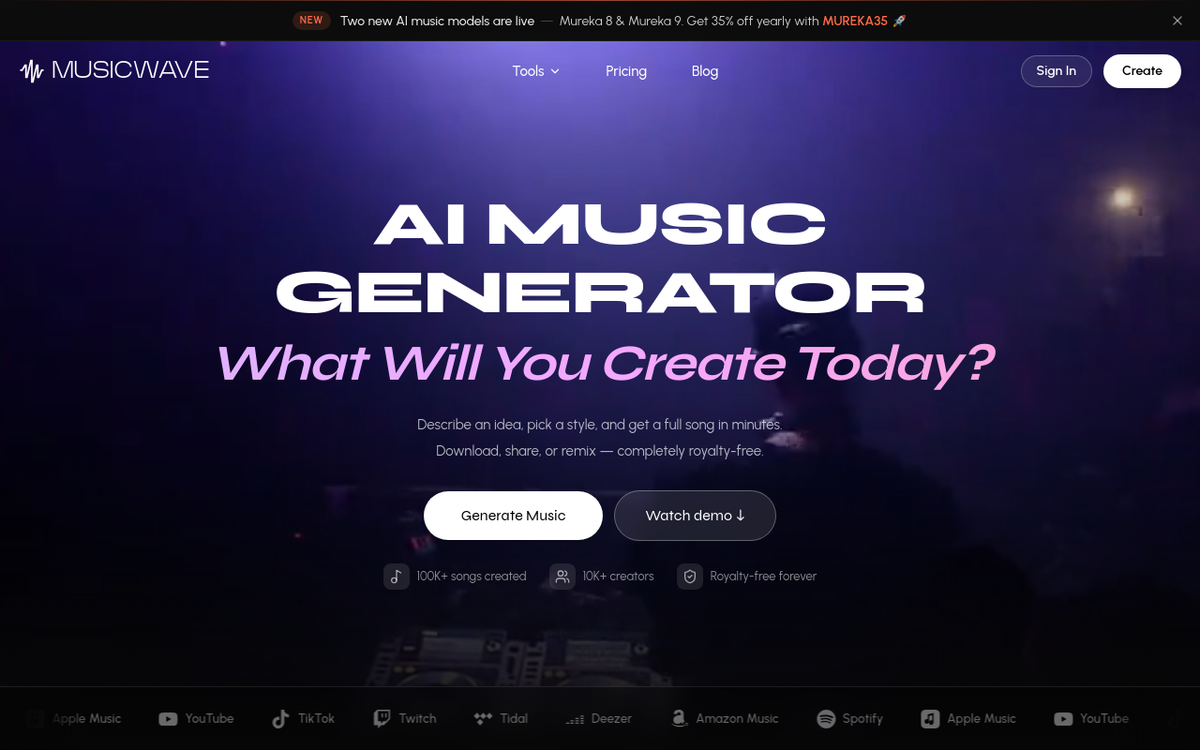
Most AI music tools do one thing. You prompt, you wait, you get a song, and if the second verse is wrong your only option is to generate a new song and hope. MusicWave is built around the opposite idea: generation is step one, and the other 20 steps are the actual work.
You start the same way as anywhere else. Describe what you want, pick a style, get a full track with vocals and instruments.
Then you have somewhere to go. Extend it if it ends too soon. Replace just the bridge.
Swap the vocalist using the AI cover song generator. Pull the vocals out with the stem splitter so you can drop them over your own beat.
Nothing else here covers this much of the workflow without exporting files into a DAW. That's the studio part, and it's why it tops this list.
Key features
- AI song generator from a text prompt, with vocals and lyrics
- AI lyrics generator — unlimited, even on the free plan
- AI cover song generator — upload audio, pick a voice, adjust pitch (10 credits)
- Stem splitter — 2, 4, or 5 stems: vocals, drums, bass, piano, other (6 credits)
- Song extender and replace-section for surgical edits
- AI remix generator and add vocals to an instrumental
- Image to music — upload a photo, get a track that matches its mood
- AI music video generator — 8 credits, syncs visuals to the song
- Audio to MIDI converter and a MIDI editor
- BPM and key finder — free and unlimited
- Voice personas — save a vocal character from one song and reuse it on the next
- Audio mastering
- Personalized song gifts for birthdays, weddings, and anniversaries
The other unusual thing: MusicWave doesn't lock you to one model.
Paid plans gives you access to all Wave music model (v5.5, v5, v4.5+, v4, v4.5-all), plus Mureka, MiniMax, ElevenLabs, Google Lyria 3, Stable Audio, and MusicGen.
Different models are good at different things. Lyria handles clean instrumentals, MiniMax gets certain vocal timbres right, and having them behind one login means you're not paying four subscriptions to compare.
Pricing (official page):
| Plan | Price/mo | Credits | What you get |
|---|---|---|---|
| Free | $0 | 10 at signup (~2 songs) | v4.5-all, MiniMax, MusicGen; unlimited lyrics; personal use only |
| Starter | $6.49 | 1,000 (~200 songs) | All models, cover songs, image-to-song, extend, stems, songs up to 8 minutes |
| Pro | $16.24 | 3,000 (~600 songs) | Everything above + remix, replace section, add vocals, mastering, MIDI editor, commercial license |
| Creator | $32.49 | 7,500 (~1,500 songs) | Everything above + voice personas, audio-to-MIDI, music videos, beta features |
Licensing. The commercial license starts at Pro and it's one of the more generous ones in this list: non-exclusive, perpetual, worldwide, royalty-free, and it stays valid after you cancel.
You can sell the music, put it on streaming platforms, use it in ads and films, and sub-license to clients. You get a downloadable license PDF, which matters more than it sounds when a client's legal team asks.
Pros
- The widest feature set here by a distance: generate, cover, split, remix, master, video
- Cheapest entry to a full-featured plan at $6.49/mo
- Multiple underlying models on one account
- License survives cancellation, and you keep 100% of revenue
- Available in 11 languages
- 100K+ songs created by 10K+ creators as of 2026
Cons
- Commercial rights need Pro, so the $6.49 tier is personal-use only
- The free tier is small: 20 credits is about two songs
- Fewer public benchmark comparisons than Suno, since it's newer
Best for: anyone who wants to finish songs rather than just generate them, creators who need stems and covers alongside generation, and people making personalized song gifts.
2. Suno — the best-sounding songs, with a big asterisk
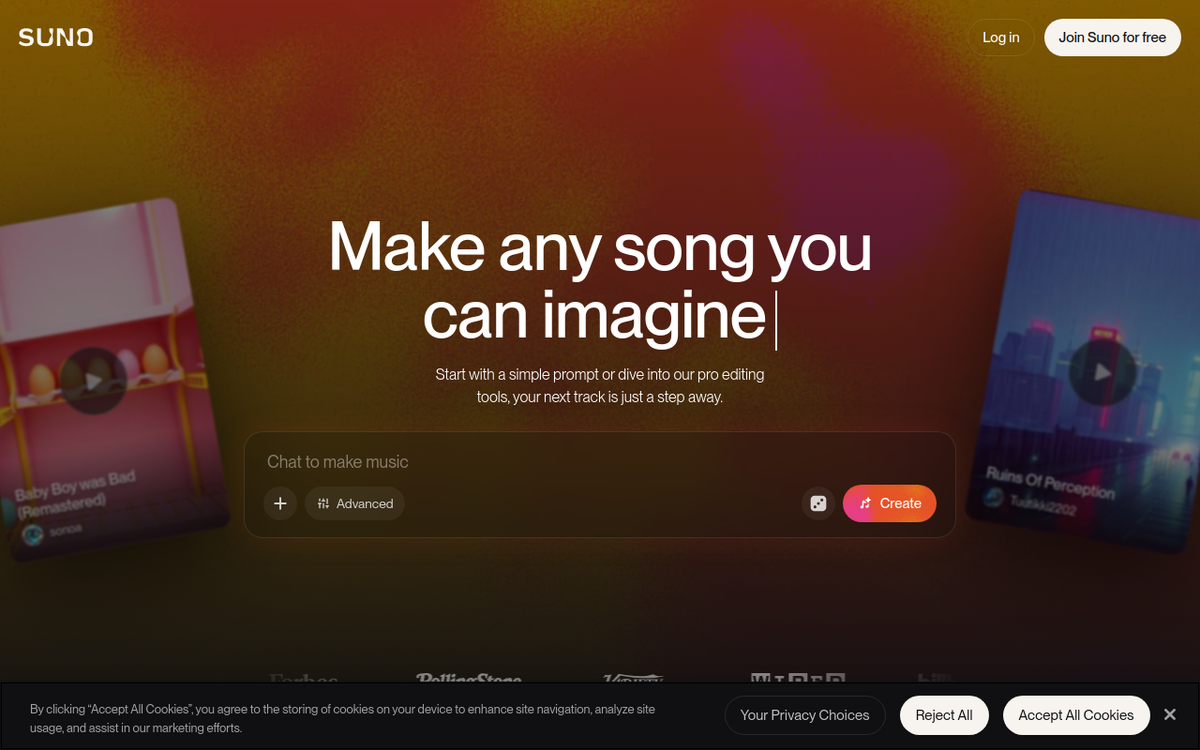
Suno is still the one to beat on pure audio. v5.5 landed in late March 2026 and its vocals hold up on sustained notes and dense mixes where other models turn to mush. If you want an AI music generator with vocals that sound like a person, this is the reference point.
Then there's the asterisk. From September 3, 2026, Suno caps downloads: Pro gets 20 a month, Premier gets 60, and the free plan gets 7 lifetime trial downloads (Suno's own FAQ). Unused ones don't roll over. Your songs stay playable in the app. You just can't keep pulling files out.
For a hobbyist that's fine. For anyone making music at volume, 20 exports a month on an $8 plan changes the math completely. Premier is softer than it looks, though: exports from Suno Studio stay uncapped, so the ceiling mainly bites Pro users.
Key features
- Text-to-song generation with vocals on the v5.5 model
- Custom mode — paste your own lyrics and control structure
- Songs up to 8 minutes in a single generation, plus a duration slider
- Extend, Cover, Remix, Add Vocals, and Add Instrumental
- Personas — lock a vocal character and reuse it across tracks
- Stem separation (2 stems on Pro, 3 on Premier)
- Audio upload up to 8 minutes on paid plans (60 seconds on free)
- Suno Studio 2.0 on Premier, with MIDI and effects
- iOS and Android apps
- No generally available API; an invite-only developer program opened in July 2026
Pricing (official):
Free — 50 credits/day (~10 songs).
Pro — $8/mo or $76.80/yr, 2,500 credits.
Premier — $24/mo or $230.40/yr, 10,000 credits.
The legal picture: Warner settled with Suno in November 2025 and took a licensing partnership. Universal and Sony are still suing, with dispositive motions not due until April 2027.
The Munich Regional Court ruled against Suno on July 31, 2026, the first German ruling against an AI music model. The judgment is not yet enforceable and Suno has signalled it may appeal.
Pros
- The most realistic vocals of any tool here, especially on sustained notes
- 8-minute tracks, the longest single generation in the list
- Deepest editing toolkit outside MusicWave
- Suno Studio gives Premier users uncapped exports
- Huge community and a large library of shared prompts
Cons
- Download caps land September 3, 2026 — 20/month on Pro, 7 lifetime on free
- The promised v6 model has been absent for nine months
- Universal and Sony are still suing; a Munich court ruled against Suno in July 2026
- API access is invite-only
- Suno's own terms warn that output may not be copyrightable
Best for: people who care most about how the song sounds and don't need to export dozens of files a month. If the caps are a dealbreaker, we compared the options in best Suno alternatives.
3. Google Flow Music — the best free AI music generator

This one has changed names twice, so it's confusing. Riffusion became Producer.ai, Google acquired it in February 2026, and it's now Google Flow Music, running on the Lyria 3.5 model released July 29, 2026.
The reason it earns a top-three spot is the free plan. You get daily credits, and you can download what you make in MP3, WAV, or M4A. Almost every other tool in this list either blocks free downloads or watermarks them.
Lyria 3.5 also fixed the two things people complained about most: vocal pronunciation and control. You now get direct sliders for tempo, duration, vocals, drums, and bass instead of begging the prompt to cooperate.
Pricing: Free with daily credits. Paid tiers ride on Google AI memberships at roughly $8, $20, and $100 a month for Plus, Pro, and Ultra, which map to 3,000, 10,000, and 30,000 Flow Music credits (reported tier mapping; Google's official help page confirms the tier names but not the credit counts).
Key features
- Text, image, audio, and voice prompting into the Lyria 3.5 model
- Direct sliders for tempo, duration, vocals, drums, and bass
- 48kHz stereo output, downloadable as MP3, WAV, or M4A
- Stem splitting inside Spaces
- AI music video generation powered by Veo
- Conversational "Chat with Producer" refinement
- Playlists and a mobile app
- SynthID watermarking and C2PA credentials on every export
Pros
- A free tier you can ship from, with downloads included
- Cleanest prompt-to-control workflow in the list
- Backed by Google's infrastructure and unlikely to disappear
- Distribution partnerships with Believe and TuneCore
- Lyria 3.5 fixed most of the old lyric-pronunciation complaints
Cons
- 3-minute maximum per track, versus Suno's 8
- Vocals still trail Suno and Udio on emotional delivery
- Google hasn't published its training sources and faces an unresolved suit over Lyria
- Free-tier commercial rights aren't clearly stated
- Three name changes in a year have scattered the documentation
Best for: trying AI music generation without a credit card, and short-form content where three minutes is plenty.
4. Udio — brilliant editing, but you can't take the file home
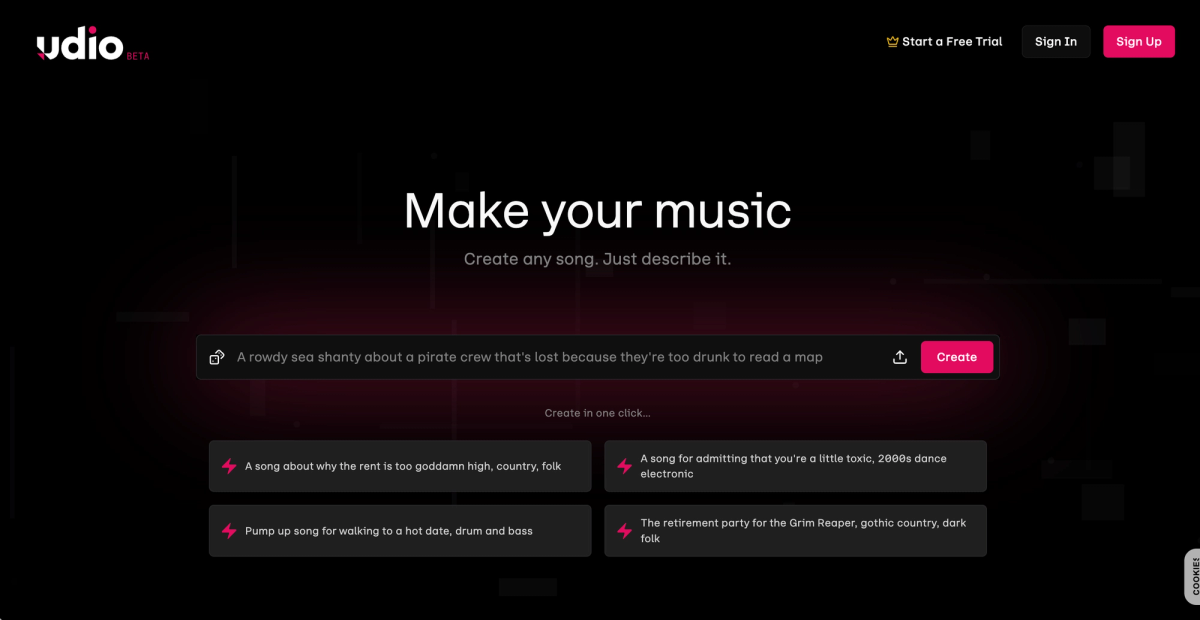
Udio has the best section-level editing in the category. Its inpainting feature lets you regenerate one part of a song, a weak second verse or a chorus that drifts flat, while leaving everything else untouched.
Its 48kHz output and vocal nuance are still arguably the most human-sounding of any model.
None of that helps if you can't export it. Udio disabled downloads on October 29, 2025, the same day it settled with Universal Music Group.
After a backlash it opened a 48-hour download window in early November, then closed it again.
As of August 2026 the licensed replacement platform is still rolling out in stages. Users who'd spent hundreds of dollars found their libraries locked inside the app.
Pricing: publicly reported as Free ($0, 10 credits/day plus a 100 monthly bonus), Standard $10/mo, and Pro $30/mo. Udio's pricing page doesn't render for external checks, and these figures predate the platform change, so treat them as unconfirmed and check in-app before subscribing.
Key features
- Inpainting — regenerate one section of a song and leave the rest untouched
- Sessions editor for arranging and revising a track in place
- Remix and extend on existing generations
- 48kHz stereo output with the most natural vocal nuance of any model
- Roughly 2 minutes per full-length generation
- No stem export, no file export, and no public API
Pros
- Best-in-class inpainting, still unmatched for section-level fixes
- Vocal nuance — vibrato and pitch glide — reads as genuinely human
- Strong Sessions editor for iterating on one idea
- First platform to reach a full licensing settlement with Universal
Cons
- No downloads, no stems, no export in any format since October 2025
- Commercial rights you can't act on, because the file never leaves the app
- The licensed replacement platform has been in staged rollout since May 2026
- Sony filed a second suit in July 2026 covering over 30,000 additional recordings
- Pricing isn't publicly verifiable
Best for: nobody with a deadline right now. Keep an eye on it, because the editing model is excellent and the licensed platform may fix everything. Until exports return, see Udio alternatives.
5. ElevenLabs Music — the cleanest licensing in the business
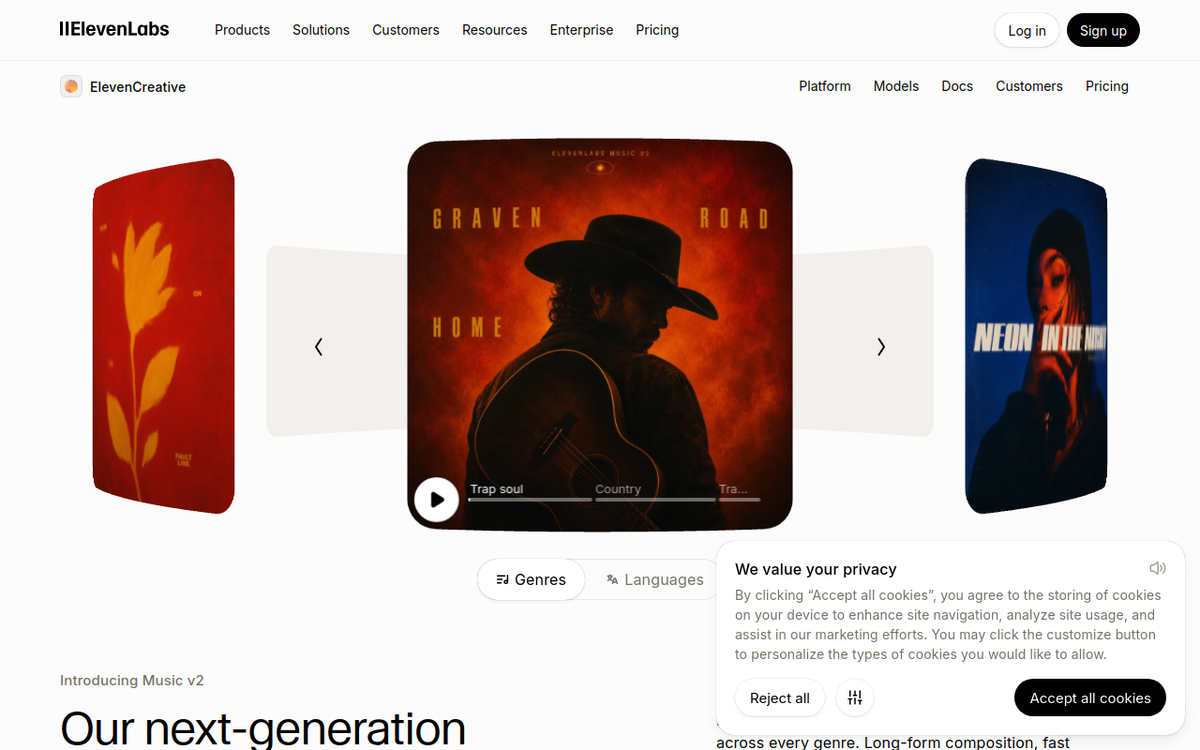
If a client's lawyer is going to read your paperwork, this is the safest tool here. ElevenLabs trained Eleven Music on licensed material and signed deals with Merlin and Kobalt in August 2025 and Believe in April 2026.
It's the only tool on this list with named major-industry rights-holder agreements and no active major-label lawsuit.
The generation itself is strong on instrumentals and improving fast on vocals since Music v2 shipped in May 2026.
Inpainting works well, and composition plans let you lay out a track section by section in advance rather than hoping the prompt lands.
Pricing (official): Free $0 (10k credits; the pricing page shows no commercial use, though the Music terms grant the same commercial rights as paid tiers minus streaming — confirm before relying on it), Starter $6/mo, Creator $22/mo, Pro $99/mo, Scale $299/mo.
The API bills at $0.15 per minute of music generated.
Read the fine print, though. Self-serve plans cover "all online and offline commercial use except film, TV, radio, and Studio Games," and those need Enterprise.
And streaming distribution is blocked on Free and Starter; you need Creator or above to put a track on Spotify.
Key features
- Text-to-music on the Music v2 model, trained on licensed material
- Track length from 3 seconds to 5 minutes
- Vocals or forced-instrumental output
- Inpainting — regenerate a section without rebuilding the track
- Composition plans — lay out the song section by section as structured input
- Mid-song genre transitions
- Custom finetunes trained on your own non-copyrighted audio
- Multilingual: English, Spanish, German, Japanese and more
- MP3 and WAV, with 44.1kHz PCM via the API
- Full public API at $0.15 per generated minute
Pros
- The only model here with named major-industry licensing deals and no label lawsuit
- Strong, properly documented API — the best option for programmatic use
- Inpainting and composition plans give real structural control
- Custom finetunes on your own audio
- Very strong on instrumentals and improving fast on vocals
Cons
- Music credits share a pool with text-to-speech, so heavy use eats your voice budget
- Film, TV, radio, and game rights are Enterprise-only
- Streaming distribution is blocked on Free and Starter
- 5-minute ceiling
- Vocals still a step behind Suno on emotional delivery
Best for: agencies, brands, and anyone whose work goes through a legal review.
6. Mureka — best AI music generator with lyrics you wrote yourself
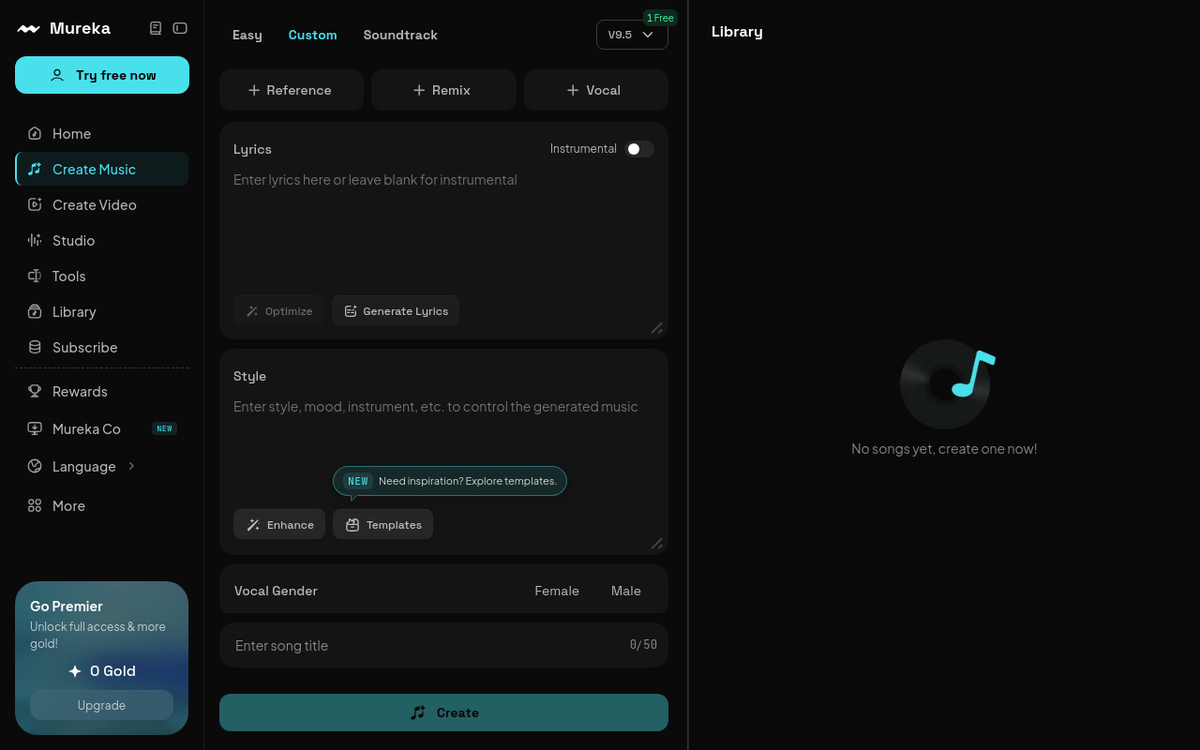
Most tools treat lyrics as an afterthought. You paste them in and the model bends them to a melody it already had in mind.
Mureka works the other way. Its MusiCoT approach plans the song structure around your words first, then composes.
If you're a lyricist who's been frustrated by AI mangling your syllable stress, this is the one to try.
It also has the deepest export options in the mid-tier: 5-stem and 12-stem separation, WAV, MIDI export, and voice cloning on Pro.
Pricing: Mureka doesn't publish a working pricing page, but three independent sources agree on roughly: Free (limited credits, non-commercial), Basic ~$10/mo (~$8 annual) for 400 songs, Pro ~$30/mo (~$24 annual) for 1,600 songs. Custom model training runs $99–$199 one-time. Unconfirmed, so verify in-app.
Alternatively you can use mureka music models on MusicWave's platform here.
Key features
- Lyrics-first composition — the MusiCoT approach plans structure around your words
- Mureka 9 and Mureka 9 Instrumental models, with an O1 reasoning line
- Tracks up to about 4:30
- 10+ languages including English, Chinese, Japanese, Korean, Spanish, German, French, Italian, Portuguese, and Russian
- 5-stem and 12-stem separation — the deepest stem breakout here
- WAV downloads and MIDI export on Pro
- Voice cloning on Pro
- Reference-audio upload to steer the arrangement
- Custom model training as a one-time add-on
- Deep API with extend, remix, transcribe, and fine-tuning endpoints
Pros
- Lyrics-first composition handles syllable stress better than prompt-first tools
- 12-stem separation, more than any other tool in this list
- 10+ languages
- Genuinely deep API for developers
- Very cheap per song at volume — hundreds of tracks on the entry plan
Cons
- No working public pricing page
- No disclosed training data and no rights-holder licensing deals
- Steeper learning curve than Suno
- High male vocal registers sound thin and mechanical
- Recurring complaints about billing and customer service
Best for: songwriters with finished lyrics, and high-volume creators who need hundreds of tracks a month. We put it head to head with Suno in Suno vs Mureka.
7. Soundverse AI — best conversational editing
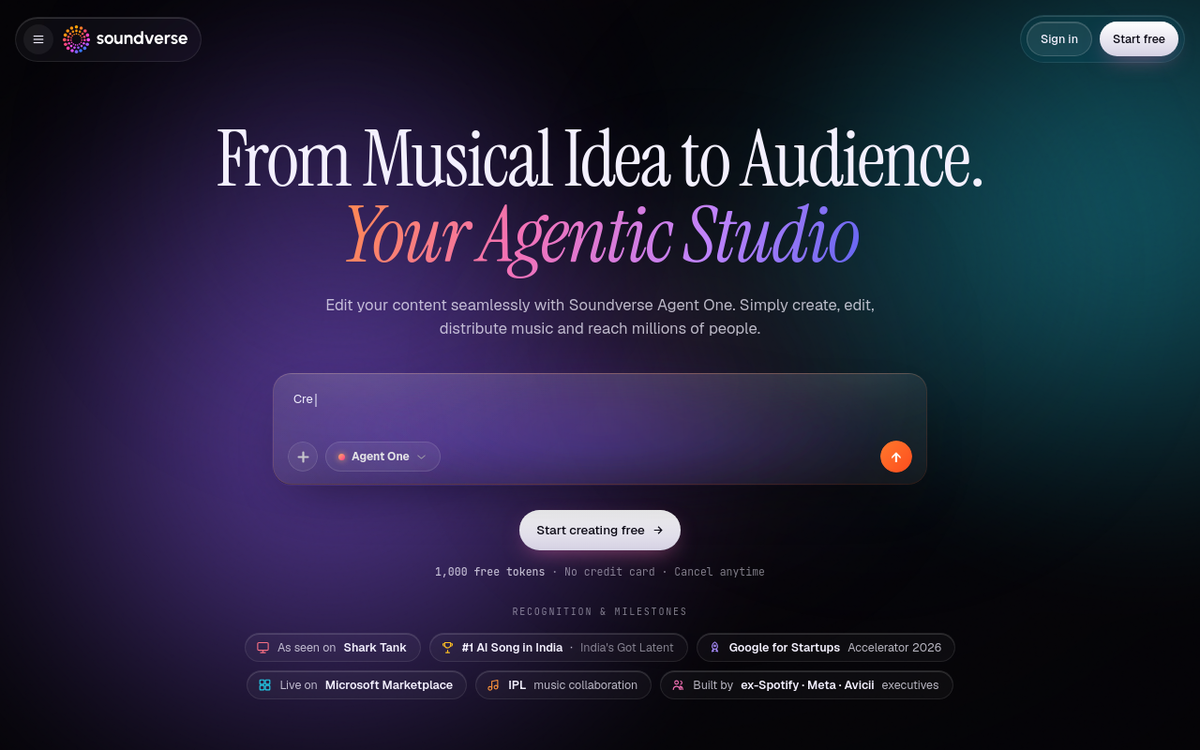
Soundverse's pitch is that you shouldn't have to rewrite your prompt to fix a track. You generate, then you talk to it: "drop the drums in the intro," "slow it down," "extend the bridge." Its Agent One interface handles the revision rather than rerolling.
It answers the biggest frustration in AI music: getting 80% of the way there with no way to close the gap.
Pricing: Free (1,000 tokens, 10 MP3 exports/mo, 15–30 second clips, non-commercial), Creator around $9.99–15.99/mo (non-commercial), Pro around $24.99–39.99/mo (where commercial rights begin), Max around $60–79.99/mo, plus Enterprise. Sources disagree on the exact figures and Soundverse doesn't publish them openly, so treat this range as approximate. Tokens do roll over month to month, which is unusual and useful.
Key features
- Agent One chat interface — refine a finished track by describing the change
- Full songs with vocals from a text prompt
- Stem separation into vocals, drums, bass, guitar, and accompaniment
- Voice cloning
- MP3, WAV, and stem exports
- Token-based credits that roll over month to month
- API-level control on the Enterprise tier
Pros
- Conversational editing that holds up in practice, not just in the demo
- Tokens roll over instead of expiring, which is rare in this category
- Stem separation and voice cloning included on paid tiers
- Genuinely good answer to the "80% there and stuck" problem
Cons
- Output on complex arrangements trails Suno
- Token pricing makes per-song cost hard to predict
- Free tier is capped at 15–30 second clips and is non-commercial
- Commercial rights and streaming release both start at Pro, not Creator
- Any DSP release requires real human input layered on top of the AI track
- Prices aren't published without an account
Best for: people who iterate a lot and hate starting over.
8. Soundraw — the safest license for YouTubers

You don't prompt Soundraw. You pick genre, mood, length, and tempo, and it builds an instrumental you can adjust bar by bar. No vocals, no lyrics, no surprises.
What makes it worth a spot is the Content ID rule. Soundraw's license bars everyone, including other subscribers, from registering its music with YouTube Content ID, so the same track can't be claimed against your video. If you've been burned by a "royalty-free" track getting claimed, that's the whole ballgame.
Pricing (official): Creator $16.99/mo ($11.04 annual, unlimited MP3 downloads). Artist Starter $29.99/mo. Artist Pro $35.99/mo (WAV + stems, 20 downloads). Artist Unlimited $50/mo. The free tier lets you generate and preview unlimited tracks but download nothing.
Read the license carefully, because this bit is widely misreported. An unmodified Soundraw track stays licensed only while your subscription is active, and if you cancel you're expected to unpublish content using it. Materially change the track (add vocals, remix, layer instruments) and the license becomes perpetual — that's also the only route to a Spotify release.
Key features
- Genre, mood, length, and tempo selectors instead of text prompts
- Bar-level mixer — toggle instruments and change intensity per section
- Key and tempo editing after generation
- Genre fusion to blend two styles
- Stem downloads (drums, bass, melody, vocals, FX) on Artist Pro and above
- MP3 on Creator; WAV and stems on Artist tiers
- Unlimited generation and preview on the free tier, with no downloads
- Separate "Artist" track for producers releasing to streaming platforms
Pros
- Bar-level editing gives more control than any other slider-based tool here
- No Content ID risk — nobody, including other subscribers, can register the tracks
- Perpetual license once you materially modify the track
- Trained only on music Soundraw created in-house
- Unlimited free previews, so you can audition before paying
Cons
- No vocals and no lyrics
- MP3-only on the $16.99 Creator tier
- Slider interface feels slow if you're used to prompting
- Unmodified tracks lose their license when you cancel — you're expected to unpublish
- Unmodified releases to Spotify are prohibited
- Smaller genre library than the big song generators
Best for: YouTubers and video editors who want background music and zero copyright drama. More options in Soundraw alternatives.
9. Beatoven.ai — best for scoring video and podcasts
Beatoven does one thing that nothing else here does well: you upload a video and it scores to it. It follows the pacing, rather than just matching your runtime. Add 16 emotion tags and section-by-section mood control and you get a bed that moves with your edit.
It's also Fairly Trained certified, meaning licensed training data with artist compensation. That's why brands use it.
Pricing: Beatoven doesn't render prices publicly. Third-party reports cluster around Creator at $6–10/mo and Visionary at $20/mo for 60 minutes of downloads, with pay-as-you-go around $3/minute. All plans meter download minutes, not track counts. Unconfirmed, so check the app.
The catch: Beatoven keeps ownership of the track. Your license is perpetual and royalty-free, but you can't resell it and you can't distribute it to Spotify, Apple Music, or any other streaming service. Treat it as a scoring tool rather than a music-release tool.
Key features
- Multimodal prompting — text, an uploaded video, or a reference audio track
- Video-to-music scoring that follows your edit's pacing
- 16 emotion tags
- Section-by-section mood control within a single track
- Genre selection and post-generation length adjustment
- AI sound effects alongside music
- MP3 and WAV downloads, metered by download minutes
- Public API
- Fairly Trained certified — licensed data with artist compensation
Pros
- The only tool here that genuinely scores to a video rather than matching runtime
- 16 emotion tags plus per-section mood control
- Ethically sourced training data, which matters for brand and enterprise work
- Solid API
- Perpetual, royalty-free license on downloads
Cons
- Instrumental only — no vocals, no lyrics
- You never own the output; Beatoven retains ownership
- Streaming distribution to Spotify, Apple Music, and other DSPs is prohibited
- No MIDI export
- The download-minutes and credits system confuses buyers
- Audio fidelity sits a notch below the big generative models
Best for: video editors, podcasters, and brand teams. If you're picking music for a show, there's more detail in best music for podcasts.
10. Mubert — best for apps, games, and very long tracks
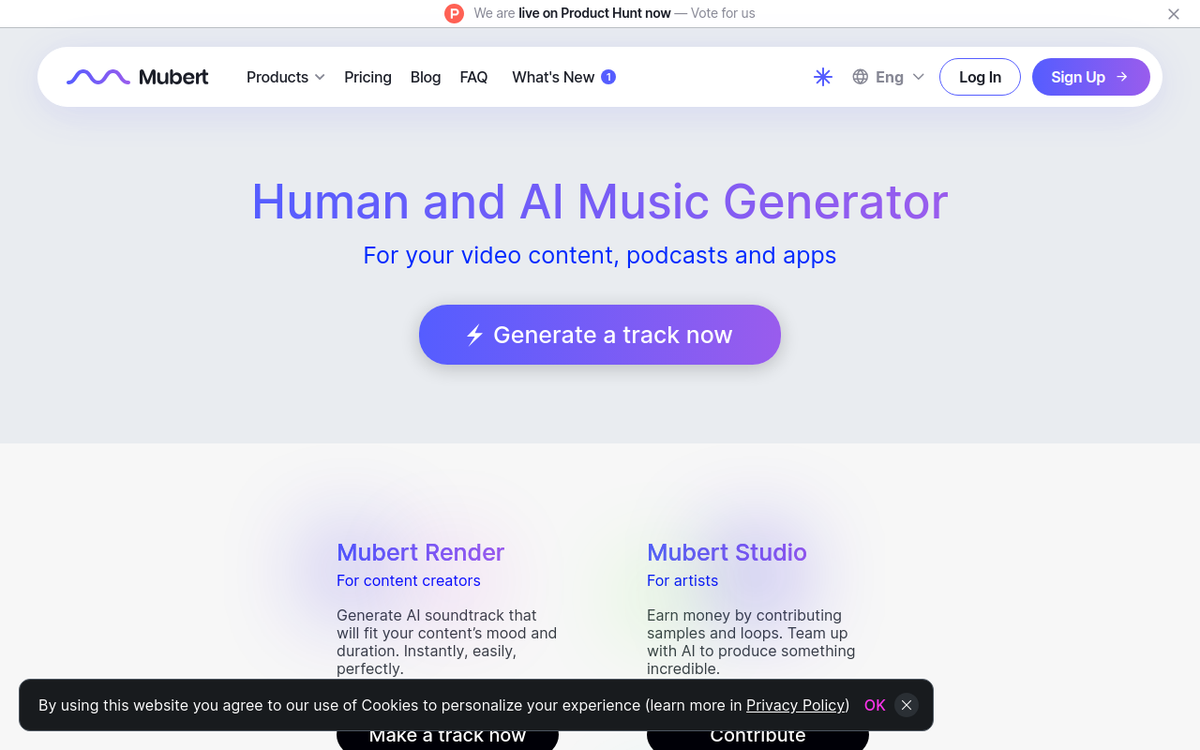
Mubert generates tracks well past 20 minutes, which nothing else on this list comes close to. That plus a mature API is why it shows up inside apps, games, streams, and retail spaces rather than in creators' download folders.
Be careful here, because Mubert runs two products with two different licenses.
Pricing — Mubert Render (official): Ambassador free (25 generations, 5 MP3s, attribution required). Creator $14/mo, which is labelled non-commercial only: no monetized video, no client work. Pro $39/mo covers monetized channels and freelance work. Business $199/mo covers full commercial use. Every Render tier bans standalone streaming releases and Content ID.
Pricing — Mubert.ai (official), the newer credit-based product: Free 24 credits/mo, Starter around $14.90, Hobby around $29.80, Professional around $49.70, with commercial rights on every paid plan. Mubert hasn't published streaming-release terms for this product, so check before you distribute.
A license bought on one does not apply to the other.
Key features
- Text prompts plus genre, mood, and activity presets
- Tracks well past 20 minutes — by far the longest here
- Lossless and MP3 output
- Stem editing and duration editing on paid tiers
- Full track editor on Render Pro and above
- Mature API, widely used inside apps, games, and streaming setups
- Two separate products — Mubert Render (sync licensing) and Mubert.ai (credit-based)
Pros
- Very long tracks, which nothing else in this list can match
- Excellent, mature API for developers
- Lossless output
- Stem and duration editing
- Commercial rights on every mubert.ai paid plan
Cons
- Two products with two different licenses, and one doesn't cover the other
- The $14 Render Creator tier is non-commercial only
- Content ID and standalone streaming releases are prohibited across Render
- Loop-based output gets repetitive on long listens
- The jump to full commercial rights on Render is steep at $199/mo
Best for: developers, streamers, and anyone who needs an hour of ambient without hearing the same eight bars. See also Mubert alternatives.
11. AIVA — the composer's tool, and the only one that gives you copyright
AIVA is aimed at people who read music. It has 250+ style presets, you can upload an audio or MIDI influence, and it's the most MIDI-native tool here: you compose straight to MIDI rather than extracting it from finished audio. That means you take AIVA's idea into your DAW and finish it with your own instruments.
The other thing nobody else offers: on the Pro tier, copyright transfers to you. Every other tool on this list licenses its output to you. AIVA hands it over.
Pricing (official, in EUR, billed annually): Free €0 — 3 downloads/mo, 3-minute max, AIVA owns the copyright, credit required. Standard €11/mo — 15 downloads, 5-minute max, monetization limited to YouTube, Twitch, TikTok, and Instagram. Pro €33/mo — 300 downloads, 5:30 max, WAV, you own the copyright.
That tiering is a trap worth naming: paying for Standard does not make the music yours. Only Pro does.
Key features
- 250+ style presets across cinematic, classical, and modern genres
- MIDI export on every tier, including free
- Audio or MIDI influence upload — feed it a reference and it composes in that direction
- Custom style models trained on your own uploads
- In-app editor for post-generation changes
- Duration control up to 5:30 on Pro
- High-quality WAV on Pro
- Copyright transfer to you on the Pro tier only
Pros
- The most MIDI-native tool here, so you can finish the idea in your own DAW
- Pro actually transfers copyright to you — every other tool only licenses
- Influence uploads give you a real starting point rather than a random result
- 250+ styles, strong on cinematic, orchestral, and classical
- Custom style models from your own material
Cons
- No vocals and no lyrics
- 5:30 maximum length, short for scoring work
- Free and Standard leave AIVA as the copyright owner, which catches people out
- Standard limits monetization to YouTube, Twitch, TikTok, and Instagram
- Low download caps outside Pro
- Weak on modern electronic, hip-hop, and urban genres
Best for: film, game, and trailer composers who want a starting point rather than a finished track.
12. Loudly — built-in distribution, with strings attached
Loudly bundles four things: prompt-based generation, a pre-cleared human catalog, a stem splitter, and its own distribution arm that pushes tracks to Spotify, Apple Music, YouTube Music, TikTok, and Amazon.
It's trained on consented, licensed data, which puts it in the same ethical bracket as Beatoven and Soundraw.
Pricing: Loudly's FAQ confirms Free, Personal, and Pro tiers with an annual discount, but doesn't publish figures. Reports cluster at Personal ~$10/mo and Pro ~$30/mo. Free generations are capped at 30 seconds. Unconfirmed.
The strings. Read the license agreement before you commit. Content ID claiming is prohibited. Streaming distribution is allowed only through Loudly's own service, so DistroKid and CD Baby are contractually out. And your right to receive payouts ends when you cancel, even on tracks already released.
Key features
- Natural-language prompts plus genre, mood, and energy filters
- A pre-cleared catalog of human-made music alongside the AI generations
- Stem export and downloadable sample packs for DAW work
- Stem splitter for audio you upload yourself
- Built-in distribution to Spotify, Apple Music, YouTube Music, TikTok, and Amazon
- API for apps and games
- Trained on consented, licensed data
Pros
- Both prompt-based and filter-based generation, so it suits either working style
- Stem splitter and sample packs make it useful for producers finishing in a DAW
- Licensed, consented training data
- Distribution is included rather than a separate subscription
- Around 90% of features are available on the free tier
Cons
- Distribution lock-in — DistroKid, CD Baby and the rest are contractually out
- Your payouts stop when you cancel, even on tracks already released
- Content ID registration is prohibited
- Vocals are the weak point compared with Suno or Udio
- Free generations are capped at 30 seconds and prices aren't published
Best for: creators who want one bill for making and releasing music, and who plan to stay subscribed.
Two more worth knowing about
Soundful
Soundful builds background music from producer-made templates rather than free-form prompts. It's aimed at social and marketing video where consistency matters more than originality.
Key features
- A large library of producer-made style templates
- Key and tempo adjustment
- Stem packs on paid tiers for DAW work
- MP3 and WAV downloads on paid plans
- Exclusive-track licensing available as an upsell
Pros
- Templates make it fast and predictable for repeat social content
- Stem packs on paid tiers
- Clear three-tier license structure (Personal, Music Creator, Business)
Cons
- Least customizable tool here — essentially just tempo and key
- No vocals and no lyrics
- Output repeats quickly within a genre if you publish at volume
- The free tier allows one download a month
- The license dies when your subscription does
- Business license has a revenue threshold that's easy to breach unknowingly
Best for: marketing and social teams producing a steady stream of short video, who value predictable output over originality.
Boomy
Boomy is the "make a song in 30 seconds and put it on Spotify" platform, aimed at hobbyists chasing streaming royalties rather than at content creators.
Key features
- One-click generation across 80+ styles
- Tempo, key, and structure tweaks
- Dolby remastering as a paid add-on
- Distribution to Spotify, Apple Music, TikTok, and 40+ platforms
- Commercial rights on downloads from the paid tiers
Pros
- Genuinely the fastest path from nothing to a released track
- Distribution built in, and paid users can use their own distributor
- Cheapest paid entry point in this article, reportedly around $2.99/mo
Cons
- Output quality sits well behind current generative models
- Vocals are minimal — closer to vocal-ish layers than sung lyrics
- The revenue split isn't published
- Prices aren't published openly either, so the $2.99 figure is unconfirmed
- No licensed-training-data story, unlike Loudly, Beatoven, or Soundraw
- Spotify's 2023 removal of tens of thousands of Boomy uploads still colors its standing with streaming platforms
Best for: hobbyists who want the fastest possible route to a track on Spotify and aren't precious about how it sounds.
Full comparison table
| Tool | Best for | Free tier | Paid from | Vocals | Stems | Commercial rights | Spotify release | Content ID |
|---|---|---|---|---|---|---|---|---|
| MusicWave.ai | All-in-one studio | 20 credits | $6.49/mo | Yes | Yes (2/4/5) | Pro+, survives cancellation | Allowed | Not prohibited |
| Suno | Best vocals | 50 credits/day, 7 lifetime downloads | $8/mo | Yes | Paid tiers | Paid tiers | Allowed | Not stated |
| Google Flow Music | Free use | Daily + downloads | ~$8/mo | Yes | Yes | Paid tiers | Via partners | Not stated |
| Udio | Section editing | 10 credits/day | ~$10/mo* | Yes | No | Nominal only | No export | N/A |
| ElevenLabs Music | Clean licensing | 10k credits | $6/mo | Yes | In app tier | Starter+ (no film/TV) | Creator+ only | Not stated |
| Mureka | Your own lyrics | Limited | ~$10/mo* | Yes | Yes (5/12) | Basic+ | Allowed | Not stated |
| Soundverse AI | Chat-based editing | 1,000 tokens | ~$10/mo* | Yes | Yes | Pro+ | Pro+, human input required | Not stated |
| Soundraw | YouTube safety | Preview only | $16.99/mo | No | Artist Pro+ | Perpetual only if modified | Only if modified | Prohibited |
| Beatoven.ai | Video scoring | 5–10 gens | ~$6–10/mo* | No | No | Perpetual, not owned | Prohibited | Not addressed |
| Mubert | Apps and games | 25 gens | $14/mo (non-commercial) | No | Yes | Render Pro+ / any mubert.ai paid plan | Prohibited on Render | Prohibited (Render) |
| AIVA | MIDI and scoring | 3/mo | €11/mo | No | MIDI | Pro owns copyright | Pro | Not stated |
| Loudly | Distribution | 30s clips | ~$10/mo* | Limited | Yes | Paid tiers | Loudly only | Prohibited |
* Prices marked with an asterisk are reported by third parties because the company does not publish them openly. Verify before subscribing.
One row clears every column: MusicWave.ai. Generation, covers, stems, and remix in one app, streaming releases allowed, and a commercial license that stays valid after you cancel, with a downloadable PDF for when a client's legal team asks. You can start free with 20 credits.
How much does an AI-generated song really cost?
Every article lists plan prices. Almost none does the arithmetic that matters: how much does one song you'd keep cost you?
Nobody keeps the first generation. A realistic keeper rate sits somewhere between one in four and one in eight, depending on how specific your idea is and how good your prompt is. Vague prompts converge fast; specific ones take more tries.
Run that through the plans:
| Plan | Monthly cost | Generations included | At a 1-in-5 keeper rate | Real cost per usable song |
|---|---|---|---|---|
| MusicWave Starter | $6.49 | ~200 | ~40 keepers | ~$0.16 |
| MusicWave Pro | $16.24 | ~600 | ~120 keepers | ~$0.14 |
| Suno Pro | $8 | ~500 | ~100 keepers | ~$0.08 — but only 20 downloads/mo from Sept 3 |
| Suno Premier | $24 | ~2,000 | ~400 keepers | ~$0.06 — capped at 60 downloads/mo |
| Mureka Basic | ~$10 | ~400 | ~80 keepers | ~$0.13 |
| ElevenLabs API | pay-per-use | $0.15/minute | — | ~$0.45 per 3-min generation, ~$2.25 per keeper |
The download caps flip Suno's ranking. On paper it's the cheapest per generation in the list. In practice, if you can only export 20 files a month on Pro, your cost per exported song is $0.40 — about two and a half times MusicWave Starter's $0.16, on a plan that looked five times cheaper on the sticker.
Run that number before you subscribe to anything. What matters is the price of one finished, downloaded, licensed song.
Who owns the music an AI music generator makes?
Where the lawsuits stand. The major labels sued Suno and Udio in June 2024. Universal settled with Udio in October 2025. Warner settled with both in November 2025. Sony has settled with neither and escalated in July 2026 with a second suit against Udio covering more than 30,000 additional recordings. The Munich Regional Court ruled against Suno on July 31, 2026, in the first German case against an AI music model, though that judgment is not yet enforceable and may be appealed.
Commercial rights are not copyright. This is the distinction nobody explains and everybody needs. When a platform grants you "commercial rights," it's promising not to sue you for using the music. It is not giving you a copyright you can enforce against someone else who uses the same track.
In the US, work generated entirely by AI with no meaningful human authorship can't be registered for copyright at all. Suno's own help pages say plainly that they make no warranty that any copyright will vest in your output.
That doesn't stop you monetizing a YouTube video. It does mean you can't stop anyone else from using an identical track.
Watch the cancellation clause. Three different models exist across this list, and they matter more than the monthly price:
- License survives cancellation: MusicWave (Pro and Creator), Beatoven, AIVA Pro, and Soundraw only for tracks you materially modified
- License dies with the subscription: Soundful, and any unmodified Soundraw download
- Payouts stop on cancellation: Loudly. Your released tracks stay online, but you stop earning from them
Cancel a subscription in the second or third bracket and you can retroactively lose the right to monetize content you published months ago. That's a real financial risk on work you already shipped.
Can you actually put AI music on Spotify and YouTube?
Short answer: sometimes, and not with every tool on this list.
Five of these tools stand between you and Spotify. Beatoven prohibits streaming distribution outright. Mubert Render bans standalone releases on every tier, so only the separate mubert.ai product is an option. Loudly allows releases only through Loudly's own distribution service. Soundraw requires you to materially modify the track first. ElevenLabs blocks it on Free and Starter, and Soundverse requires real human input on top of the AI track. Recommending a tool for "making songs" without mentioning that its terms ban you from releasing them is how most articles on this topic waste your time.
Content ID is prohibited nearly everywhere. Soundraw, Loudly, and Mubert Render all explicitly forbid you from registering their output with YouTube Content ID; Beatoven's terms don't address it either way. What the license protects is your right to use the music without being claimed. It does not give you the right to claim anyone else.
Spotify has tightened up. It removed more than 75 million tracks it classed as spam as part of its AI policy changes, and a DDEX-based AI disclosure credit system is in beta. Mass-uploading AI tracks to chase streaming fractions is not a business anymore, if it ever was.
What works. Using AI music as a bed under your own content — YouTube videos, podcasts, ads, games, apps — is fine on almost every paid plan here. Releasing an AI-assisted song as an artist works best when you've added real human input (your lyrics, your vocal, your arrangement) and you're on a tool that permits DSP distribution.
What is AI music still bad at?
Most roundups in this category are upside-only. Here's the other side of the ledger.
Complex arrangements still turn to mush. Dense mixes — big band, orchestral tuttis, anything with more than about six simultaneous parts — smear. The models are good at texture and bad at counterpoint.
Sustained high notes are where vocals give themselves away. Listen to any AI vocal on a held note above the singer's comfortable range. There's a wobble and a metallic edge that no tool has fully fixed, Suno included.
You can't get the melody in your head. Prompting gets you the right genre, mood, and energy. It does not get you the specific tune you're humming. If you have a fixed melodic idea, MIDI-first tools like AIVA or a lyrics-first tool like Mureka will frustrate you less, but none of them will nail it.
AI songs have a recognizable shape. Intro, verse, chorus, verse, chorus, bridge, chorus, out, with predictable eight-bar phrases. Structural sameness is the biggest tell, and it's why extend and replace-section tools matter. Breaking that shape is manual work.
Certain genres are still bad. Jazz with real improvisation, anything built on groove and swing feel, traditional and folk styles with regional instrumentation, and most metal subgenres. The models trained heavily on pop, EDM, hip-hop, and cinematic, and it shows.
Sometimes hiring a person is cheaper. If you need one perfect 30-second piece of music and you're going to spend four hours generating and rejecting, a session musician on a marketplace is faster and better. AI wins on volume and speed. It rarely wins on a single high-stakes piece.
How to write a prompt that works
Writing the prompt is a skill, and most people write theirs far too short. Every AI music generator on this list rewards the same four details.
Name four things: genre, mood, instrumentation, and tempo. "Sad song" gets you nothing. "Slow indie folk ballad, fingerpicked acoustic guitar, brushed drums, female vocal, around 70 BPM, melancholy but warm" gets you something usable.
Describe the production, not the artist. Most tools block artist names anyway. Describe the sound instead: "lo-fi tape saturation," "wide reverb on the vocal," "dry punchy drums," "vinyl crackle."
Say what you don't want. "No brass," "no double-time hi-hats," "no synth pads." Negative instructions work better than people expect.
Structure the lyrics yourself. When you feed an AI music generator lyrics you wrote, label the sections ([Verse 1], [Chorus], [Bridge]) and keep line lengths consistent. Models follow the shape you give them.
Generate in batches and pick. Don't refine one prompt eight times. Run four different prompts once each, find which direction is closest, then refine that one. It's much faster.
So which one should you pick?
If you want one tool that covers the whole job, take MusicWave.ai. Generation, covers, stems, remix, extend, mastering, and music videos in one place, from $6.49/mo, with a commercial license from Pro that stays valid after you cancel.
If the only thing you care about is the sound of the vocal, take Suno — and do the download math first.
If you don't want to pay anything yet, take Google Flow Music. It's the only free AI music generator here that lets you download what you make.
If a lawyer will read your contract, take ElevenLabs Music.
If you need background beds for video, take Soundraw or Beatoven, and check the Content ID and distribution rules against what you're planning.
Try MusicWave.ai free
Make a song from a prompt, write the lyrics, swap the vocal, split the stems, and export it with a commercial license — all in one app, starting at $6.49 a month.
You get 20 free credits at signup, which is enough for a couple of full songs before you decide whether it's for you. Start with the AI music generator, or if you're making something for a person rather than a project, try a personalized song gift — from $9, ready in about a minute.
Frequently asked questions
What is the best AI music generator in 2026?
MusicWave.ai, on price and licensing together: $6.49/mo for the full toolset, a commercial license from the $16.24 Pro tier, and that license stays valid after you cancel. It's also the only tool here that covers generation, cover songs, stem splitting, remixing, and mastering in one app. Suno makes the best-sounding individual songs but caps downloads from September 2026.
Is there a free AI music generator that lets you download songs?
Google Flow Music is the best free option — its free plan includes daily credits and MP3, WAV, or M4A downloads. MusicWave gives you 20 free credits at signup for about two songs. Most other free tiers either block downloads entirely (Soundraw) or restrict you to short clips (Soundverse, Loudly).
Can I sell music made with an AI music generator?
Yes, on most paid plans — but "commercial rights" means the platform won't sue you, not that you hold an enforceable copyright. Fully AI-generated work with no meaningful human input generally can't be registered for copyright in the US. Also check whether your tool's license survives cancellation, because several don't.
Which AI music generator makes the most realistic vocals?
Suno v5.5 leads on vocal realism, with Udio close behind on nuance and phrasing. MusicWave gives you access to several vocal models on one account, including voice personas that let you reuse a vocal character across songs. All of them still struggle with sustained high notes.
Will AI music get a copyright claim on YouTube?
Not if you're using a tool whose license covers monetized video, but you generally cannot register AI music with Content ID yourself. Soundraw, Loudly, and Mubert Render all prohibit it, which is also why nobody else can claim the same track against your video. Check that your plan covers monetized channels at all: Mubert Render's $14 Creator tier is non-commercial only.
Which AI music generator is best for beginners?
MusicWave or Google Flow Music. Both work from a plain-language prompt with no DAW and no music theory, and both have a free tier you can test before paying. MusicWave has the gentler path if you want to keep going, since the editing tools are in the same app rather than in a separate program.
What's the difference between an AI song generator and a background music generator?
Song generators like MusicWave, Suno, and Udio make complete tracks with vocals, lyrics, and structure. Background music tools like Soundraw, Beatoven, Mubert, and AIVA make instrumental beds designed to sit under video or podcast audio. Buying the wrong category is the single most common mistake people make in this space.