01
The instrumental and the vocals in one go
Every split gives you two tracks that line up: the song without its voice, and the voice on its own.
No tricks, just 45% off yearly plans45% off yearly plans
Halloween sale
First song free
Remove the vocals from any song and get the instrumental and the acapella as two clean tracks. Your first song is free with the credits you get when you sign up.
What you get
The vocal remover splits a song into the instrumental and the vocals, lined up and ready to play.
Every split gives you two tracks that line up: the song without its voice, and the voice on its own.
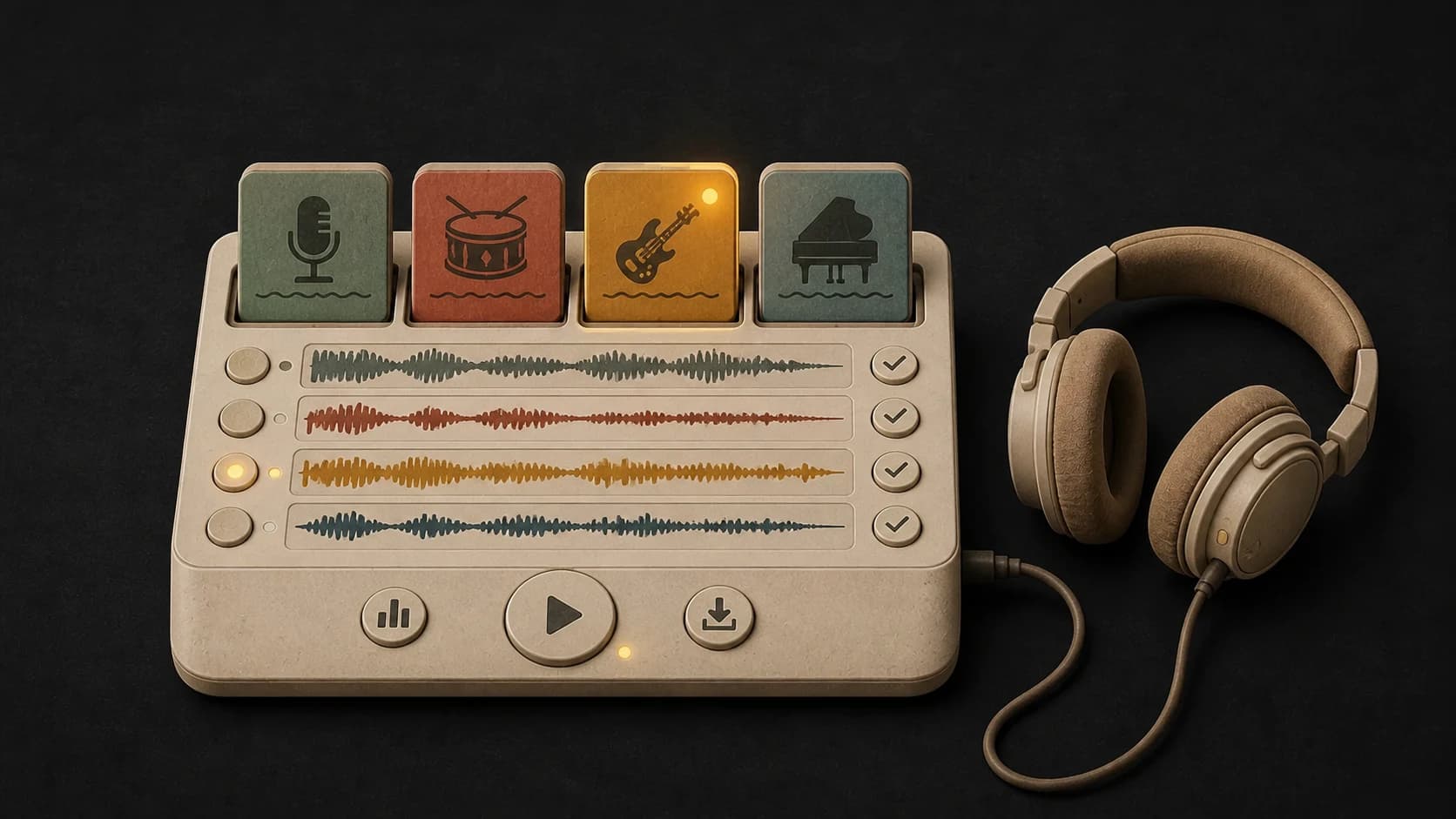
Both tracks play right on the page, so you can check the split. Your first song is free with your sign-up credits.
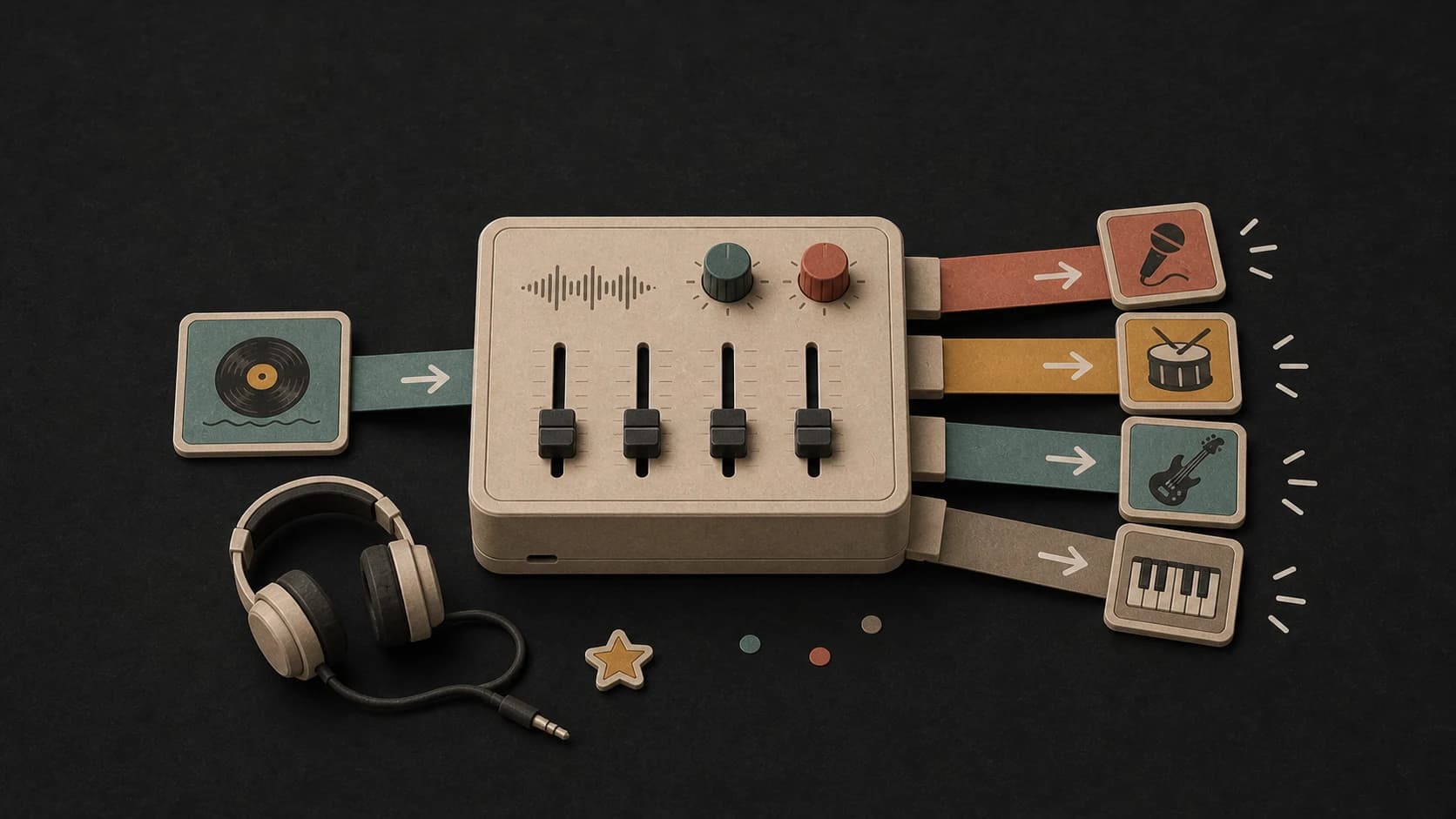
Sing or play over the original band. The instrumental keeps the drums, the bass and every other part.
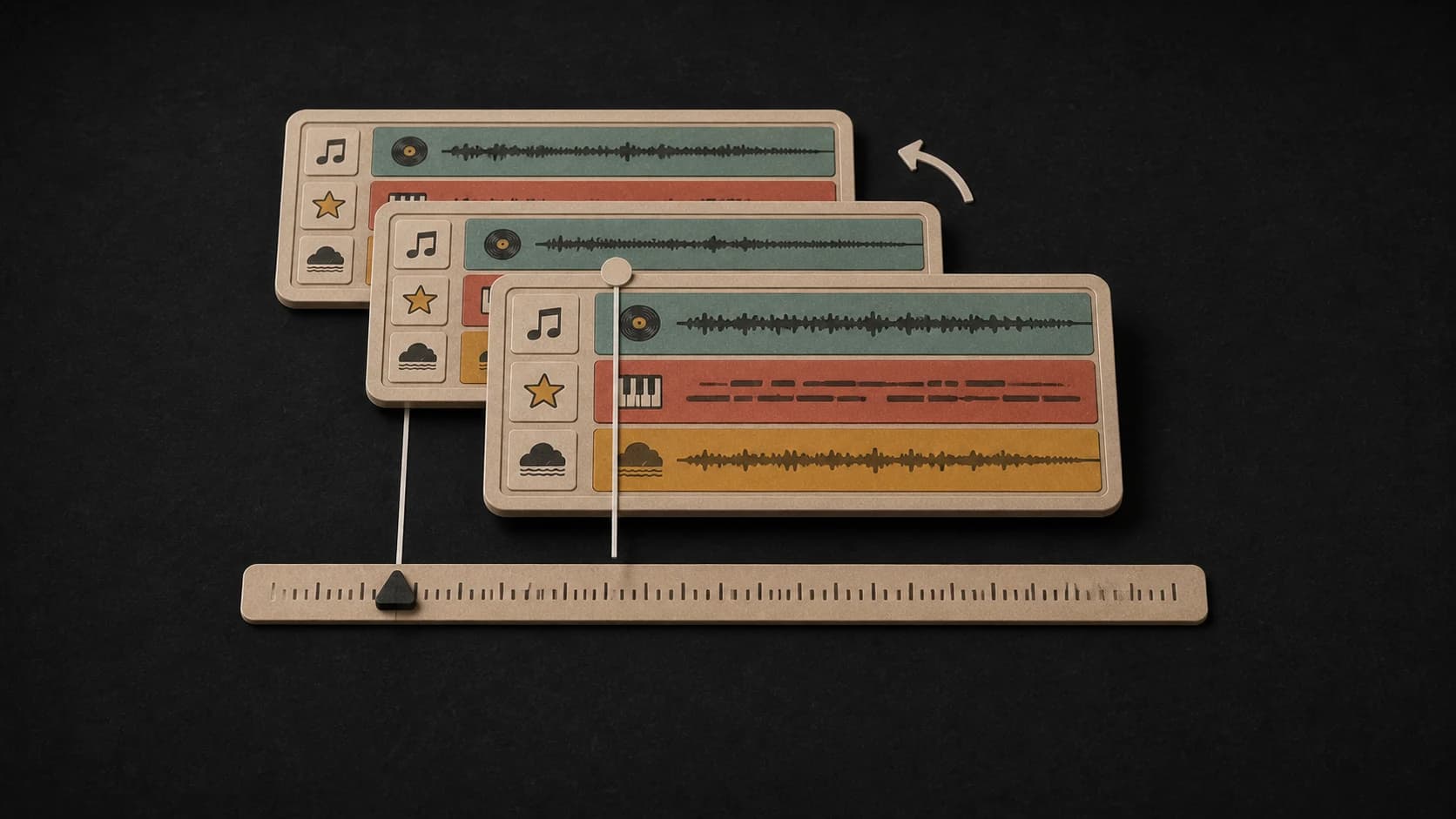
Take the lead vocal out to put it over a new beat or another song in the same key.
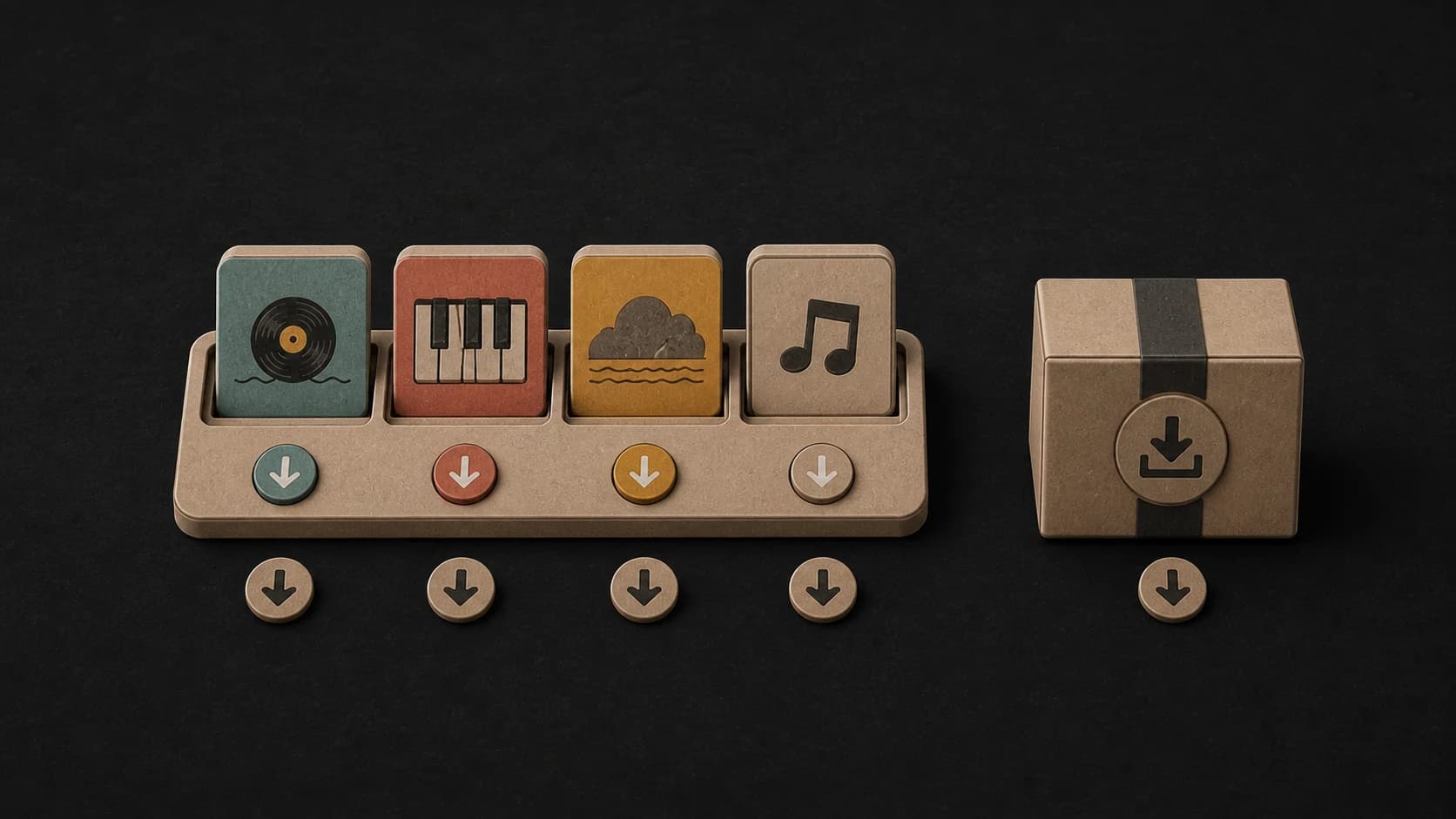
On a paid plan, save the instrumental, the vocals or both as MP3 files.
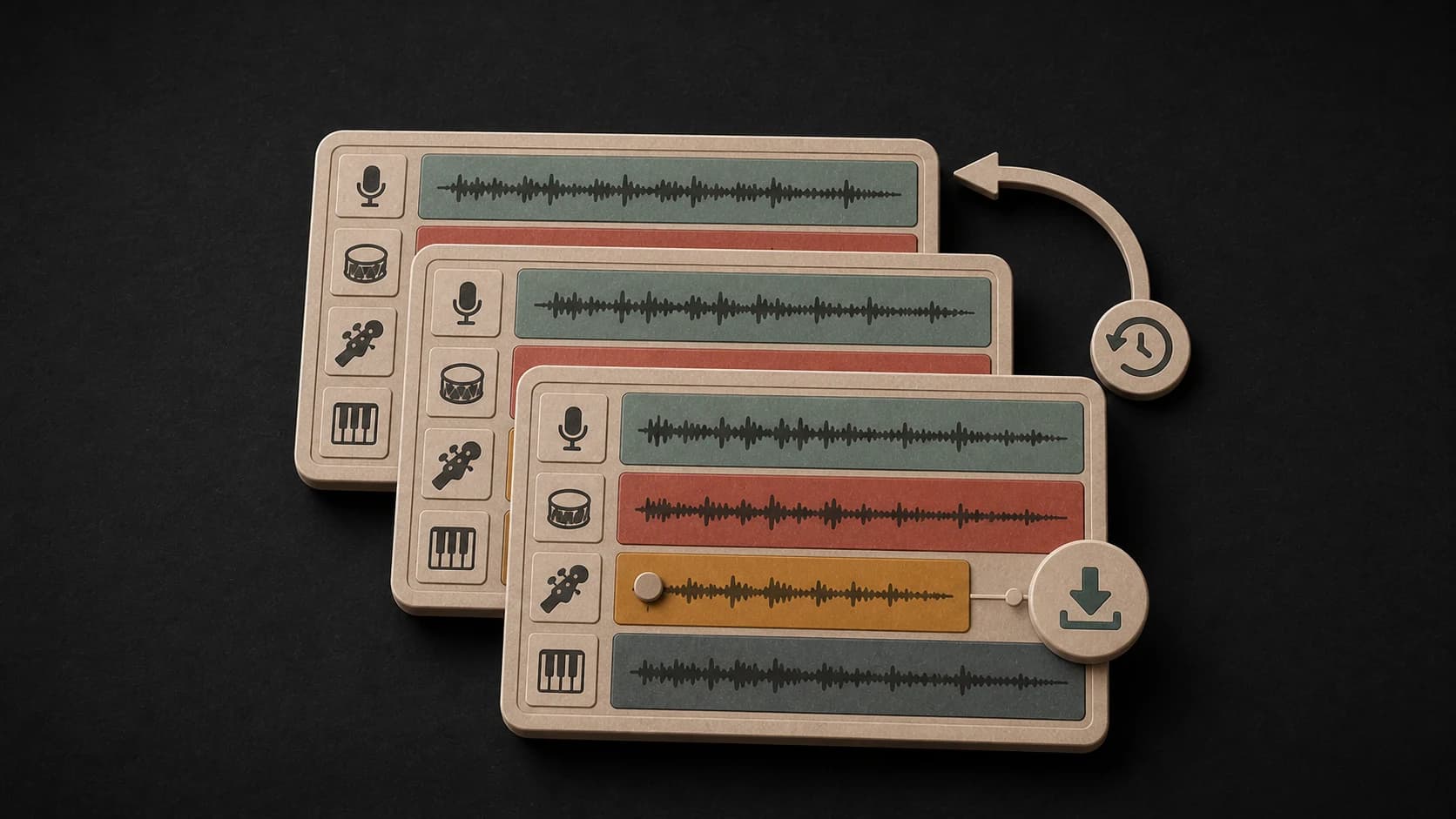
Split a song you made in MusicWave without downloading it and uploading it again.
Three steps
Choose an MP3, WAV, M4A, AAC, FLAC or OGG file up to 50 MB, or pick a song from your library.
Sign in and start the split. Most songs take a minute or two.
Listen to the instrumental and the vocals, then download them on a paid plan.
Before you start
Most songs split cleanly. These tips help with the ones that don't.
Ways to use it
Sing over the original band, record a cover, or make a backing track to practise with.
Put the acapella over a new beat or blend it with another song in the same key.
Mute the voice to learn the parts, or play it alone to write down the lyrics and the melody.
Start free. Upgrade when you need more.
 AI Vocal Remover10 credits per splitFirst song free · Downloads from Starter
Try it out — no card required.
No credit card required
Perfect for creation, image-to-song, and song extension.
Save 40%
All 7 model families


Wave 5.5 · ElevenLabs Music · Lyria 3 Pro · MiniMax 2.6 · Mureka 9 · Stable Audio 2.5 · MusicGen
Cancel anytime · No lock-inUnused subscription credits expire at renewal or when the billing interval changes.
Best for commercial releases and advanced song editing.
Save 40%
All 7 model families
Wave 5.5 · ElevenLabs Music · Lyria 3 Pro · MiniMax 2.6 · Mureka 9 · Stable Audio 2.5 · MusicGen
Cancel anytime · No lock-inUnused subscription credits expire at renewal or when the billing interval changes.
For power users working across MIDI, video, and high-volume output.
Save 40%
All 7 model families
Wave 5.5 · ElevenLabs Music · Lyria 3 Pro · MiniMax 2.6 · Mureka 9 · Stable Audio 2.5 · MusicGen
Cancel anytime · No lock-inUnused subscription credits expire at renewal or when the billing interval changes.
FAQ
Straight answers about the free first song, downloads, quality and rights.
Your first song is free. A split costs 10 credits and a new account gets 10, so you can split one song and play both tracks without paying. Downloading the files starts with the Starter plan.
Yes, on any paid plan. Free accounts can play the instrumental and the vocals on the page; the download button shows the plans.
Most songs come out clean. Heavy reverb, backing vocals and live recordings can leave a faint trace, so listen before you use it.
MP3, WAV, M4A, AAC, FLAC and OGG files up to 50 MB. You can also pick a song you made in MusicWave.
Usually a minute or two. If you leave the page, the split still finishes and waits in the stem splitter in your account.
You need the rights to the song you upload. Splitting it doesn't change who owns the music.
Keep exploring
Remove the drums, split a song into more parts, or make a new one from scratch.
Upload a song and hear the instrumental and the vocals. Your first song is free.
First song free · Downloads from Starter · 10 credits per split